The development team behind the flight tracking software ELEVATEX has announced the release of its most recent update. It comes after a few months in development by the team with input from their testing team. This new update focuses on enhancing, fixing, and adding new features to the application, which are going to elevate the user experience even further, according to the developer.
One of the new features that the developer is introducing with this latest update is their EFB incorporated within ELEVATEX. This EFB displays information about your current flight in real time. The user has various options for displaying information in the active flight panel. You can switch between local and Zulu times, IATA and ICAO codes, and block or flight times.
ELEVATEX also got a new look with this update. This update brings a complete overhaul of the interface, adding improvements and new animations. These changes also apply to the friend, flights, and aircraft lists to make them easier to navigate.
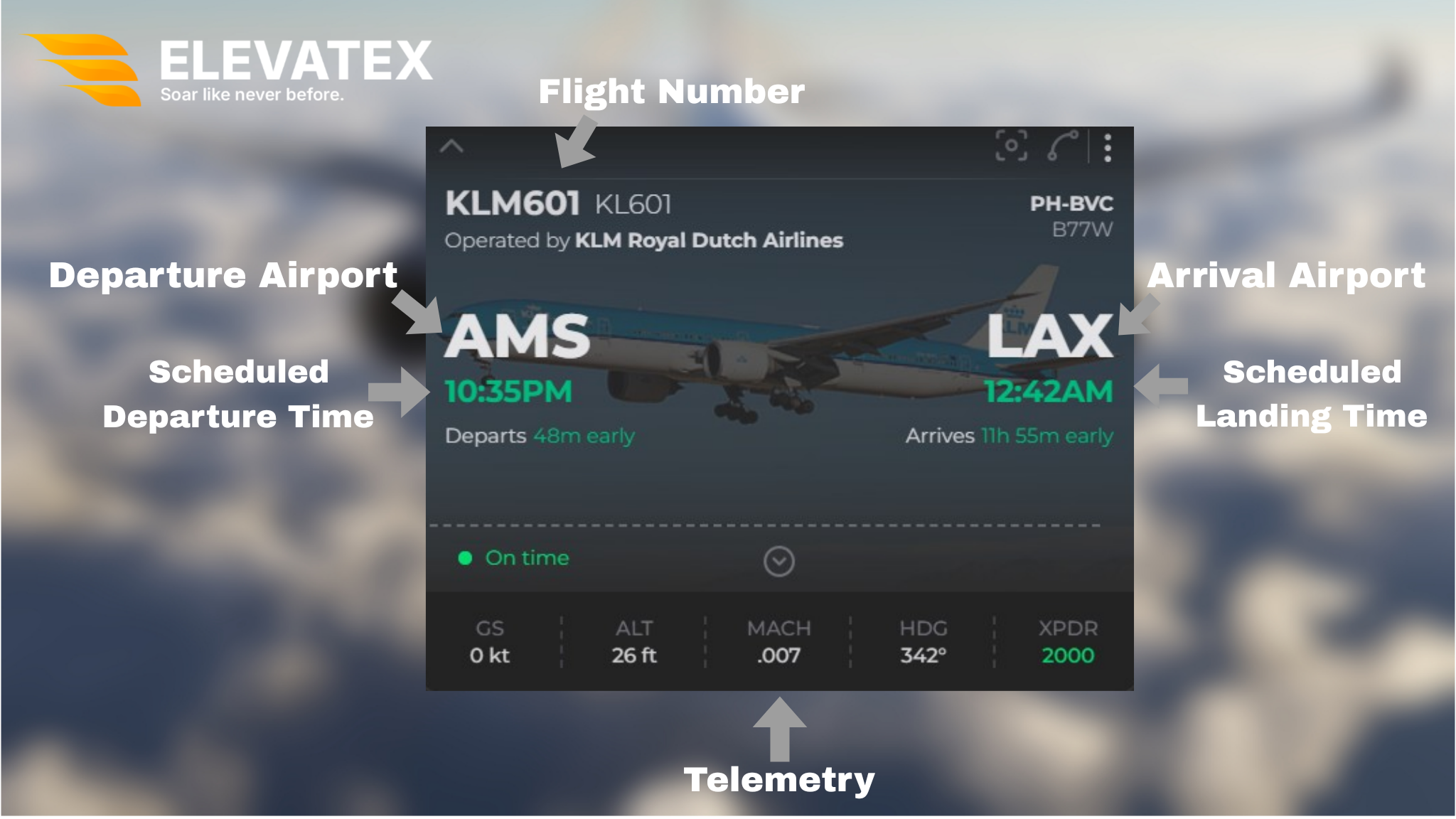
Multiple other improvements and small features were added to ELEVATEX. They range from new quality-of-life improvements in the map section to a new WASM connection module for MSFS 2020 and 2024, which requires a new plugin released with this update. Included with this update are also some bug fixes to some existing features of the application.
The development team also released some information on other aspects of this update. The most anticipated “Globe Mode” feature was delayed due to some performance issues experienced by the developers during testing. Currently, the developer is looking for solutions for these issues with this feature as they continue developing ELEVATEX. This update also has a higher-than-usual RAM usage, which is currently being worked on.
You can check the entirety of the changes made to ELEVATEX by checking the full changelog on their official forums. To know more about this flight tracking software, check our previous article on ELEVATEX regarding their latest development update.
Feel free to join our Discord server to share your feedback on the article, screenshots from your flights or just chat with the rest of the team and the community. Click here to join the server.