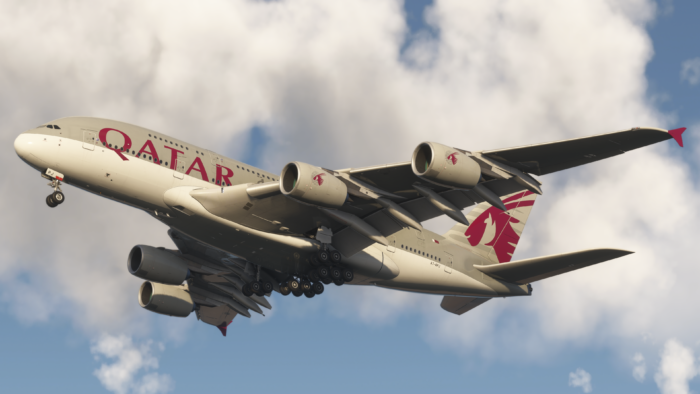
Microsoft Flight Simulator 2024 has a wide variety of aircraft available within the simulator, as well as third-party software. Choosing what to fly may be overwhelming, especially when we have a lot of variations of Airbus planes, for example. With Jean’s recent article covering the best vintage airliners, it gave me an idea to cover something similar from the other end of the spectrum. For that reason, I am going to present you with my best modern airliners that I regularly fly in Microsoft Flight Simulator 2024. I also added three honourable mentions to further enhance the list.
In this list, I will also be comparing performance, which will be done subjectively on a middle-range DDR4 system, with an AMD Ryzen 5 5600X 8-core CPU, 32GB of RAM and a Radeon RX 9060XT 16GB graphics card. All of that is running my simulator on a 1440p monitor.
5. Aerosoft/ToLiss A340-600
The Aerosoft/ToLiss A340-600 is a great quad-engine aircraft to fly. As the name suggests, it is developed by the X-Plane developer ToLiss, responsible for the A320 series for X-Plane 11 and 12, in cooperation with Aerosoft. Together, they have created a beautiful rendition of the A340-600. The sound design of this plane is wonderful, as well as the 3D modelling and texturing.
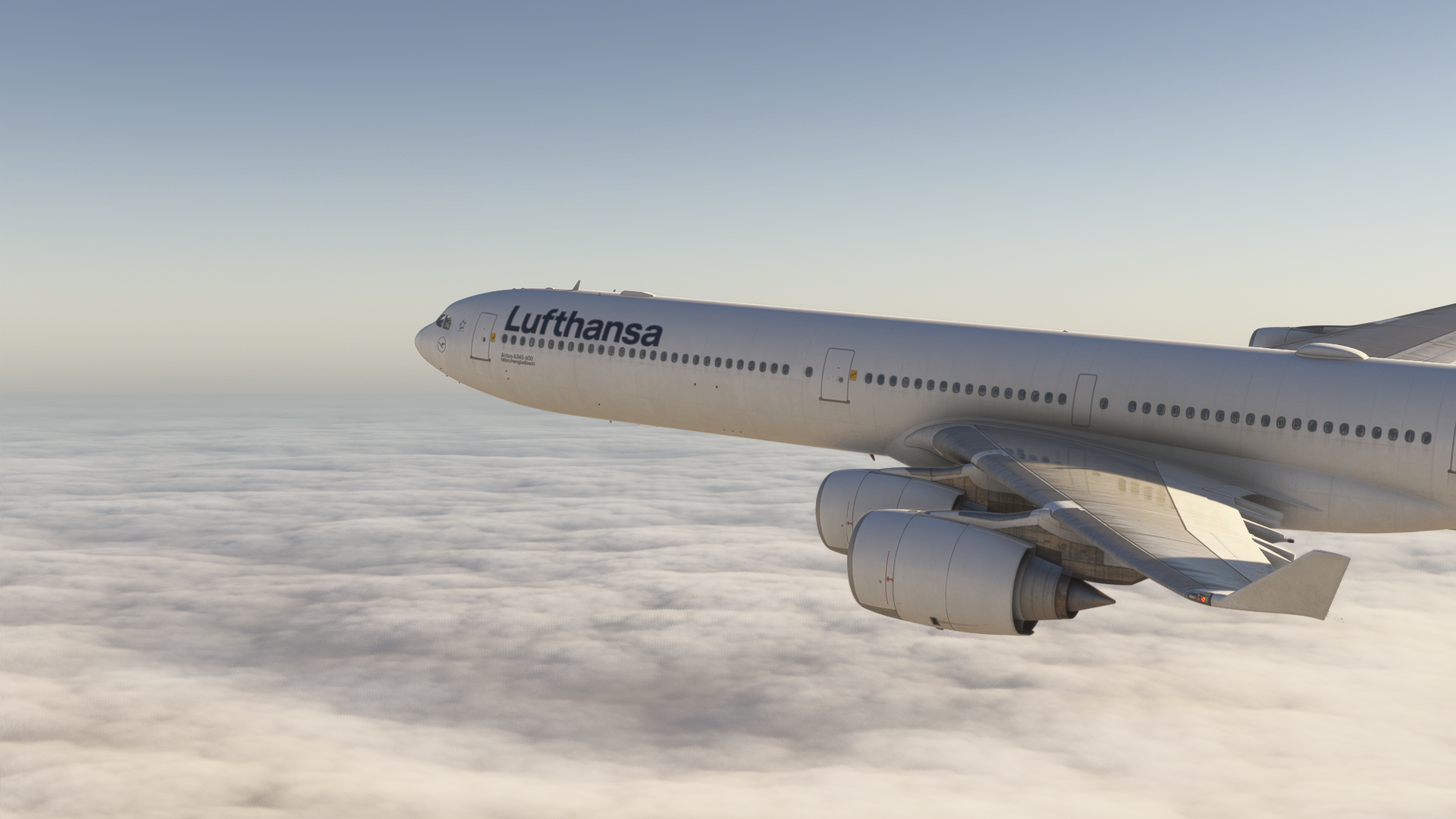
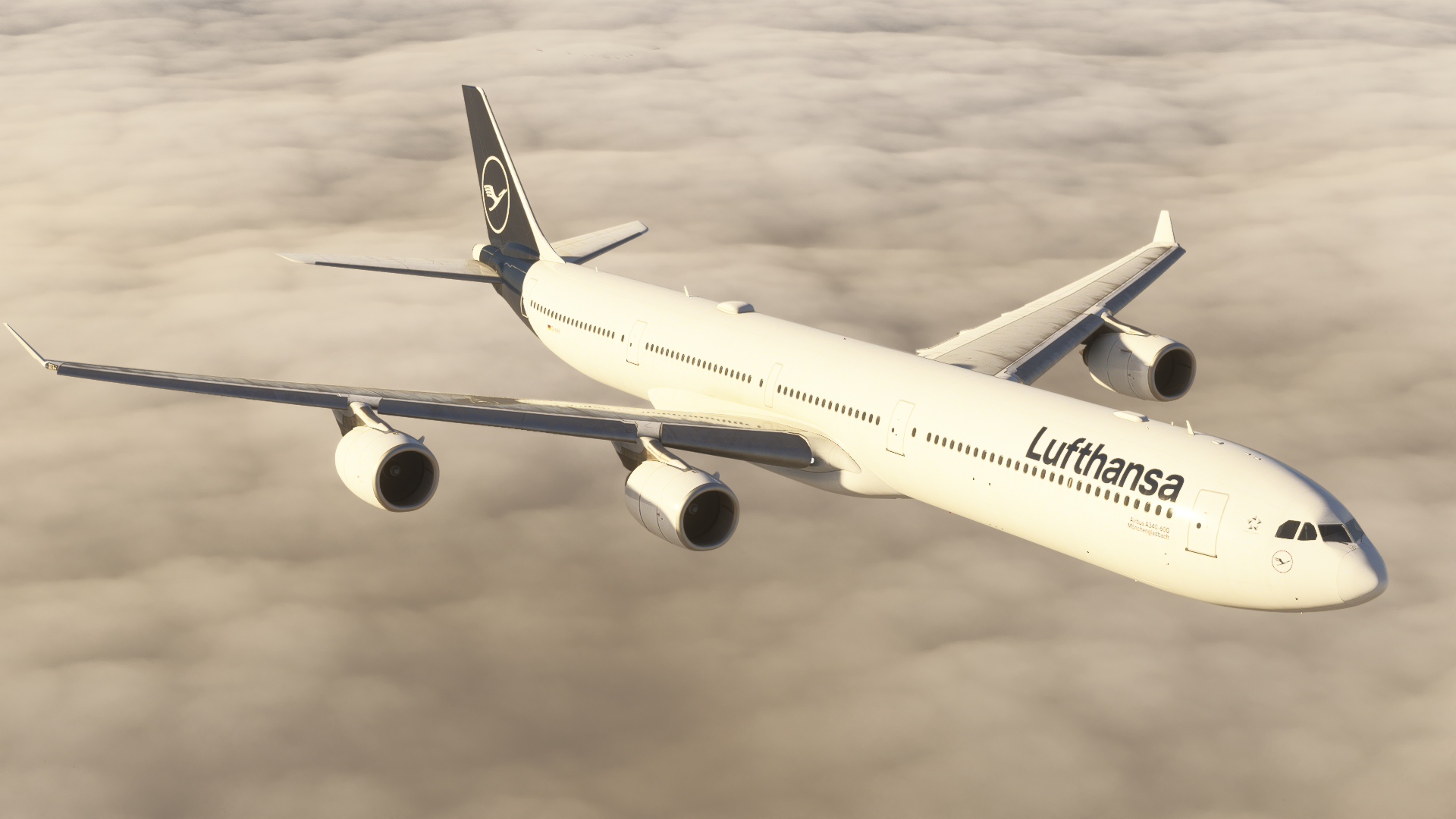
Systems-wise, as we may have expected, the A340-600 is excellent, with precise vertical and lateral navigation, secondary flight plans, and even autosave. In addition, there is even a taxi camera, which you can access on the primary flight display. The EFB has a Navigraph integration and serves basic functions of performance calculation, weight and balance, and aircraft settings. It even has a functional CPDLC that is going to be a day-to-day helper during long-haul flights.
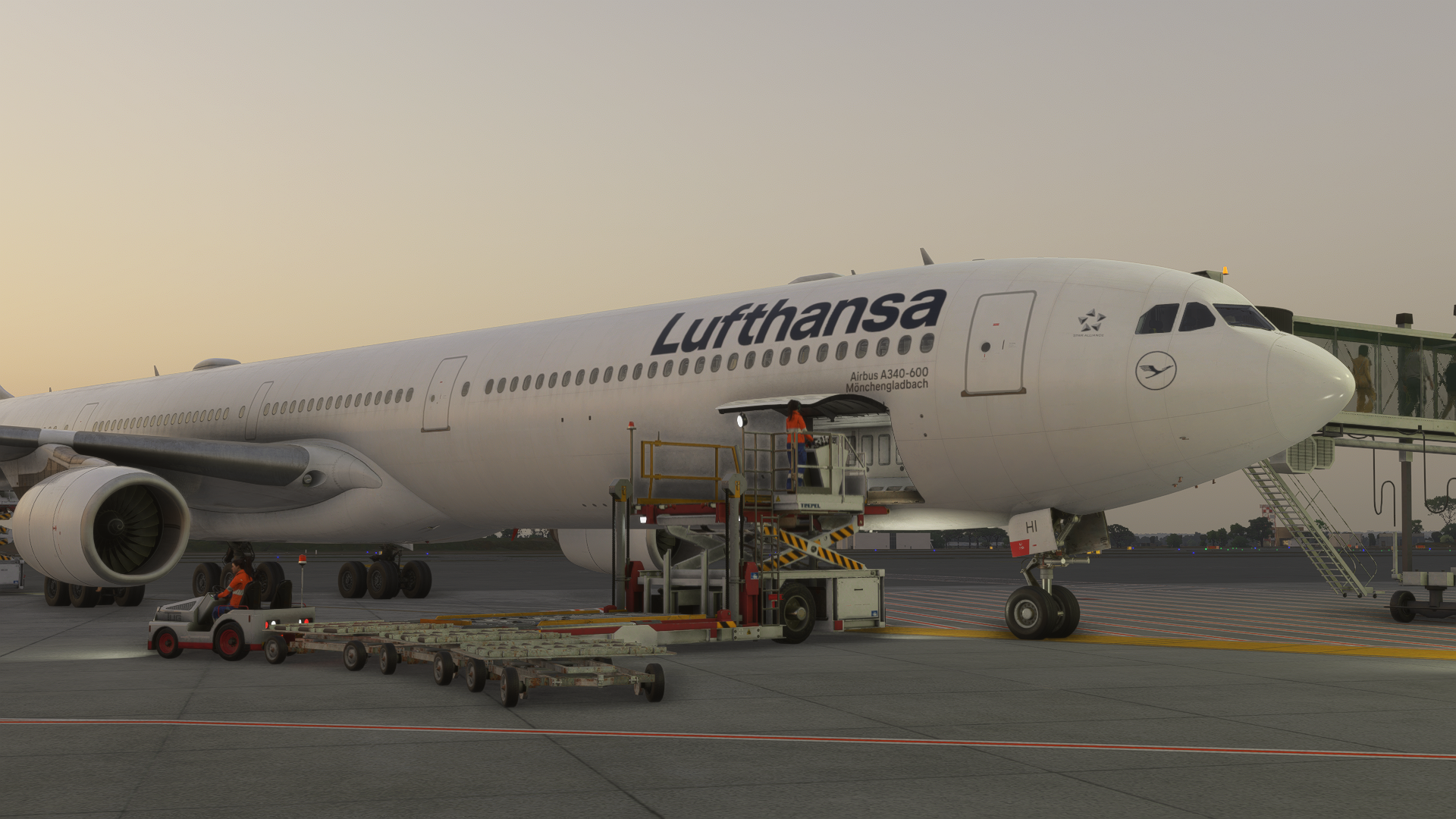
The Aerosoft/ToLiss A340, however, suffers some major flaws that were breaking the experience for me. The latest update 1.0.3 has rendered the plane kind of unflyable, with many issues in navigation, and the GSX integration is terrible, even when using custom profiles. In addition, the A340-600 is slowly dying in the real world, and as the days go by, I find less and less use for it in my simulator, as I like to recreate real-world flights. It is still a great option if you would like to fly this quad-engine beauty.
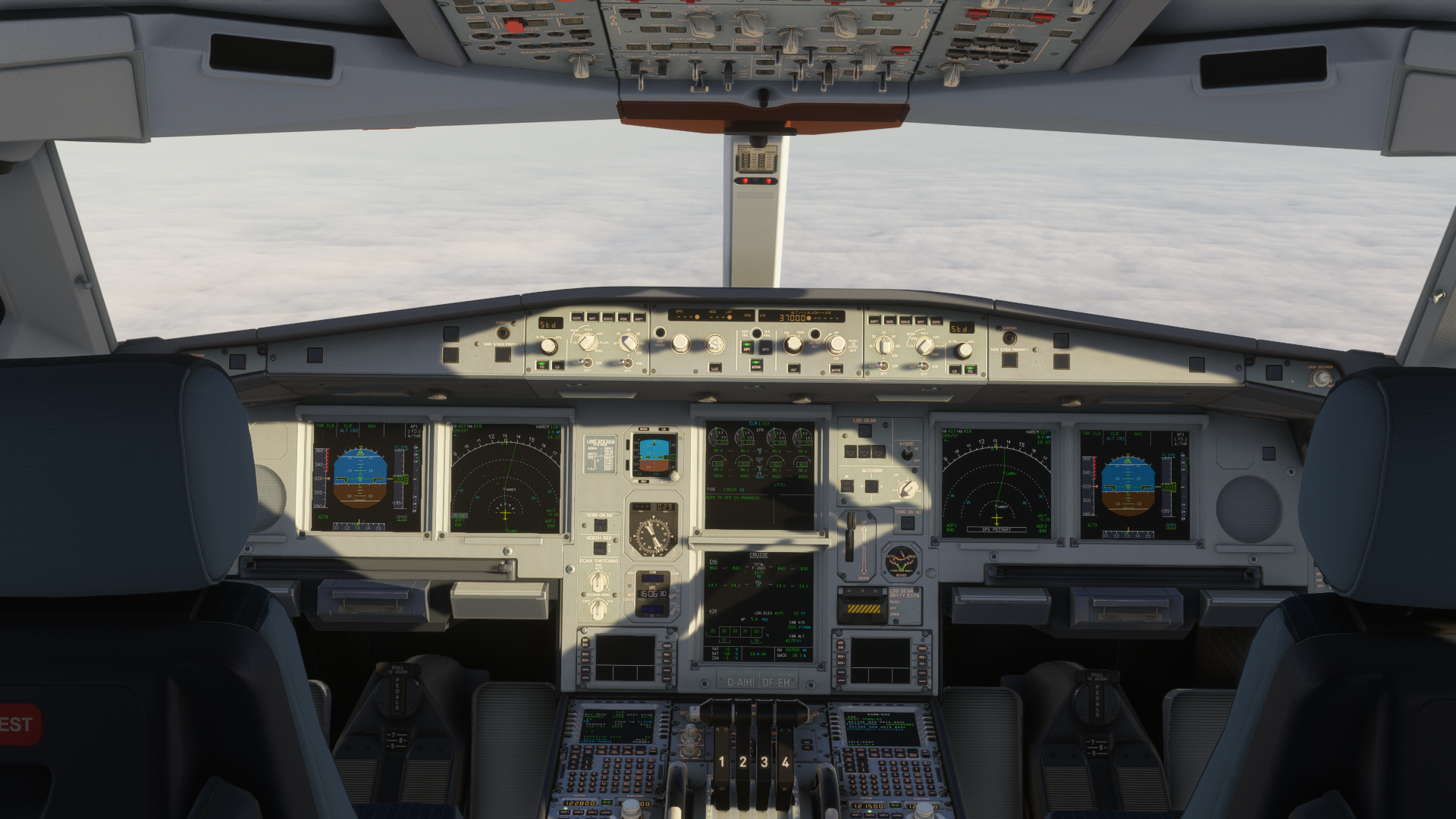
Speaking of the performance, it is on the lighter side, and I didn’t have many issues running it; I would compare it to the iniBuilds A350. At the same time, though, there are some strange parts, and especially the ToLiss hand can be seen in the aircraft, where we may notice the lighting similarly hits the cockpit, like in X-Plane, making the cockpit look washed-out in the MSFS spectrum.
4. iniBuilds A350 Airliner
The iniBuilds A350 Airliner is probably the best A350 simulation available to date. The A350, still rather a new aeroplane, is persistently on the rise in the aviation market, and not only does it have loads of modern features, but it also becomes popular among many airliners around the world. Thus, you will find it flying around Asia, Australia, the Americas, Africa, and Europe. With the new orders by KLM, Emirates or even Qantas, getting the A350 Airliner will ensure that you will always have something to fly, especially on long-haul routes.
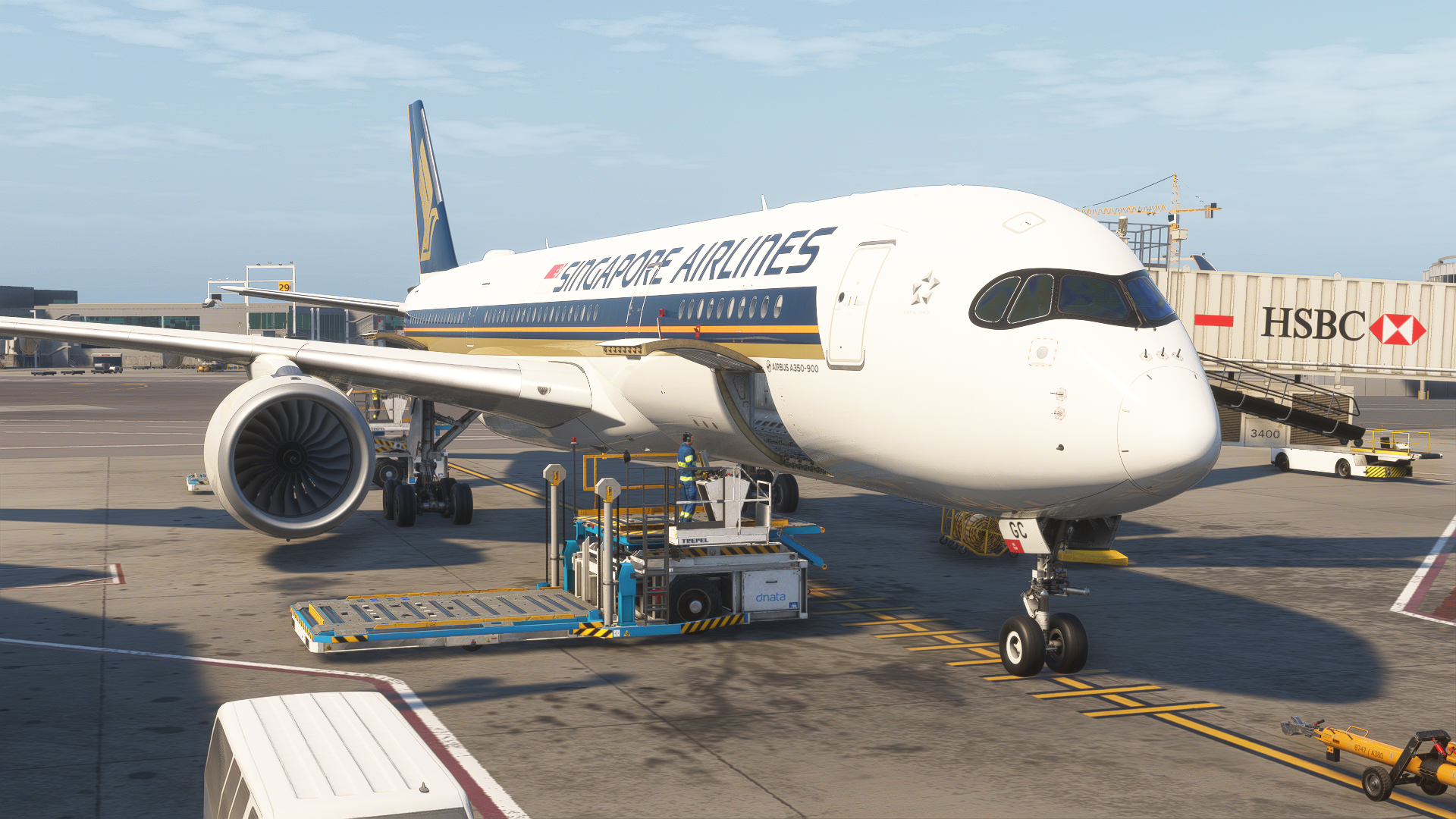
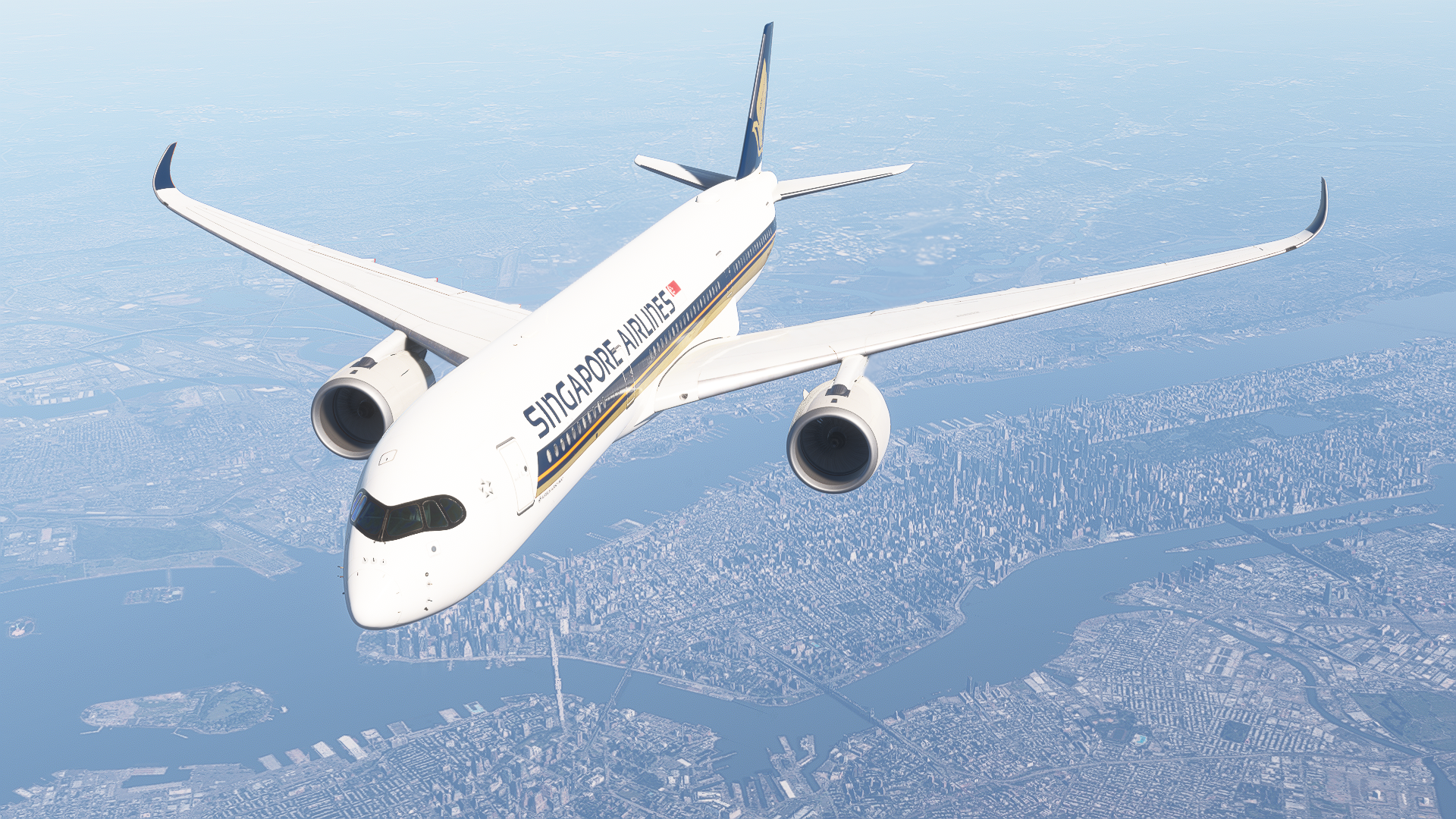
The development team cares for this aircraft a lot, with frequent updates and many new features being added. The aircraft is in a completely different state than it was back when it was released for MSFS 2020 and 2024 in March of last year. Since then, the iniBuilds team has added GPS jamming, MORA (Minimum Off Route Altitude), many visual enhancements, and even windshield condensation effects. Moreover, the systems are satisfyingly accurate, with the FMS being capable of basic lateral and vertical navigation, secondary flight plans, holds, and even stuff like brake-to-vacate and CPDLC. If you would like to simulate failures, there are a lot of them.
The OIS (On-board Information System) is a very capable EFB interface, through which you can not only manage your failures and realism, but also manage loadsheet, ground services, and much more. This is further enhanced with GSX, Navigraph and SimBrief integrations, making planning flights a lot more seamless. And, in case everything fails, the iniBuilds A350 has an autosave, which is crucial for long-haul flights.
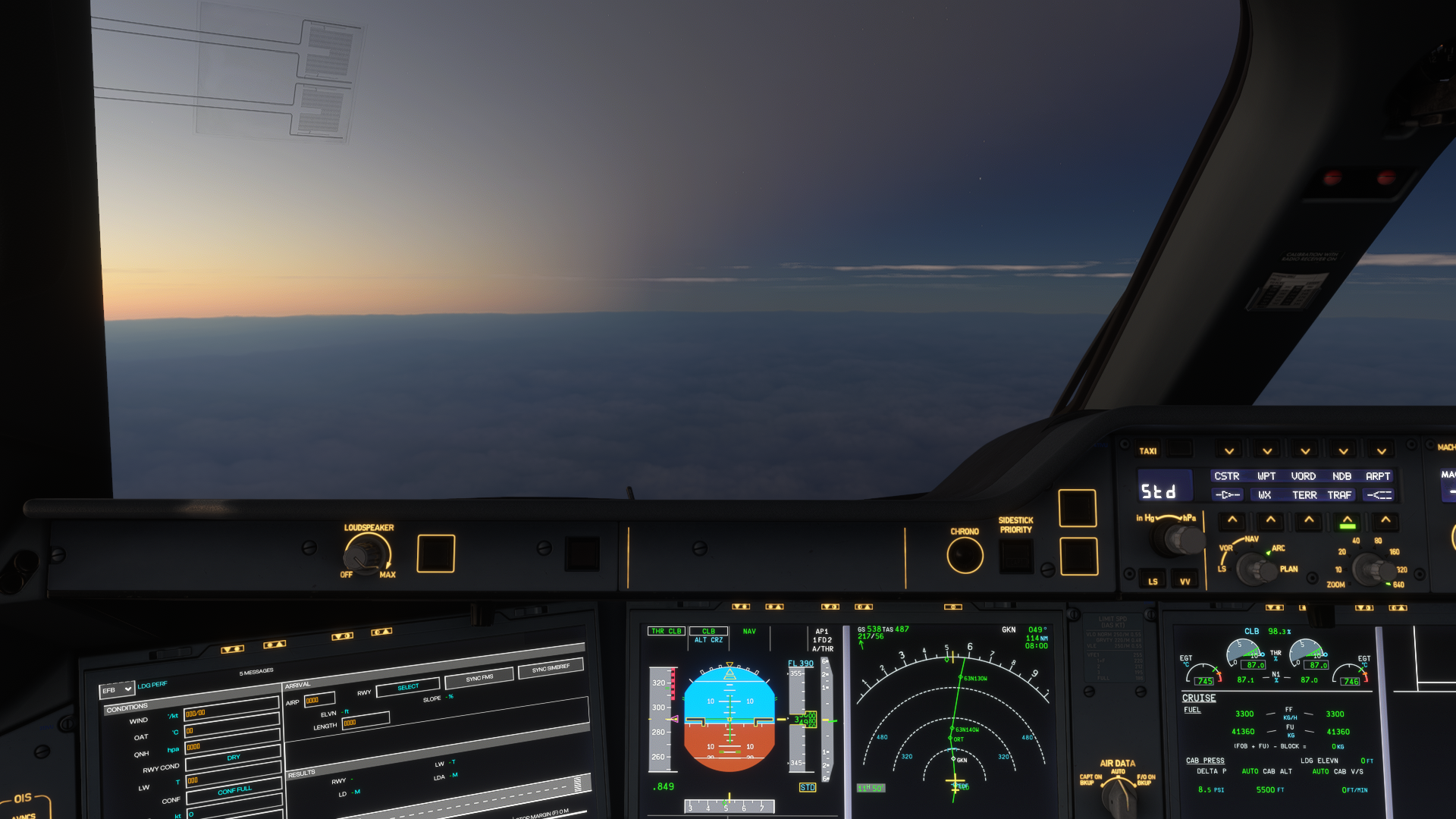
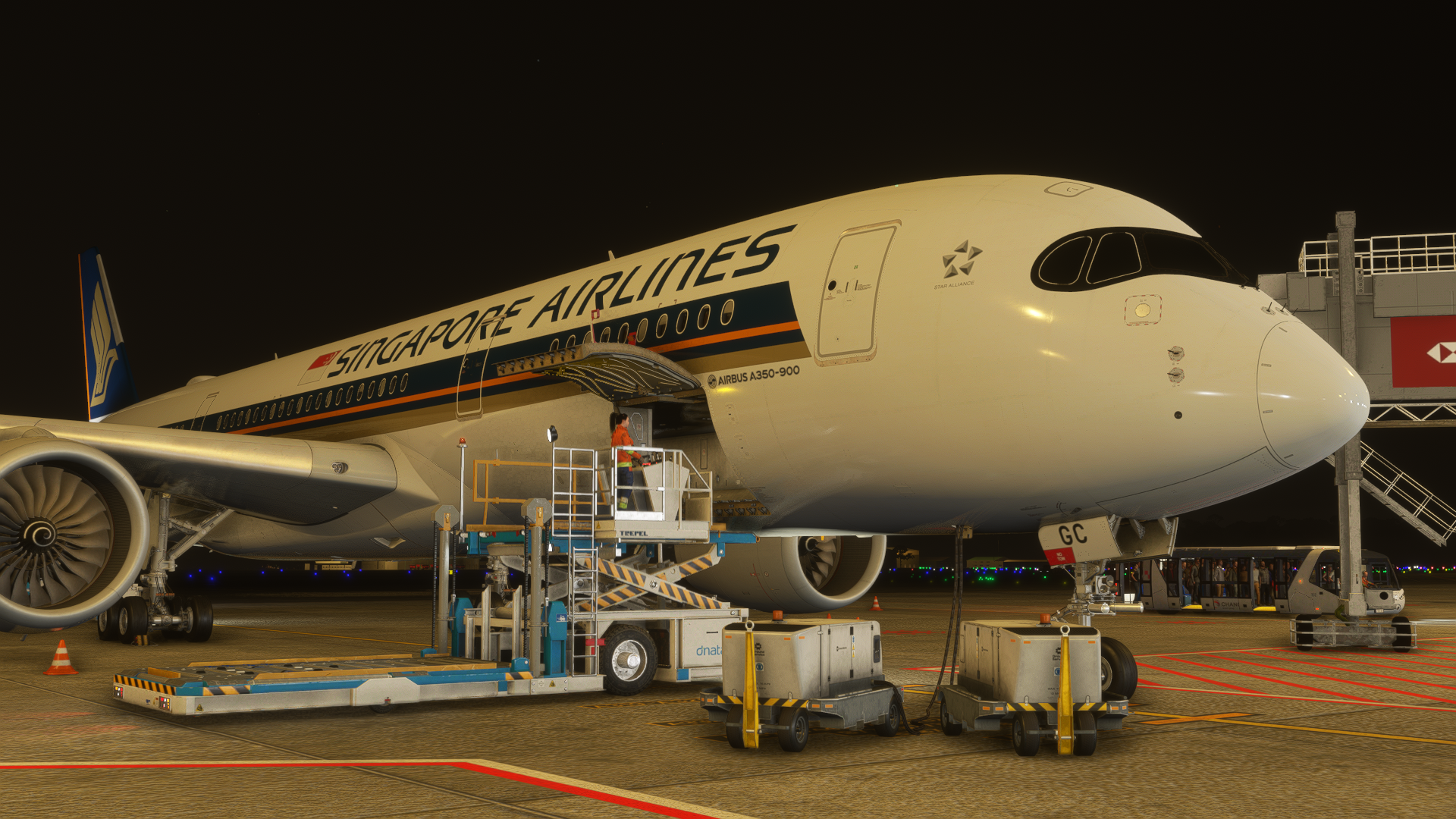
Speaking of performance, the iniBuilds A350 Airliner is more on the heavy side of things. However, it has drastically improved with updates, and there are fewer WASM crashes, ensuring better stability; in addition, the performance is now tolerable even at larger, busier airports. At busier airports, I get around 20 frames per second, which is then enhanced to 40 using AMD FSR Frame Generation. During cruise, I am sitting at a great 60fps (30fps limited with 2x frame gen), memory load sits at a beautiful 4 gigabytes on the whole simulator, and the graphics card is utilised at 70% with 9 gigabytes of VRAM consumption. The CPU sits at 44% in cruise as well. Obviously, things get worse closer to the ground, with many large areas loading and airports having lots of details. Despite that, the A350 is now in a much better state than it used to be.
3. iFly 737 MAX
The iFly 737 MAX with the recent update is easily the best currently available Boeing 737 for Microsoft Flight Simulator. For a single purchase, you get two variants and lots of configuration options through the new EFB. The flying logic has remained the same compared to previous updates, but with the removal of the “OEM” Boeing EFB, which made the aircraft setup a hassle, it is much easier to get rolling in the iFly 737 MAX. The update has also brought the variant -8200, which is mostly used by Ryanair, enabling more realistic operations for this European low-cost carrier.
The modelling, texturing and animations are next-level. The plane offers a highly detailed cockpit, with basically everything clickable, and as much detailed cabin, in which you can open the lavatory, overhead bins, and even move the window shades to your desire. The whole thing is very interactive. The exterior model is just as impressive, with loads of details and custom ground services.
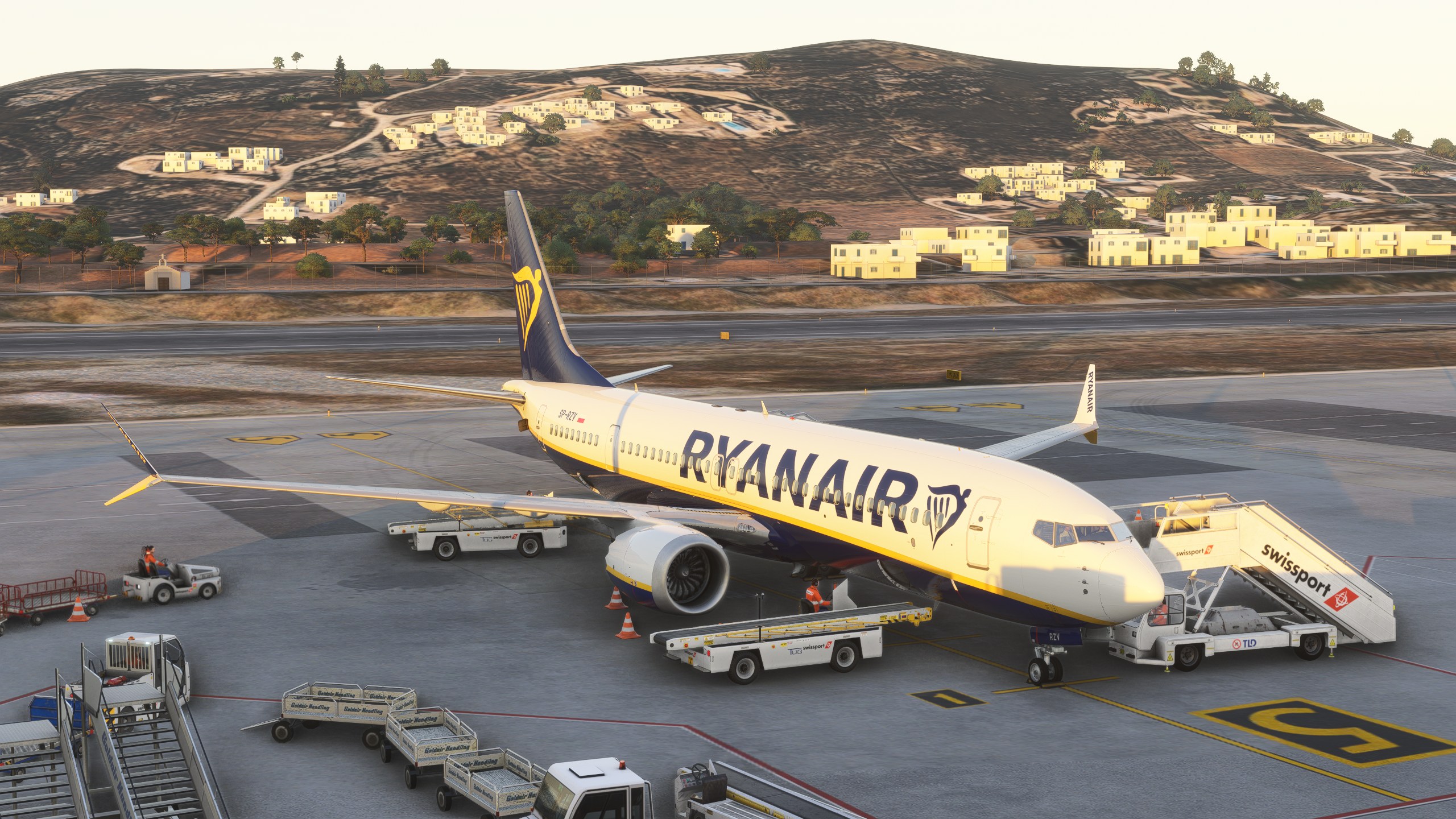
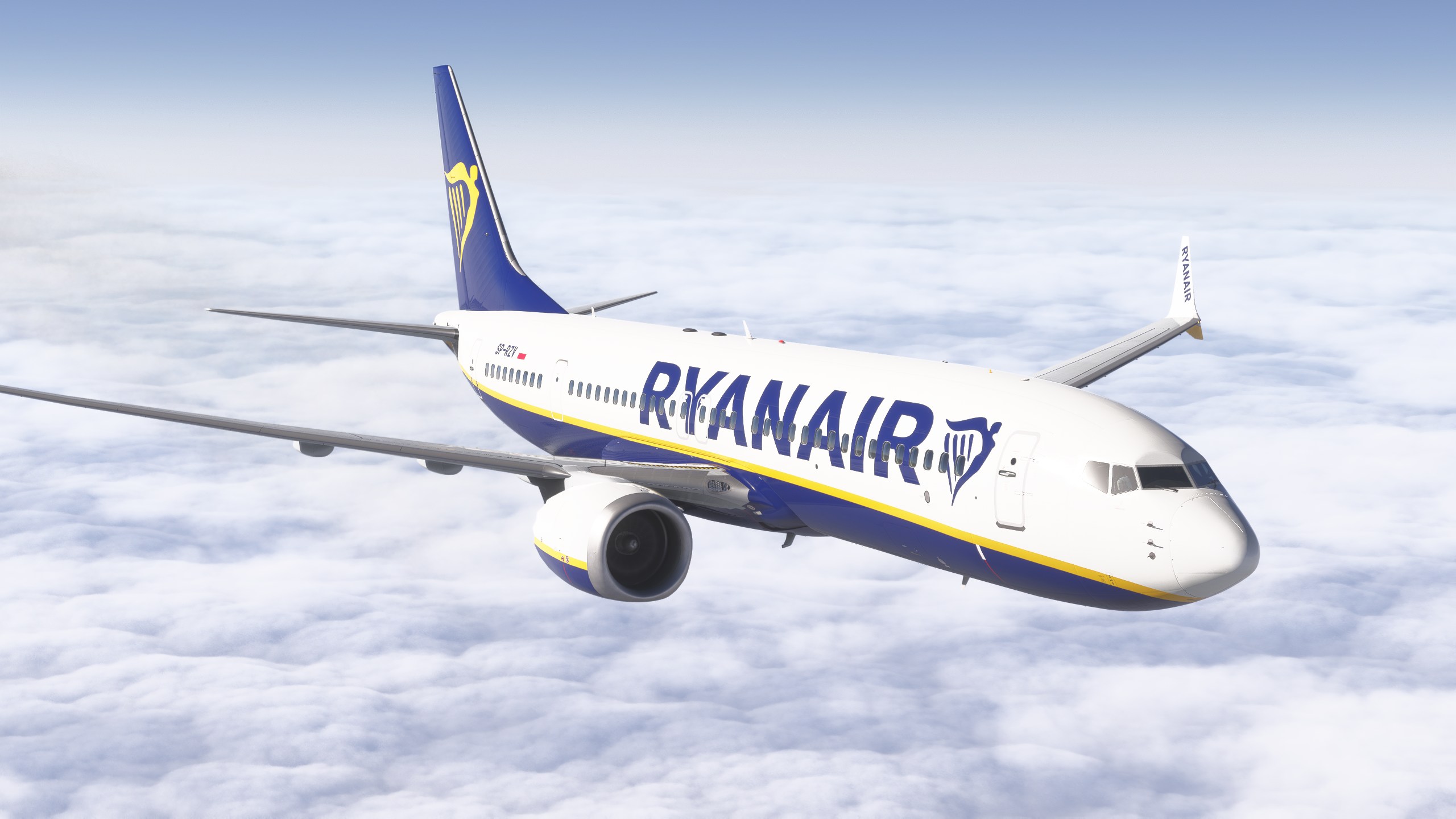
The systems have received a proper Navigraph and SimBrief implementation, unfortunately, a Hoppie ACARS integration is still missing. The systems also include a highly detailed lateral and vertical navigation simulation, hydraulics and pneumatics systems. It is also worth mentioning that the iFly 737 MAX plugin is created so that it can also support a lot of external hardware. Thus, if you would like to build yourself a home cockpit, the 737 MAX by iFly might be a great start.
With the 737 MAX still being more popular as the years go by, many more airlines have it available in their fleet, making the iFly 737 MAX a very versatile aircraft for flying on any continent. The performance hit with this aircraft is absolutely minimal, and if you can run a standalone version of MSFS 2024, you will surely be able to run the iFly 737 MAX without any issues. Despite the aircraft having been loaded with features and high fidelity, it is rather light on your computer. The soundpack is also immersive.
2. PMDG 777-300ER
PMDG 777-300ER is a bit of my personal bias coming to this article, as I basically fell in love with the 777-300ER and it is currently my most flown aircraft in the simulator to date. I also wrote a detailed review of this aircraft, and as around two years have passed since its initial release, this plane has come a long way. This starts with a great update of the aircraft’s immersive visuals.
Whilst the visuals of the aeroplane are wonderful, it is severely lacking regarding its soundpack. The whole soundpack is completely dull, with no environmental changes, and I don’t think that the soundpack does justice to the wonderful GE90-115B engines. I highly recommend improving the soundpack using the Boris Audio Works soundpack for the 777-300ER. If you are flying the PMDG 737, a Boris Audio Works soundpack is available for that aircraft as well.
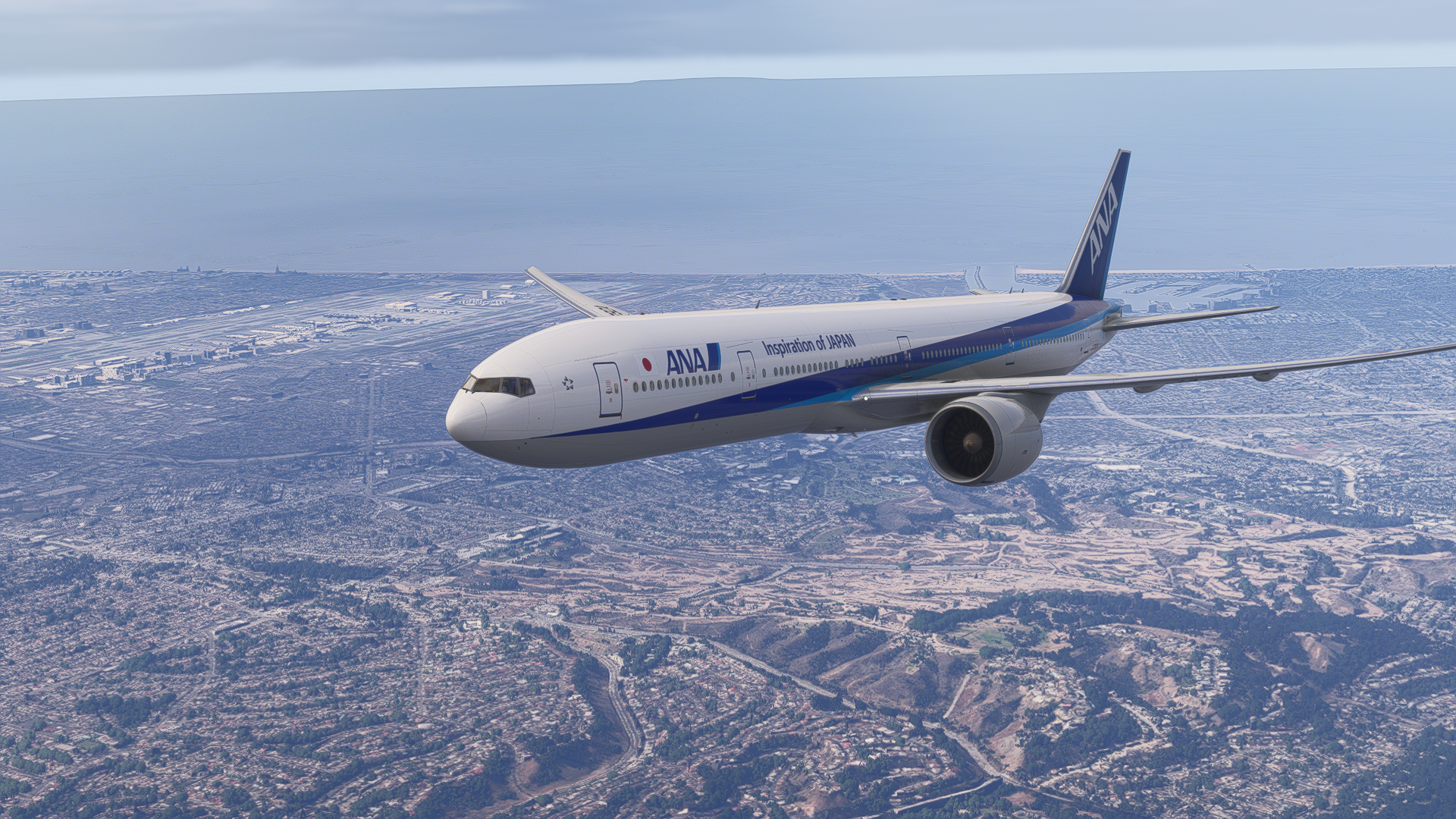
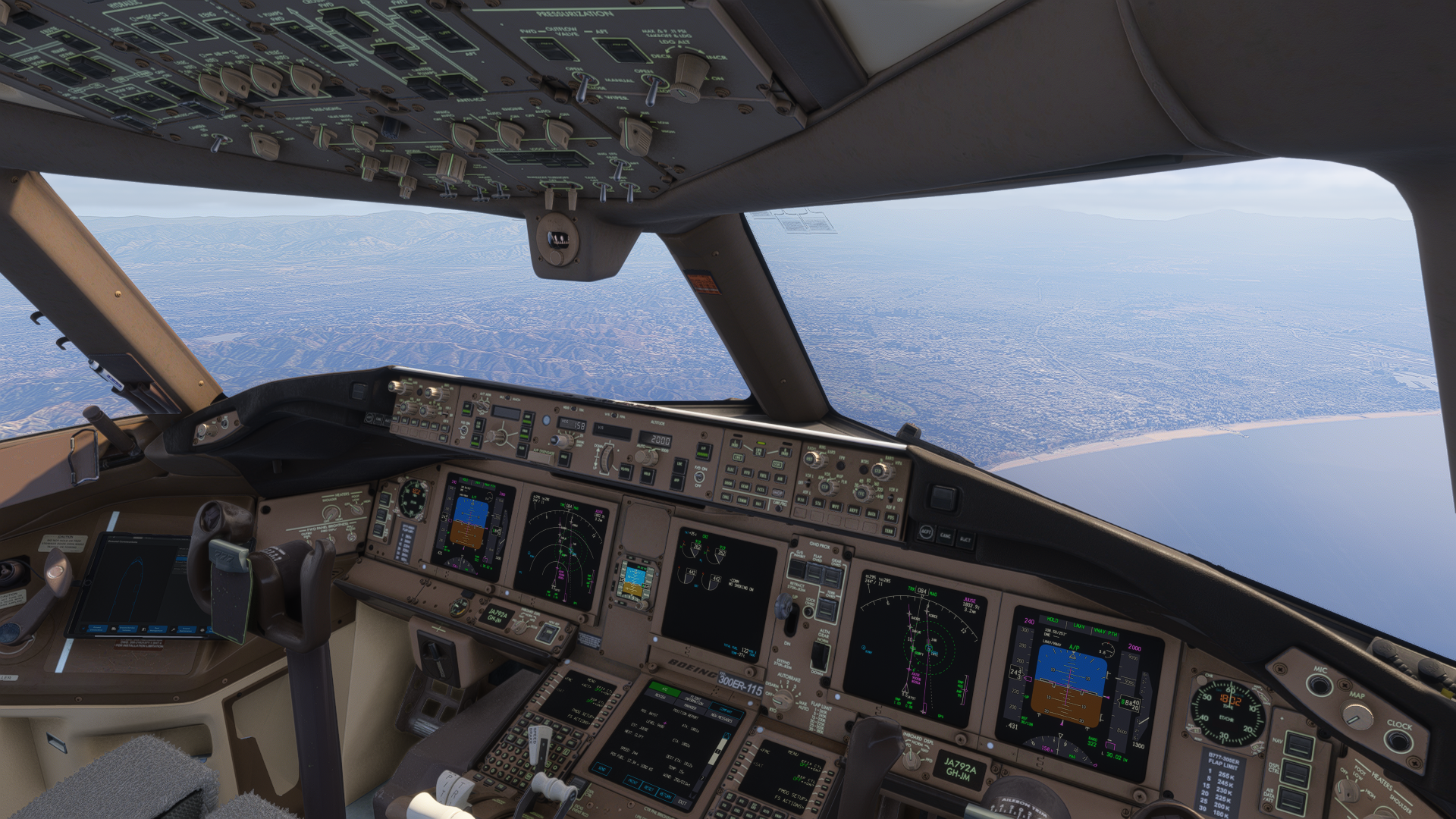
The reason I mention the PMDG 737 is that the 777-300ER and the 737 are kind of on the same level of immersion. I just like the 777-300ER more for its versatility, and the fact that I’d rather fly a long-haul flight rather than a short-haul one. PMDG is known for its wonderful system simulation, and the modern EFB that is shipped with these planes allows quite the seamless integration with Navigraph, though the GSX integration became questionable after recent updates. The Navdata can be easily updated through the EFB directly to the aircraft. During the flight, the 777-300ER has a wide range of failures available, and you can enable service-based failures, which will make the aircraft’s state dependent on your operation.
The performance onboard this plane is wonderful, most likely the best of all the planes mentioned in this list. I have no issues running my simulator in regard to stability and smoothness when flying the PMDG 777-300ER. Even during long-haul flights, the simulator retains its stability and performance.
If you are into long-haul flights like me, I can recommend the 777-300ER by all means, as the aeroplane gives a great experience of this wide-body aircraft, and it has remained my favourite wide-body even from the days of Prepar3D.
1. Fenix Simulations A320 Series
The Fenix Simulations A320 Series is absolutely wonderful. For approximately €90, you get three different variants of the Airbus family: the A319, A320 and A321. Each of these includes variants with Sharklets or wingtip fences, and either CFM56 or IAE V2500 engines. This essentially gives you an opportunity to fly 12 different configurations of the same aircraft family. This is an absolute bang for your buck, as you have endless flight options. The Fenix A320 Family is also natively supported on Microsoft Flight Simulator 2024, with detailed walk-around features, if you are into that. You can even spin the engine fans with your hands when you are in the walk-around mode.

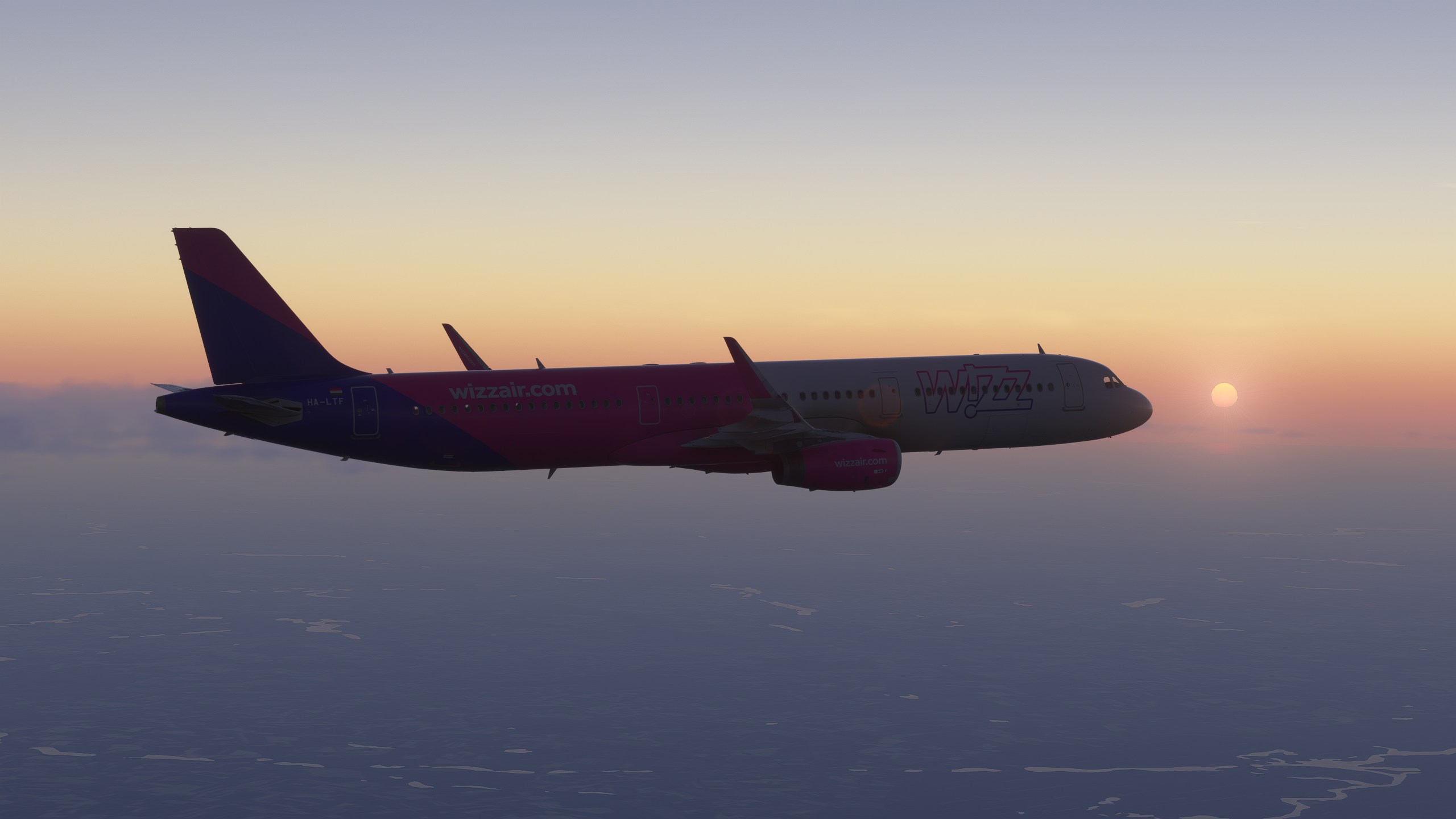
Despite the aircraft running on external software, the performance is not influenced at all. The simulator is silky smooth regardless of the location when flying the Fenix aircraft, making this family probably the best optimised add-on in the entire market, comparing fidelity to performance. Not to mention the detailed EFB, which allows for seamless integration of GSX; you can load your whole plane using GSX in one click through the EFB. Thus, the plane loads up while you handle all your pilot duties on the ground.
The mentioned external application handles all the systems. And, it handles them well. There are many things you can do with the aircraft, and it is completely “VATSIM-ready”. Secondary flight plans, holds, proper lateral and vertical navigation are available. All of that is being accompanied by accurate hydraulics, pneumatics and fly-by-wire systems. Hoppie ACARS also works with this plane, and so does WINCTRL external MCDU, about which you can read more here.
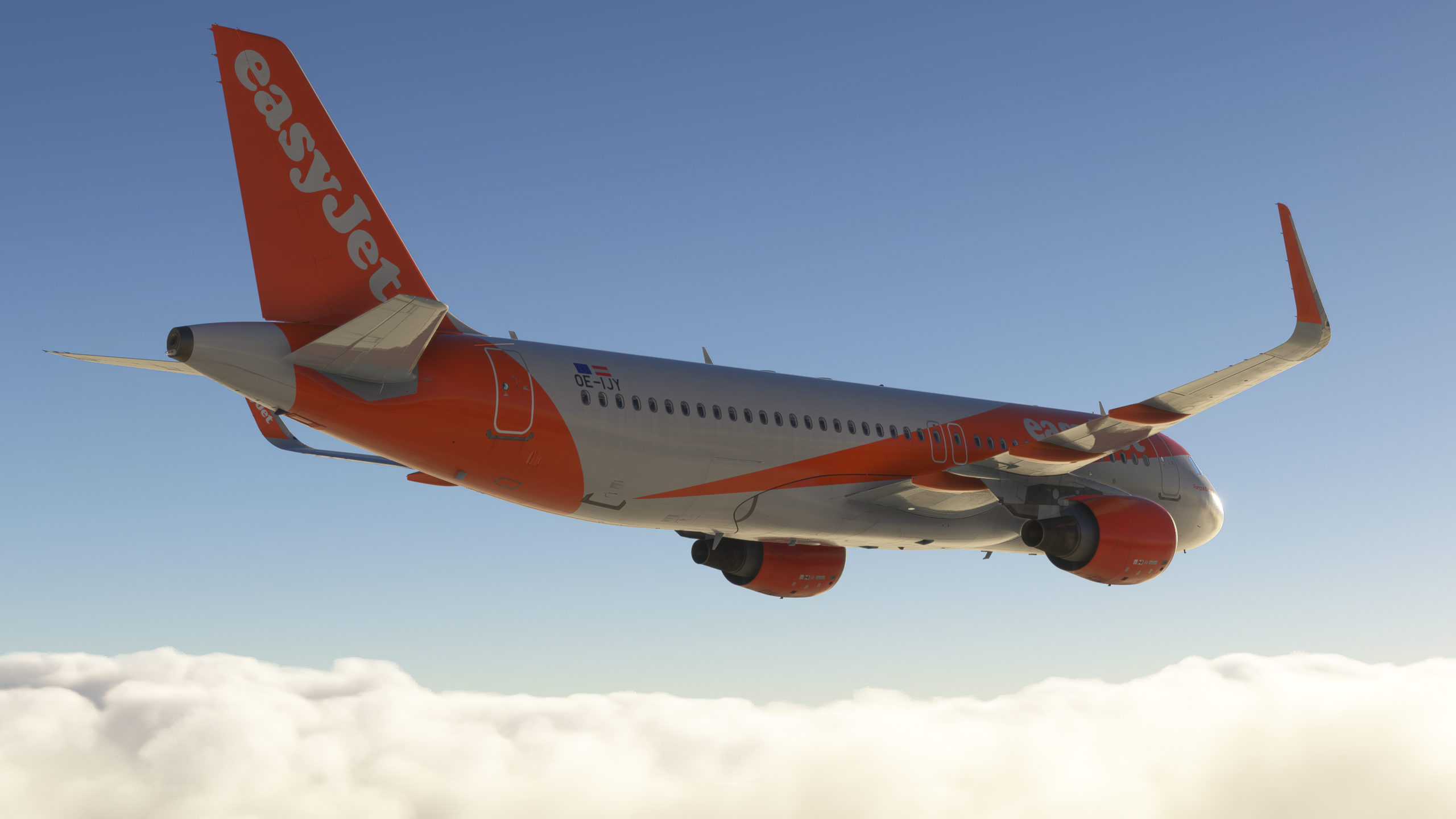
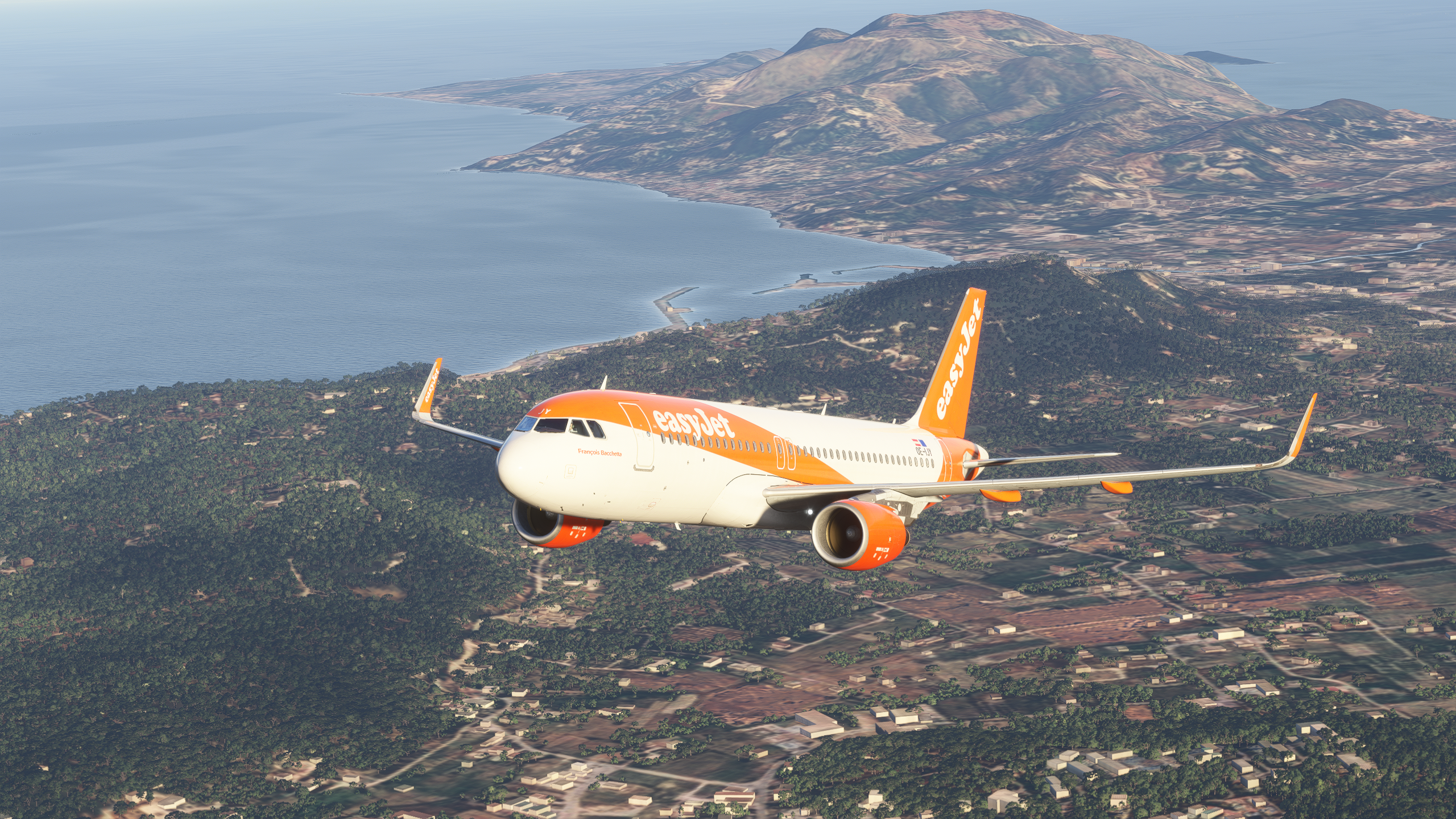
The soundpack, modelling and texturing are just as impressive as the rest of the plane. You will find loads of details, beautiful animations and things you wouldn’t even think of in a simulated aeroplane. The details are out of this world, in my opinion. The soundpack? It makes you feel that you are actually sitting in an A320 the moment you fly it. The available liveries and even cabin soundpacks make it adjustable to your desire, and a custom cabin soundpack will enhance the immersion for your specific airline that you are flying.
There are also many interesting quirks. Not only can you use an external device for the EFB, but here you can seamlessly change the aircraft’s configuration. Failures are also used from here, so if you want to fly together with a friend, I recommend using the external EFB. It was funny as he was looking in the cockpit and suddenly his standby instruments were changing here and there. Or the failures he wasn’t prepared for. 10/10 would break my friendship using a virtual plane again. The Fenix Simulations A320 Family’s radio panel is also directly connected to your computer. This means that you can adjust the volume of GSX, or even Spotify, or any other application you desire through the radio panel. You may initially consider this useless, but I found many times that I was actually using this feature more than I would like to admit.
Overall, Fenix Simulations has brought a top-of-the-line A320 add-on to the flight simulator world, and I have never seen anything like this before. I can thus recommend the Fenix by all means. In the coming months, we could also see an expansion to the NEO family with all the available variants. Unfortunately, though, we haven’t received any updates on the system enhancement update and the NEO in months.
Honourable Mention: Default iniBuilds/Microsoft Planes
The default iniBuilds/Microsoft planes are a tough topic. On the one hand, there are many interesting options to fly, especially the A320 NEO, A321 NEO, and the A330. These planes were the ones that interest me the most. Of the three mentioned, the A330 has to be my favourite. However, it has its flaws that should be resolved, and iniBuilds is ignoring them.
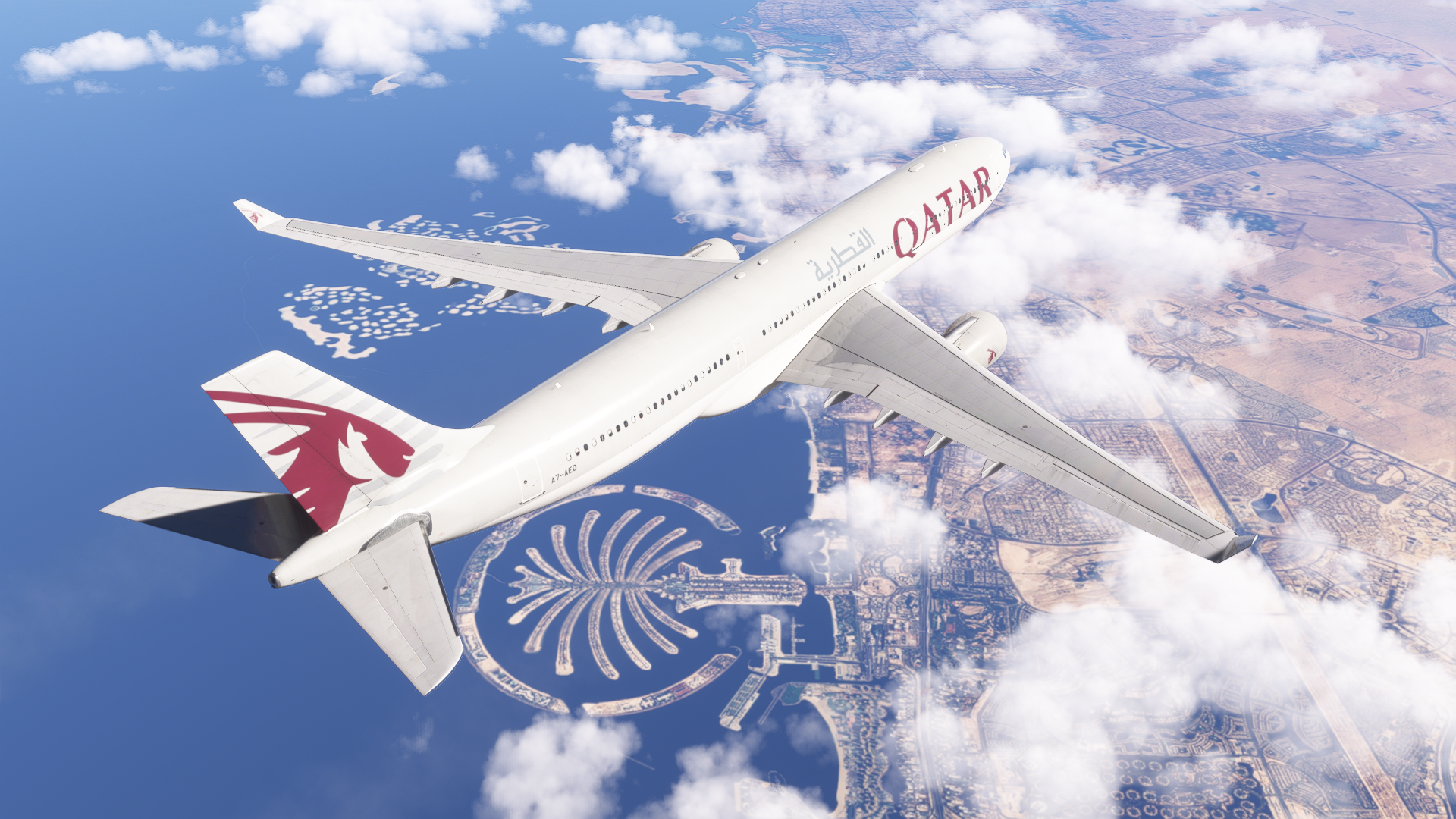
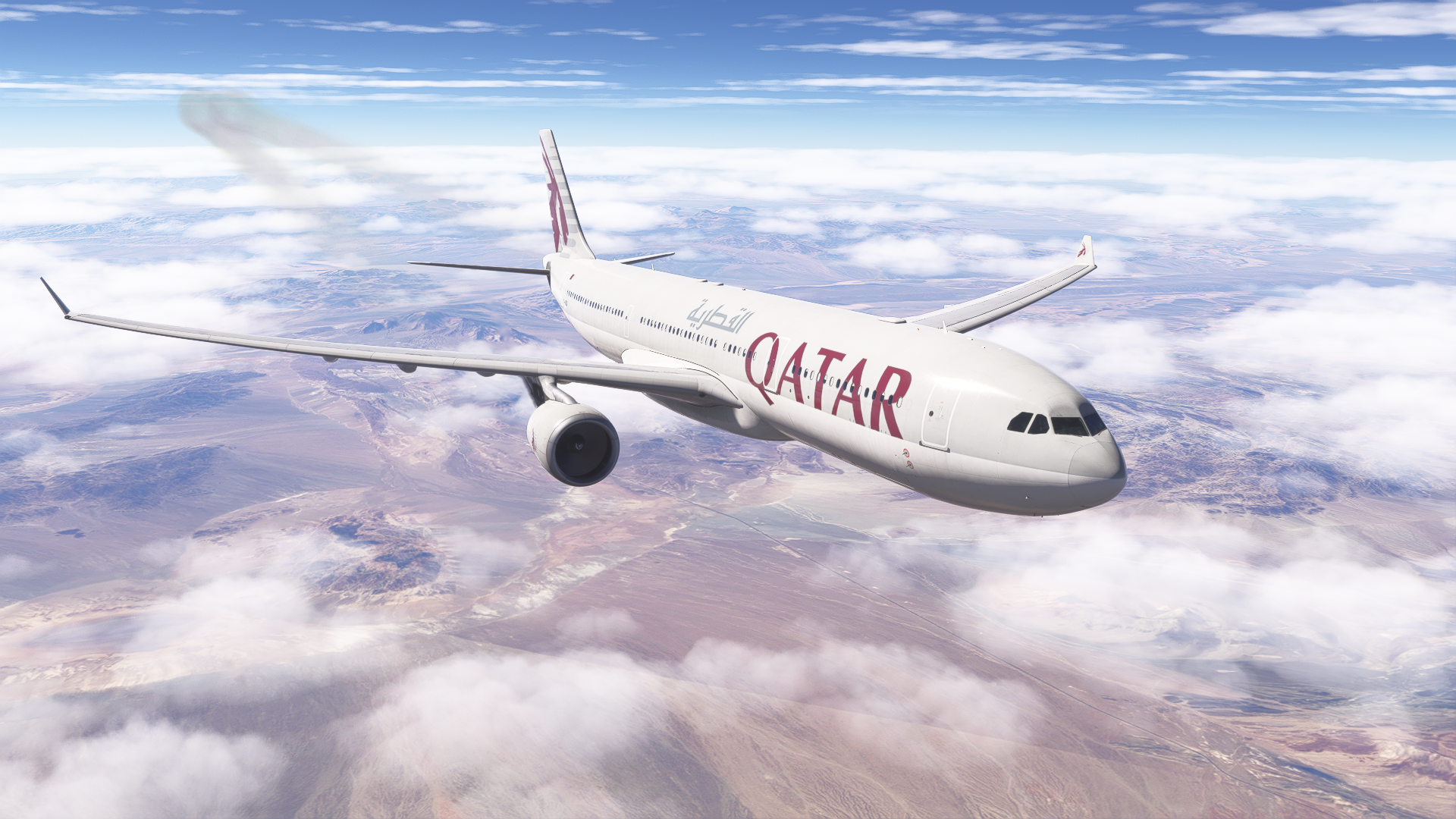
Specifically, the A330 has been improved in the latest Sim Update 6. However, it still lacks depth, and there are many flaws that make the experience less enjoyable than it could be, including bad GSX compatibility, subpar sounds, strange flight dynamics and incompatibility with WINCTRL physical hardware. If iniBuilds and Microsoft update these planes, they will surely be very good, especially for its price of €0.
Honourable Mention: FSLabs A321 NEO
FSLabs, my beloved. The NEO was released around a year ago, and since then, it has come a long way. I loved the FSLabs A320 series in Prepar3D, and to this day, it remains a catalyst in my flight simulator history. When FSLabs announced that they were releasing the NEO for Microsoft Flight Simulator, I immediately jumped in and got it.
This aircraft offers a lot; the systems are very well-simulated, with functioning circuit breakers, service-based failures and random events, GSX integration, Hoppie ACARS, two engine variants, and so on. The sole reason why it did not make it to the official list is its horrible performance. If you have already read my review of the FSLabs A321 NEO, you might know that the aircraft suffers a major memory leak, which makes it unstable on any computer that doesn’t have 64 gigabytes of RAM, especially in MSFS 2024.
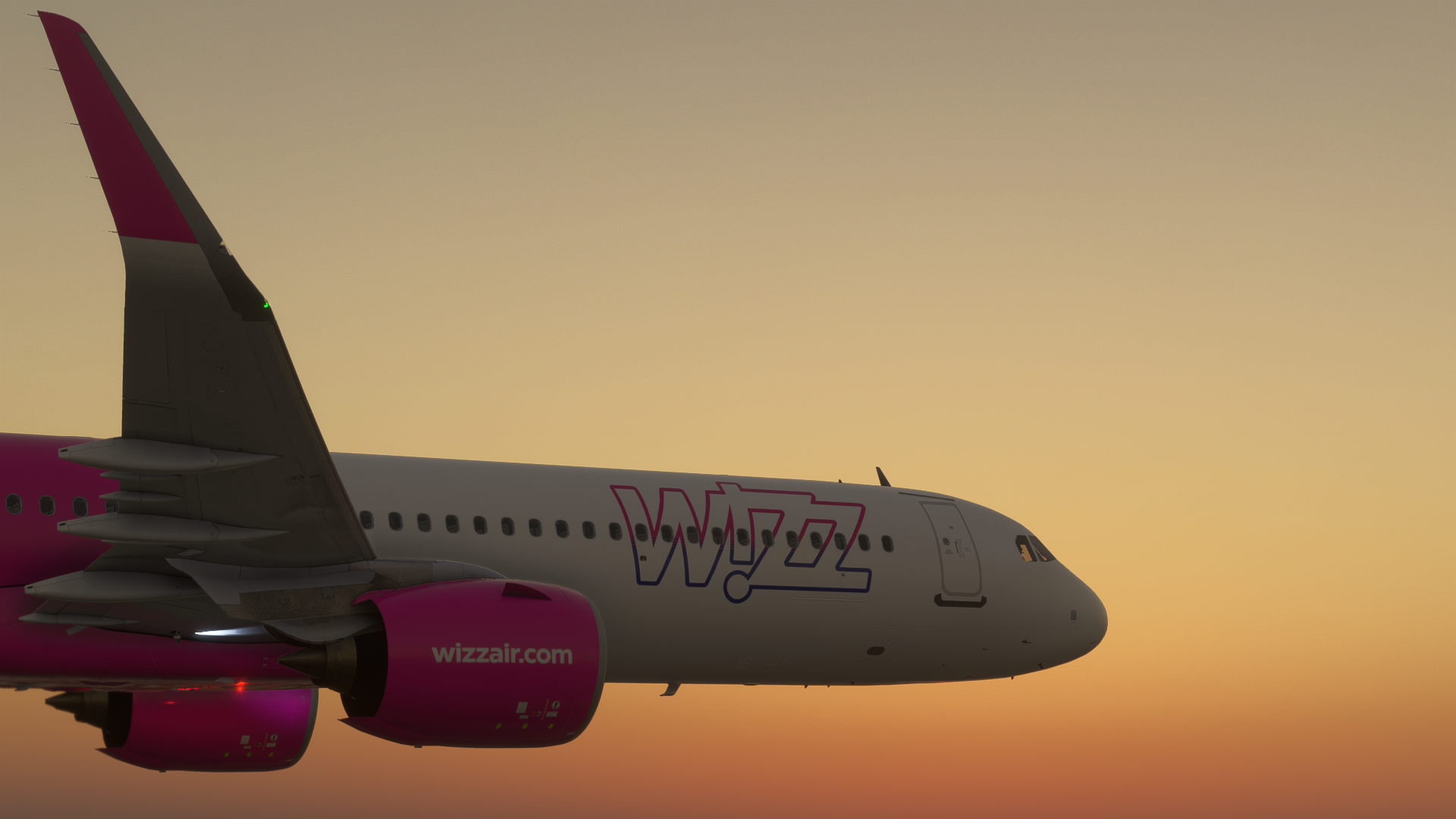
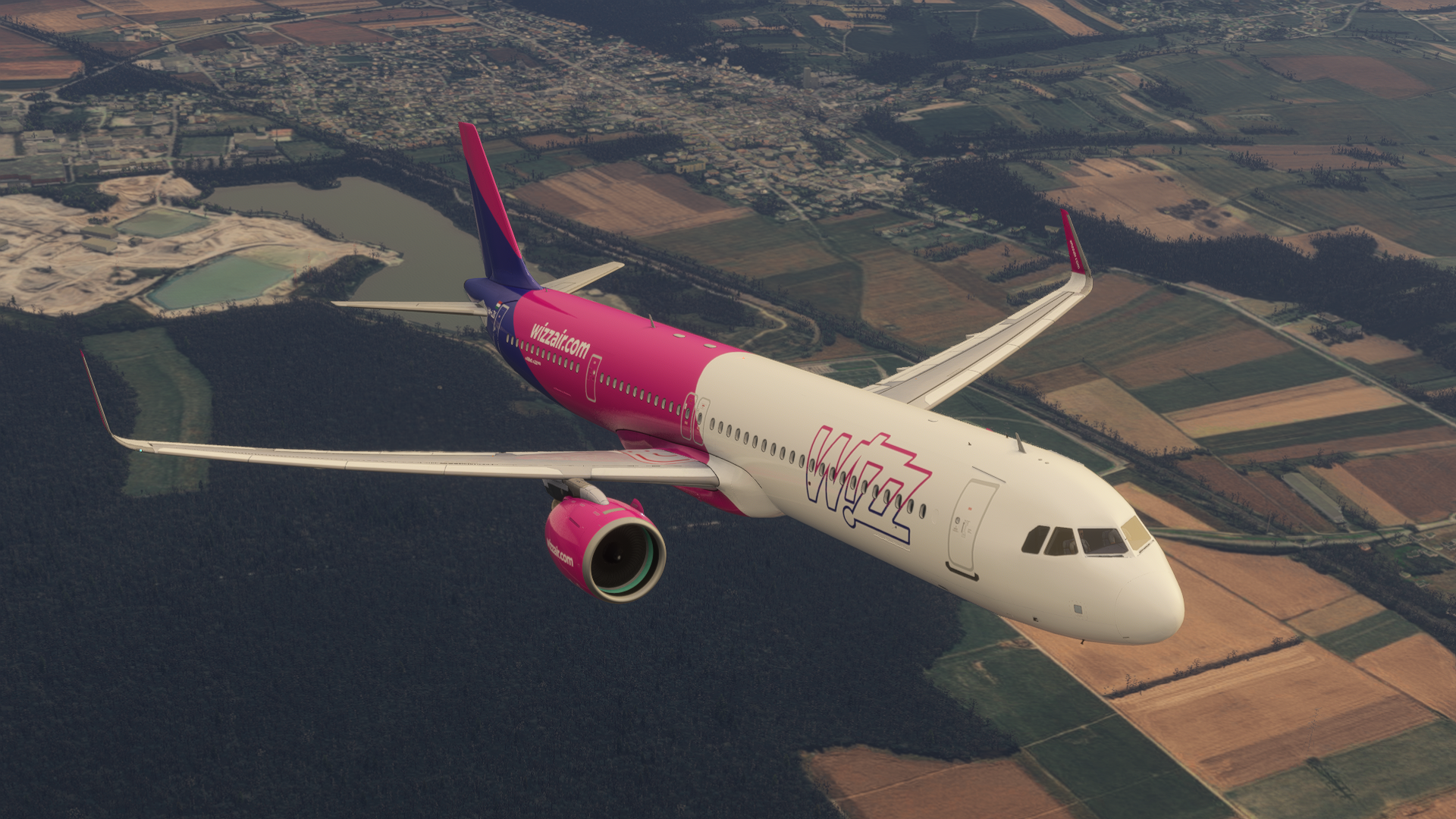
Lastly, for its price of around €70, you only get two engine variants and one aircraft variant, making it specifically not worth it to people who look for versatility, especially if you compare it to the Fenix. Despite that, if things improve with the performance, I can recommend this plane, even with its higher price tag.
Conclusion
In total honesty, it is completely up to you which aircraft you will decide to fly in the world of Microsoft Flight Simulator. We all have different tastes, and this is my personal list of planes that I fly the most. Let us know in the comments section what your favourite plane is at the moment. What do you agree or disagree with in this list? We are thrilled to hear your opinions.
Feel free to join our Discord server to share your feedback on the article, screenshots from your flights or just chat with the rest of the team and the community. Click here to join the server.