FSLabs has recently returned to the market with their Airbus A321 CEO and NEO aircraft options for Microsoft Flight Simulator, making the Airbus market even bigger than it probably needs to be. Back in the day, FSLabs used to be the measure of quality when it came to in-depth simulation, performance, and the overall quality you got from the aircraft. Is it the same nowadays? Or is it just living from its famous name of its glorious Prepar3D days?
Review Setup
The copy of FSLabs A321 NEO cost me €62 without tax, and I am running it in Microsoft Flight Simulator 2020 and 2024. My PC has a Ryzen 5 5600X, 64GB (previously 32GB) of 3200 MT/s RAM, and an AMD Radeon RX 9060 XT 16GB graphics card.
The aircraft is reviewed in a performance-heavy environment, with all the applications I need to run the simulator properly during my A-to-B flights. This includes vPilot for VATSIM, various sceneries, Active Sky FS, and Volanta.
First Impressions
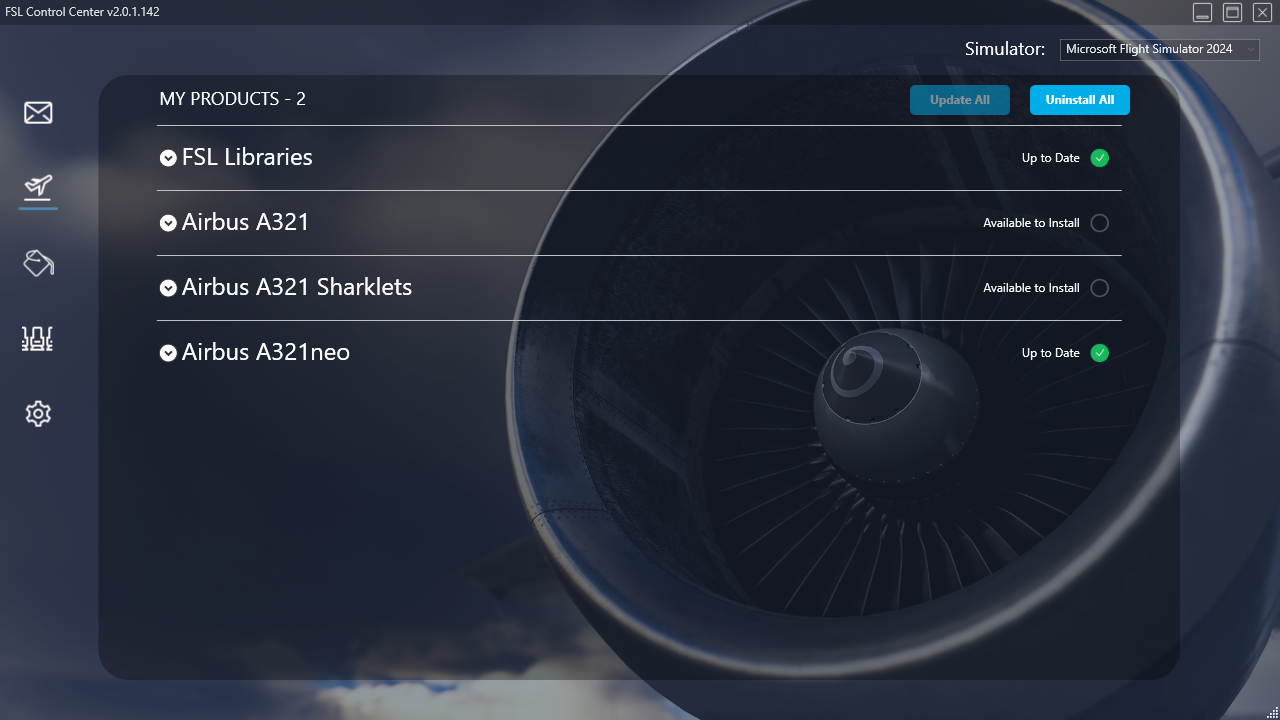
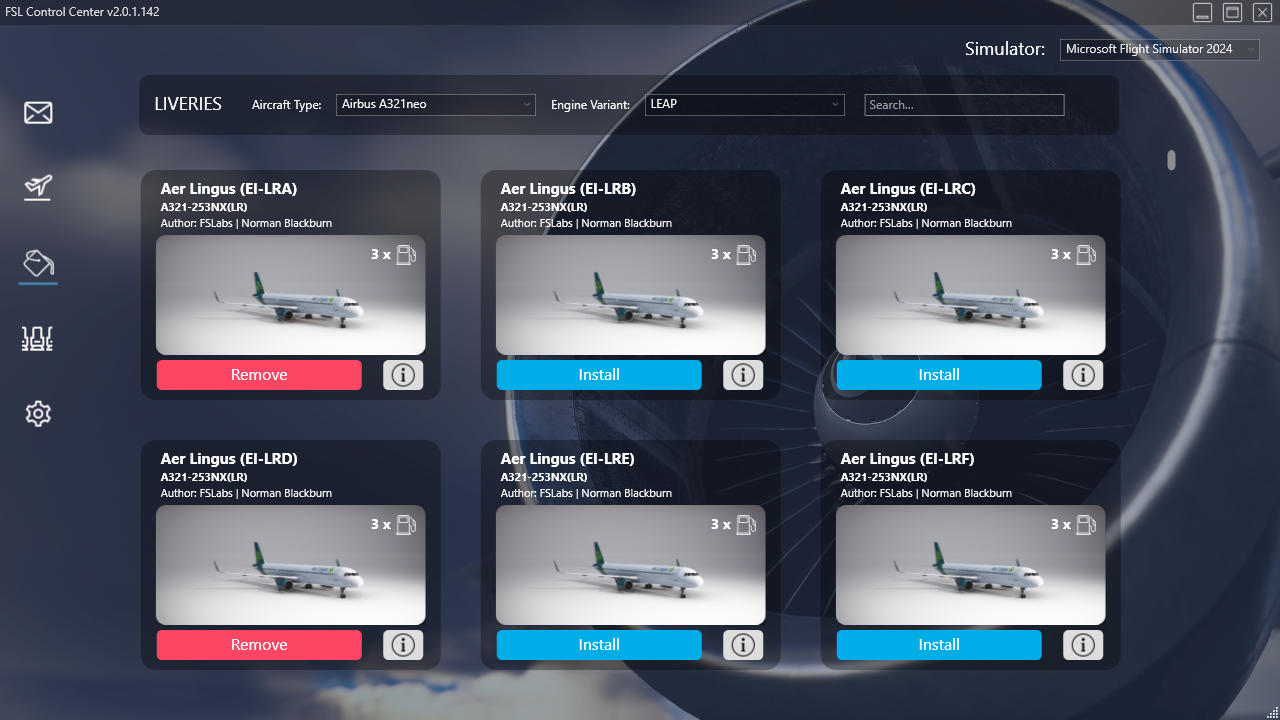
After purchasing the FSLabs A321 NEO, I had to install the FSLabs Control Center, where I activated my product. FSLabs Control Center is required to run alongside the simulator as it is responsible for all the aircraft’s systems. It is a versatile application, and is used for managing the whole aircraft, from liveries to updating it. Its UI is straightforward, making the aircraft easy to manipulate outside the simulator.
Through the FSLabs Control Center, you also set up your Hoppie ACARS logon, SimBrief to fetch flight plans, as well as SayIntentions logon. The application can be minimised to the system tray, so that it doesn’t bother you mid-flight. If you are running a home cockpit, an option for separate displays and projectors is available, making the setup faster.
Initial Startup
After installing my desired liveries (beware: only CFM Leap engines are currently available at the time of writing this review) and airline packs, I loaded the aircraft for the first time. Once I loaded in, I noticed the familiar cockpit that I was used to back in my Prepar3D days, but in a better visual environment. I had a feeling of nostalgia, for sure.
Onto the important stuff, I obviously set up my camera views and started preparing my very first flight. I was glad to see that my WINWING MCDU is also fully compatible with this aircraft (you can read my review of the MCDU here).
My first flight was from Amsterdam Schiphol on Microsoft Flight Simulator 2020, so the performance wasn’t great, but it went flawlessly, and I liked a lot of things about the aircraft. Not only the familiarity with the settings, the new EFB, which offered a lot more than in the Prepar3D days, but also the sounds. FSLabs has created a soundset that, from my subjective point of view, was so close to reality that I actually felt like I was in a real aeroplane.
Modelling
Exterior
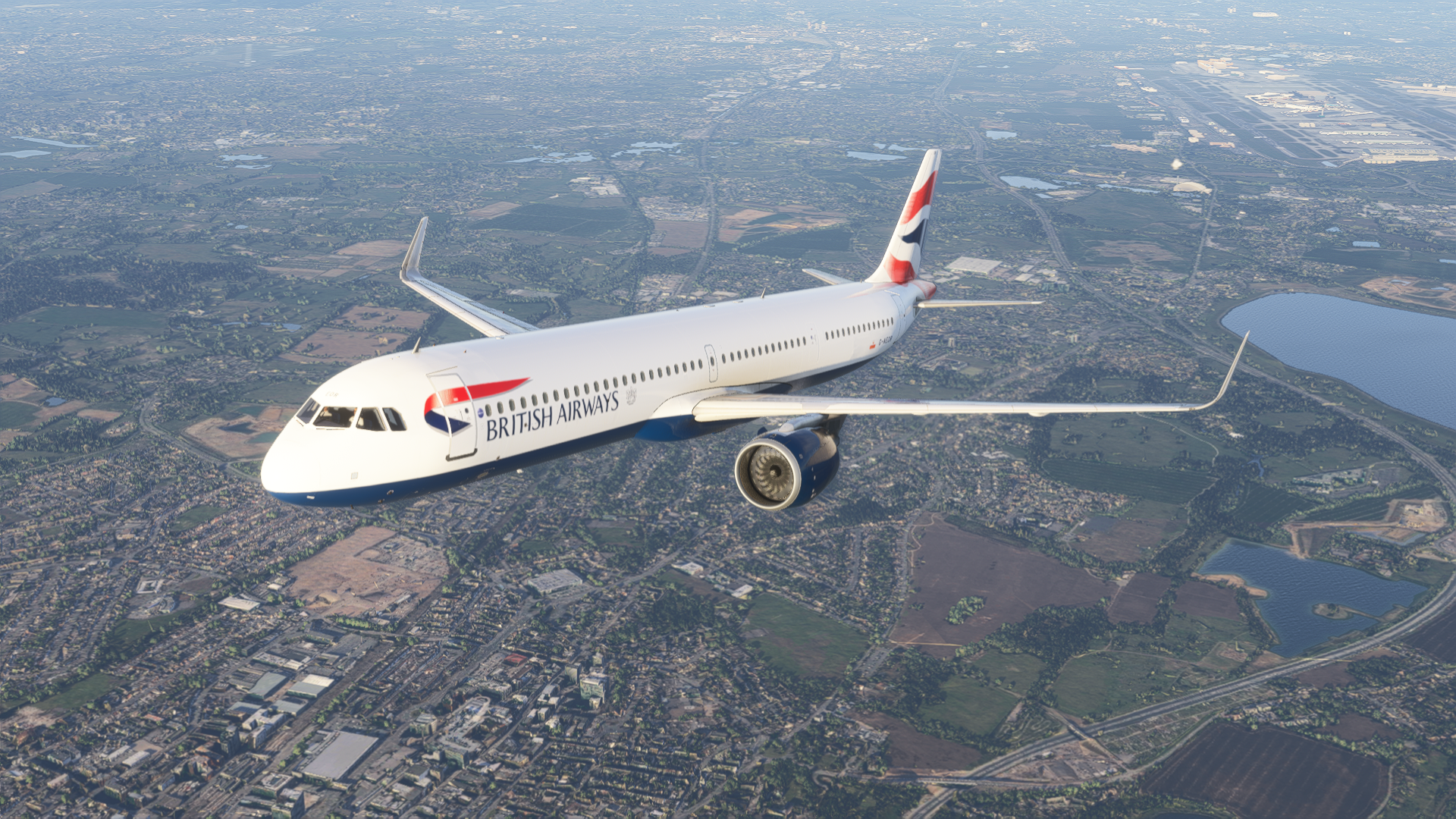
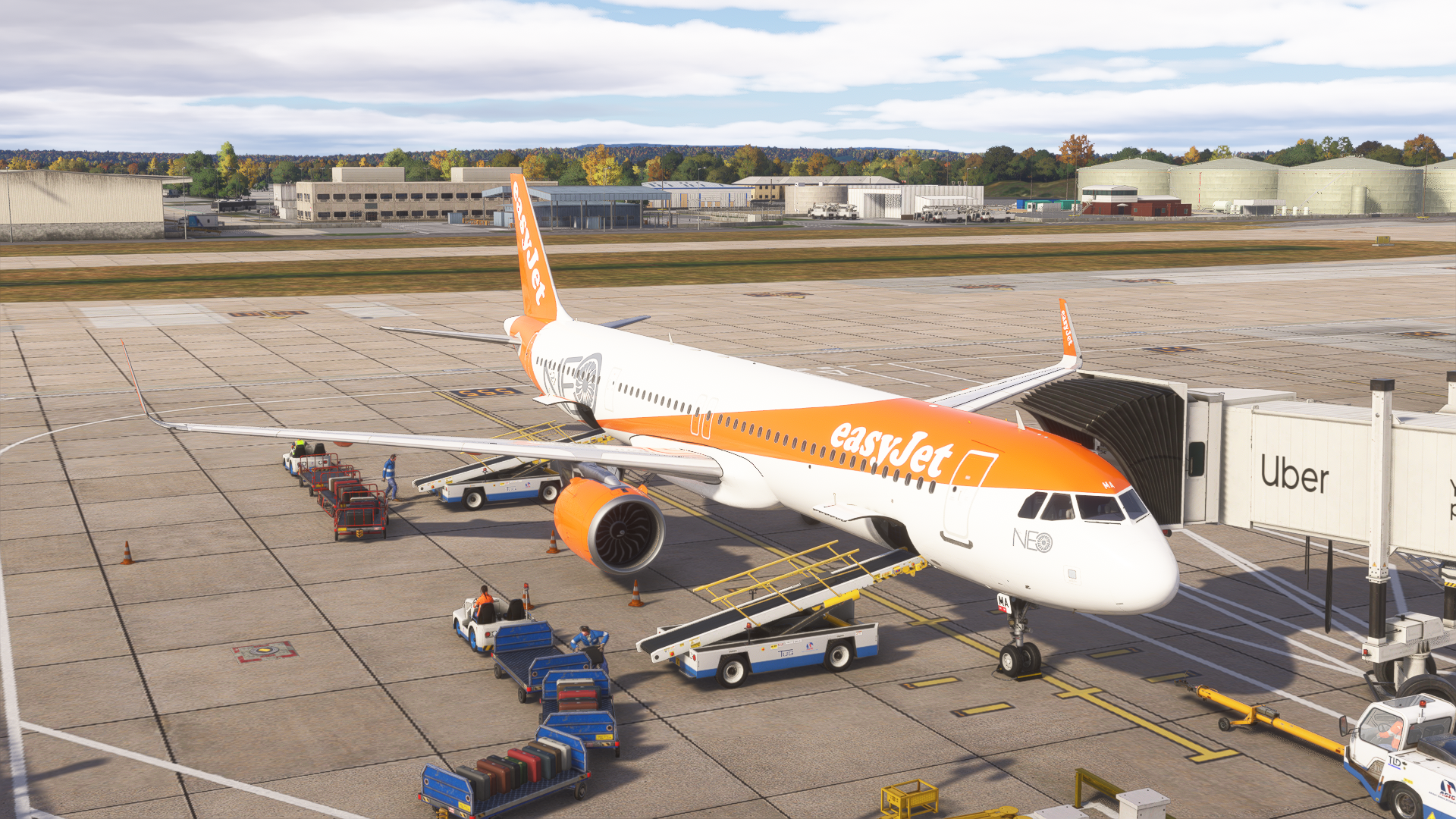
The modelling of the aircraft is great. FSLabs has created a detailed rendition of the exterior model of the A321, with visible 3D modelling of panel lines, rivets. This includes smaller details like pitot tubes and other various external features.
The model is strictly built for Microsoft Flight Simulator 2020; thus, in Microsoft Flight Simulator 2024, the aircraft is not as interactive as the competition. By this, I mean that you cannot open various doors and hatches to access various systems across the aircraft, just like you can do on Fenix or the iniBuilds A350.
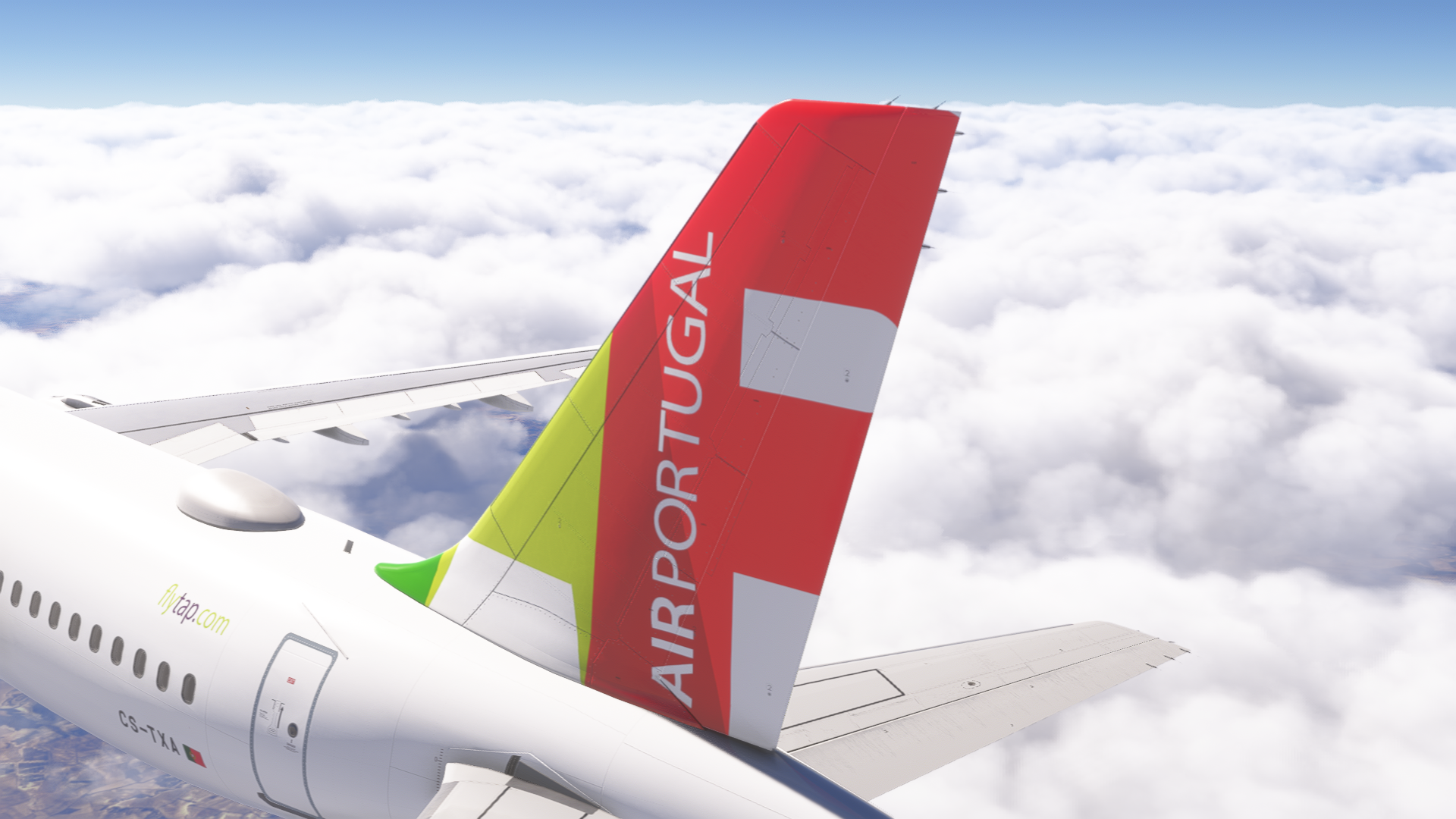
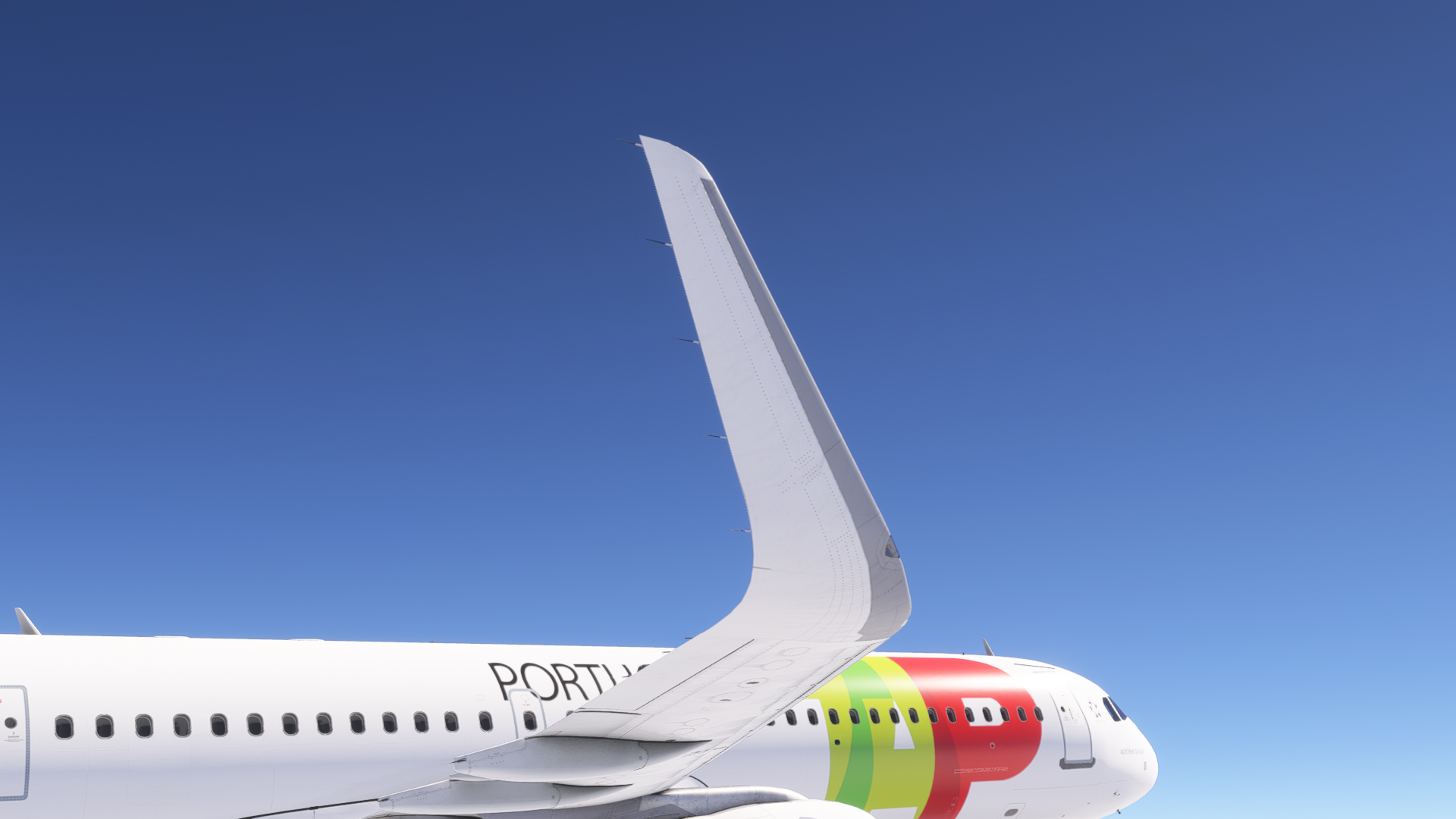
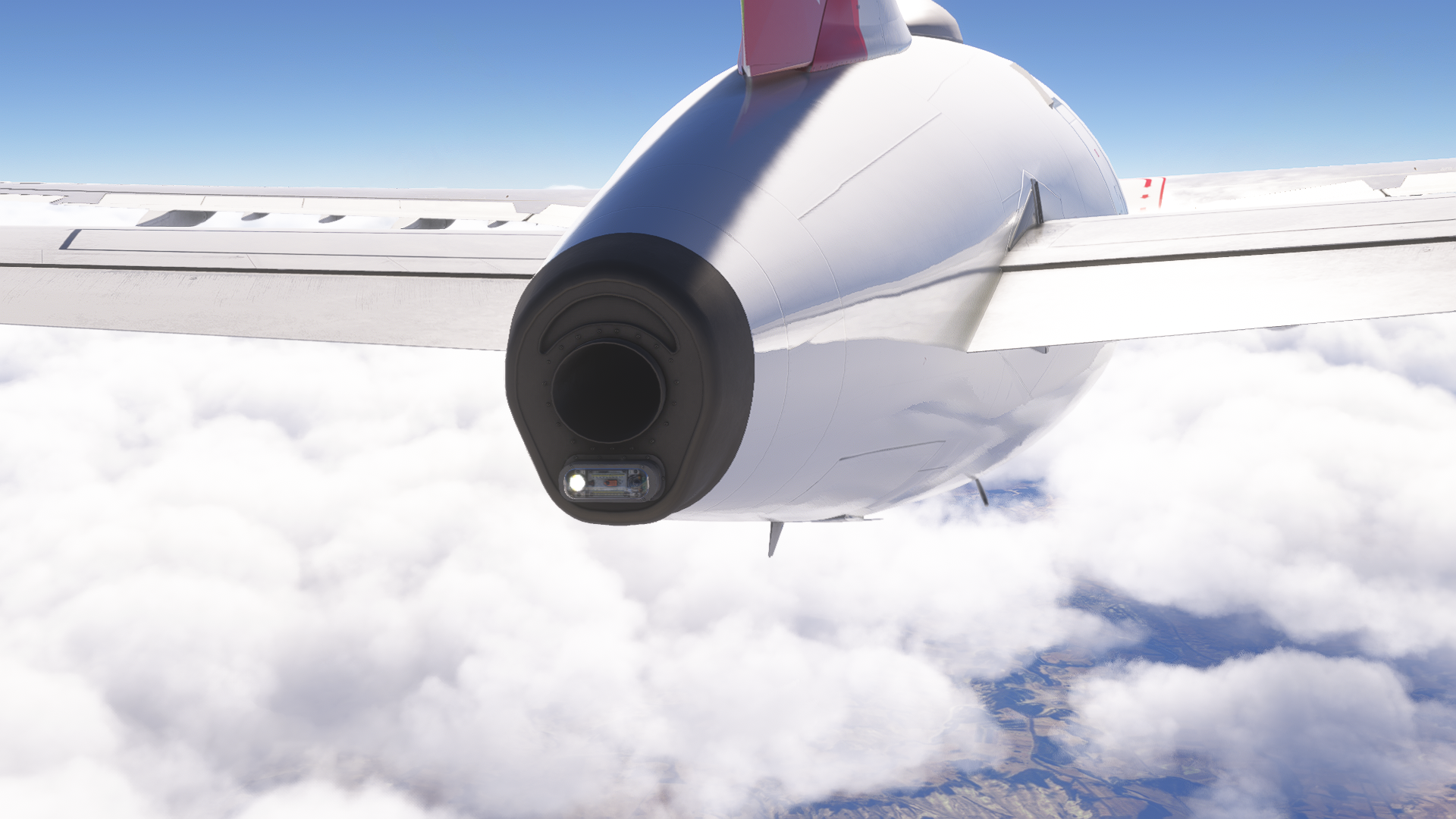
Taking a look at the model as a whole, the connections are seamless, and the experience is authentic. There are no jagged lines and weird connections, as the amount of polygons is just right for an aeroplane of this fidelity. For the way I fly in flight simulators, the exterior model is just great; I would consider it to be up to modern standards in the industry.
Interior
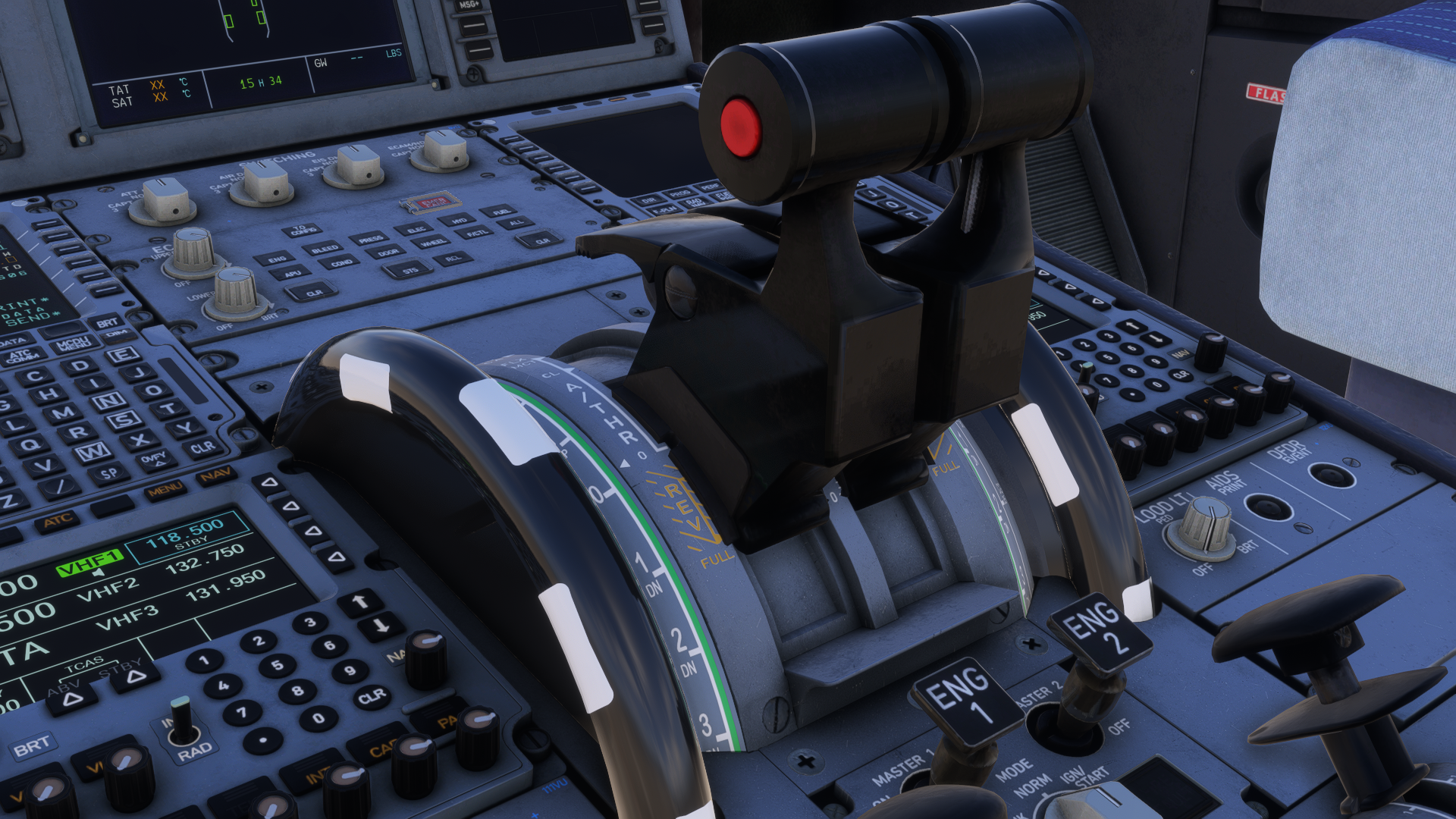
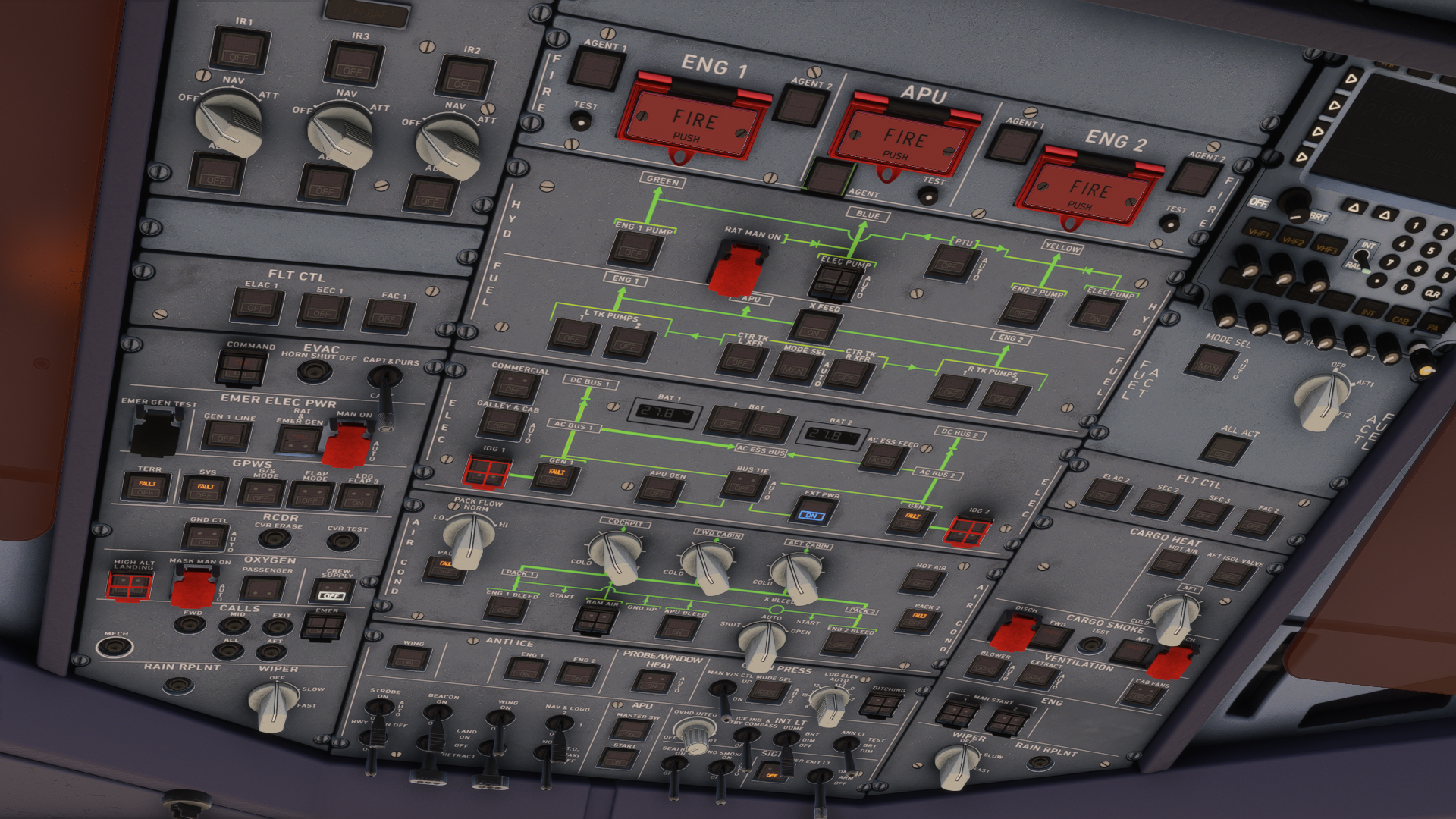
When it comes to the interior, FSLabs is not as great. The part in which you are going to spend the most of your time, the cockpit, is modelled well. It is detailed, well-textured, and, in general, really enjoyable to look at. The displays have reflective textures, and there is also some dirt and wear to show that the aircraft is being used on a day-to-day basis.
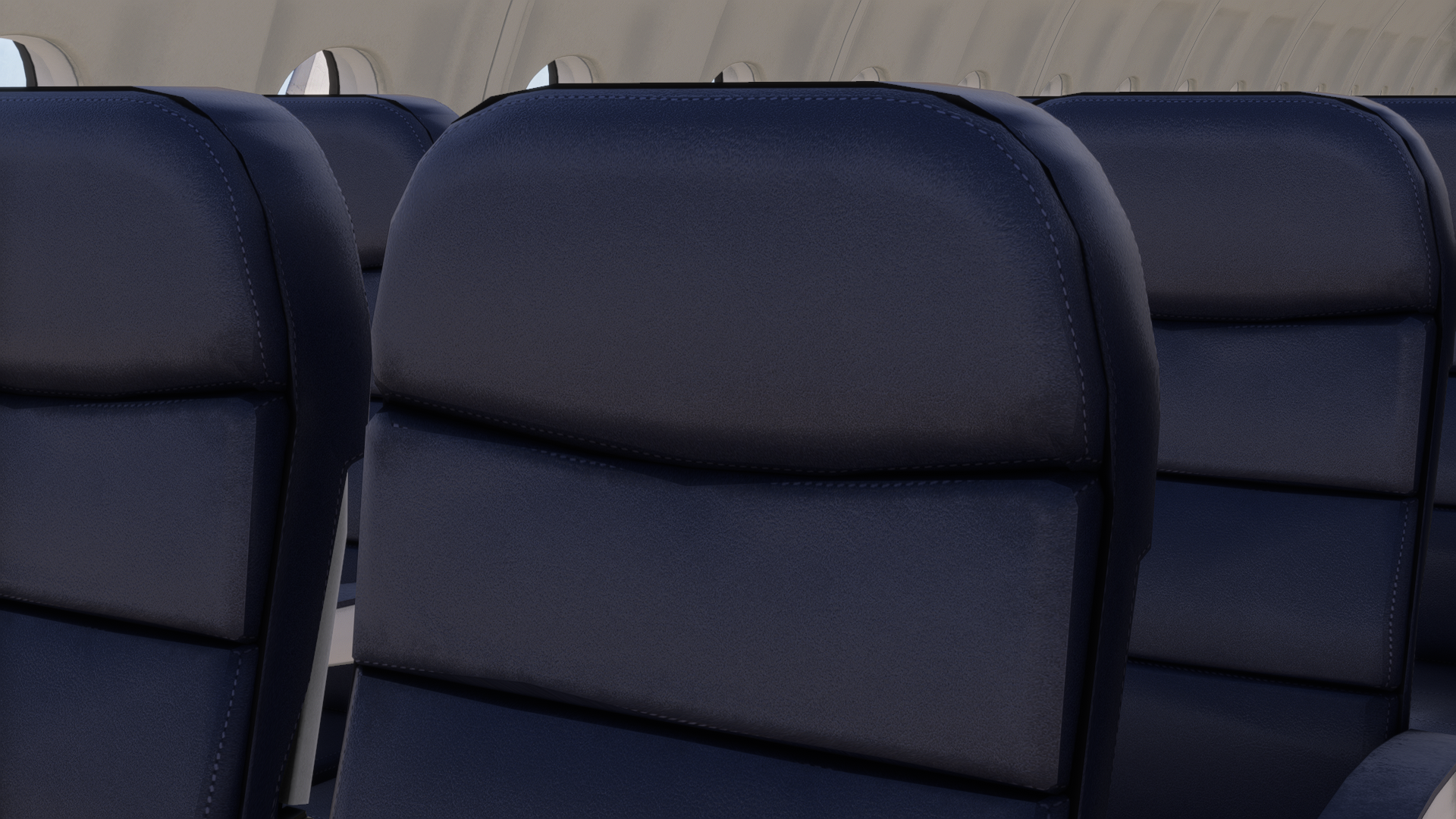
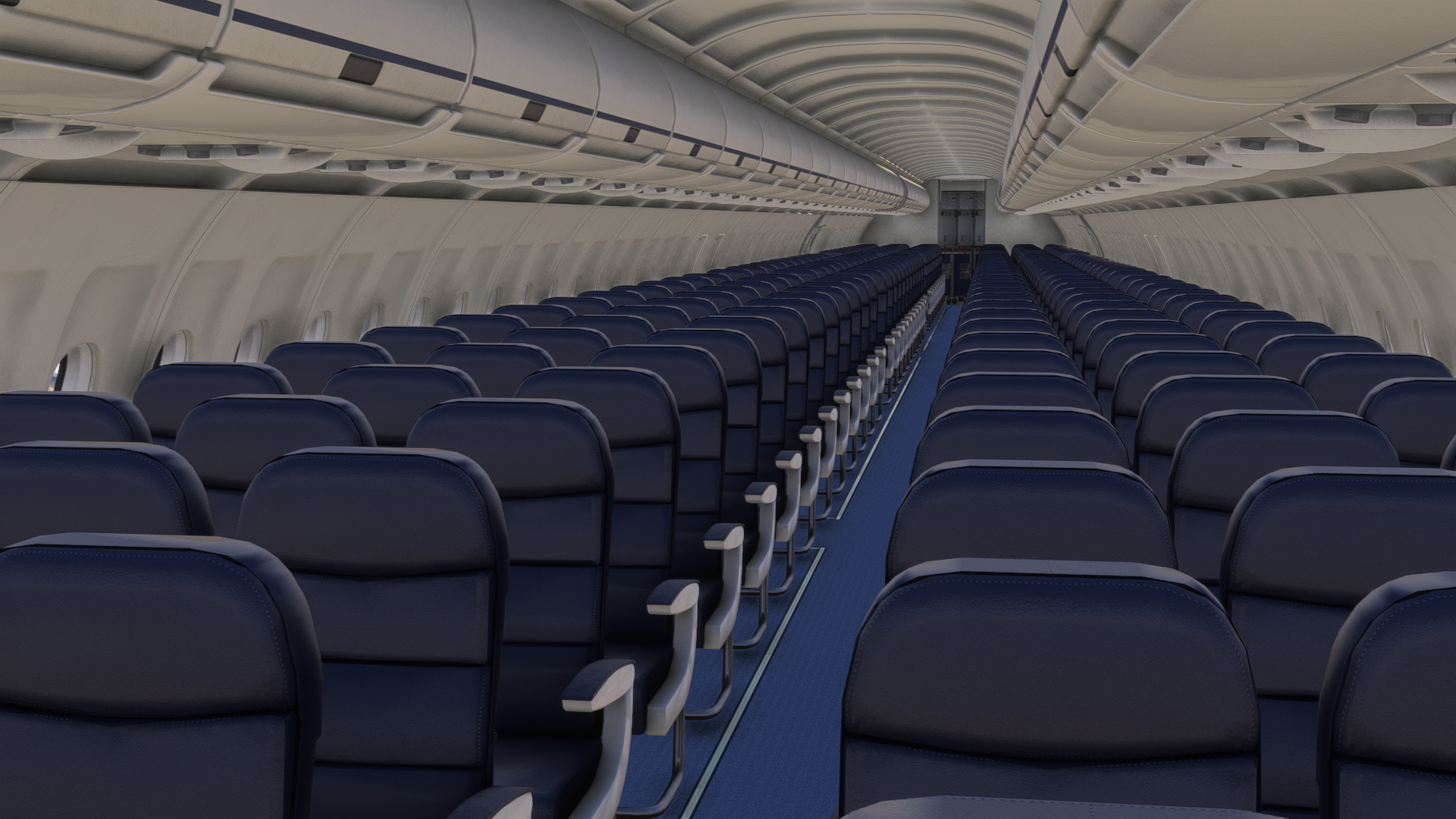
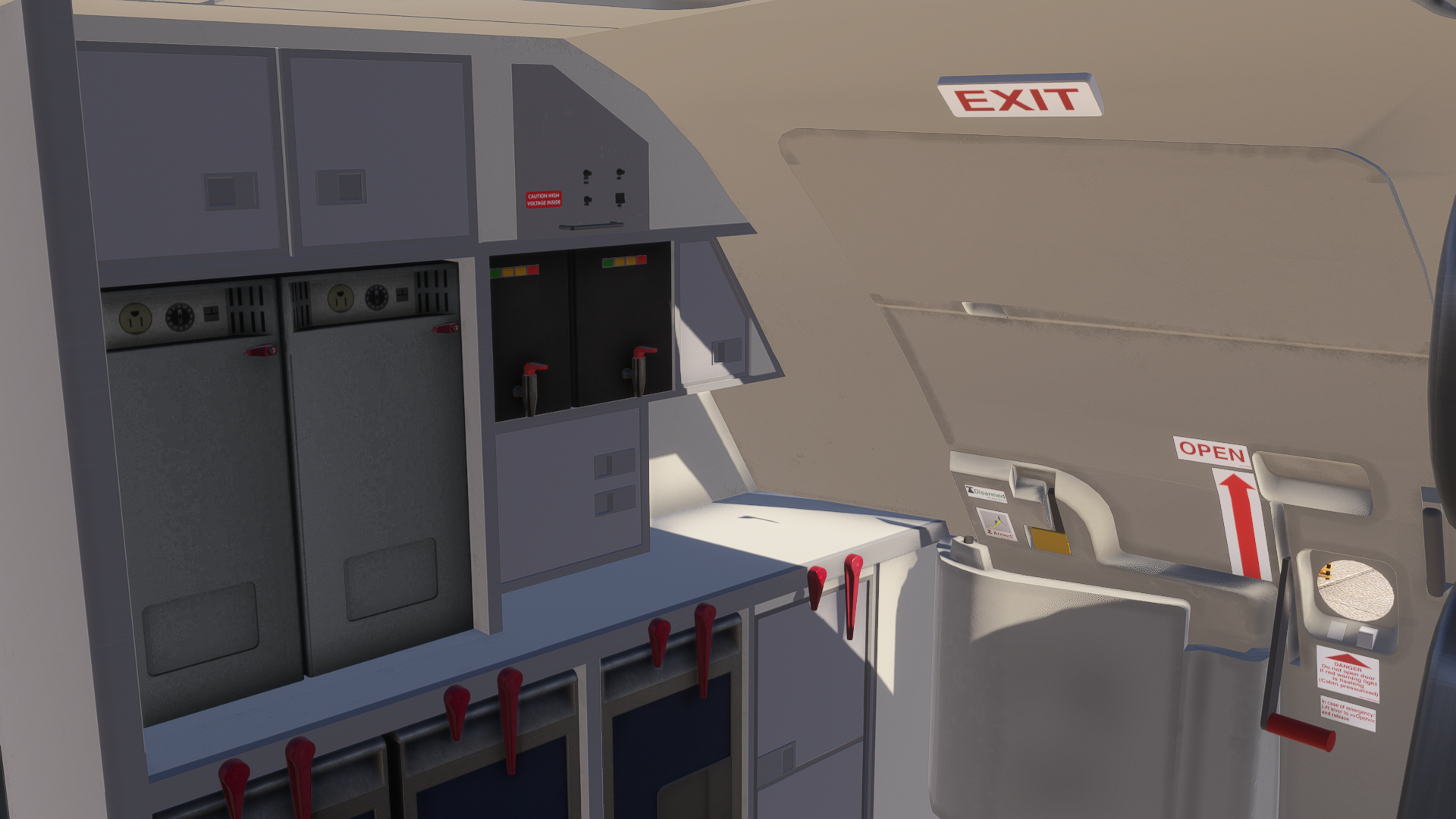
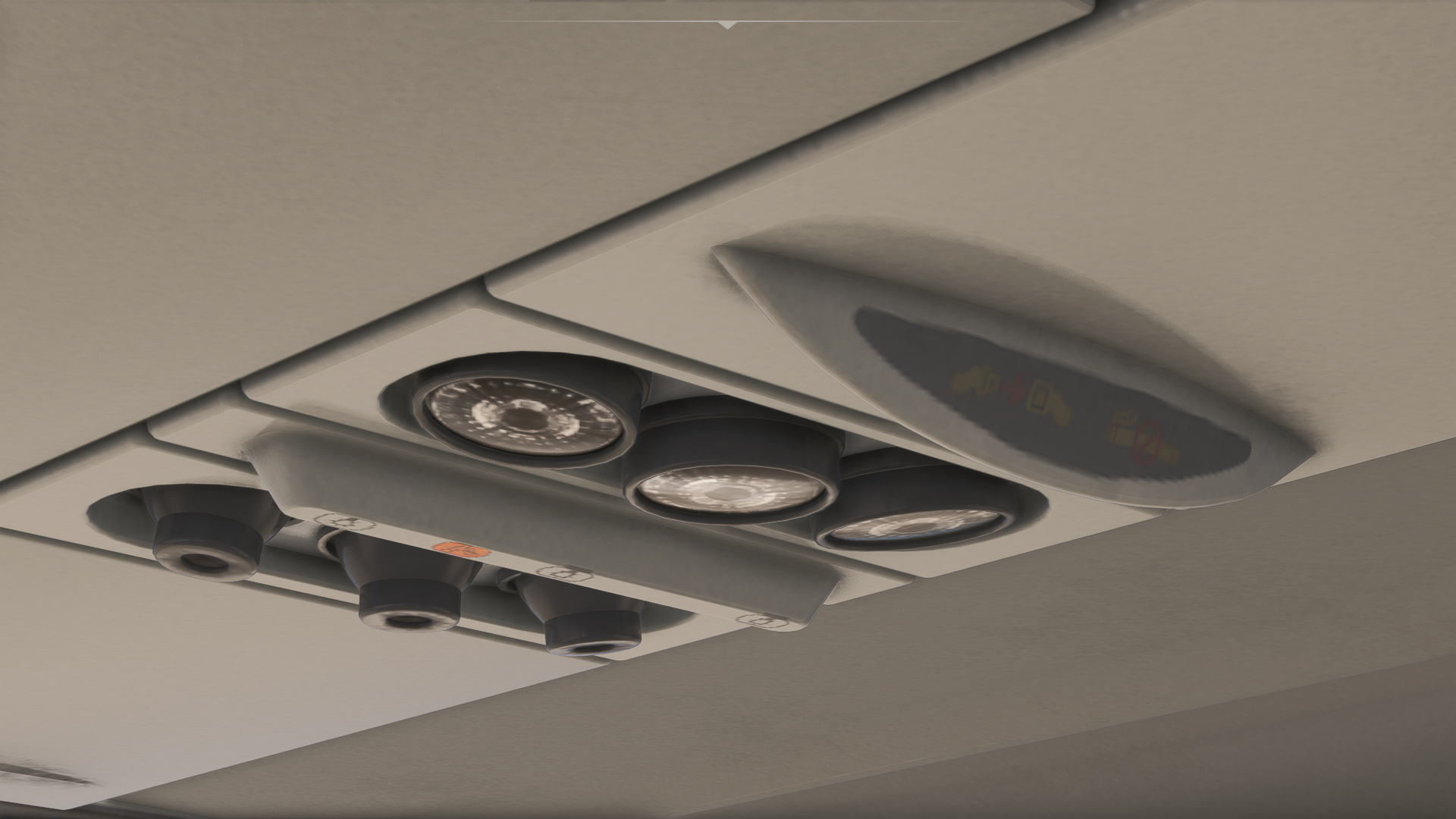
On the other hand, the passenger cabin is lacking, and the visuals of it fall behind current standards. The edges are jagged, the texturing is sub-par, and the cabin seems… dead. There are no details to look at. It is just a basic tube with seats, windows and walls protecting the whole thing. It is nothing impressive, but FSLabs never really focused on high-fidelity cabins. It is quite disappointing, especially when the standards have changed in the flight simulator industry. At the same time, I can understand it, as FSLabs never really focused on the cabin interior.
Sounds
The sound system of the FSLabs A321 NEO is wonderful. FSLabs always knew how to create soundpacks for their aircraft, and this aeroplane is no exception. My sound experience comes from Beyerdynamic DT990 Pro headphones, and in those, the plane sounded realistic. The frequencies of various sounds seemed accurate, including the APU, system coolers and the engines. All of the switches in the cockpit had a satisfying click to them, and the audio transitioned the experience of switching something on and off really well to my brain.
For some reason, I also found the sound of the doors closing very satisfying. Speaking of doors, opening and closing windows and doors changes the sound behaviour around the aircraft. If you have your window open in the cockpit, you will be able to hear the aircraft’s systems from a different perspective, mixed with the interior soundpack. To that, exterior sounds like the GPU or engine fan milling will stir in. These sounds are also related to the camera position, so they won’t always sound the same.
During taxi, take-off, and landing, the landing gear is audible in the cockpit, either when the gear touches down, unsticks from the ground, or all of these experiences are different. You can really determine by the sounds what is going on with the aircraft on the ground. Wheelslip is also audible when you oversteer the aircraft, and when taxiing on a concrete surface, loud thugs can also be heard from the cockpit.
The exterior is just as impressive. Approaching the APU will make your ears bleed, just as in real life, not in a serious manner, but the sound is basically unbearable for the human ear. The FSLabs team interpreted that well. FSLabs A321 NEO’s sounds are accompanied by various environmental sounds as well, making not only the aircraft feel more lifelike, but also the whole surroundings.
Within the cabin, one can find PA and cabin announcements as well, which can be changed using the airline packs, installed through the FSLabs Control Center. These change the safety announcement to the one used by your desired airline, giving your virtual flight a little bit more immersion.
Failures
The failure simulation is rather impressive. It is not just a feature that you can use willingly; however, all failures will depend on how you operate the aircraft, adding a bit of challenge for those who mostly fly their airliners on A-to-B flights. This essentially means that if you fly your plane correctly, mostly everything will go to plan.
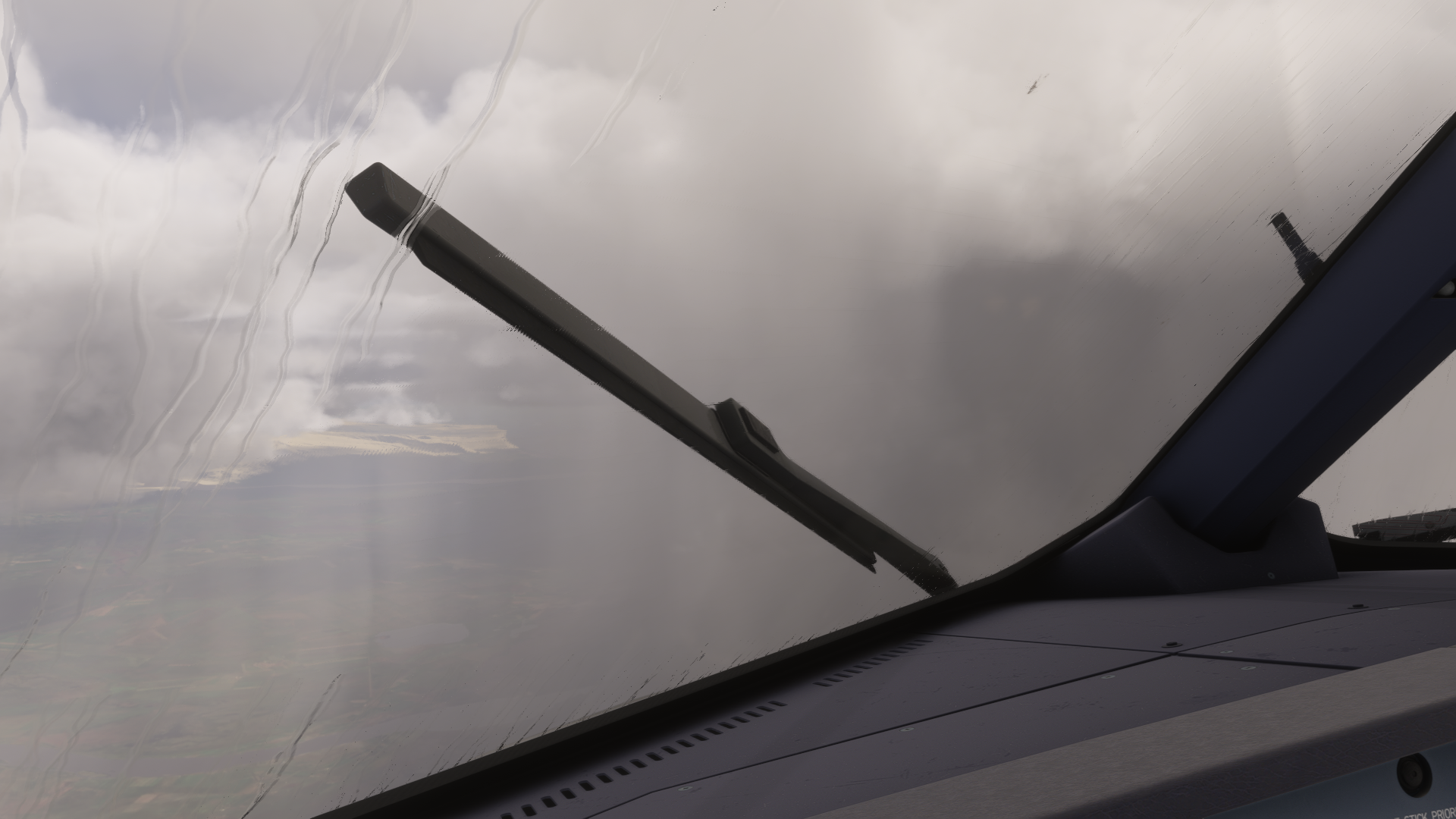
Sometimes I tend to do hiccups in the simulator, either knowingly or just from my recklessness. Yes, you guessed it, I am not a real-world pilot yet, so I am capable of fooling around. In the end, that’s what a simulator is for, right? These hiccups reflected in the aircraft’s behaviour. One of those was when I accidentally broke my wipers, because I thought it would be a great idea to wipe my windshield in FL140, flying 300 knots. If you have basic physics knowledge, you will know that this is actually not possible, and FSLabs lets you know that if you are unaware of air resistance. My wipers were, thus, not working during the entire flight.
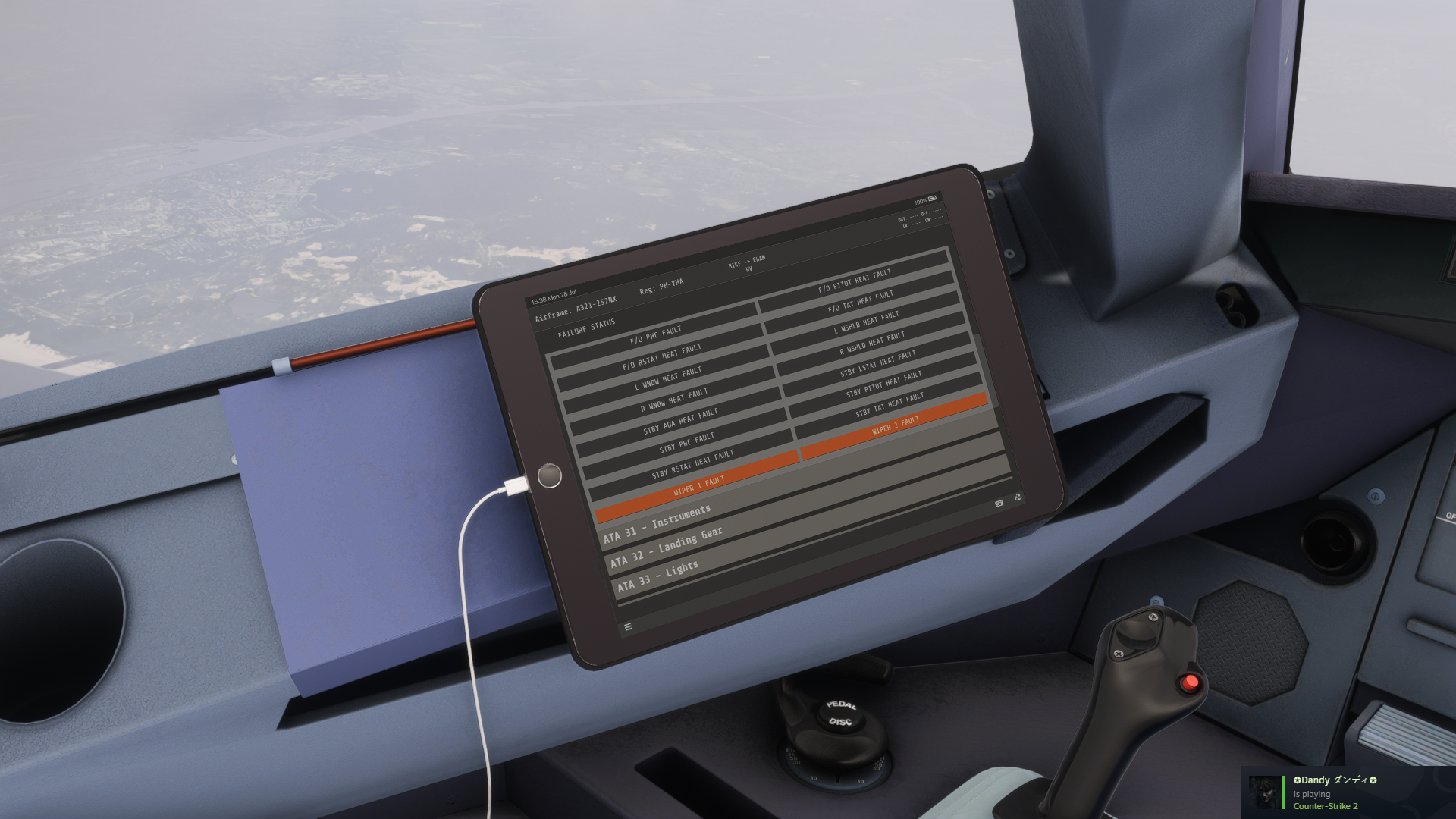
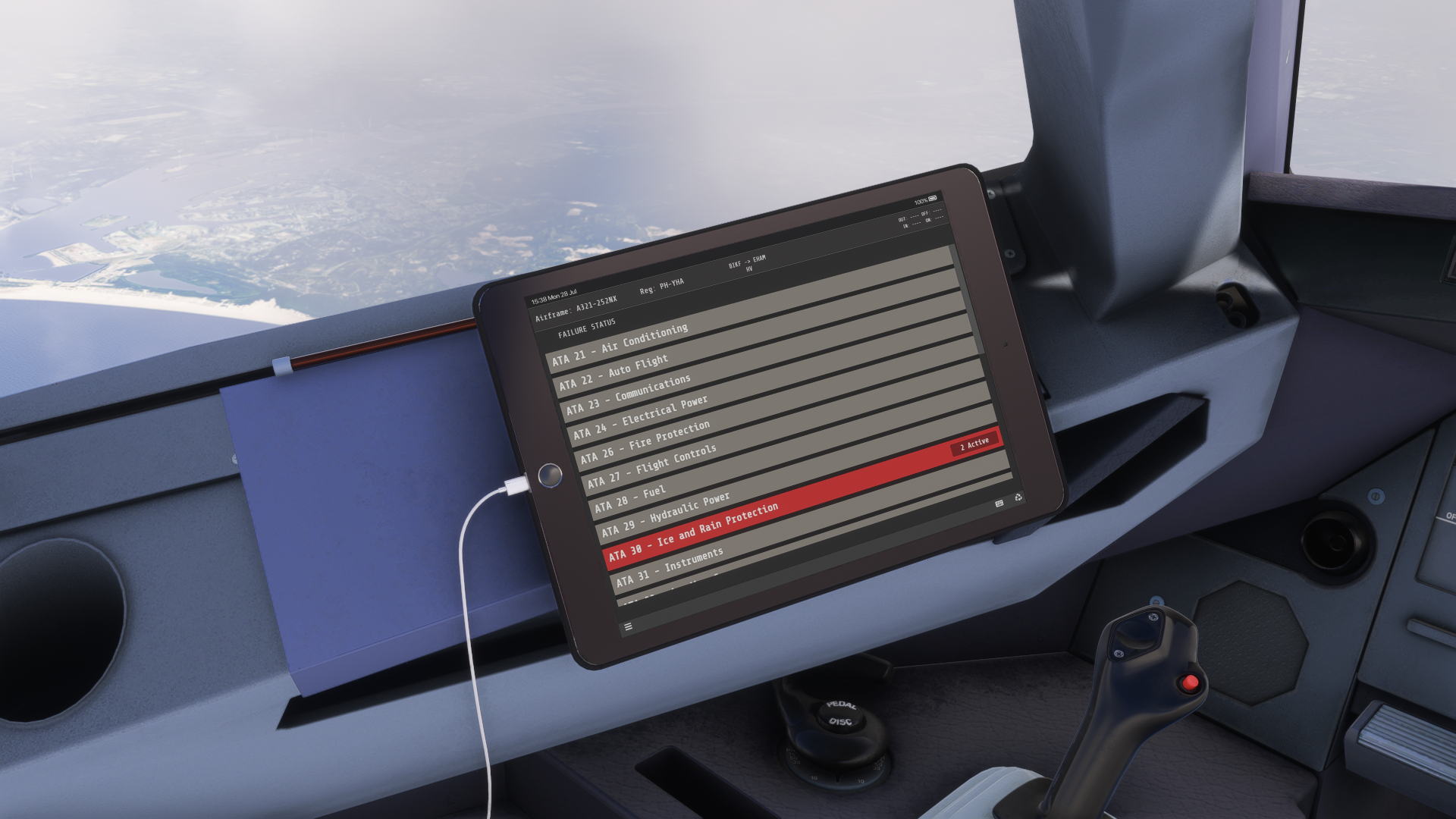
After reloading the aircraft, it is not just back to normal, and you can fly it again as if nothing happened. The wipers were still broken until I fixed them through the EFB. Even “INOP” stickers were put on the wiper knobs to let you know that you cannot use them.
Another great example of random issues was when a passenger decided to smoke an e-cigarette in the lavatory. Resulting in an alarm in the cockpit and your flight attendant, Norman, letting you know that the threat has been neutralised. It quite caught me off guard, as I didn’t expect that to be simulated.
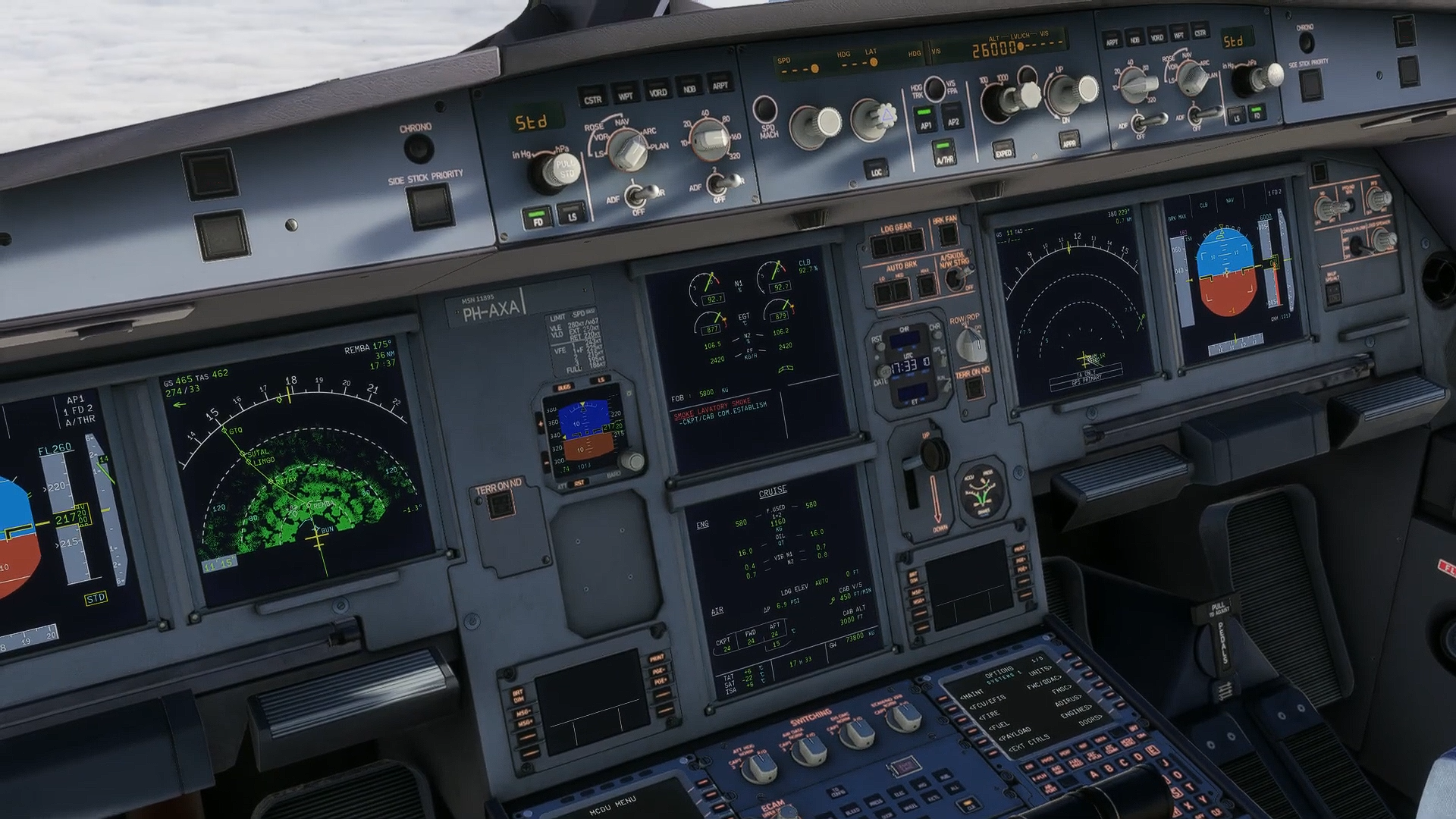
Of course, all the failures can be disabled if you encounter them mid-flight. However, I am up for the little challenge. Opposingly, you can also enable certain failures yourself, to test your skills as much as possible. There is everything, from engine failures, fire in various systems, fly-by-wire failure and much more. The FSLabs A321 NEO is a great plane for testing your skills like this.
Flight Model
The flight model is fine. However, I cannot compare it to a real-world A321 NEO, as I am not type-rated and don’t have a pilot’s license either. I can only compare it to other add-ons I had the option to work with, and compared to those, the flight model feels a little more sluggish than usual. The flight model works best when you adjust your control sensitivity according to the aircraft manual. If you don’t do that, there is a high chance that the aircraft will react weirdly, sometimes not at all, and sometimes too much, especially on the ground.
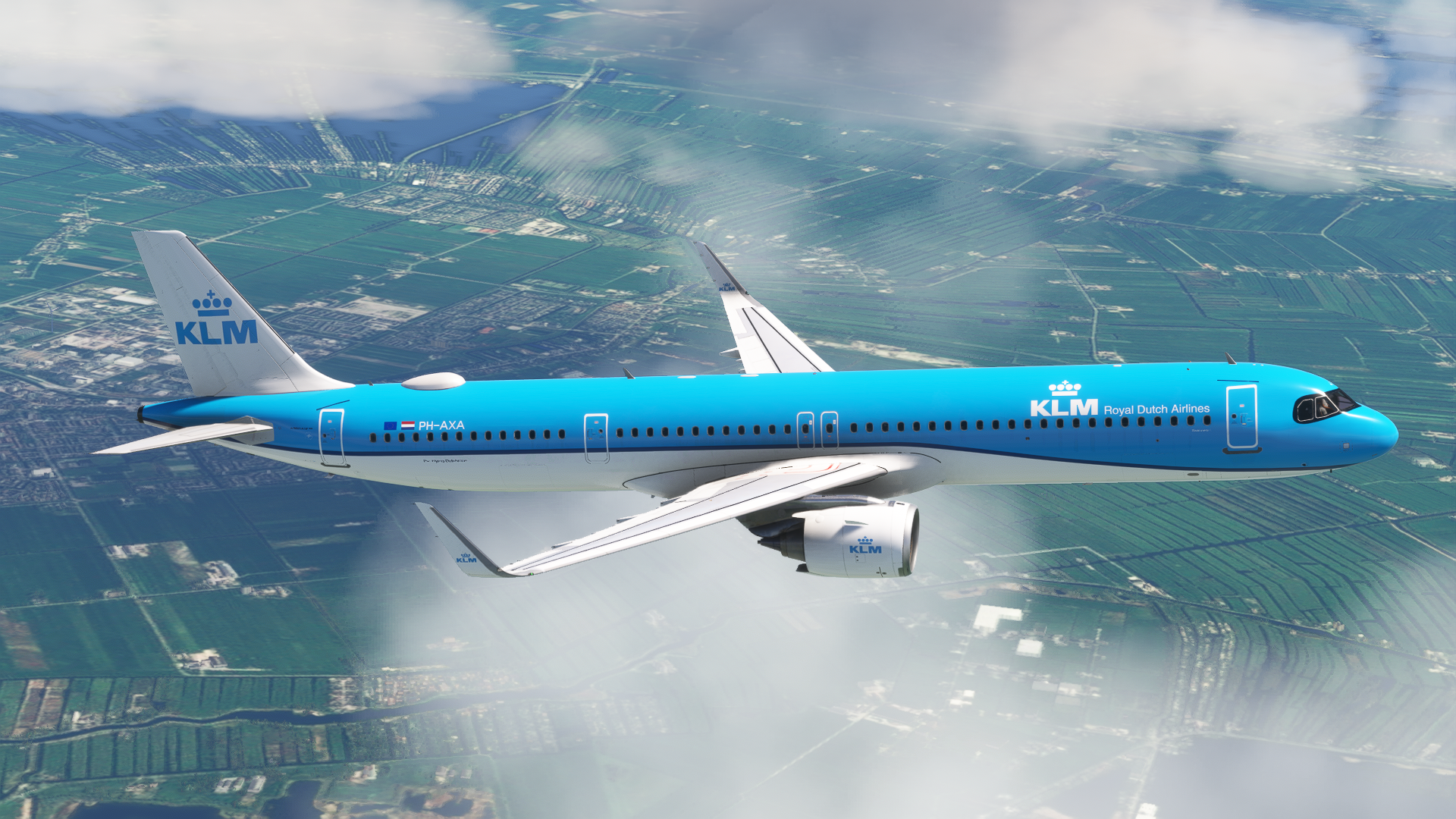
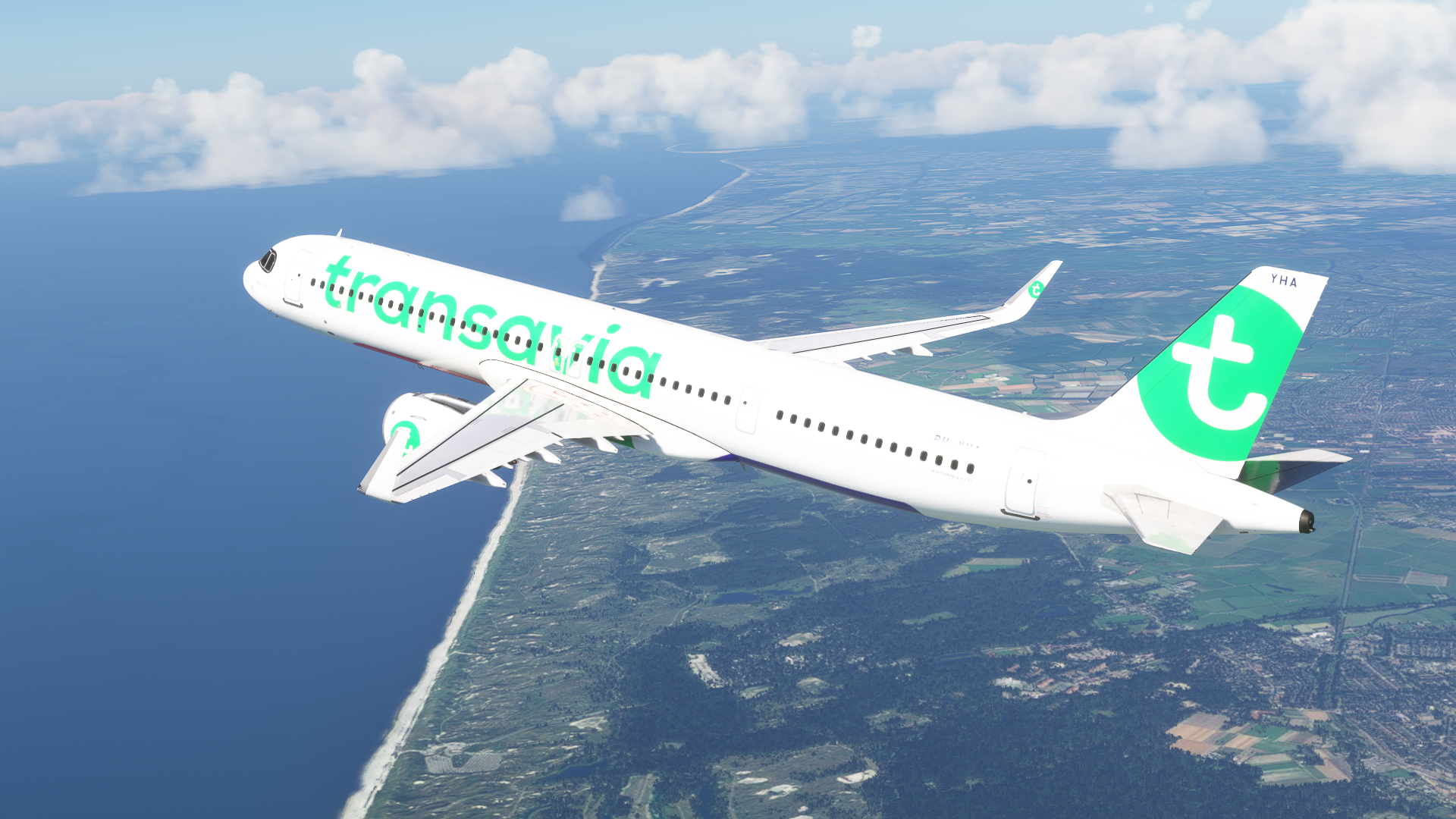
Flying the aircraft by hand is pleasant, and you can feel the load in the controls. You really need to be careful, though, as the A321 NEO is much longer than your standard A320. Being careful with the rotation is essential, so that you don’t tailstrike the aircraft. Precise corrections mid-air are also possible, making the A321 NEO feel yours when working with it. The Fly-By-Wire system has correct limitations and won’t allow you to do any weird stuff with the aircraft.
Returning to the ground, though, there is one thing I especially like about this plane, and that is the fact that you need to press the nosewheel tiller button to actually steer the aircraft on the ground using your rudder pedals. This allows for more realistic flight control behaviour. This is not only quite a realistic feature, but a useful one, too. When you disable nosewheel steering on the runway, using the rudder at high speeds during take-off roll will allow you to adjust the aircraft more precisely, without oversteering it due to the rudder axis being connected to both the nosewheel steering and the rudder, as it is with a number of other aircraft add-ons available.
Systems
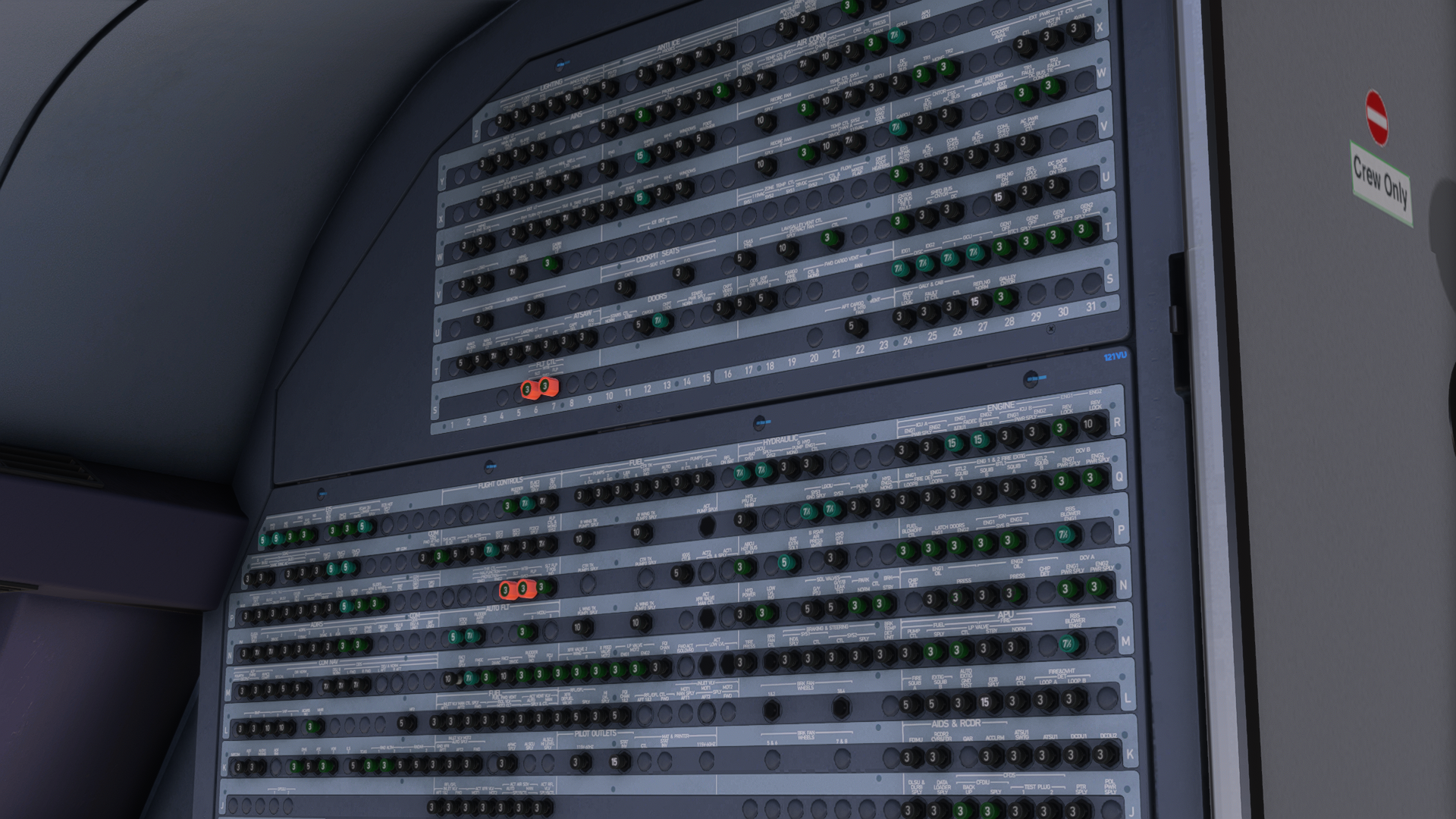
As one would expect from FSLabs, the systems are extensive, and the quality of them is wonderful. There is everything that you would expect from a study-level aircraft, including a precise autopilot and an MCDU that understands all the important logics. Circuit breakers are also simulated, and pulling individual circuit breakers will influence the aircraft’s behaviour.
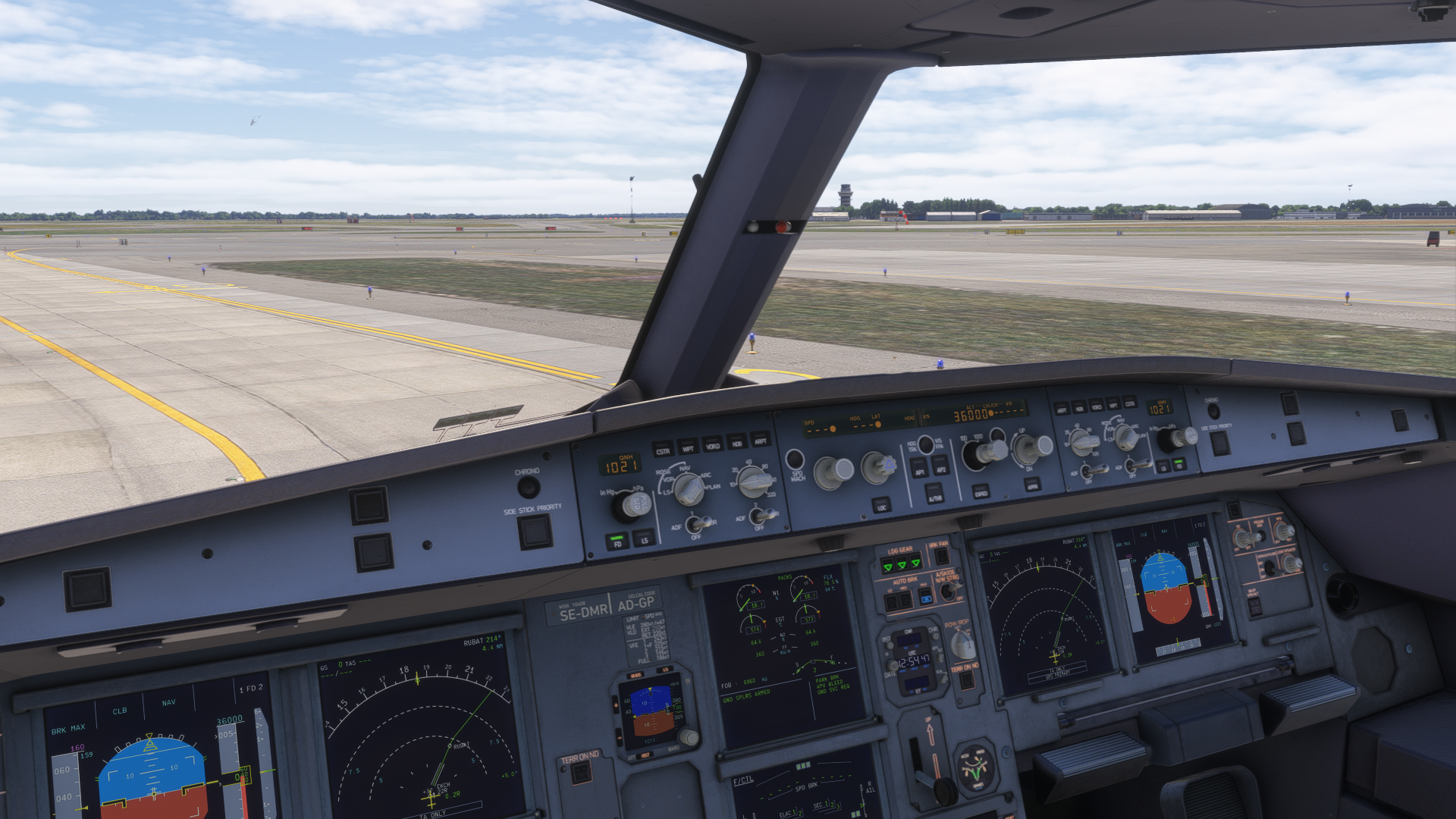
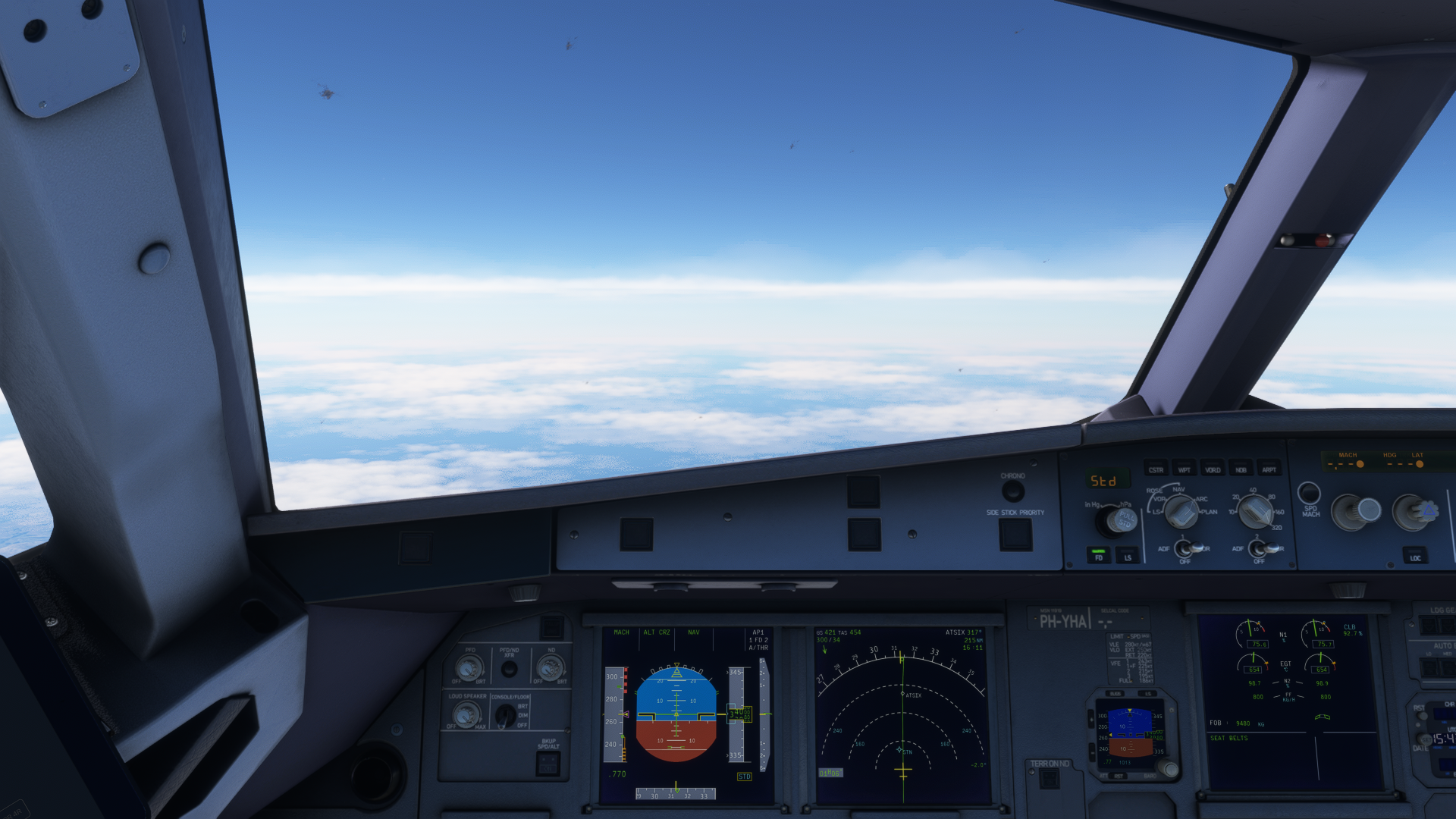
Let’s start with the autopilot. This one works really well and will guide you through your flight plan without any hassle. It won’t give you wonky calculations, and the autopilot is capable of working with an aircraft’s real-time state without any issues, adjusting everything on the go.
The integration of WINWING MCDU with the FSLabs A321 NEO is probably the best among all the Airbus aircraft available in the Microsoft Flight Simulator series. The MCDU is reactive, functioning without any delays, making the MCDU programming process much more seamless and fun.
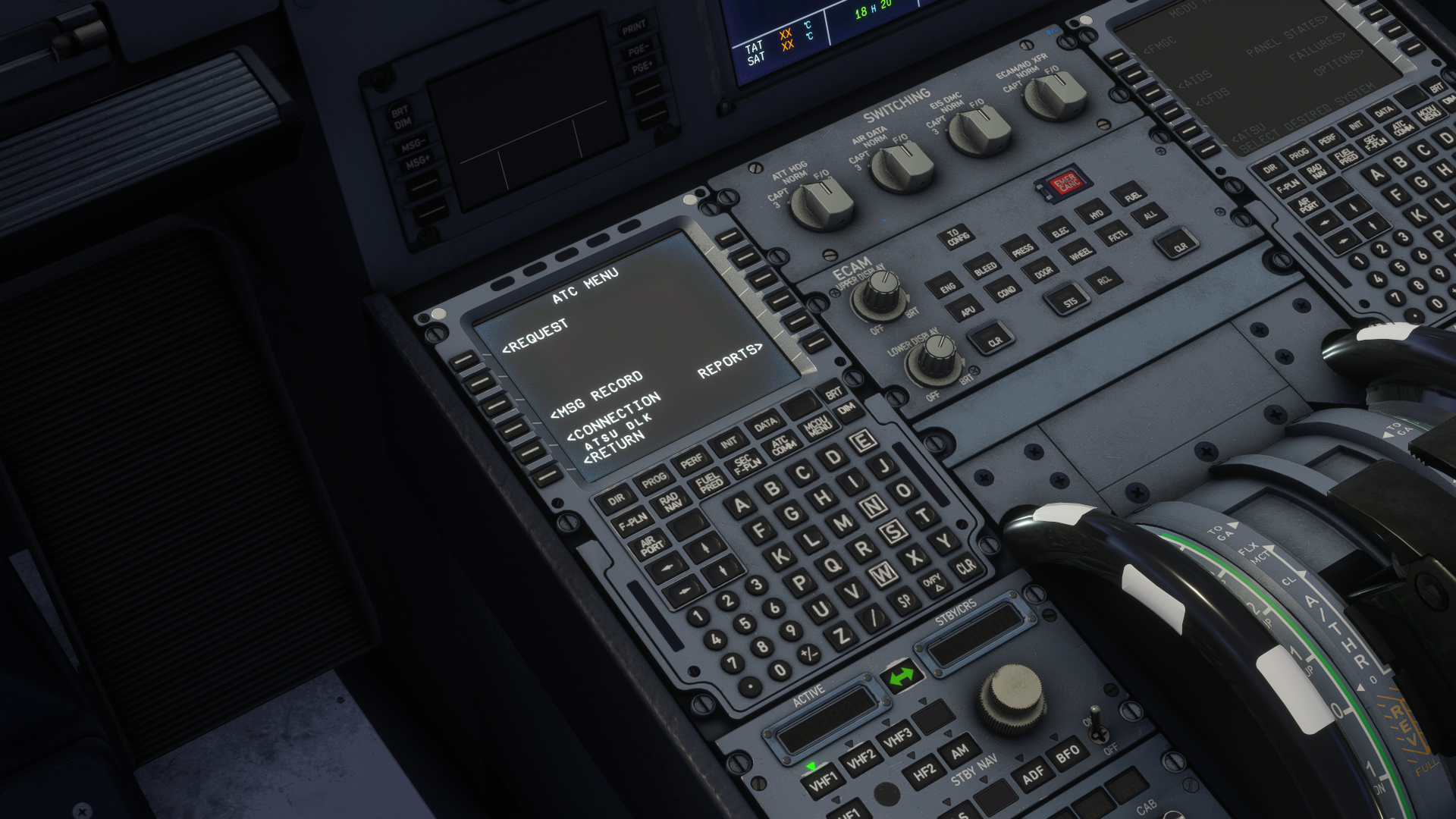
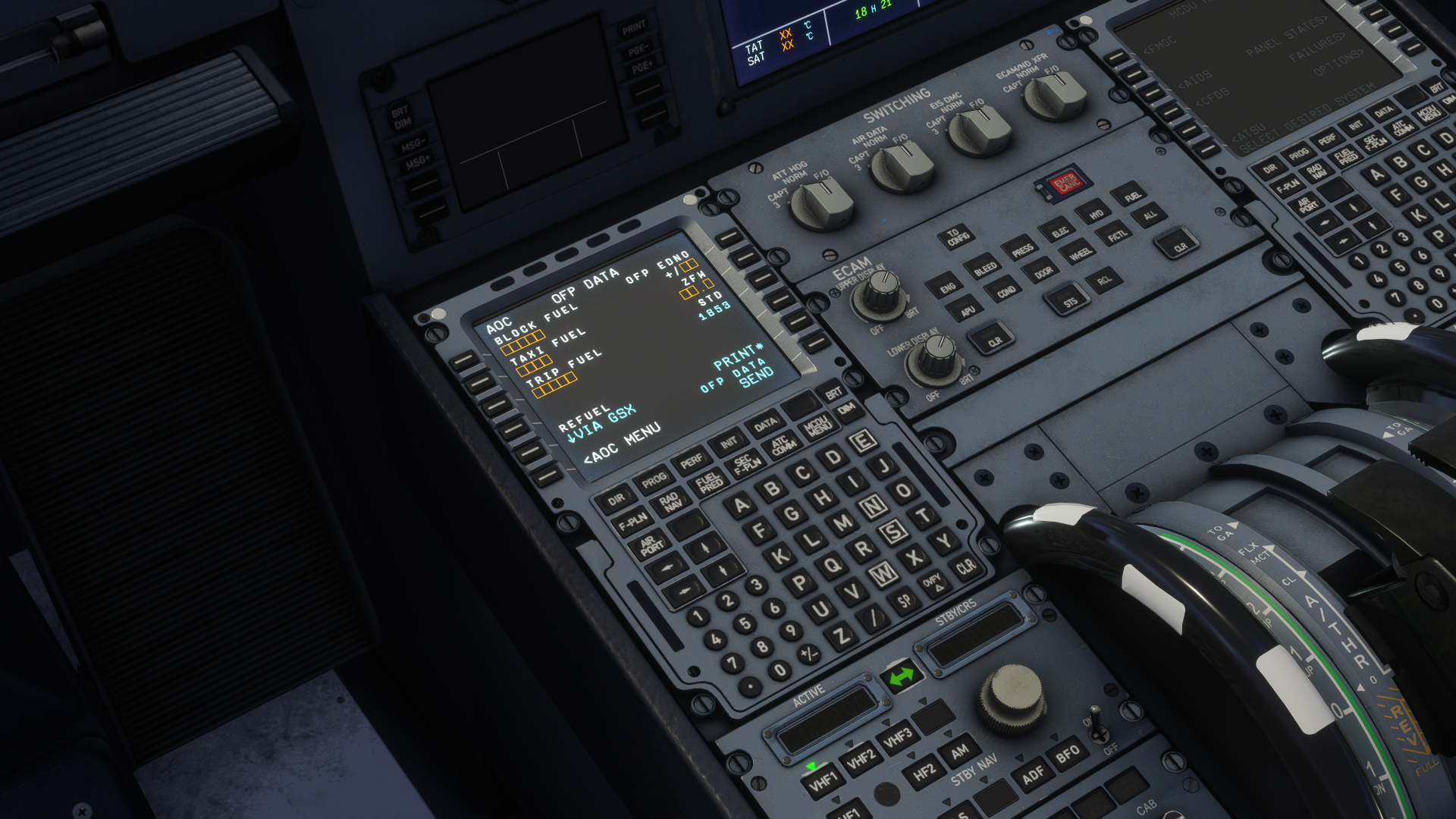
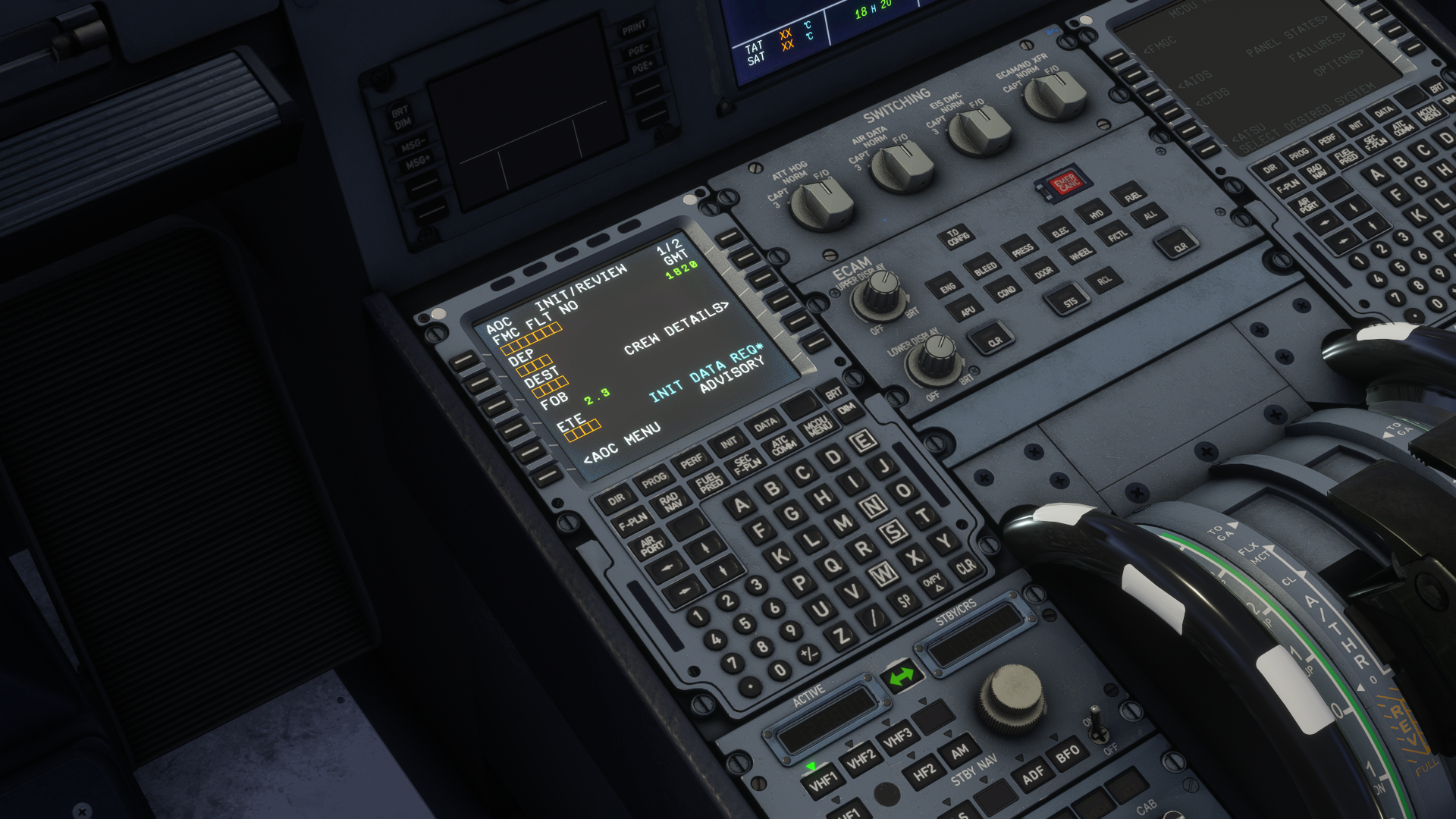
The MCDU is capable of secondary flight plan, holds, fixes and all of those things that you would expect from a study-level aircraft. There is also a fully functional CPDLC, which you can access through the ATC COMM menu. Through here, you can request aircraft loading, which will activate the GSX, and request ATIS or METARs of desired stations. Printing out all this information is possible through a physical printer.
The EFB
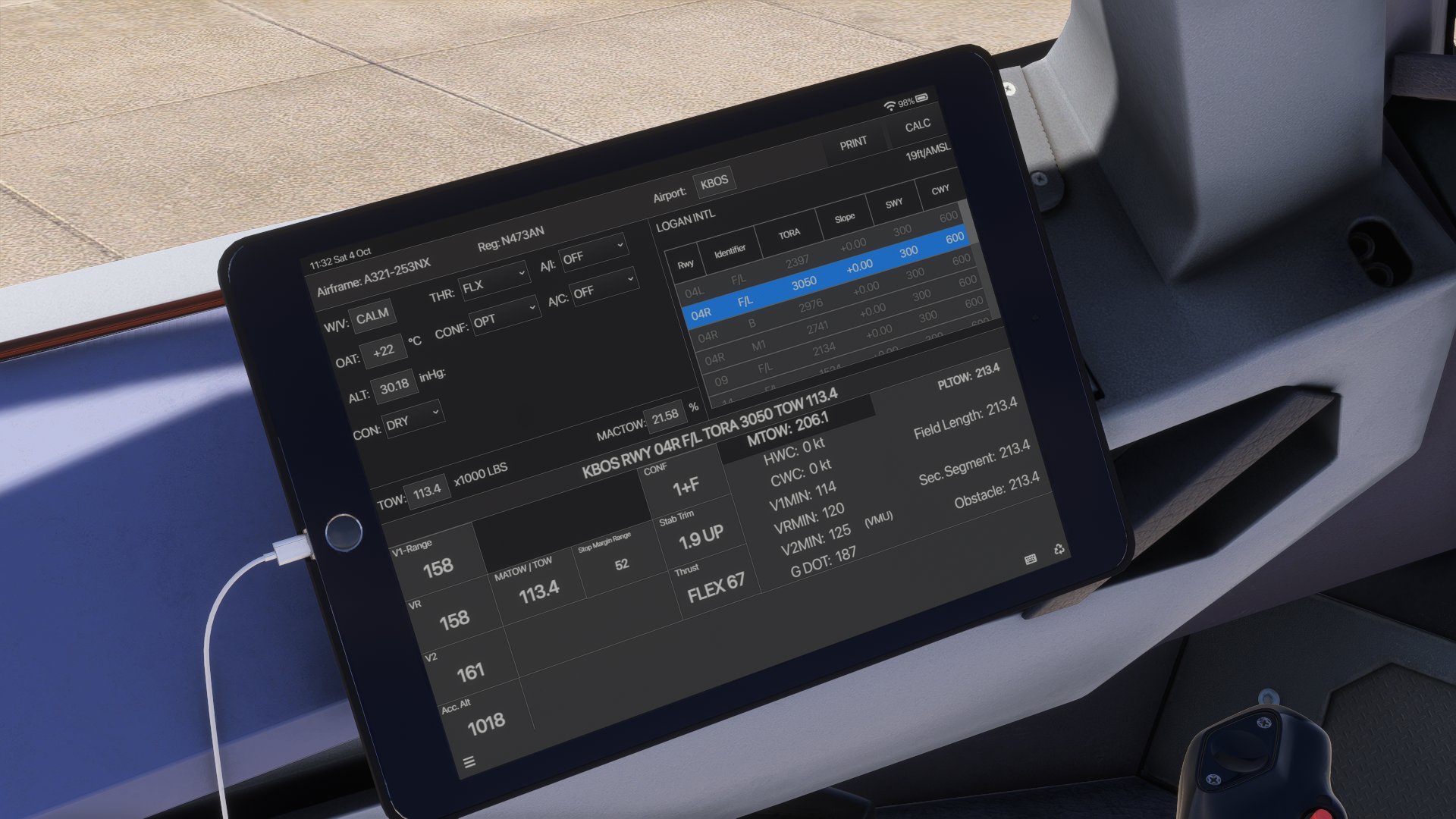
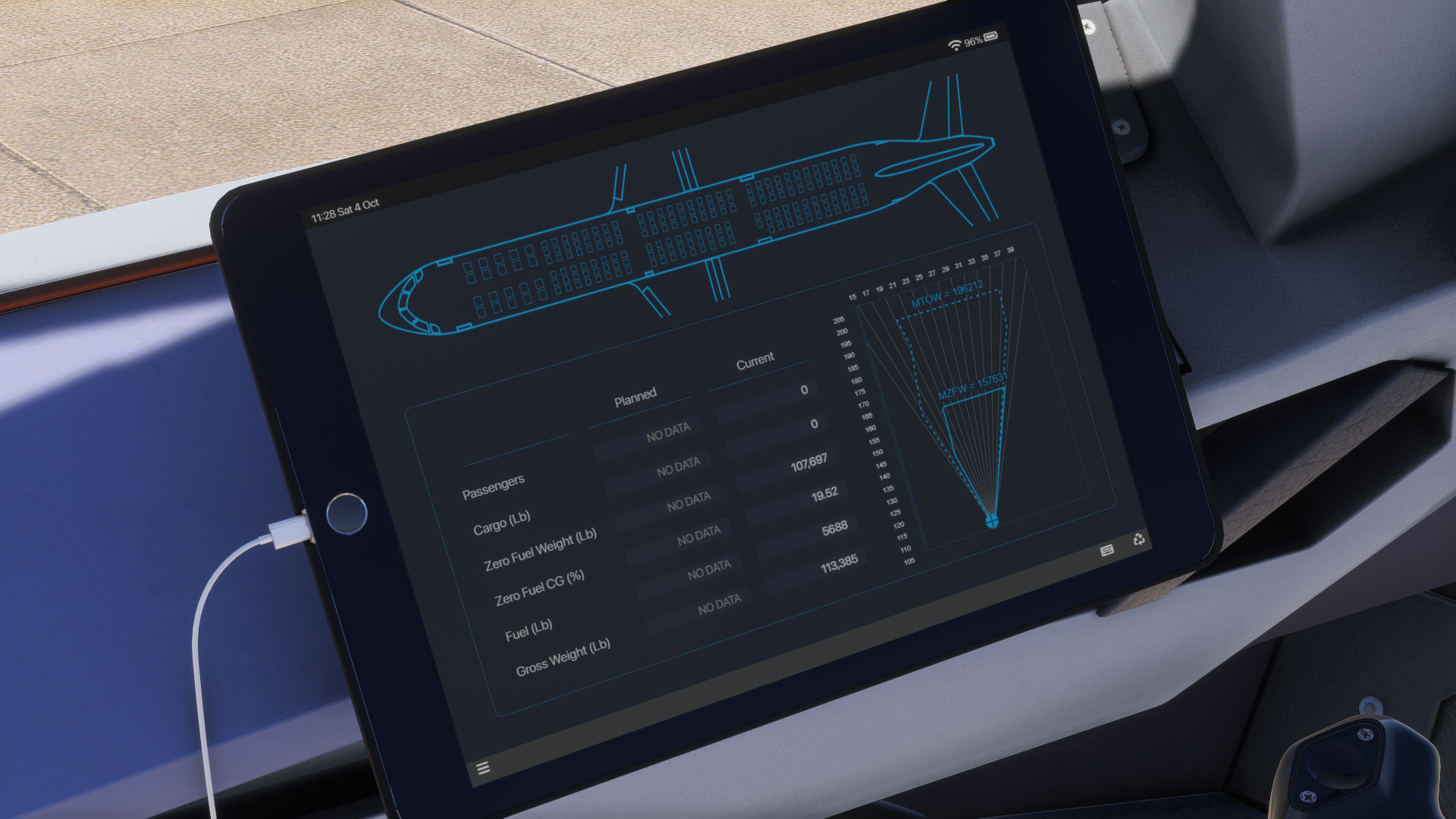
Through the EFB, you can do most things that you would expect, including performance calculations and fetching Simbrief data to get your flight plan information into one place. The EFB is an external HTML system that works inside the simulator. However, I felt that on my system, the responsiveness of the EFB was quite strange, and it felt sluggish. This influenced me to make some errors while working with it. It was not stressful, but could’ve been avoided entirely if the performance had been better.
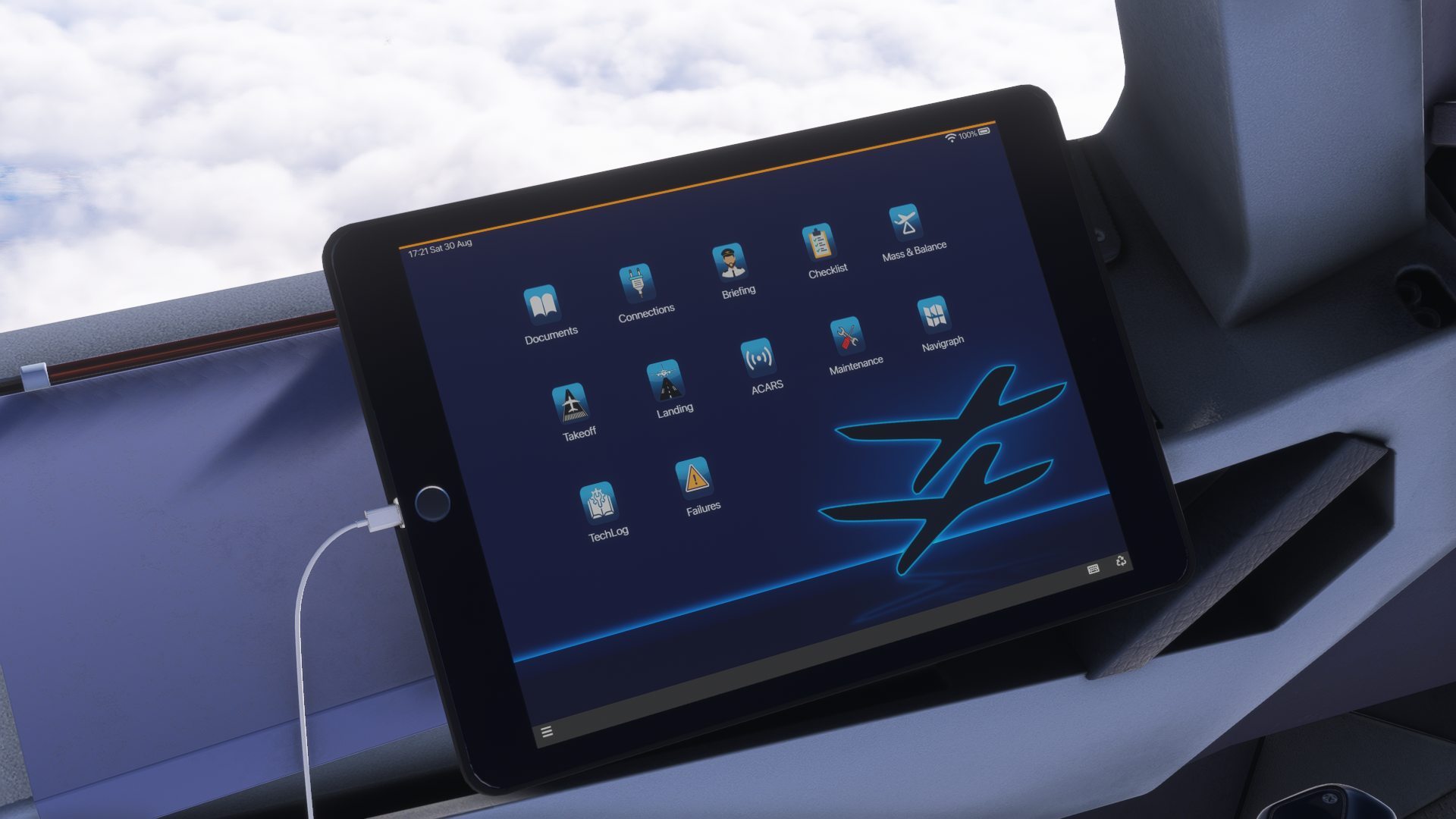
What I really liked about the EFB was the take-off performance tab, which gave me options to choose between different holding points to calculate my roll distance accurately, as well as various runway condition options. This has helped meticulously to have accurate performance at any airport, with any weight of the aircraft, and any condition, for that matter.
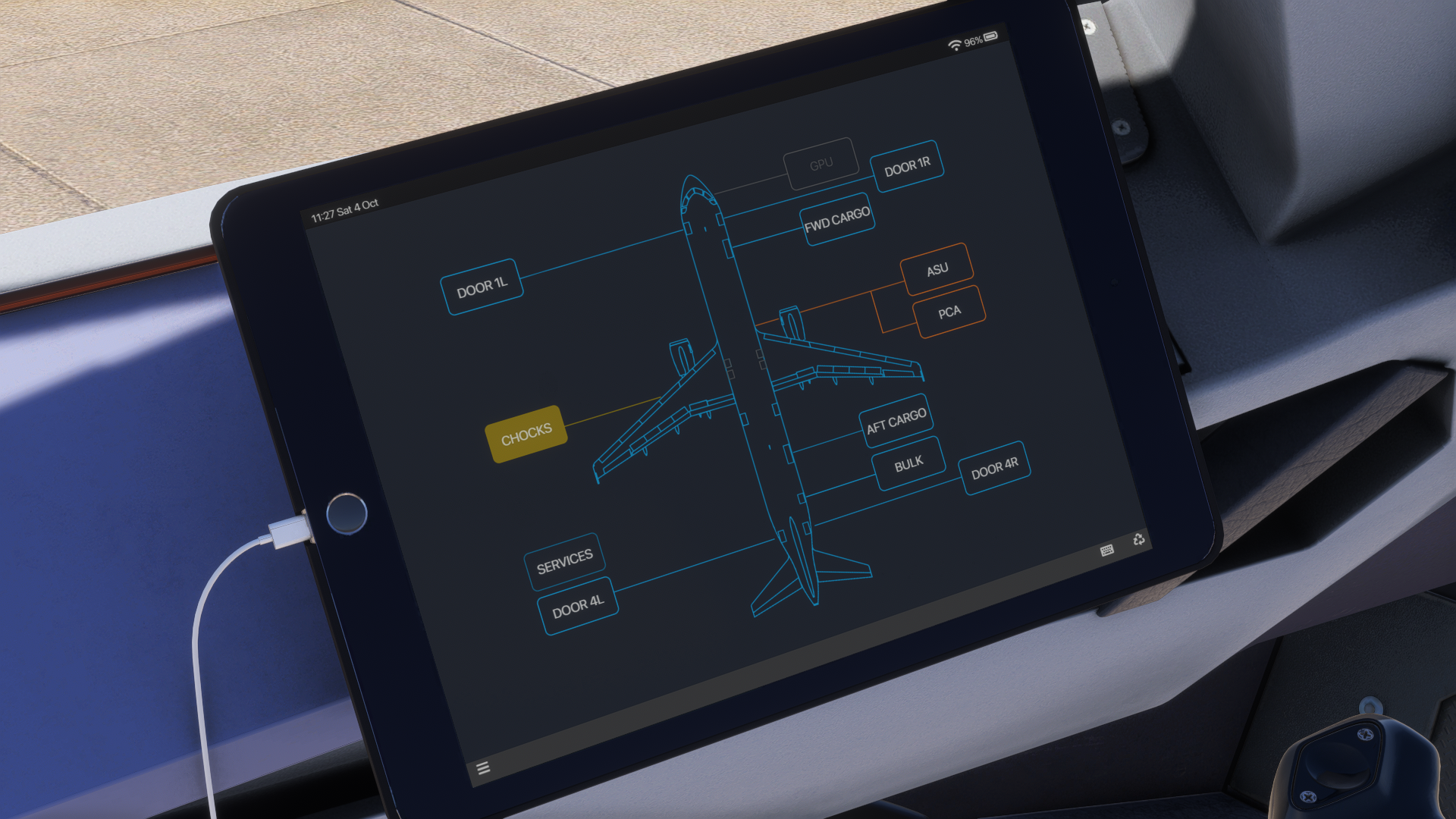
You can also mirror the EFB to your physical tablet, but for those who have a variable IP address, this might be a bit of a hassle, as the link will stop working anytime your IP changes. To prevent this, you need to lock your PC’s IP address locally. Having the tablet as a physical device is wonderful, as it is much more responsive as opposed to its simulator mirror.
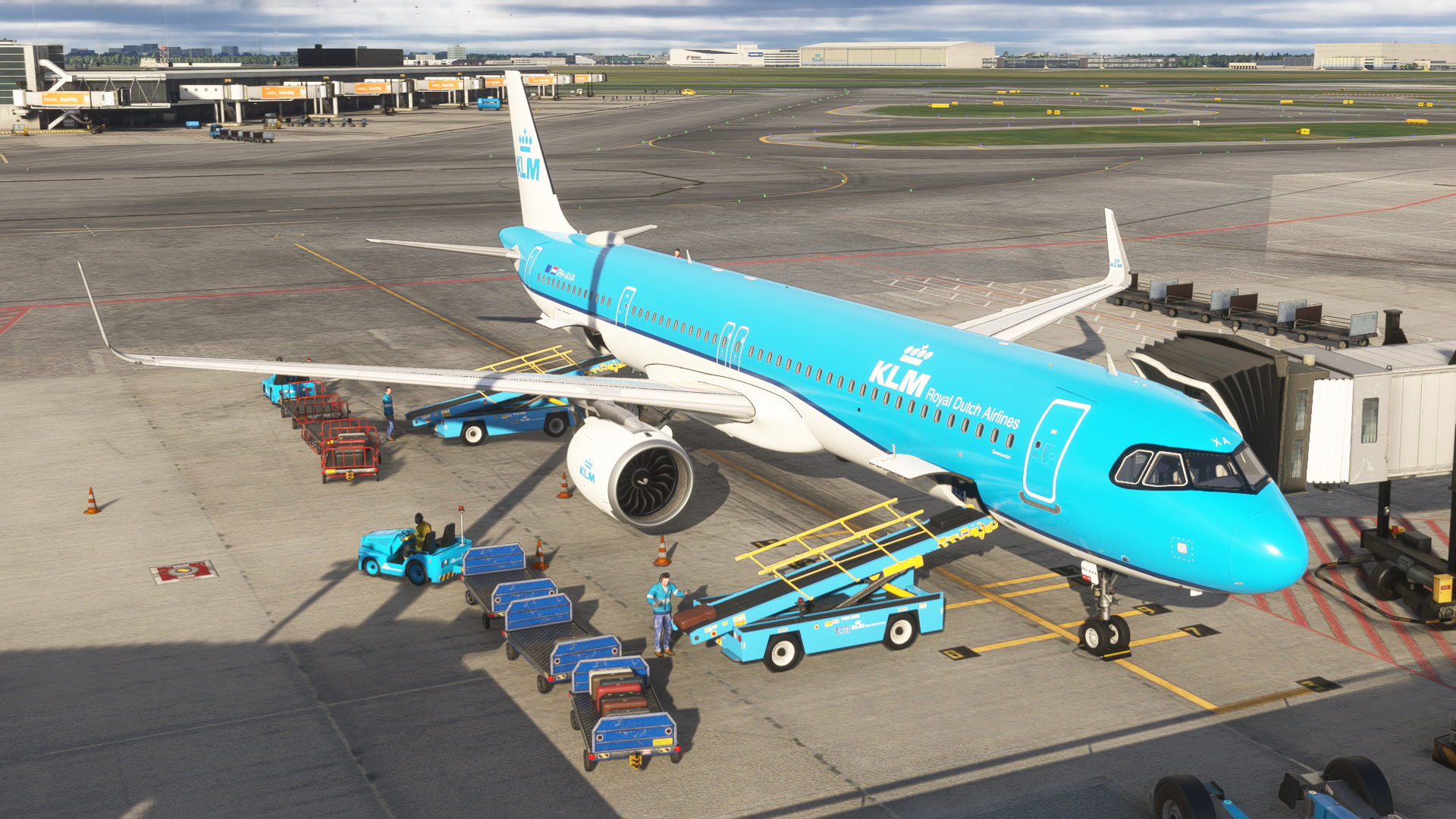
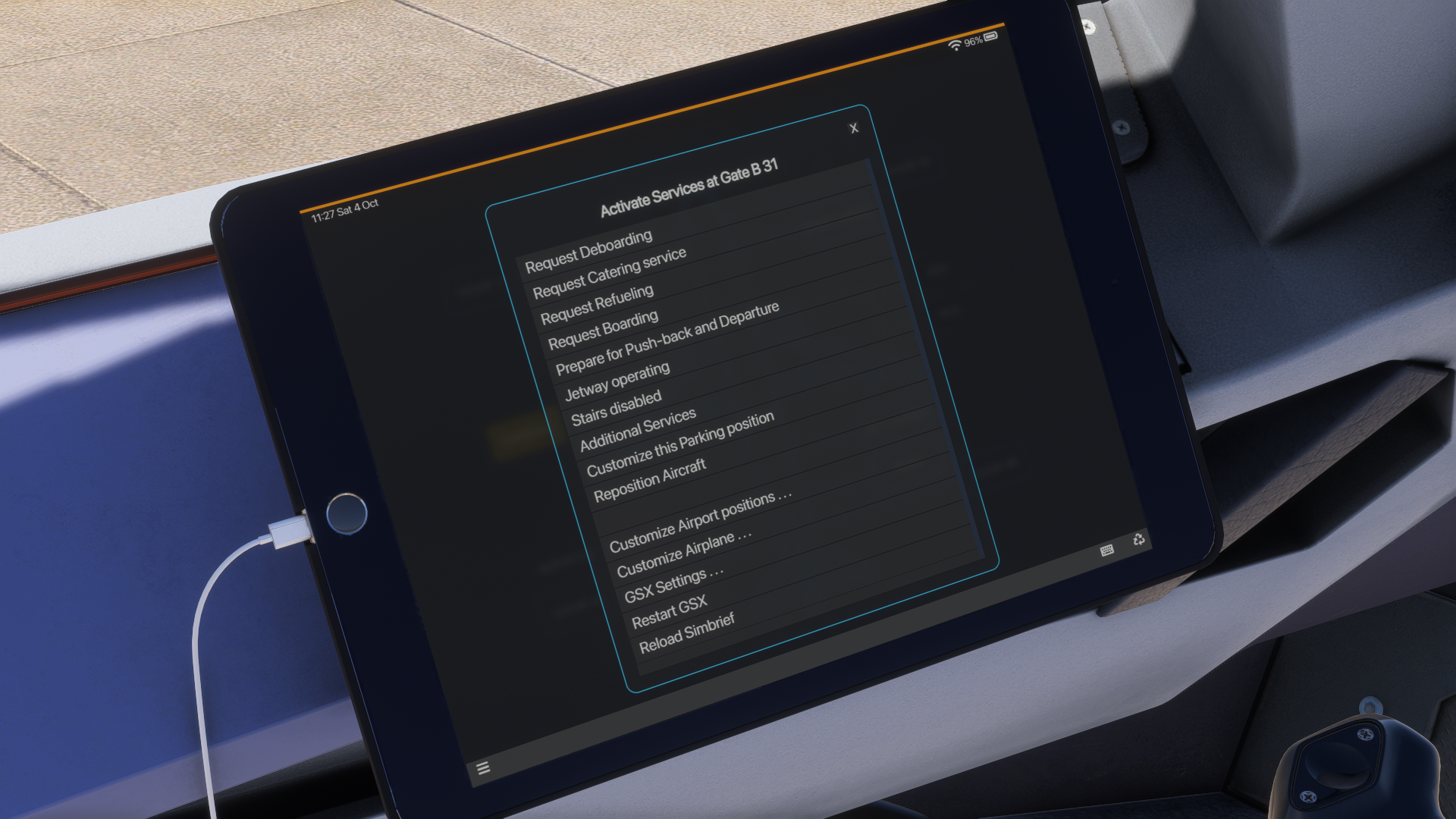
The sole thing that I had the most problems with in the EFB has to be the GSX integration. I definitely didn’t like that. It is much more difficult to operate GSX through the EFB link than it would be through the GSX menu. The bad responsiveness doesn’t help it either, and I found myself clicking through the GSX menu more than once to select my desired gate, for example.
Skidding off the taxiway was an expected situation when working with GSX, as I had to look at the EFB in detail, as the buttons are small, and when trying to look at the exterior and the EFB at the same time, loads of missclicks happened to me. I would honestly appreciate it if FSLabs gave us the option to use GSX through its dedicated menu and not through the EFB. This is, at the moment of writing this review, not possible.
Performance
The performance of this aircraft is a huge letdown due to the details of the systems. The whole aircraft runs on an external application, pushing heavy loads on the CPU and RAM. In neither simulator was the performance good enough, and I hope that this is going to change with further updates.
With my system, the aircraft is flyable. However, I should mention that I had to upgrade my RAM to 64 GB to actually fly the aircraft in MSFS 2024. At more demanding airports, the aircraft could eat as much as 48 gigabytes of RAM. That is with my standard applications running, such as Volanta, Active Sky and vPilot. Most add-ons consume around 14 GB of RAM, so that is more than a 240% increase in RAM usage compared to the competition. Fortunately, MSFS 2024’s frame generation has helped the performance, and the aircraft was flyable with 64 gigabytes of RAM without any issues.
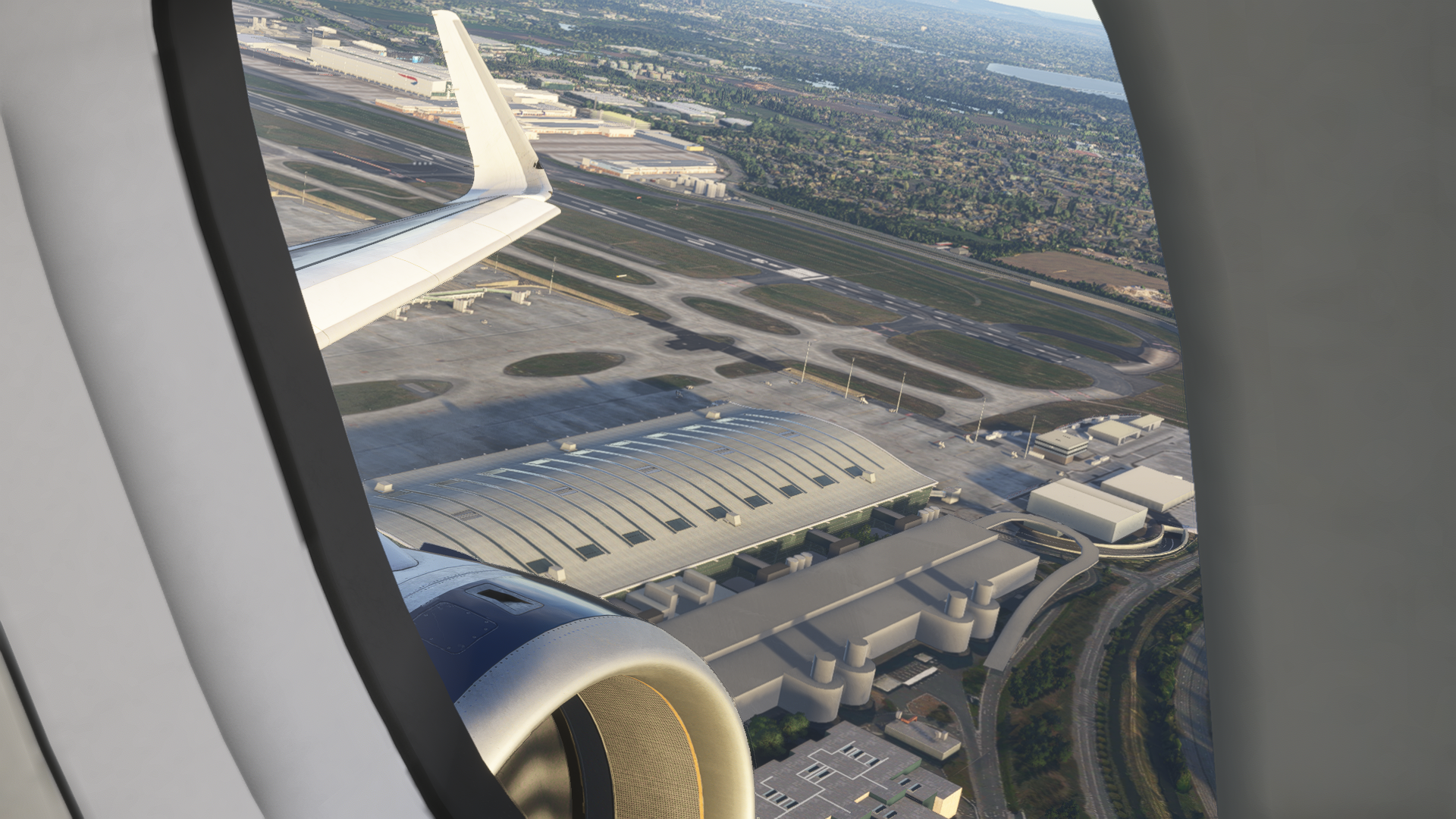
In Microsoft Flight Simulator, the performance has reflected somewhere else than eating 3/4 of my RAM sticks. Regardless of my RAM configuration, either 32 GB or 64 GB, the aircraft was sitting at 25 frames per second. This was due to a CPU bottleneck, as my graphics card was sitting at around 50% of usage whilst flying this aircraft. I should mention that testing the aircraft in MSFS 2024 in my standard environment always crashed the simulator when I had 32 GB of RAM. In the following image, you can also see for yourself how it affected the rendering; the simulator crashed right after.
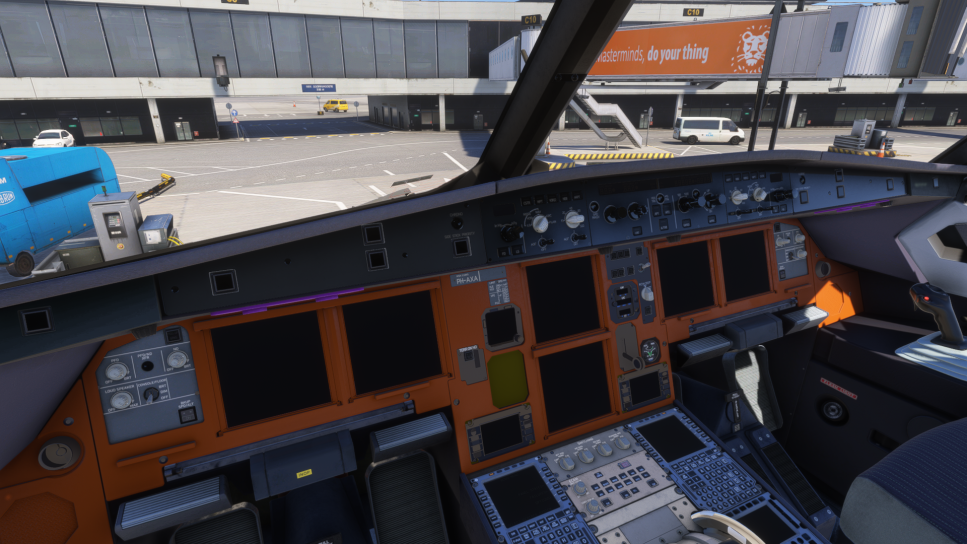
The plane is flyable on my system. However, to really have the best possible experience, you need a stronger computer compared to your standard gaming PC, especially if you aim to run the FSLabs A321 NEO in more demanding scenarios.
Differences in 2020 and 2024 Versions
As I started speaking about performance differences with FSLabs A321 NEO between MSFS 2020 and MSFS 2024, I would like to show some differences between the individual aircraft variants. Within Microsoft Flight Simulator 2024’s lighting environment, this aircraft looks a little bit better, and the frame generation has helped with performance. Thus, it was much easier to control the A321 NEO in MSFS 2024’s environment.
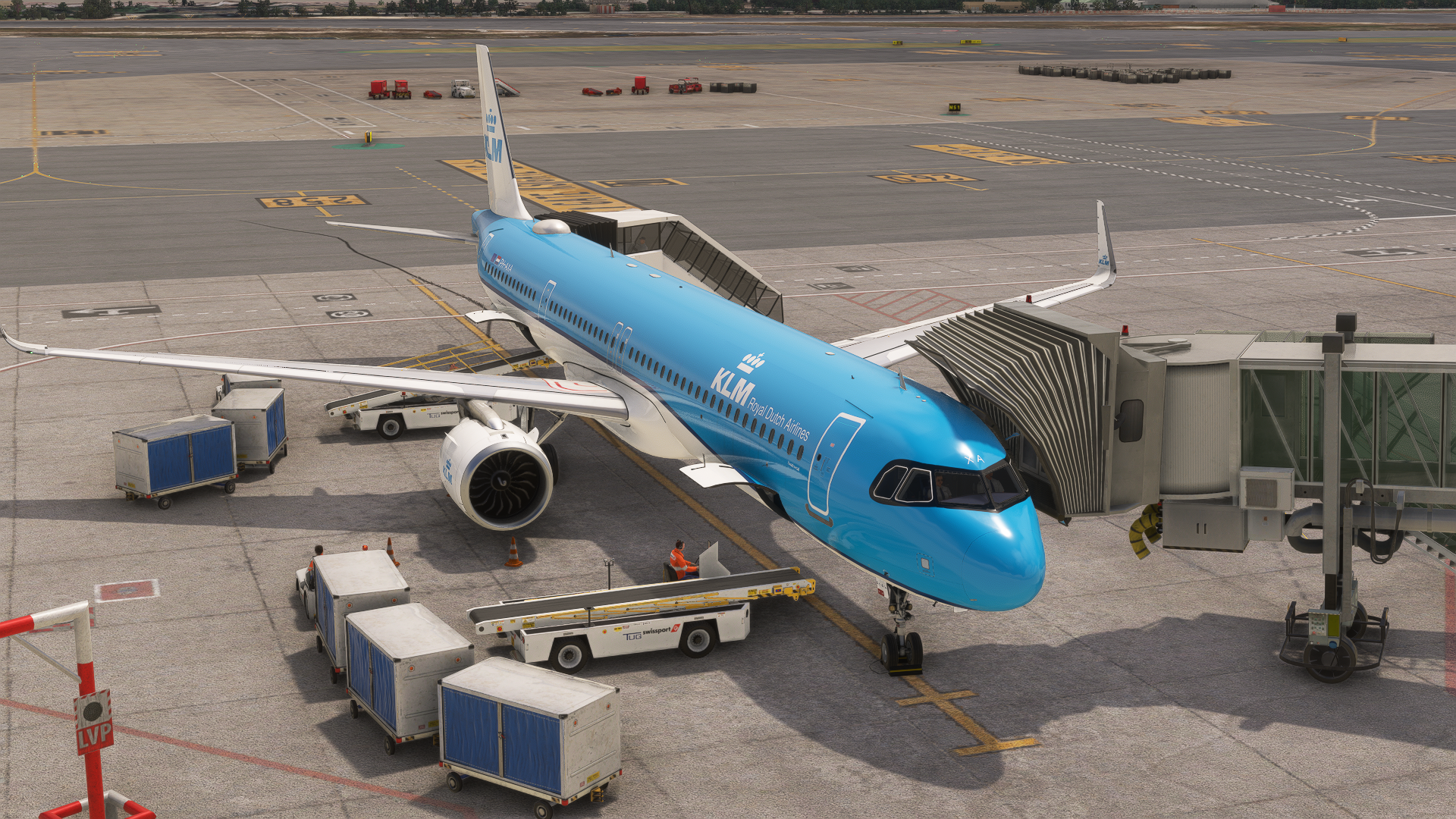
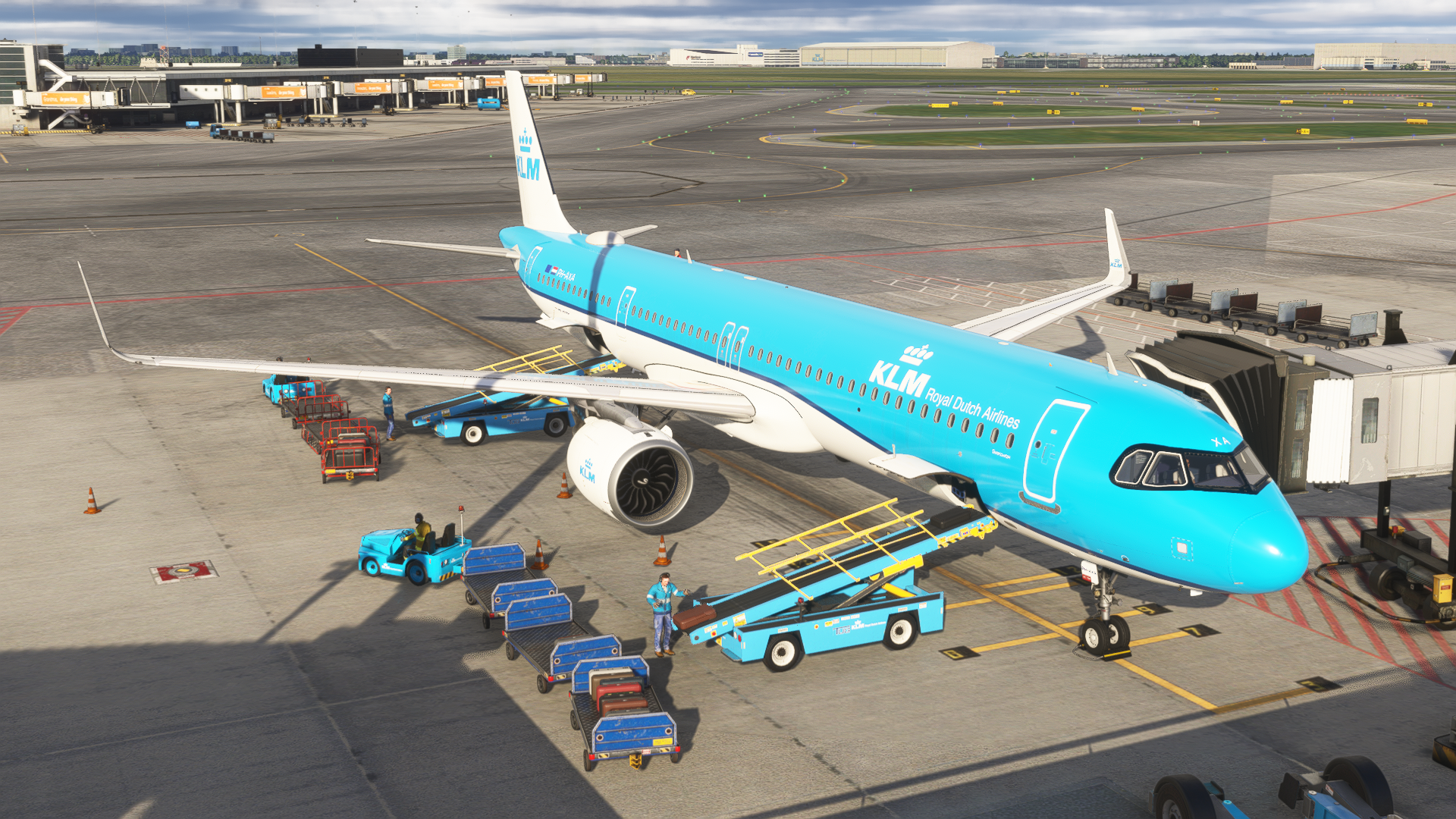
At the moment, the 2024 version of this aircraft is just a 2020 version of the aircraft made compatible with the new platform. This means that in the walk-around mode, it is currently impossible to click anything in the exterior. You can just walk around the aircraft and then jump into the cockpit, as there is not that much to do. However, a native version might be released in the future.
Closing Thoughts
I am going to give out a diplomatic answer, and that is that purchasing this aircraft is dependent on your desire. It is great, I enjoy it, and I personally have it among my most used aircraft in the simulator at the moment. However, it’s currently missing the other engine option. This locks out many opportunities to fly the A321 NEO with its largest operators, including Wizz Air.
It is a wonderful plane to fly on; however, it needs a bit of tuning when it comes to performance and interior 3D modelling. The exterior resembles the A321 NEO in its glory, but my expectations of a modern add-on were not met in regards to interior. Which is unfortunate, especially for its higher pricetag.
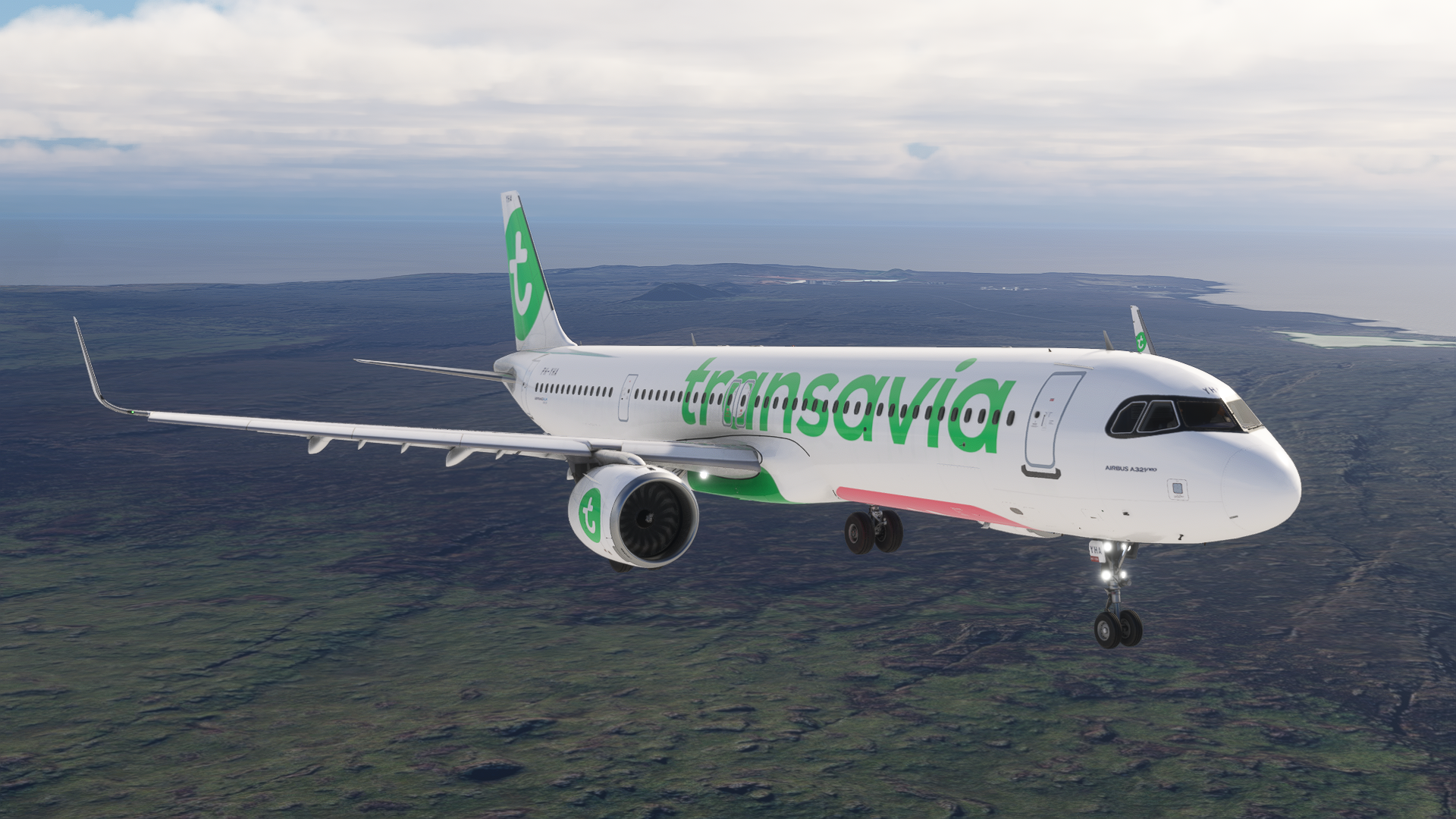
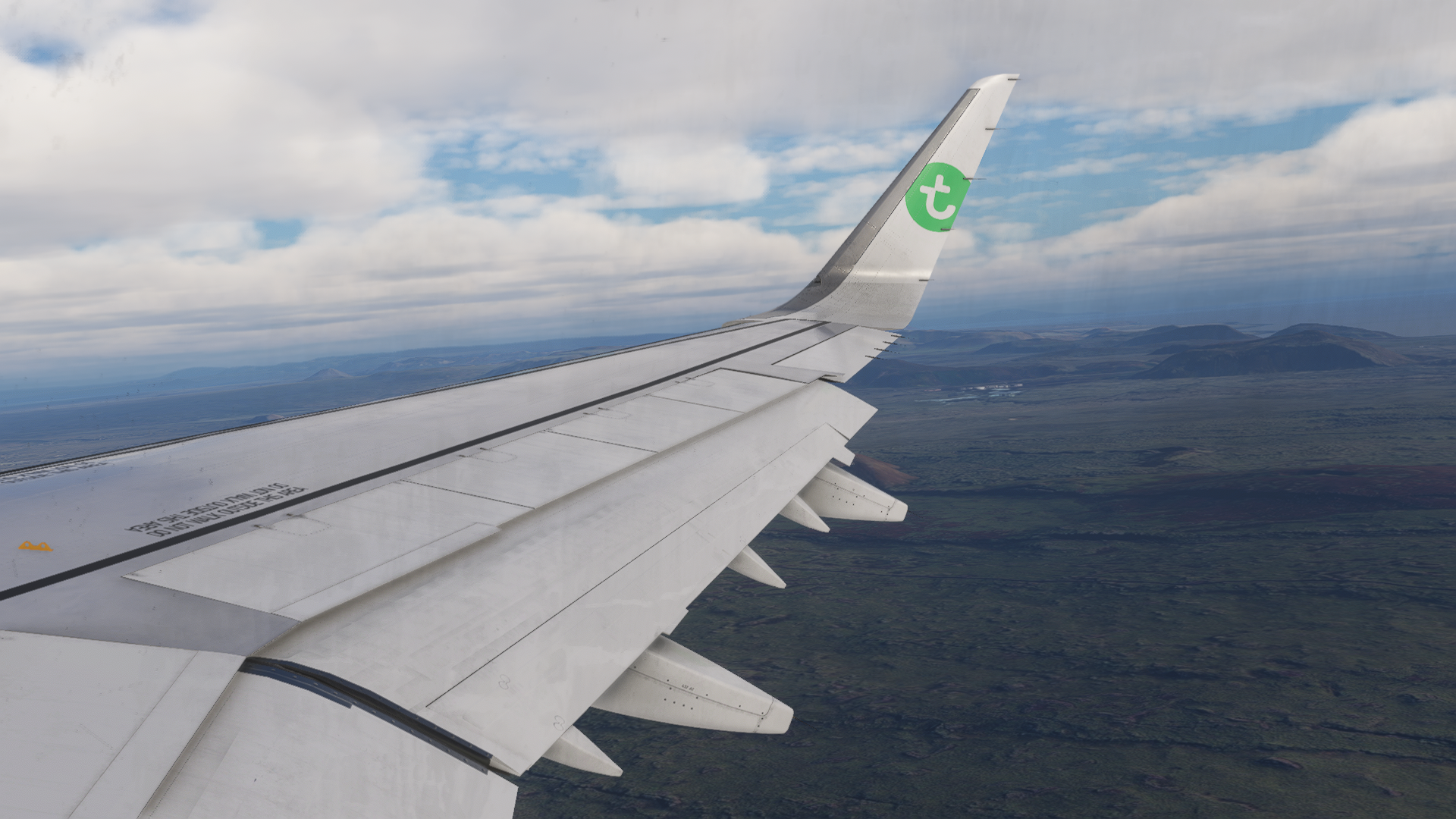
To test your piloting skills, the FSLabs A321 NEO is great fun, with all the options of failures and more difficult flight controls, reflecting real-life behaviour quite well. From my perspective, if you are bored of the competition, getting the FSLabs A321 NEO will bring you a bit more variety, which will be enhanced even further when the Pratt&Whitney engine variant comes out.
You can purchase the FSLabs A321 NEO through the FSLabs website for €62 without tax. To learn more about FSLabs and their work, check out our previous article, covering the release of this aircraft here.
Feel free to join our Discord server to share your feedback on the article, screenshots from your flights or just chat with the rest of the team and the community. Click here to join the server.