Bored of the standard PMDG 777 cockpit textures in Microsoft Flight Simulator? HUES, known for their liveries, has created a fresh set of textures for the cockpit of this long-haul plane. Are they worth your time?
This improvement package is focused on the cockpit, aiming to make the feel of it much more realistic. As many of you may know, I am a big fan of the PMDG 777-300ER, and the 777 in general. That’s why I am always excited to make my simulator experience of this plane much better. Recently, I stumbled upon this freeware add-on for the PMDG 777 series, which promises to improve textures in the cockpit.
Frankly, from the start, the cockpit textures in the PMDG 777-300ER are already good enough. So one would ask whether it’s worth it to upgrade them or not. Still, HUES has released a free add-on for this aircraft, so there is no point in not testing it out.
Installation
The installation was quite straightforward. You need to just download a file which suits you the best. There are two, either for Microsoft Flight Simulator 2020 or 2024. You will, obviously, download the one for your simulator. Then, unzip the file and drop the folders into your simulator community folder. Once that’s done, start your simulator and enjoy your new cockpit textures.
Still the Same Cockpit, But Better
This freeware package is only focused on the textures. HUES promises a detailed visual overhaul of the cockpit textures, with reworked PBR materials and improved lighting, as well as reflections. After successful installation, I finally managed to notice the difference.
The textures are more pronounced when it comes to the surface graininess and resolution. It is noticeable on the glareshield, where the grain of the texture is very detailed, with some scratches around, and a bit of greasy reflection on the top. With this, I can theoretically imagine what touching the 777 glareshield would feel like, if that’s your thing.
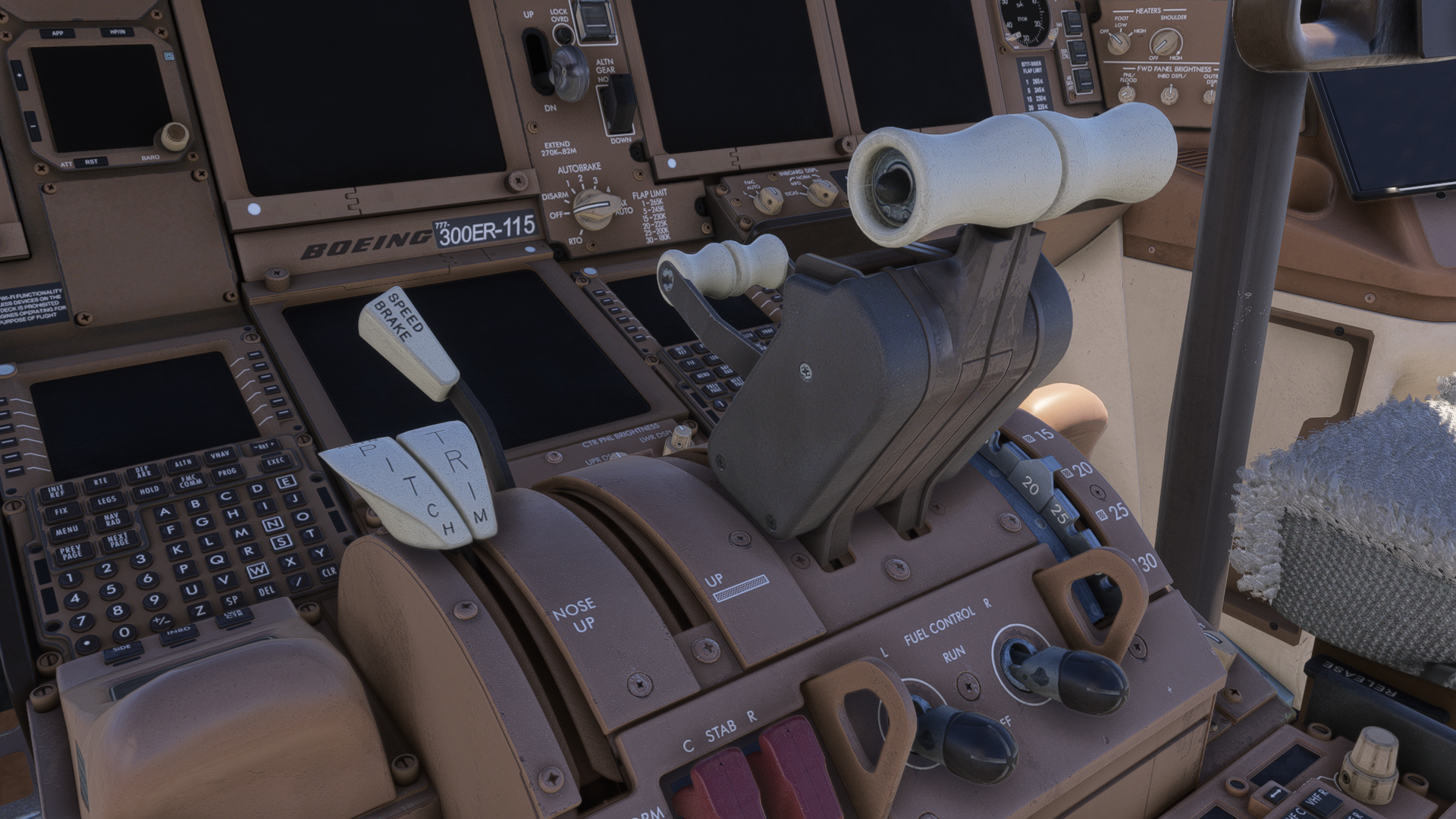
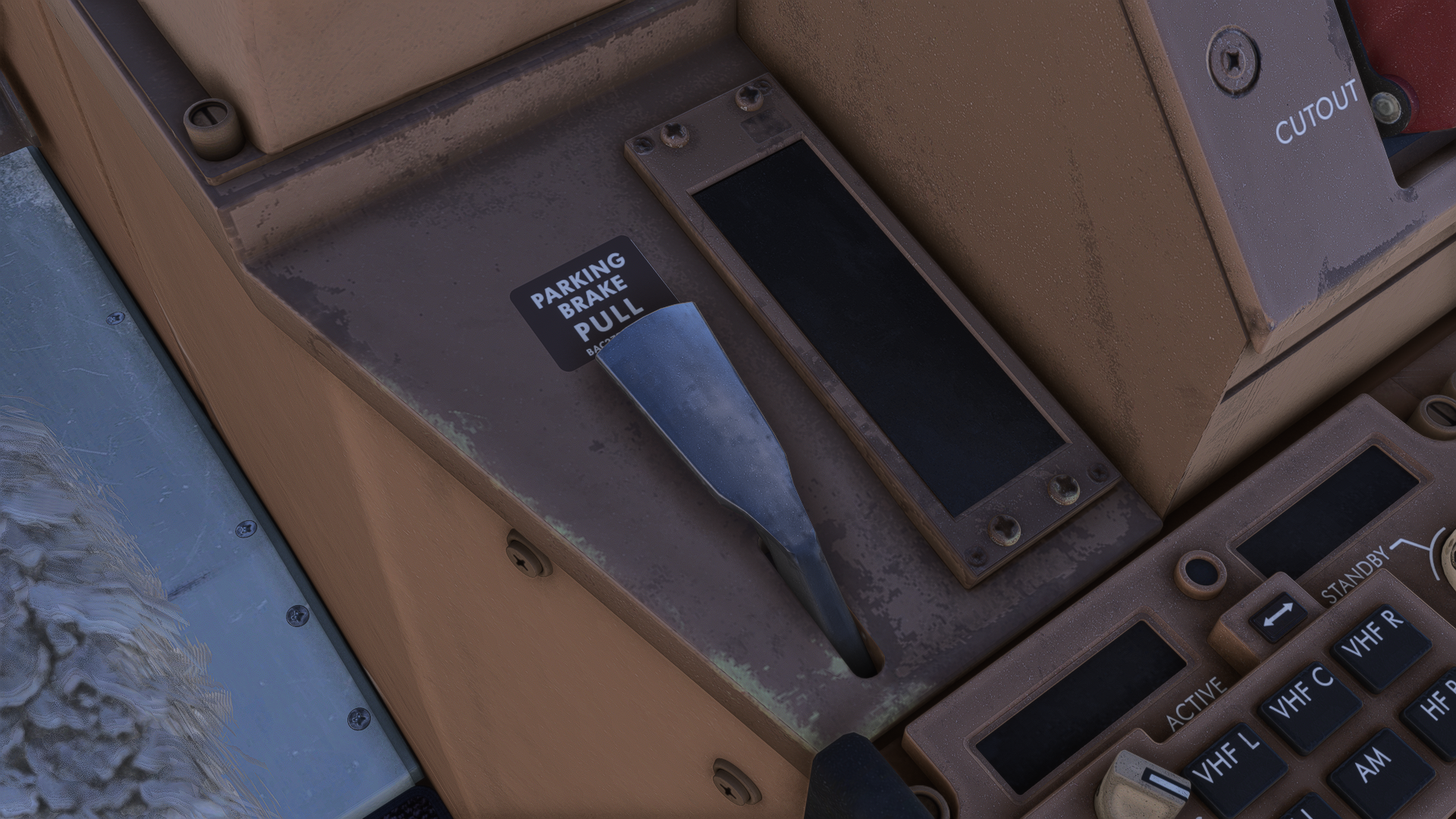
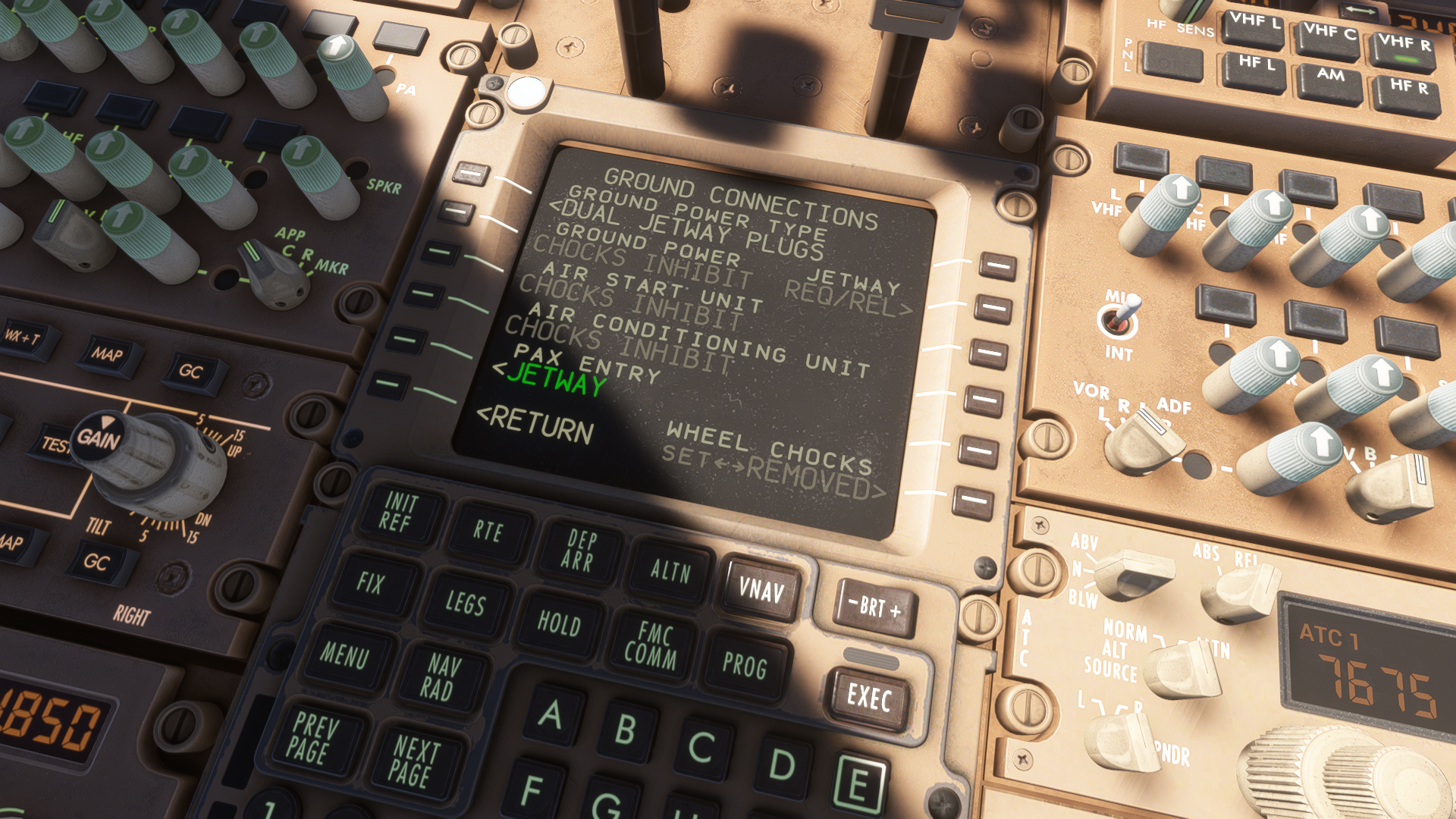
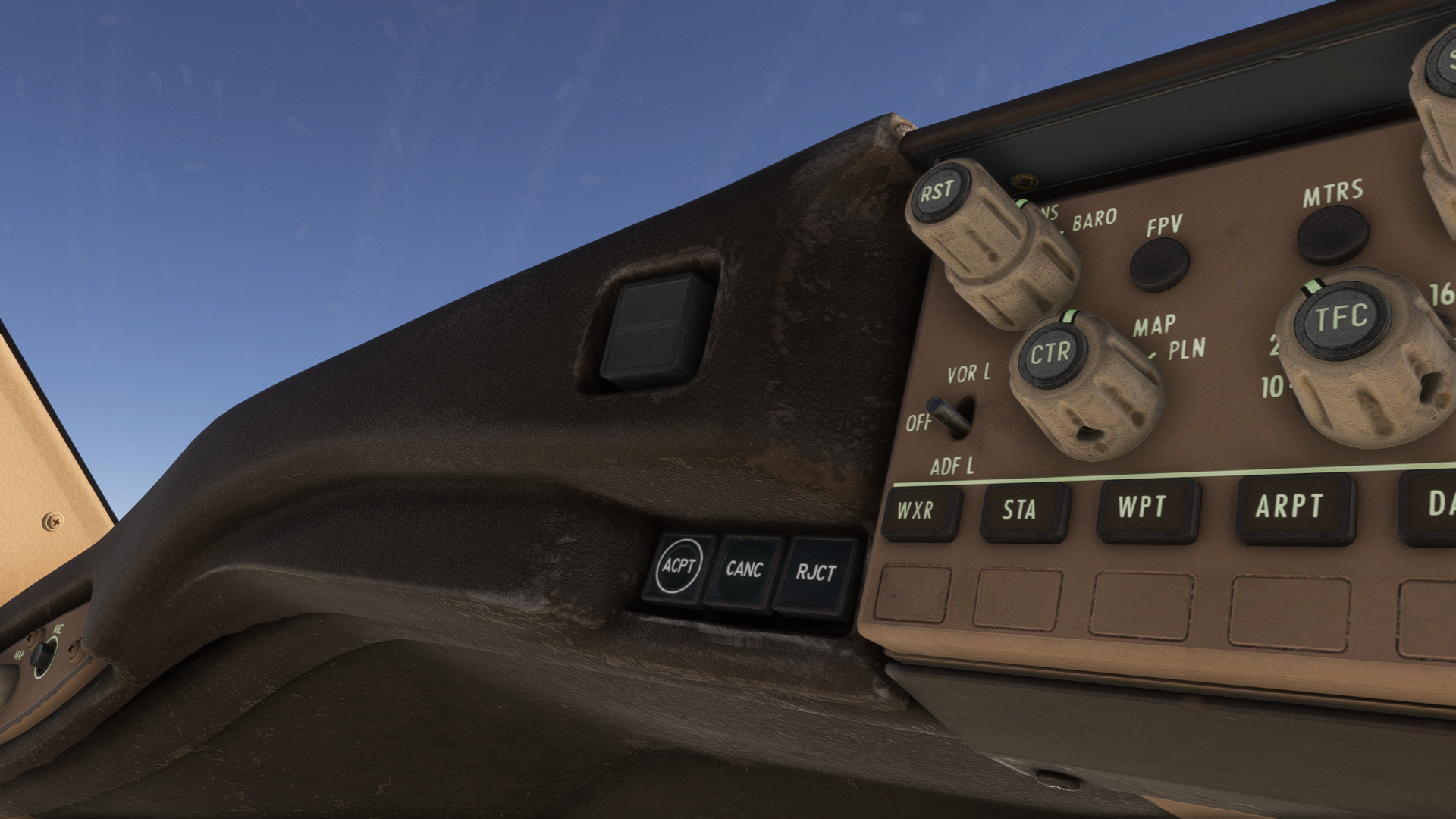
Moving over to other parts of the cockpit, such as the centre pedestal, the MCP panel or the main panel, the grain of the texture has also changed here. On the MCP panel, we can see that around the autopilot knobs, there are noticeable patches of wear from moving around the knobs. Sharp edges have their paint chipped, enhancing the feel that the aircraft has been used in service for many years.
The HUES team speaks of the improved reflections fondly. However, I couldn’t spot that much of a difference on the displays. There are scratches and a bit of dust on the displays, sure. However, I am uncertain whether it has changed the reflection behaviour that much. For the developer’s defence, it has been mentioned that the reflection has been tuned down a little bit, as it was oversaturated and did not behave realistically. Displays thus include a bit of dust on the top, which reflects when the sun, or any other light source, hits it.
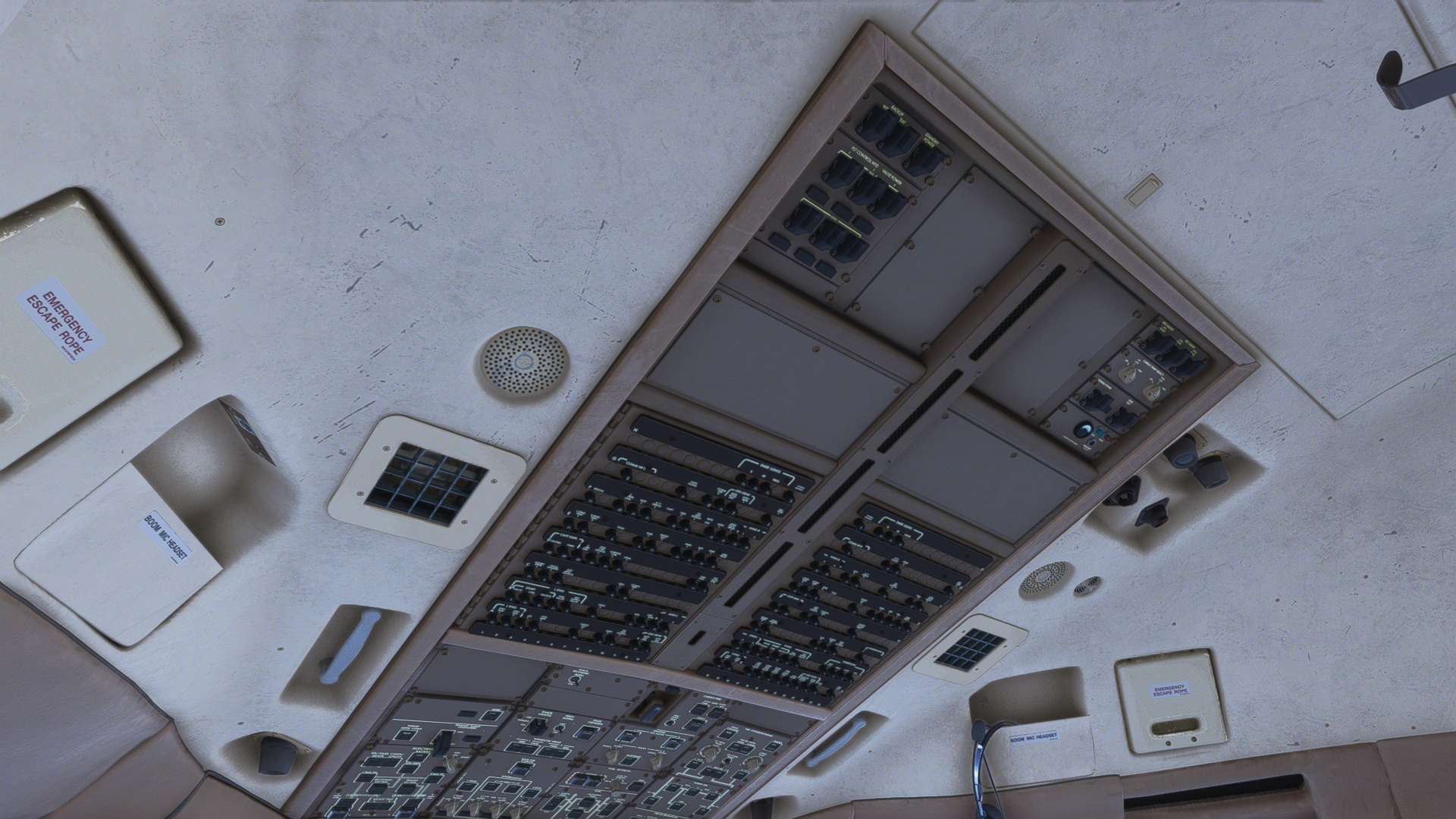
The overhead panel has a slightly different colouring, and the roof is more scratched and dirty than the default textures. Speaking of the pilot seats, those have a sharper texture, too, and the “fluff” is a little bit more pronounced.
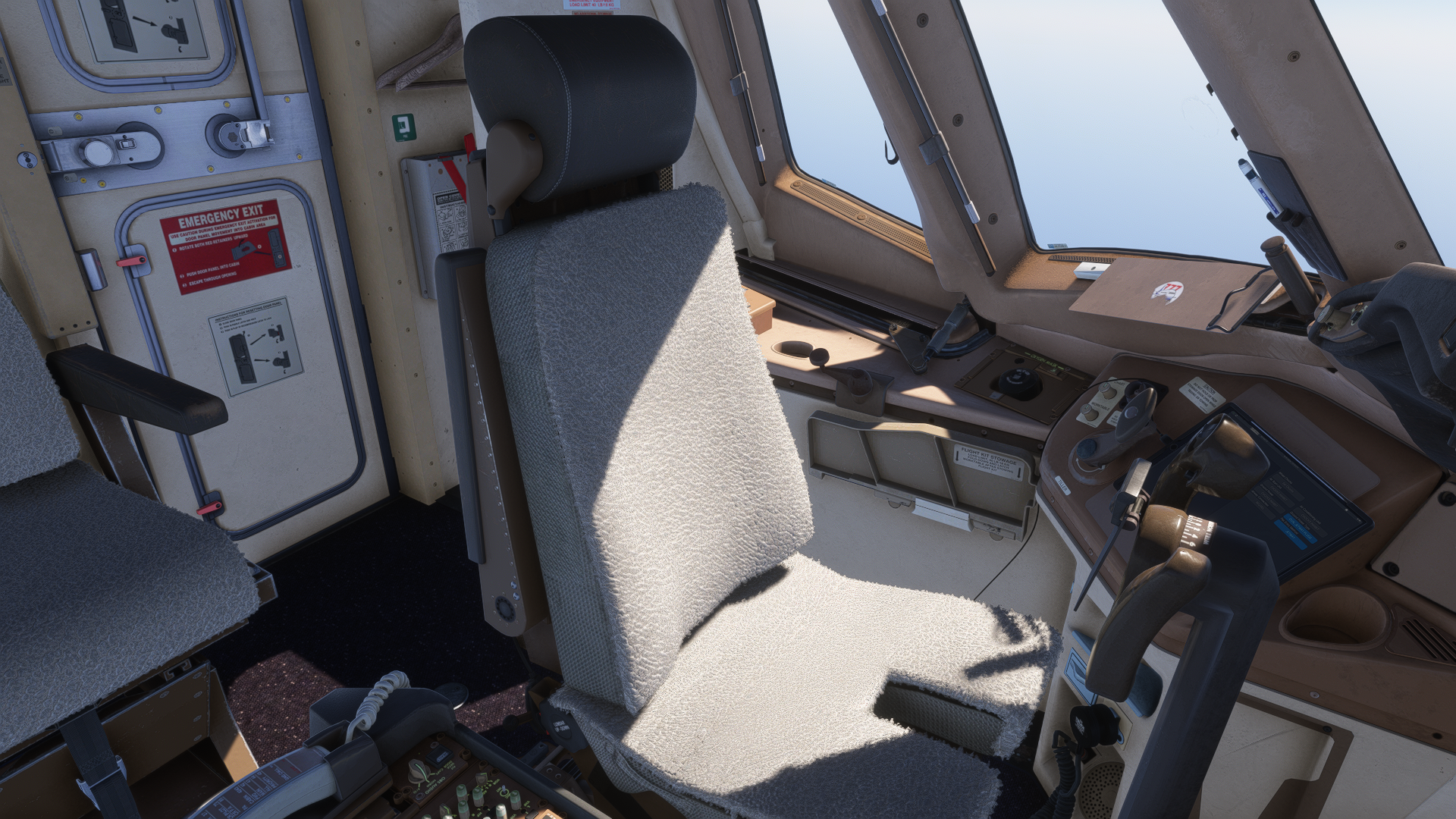
Now onto the performance. 777 Cockpit Revision by HUES is an add-on that immediately promises an overhaul in the PBR and in texture resolution. Naturally, some performance hit has been expected. However, you may expect an uninterrupted experience, with performance being the same as with default textures.
Usually, those texture add-ons lower performance, because developers just increase the resolution. HUES has really done a good job optimising these textures for the best possible experience. Another bonus is that the textures are universal and will work with any version of the 777, and not just the -300ER.
Overall, if you are a 777 lover, using these textures will entertain you for a good while, and you will be happy with how the cockpit suddenly looks. The performance is great, the textures are wonderful, and the reflections are a cherry on top. You can download the texture set through Flightsim.to, completely free of charge.
Feel free to join our Discord server to share your feedback on the article, screenshots from your flights or just chat with the rest of the team and the community. Click here to join the server.