Two weeks ago, the developer iniBuilds released update 1.1.0 for their A350 Airliner for Microsoft Flight Simulator. This update brought many changes, and the ULR variant of the A350 to the simulator. This Friday, the developer has made further improvements to this long-haul aircraft.
The update 1.1.1 focuses not only on bugs that appeared with the previous versions, but also adds a HUD to the aircraft. This new feature, called “Collimated HUD”, delivers accurate projections of the aircraft systems in front of you. This feature can be optionally turned on via the OIS equipment page.
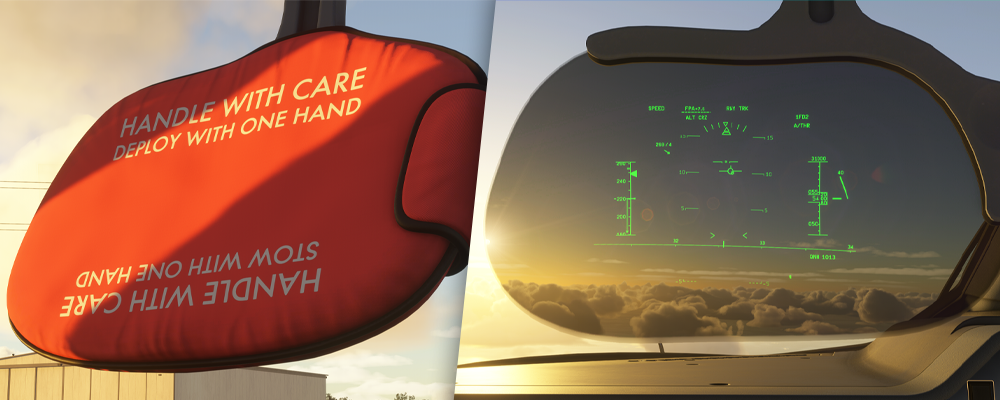
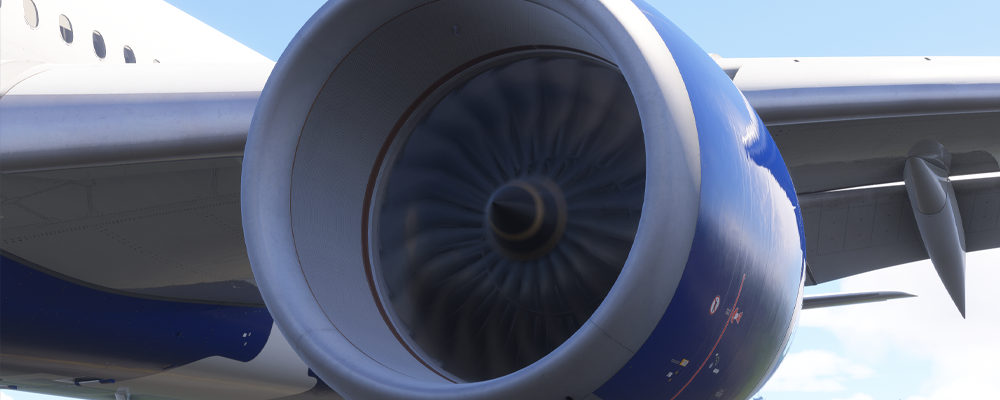
iniBuilds says that the HUD features smooth animations, an accurate Flight Mode Announciator display, symbology of speed and altitude, as well as crosswind mode. Speaking of model additions and improvements, iniBuilds has also enhanced the engine blur animation. The A350 now features a smoother start-up and spool-up sequence.
Metallic textures also got their improvements, and the Flight Simulator 2024 version got “advanced weathering effects”, adding a layer of realism. This also includes dents on the aircraft. The model’s further enhancements include visible window blinds from the outside of the aircraft.
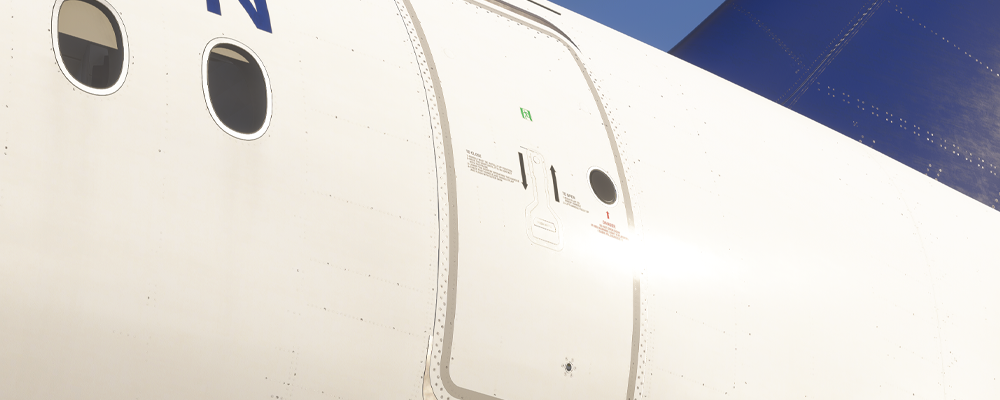
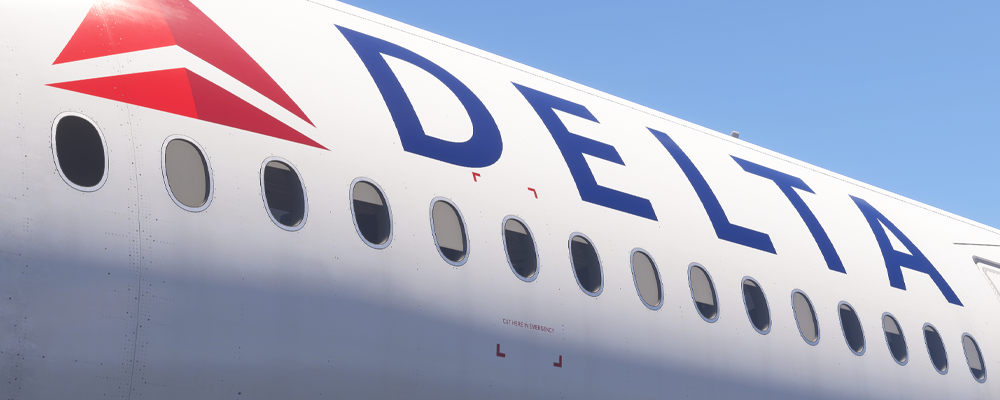
iniBuilds is also working on a bug regarding VR usage, where the MFDs are not clickable. The team is addressing this issue, and a fix is expected to be released soon. The team also confirmed issues with the vertical display range indicator and ECAM memo formatting. It has been mentioned that this is due to various aircraft configurations, but the team is working on adding community-based references to the ECAM page.
This update is currently available for the MSFS 2024 version of the aircraft, as the 2020 version is not in a releasable state. If you would like to read more about the iniBuilds A350, you can check out the article about the previous update here.
Feel free to join our Discord server to share your feedback on the article, screenshots from your flights or just chat with the rest of the team and the community. Click here to join the server.