The developer SoFly has released a new scenery today at Flight Sim Expo 2026 as part of their presentation. It was the third and the final announcement of the developer, and the release brings us a new scenery for Budapest Ferenc Liszt International Airport for Microsoft Flight Simulator 2024.
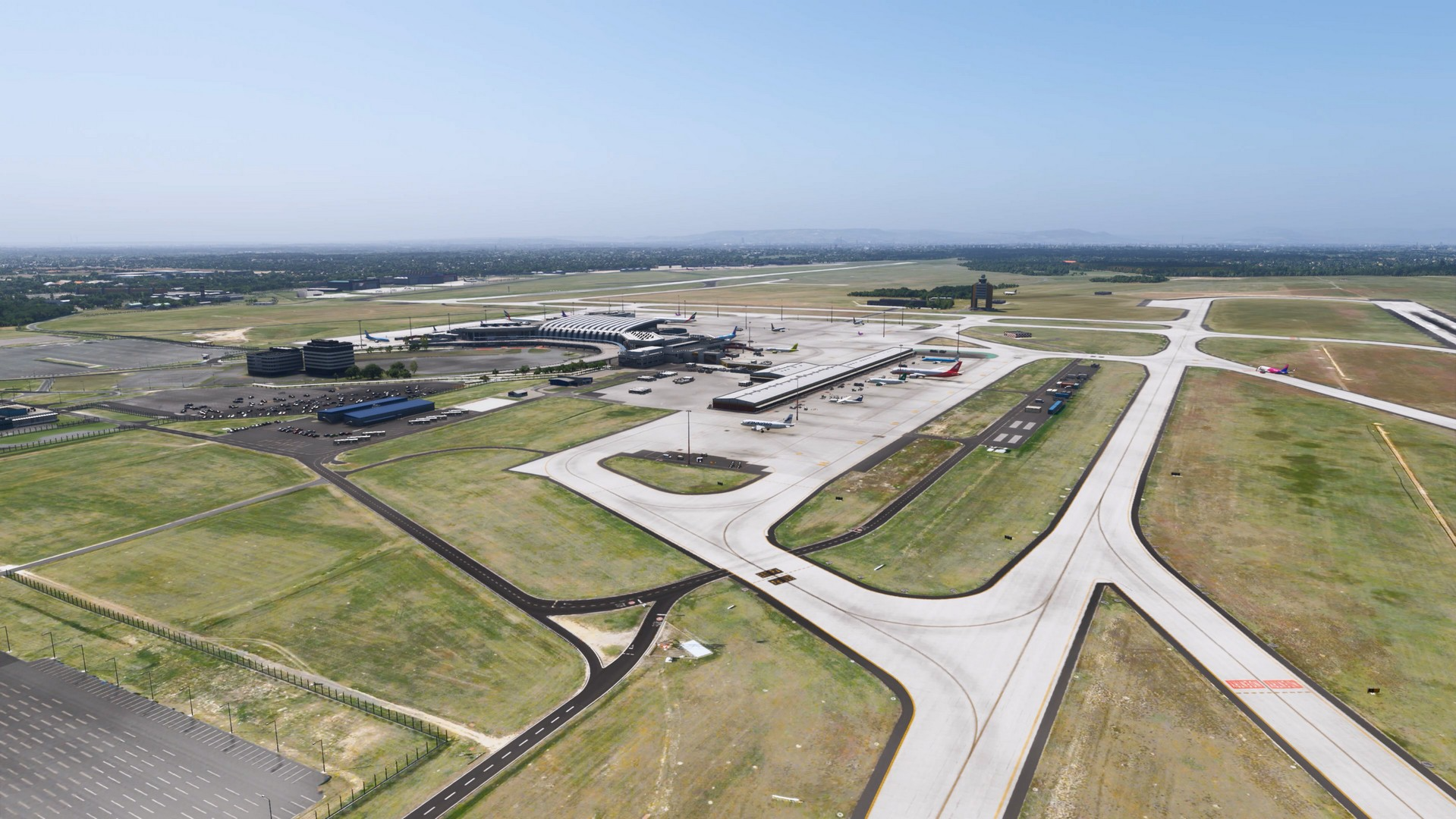
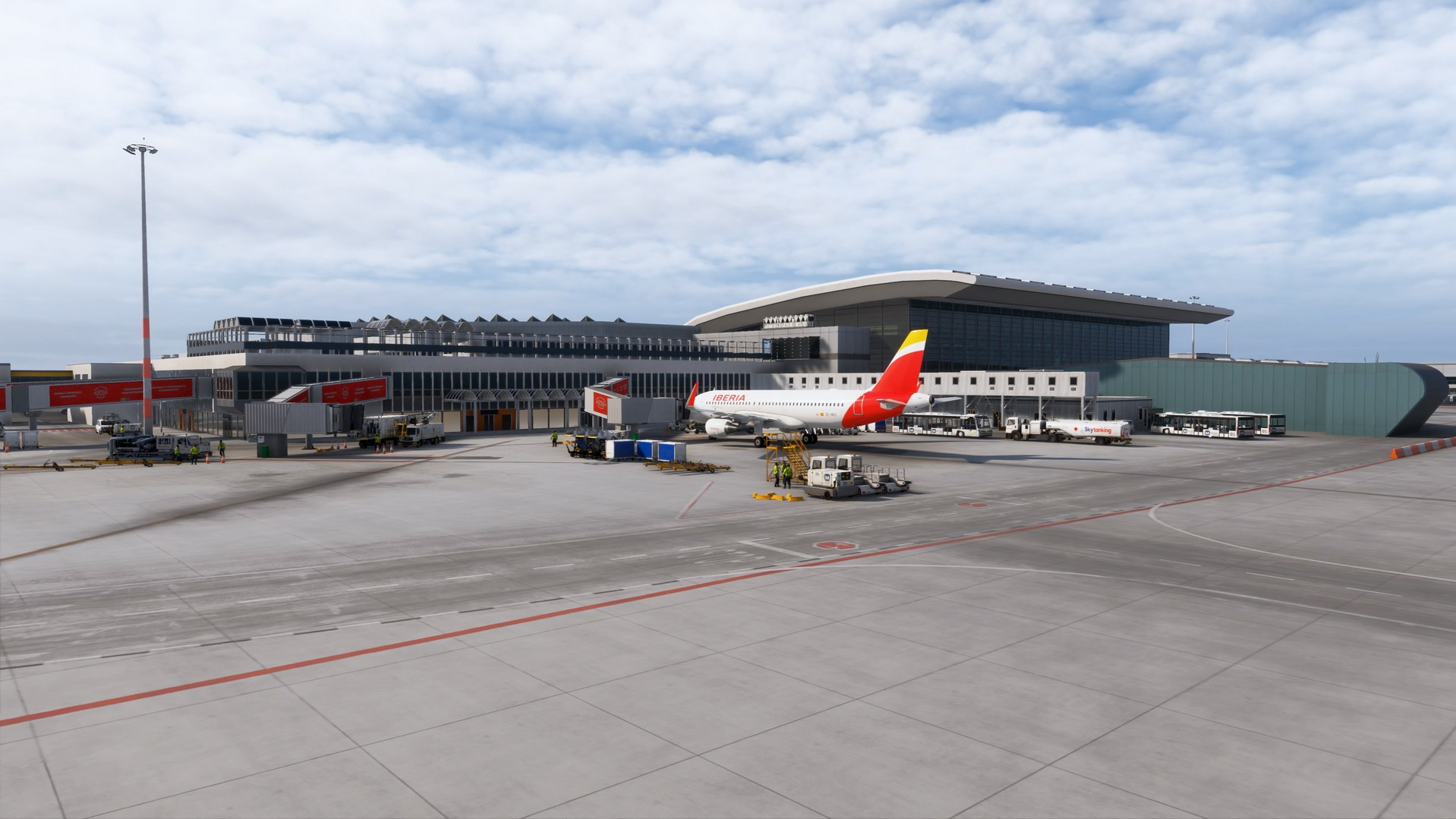
This has been published as a surprise to the community, and the developer SoFly promises a highly detailed rendition of the airport. It features an up-to-date airport layout, highly detailed modelling and modern lighting technology. To accompany the realism further, there are even environmental sounds surrounding the airport, making it feel even more alive in the world of Microsoft Flight Simulator.
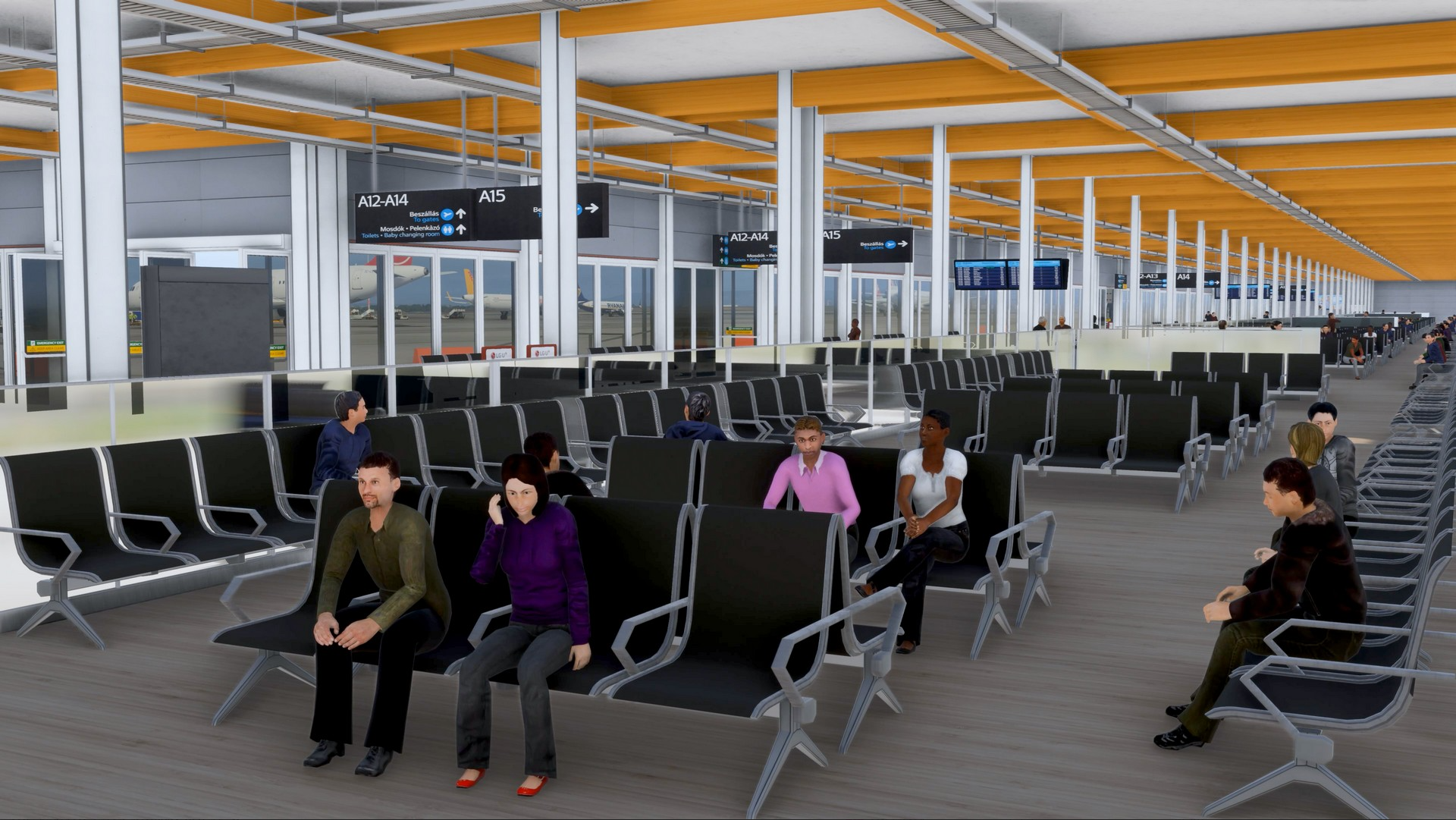
The interior of SoFly Budapest (LHBP) is also 3D modelled, featuring a lot of details. This includes animated passengers, vehicles, custom jetways and use of high-quality PBR textures, covering the entire rendition.
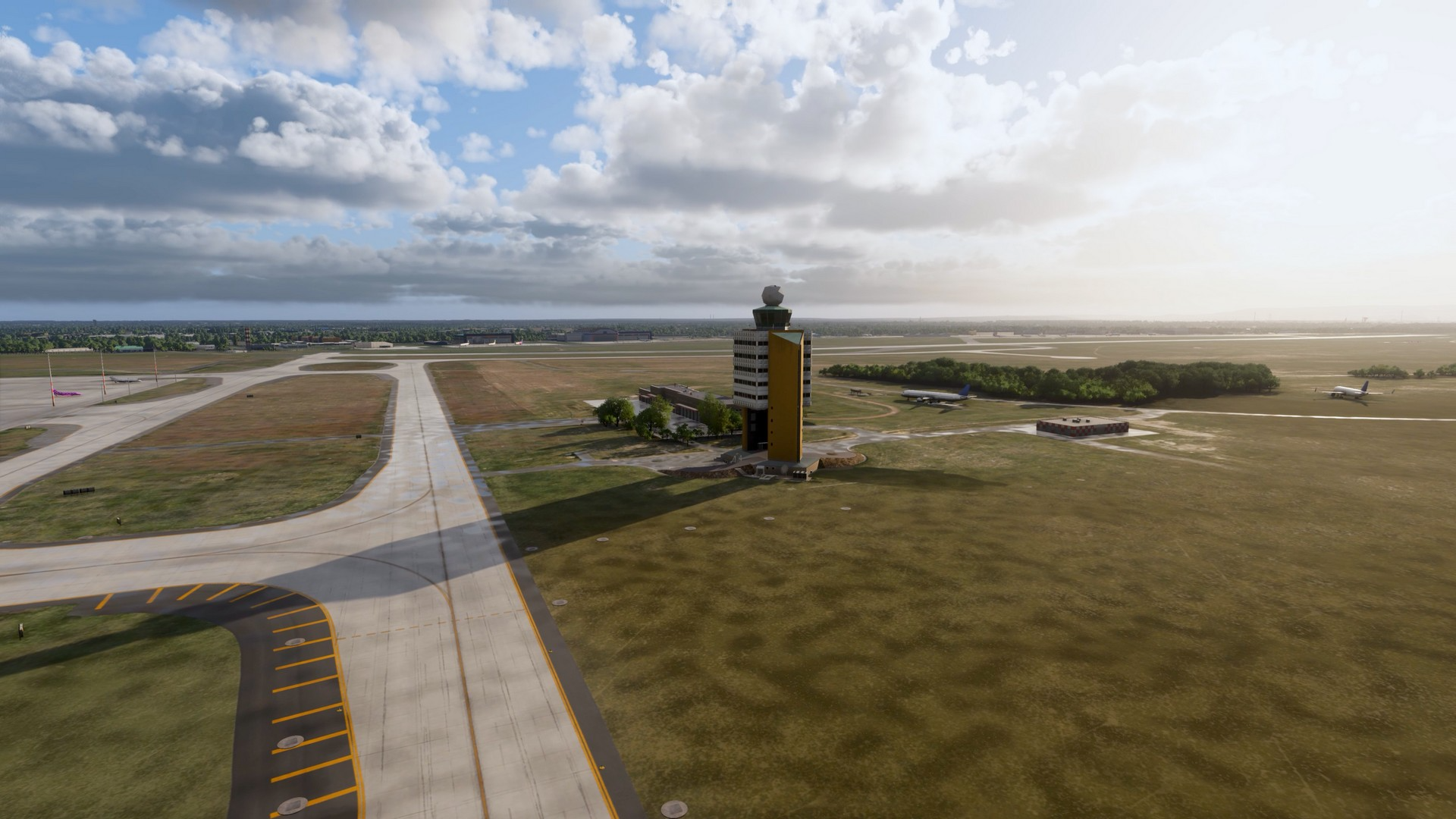
Feature List
- Up-to-Date Layout – Accurate airport layout with current taxiways, stands, aprons, and airside details.
- Animated Vehicles and Passengers – A more dynamic airport environment with movement across key areas.
- Detailed 3D Modelling – Carefully crafted buildings, objects, and airport infrastructure.
- 4K PBR Textures – High-resolution materials with realistic surface detail, reflections, and weathering.
- Interior Modelling – Terminal interiors based on real airport pictures and diagrams.
- Next-Gen Airport Sound Effects – Immersive audio for both interior and exterior airport environments.
- Custom Jetways – Bespoke jetways designed to match the airport environment.
- Modern Dynamic Lighting – Realistic lighting across aprons, terminals, stands, and surrounding areas.
SoFly Budapest is now available on their website for €17.99, including your local value-added tax. Until the end of this month, there is also a launch discount, providing you with 10% off your purchase. You can also read more about SoFly in one of our previous articles here.
Feel free to join our Discord server to share your feedback on the article, screenshots from your flights or just chat with the rest of the team and the community. Click here to join the server.