A pushback should feel like a conversation, not a recording. That is the idea behind Cockpit2Ground, a new utility from AviationLads and LAND3 Simulations that turns GSX ground-handling events into two-way, context-aware exchanges between the ramp and flight deck.
Unveiled on September 3, Cockpit2Ground is scheduled to arrive five days later for Microsoft Flight Simulator 2024 on Windows PC. The September 8, 2026 release will be sold exclusively through the Contrail Shop for €14.99 excluding VAT. A legally purchased and installed copy of FSDreamTeam’s GSX is required.
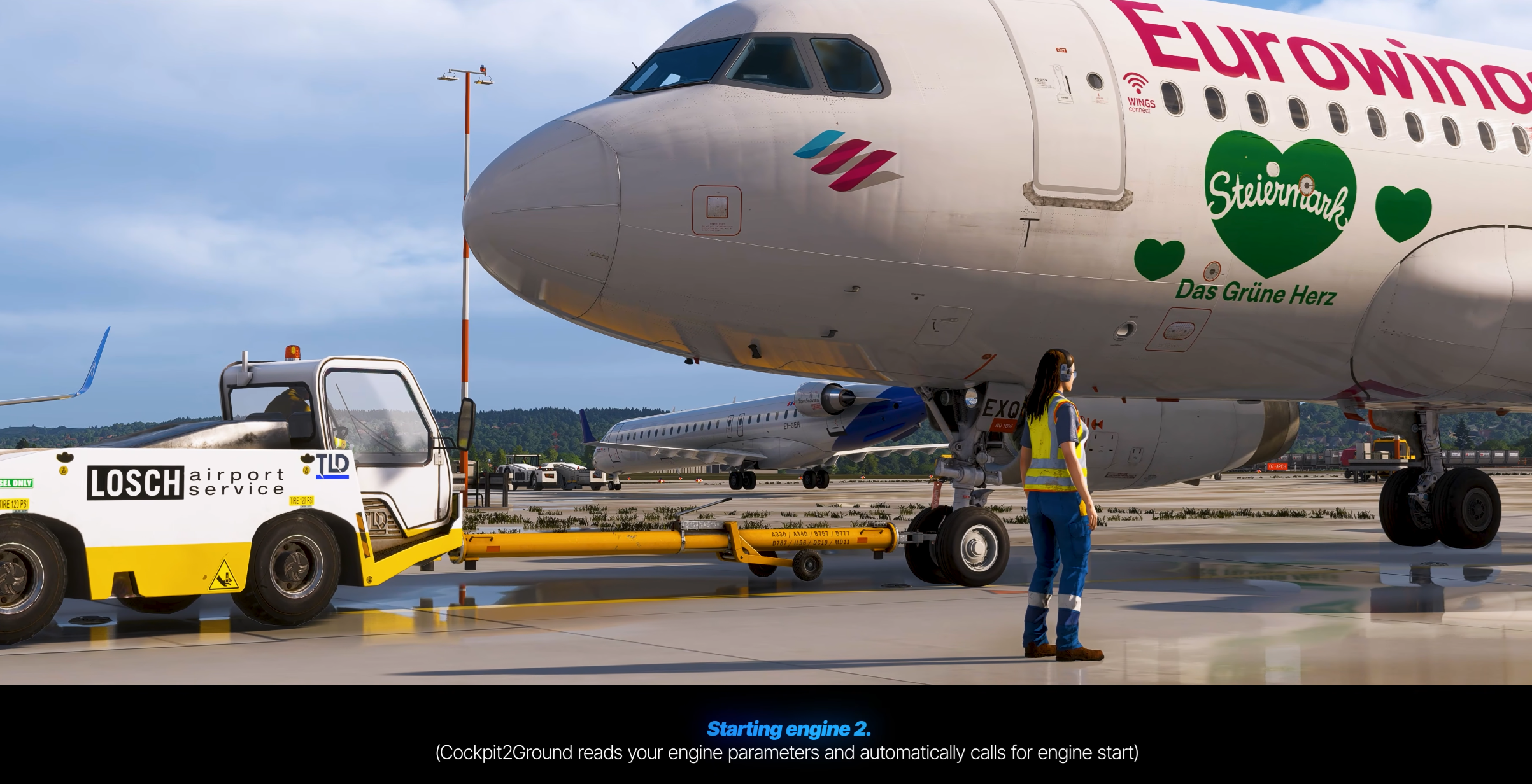
Rather than advancing through a familiar sequence of recordings, Cockpit2Ground reads the active aircraft, GSX events, SimBrief flight plan, location, weather and time of day before deciding what should be heard next. Each call is tied to a step in the operation, allowing the exchange to change with the flight taking place.
Watch the Official Trailer
A Turnaround Built Around the Aircraft
The interaction begins when the headset is connected at the stand and continues until the ground agent clears the aircraft to taxi. Both sides take part, so the flight crew can be heard responding instead of the audio being limited to instructions from outside.
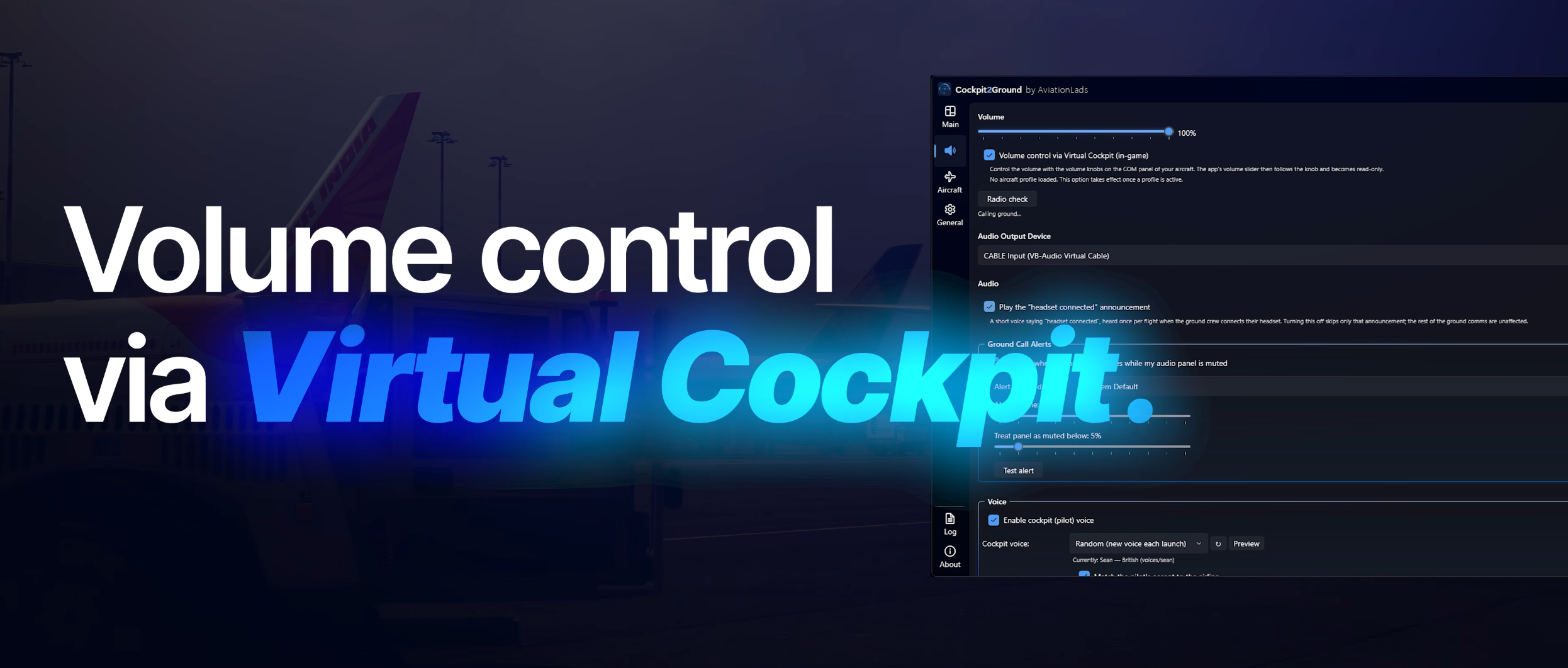
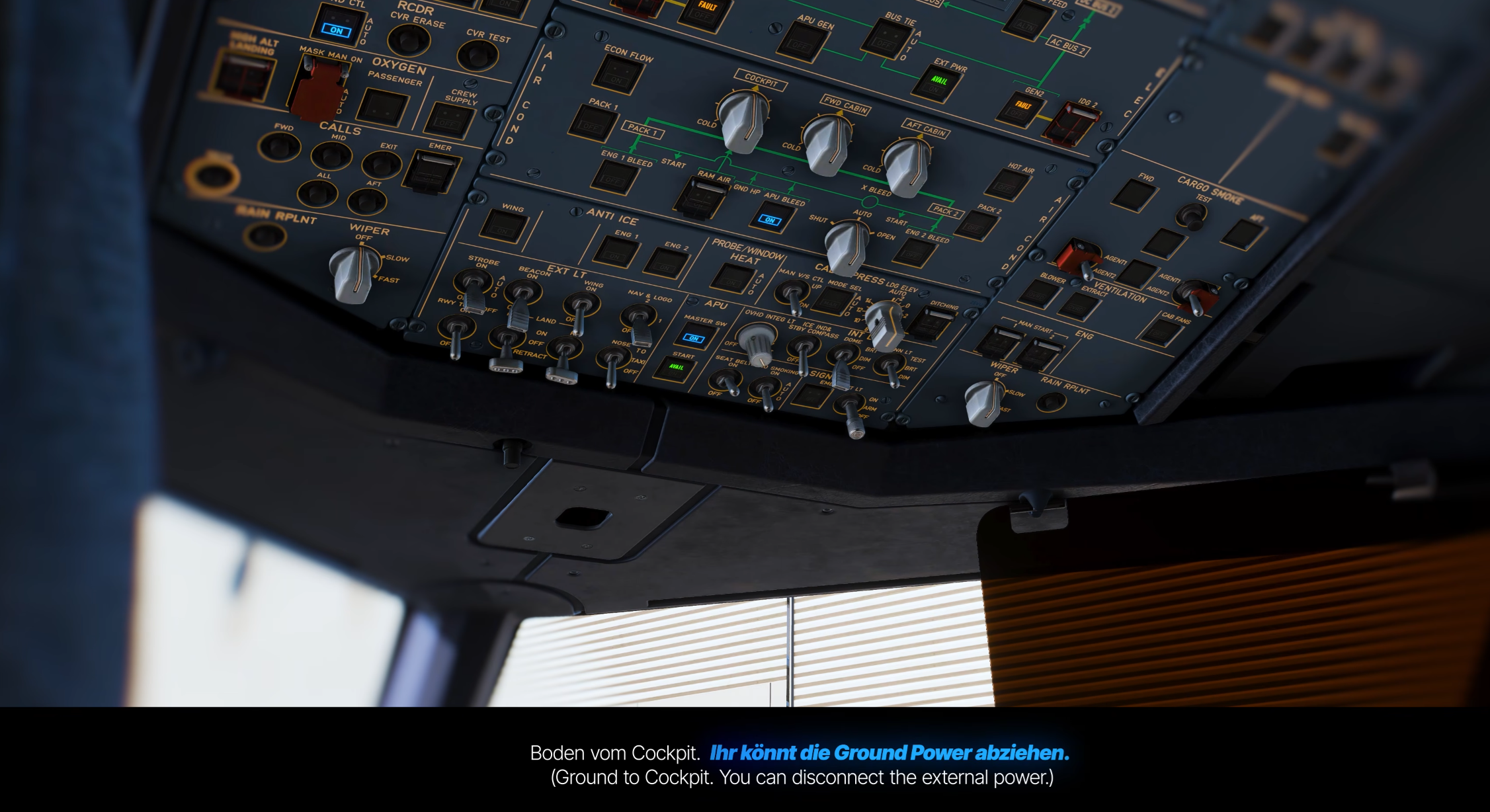
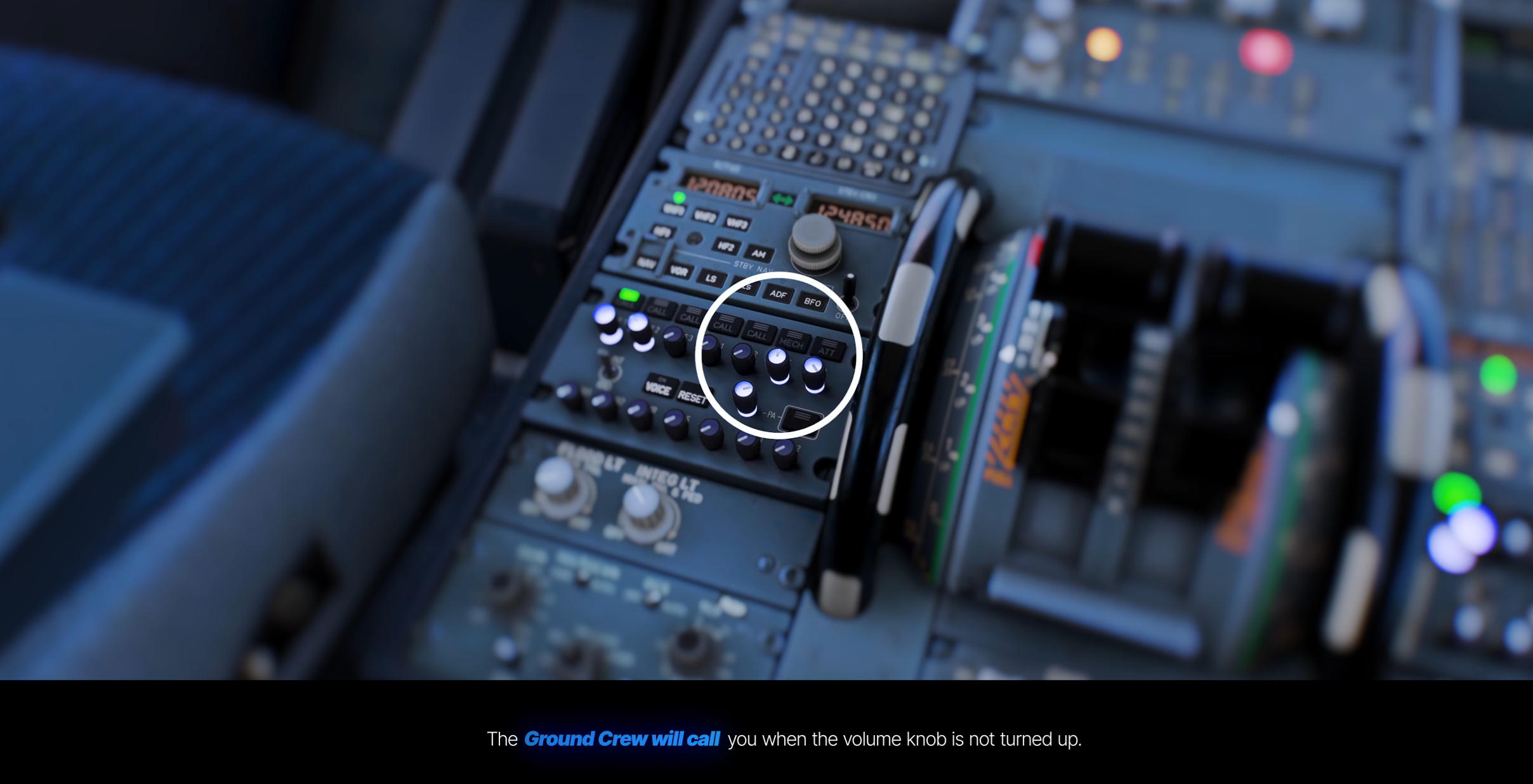
Actions in the cockpit can also affect the ramp directly. Switching off external power prompts a spoken request to disconnect the GPU and sends the corresponding command to GSX. On supported aircraft, the INT or intercom control sets the volume of the handling team; if a call goes unanswered, the agent may ring the flight deck to attract attention.
There are aircraft-specific touches too. In the Fenix A320, turning on the beacon can signal that the crew is ready for pushback, avoiding another visit to the GSX menu. Once the tug arrives, the software distinguishes between towbar and towbarless equipment, adjusts the dialogue and accounts for the lifting phase used by the latter. The actual off-block time is then announced in either UTC or the computer’s local time.
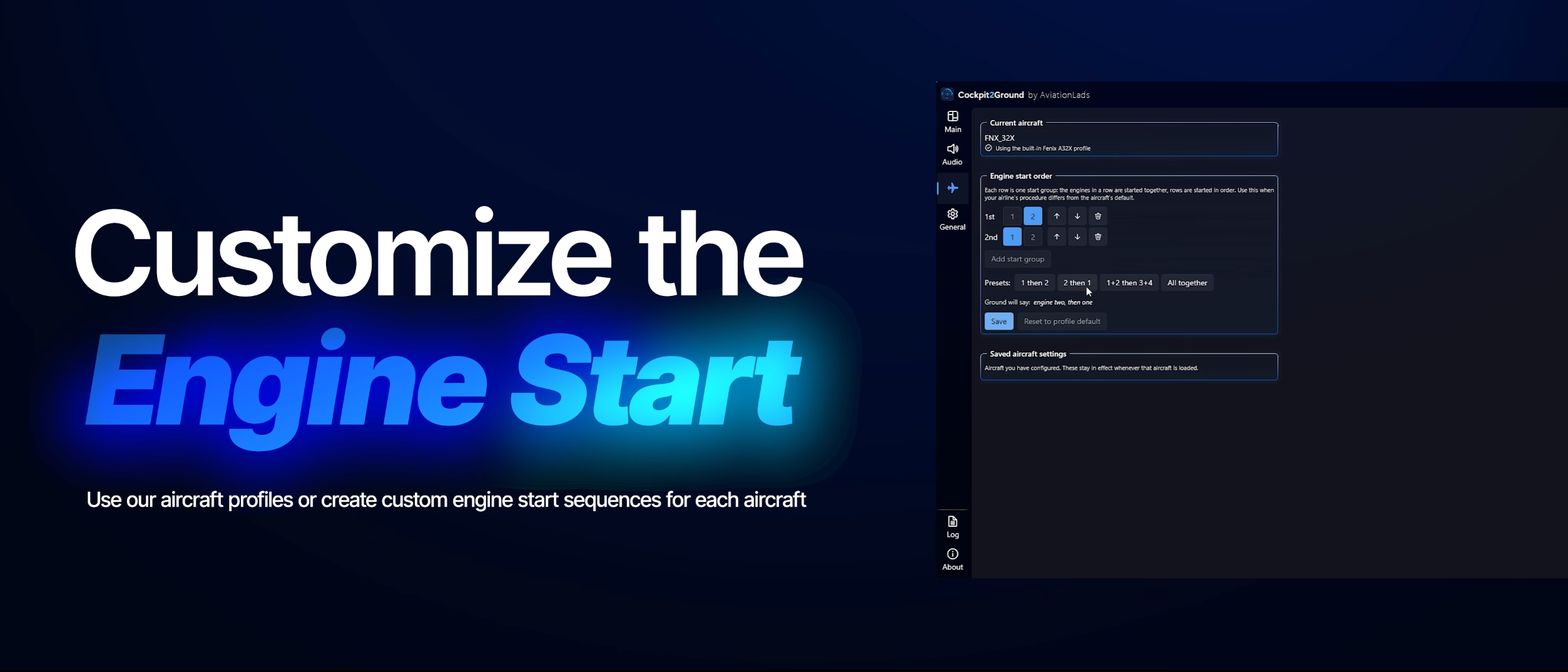
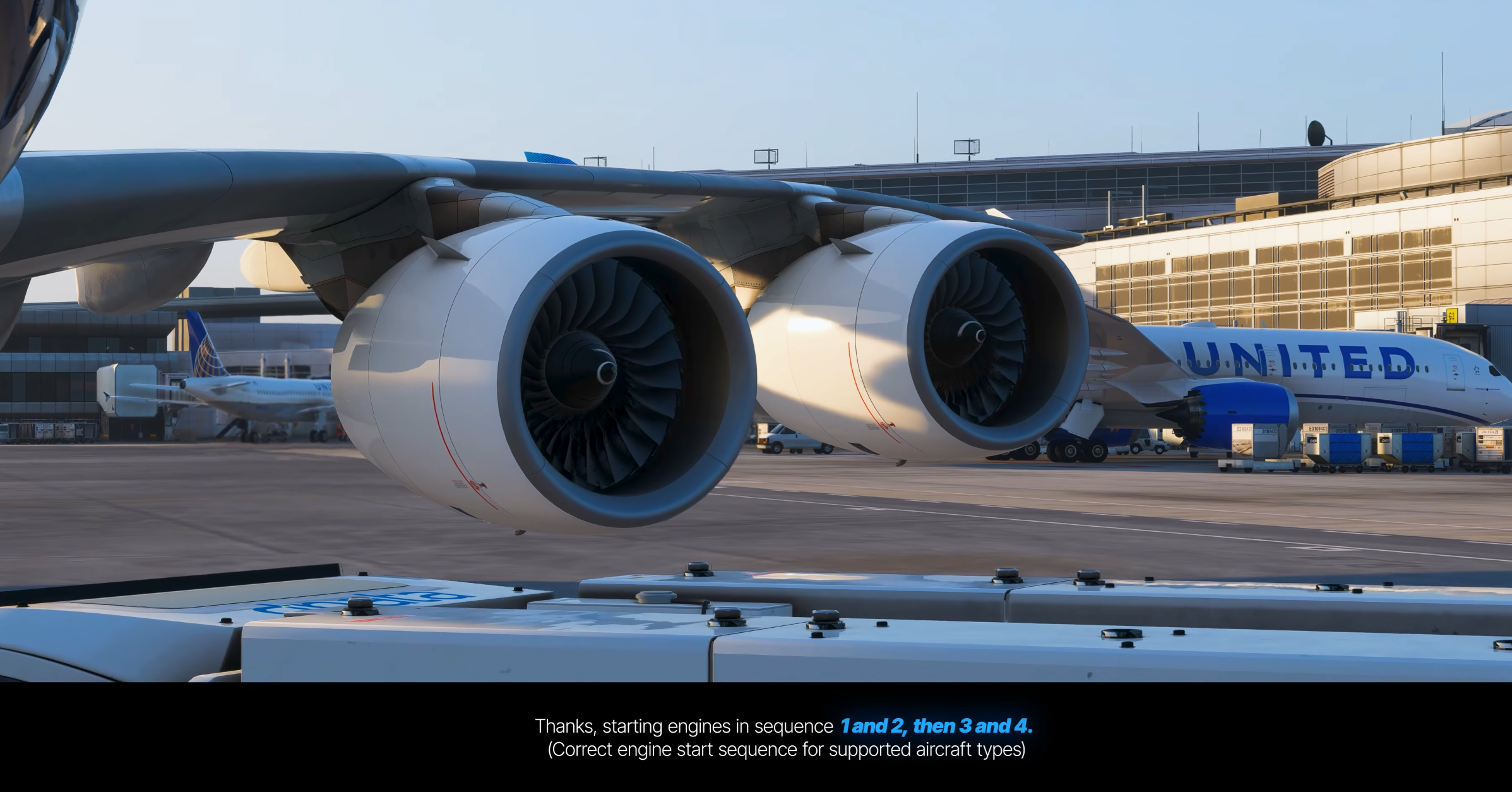
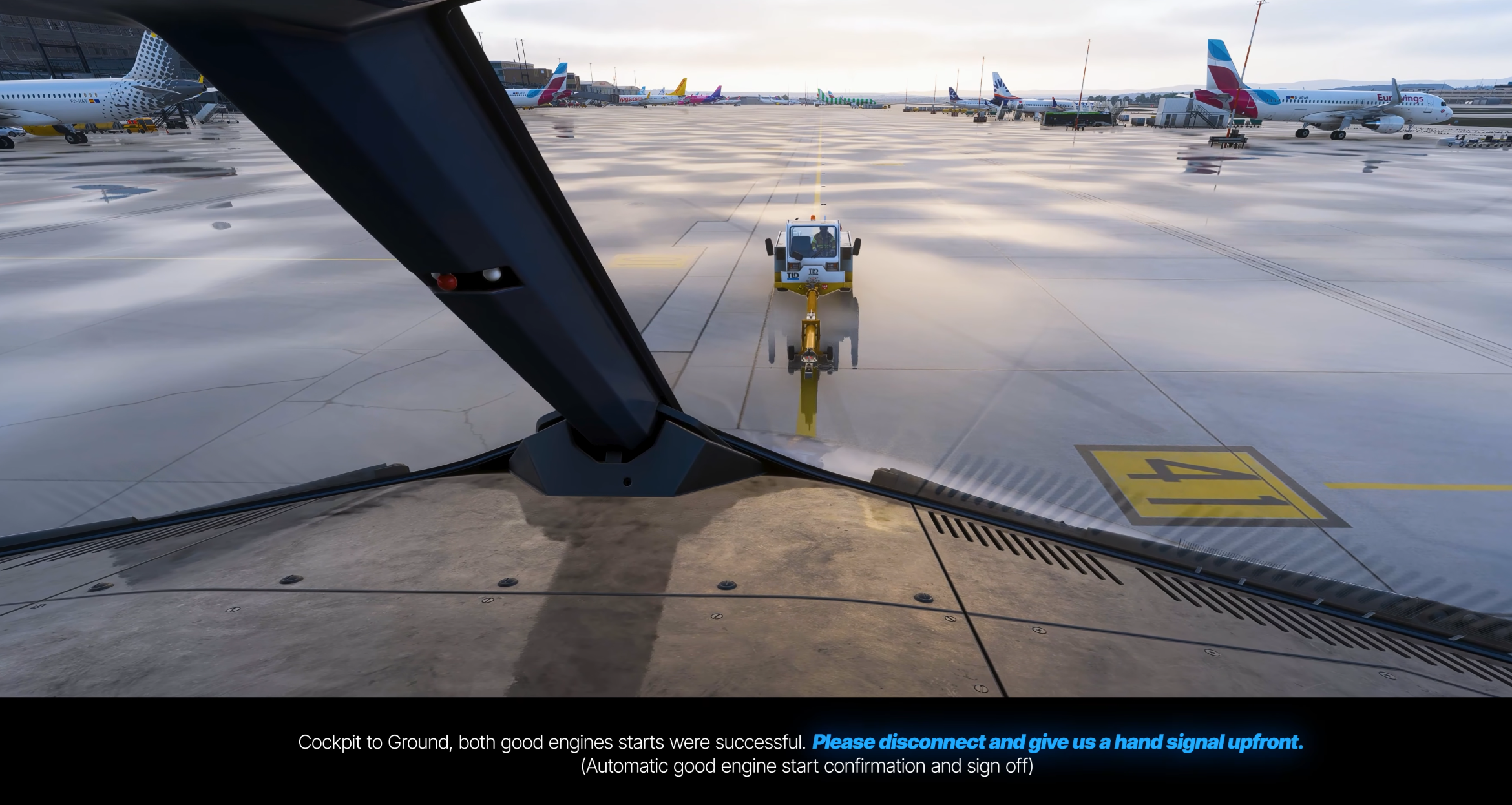
Engine start follows a dedicated profile for each supported type, although users can create their own sequence when an operator calls for a different procedure. Live parameters are monitored throughout, keeping the tug and headset in position until every required engine is running and the crew has confirmed a good start. Heavy rain, snow or a slippery apron can introduce delays, while taxi-out stands are supported when no pushback vehicle is needed.
Voices Shaped by Airline and Location
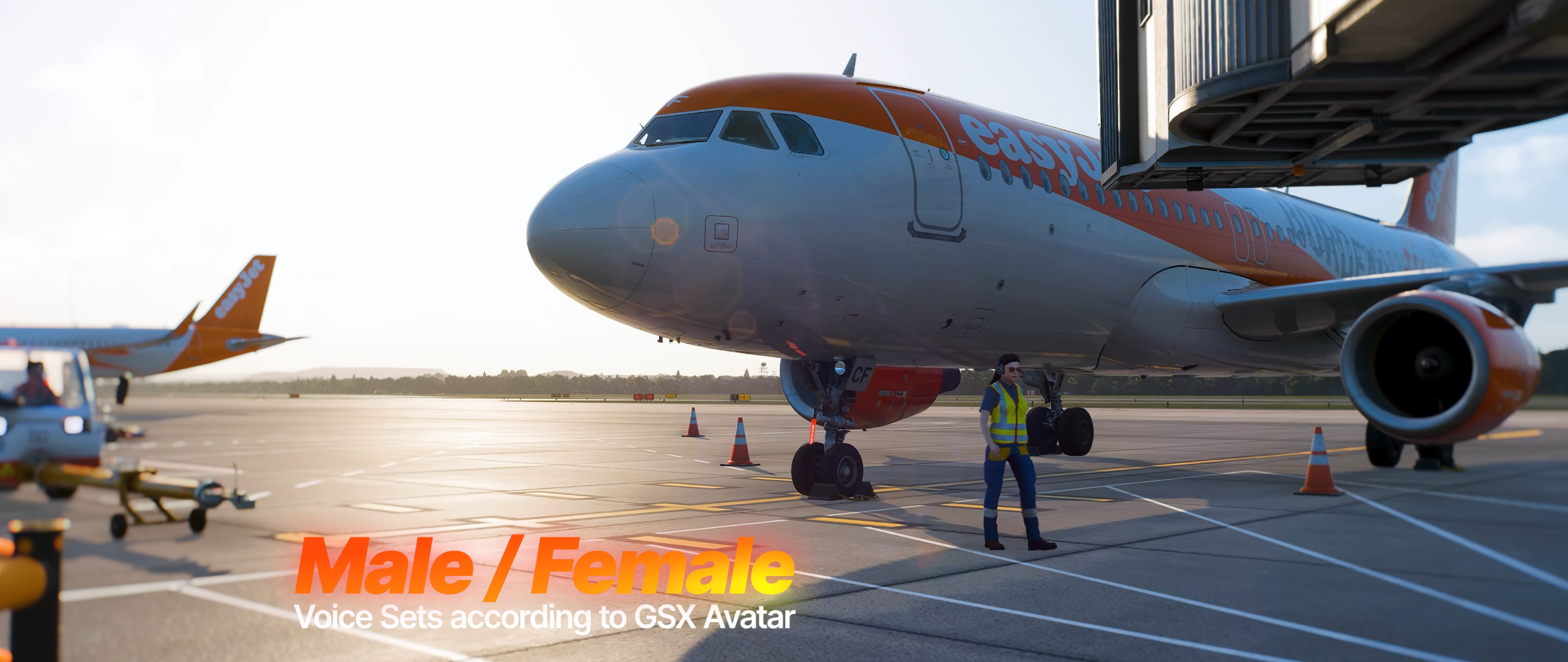
More than 180 voices form the initial library, accompanied by hundreds of variations designed to make routine calls less predictable. The ramp voice can be matched to the male or female avatar selected in GSX, while separate flight-deck sets, regional greetings and destination-aware farewells add further variety.
Eight localised language packs will be included at launch: English, German, French, Dutch, Italian, Spanish, Polish and Turkish. Selection goes beyond the airport itself. Location is combined with airline information imported from SimBrief, which means two operators parked at the same stand may hear a different language or accent. Cockpit voices can likewise be aligned with the carrier being flown.
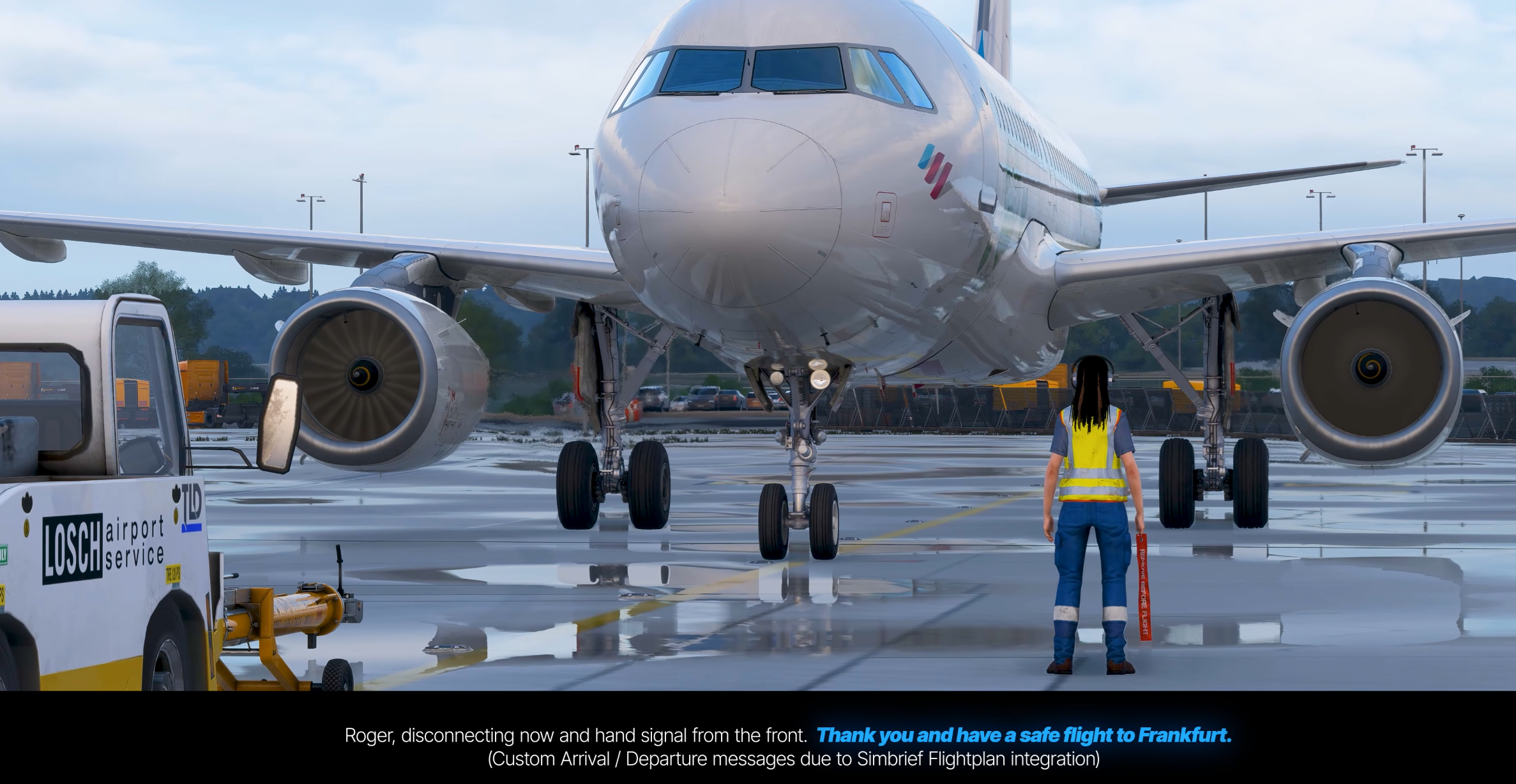
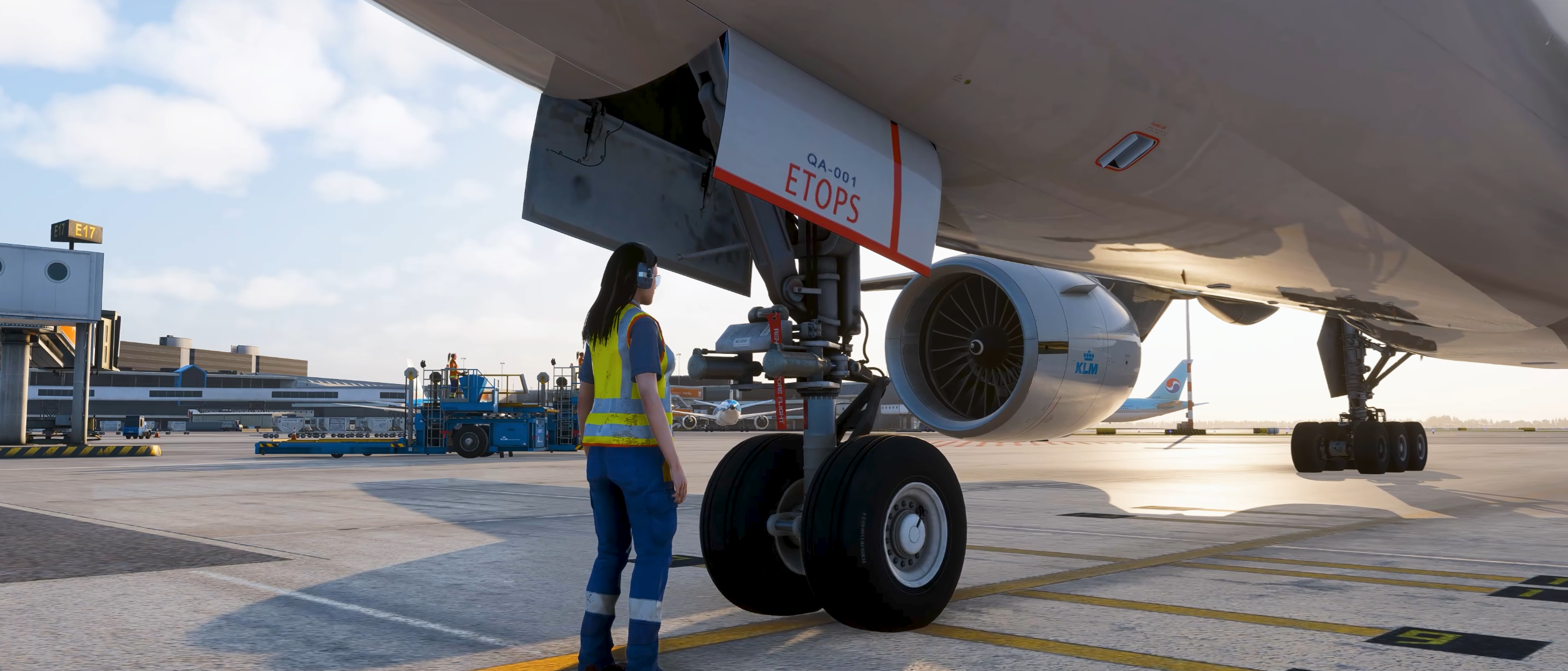
The official product website states that the library combines professional voice talent with high-quality AI-generated voices. Time-sensitive greetings, local expressions and multiple alternatives for common actions are used to prevent consecutive departures from sounding identical.
From Engine Start to Arrival
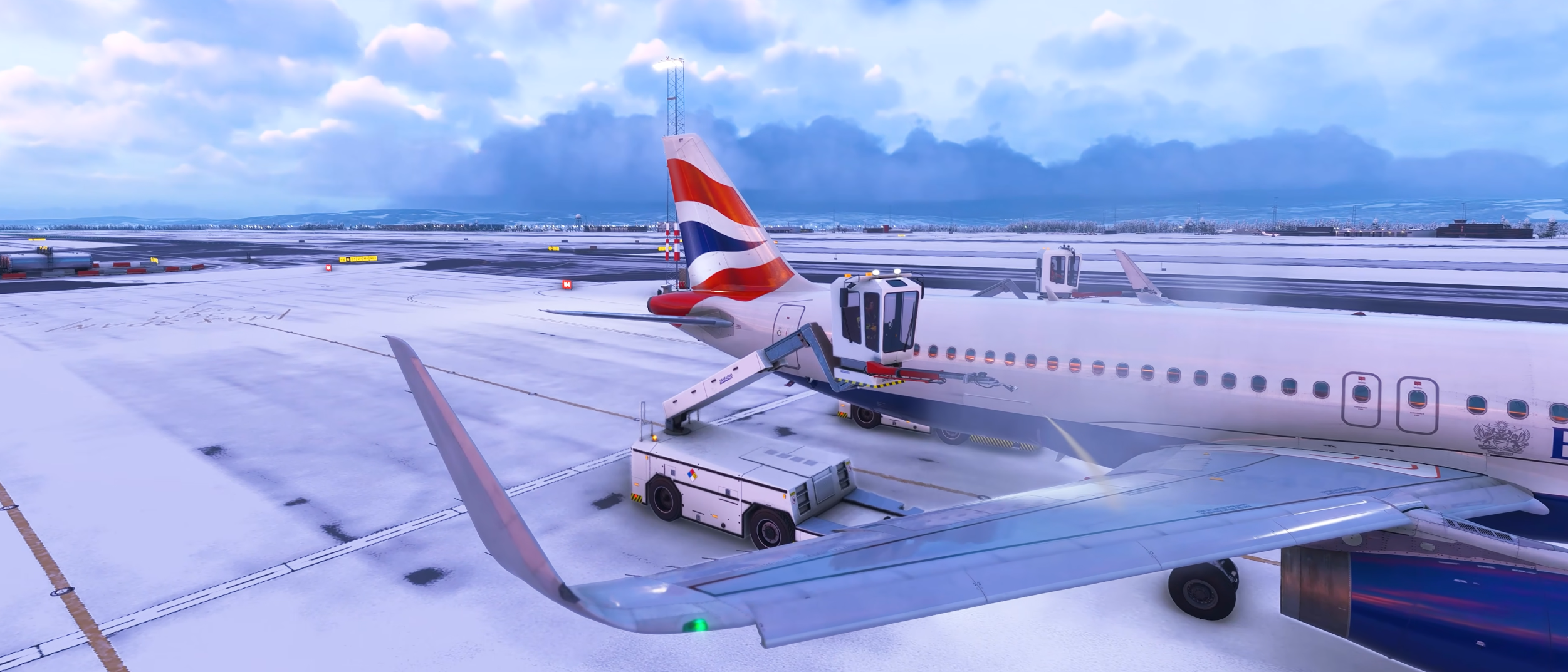
De-icing and anti-icing have their own workflow instead of relying on a small set of generic calls. After the crew chooses the fluid and concentration in GSX, Cockpit2Ground recognises those selections, follows the treatment and reports the anti-icing start time before the flight continues with ATC.
The conversation returns after landing. Parking the aircraft, setting the brake, shutting down the engines and switching off the beacon initiates the arrival sequence. Ground power and wheel chocks are then handled according to the active profile, followed by confirmation that the airframe is secure and the parking brake can be released.

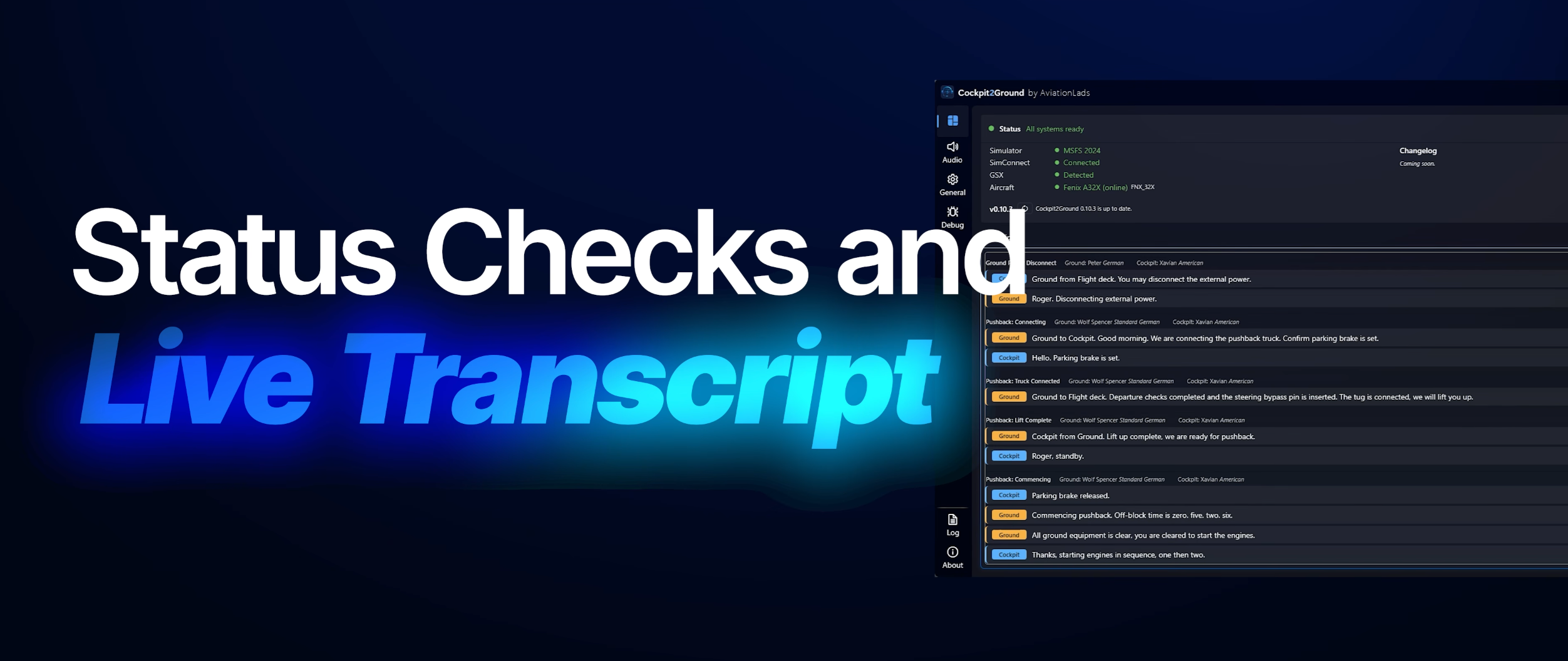
A separate control panel keeps the underlying functions manageable. New users are guided through a short setup, while the main screen shows the connection status for MSFS 2024, SimConnect, GSX and the selected aircraft profile. Further options include a live transcript, dedicated audio-output selection, automatic updates and the ability to launch the application alongside the simulator.
Three presets — Worn, Standard and Professional — provide a quick way to change the sound. More detailed controls are available for ground and cockpit effects, static, push-to-talk clicks, background ambience and crew alerts. Original GSX text messages can also be hidden for a cleaner view.
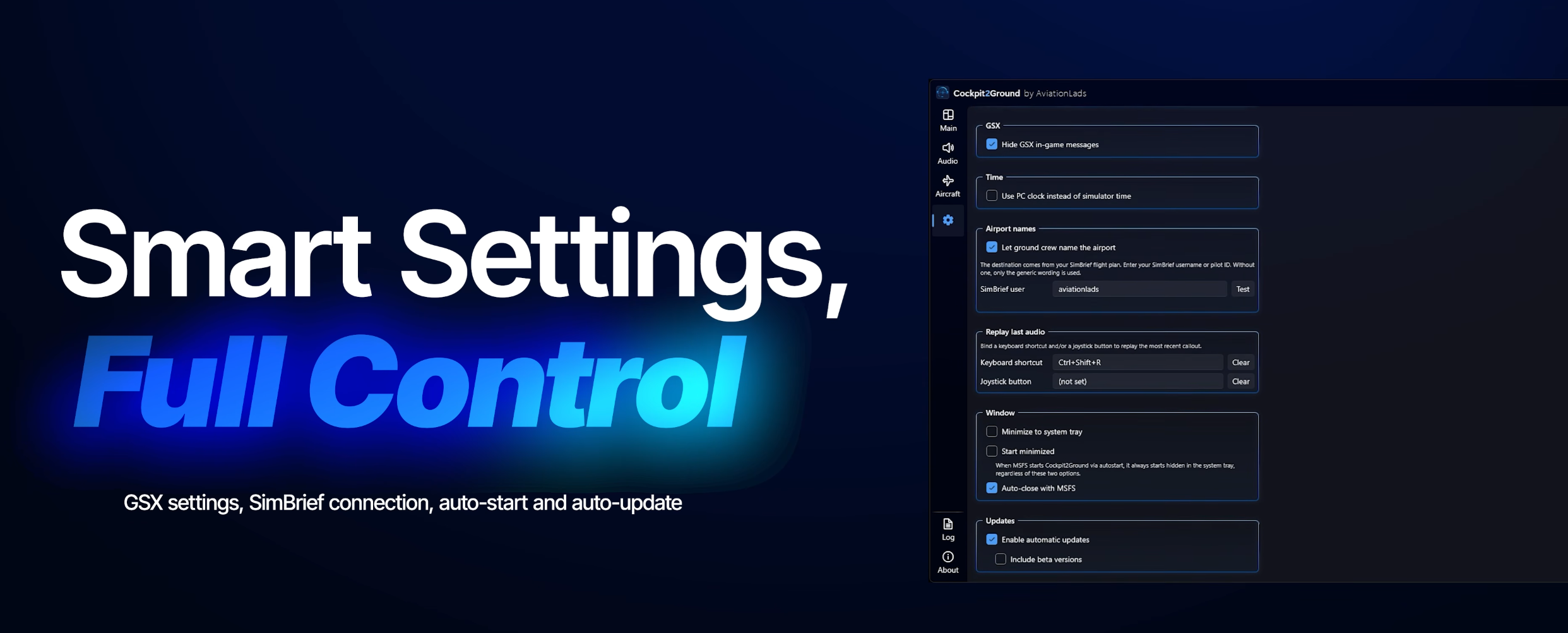
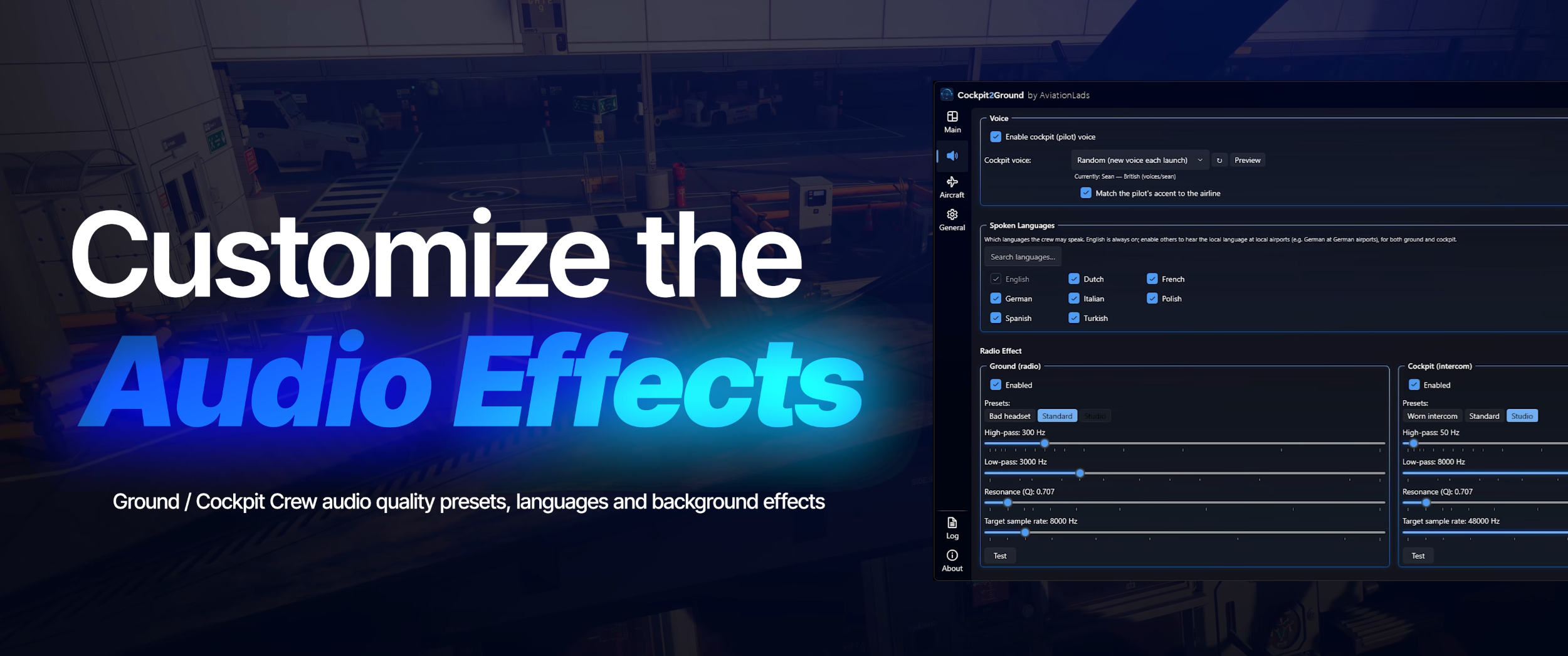
An active internet connection is required. AviationLads says the application enters an idle state during cruise and wakes again after landing, limiting its impact when there is no ground interaction to process. Multiplayer is supported as well.
Selected content creators already have early access, with the NDA lifted alongside the announcement on September 3. At the time of writing, the Contrail listing is live but remains marked Available Soon ahead of the September 8 release.
For simmers who already build their turnarounds around GSX, the attraction is not simply more noise on the apron. It is the prospect of hearing a ground team that understands what the aircraft is doing — and responds at the right moment.
Feel free to join our Discord server to share your feedback on the article, screenshots from your flights or just chat with the rest of the team and the community. Click here to join the server.
Affiliate link
Please note that this article may contain affiliate links, which means we may earn a commission if you make a purchase through these links. However, rest assured that our content is not influenced by their presence. For more information, please refer to our Advertising Policy & Charter.