Fenix Simulations has released an update for its A320 for Microsoft Flight Simulator, with changes for both the 2020 and 2024 versions. According to the developer’s post, shared on Discord by Aamir, the headline items are ground handling fixes for MSFS 2020 and ground modelling changes for the A319 with IAE engines, alongside a long list of smaller fixes and improvements. The update follows our earlier coverage of the Fenix A320 v3 release.
The A319 is the shortest of the standard A320 family airliners and can be fitted with either CFM56 or IAE V2500 engines, which is why the IAE variant gets its own attention here. Fenix says it has fixed the A319 IAE idle thrust and corrected oil temperature advisories for IAE engines. On MSFS 2020, the custom ground model’s nose wheel steering has been fixed, and the gear-up clunk no longer plays twice.
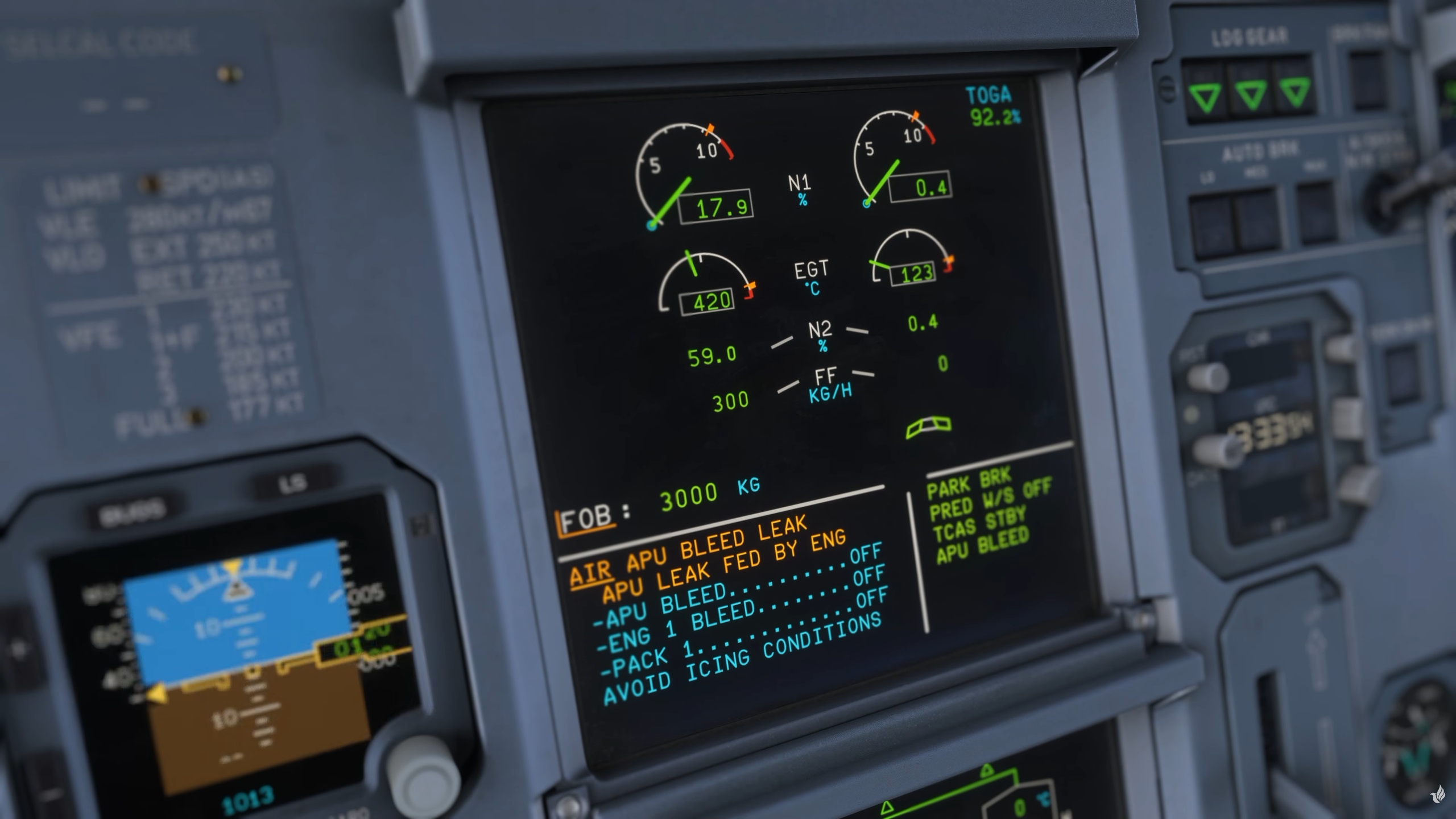
Much of the update concerns avionics and systems. The team says it has fixed localiser and glideslope reception range issues, the RA display and DH message on the PFD, and the GS mini target not being followed in managed descent. It has also fixed a crash that could occur when using the ECAM/ND XFR or moving the IGN switch, as well as slow startup times for some users. Brake pedal axis values now appear on the MCDU controls config page, and the scratchpad now shows why a thrust lever calibration failed. Fenix also lists an attempted fix for a compatibility issue with FSHud.
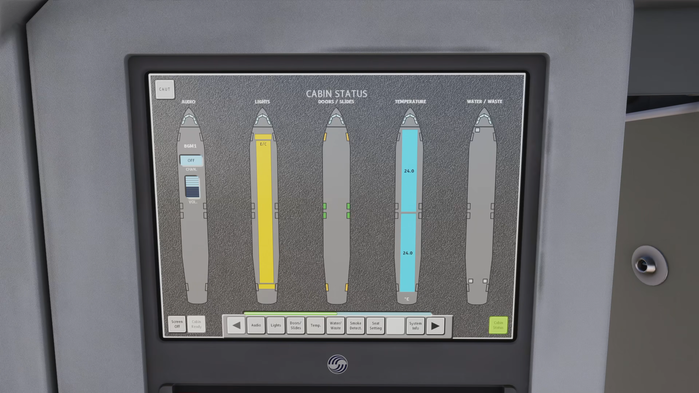
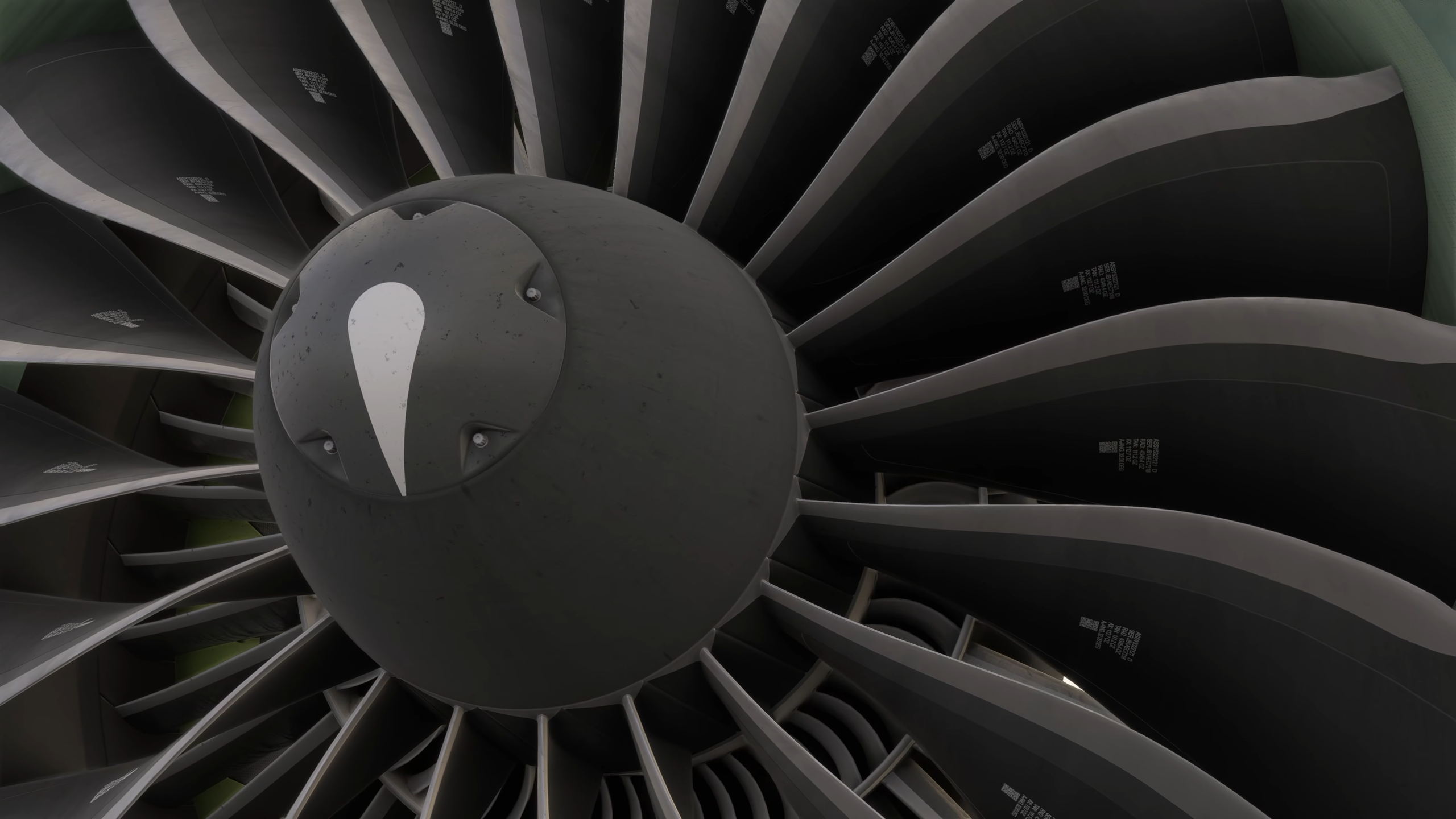
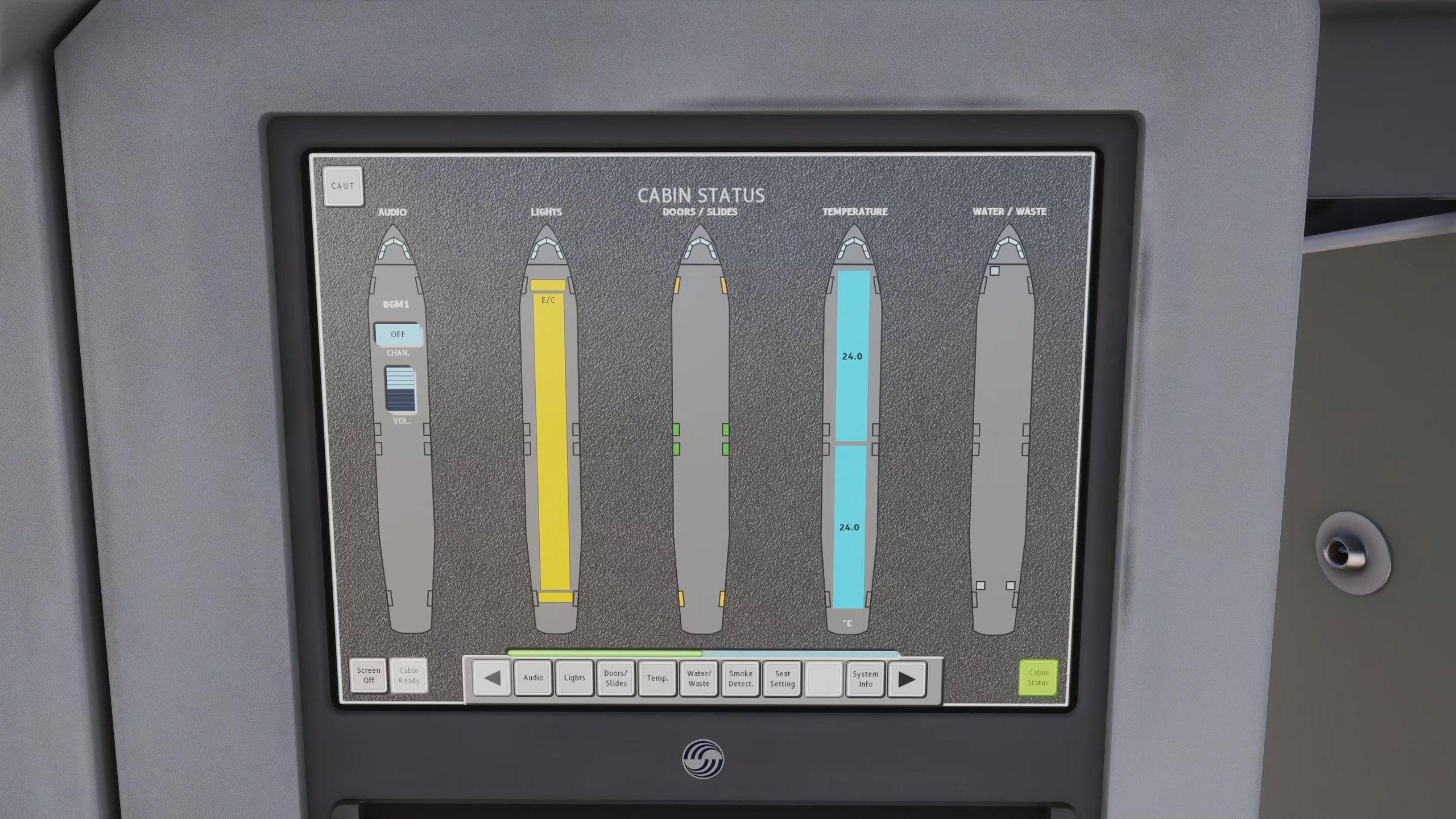
On the visual and audio side, MSFS 2020 users get an interactable FAP (Forward Attendant Panel) screen in the cabin. For MSFS 2024, the developer reports shadow-casting main instrument panel lights, fixed as far as the sim allows, and window glass stickers resized to the manufacturer’s measurements. Several CFM56 sound issues were also addressed, including rear-of-wing volume masking, and the AEVC spatial assignment and cockpit door logic on pack sounds were corrected.
The EFB gains a window dirt setting in MSFS 2024 and an ANC (Active Noise Cancellation) toggle in the quick settings. It now uses a 24-hour clock for departure and block times, and the user guide’s Navigraph sections have been updated. A fix also lets users delete characters with the on-screen keyboard.
The pasted notes do not give a version number. You can update to the latest version through the Fenix Installer. If you want to purchase the add-on, you can do so through the Fenix Sim website as a bundle of the whole A320 family for about 110€, or individually for less.
Feel free to join our Discord server to share your feedback on the article, screenshots from your flights or just chat with the rest of the team and the community. Click here to join the server.