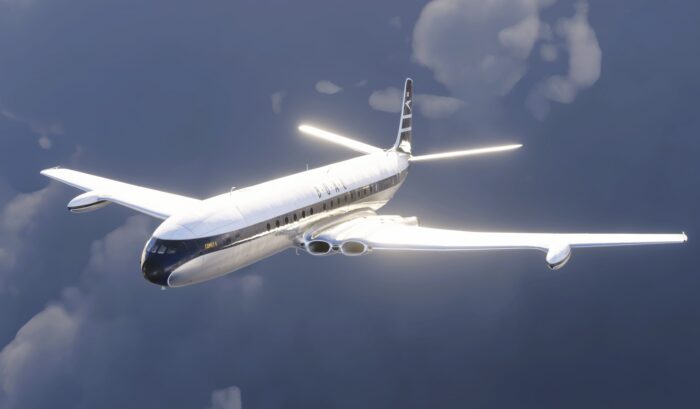
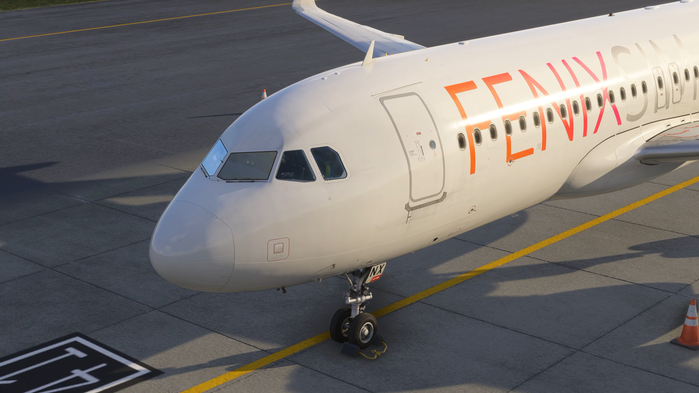
It took more than four years for Microsoft and the Asobo team to finally unlock the camera API for developers, and that means Parallel 42 had the opportunity to develop ChasePlane for the Microsoft Flight Simulator series. From a perspective of an avid ex-Prepar3D user, we are going to take a look at this new camera add-on, whether it stands up to its name from the past, or is it just a gimmick that a flight simulator boomer like me is going to enjoy?
It is worth mentioning that I have purchased my copy of Parallel 42’s ChasePlane, as I was going to get it regardless of writing a review. I am reviewing this add-on on a mid-range computer with Ryzen 5 5600X, Radeon RX 9060 XT and 32 GB of RAM. The simulator, as well as ChasePlane, are running on a SATA SSD.
About ChasePlane
ESP platforms (Enterprise Simulation Platform), an older simulator engine that older Microsoft Flight Simulator versions and Prepar3D used to run on, suffered from one significant issue: a terrible default camera system. Initially, this had been fixed by EZCA by EZdok, which created a system that allowed users to create presets, add visual effects and many more improvements. In 2017, a company named OldProp, which later became Parallel 42, came into the market with ChasePlane. This made the market larger and more versatile for the community. With the features ChasePlane added, such as community shared profiles, a straightforward user interface and a ton of settings, it became popular fast.
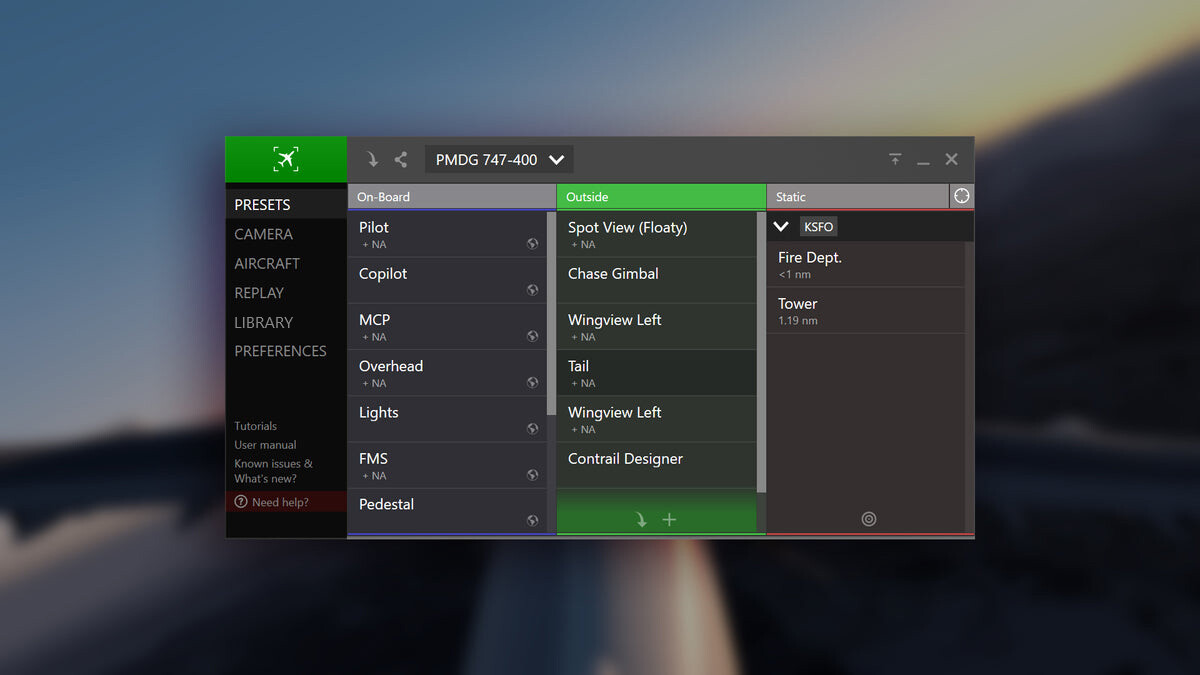
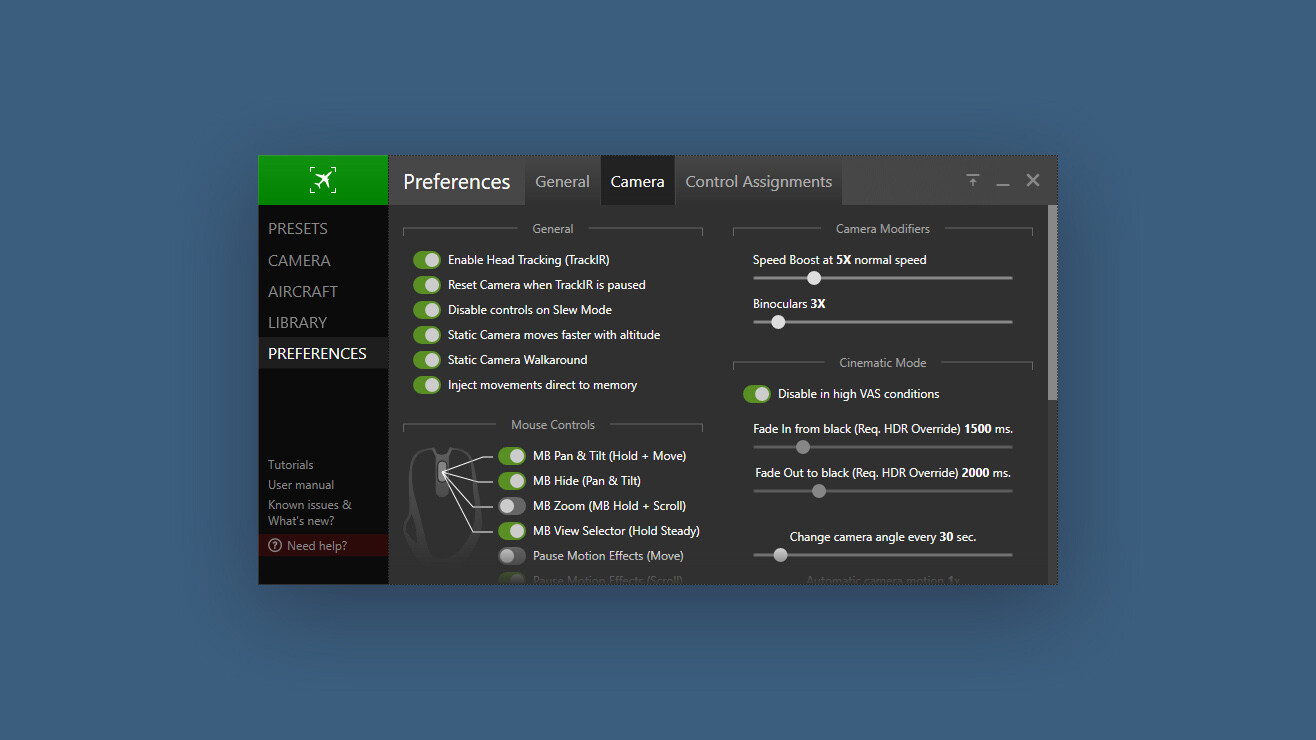
I used ChasePlane for Prepar3D as far as up until 2022, when I officially made the switch to Microsoft Flight Simulator. Ever since then, some things have been missing in Microsoft Flight Simulator’s camera system. It was mostly usable and very similar to what ChasePlane offered in Prepar3D. I had to set up my presets every time I reinstalled my simulator. Sometimes, the cameras were reset because the simulator settings synced incorrectly. This is still a persistent issue, and the default camera is also missing a lot of visual effects.
When I found out that ChasePlane is coming to Microsoft Flight Simulator, I was watching with thrill what it’s going to offer. I just had to get it on the release day, when it was made public for all Club 42 members. Now, the question remains: how does it behave in this new platform? Is it still worth getting it for a casual simulator user, and possibly a newcomer?
Turbulent Start
The installation is straightforward. After your purchase, you download an installer, activate it online, click one or two buttons, and you are set to go. As opposed to Prepar3D and FSX versions of this camera system, this is an integrated plug-in rather than an external application. I understand why this had to happen, but I feel like it’s a bit complicated to get into rather than just alt-tabbing to another window.
Upon first start-up, ChasePlane will walk you through all the needed settings to get you running. Be aware, though, ChasePlane is going to disable all your camera controls in the simulator, so if you wish to disable ChasePlane in the future, you will have to rebind them. That is because uninstalling ChasePlane removes some camera controls, and some are changed to completely different keys, sometimes different from those that are in the default keyboard settings. This is where the first problem came in: the first version of the add-on didn’t remember any settings, and every time I loaded the simulator, it threw me into a tutorial, which I had to click through. It remembered my camera presets, however.
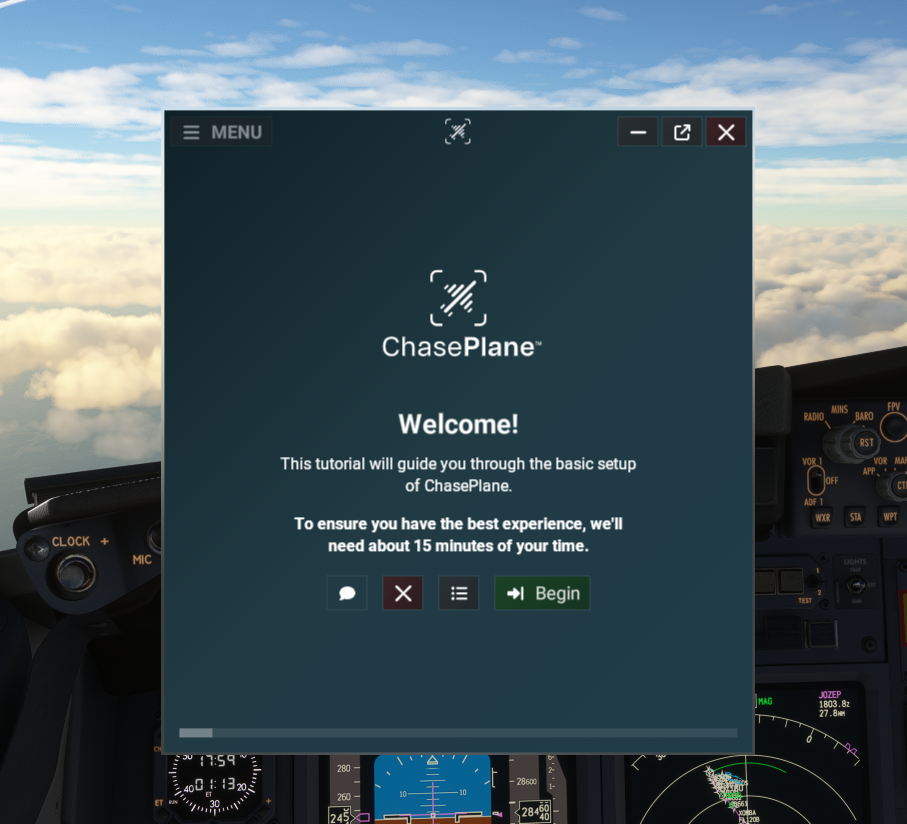
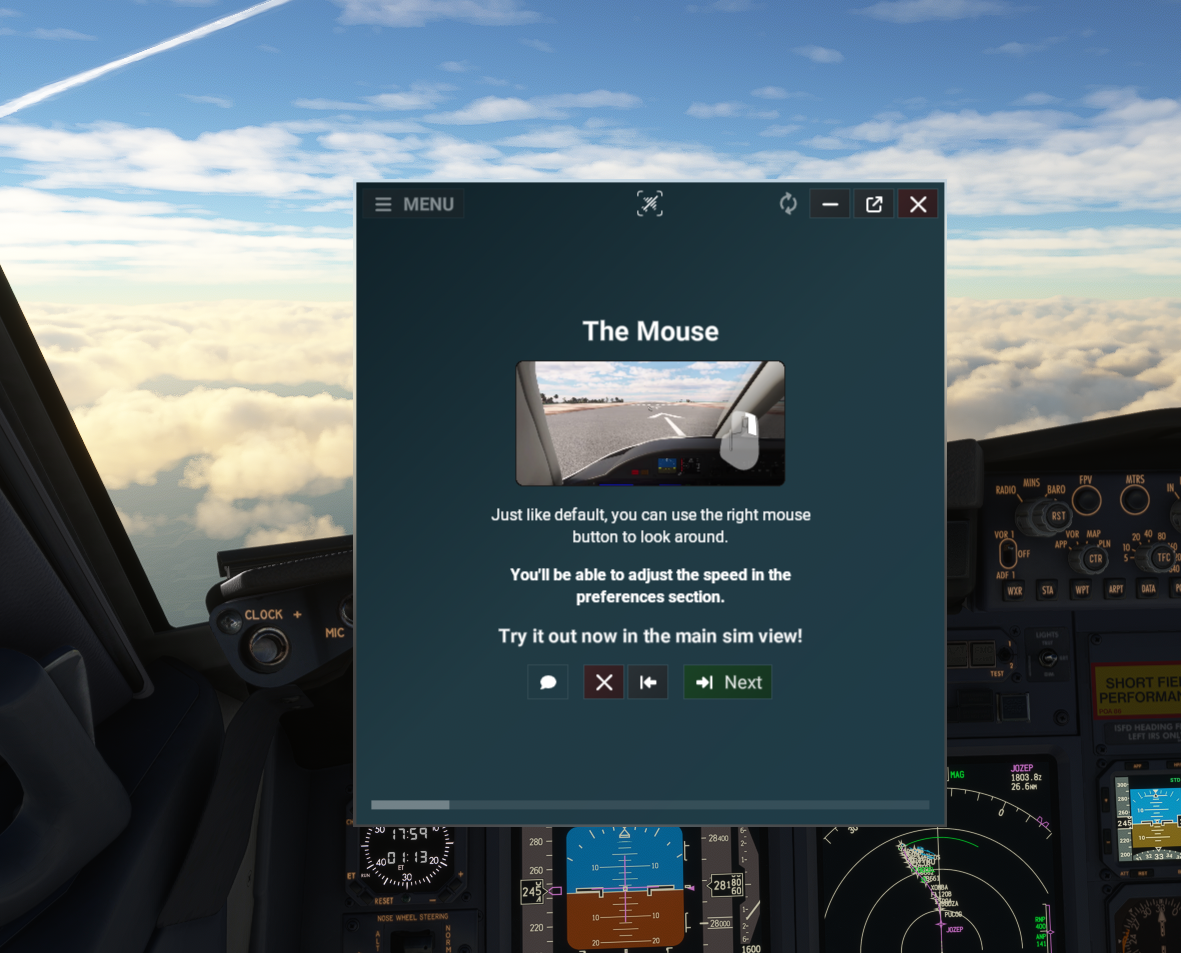
After updating, most issues have been resolved. During my testing, I have also found some bugs, affecting especially performance-heavy aircraft, like the Fenix A320. The camera would flicker or move uncontrollably here and there. These issues are now resolved in experimental versions of ChasePlane, as of the writing of this review (version 2025.27.3.17 is now running flawlessly). It is worth noting that Parallel 42’s support is immensely helpful, and they were happy for any feedback provided and tried to resolve the errors as soon as possible.
Setting Things Up
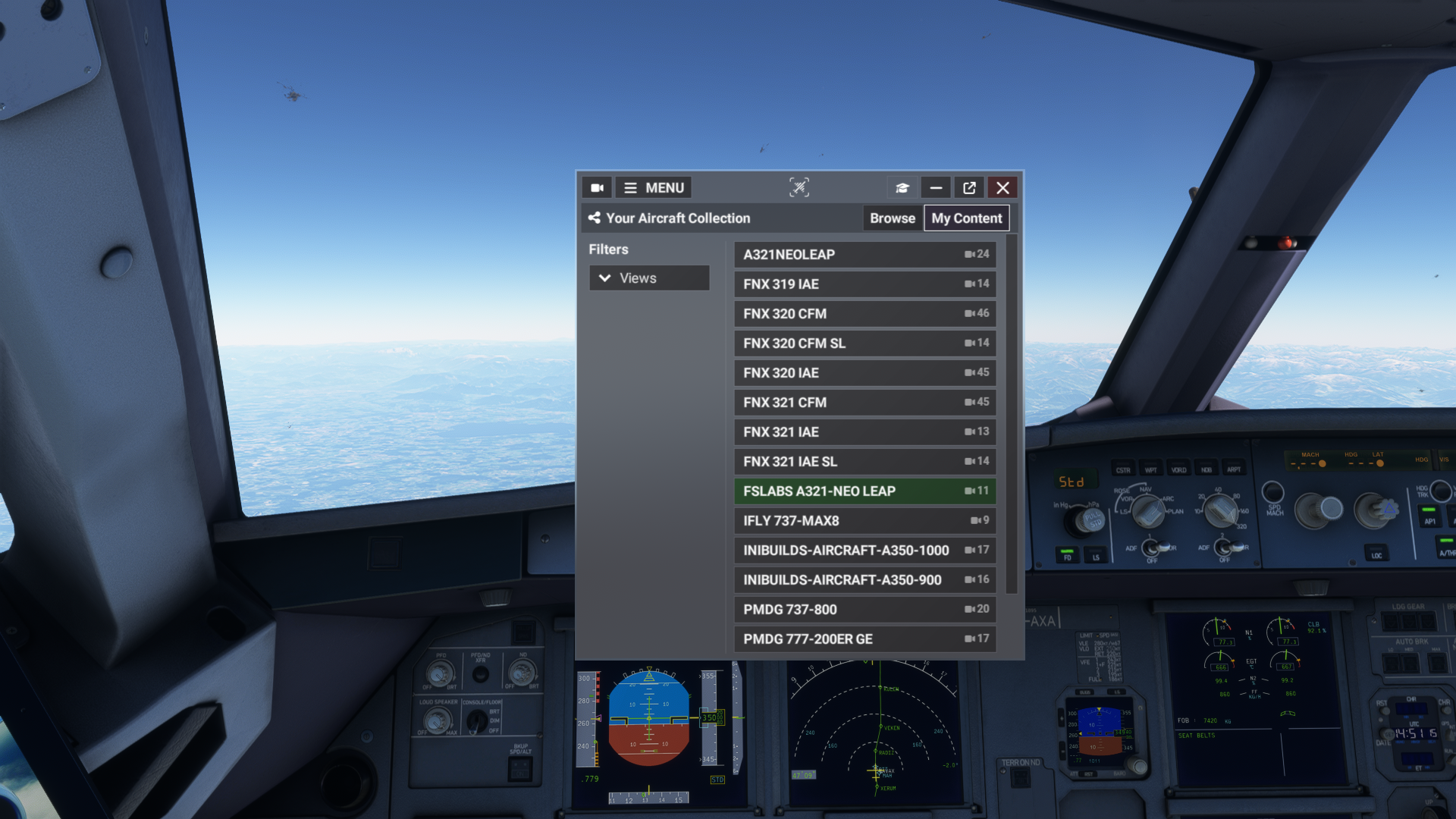
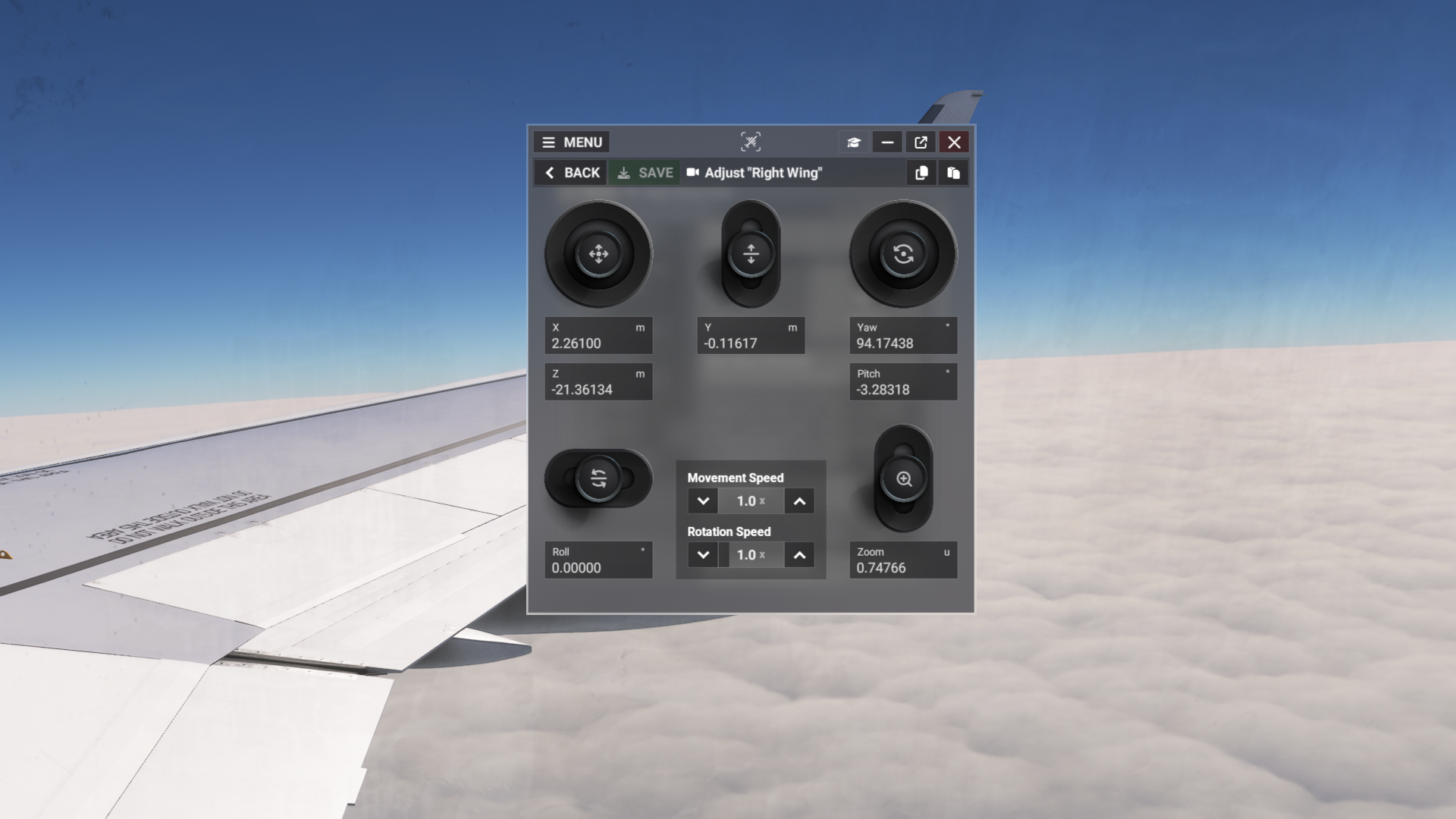
After I went through the tutorials and set up my key bindings, I started to configure my custom views in the planes I mostly fly with. This has been very similar to the experience during Prepar3D days, and I knew right away what to do and how. However, it took me a while to figure out groups, and I had to change different physics settings, especially for external views, as hard-mounted views would shake uncontrollably mid-flight. Adjusting the physics and changing the group to “chase camera” resolved most of these issues.
A subjective standpoint would be looking at the automatically generated views. They work well, but there are so many of them that changing the configurations to my liking took me way longer, compared to setting up default camera presets in Microsoft Flight Simulator. Some people may look at this as a big advantage, and, frankly, for a good reason. SmartCam Views can be especially helpful if you have a lot of camera positions set.
Using SmartCam views, you can change between various positions without clicking any buttons, and the transition is done by using mouse look at the instrument you want to go to, and then clicking the left click. SmartCam is a great feature if I need to quickly snap between the EFB and the flight management computer, for example. When I hold right click, I just take a look at the instrument and click my left mouse button, it zooms me in and I can work, getting out is as simple as holding right click.
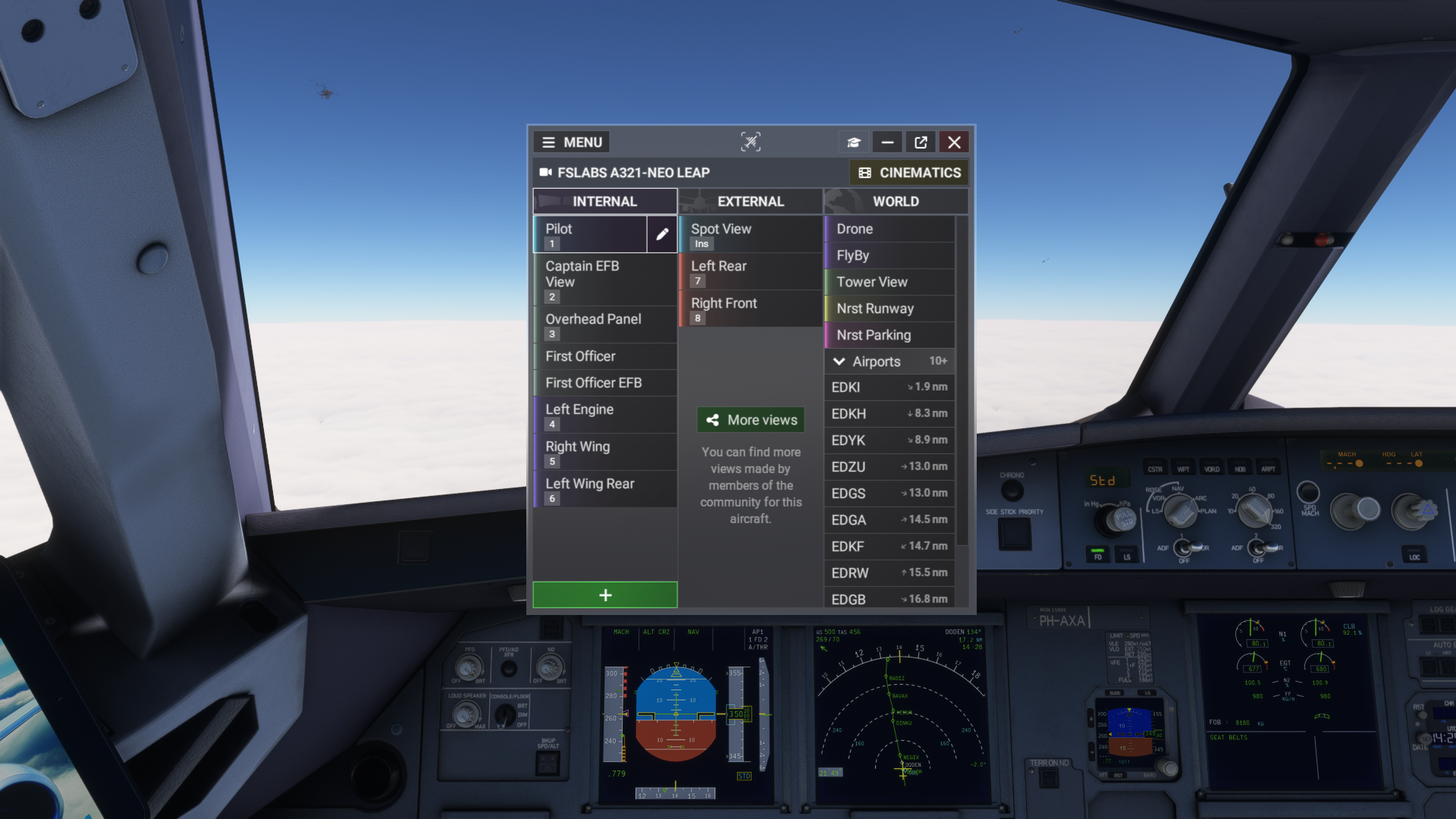
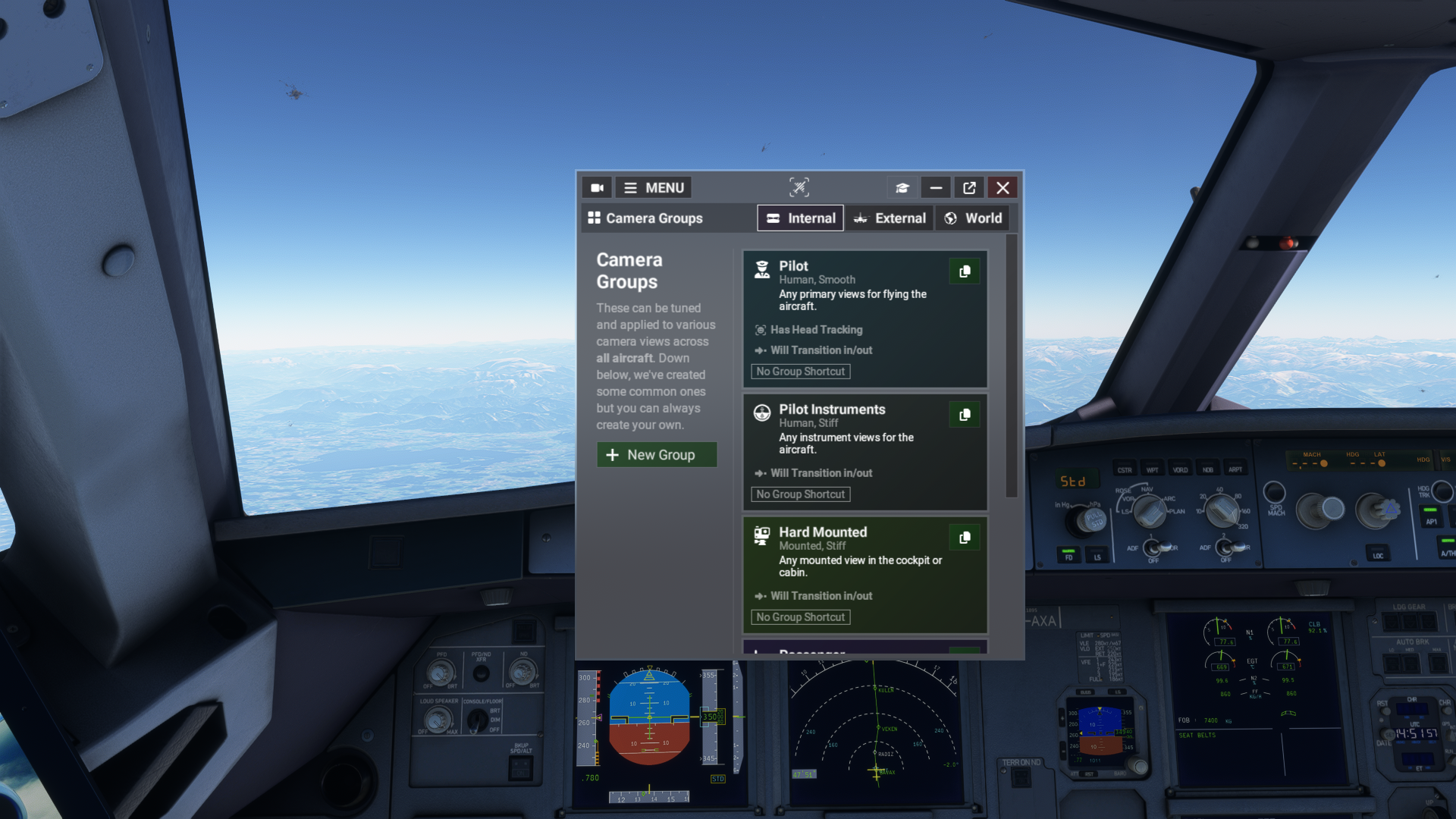
However, ChasePlane automatically generates way too many default camera positions and removing those was quite the task. I would probably appreciate just being able to right-click on the camera, and click delete, rather than clicking on the view, scrolling down and then clicking delete, only to be switched to another view and finally get it removed. However, I strongly believe that these are only quality of life features that do not influence the experience of this add-on, and are going to be resolved in future updates.
Visual Effects
After setting ChasePlane up and getting ready to fly, the first thing a virtual pilot will notice is that there are improved camera movement effects. The camera groups create these effects, each having different physics settings. For example, in the cockpit, the camera will have different behaviour than in the cabin, as there is the passenger group, and the outside views have a Chase Camera (floaty) camera group, and a Mounted camera (stiff, vibrating mid-flight) camera group.
In the cockpit, the camera will move based on the aircraft’s movements. This means that there will be subtle vibrations during taxi and the camera will tilt into turns. Not much, but just enough to see clearer into turns, which was not really possible with the default camera in Microsoft Flight Simulator, unless you moved the camera yourself.
During take-off, the camera shaking will intensify, and lateral Gs are also simulated. During the climb, cruise and descent phases of the flight, the ride will be a bit smoother, but you can finally notice turbulence using ChasePlane. In my opinion, that changes the experience quite a lot compared to the default camera. ChasePlane is, from my experience, also helpful during the landing phase and manual flight. The aircraft in MSFS usually react to any subtle movements of the flight controls. However, I had minor issues overshooting my controls with the default camera, as the controls felt heavier. With how ChasePlane reacts to the aircraft movements, even subtle movements of flight controls are now visible, thus making controlling the aircraft a little easier.
I would say that ChasePlane camera effects are not only realistic, smooth-looking, and impressive in general, but they are also useful. All the camera effects might be overpowered by default, and you can also change them to your liking. This segment is especially where ChasePlane overtakes the default camera by a long shot.
After Initial Release
Despite the Club 42 release being quite turbulent, I am happy to say that the first official release version of ChasePlane has fixed a lot of issues with performance and is now working well with the simulator in almost every aircraft. The camera movements got smoother, and the transitions are quicker.
While not many UI changes were implemented, there are not that many improvements to be done, except for the ones mentioned above. Parallel 42 knows how to work with user interface well, and it pays off in almost any of their add-ons.
There were still some issues that were happening on my end, especially glitching camera view upon overloading the CPU to a certain level. From my point of view, a ChasePlane bridge would disconnect from a simulator for a split second, resulting in a really fast flicker to an MSFS-native camera module. This issue has been fixed in a recent update after thorough discussion with the Parallel 42 team, and is no longer present. If you have a stronger CPU than I do, this should not happen at all, at least from what I heard from my friends who also use ChasePlane on their flights. I am running my simulator on Ryzen 5 5600X.
Changes Over the Default Camera
The Asobo team has struggled to fix camera issues that were brought in by Sim Update 5, which have been there for almost three years. I am especially speaking about the inability to use flight control surfaces when moving the camera with a mouse or being in an external view. This has made taking screenshots and working with aircraft systems extremely difficult, and the only workaround would only apply to the cockpit by using a click-and-hold mouse look. This is, in fact, still a persistent issue even in Microsoft Flight Simulator 2024, which makes it even more frustrating.
With ChasePlane, these annoying issues that Asobo just can’t resolve are no longer present, and it is definitely more pleasing to work with both the exterior and interior camera. I also don’t have to worry about sliding off the taxiway when trying to take a screenshot of my plane from the outside, just because my controls get locked.
Closing Thoughts
There are many aspects that I like about ChasePlane, and I can recommend this add-on by all means. It is on the more expensive end of the spectrum, as this camera add-on costs €32.95 on the Parallel 42 website, but it is definitely game-changing. While it is not available for Microsoft Flight Simulator 2024 yet, Flight Simulator 2020 users can enjoy this product in all of its glory.
ChasePlane has resolved issues that Asobo couldn’t fix for years, implemented smooth and realistic animations, created cloud backups for your camera views, so you won’t lose them upon reinstalling your aircraft or your PC, and the UI is really easy to navigate. While the UI is missing some features I would like to see, such as drop-down menus for options and faster transitions, I strongly believe that they will be added soon.
I would also like to mention the support Parallel 42 provides to customers, and this was especially visible during both the Club 42 release and the public release of ChasePlane. Namely, Edson and Keven were intensively helpful with any issues I had with ChasePlane, and were pushing updates for present issues faster than I could imagine. I tested this by using my personal account, not linked to my work at FSNews, so I was treated as any other paying customer would be. Not only did they push fast updates, but communicated through the whole process, kept me updated on the progress of bug fixing, and when a fixed version came in, it just worked.
If you would like to learn more about Parallel 42, you can take a look at our previous article covering the release of Campout Utility for Microsoft Flight Simulator 2024.
Feel free to join our Discord server to share your feedback on the article, screenshots from your flights or just chat with the rest of the team and the community. Click here to join the server.