Synaptic Simulations has announced Synaptic Toolbox, a new piece of companion software for its Airbus A220 for Microsoft Flight Simulator. The announcement was made in a message to the community on the developer’s Discord server. The team says they have worked on the software for the past few days.
The A220 is the twin-engine regional jet originally developed by Bombardier as the CSeries and now marketed by Airbus. Synaptic’s simulation of it has already seen updates and previews, including the A220 EFB update we covered earlier. The new toolbox is closely tied to that ongoing work.
According to Synaptic, the Toolbox will be their self-managed platform for distributing companion software for the aircraft. The first such tool is the terrain server. The developer also mentions an external EFB in the future, plus anything else that may be needed along the way.
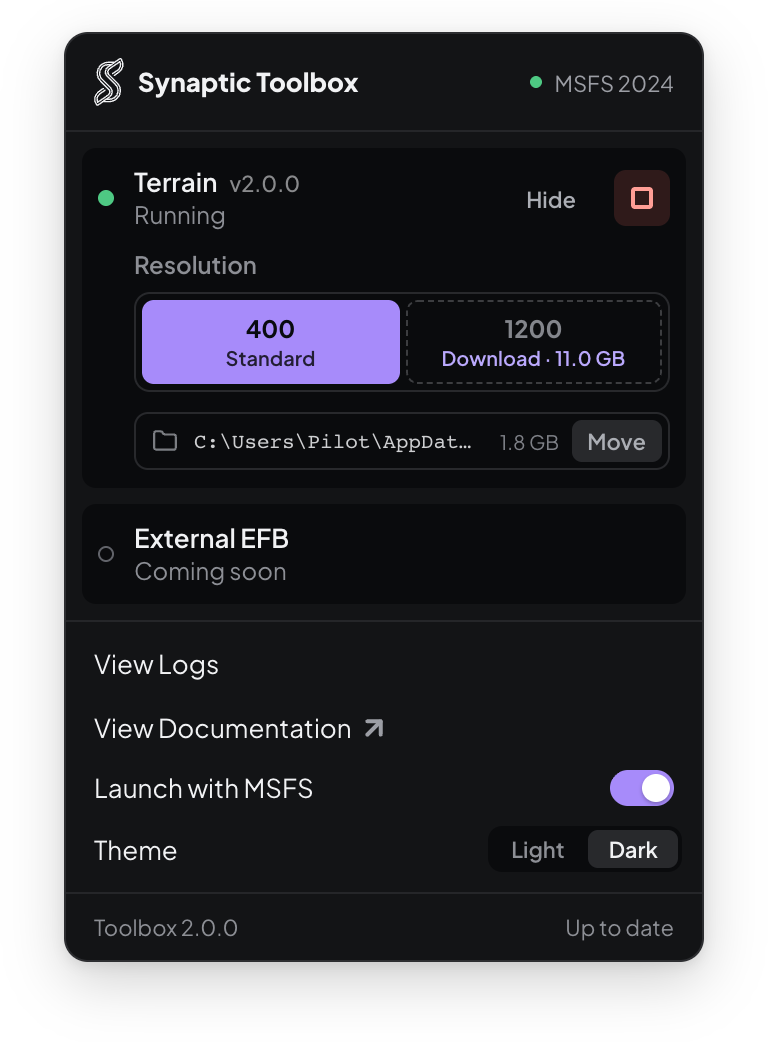
The developer explains that it is announcing the tool ahead of the next update because of a technical change. Synaptic has made non-backwards-compatible changes to the wire format used when requesting terrain images. As a result, the Toolbox will not work with the terrain layer in A220 v1.0.10, but it will be required for the terrain layer to work in v1.0.11. Synaptic has not given a release date for that update.
There are a few caveats for users who install it early. Running the Toolbox will override the exe.xml entry for the previous-generation A220 launcher, which is currently distributed through the iniManager. Synaptic recommends waiting for the update before installing the Toolbox, although it is available now for anyone who wants to explore it. Anyone who does install it must first uninstall the old launcher by manually deleting its directory. The developer also notes that Windows may show a SmartScreen warning that the software is unrecognised. Synaptic Simulations detail that they have just obtained a new software signing certificate, and Windows needs time to trust it as more people install the software.
The tool is available free of charge through the developer’s GitHub. The developer has published documentation and installation instructions for the terrain component on their documentation site.
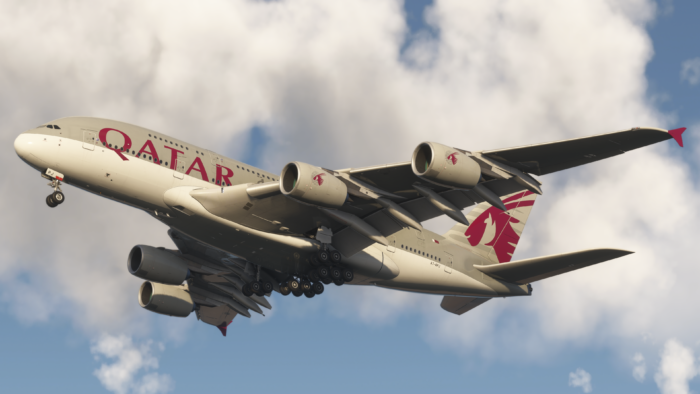
Credit for the beautiful featured image used in this post goes to Synaptic Simulations’ Discord community member neuvilunar.
Feel free to join our Discord server to share your feedback on the article, screenshots from your flights or just chat with the rest of the team and the community. Click here to join the server.