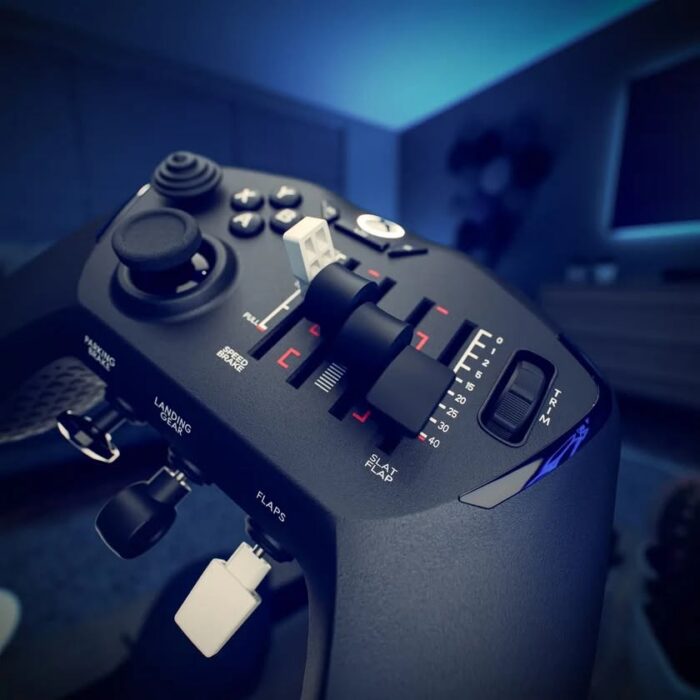
Laminar Research has officially released X-Plane 12.3.0 to all users, marking the end of the beta phase. The update is now available for both LR Direct and Steam customers without requiring beta enrolment. This long-awaited version introduces major new features, including a fully functional weather radar, synthetic vision, historical weather data, and enhancements to the default A330.
A Major Update “for the Fans”
Announced on Laminar Research’s official Facebook page, the team describes this release as “one for the fans,” thanking beta testers for their participation. The new version represents one of the most feature-rich updates to X-Plane 12 since launch, focusing on realism and visual fidelity. The developer confirmed that the next milestone will be version 12.3.1.
Weather Radar and Synthetic Vision
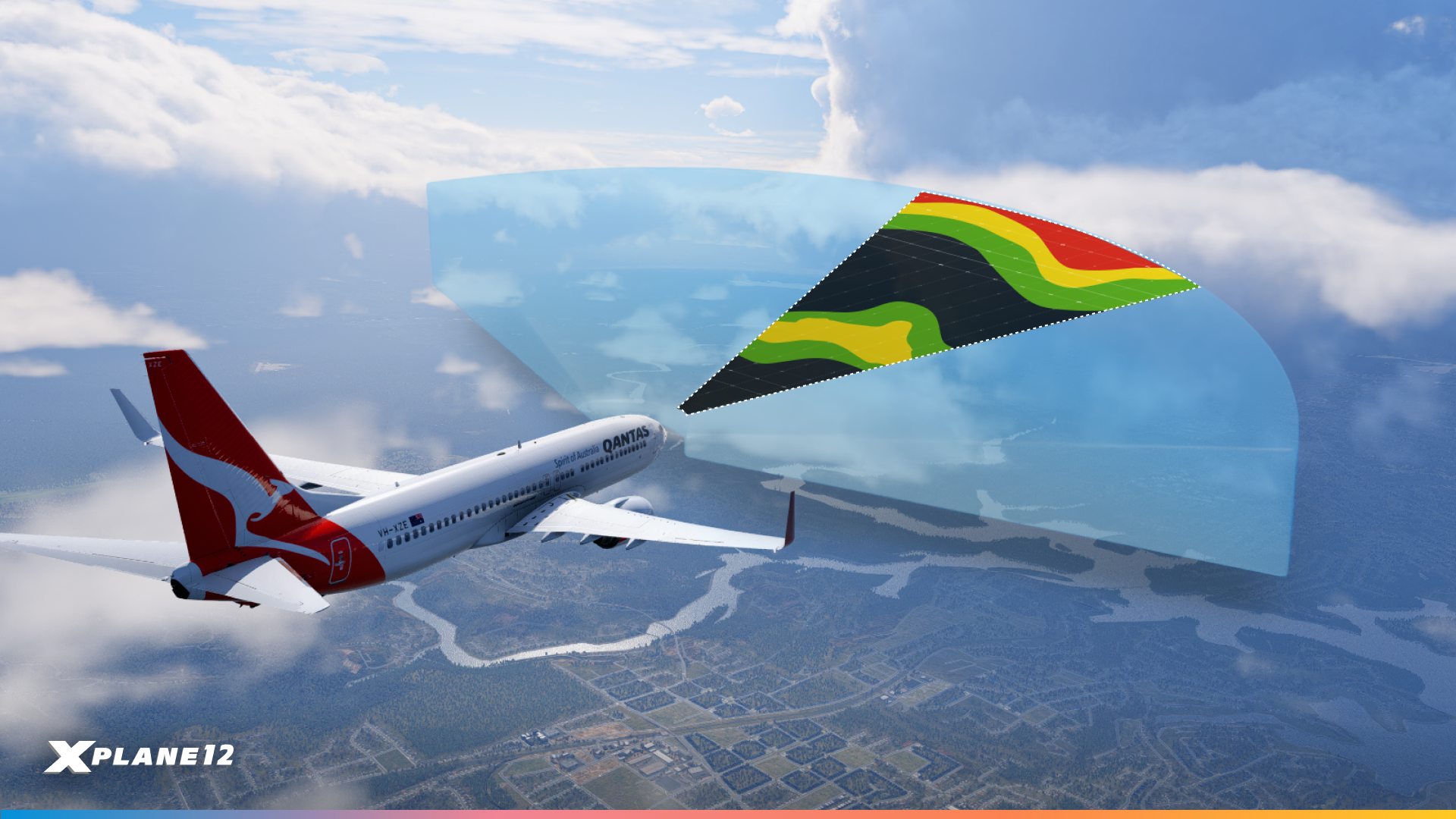
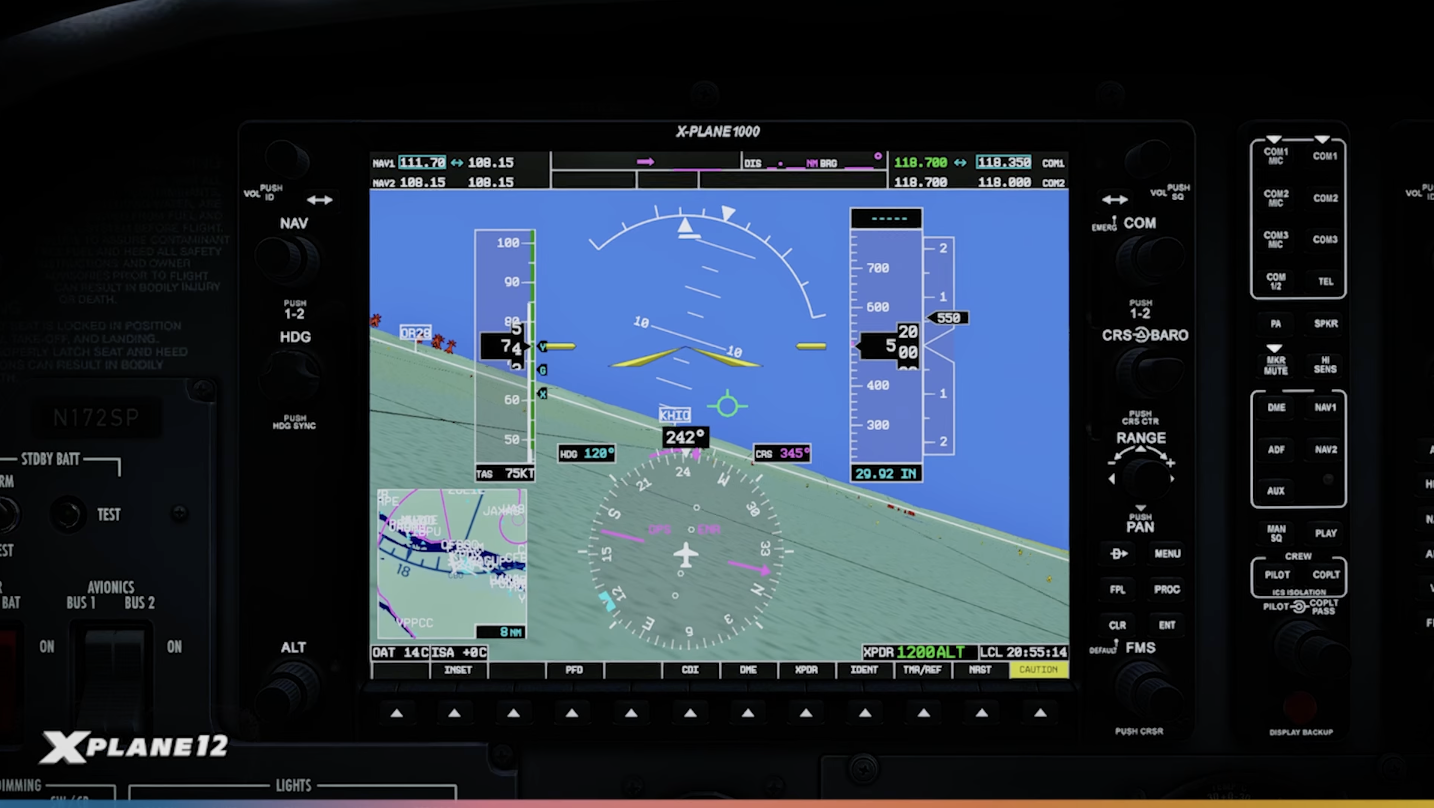
The highlight of this release is the long-awaited implementation of the weather radar, which is capable of displaying real-time precipitation within the simulator’s 3D weather system. Complementing it, synthetic vision has been added to the X1000 avionics suite, improving terrain awareness during IFR and low-visibility operations. Developers can now integrate radar functionality into third-party aircraft via the new WXR/WX API.
A330 Improvements and Camera Controls
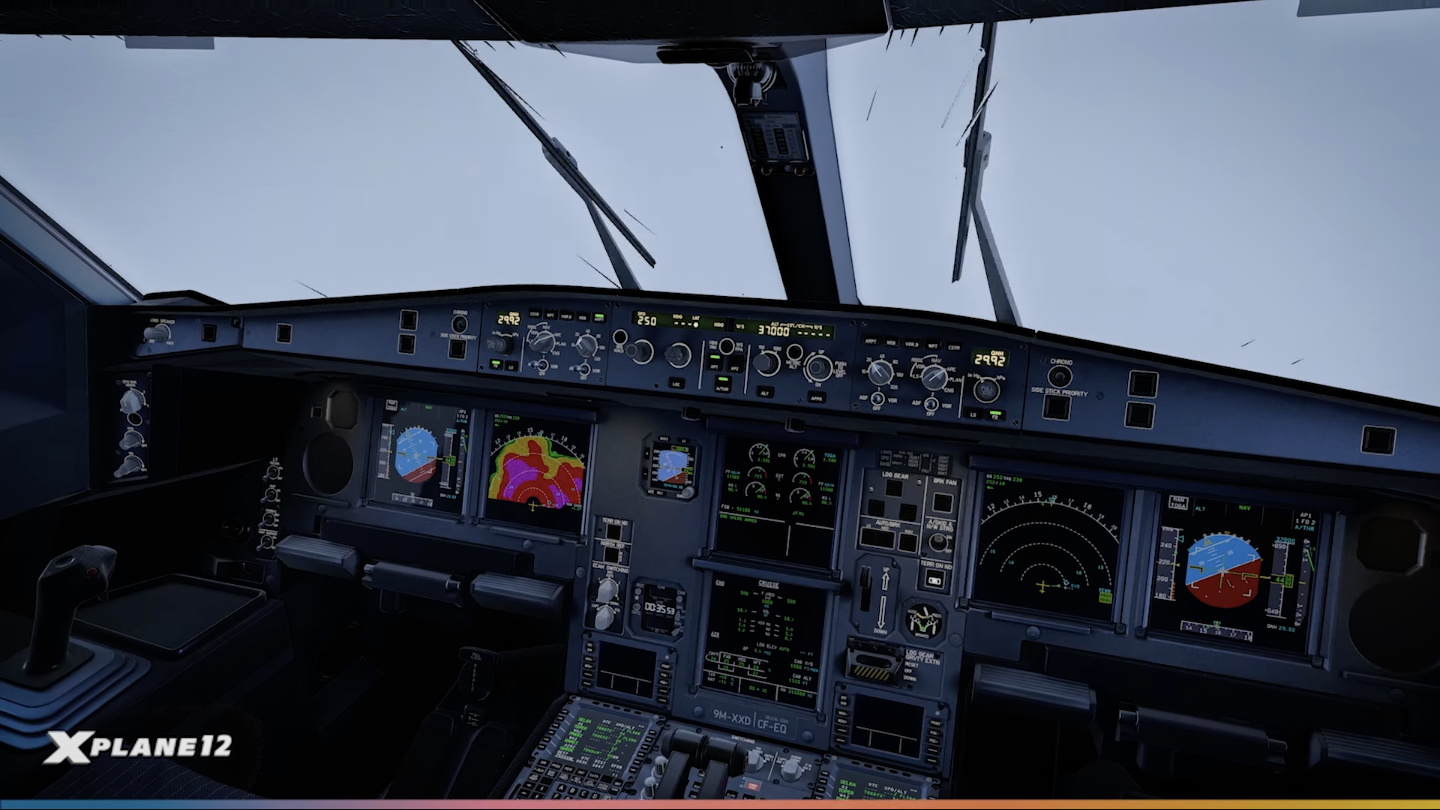
Laminar has also enhanced the Airbus A330-300, improving cockpit lighting, systems depth, and exterior effects. Other refinements include historic weather support, new camera controls, and extended functionality for external visuals, expanding options for home cockpit builders and training environments. Together, these updates target day‑to‑day usability and training workflows, bringing the default A330 closer to higher‑fidelity behaviour in the base sim.
Availability
X-Plane 12.3.0 is available now through the X-Plane installer and on Steam. Users who participated in the beta do not need to opt in again; the update will download automatically. Full release notes are available on the official X-Plane website.
Feel free to join our Discord server to share your feedback on the article, screenshots from your flights or just chat with the rest of the team and the community. Click here to join the server.