The Honeycomb Aeronautical Sierra TPM Module has been around for over a year now. As both a flight simmer and a real-world general aviation pilot, I was hooked the moment I first saw it. After almost a year of active usage, will it stand up to my initial expectations?
Unlike the Bravo Throttle Quadrant, which caters to both general aviation and airliners, the Sierra TPM has a very clear target audience. It is designed specifically for complex general aviation aircraft, perfectly replicating their push-pull throttle, propeller pitch, and mixture controls.
Flexibility
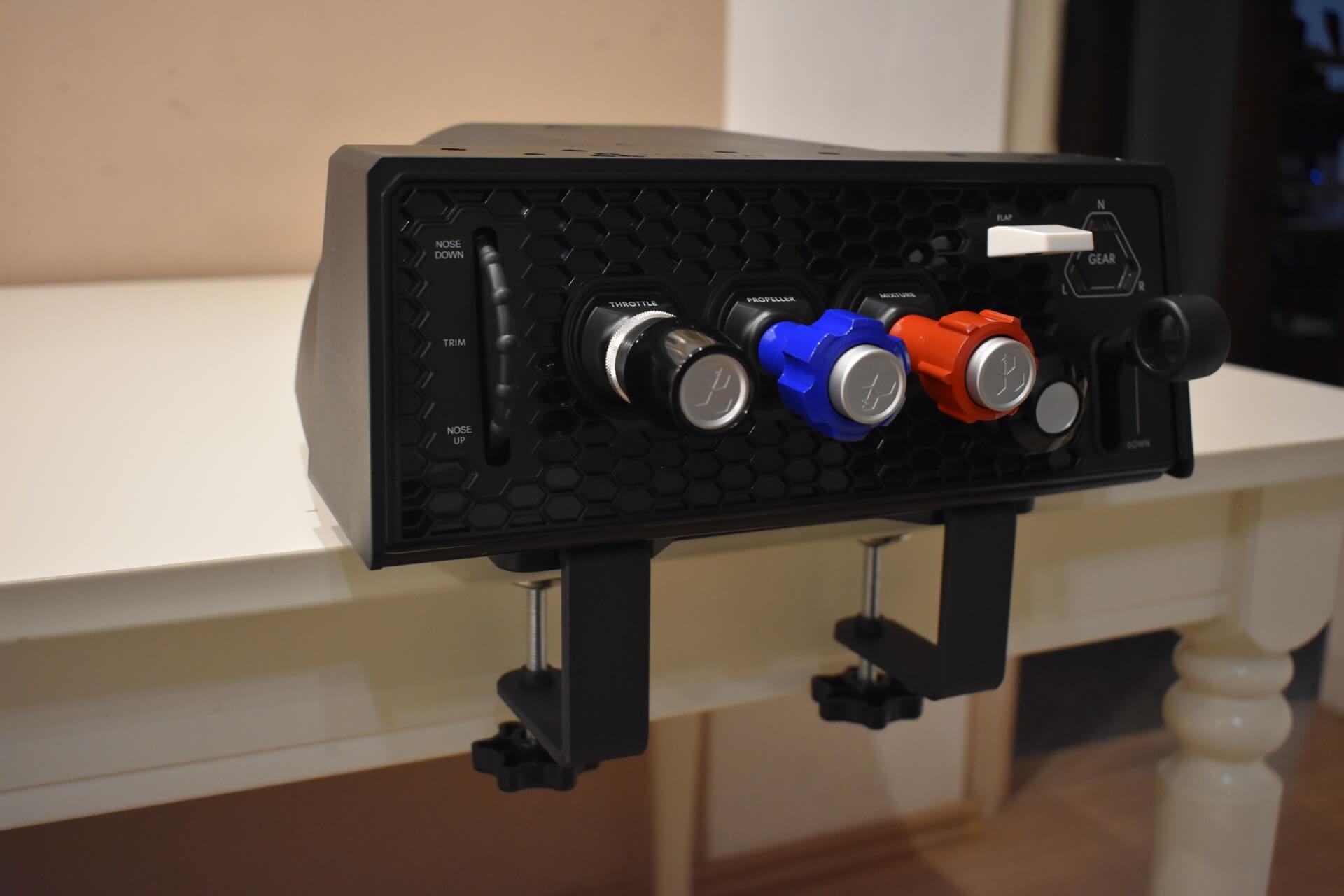
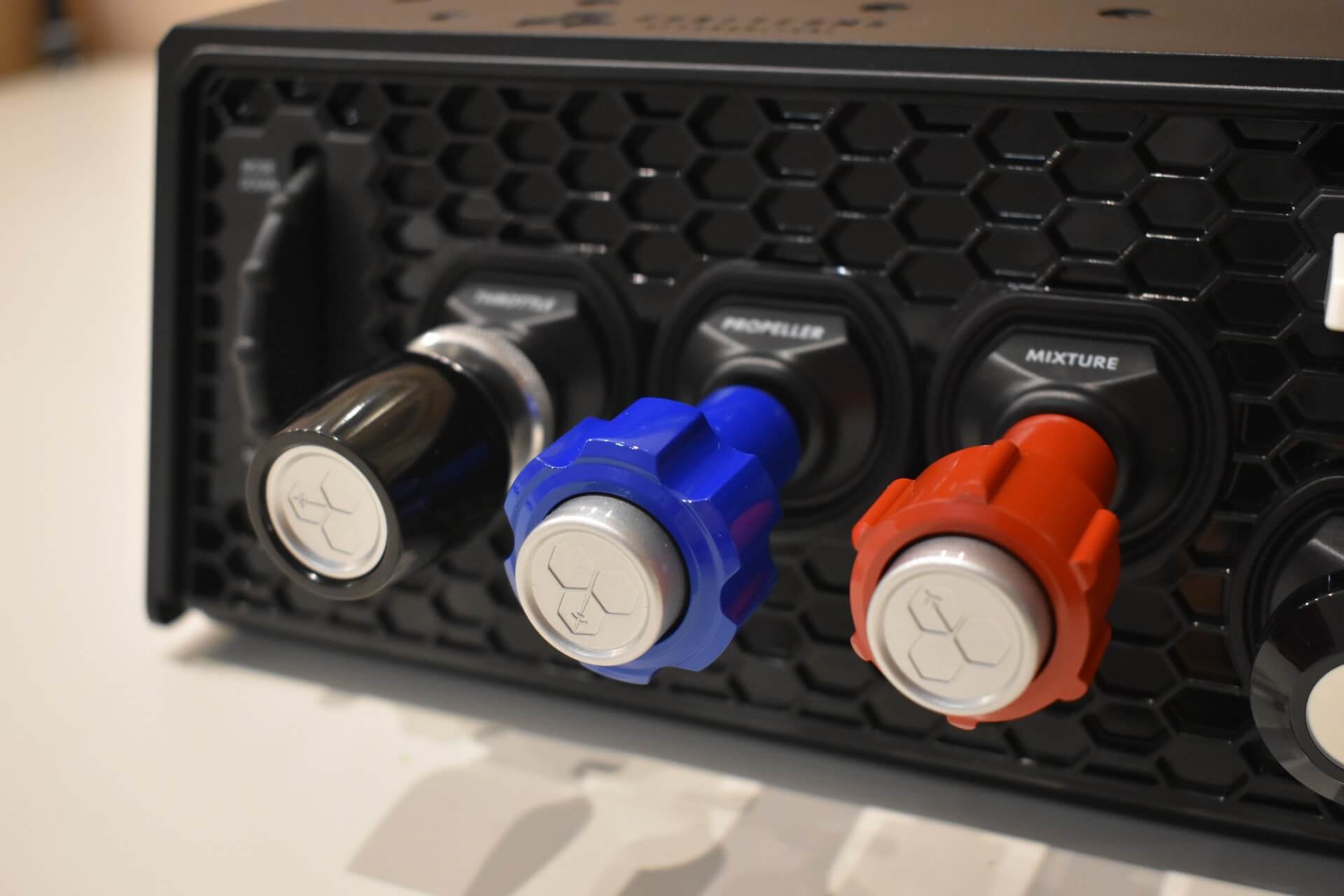
The unit’s three primary axes spell out its name: “TPM” – Throttle, Propeller, and Mixture. These controls are exclusive to propeller aeroplanes, the majority of which are piston-driven. Unlike the Bravo, the Sierra features exactly three fixed, non-interchangeable axes, meaning it cannot be reconfigured for standard multi-engine operations. However, this limitation is entirely acceptable. Real-world multi-engine throttles do not use a push-pull design because it would be difficult to maintain symmetric settings during crucial stages of flight. Unfortunately, you cannot configure the axes, from a hardware standpoint, for jet operations.
By focusing intensely on one specific aircraft category, Honeycomb was able to perfect the Sierra TPM for that exact niche, while abandoning the idea of flexibility, and they really hit the nail on the head.
Build quality
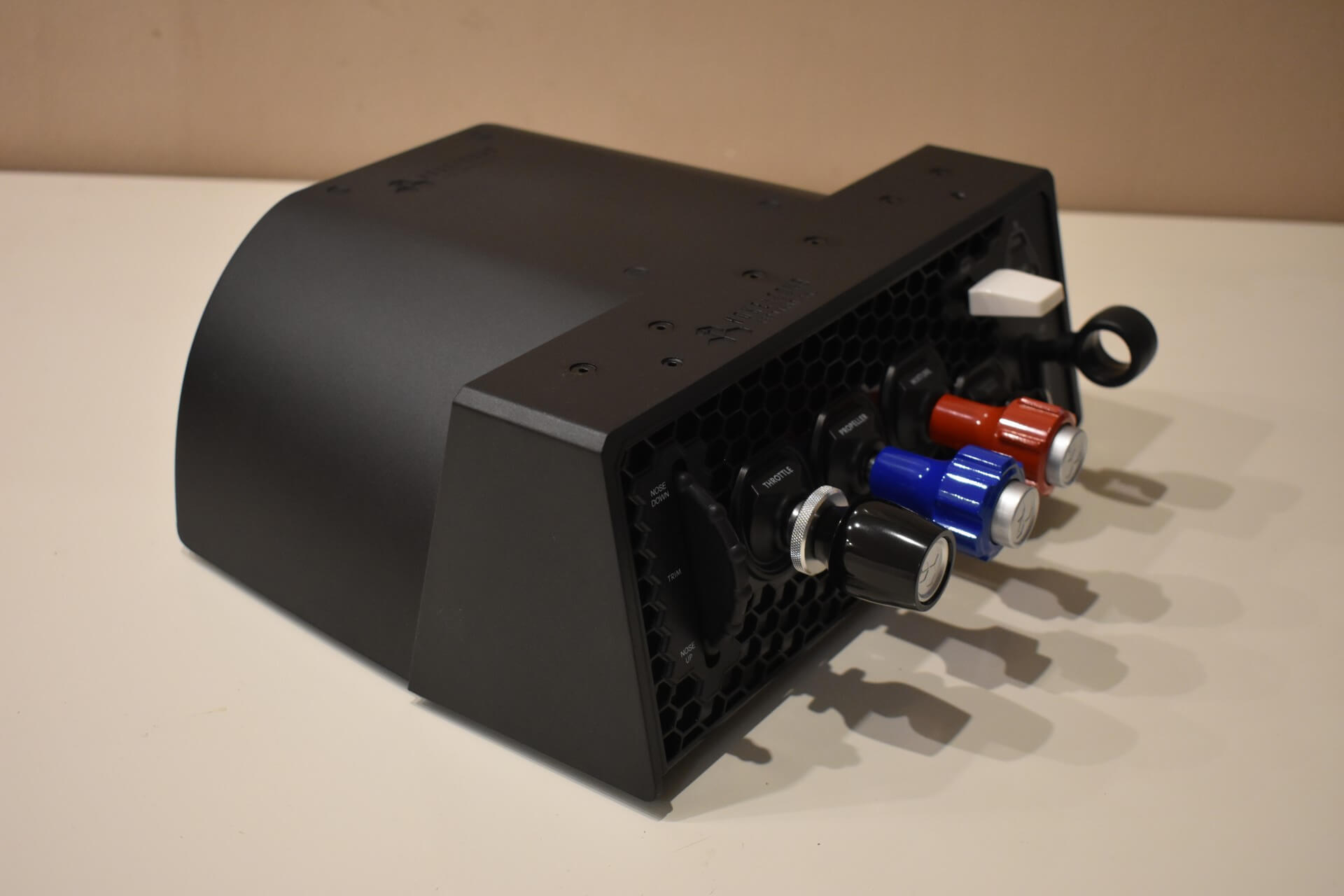
Like all Honeycomb Aeronautical products, the Sierra TPM features a plastic exterior. This is standard for the industry today. A fully metal unit would easily run double the price from premium brands like VirtualFly. After using this module heavily for over a year, I haven’t encountered a single issue with the plastic housing.
What truly deserves praise, however, is the internal construction and the three primary axes. Despite the plastic shell, the handles and the rods of the three primary axes are made of solid metal. This not only ensures excellent long-term durability but also dramatically boosts immersion, as the actual controls in a real-world aeroplane share that same metallic feel.
Design
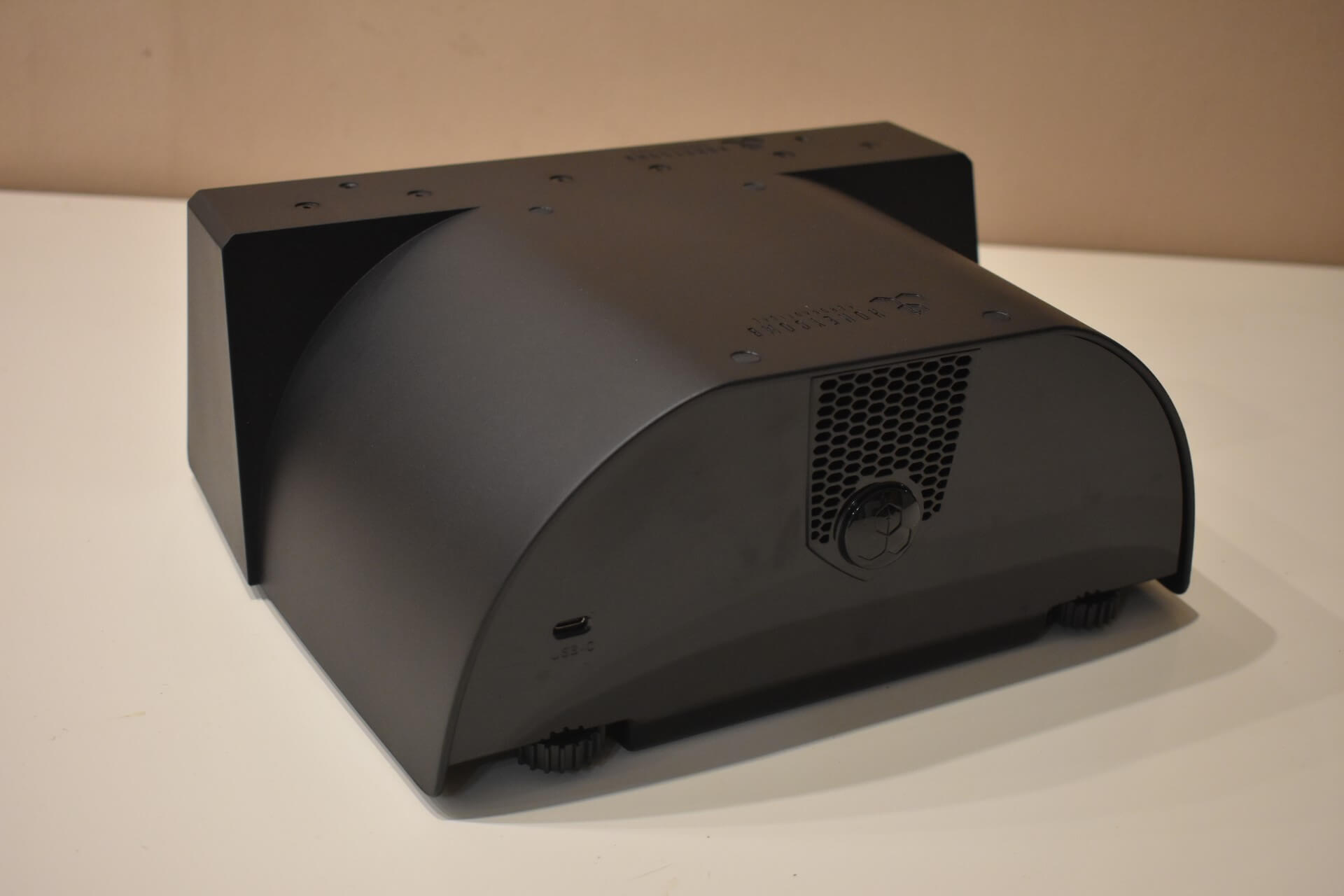
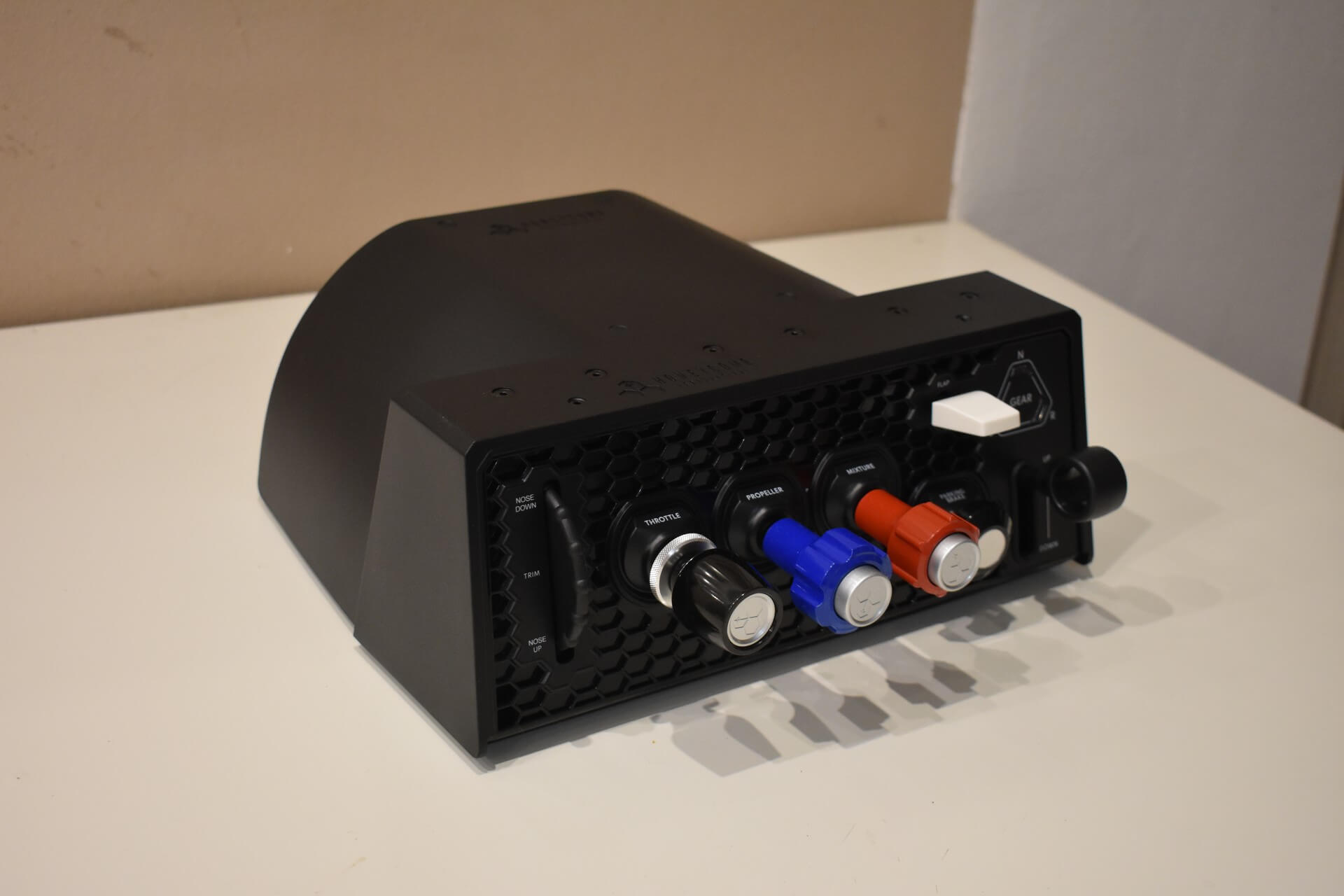
I have to highlight the overall design of the unit. It maintains the design of the entire Honeycomb Aeronautical product family, with the signature honeycomb-style detailing. The aesthetic is simple enough not to detract from the realistic nature of the product, yet modern enough to make the unit feel appropriately premium for the money you spent.
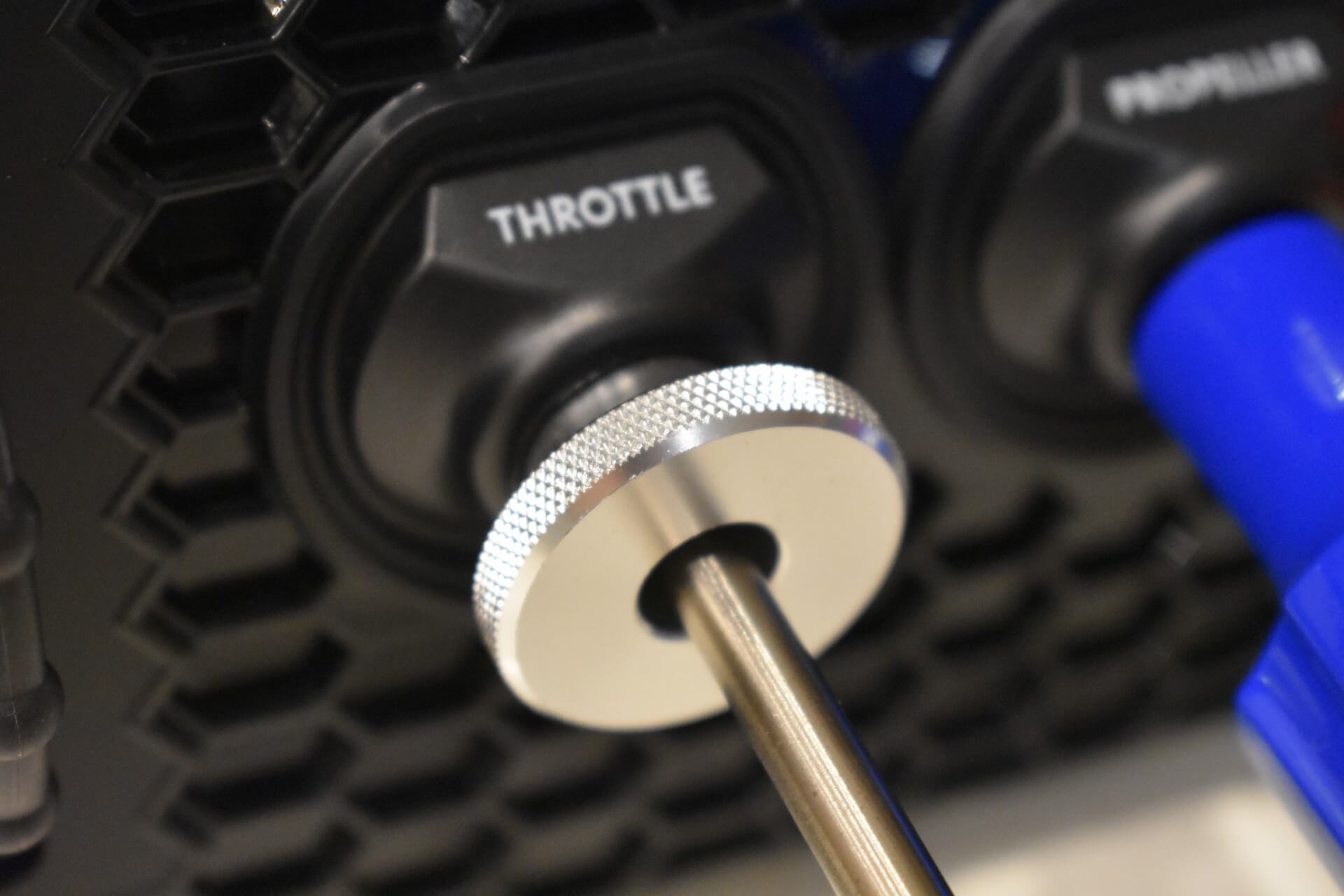
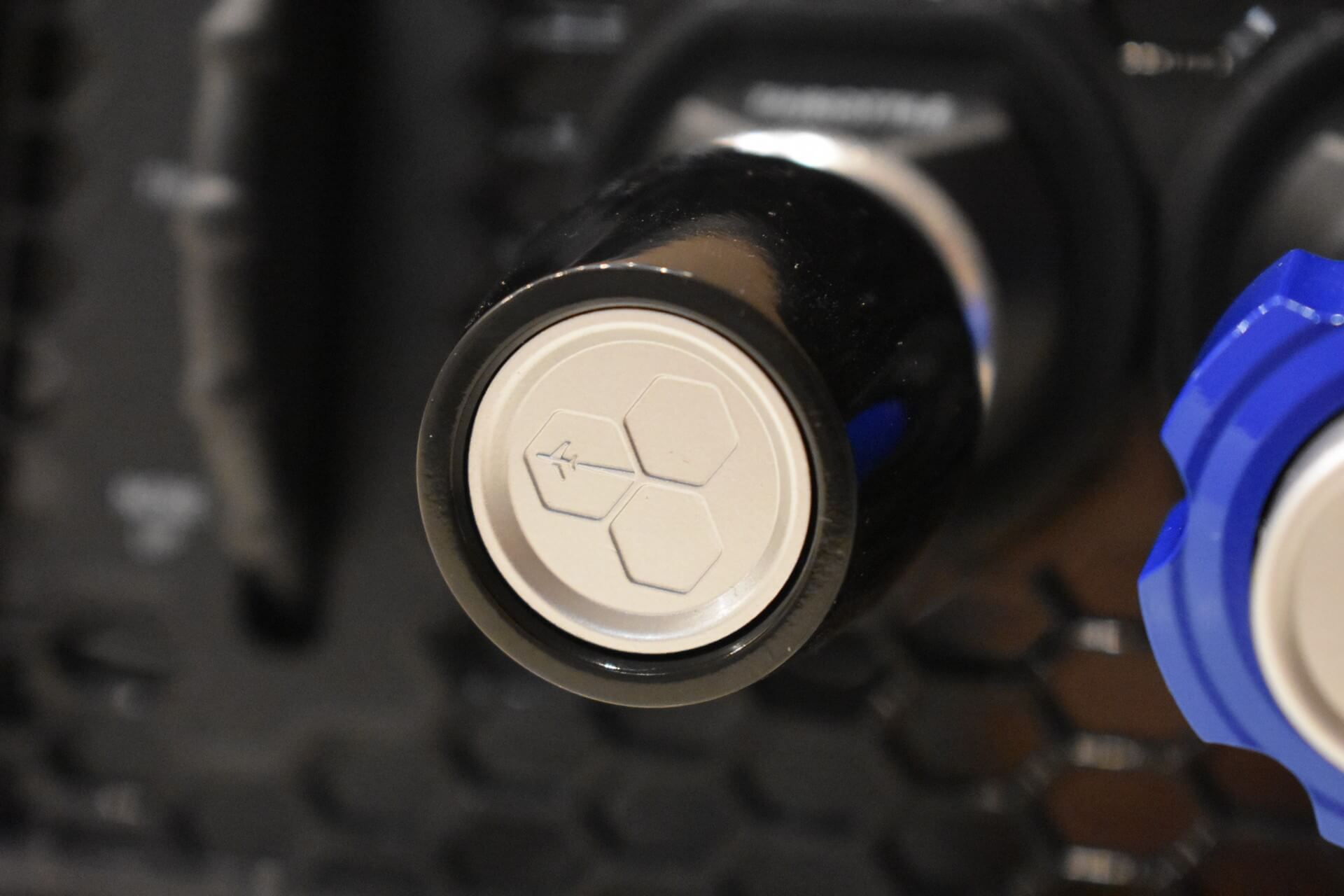
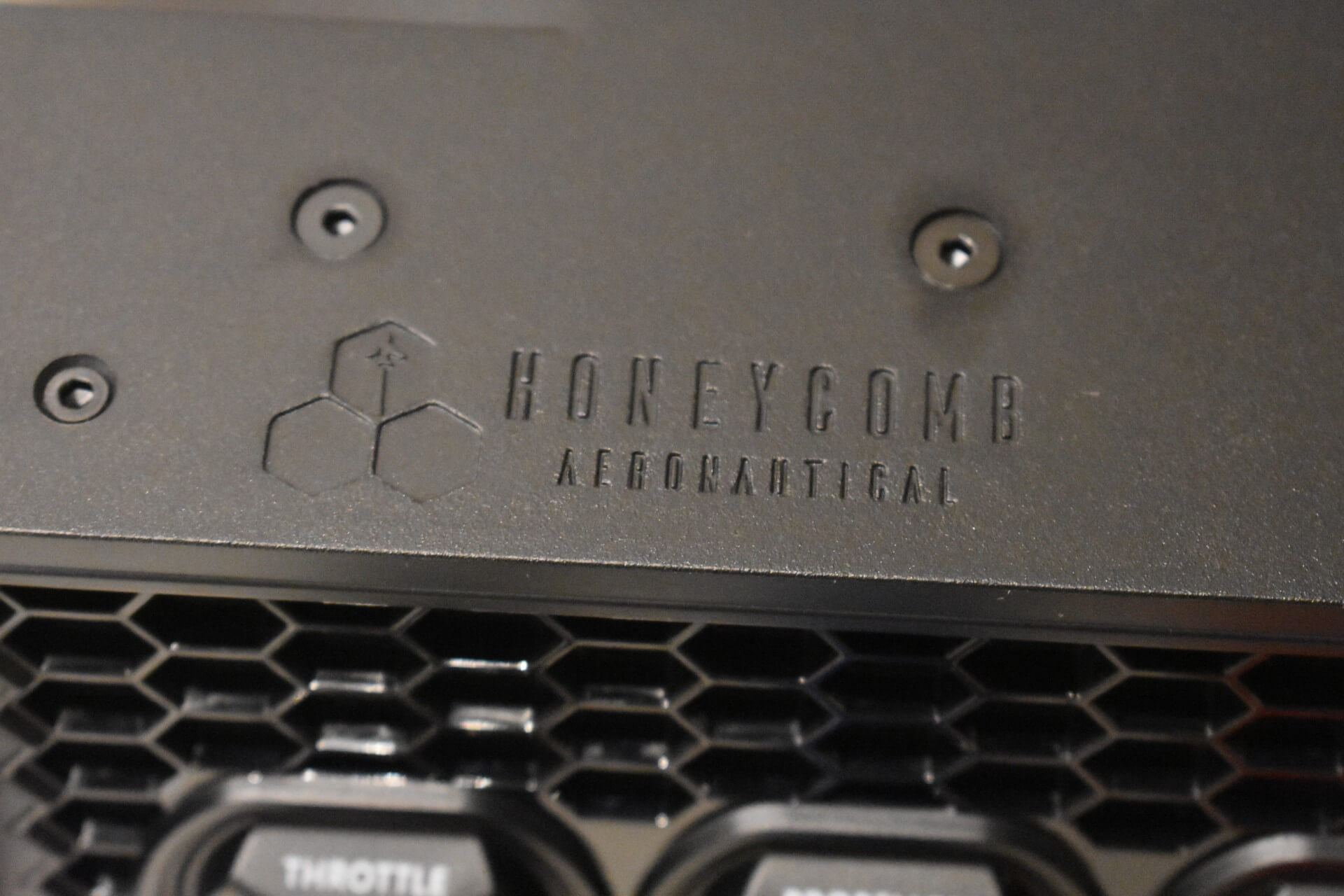
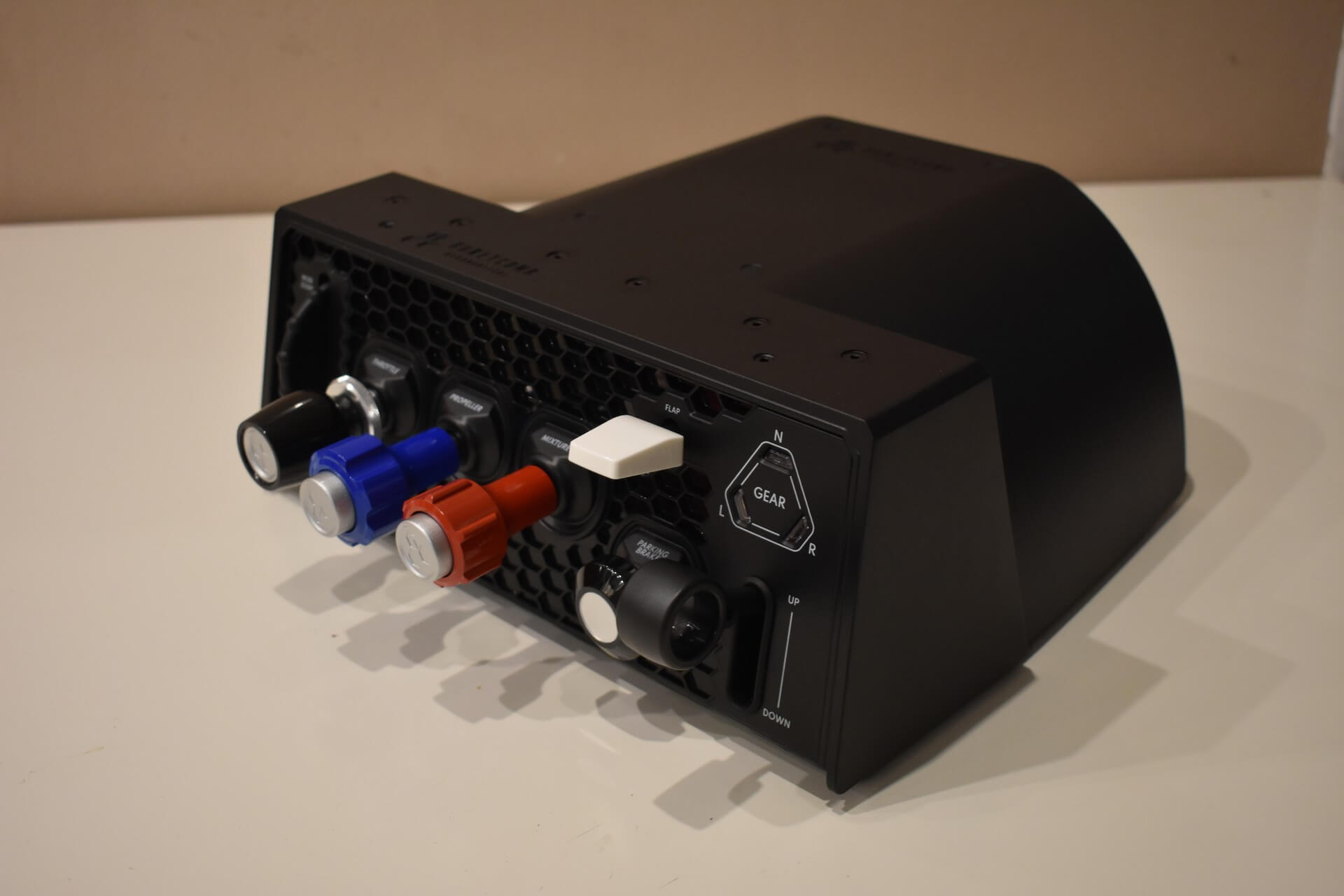
Each of the control axes features minimalist engraved descriptions. These markings aren’t loud enough to scream “this is just a gaming joystick,” but they are still visible enough so that even someone unfamiliar with the controls knows exactly what they are about to adjust. The unit itself is quite deep, but that is understandable when you consider that Honeycomb had to house the long internal mechanisms for three push-pull axes.
Vernier Levers
The vernier levers are the star of the show, and they are likely the main reason you are considering the Sierra TPM specifically. They certainly were the selling point for me, and I was genuinely surprised by how well, and without compromise, Honeycomb handled their design. Setting the build quality aside, which I covered earlier, these controls feel 1:1 with what you would find in a real aircraft. Let me explain this more in-depth.
When it comes to adjusting the throttle, propeller or mixture settings, the Sierra TPM mirrors reality perfectly. You can make fine, micro-adjustments by twisting the knobs, or make larger changes by pushing and pulling the levers directly. The propeller and mixture controls also feature authentic push-locks, which perfectly prevent accidental inputs or the controls moving without pilot input, just like in the real world.
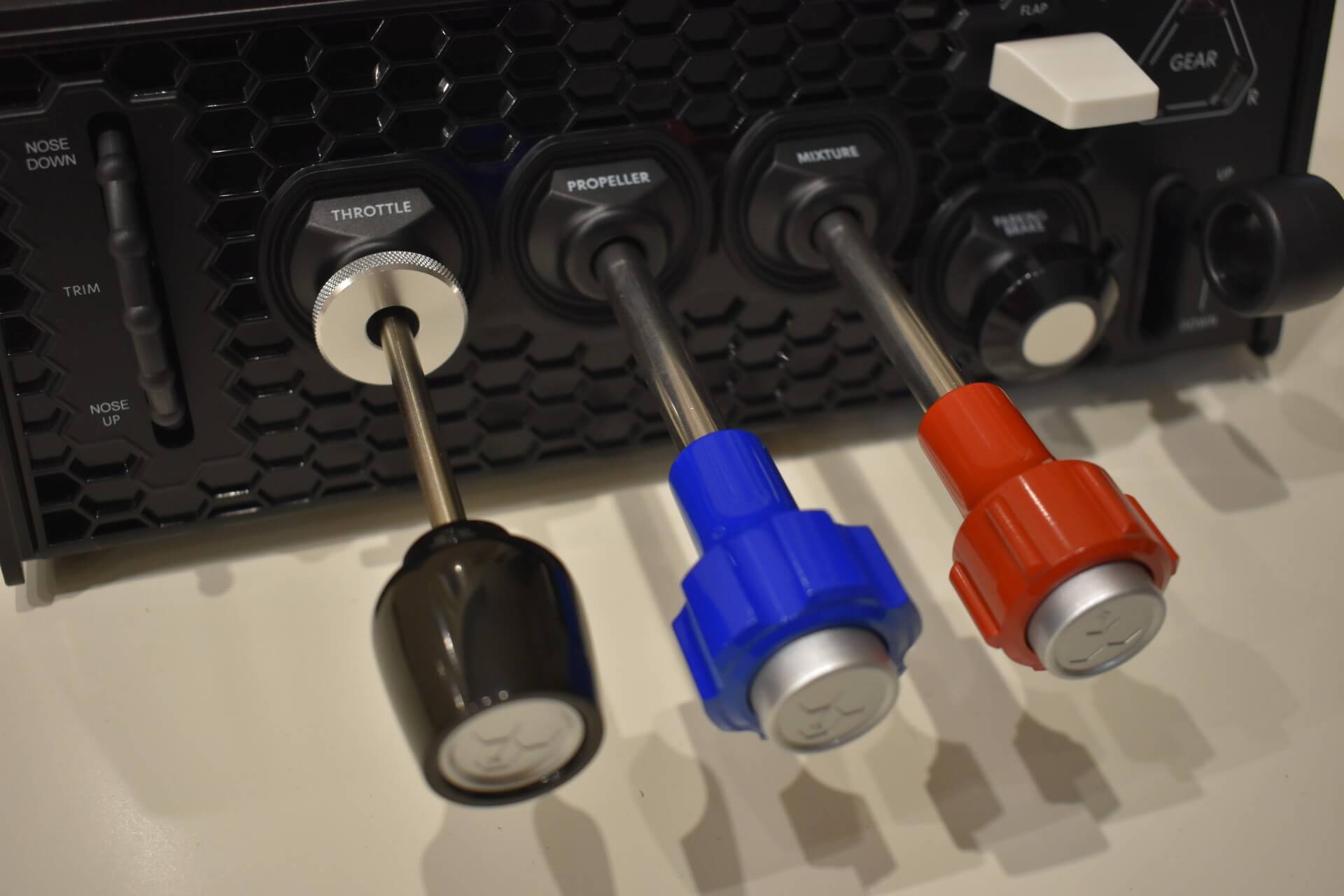
“But wait, there’s more!” as one telemarker would say. I have to dial back my excitement to maintain professionalism here, but Honeycomb even remembered to include adjustable tension control. In a real aeroplane, if the throttle travels too easily or creeps on its own, making small adjustments becomes frustrating. The Sierra TPM solves this by letting you adjust the friction to make the lever movement either stiffer or smoother. This is not only a nice feature, but also, by design, matches the situation in real cockpits.
All in all, the vernier levers and the strict general aviation focus are what make the Sierra TPM so special. It offers a massive immersion upgrade compared to the standard, multi-purpose throttle quadrants currently on the market.
Auxiliary controls
Beyond the three main axes, the Sierra TPM features an integrated trim wheel, a flap lever, a landing gear lever, and a parking brake that also resembles a carburettor heat control in its design.
The landing gear and flap levers are identical to those found on the Bravo Throttle Quadrant. The tactile feedback is excellent, and despite being plastic, like all the auxiliary switches on the unit, they still feel high-quality. Even after a year of regular use, there is no loose play in the mechanisms. The landing gear lever also comes with three LEDs to indicate the state of your landing gear. This is a great feature that definitely enhances the immersion since you do not have to look into your virtual cockpit to determine if your gear is up or down.
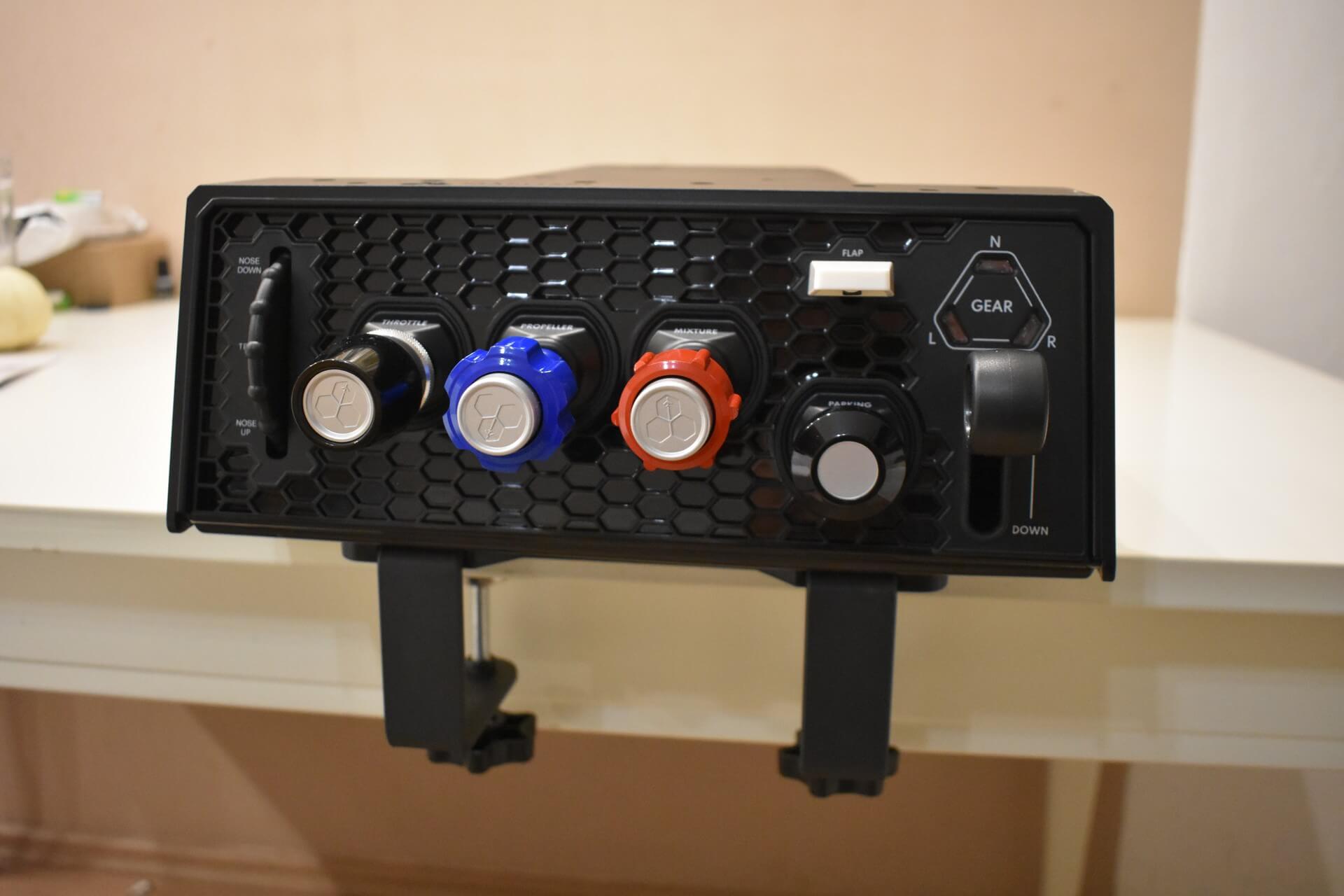
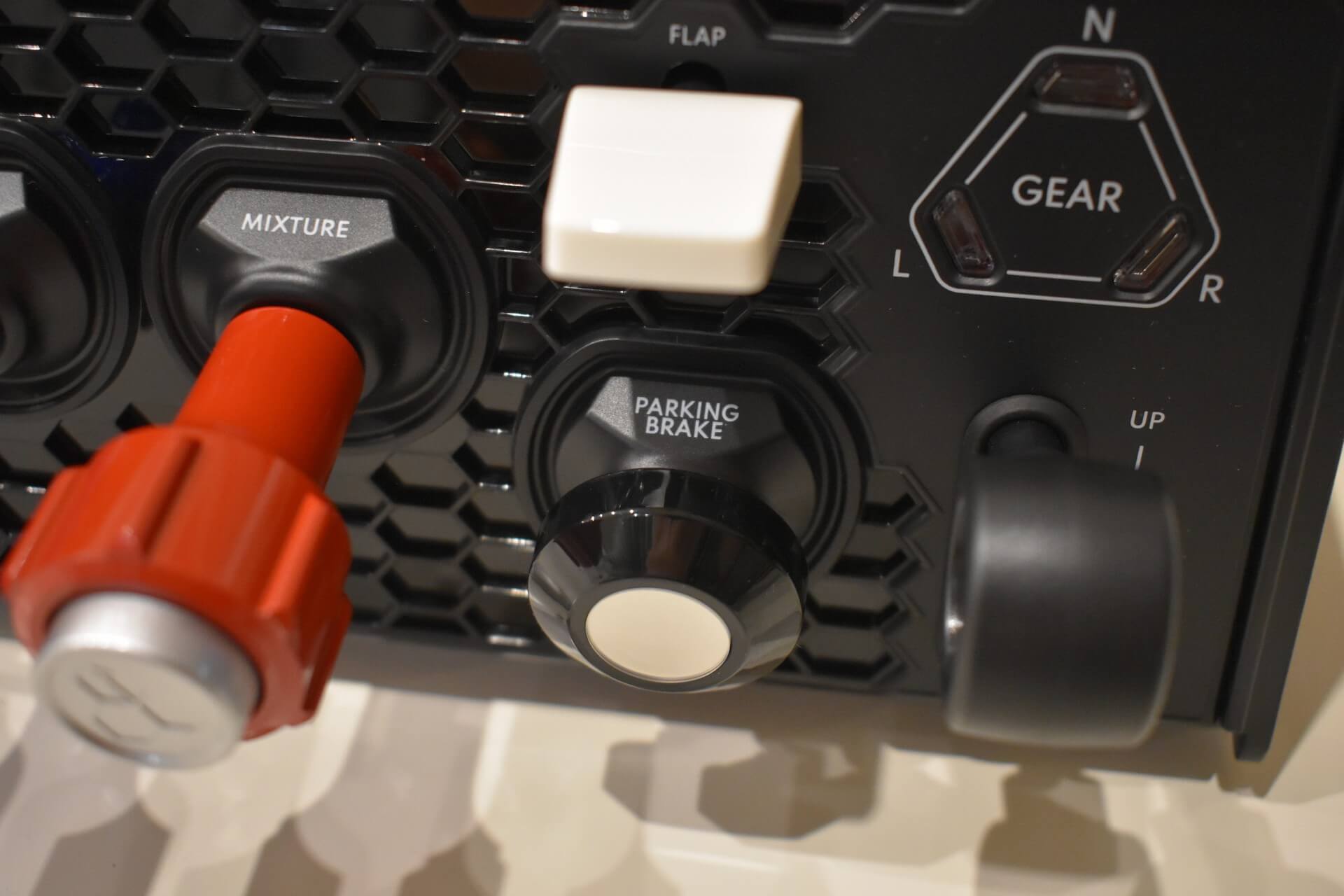
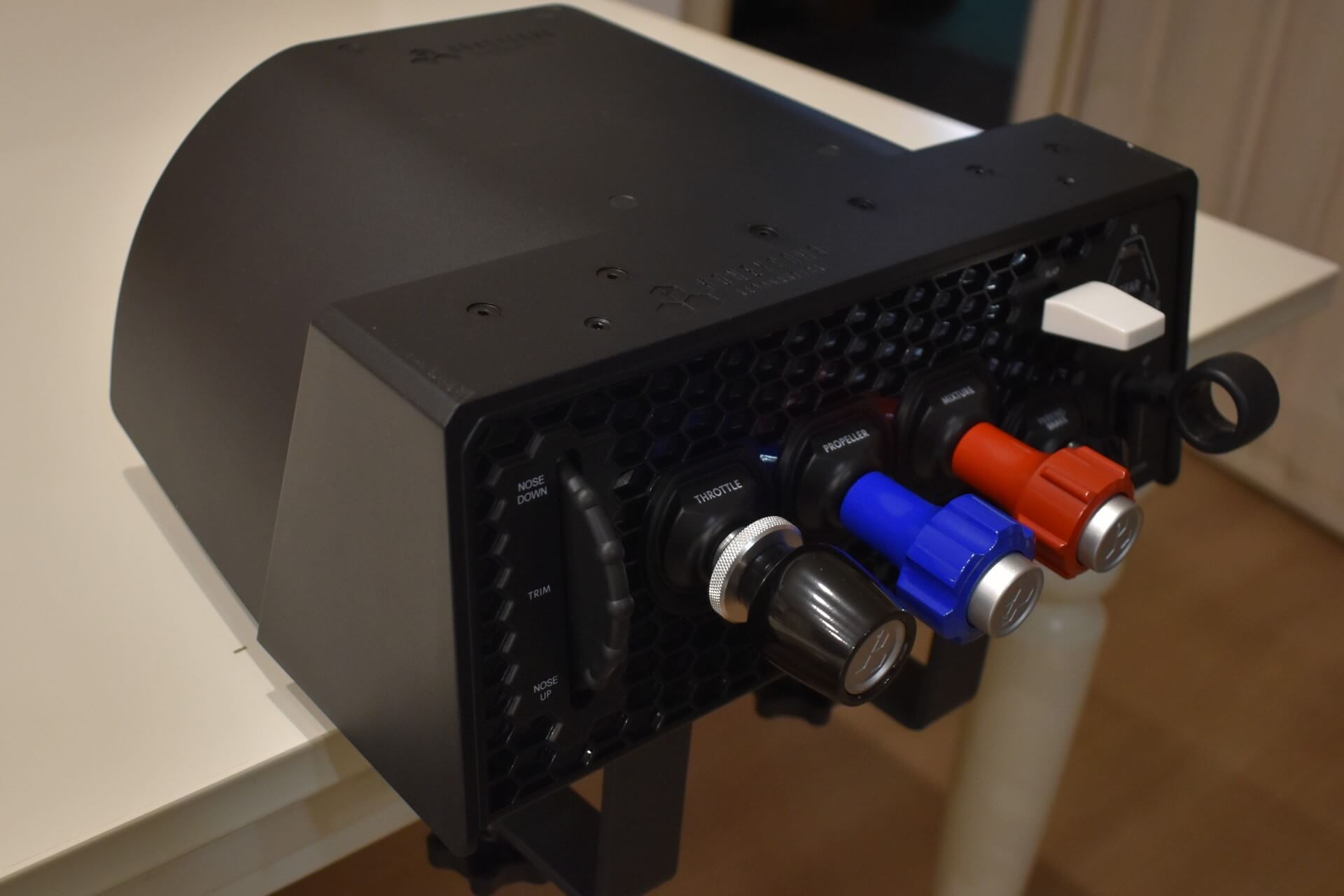
The trim wheel differs from the one on the Bravo, favouring a more specific, general aviation-style design. However, it still does not function as a true analog axis. Instead, it operates via two internal buttons. One to move the trim up and the other down as you spin the wheel. This makes it somewhat challenging to use in Microsoft Flight Simulator, where the default trim sensitivity struggles to keep up with quick adjustments.
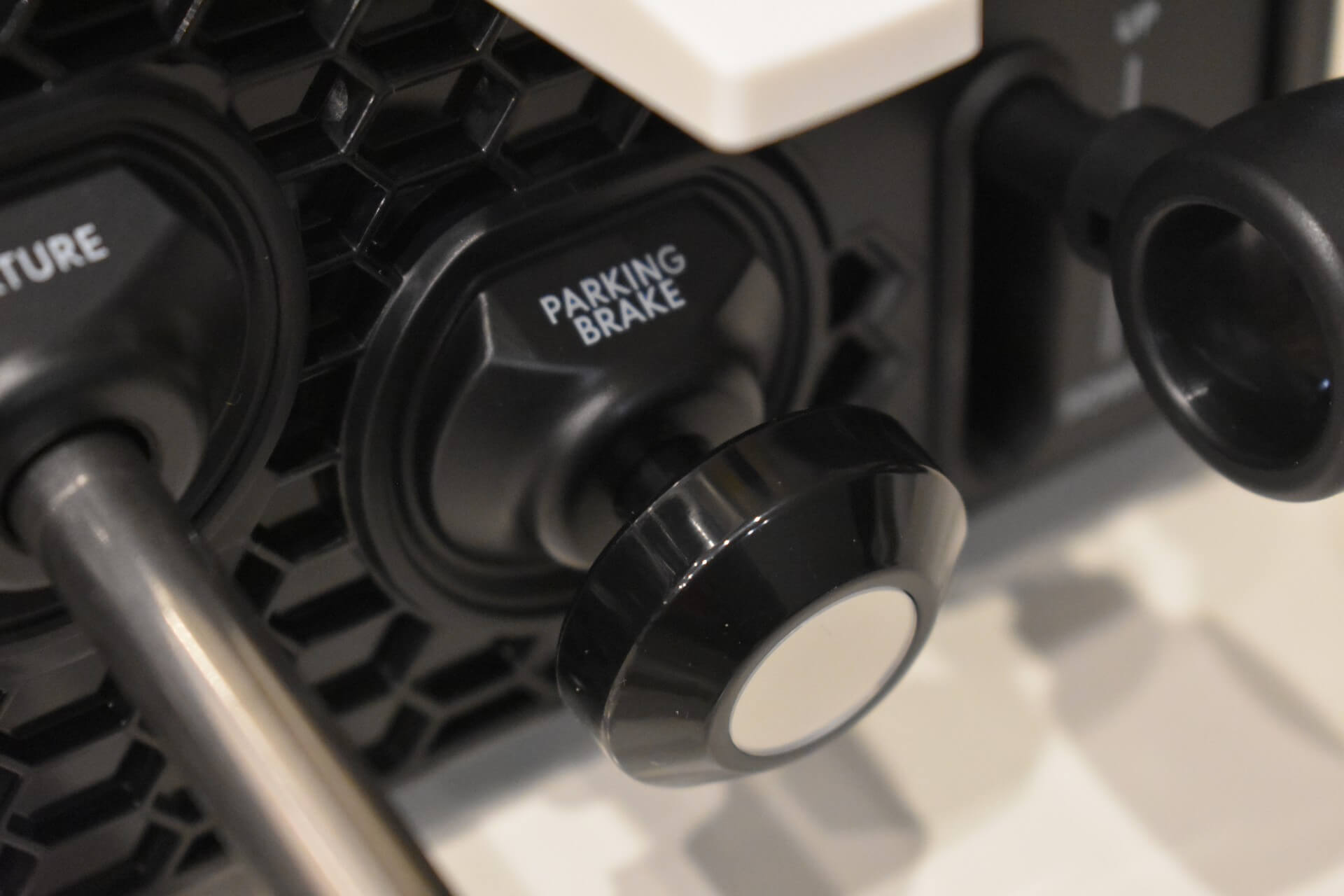
Finally, the parking brake uses a push-pull design. The travel distance is very short and stiff. While this effectively prevents accidental engagement, it also makes the knob quite stubborn to push or pull. The fact that the switch sits flush against the base further complicates getting a good grip on it, but I will dive deeper into the ergonomics now.
Ergonomics
Up until now, everything has been mostly positive, and for good reason. Honeycomb really did their best to make this the best unit for general aviation flight simulation. This, however, comes at a cost. The space on desks on our home setups is limited. The majority of the community isn’t working with dedicated rooms for their flight sim setups.
When I first tested the Sierra TPM at FSExpo 2025 last year, I immediately noticed an issue: the tight spacing between the three control axes. When two handles are next to each other, the gap is so narrow that I can’t even fit my finger between them. I brought this up with a Honeycomb representative at the event, who explained that the cramped layout was chosen to keep the overall unit compact. I silently, and perhaps a bit selfishly, hoped they would tweak the design before release, especially after pinching my fingers multiple times at the expo, even demonstrating it to the representative.
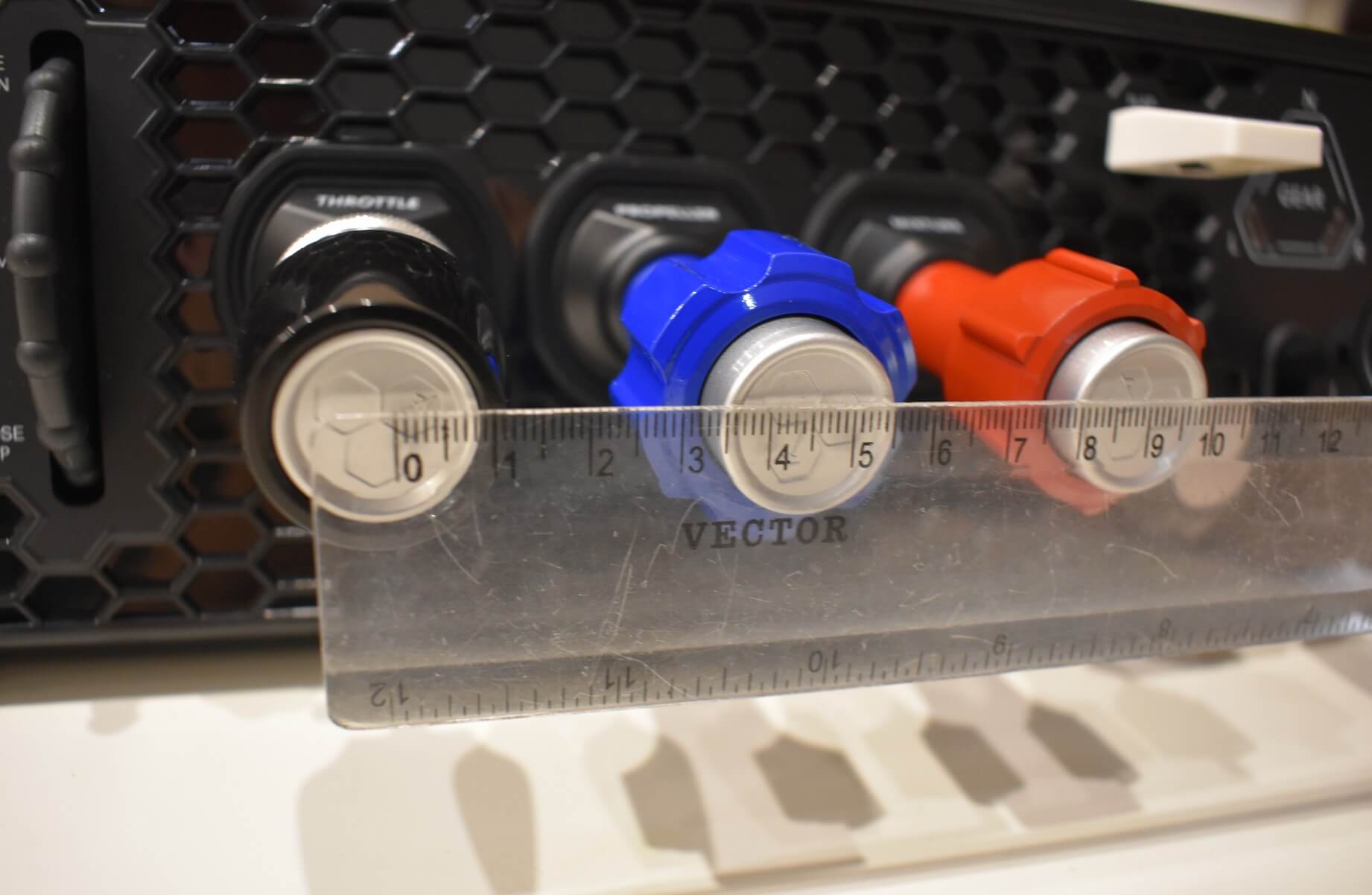
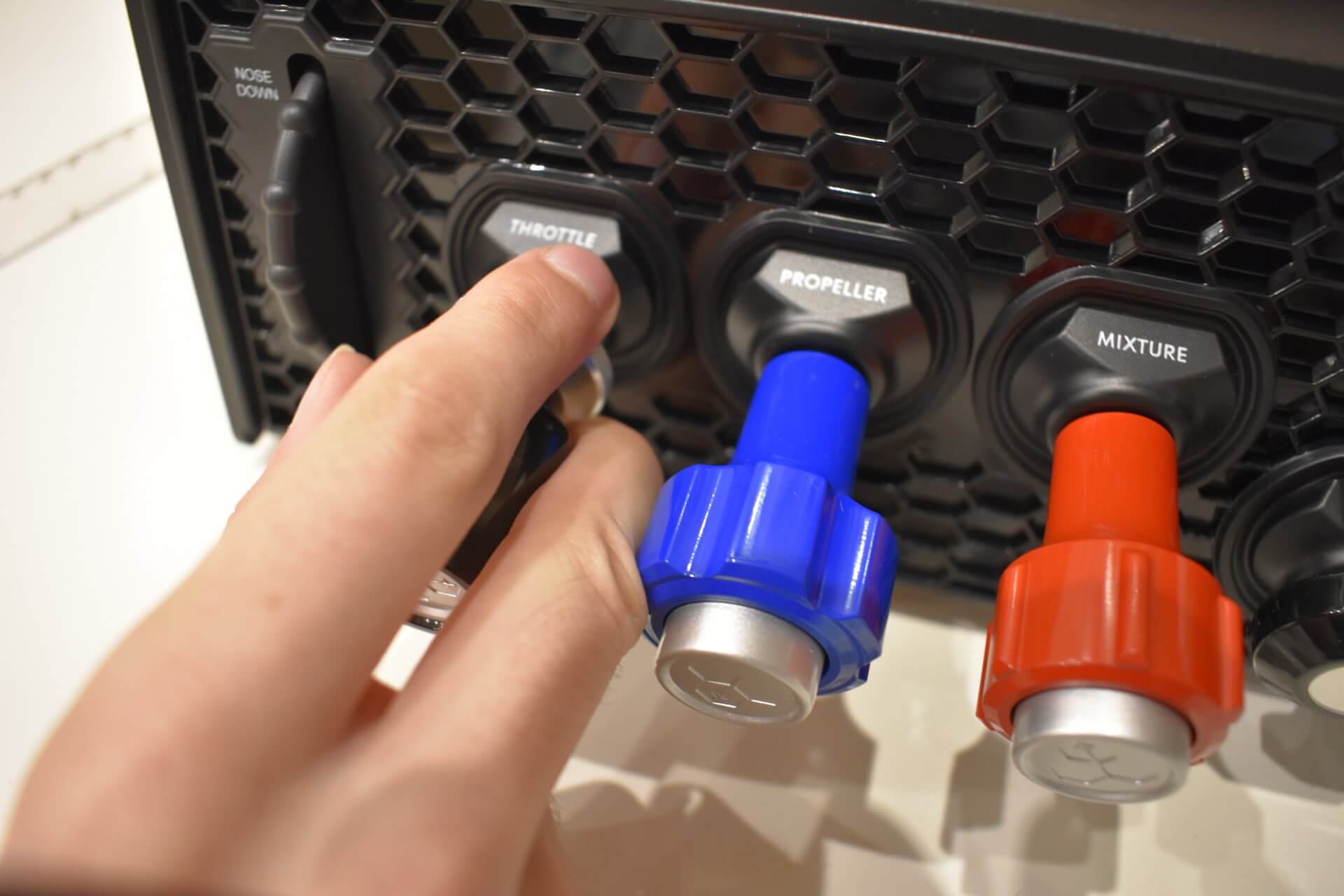
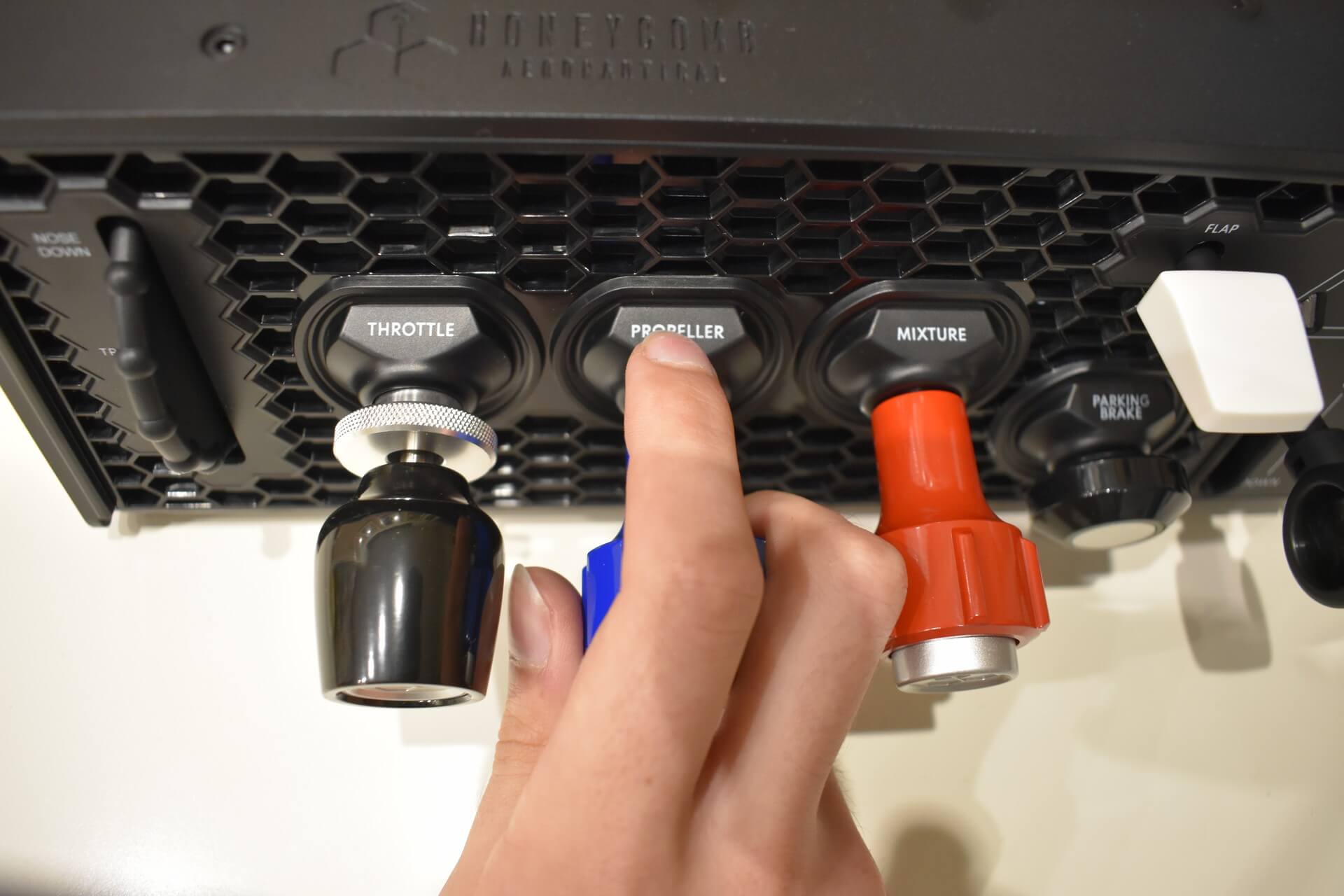
Unfortunately, the layout remained unchanged. To this day, I still occasionally get my fingers caught between the handles, and it genuinely hurts when it happens. After a lot of practice, I’ve adjusted my grip to mitigate about 80% of these pinches, but it’s still a frustrating design choice. I understand that size matters, but adding just a few more centimetres of width wouldn’t have ruined anyone’s desk setup and would have drastically improved comfort.
This brings me back to the parking brake switch, which is the only other control element I struggle with. When it is pushed forward (disengaged), it sits far too close to the base. Because the mechanism is so stiff, you have to awkwardly wedge your finger behind the knob and pull with a lot of force. I would have preferred a slightly longer movement axis (a real parking brake has a way longer movement axis; the Sierra parking brake feels more like a button) and less resistance.
To end this section on a high note, the handles of the three main axes feature fantastic ergonomics. The pull-locks feel absolutely superb and function exactly like their real-world aircraft counterparts.
Setup and compatibility
Like all of Honeycomb’s products, the Sierra TPM is plug-and-play, with the usual simulator-specific keybinding quirks. Once unboxed, you simply plug it into your computer and start your simulator. Unfortunately, it is not natively compatible with Xbox consoles. I conducted this review primarily in Microsoft Flight Simulator 2024 using the A2A Comanche, and the experience was flawless.
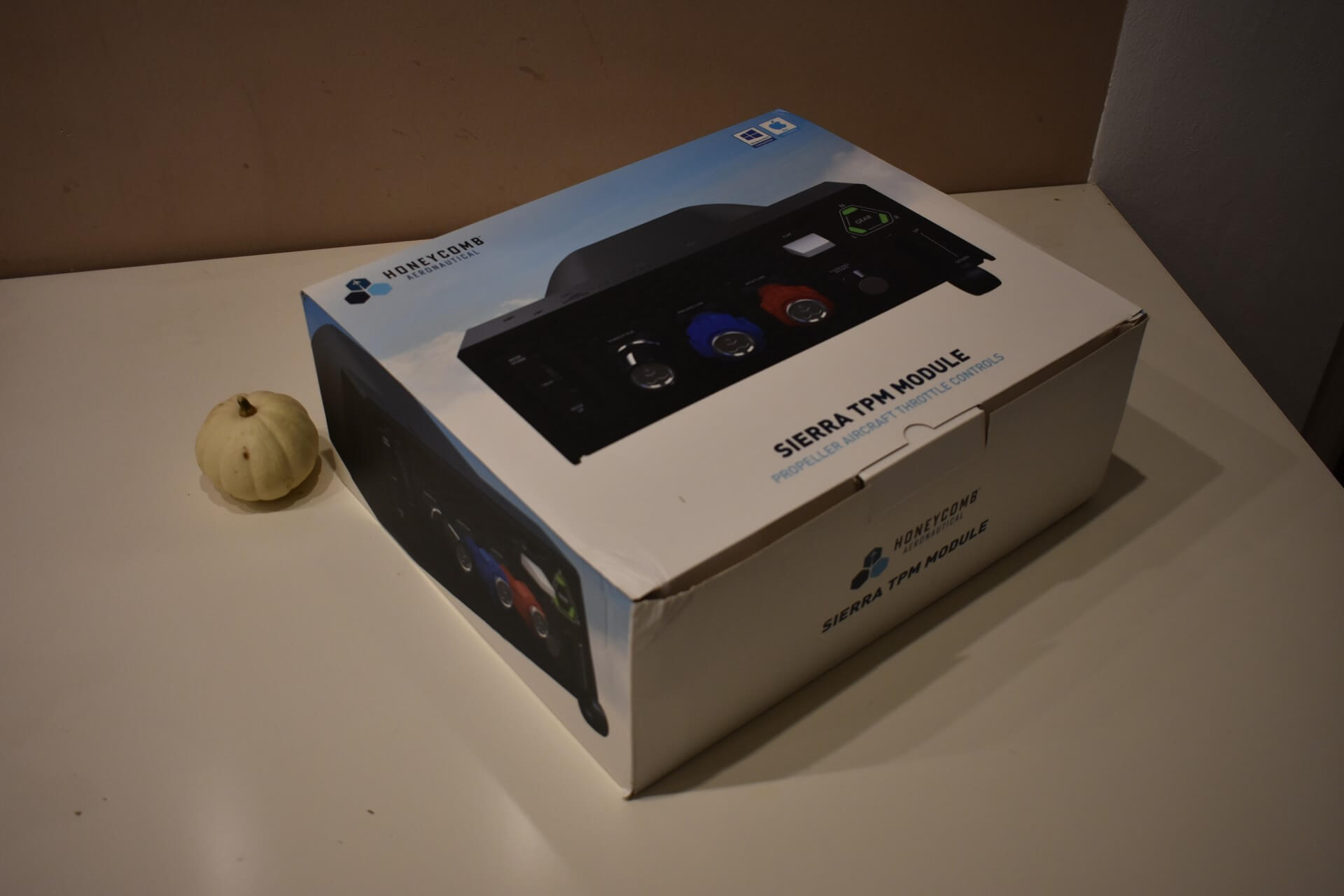
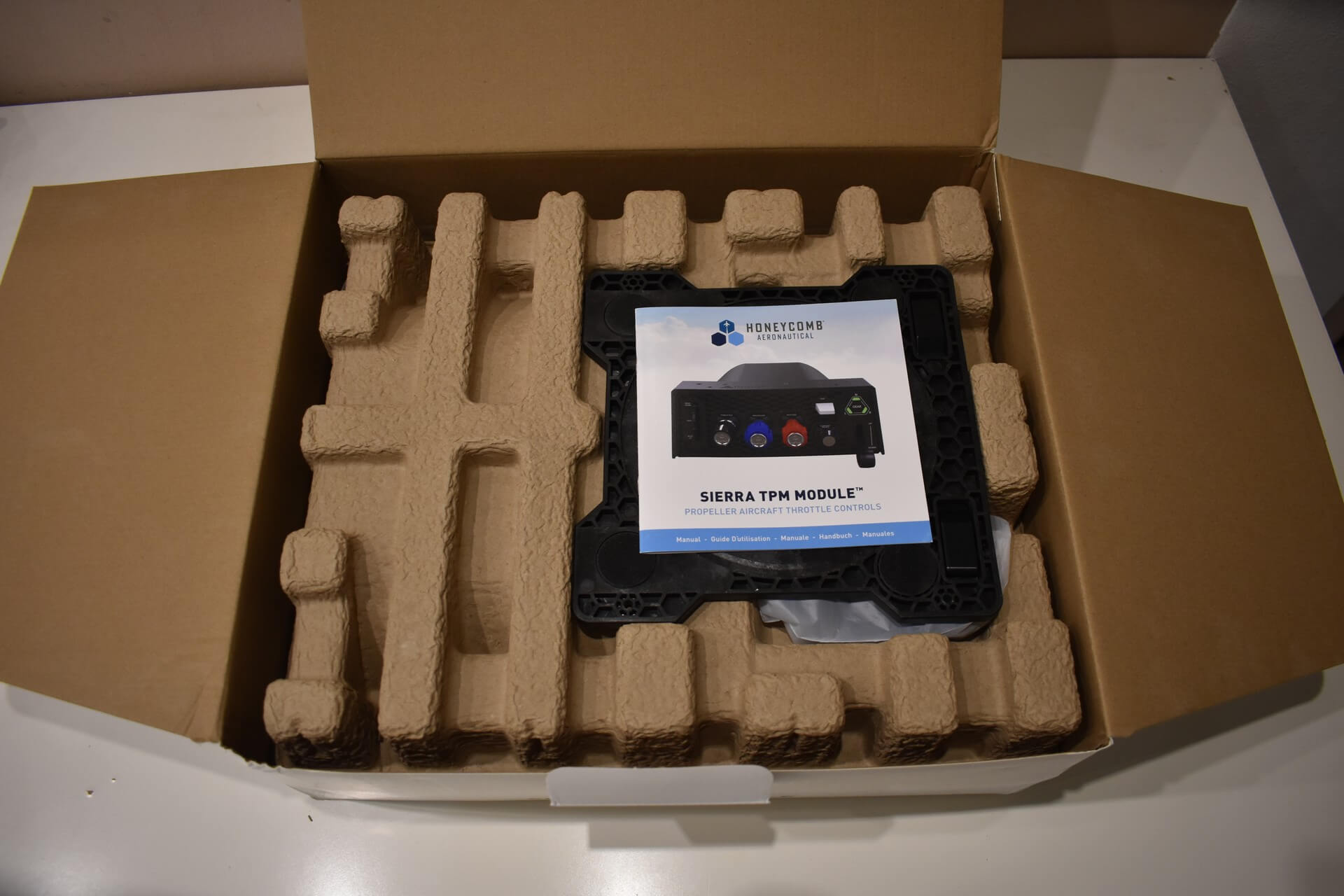
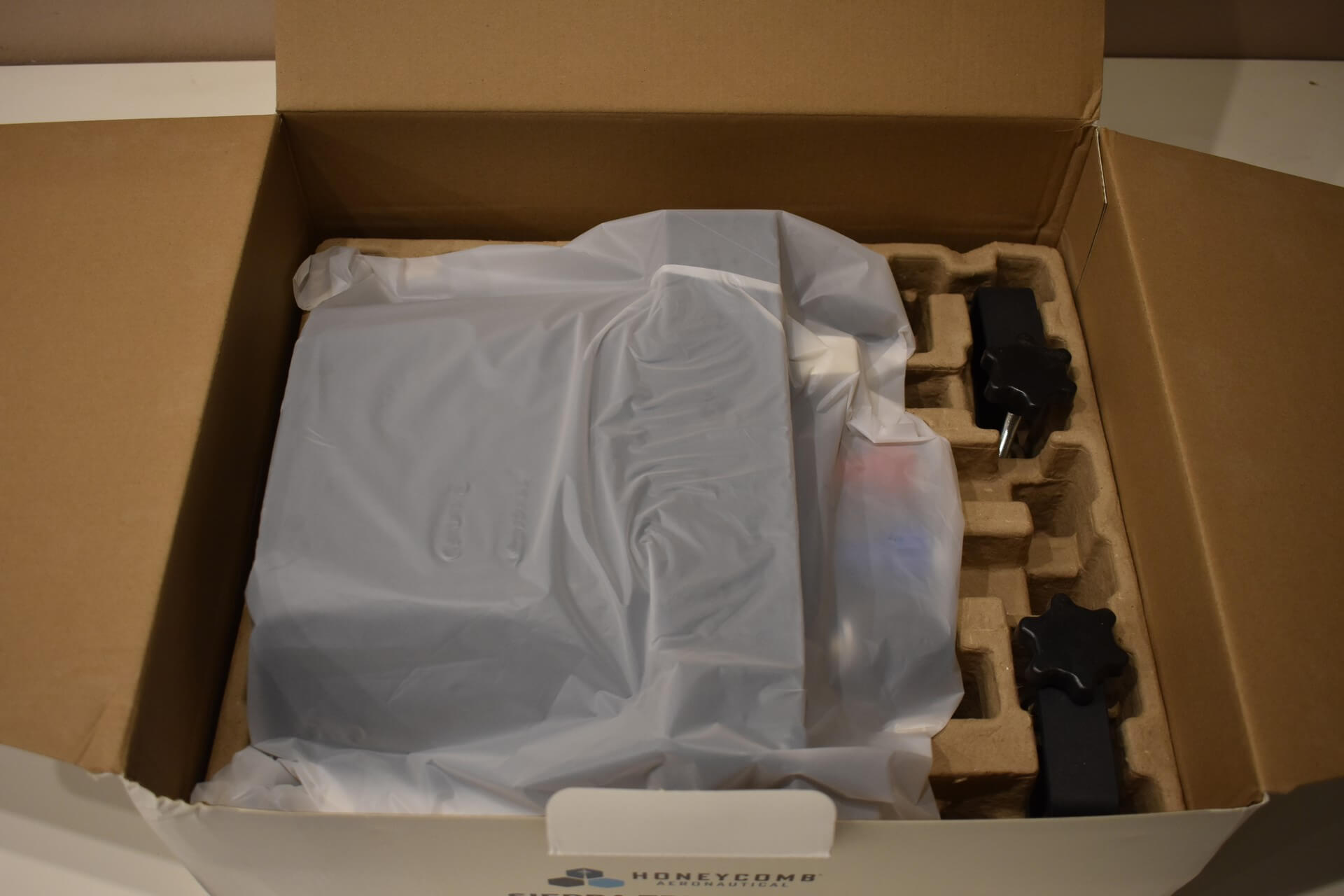
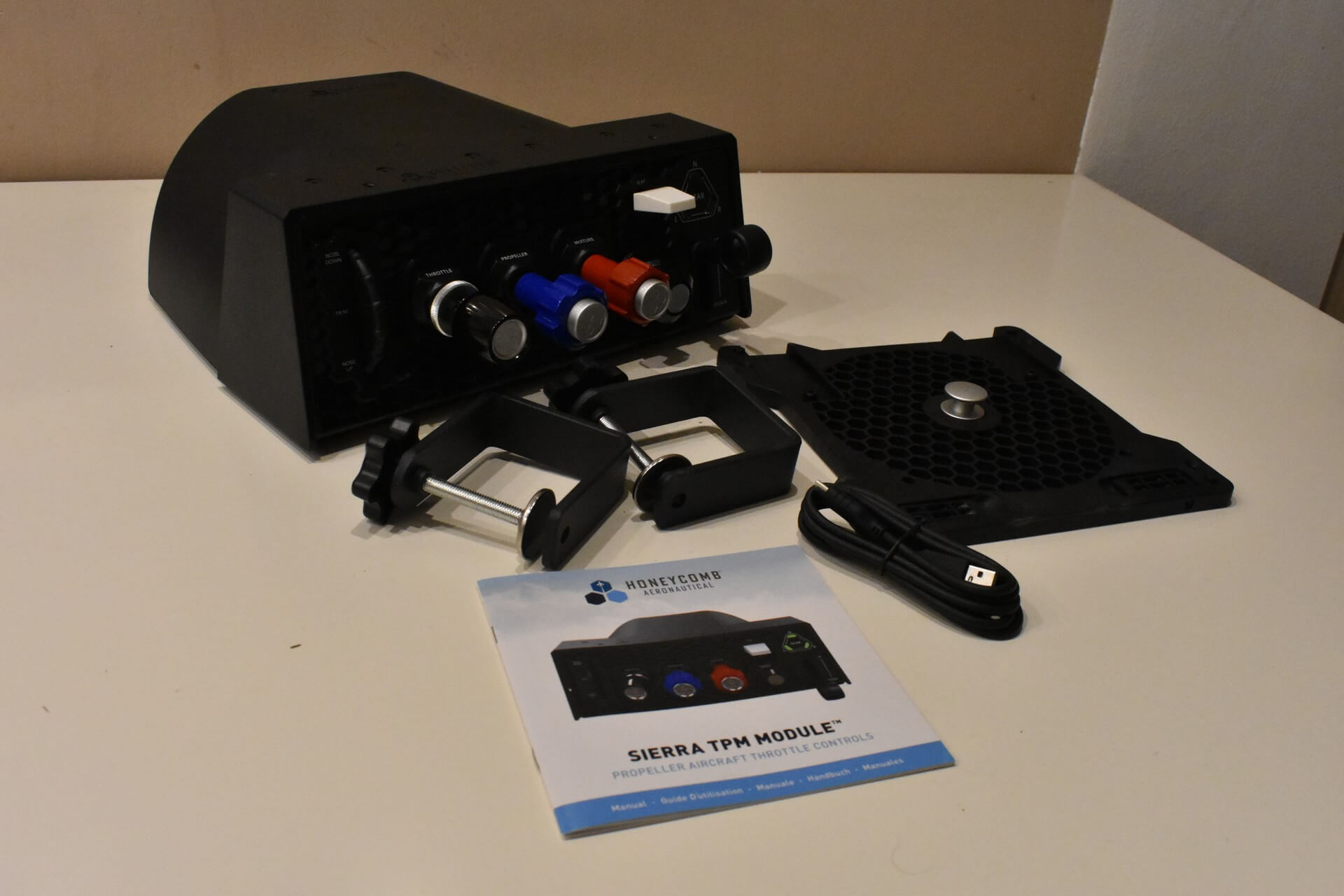
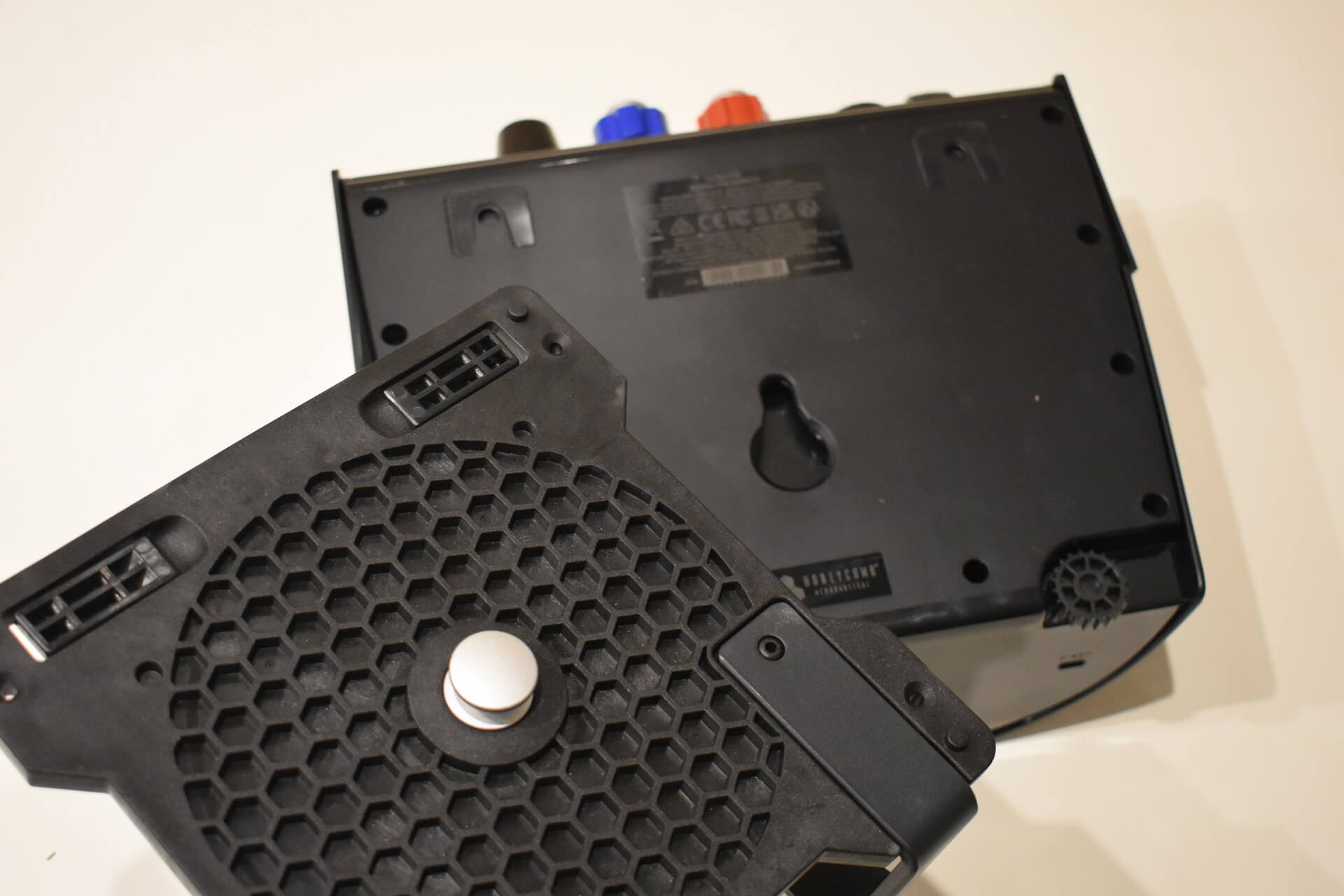
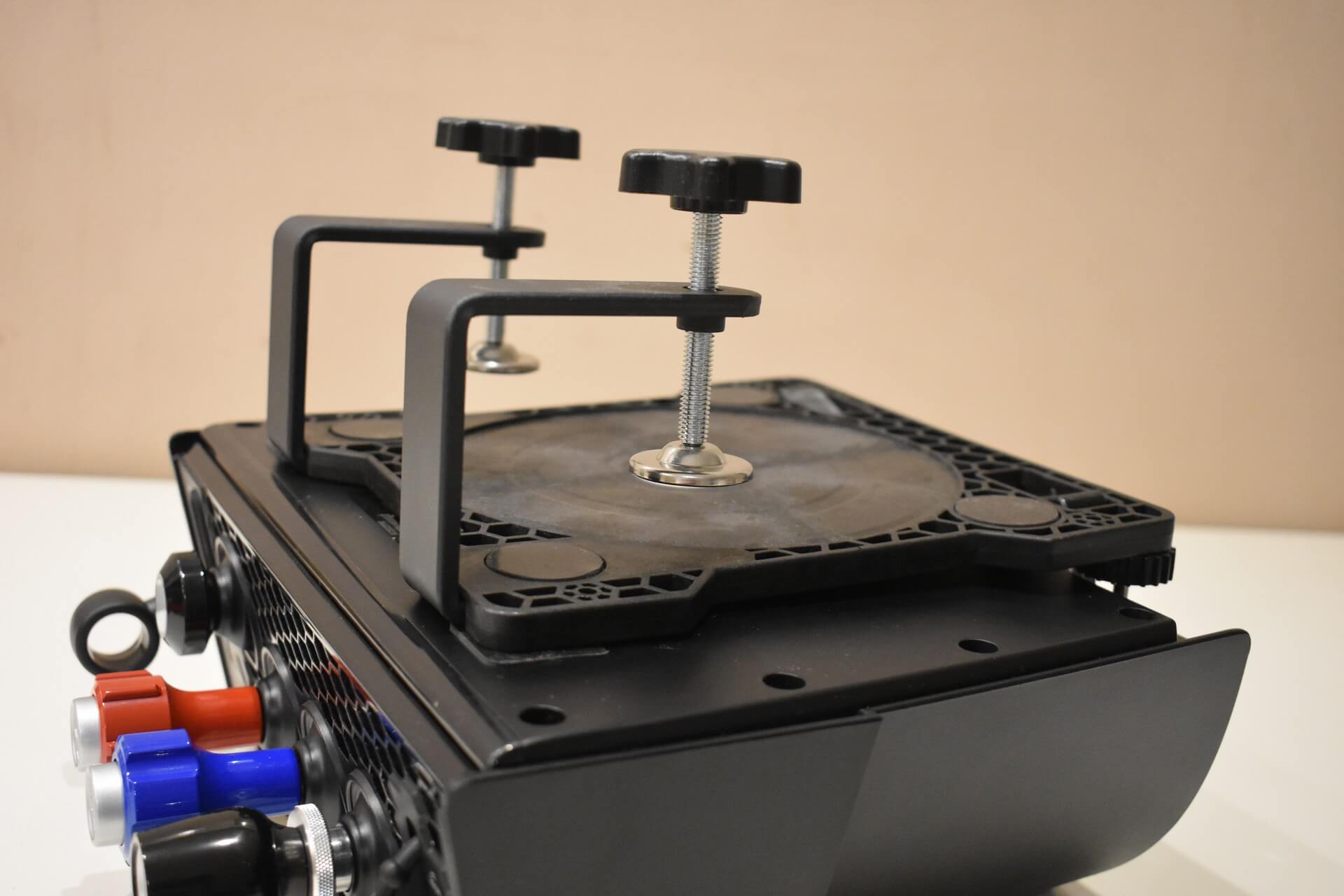
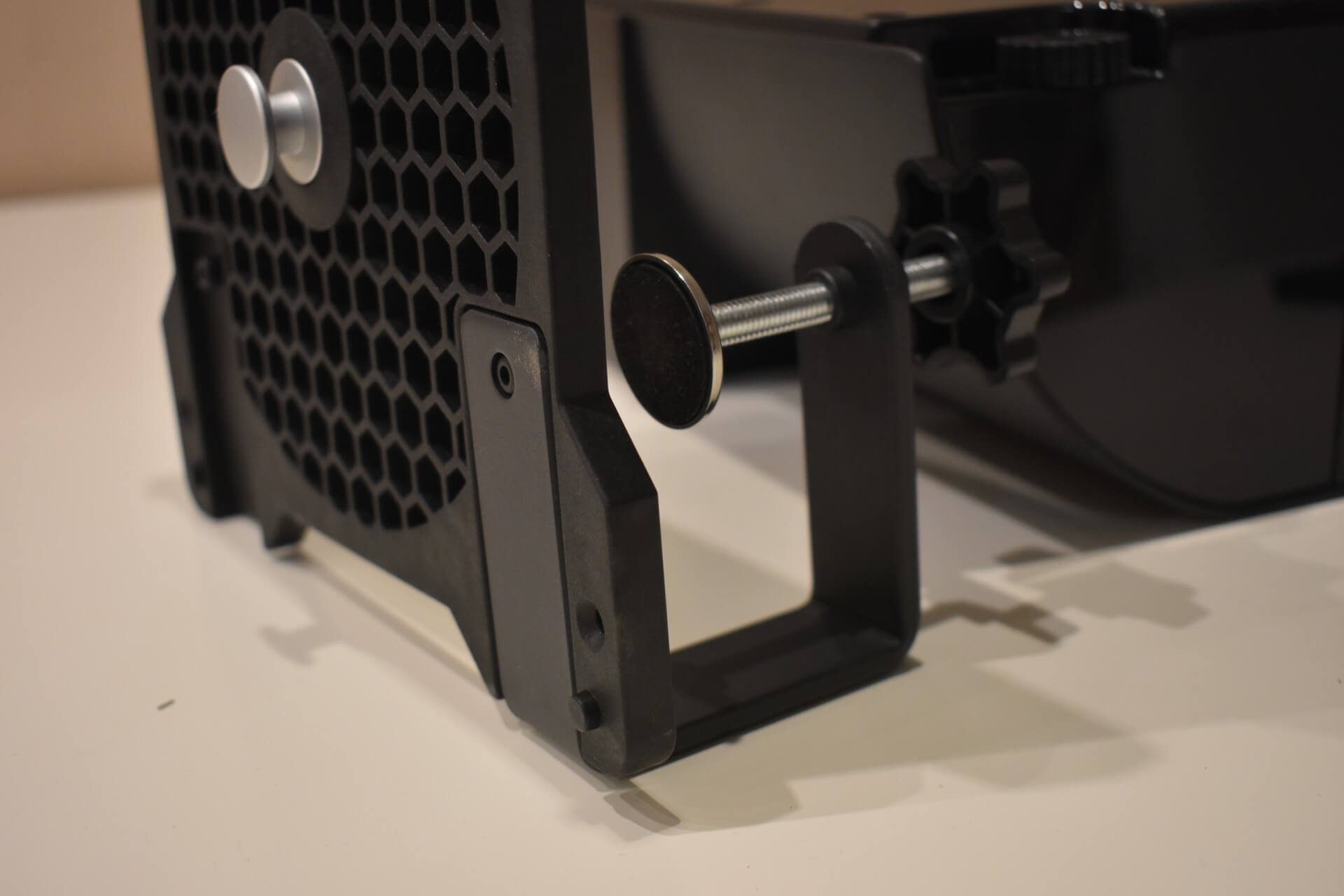
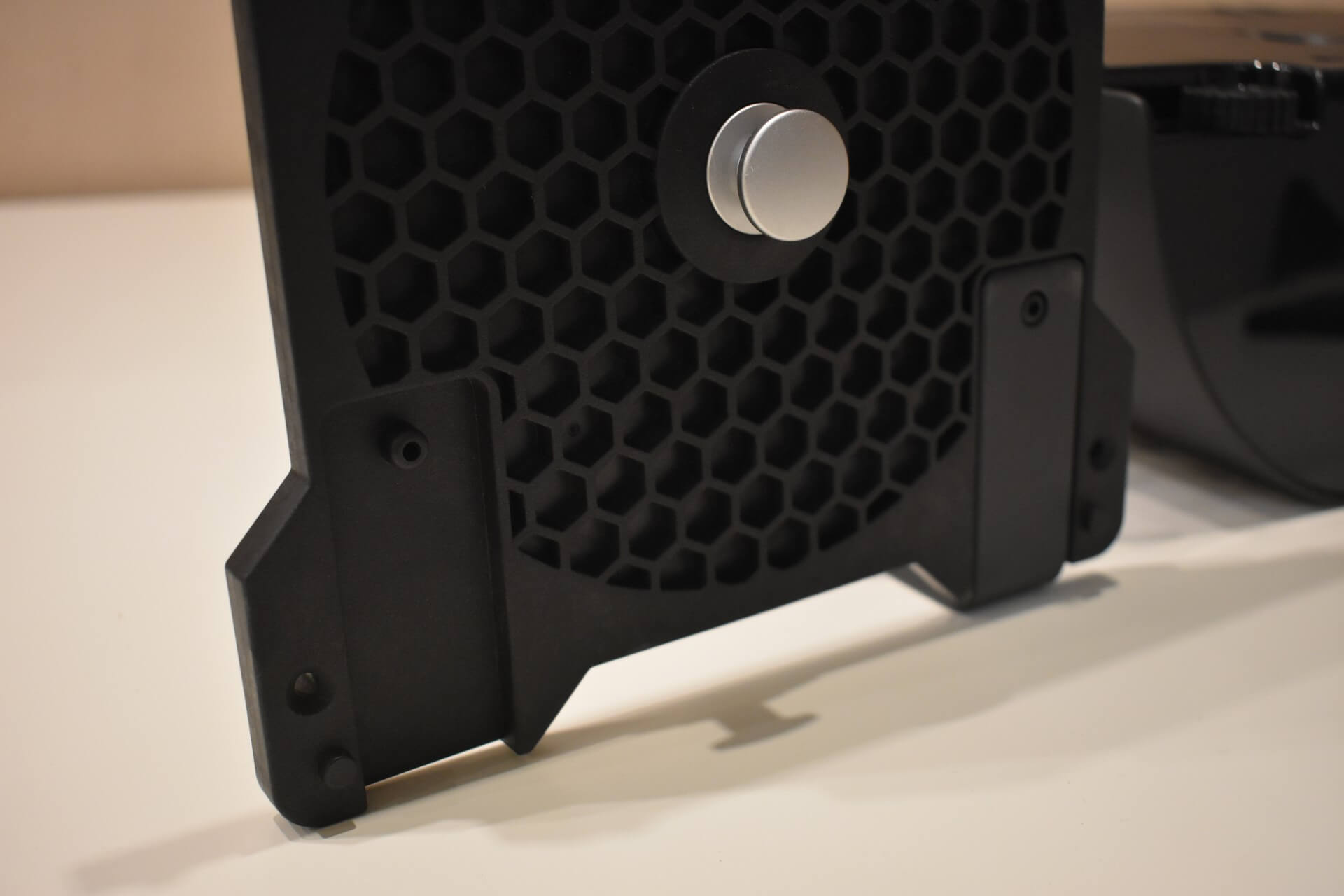
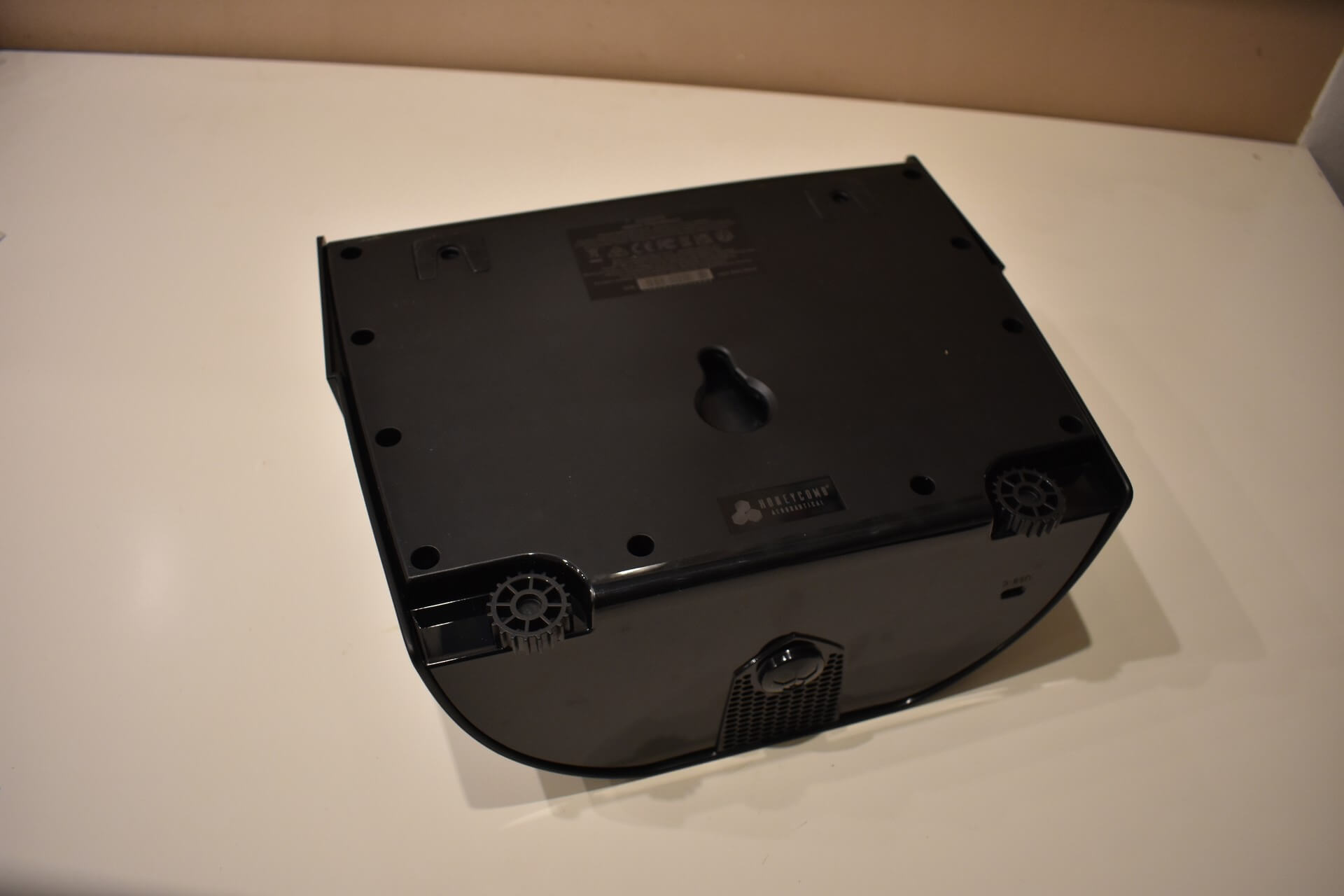
Mounting the unit is straightforward. You can use either the included suction pad or the standard clamps to secure it to your desk. The clamps open wide enough to easily accommodate thicker desks, and I never experienced any issues with the unit shifting or sliding around during use while using the clamps. Finally, connection to your PC is handled via a standard USB-C to USB-A cable.
Conclusion
The Honeycomb Aeronautical Sierra TPM Module is highly recommended for pilots who primarily fly piston-powered aeroplanes. For that specific focus, it is an ideal peripheral. However, if you are looking for a versatile unit that can handle both general aviation aircraft and airliners without sacrificing immersion, the Honeycomb Bravo Throttle Quadrant remains the better choice.
Despite the unfortunate lack of spacing between the throttle, propeller, and mixture levers, the Sierra TPM is an excellent module. The build quality is solid, particularly the metal axes and handles, and the functionality is significantly elevated by the authentic push-locks and tension adjustment mechanisms. Combined with straightforward mounting and the signature Honeycomb aesthetic, it delivers a highly realistic and satisfying experience for its target audience.
I personally use the unit to maintain my proficiency with real-world procedures, specifically managing variable-pitch propellers and leaning the mixture in certain flight conditions. For this exact purpose, the Sierra TPM has been an ideal addition to my setup.
You can purchase the unit through the Honeycomb website for 249,99$ including VAT, or Aerosoft for the same price.
Feel free to join our Discord server to share your feedback on the article, screenshots from your flights or just chat with the rest of the team and the community. Click here to join the server.