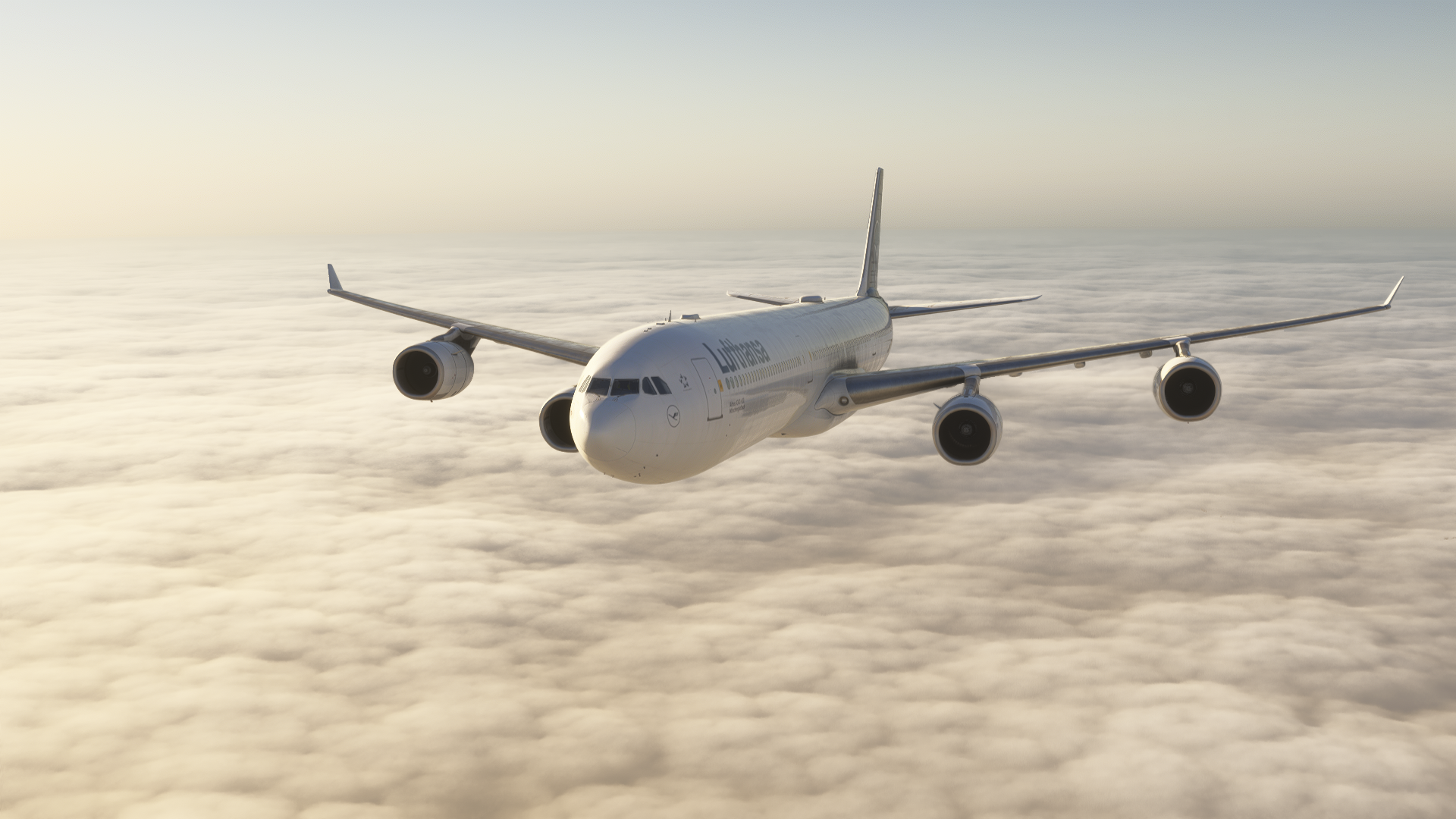
The recent release of the Aerosoft A340-600, made in cooperation with ToLiss, has given flight simulator pilots an opportunity to fly the second-longest passenger jet ever created. Whilst the aircraft is now rather old and the demand for the aircraft has significantly dropped over the last decade because of its quad-engine configuration, the A340-600 can still be seen flying scheduled flights across the world.
Firstly, we would like to thank Aerosoft for providing us with a review copy of the aircraft, and in these first impressions, I am going to take you through the basics of the aircraft. A more detailed review is going to come soon. For this article, I decided to take the aircraft on a short-haul route from Frankfurt (EDDF) to Rome Fiumicino (LIRF) on a Friday evening.
Installation and First Start-up
The installation and activation were fairly straightforward. You have to download the aircraft through Aerosoft One, and then copy and paste your key into the aircraft’s EFB. It’s the first prompt that will be given to you through the tablet, so you cannot miss it. If you don’t activate the aircraft, you will also see that the aircraft has all doors open and is missing the landing gear.
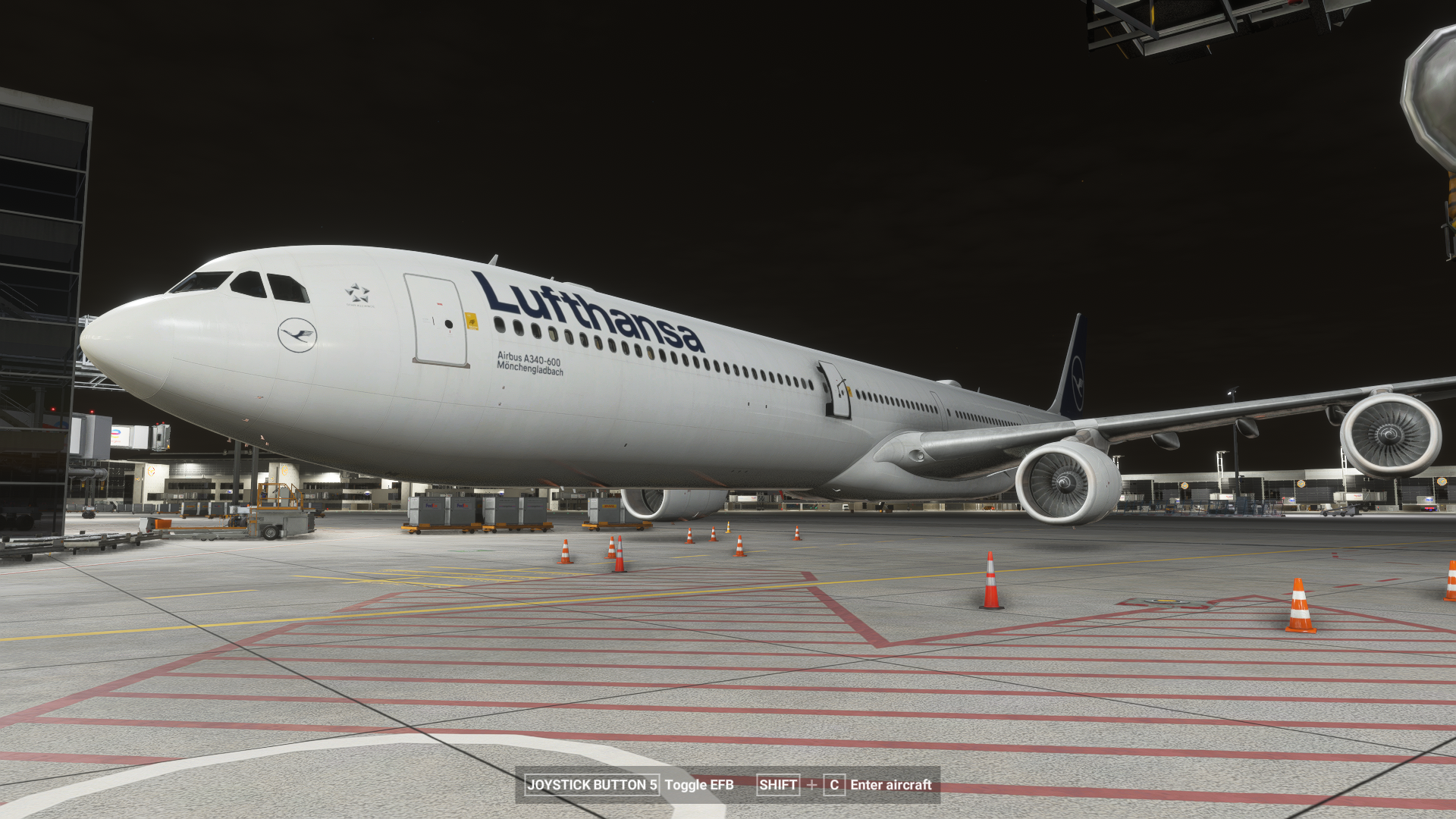
What immediately struck me was the similarities between the A340-600 and the old ToLiss aircraft for X-Plane in the cockpit. The aircraft basically screamed in design that it was done in cooperation with this X-Plane developer. This is noticeable in the cockpit’s visuals, systems and, namely, the EFB, which is almost a copy of the ISCS (Interactive Simulation Control System) screen from X-Plane aircraft, as I remember it. I should also mention that after the first start-up, the next start-ups in the simulator are significantly longer, and it has scared me twice that my simulator completely froze on the “Fly now” screen before entering the scenario.
I was pleasantly surprised by the EFB aircraft configuration settings. Aerosoft and ToLiss have done a great job on making this as simple, yet as precise as possible. This has been especially noticeable in the configuration of the throttle. The aircraft automatically detects whether your peripherals only have a two-engine configuration or a quad-engine configuration and adjusts the throttle accordingly. Thus, the only thing that was left for me to do was to calibrate the throttle detents, which was done simply by pressing a few buttons. The sidestick is very precise, and even the animation resembles your hardware movement, I would say, at 1:1 scale.
The EFB
Before we can do a flight, the whole aircraft needs to be loaded properly. This is done through the already mentioned EFB. You can import your OFP (Operational Flight Plan) if you have the Simbrief integration enabled. However, I didn’t find any option for how you can directly uplink your weight and balance data to the loadsheet page. Thus, I had to do it manually. Which is not really a big deal, but I would appreciate some sort of direct uplink without the pilot’s interference.
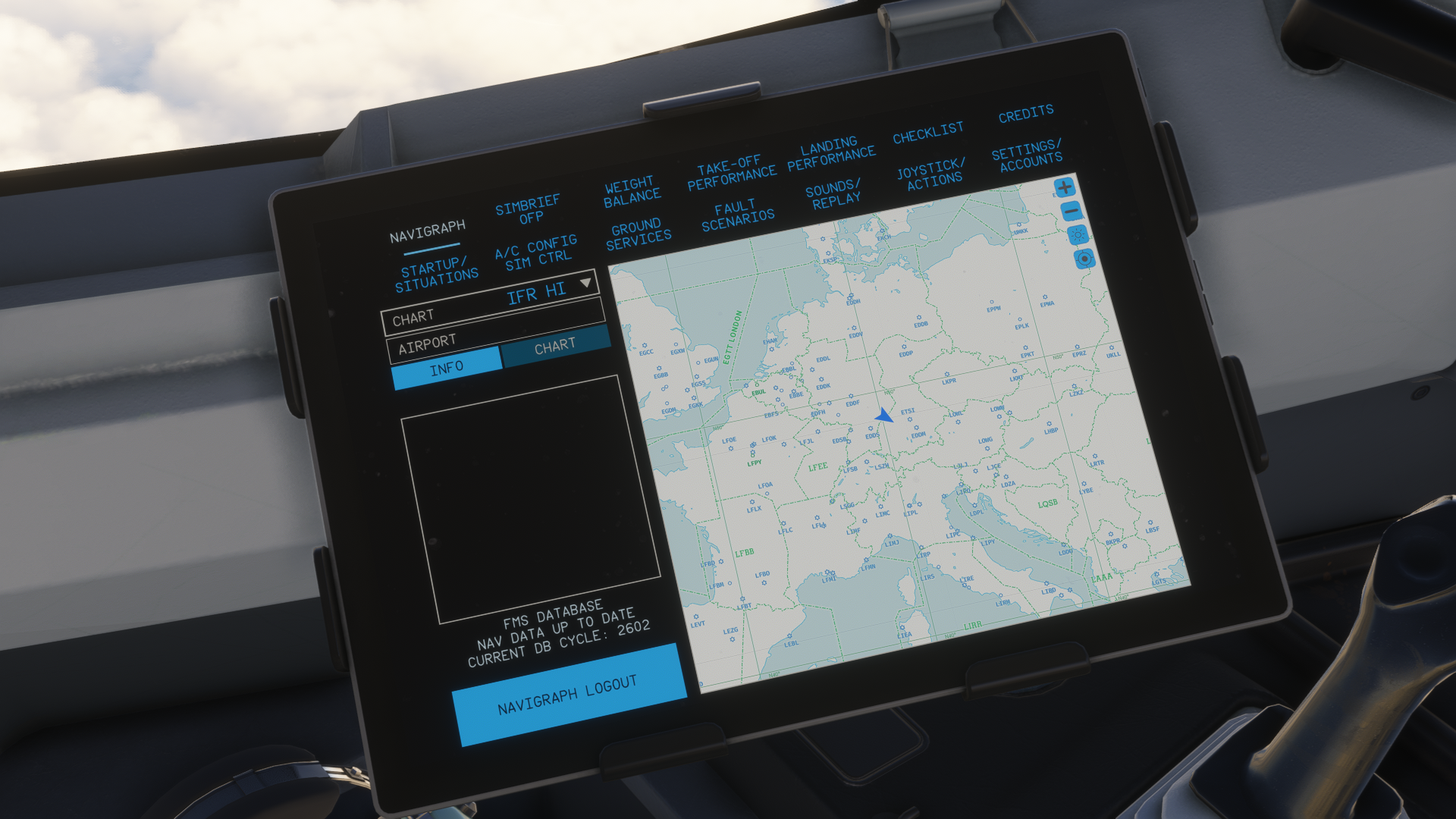
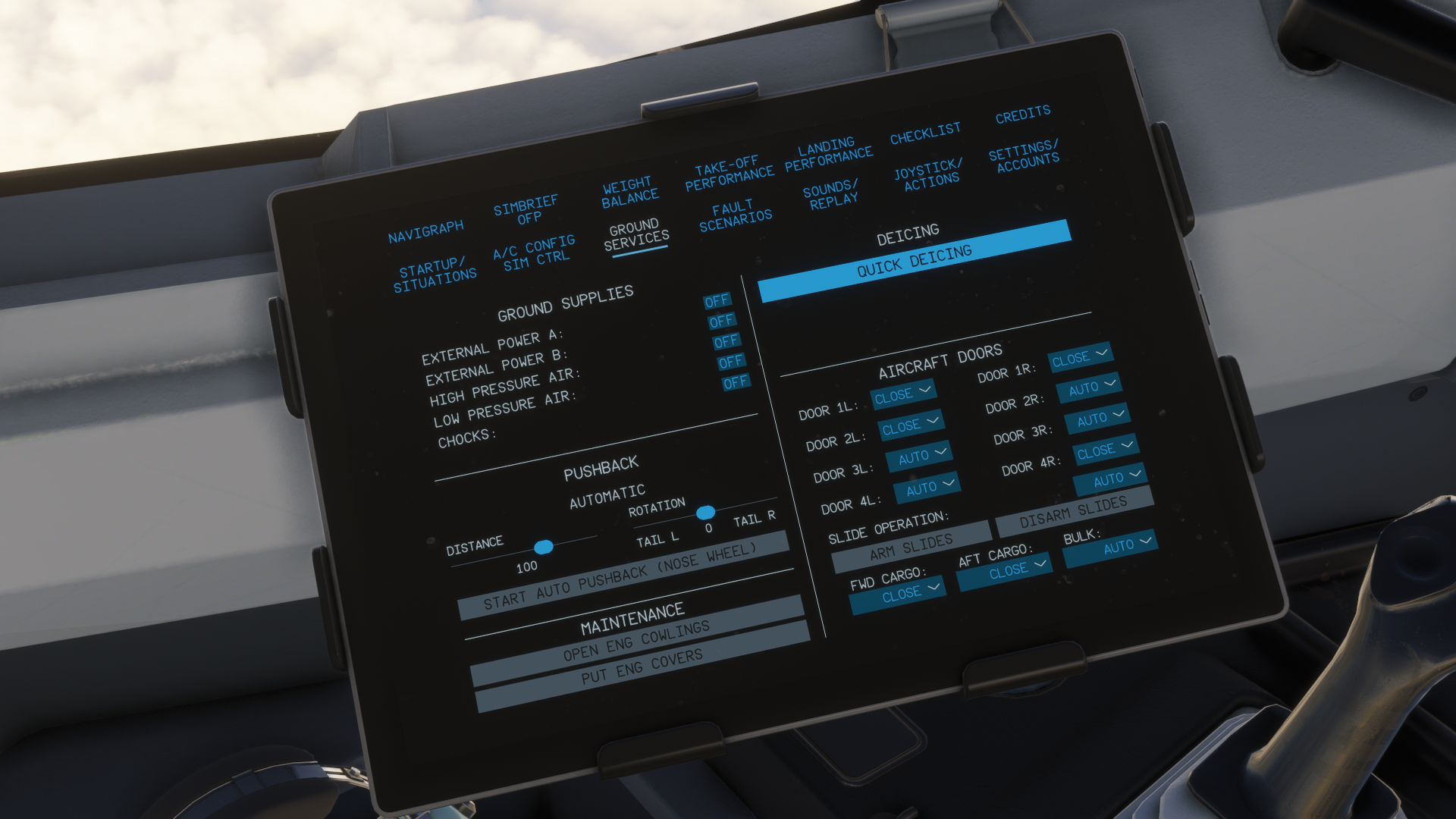
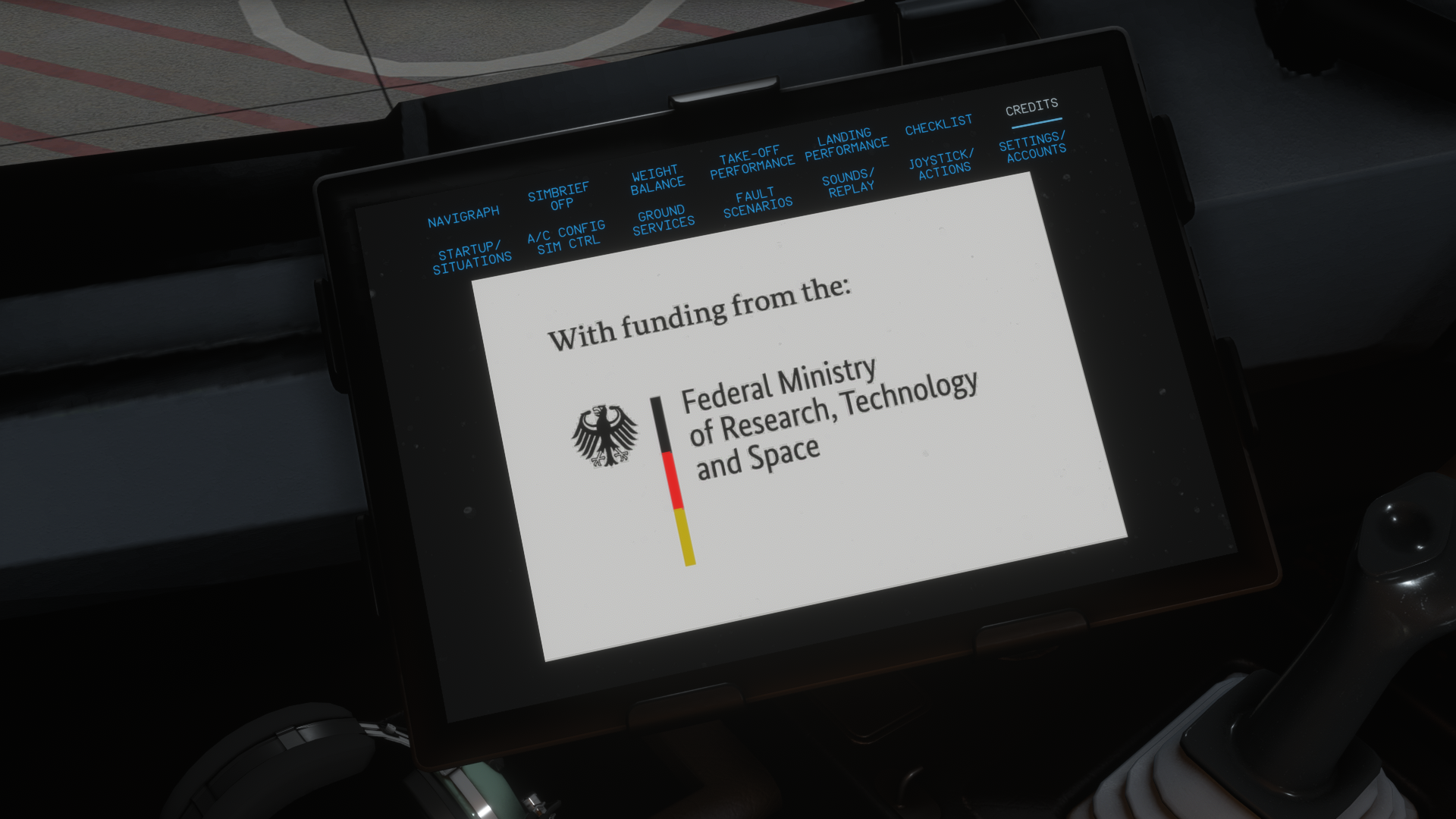
The EFB also includes a page where you can manage your whole flight simulation. You are able to autostart the engines, the ADIRUs, and the APU, change your aircraft state, as well as change and load the autosave options. You can also adjust the aircraft’s age and the powerplant’s age, which will affect the performance of the A340. Failures can be set up through here, which you are able to configure for random failures if you feel like it, in case you like the challenge of having your aircraft broken down mid-flight.
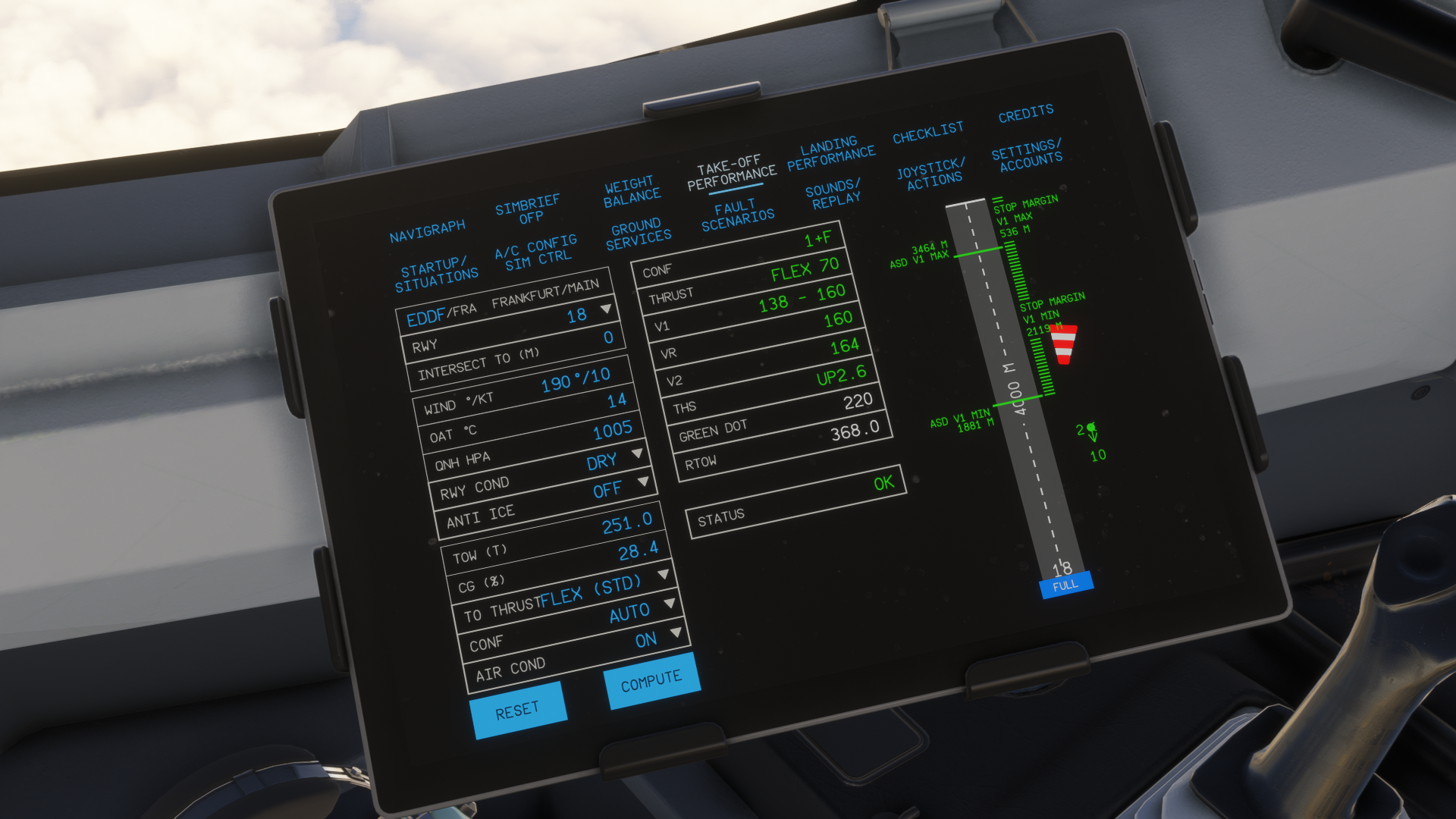
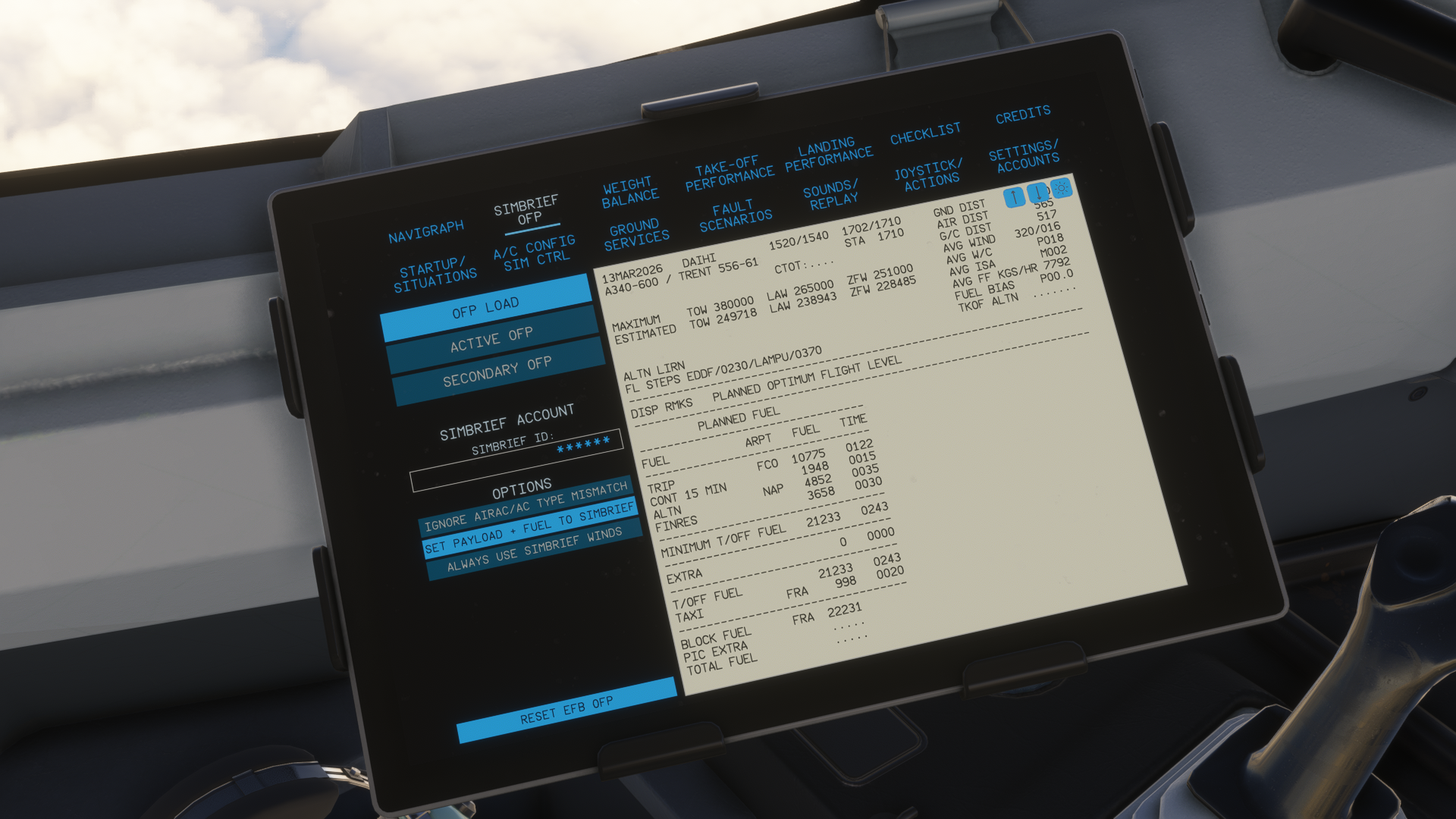
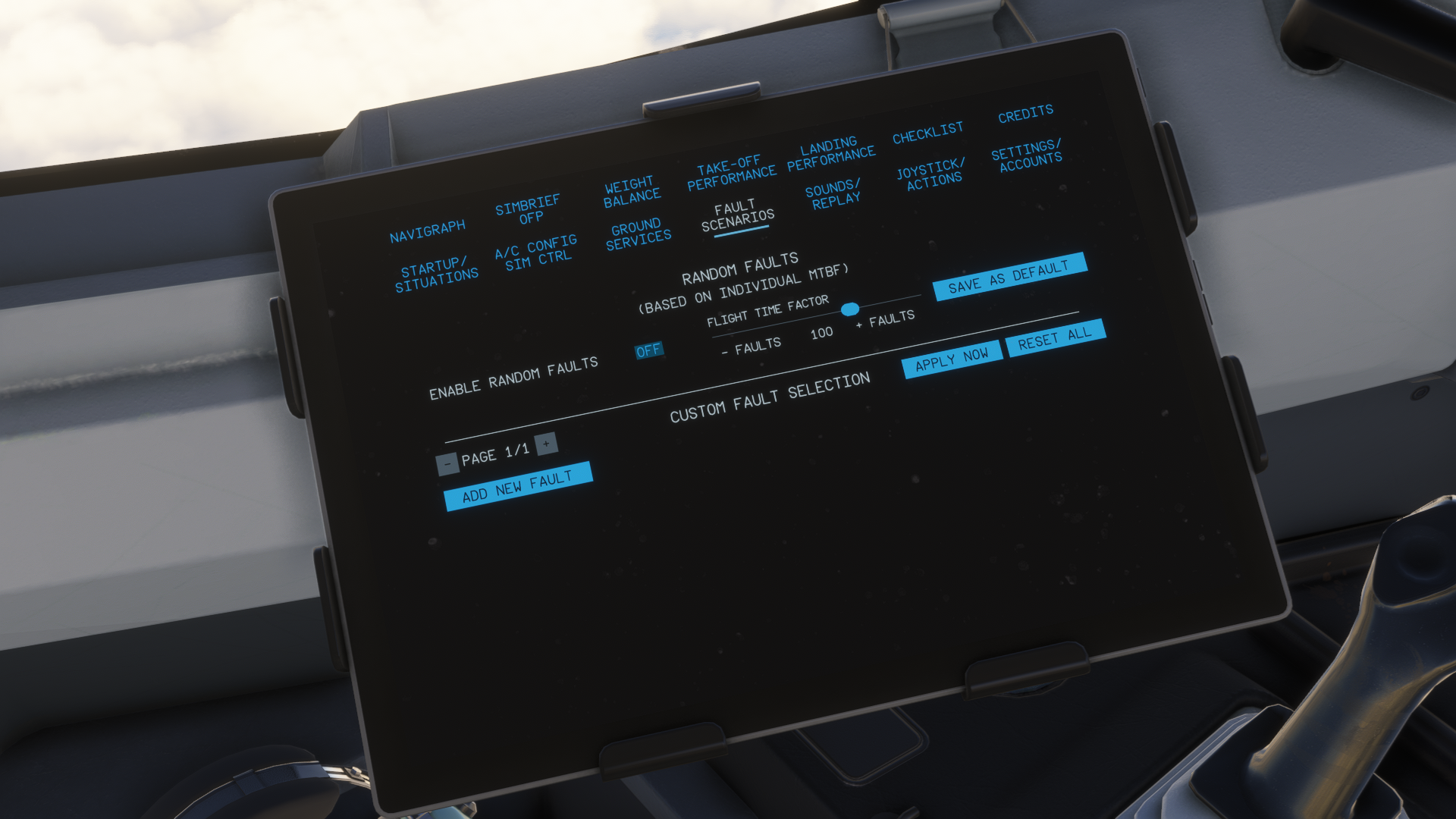
To conclude the EFB, it may have a bit of an “older” design, but it manages everything that you need during a flight flawlessly. If you are even used to flying the older ToLiss aircraft like the A319 and the A321, you will be very familiar with the design, and thus will make your setup of your first flight on the A340 much easier. If you haven’t flown any ToLiss planes before, fear not, the EFB is very intuitive to navigate even from a newcomer’s standpoint.
Visual Design
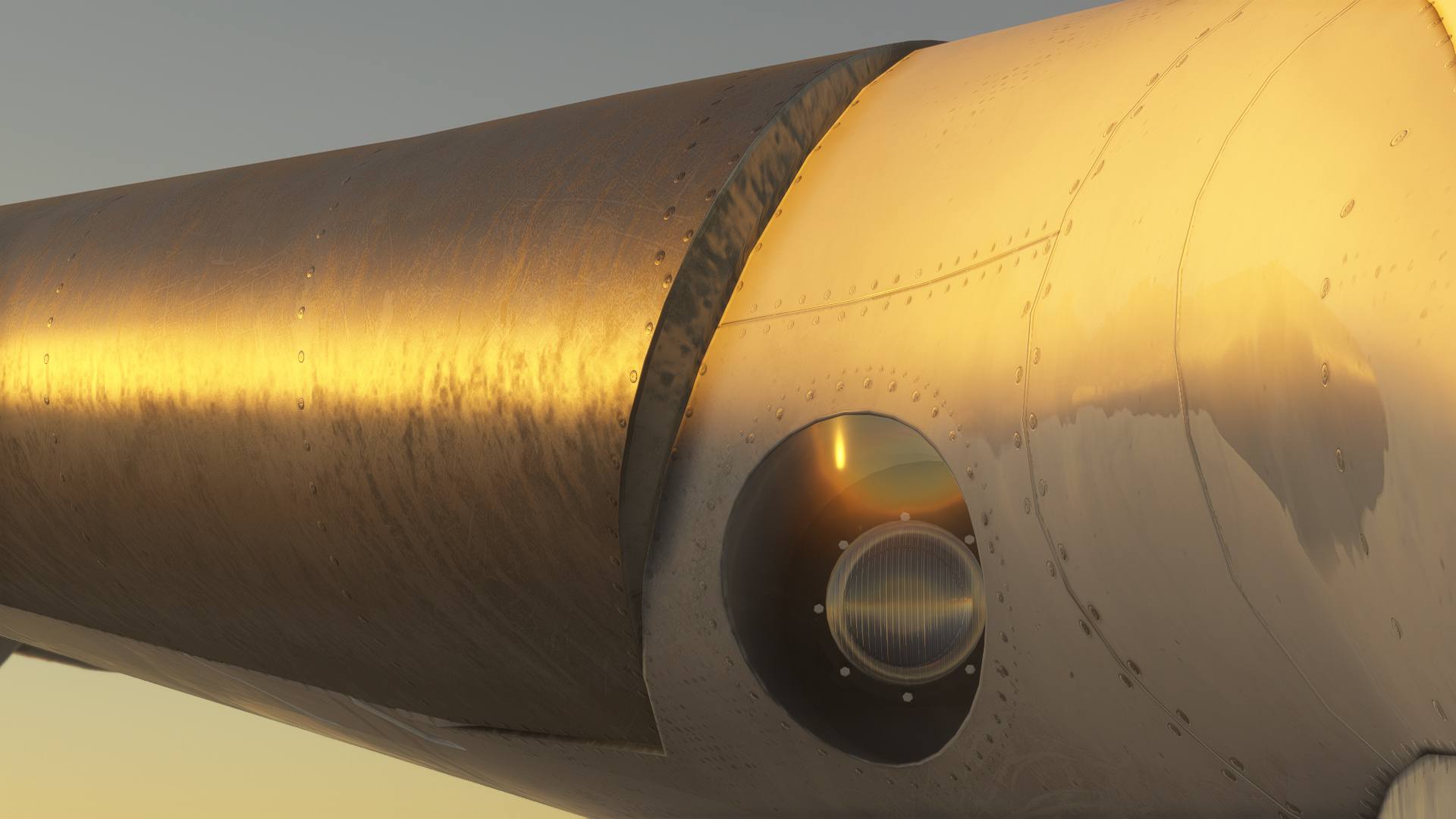
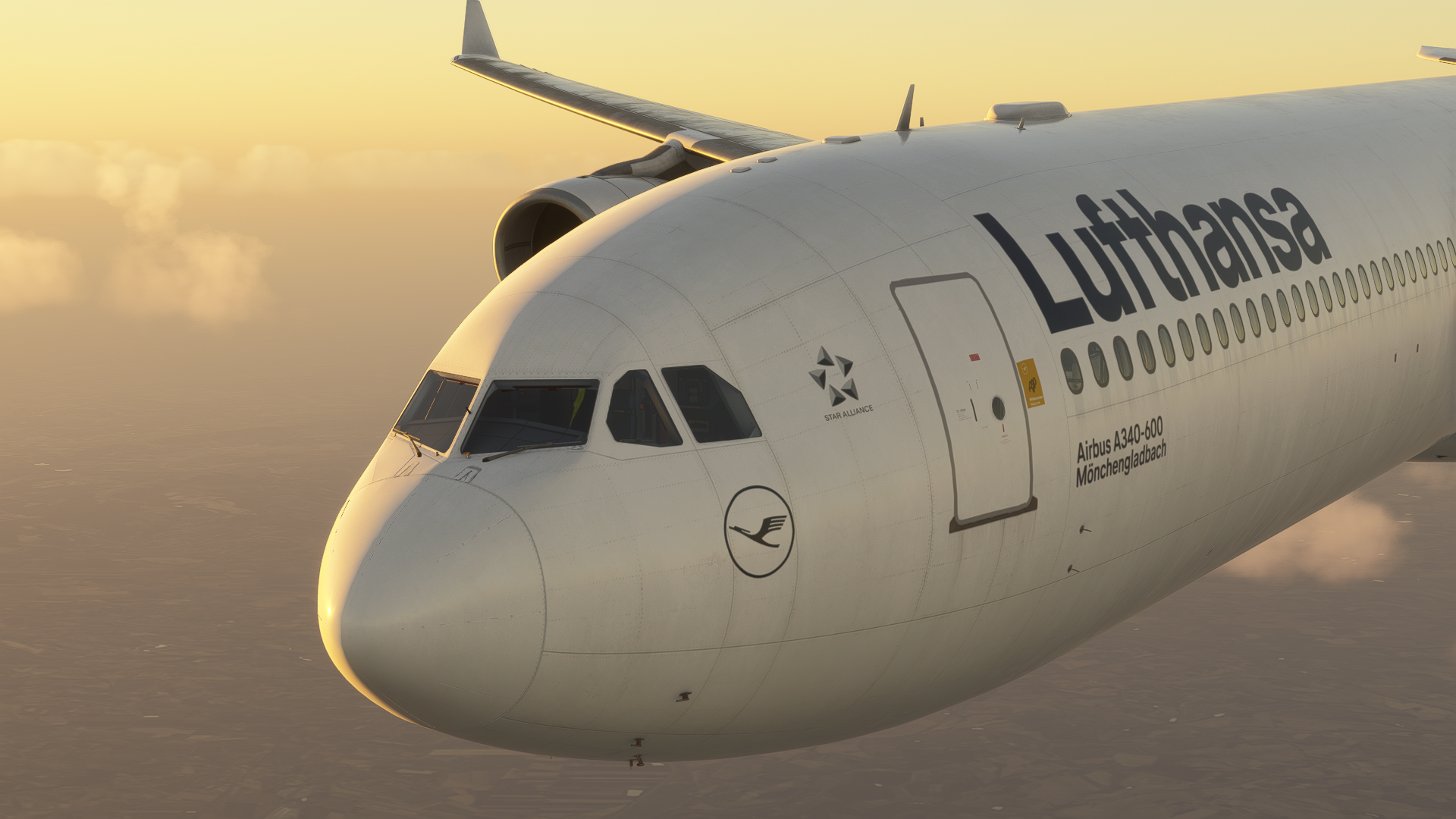
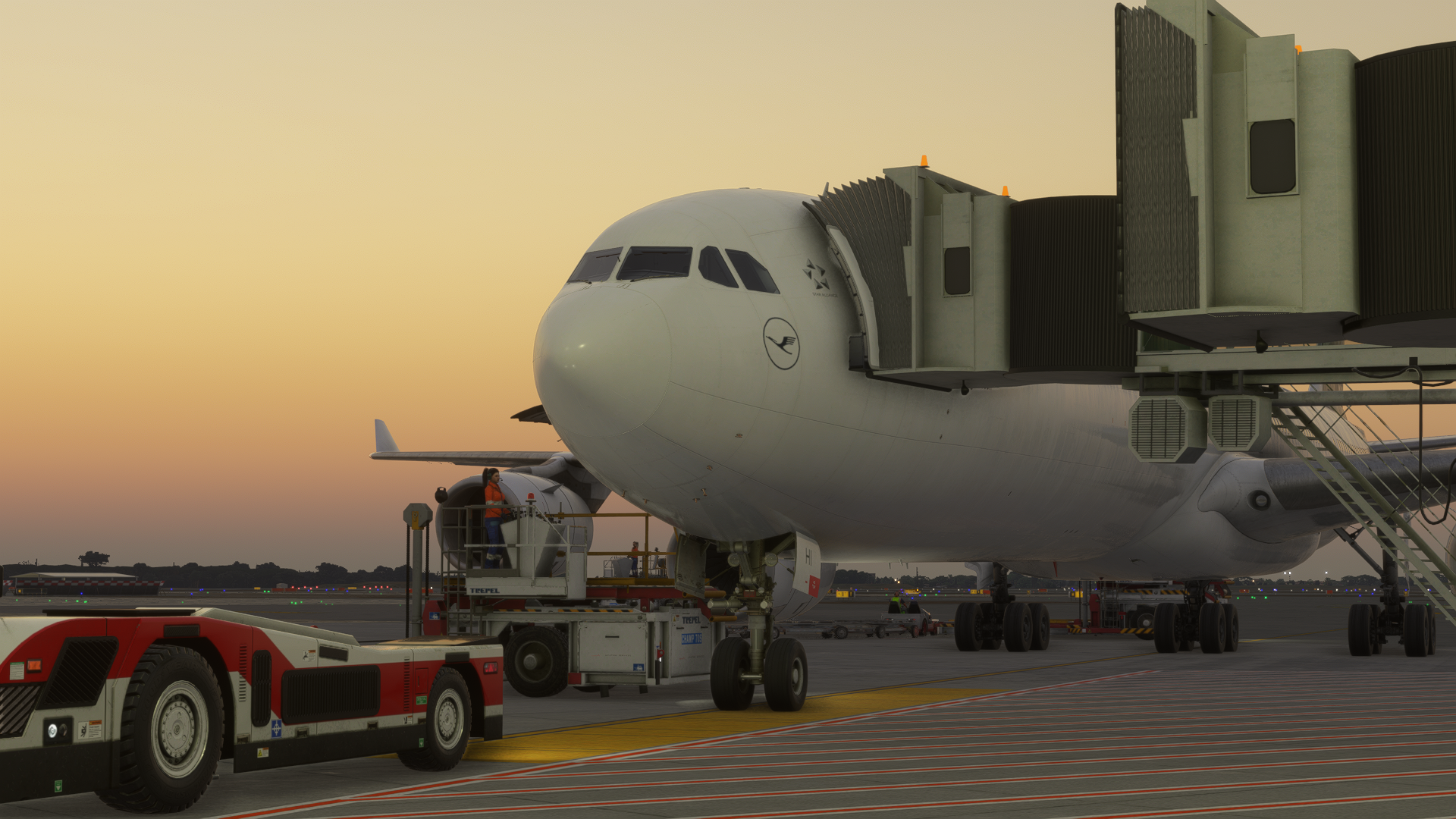
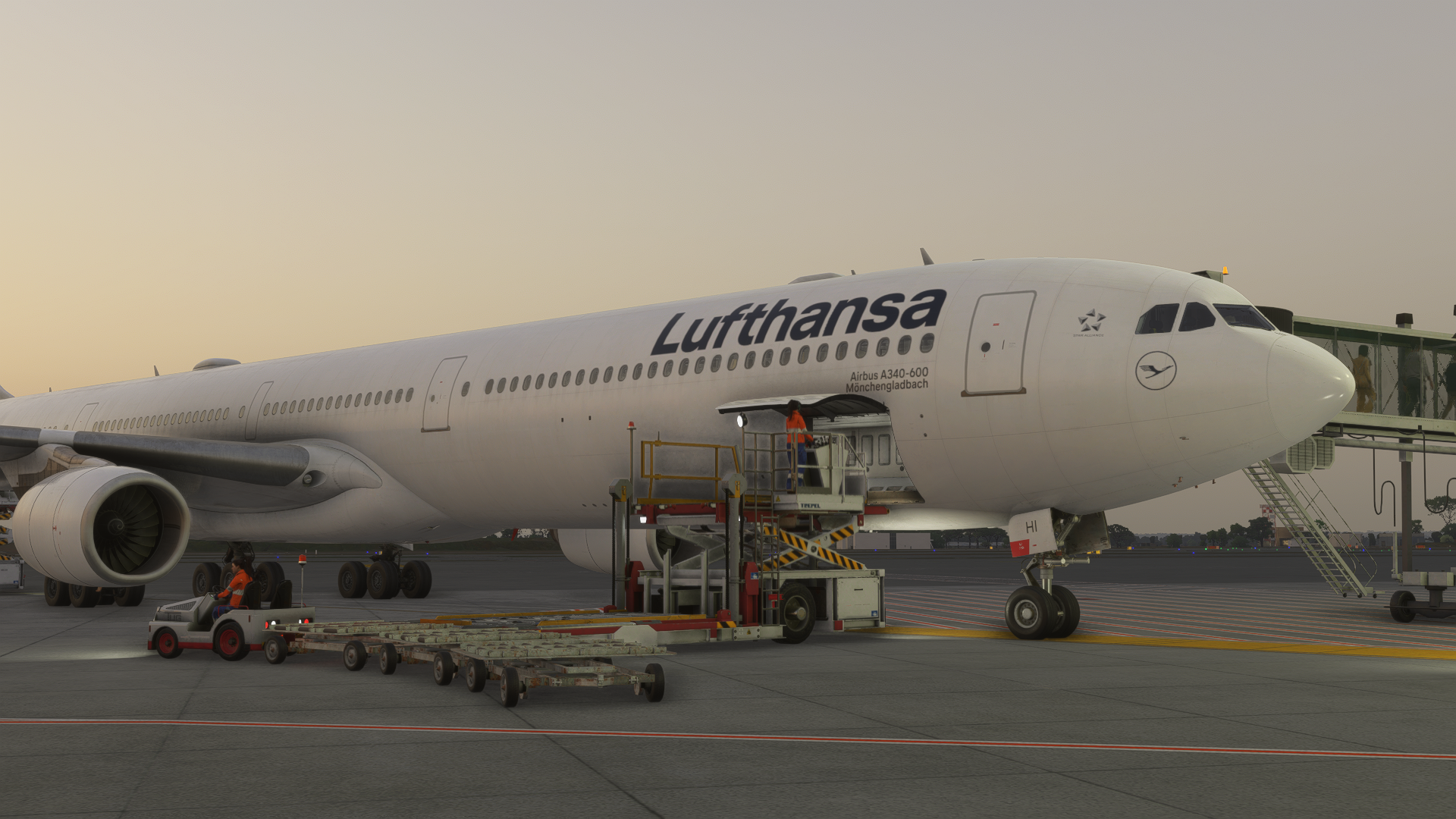
The aircraft’s visual design is something I was both pleasantly surprised by and a little bit disappointed at the same time. The whole aircraft’s 3D model is wonderful, filled with small details, making the aircraft feel like the real thing up close. However, the cockpit is strange in my opinion.
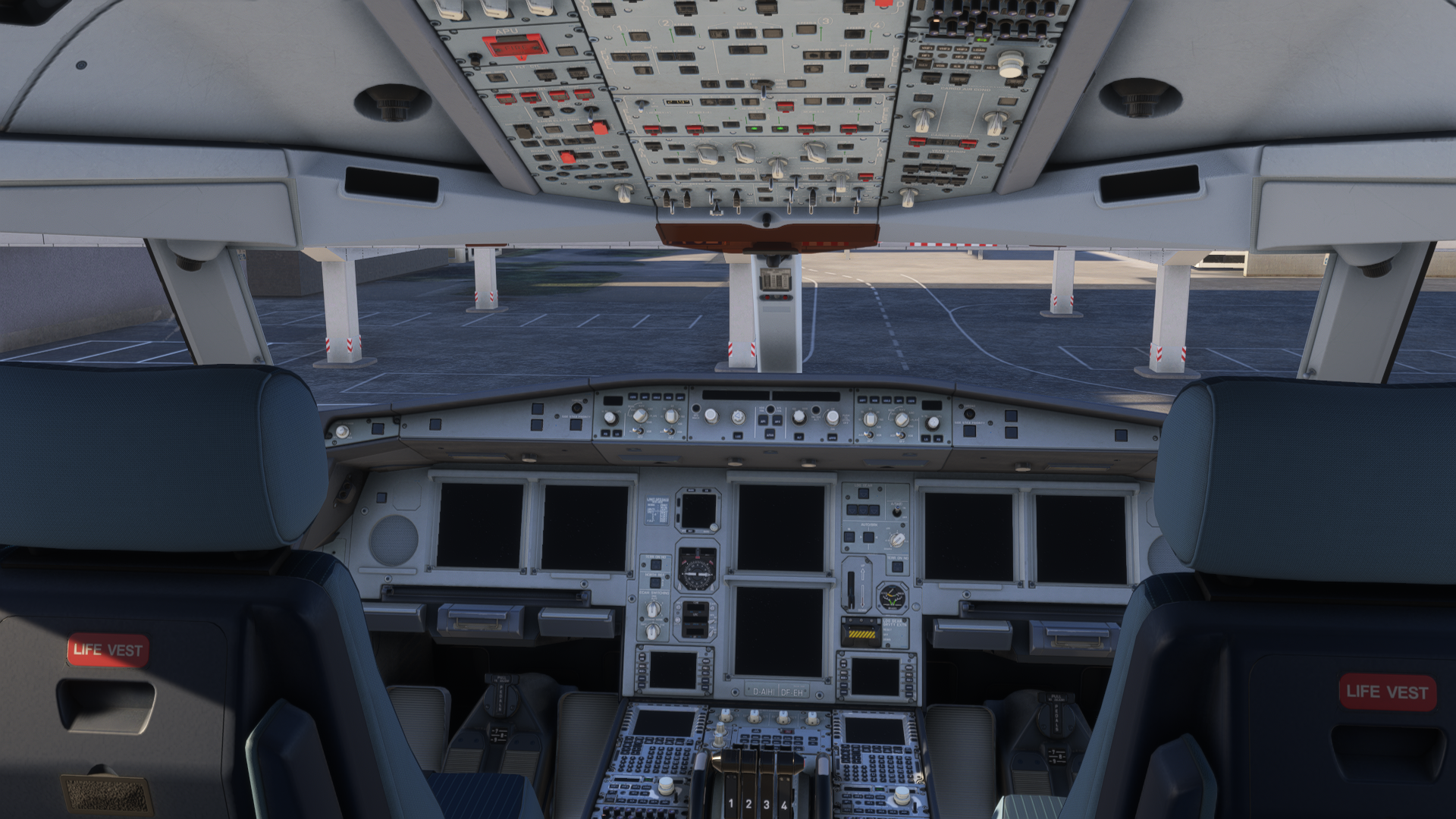
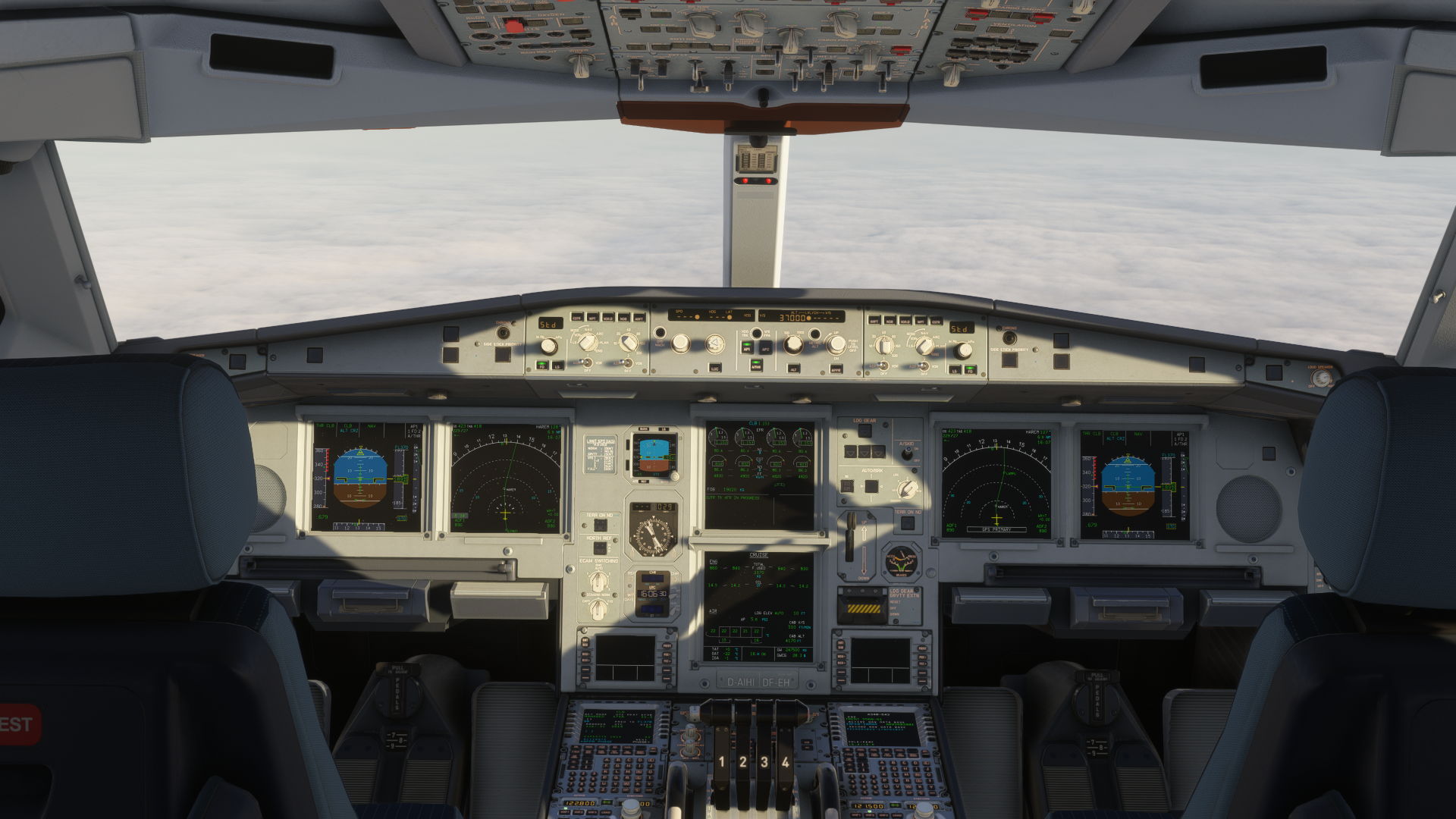
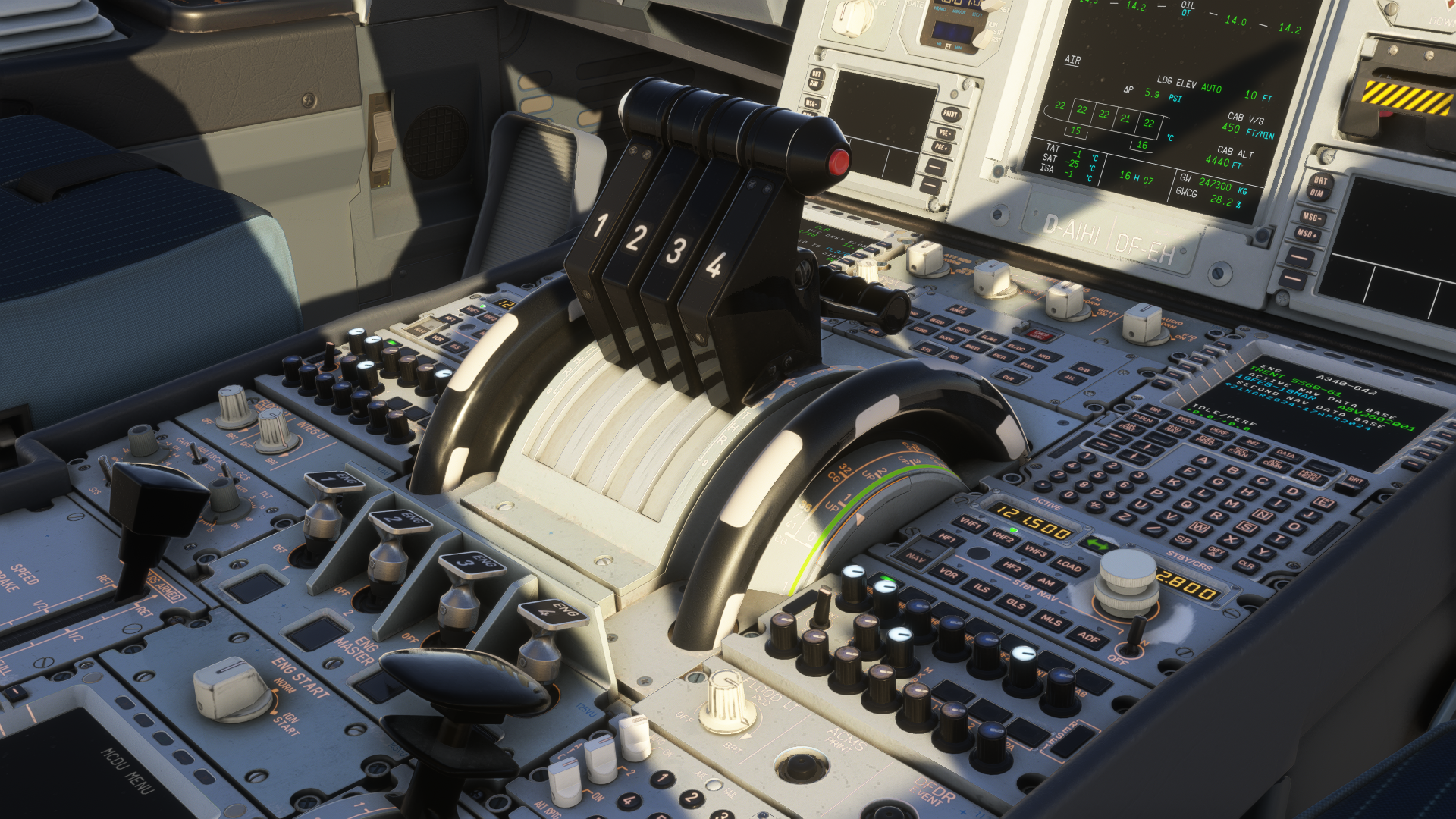
What I didn’t like about the cockpit was that the reflections and the behaviour of the textures in the sunlight, as well as with artificial illumination, felt very X-Plane-ish. At some stages of the day, the colours in the cockpit were washed out, with not much depth put into the textures. I strongly believe that this might get sorted out in the future by community mods. Truthfully, whilst the washed-out textures in the cockpit take away some immersion, the experience of flying this aircraft was not very influenced by this from my standpoint.
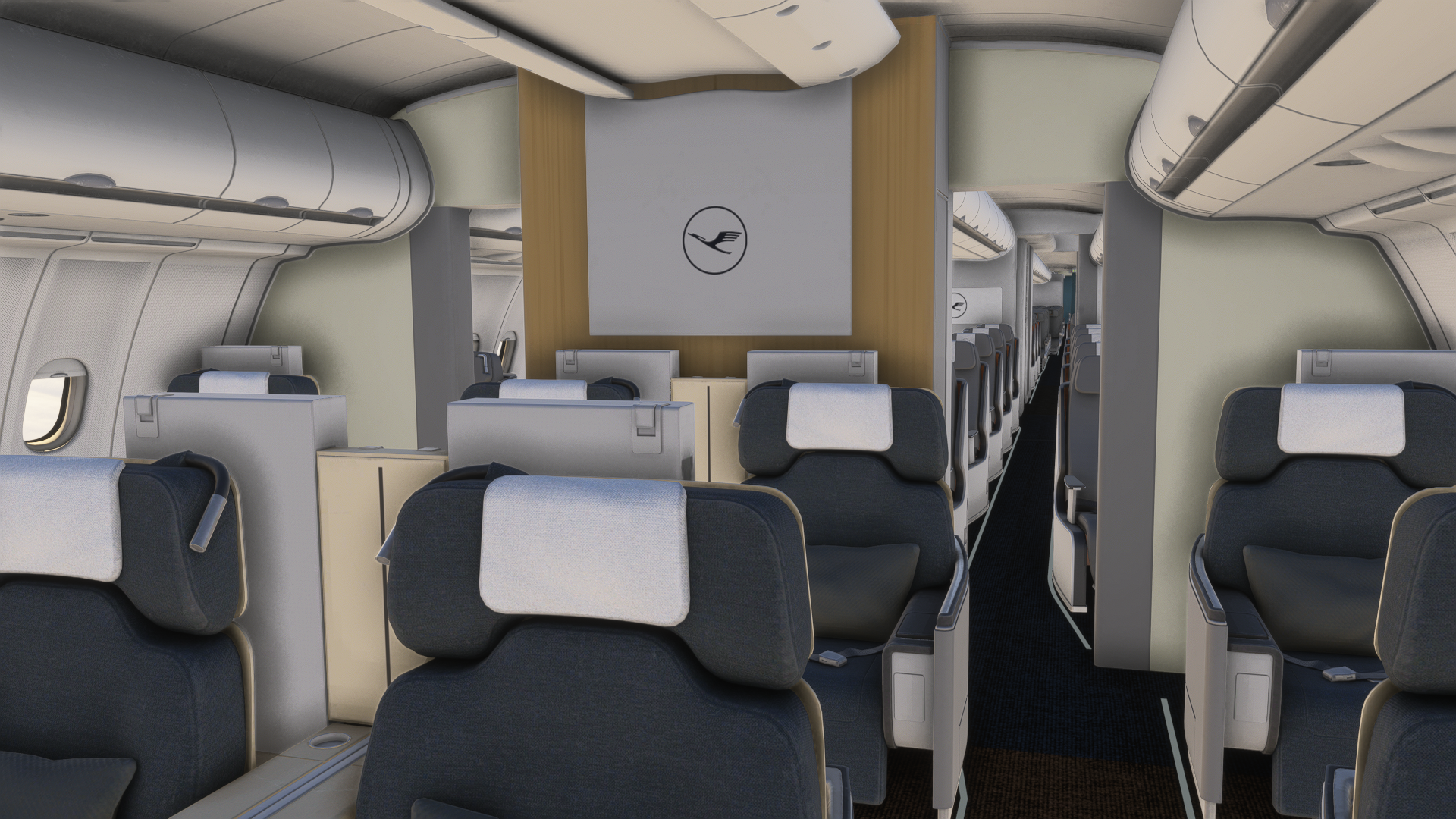
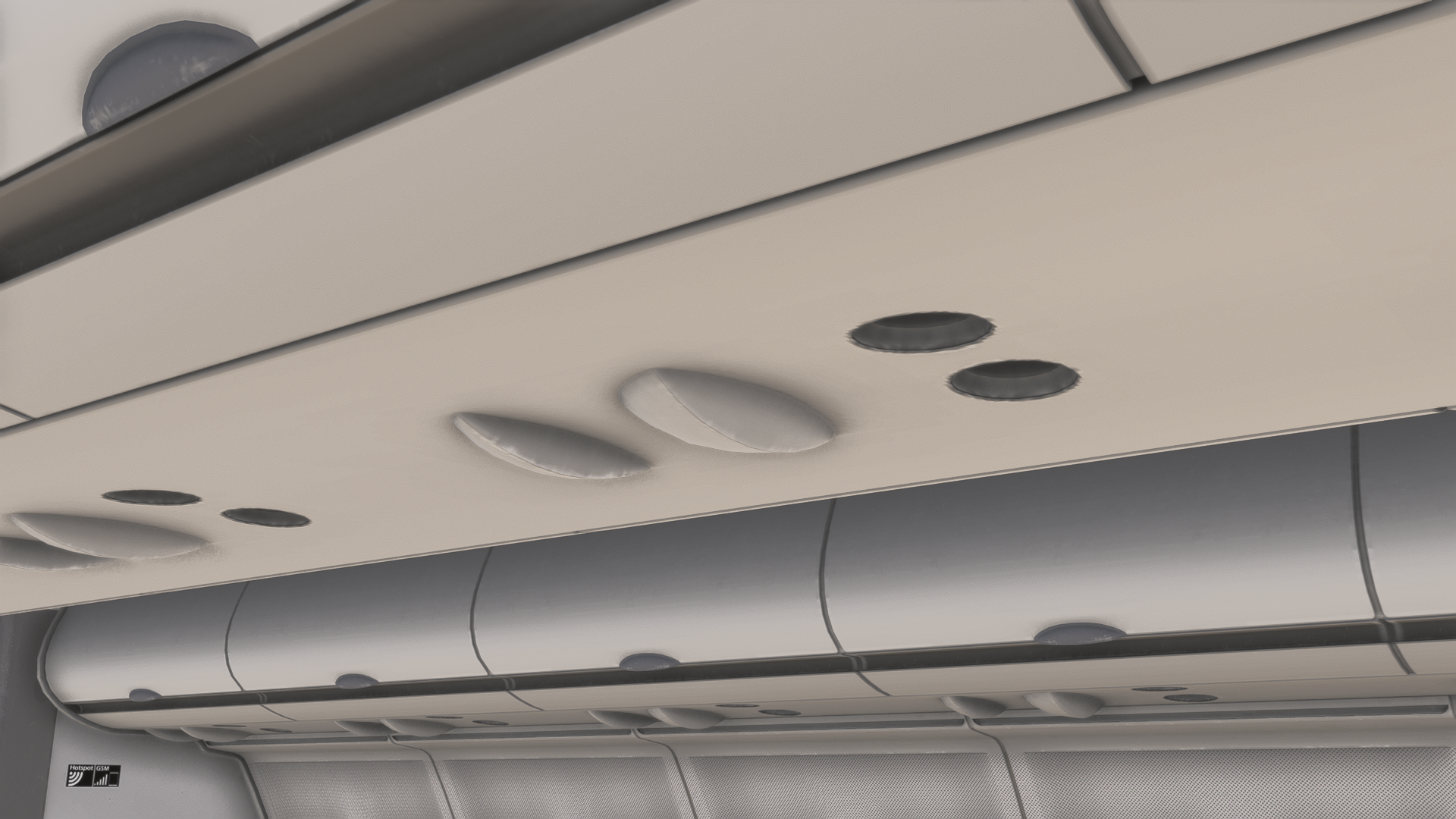
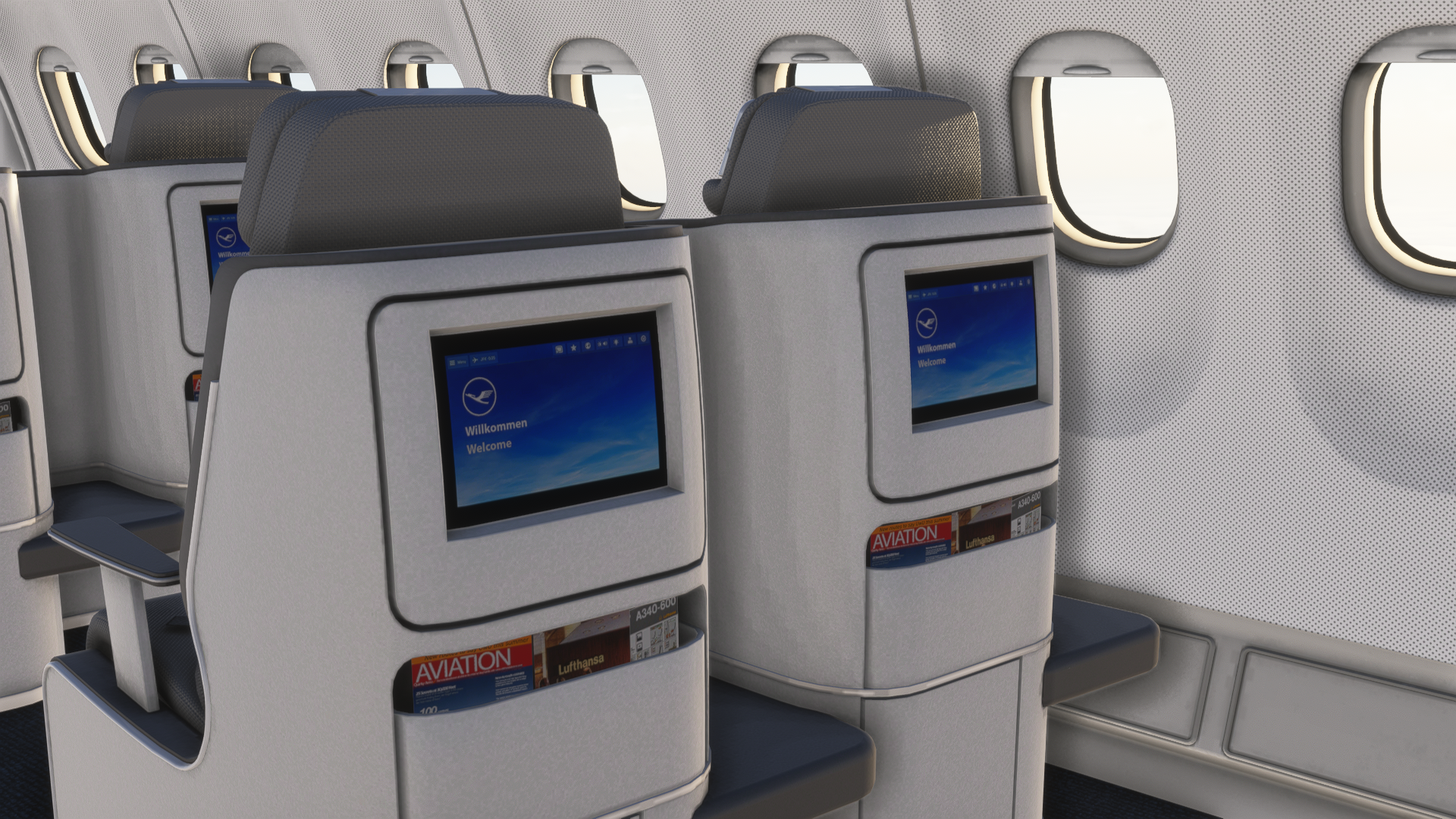
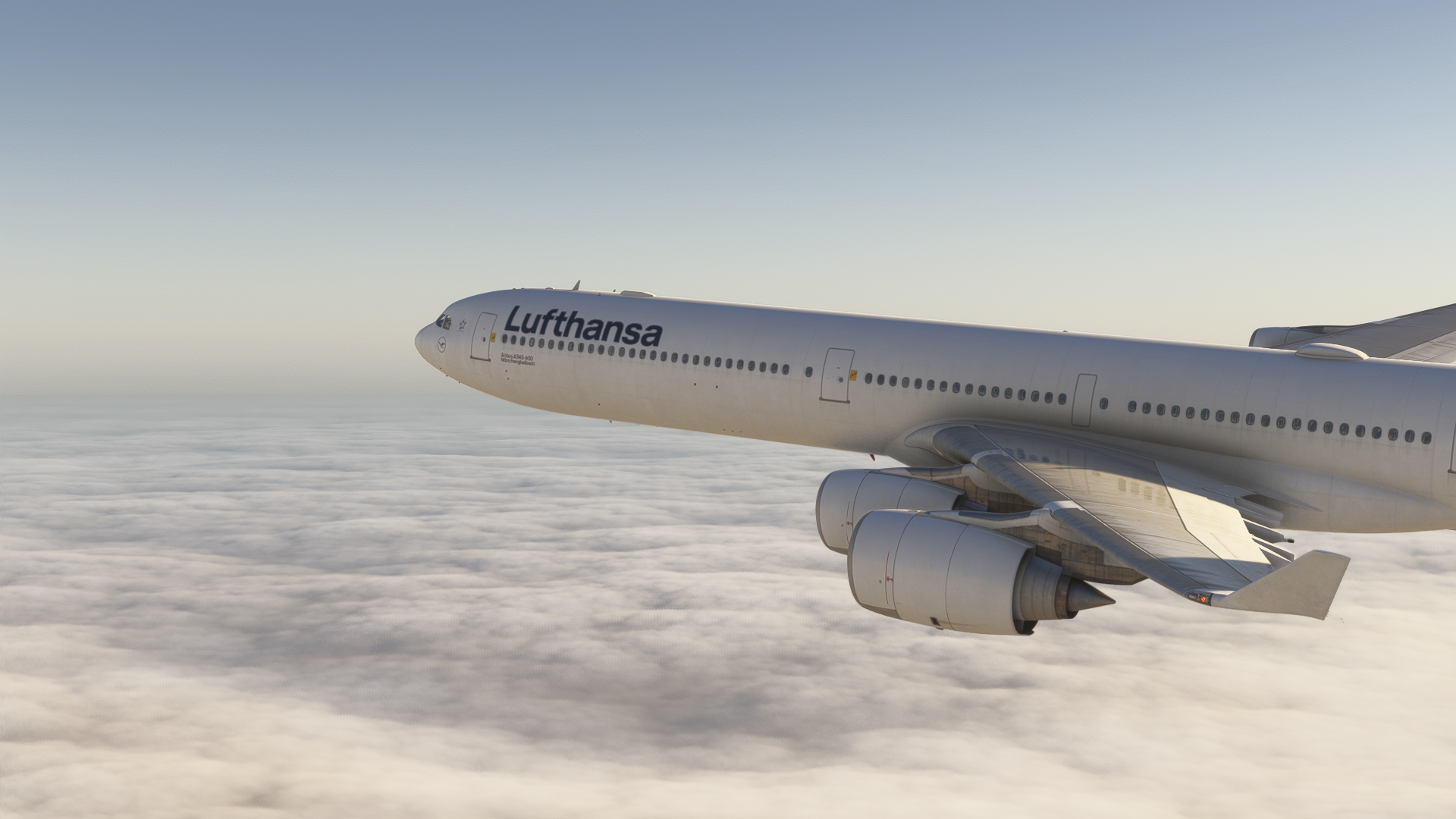
What took my breath away, though, is the exterior and cabin design, which was very well-balanced for performance and visual fidelity. The 3D models, as mentioned in the first paragraph of this segment, are wonderful and filled with details. This also applies to the cabin interior, which is also redesigned based on the livery you are choosing.
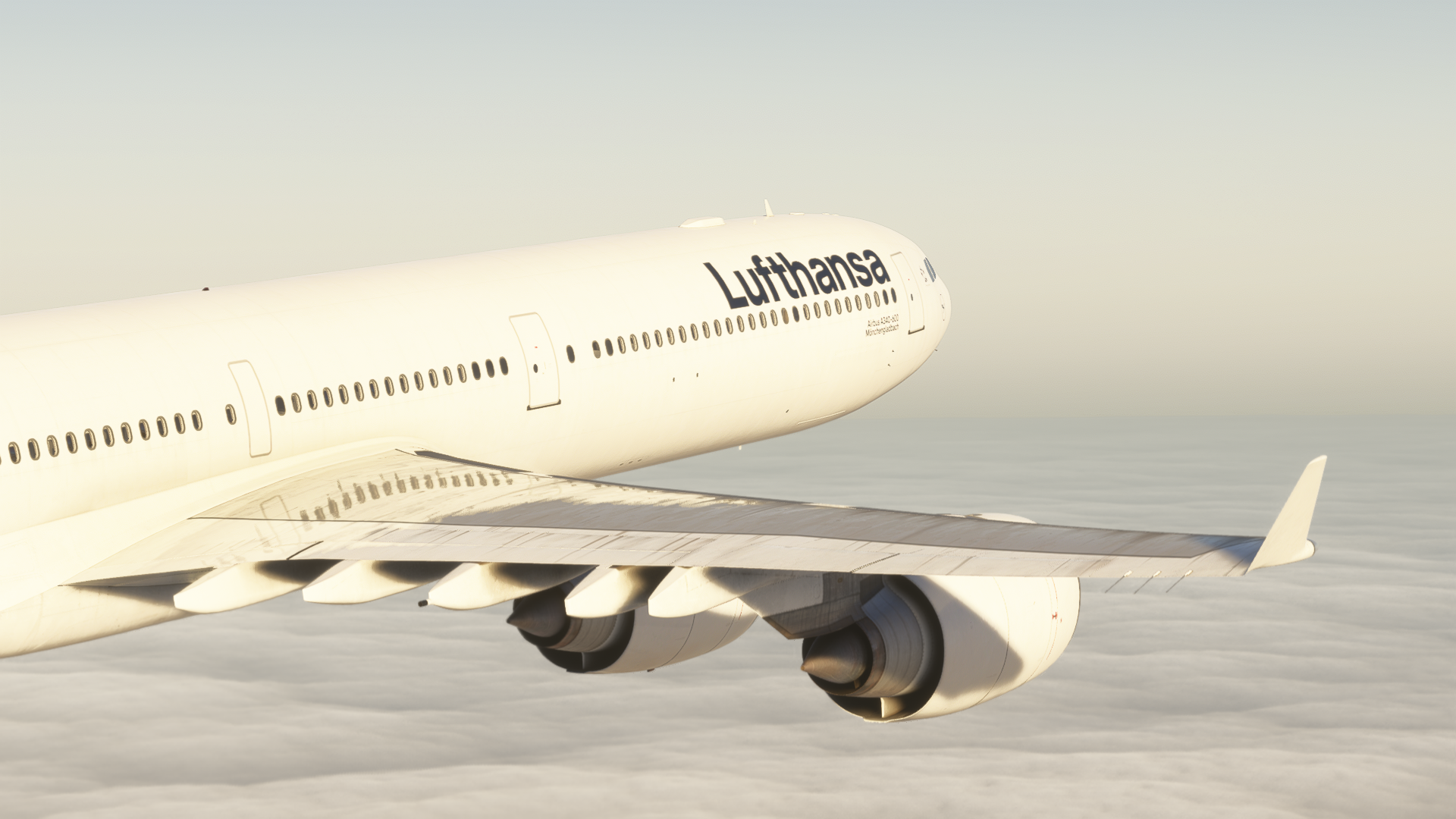
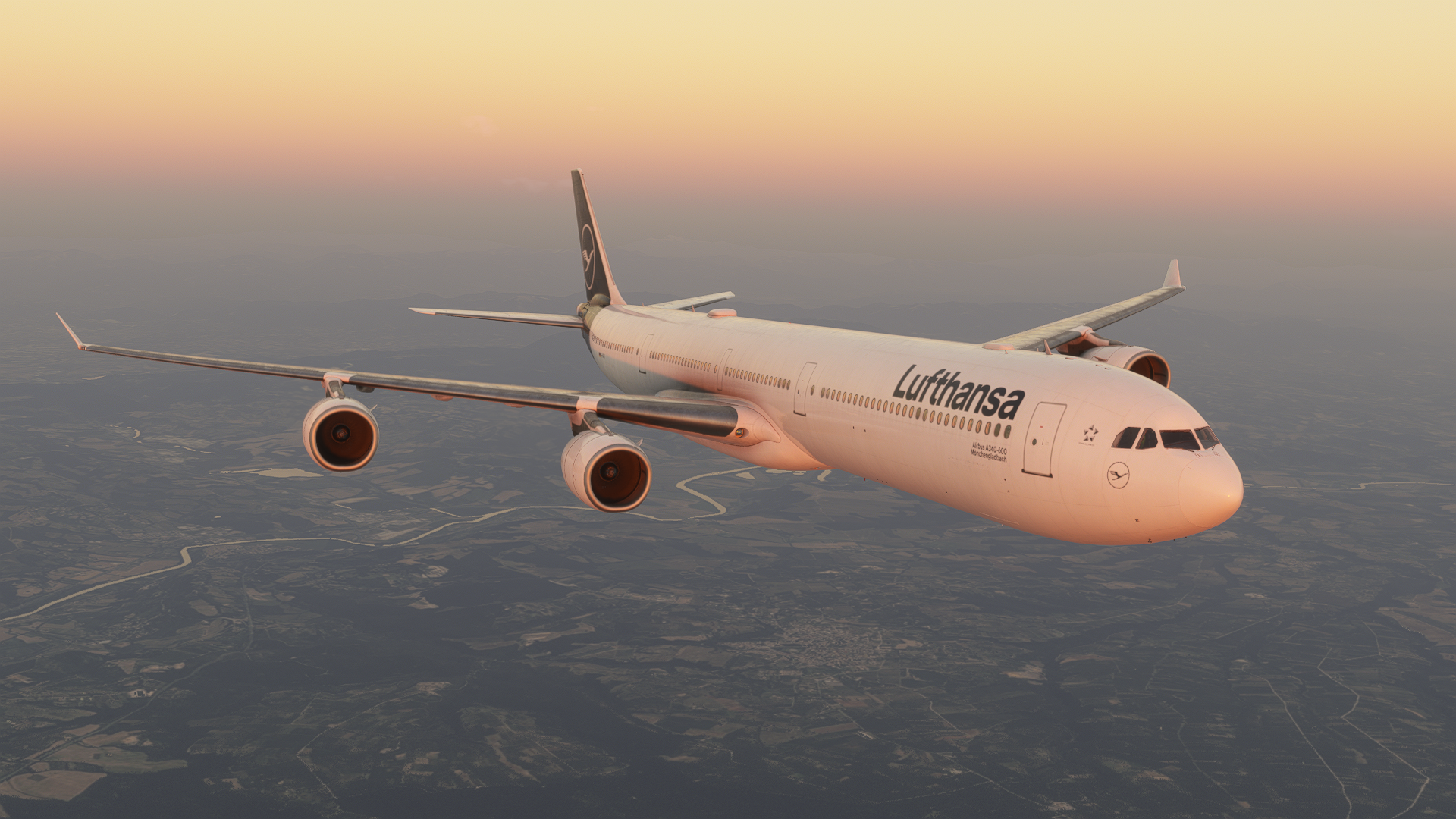
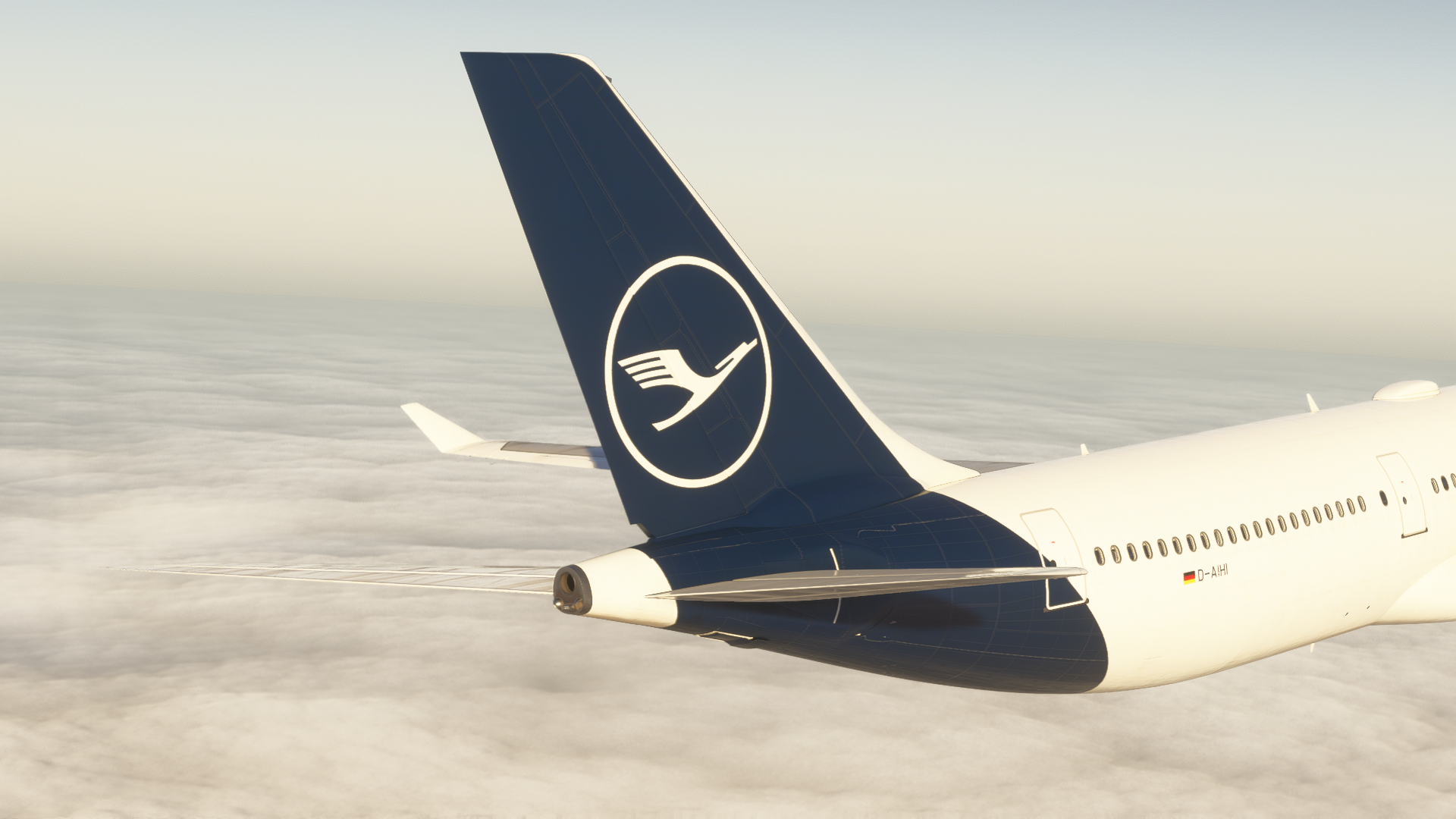
I flew with the modern Lufthansa livery, and it had the modern Lufthansa cabin recreated. Some details were missing in the cabin, such as the seatbelt signs, or clickable overhead bins and other facilities. However, that is not immersion-breaking, and only a few people would actually care about these. You are supposed to fly the aeroplane from the cockpit, not the cabin, am I right?
Sounds
The sounds of this aircraft are great. Unfortunately, I don’t have the real-world experience of flying the A340-600, nor the experience of seeing it at the airport, so my opinions about sounds are going to be a little bit compromised by this fact. However, the sound design felt seamless, blending properly according to your camera’s position. The spool-up sounds of the engines felt bassy, with the right sound behaviour adjustments, so it didn’t feel off-place.
That can also be said about the sound design in the cockpit. Through there, you can also enable headphone simulation to cancel any unwanted noise during your flight. That can be done by clicking the headphones found on the left side of the captain’s seat.
Unfortunately, though. It seemed that some buttons and levers had missing sounds. I noticed this on the landing lights levers, especially. It might have been a bug, me being deaf, or that the sounds are missing. However, they didn’t appear to be working at any stage of the flight, even in a cold and dark state.
System Depth
So far, I can mostly comment on the basics of the aircraft, such as the autopilot, displays, electrical systems and the hydraulics. The A340-600 is vastly different from any previous aircraft in the series, with autobrake being closer to what you may find in the A350 or the A380. Some things were renamed in this aeroplane, resembling the more modern avionics found in the aircraft mentioned in the previous sentence. Such as trim to THS, autobrakes are not set to MAX at take-off, but to RTO, and so on. Despite the changes over the A320 and A330 series, the design is very intuitive.
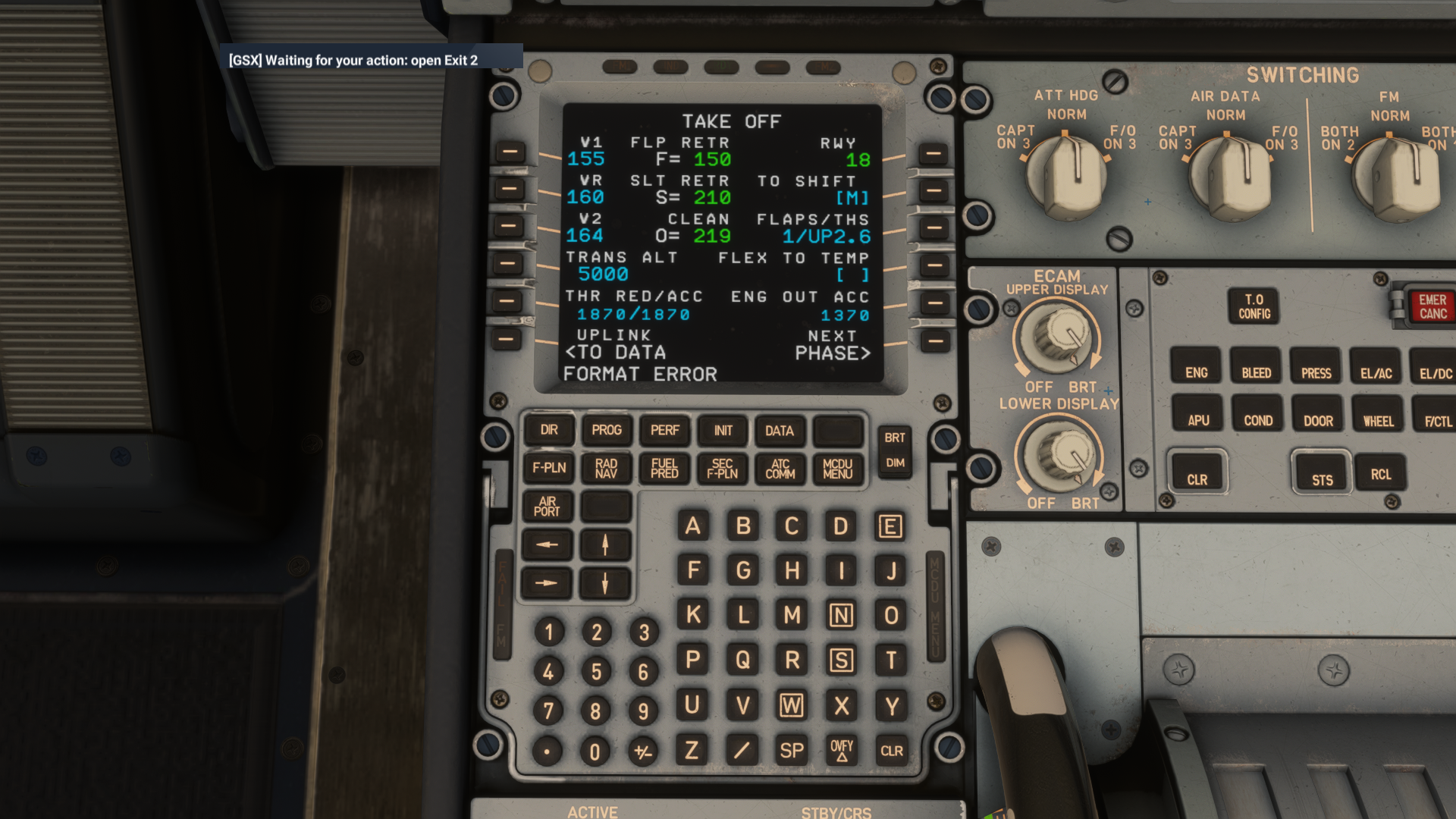
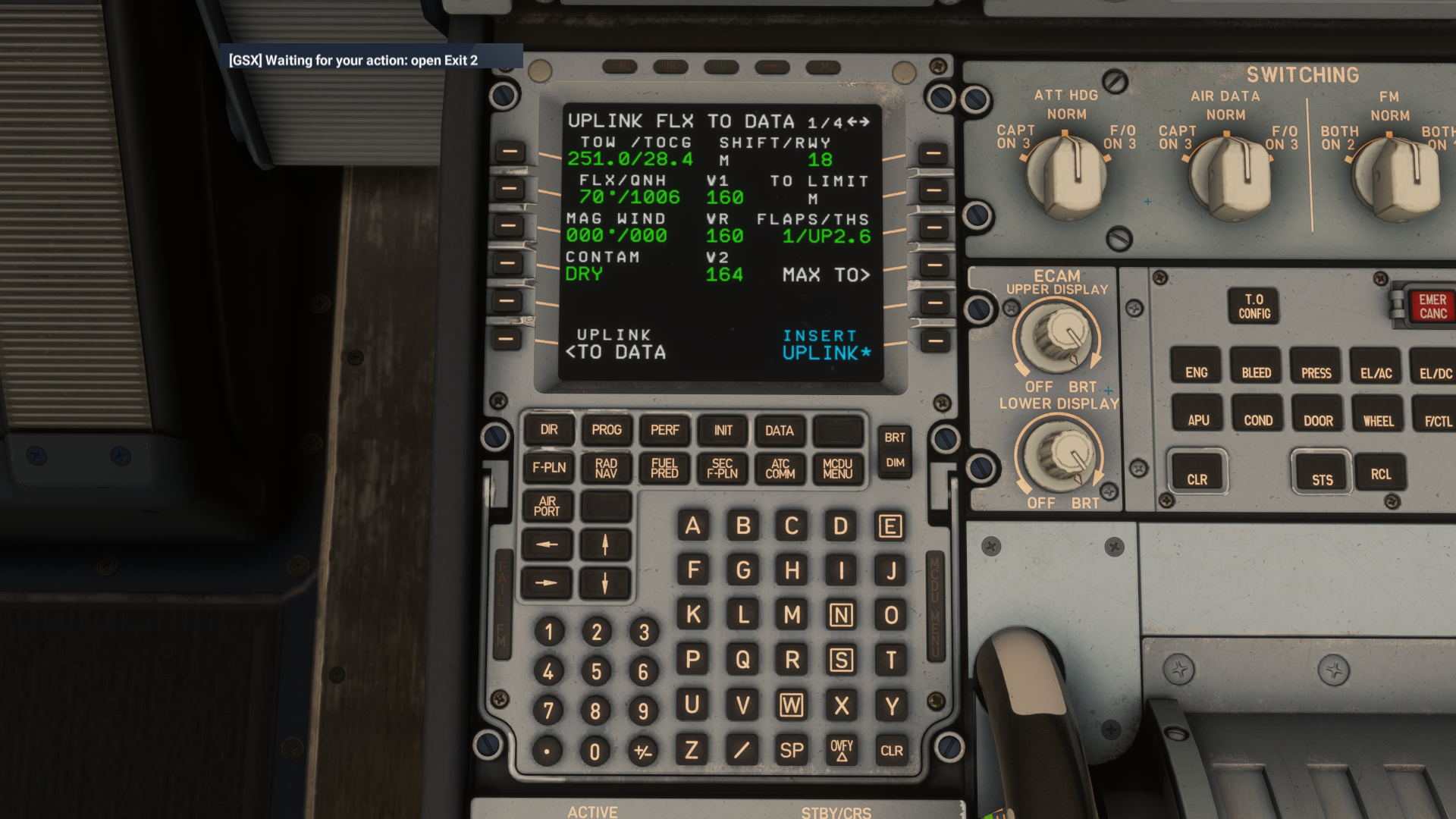
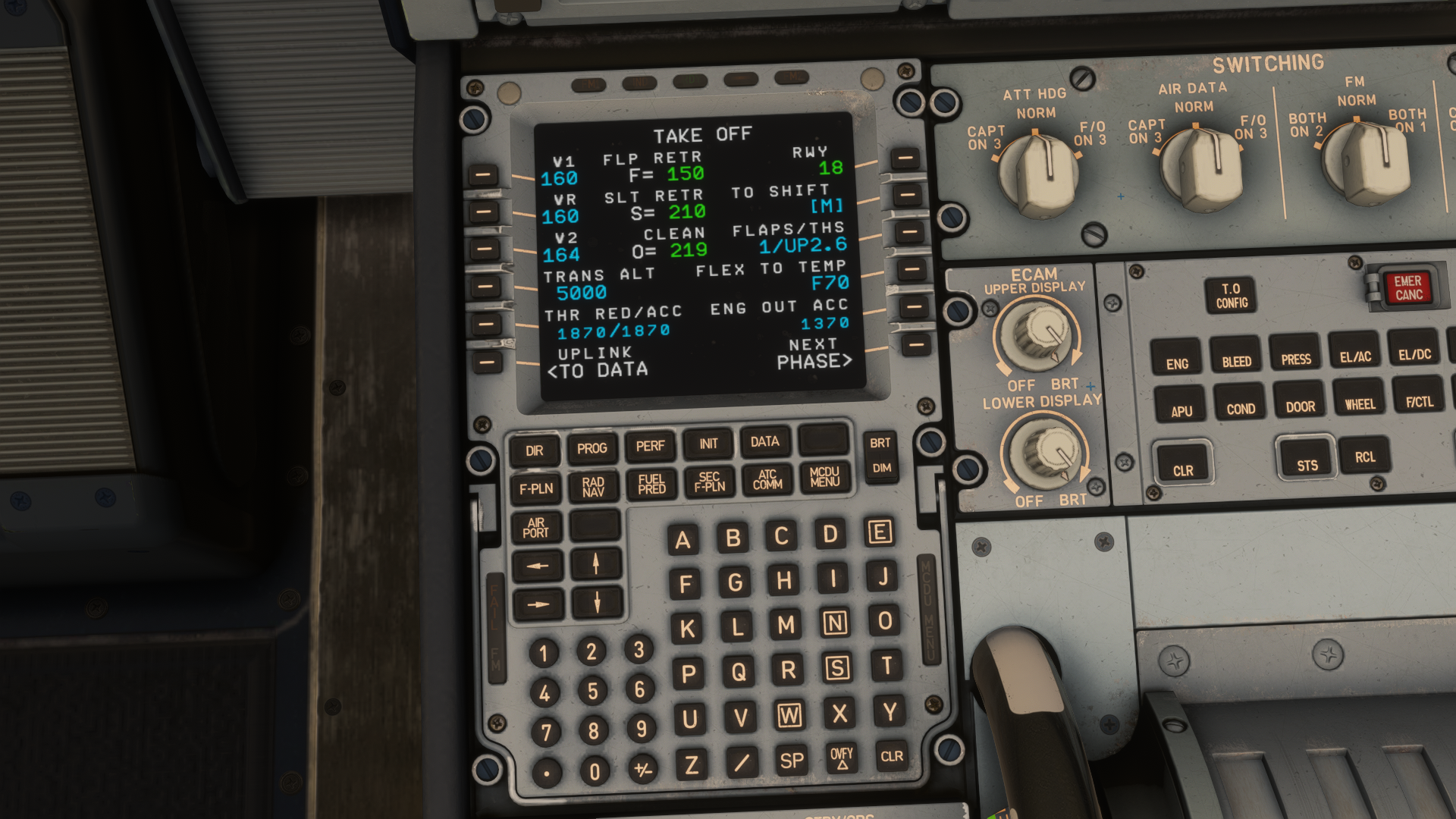
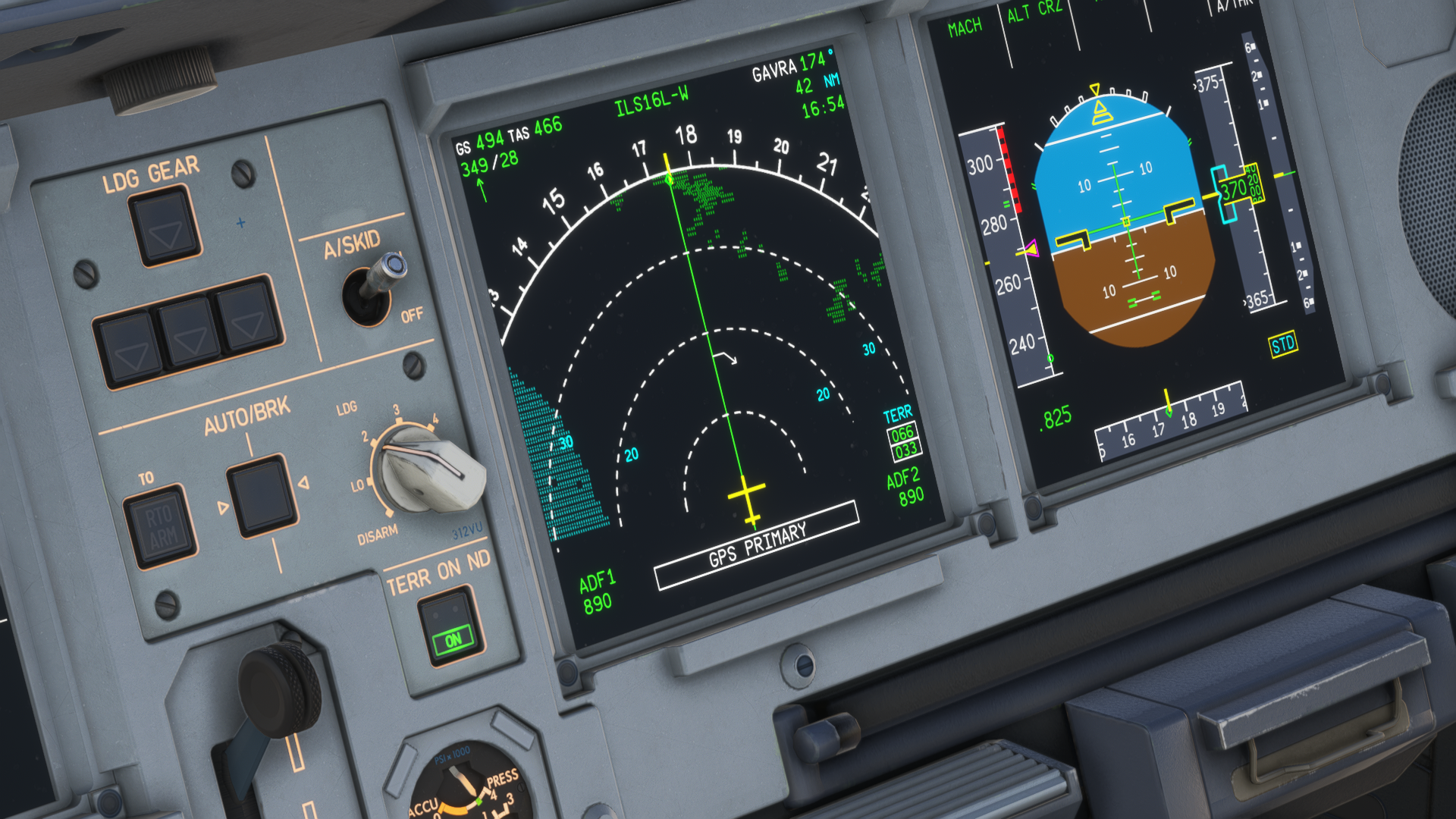
The displays of the aircraft are just as you would expect in an Airbus aeroplane. Standard type of avionics, and if you are capable of reading what’s on the A320 displays, this is not much different. However, there are some things that bugged me a little bit, and that is the resolution of the displays in-game, which seemed a little too low, for some reason, and the Navigation Display felt laggy during turns. Speaking of lags, the MCDU is not very responsive either.
Moving over to the autopilot, I am very happy with that. The autopilot was very precise and could fly VNAV and LNAV from the MCDU properly, even with wind drift corrections and other things that happened in the atmosphere during the flight. The MCP panel is very reactive, and setting up any digits is fast, which is not a standard in the modern Microsoft Flight Simulator aircraft, for some reason. Speaking of the CPDLC, unfortunately, I wasn’t able to test it just yet.
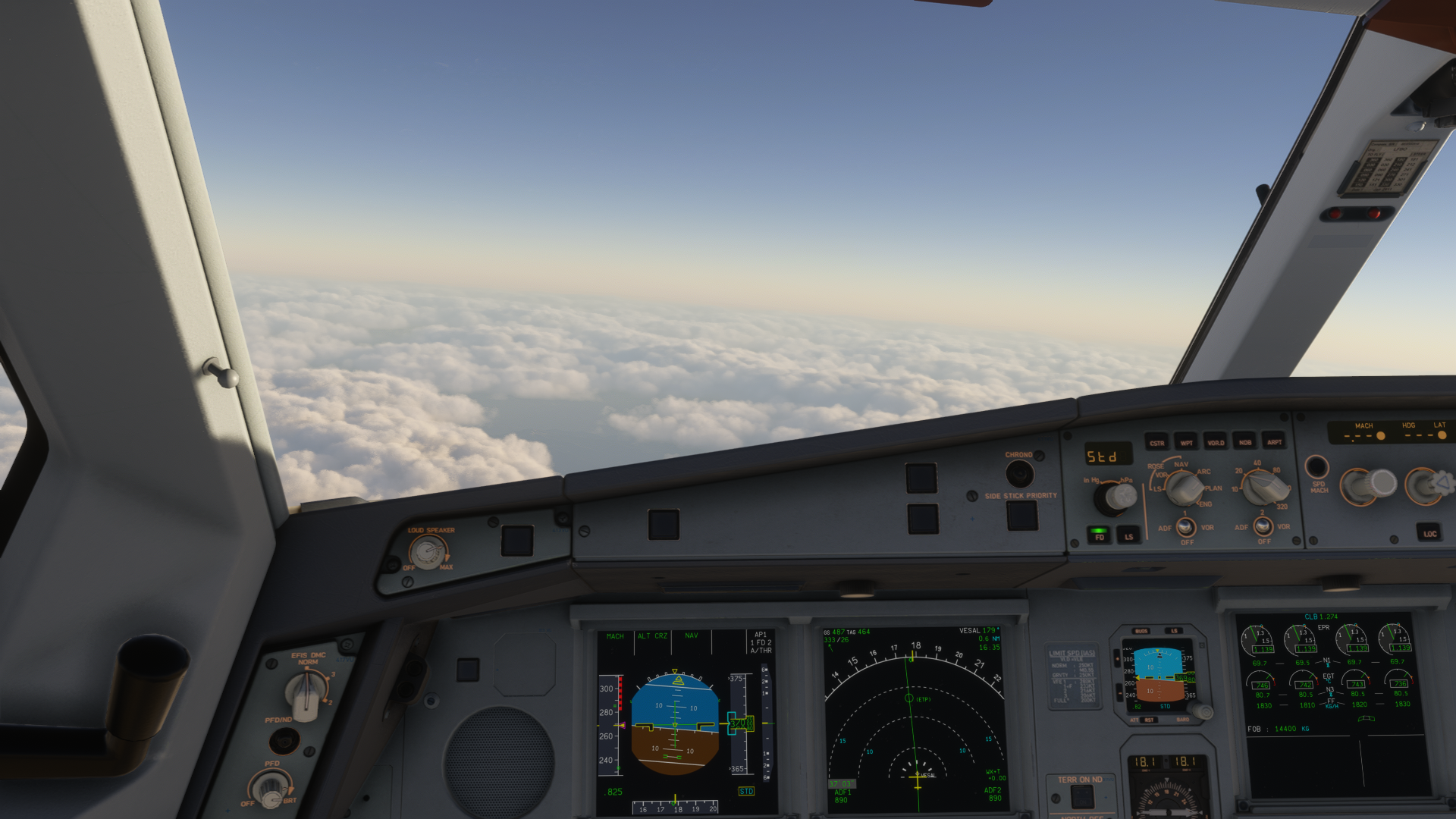
Speaking of other systems like hydraulics and electrical circuits, that’s something I didn’t currently focus on, as I want to have a proper look at in my upcoming in-depth review. However, at first glance, I can notice that these systems are behaving properly, including the APU, which is simulated so that you cannot turn it on immediately after pressing the APU button, which happens in some MSFS Airbus planes. All of the behaviour of these systems can be found in the ECAM display, and they are behaving according to the aircraft’s state. Thus, if your engines are turned off, you won’t be able to move your flight control surfaces.
The Fly-By-Wire system in this aircraft seemed fine. I am not a real pilot, and thus I can only talk about my experience of this aircraft from a virtual pilot’s standpoint. Compared to other Airbus aircraft available in Microsoft Flight Simulator right now, hand-flying this plane was a breeze. I could really expect what the aeroplane is trying to do based on my inputs. However, the length of this aircraft made it quite difficult for take-off and landing phases. Though I believe more training is going to fix my massive skill issue on landing this thing.
Compatibility With 3rd Party Add-ons
For the best possible experience, I am using a number of third-party add-ons with my simulator, including things like the Volanta tracker application, GSX, ChasePlane and REX Atmos Core. Volanta didn’t have any issues recognising this aircraft, and FSDreamTeam has given an update to GSX to sort out the compatibility of this aircraft with the ground services already. I didn’t have my GSX updated yet at the time, so there were some strange things happening, but nothing to break the immersion.
ChasePlane is another story. Currently, Parallel 42 has published ChasePlane in an experimental version for Microsoft Flight Simulator 2024, and it has been like that for a while now. Thus, some issues were happening with the camera during the flight. That, however, happens with other planes, too, especially with PMDG’s aircraft. According to Parallel 42’s own Discord, the team is working on resolving these issues already.
REX Atmos Core, whilst a good application that improves the visual quality of the simulator, can have a negative influence on the visuals sometimes, and on the performance, too. There is a good chance that the textures were washed out also because of this. However, no other plane looks “washed out” with Atmos Core enabled.
Speaking of the software connections, the EFB in the Aerosoft and ToLiss A340 is capable of connecting to Navigraph, Simbrief and Hoppie ACARS.
Still, it is a new aircraft that only had one weekend to accommodate itself to the proper flight simulator environment. With future updates and improvements from all sides, the A340 is going to be an even better plane to fly with soon.
Performance
I am using the Aerosoft/ToLiss A340-600 in Microsoft Flight Simulator 2024, on a medium-range computer, consisting of AMD Ryzen 5 5600X, 64GB of DDR4 RAM, AMD Radeon RX 9060XT GPU with 16GB of VRAM, with the simulator running on a SATA SSD by Samsung. I have to say, for the first flight, I took the aircraft on a rotation with a performance-heavy environment.
Aerosoft Frankfurt is notoriously known for not being well-optimised, and it has been laggy at first. With frame generation enabled, my simulator was running at around 30-45fps. Which is manageable still. No tests were taken in the non-frame generation environment, as most pilots fly with this option enabled, and the simulator tends to run terribly without it regardless.
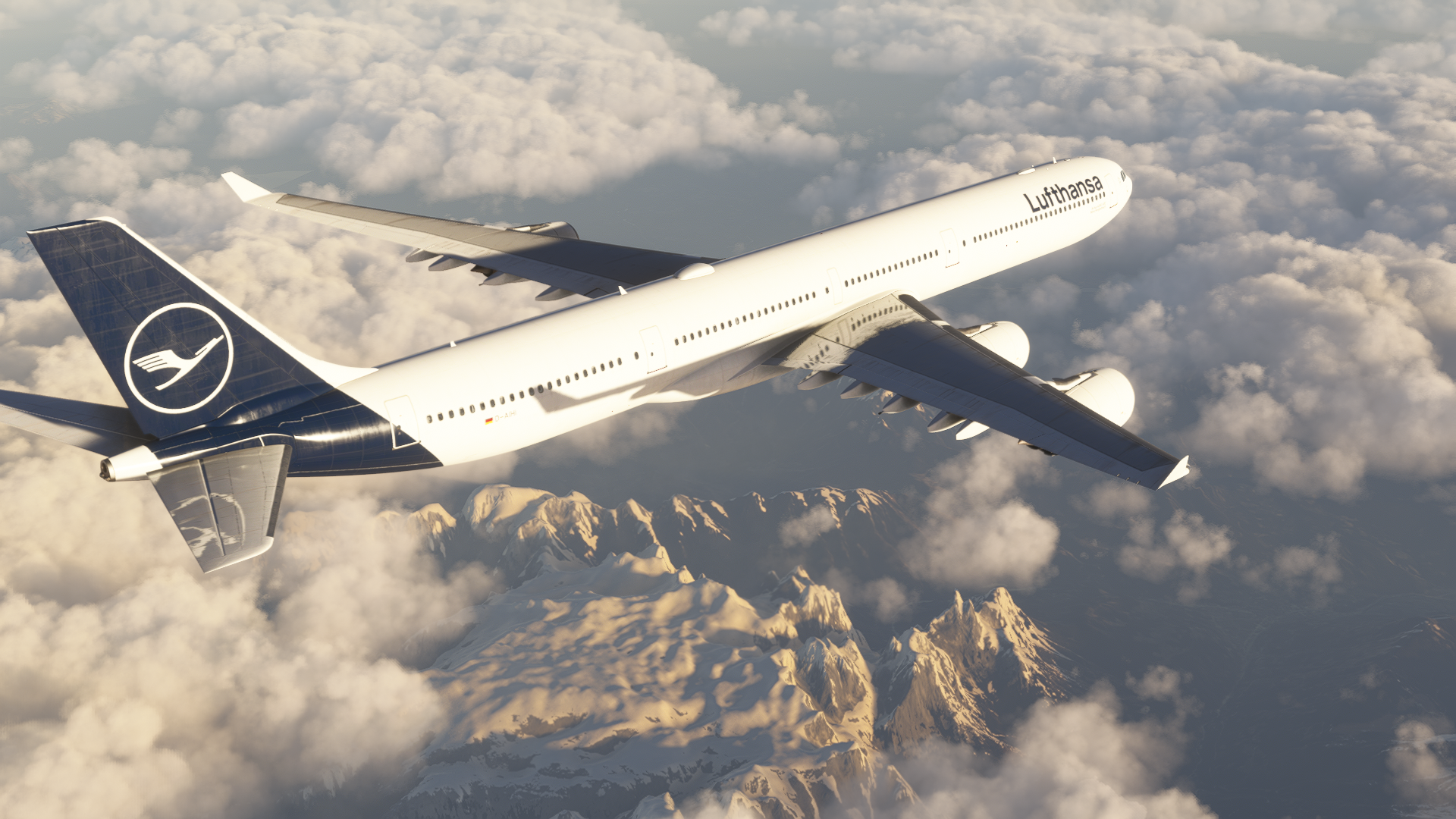
During the cruise and landing at Rome Fiumicino Airport by MK-Studios, the A340-600 behaved wonderfully when it came to performance. It didn’t even clog my entire system with resources, and it was running smoothly. For those who want more details, during the cruise, my graphics card was sitting at around 10 GB of VRAM usage, with 60% utilisation. The RAM the A340-600 used was sitting at a wonderful 8 gigabytes, and the CPU was not utilised further than 70%. Aerosoft and ToLiss have done a wonderful job optimising this aircraft.
Conclusion
After the previous disappointing release of the Aerosoft A330 for MSFS, I have to say that I was pleasantly surprised with the A340-600. Both ToLiss and Aerosoft have done a great job of bringing this dachshund in the skies to life in the virtual skies.
The performance, the visuals and the feel of the aircraft in-hand made it a beautiful experience already, and with future updates, I strongly believe it is going to be even better. I especially hope that the teams are going to resolve the behaviour of some displays in the aircraft, to make the experience even smoother. From the visual standpoint, the aircraft was well-detailed, capturing the feeling properly. Other things, like the EFB and simple setup, have even added to the value of this aircraft. I can thus recommend it based on my first impressions without any reasonable doubt.
The Aerosoft/ToLiss A340-600 can be purchased through the Aerosoft store for €67.22. Currently, there is even a sale going on, and you can purchase it for €58.82. The price excludes your local value-added tax, so the price may be higher upon checkout.
Feel free to join our Discord server to share your feedback on the article, screenshots from your flights or just chat with the rest of the team and the community. Click here to join the server.