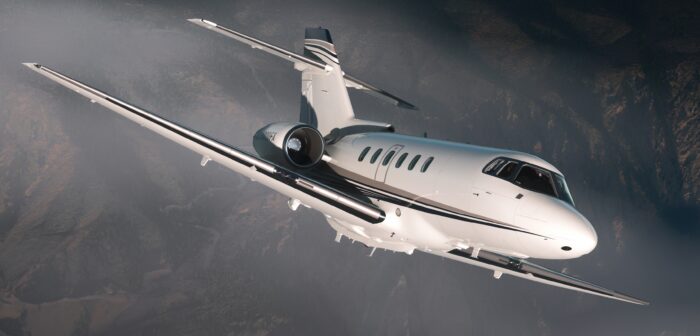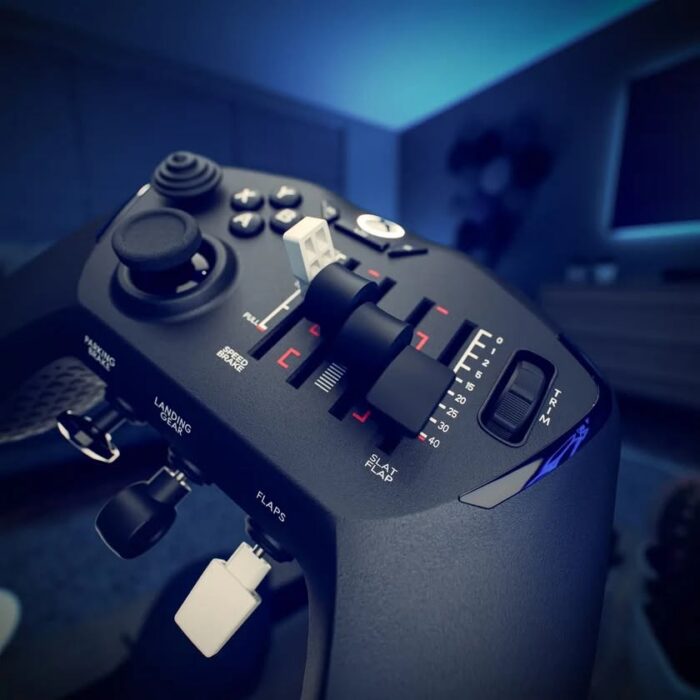
FlightFX is about to release its latest business jet, the Hawker/Beechcraft 800XP for Microsoft Flight Simulator 2024. FlightFX is no stranger to business GA aircraft, with an impressive lineup including the Citation X (read our review!), Piaggio P.180, Cirrus SF50, and the HondaJet. With so many options, why choose the Hawker? In this first impressions look, I’ll go over what makes this one of the most unique and best-made aircraft of FlightFX’s lineup. While FlightFX was kind enough to provide me with a review copy of the aircraft, all opinions here remain my own.
Initial Load-in and Setup
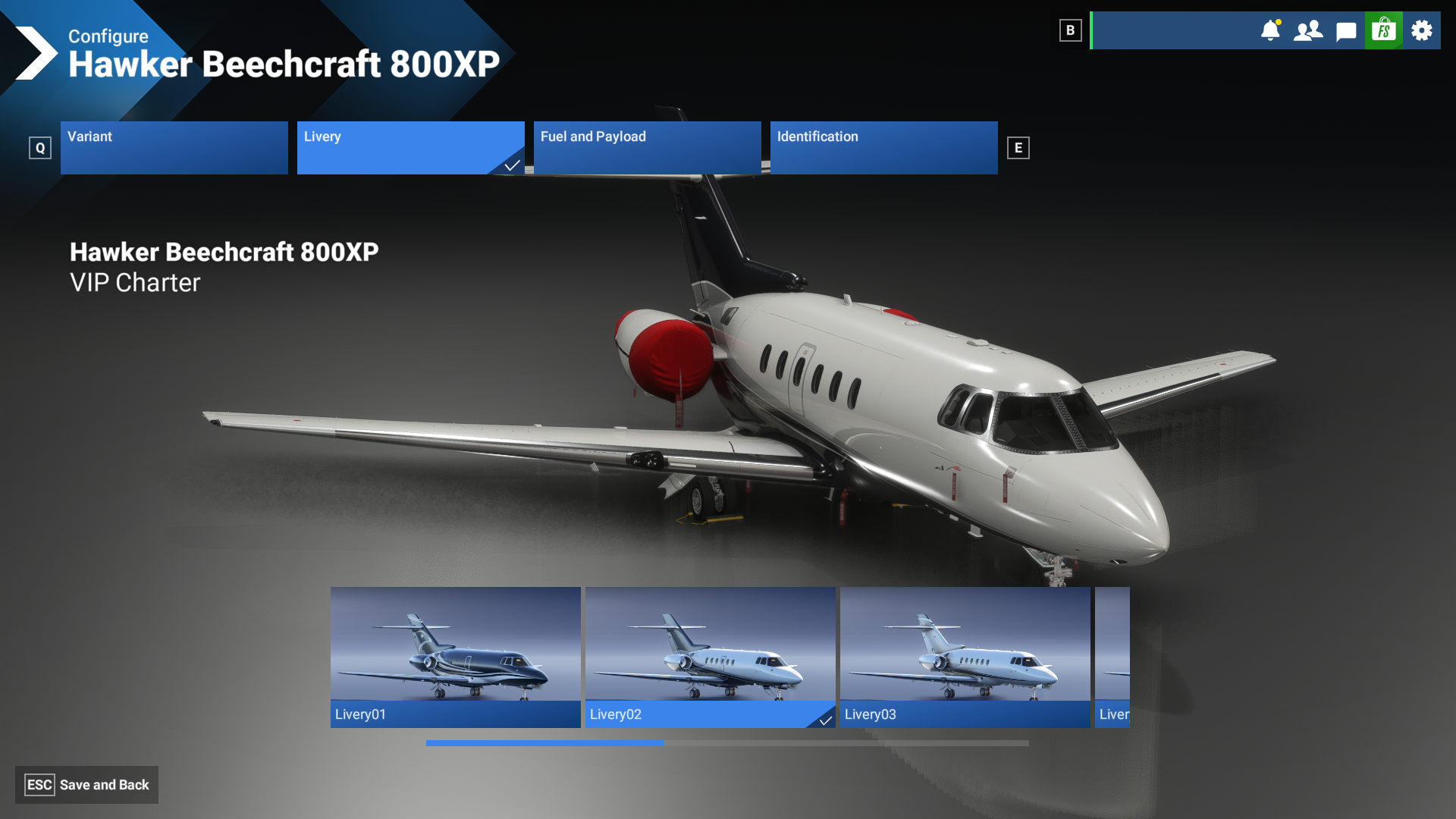
FlightFX’s Hawker 800XP is available exclusively on the MSFS 2024 marketplace, so installation is as easy as purchasing it and enabling it in your sim’s content manager. I also recommend downloading and locally installing aircraft you regularly fly. It comes with several liveries in a VIP Charter configuration, which has space for up to ten passengers.
Modeling and Texturing
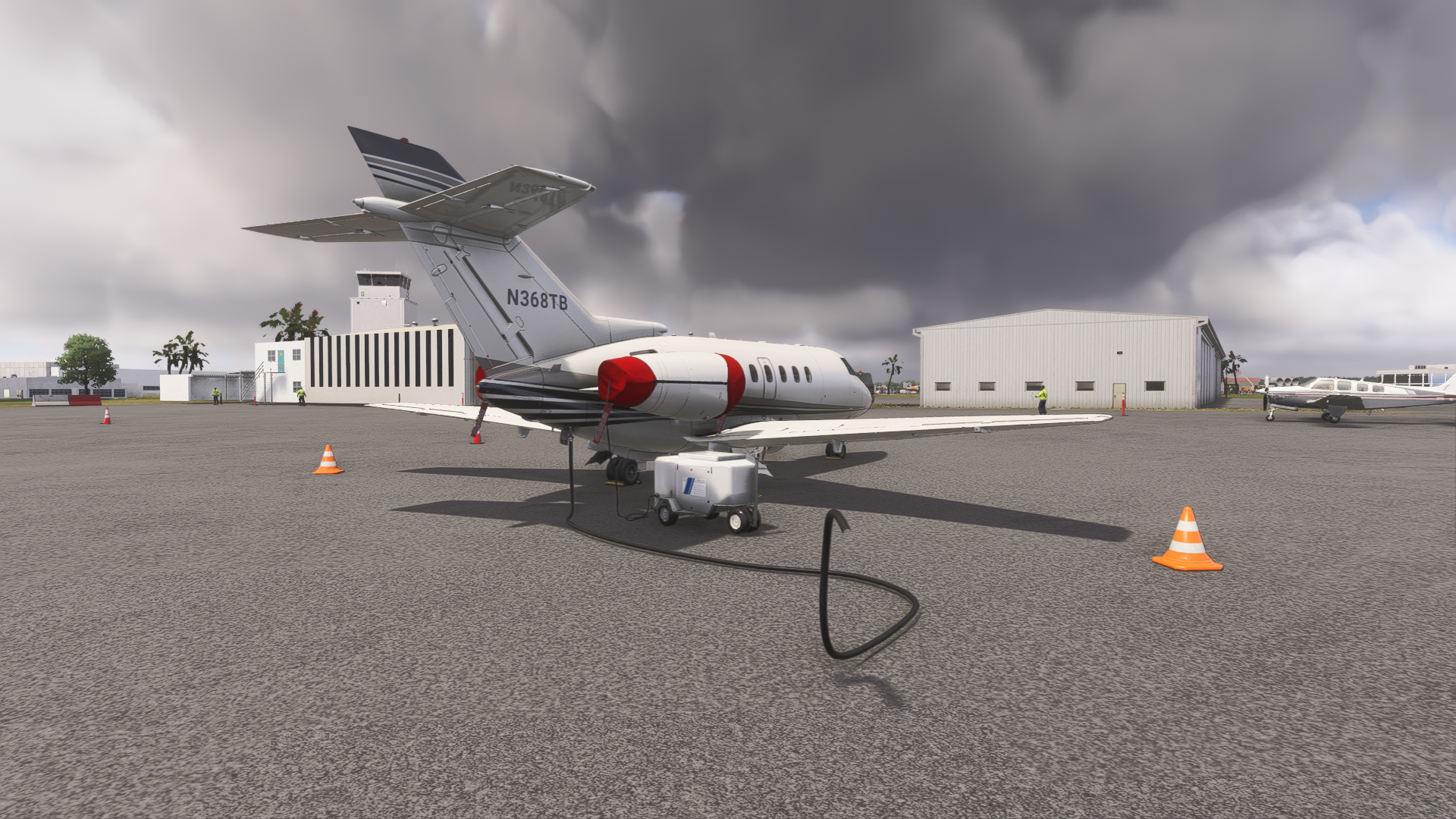
Loading in, we are greeted with the aircraft with all safety pins, covers, and chocks set. In typical MSFS 2024 walkaround fashion, you can click on these to remove them and get the plane ready to go. There are also a few interactive points apart from covers and chocks on the exterior, including an openable fuel door and external power door. Clicking on these doors connects a fuel truck with a hose and external power cart to the aircraft, respectively.
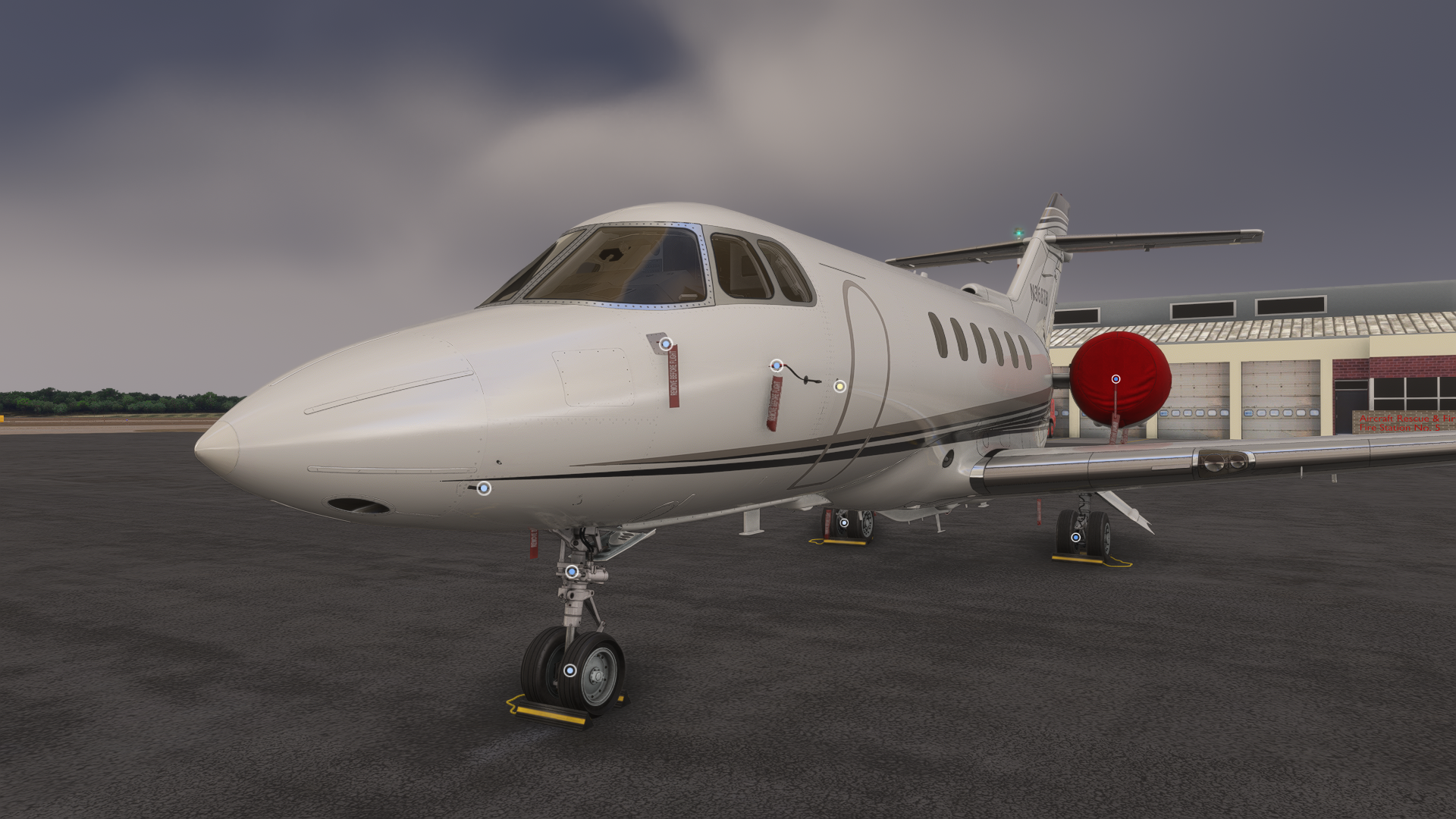
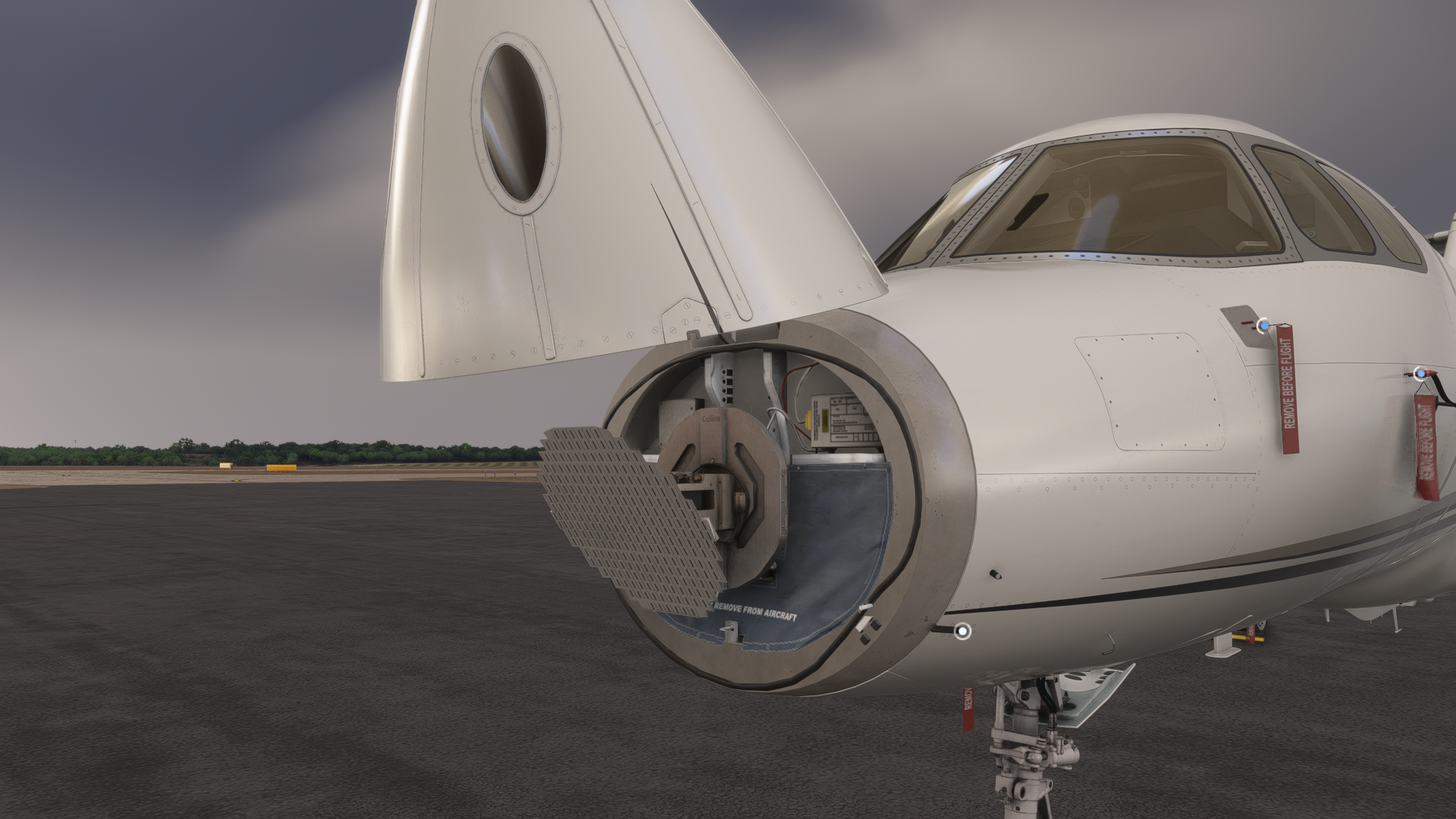
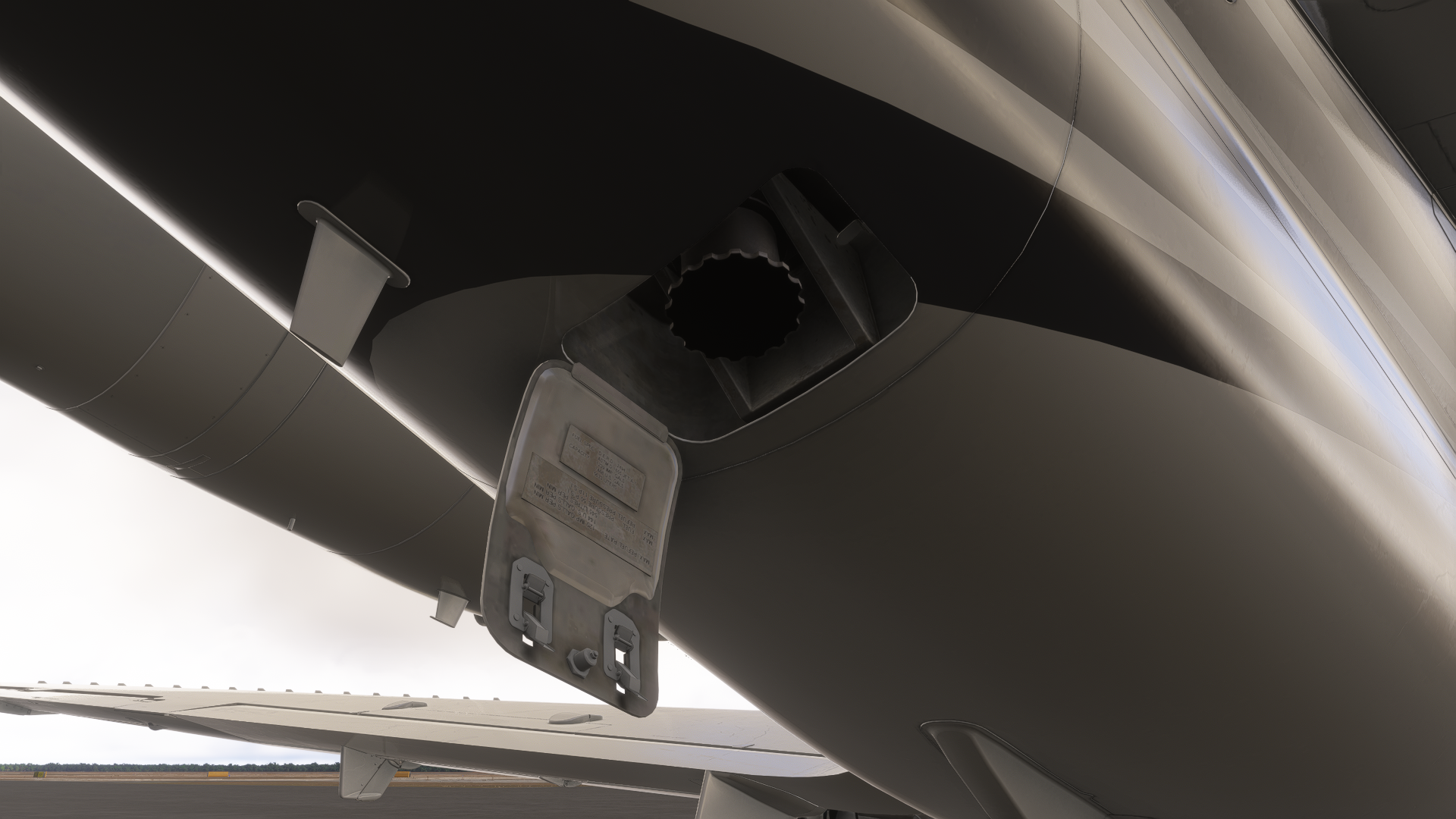
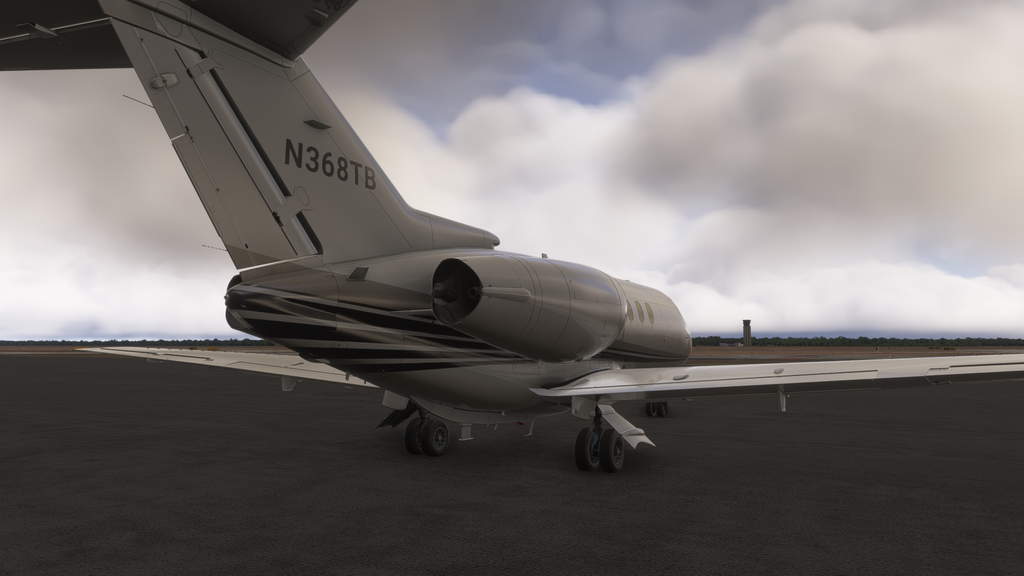
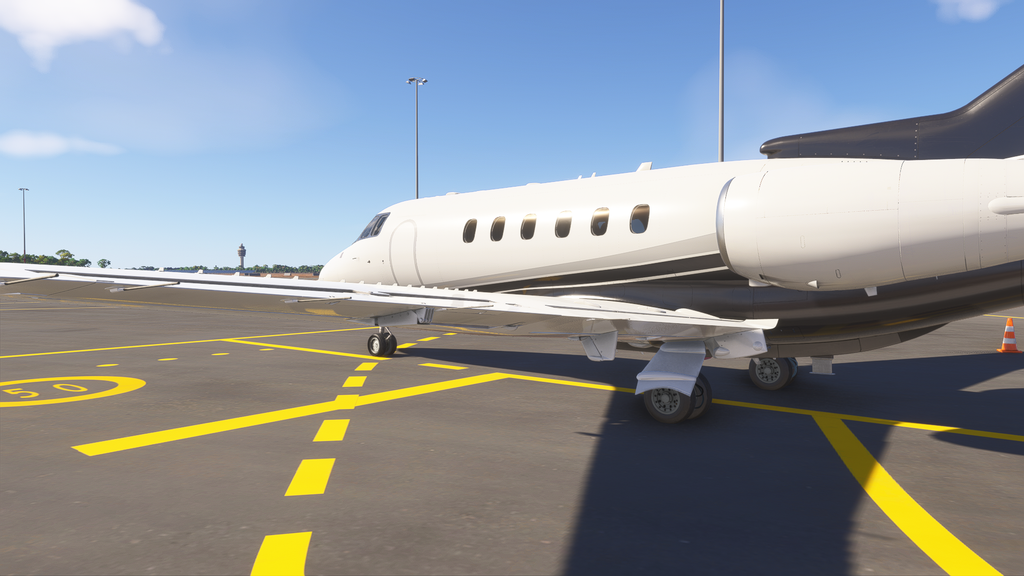
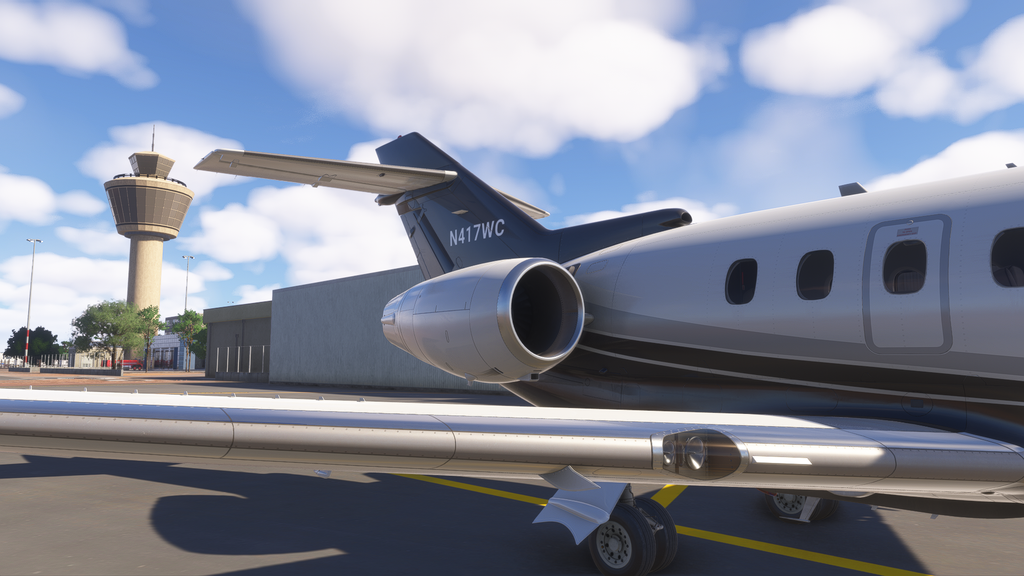
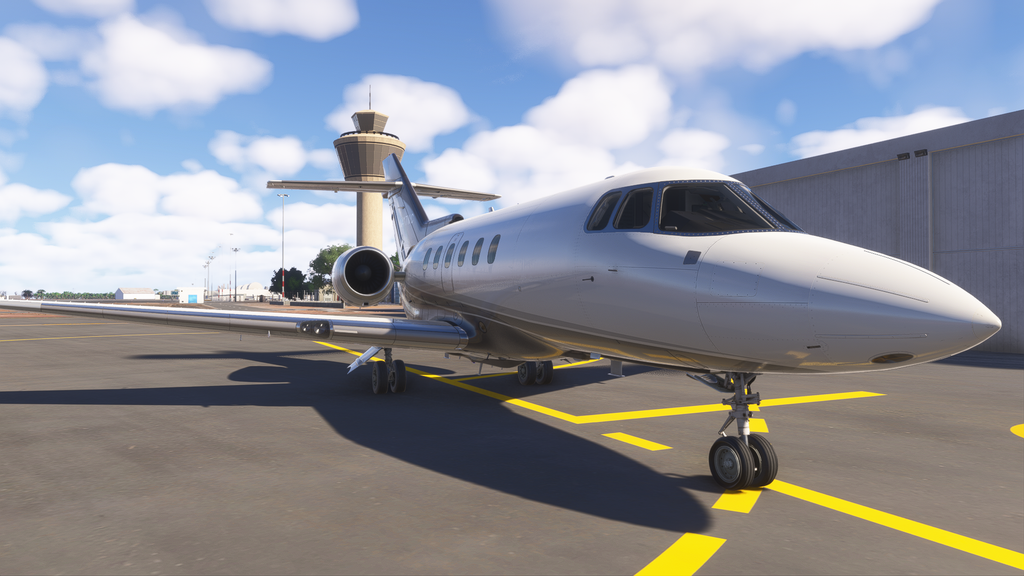
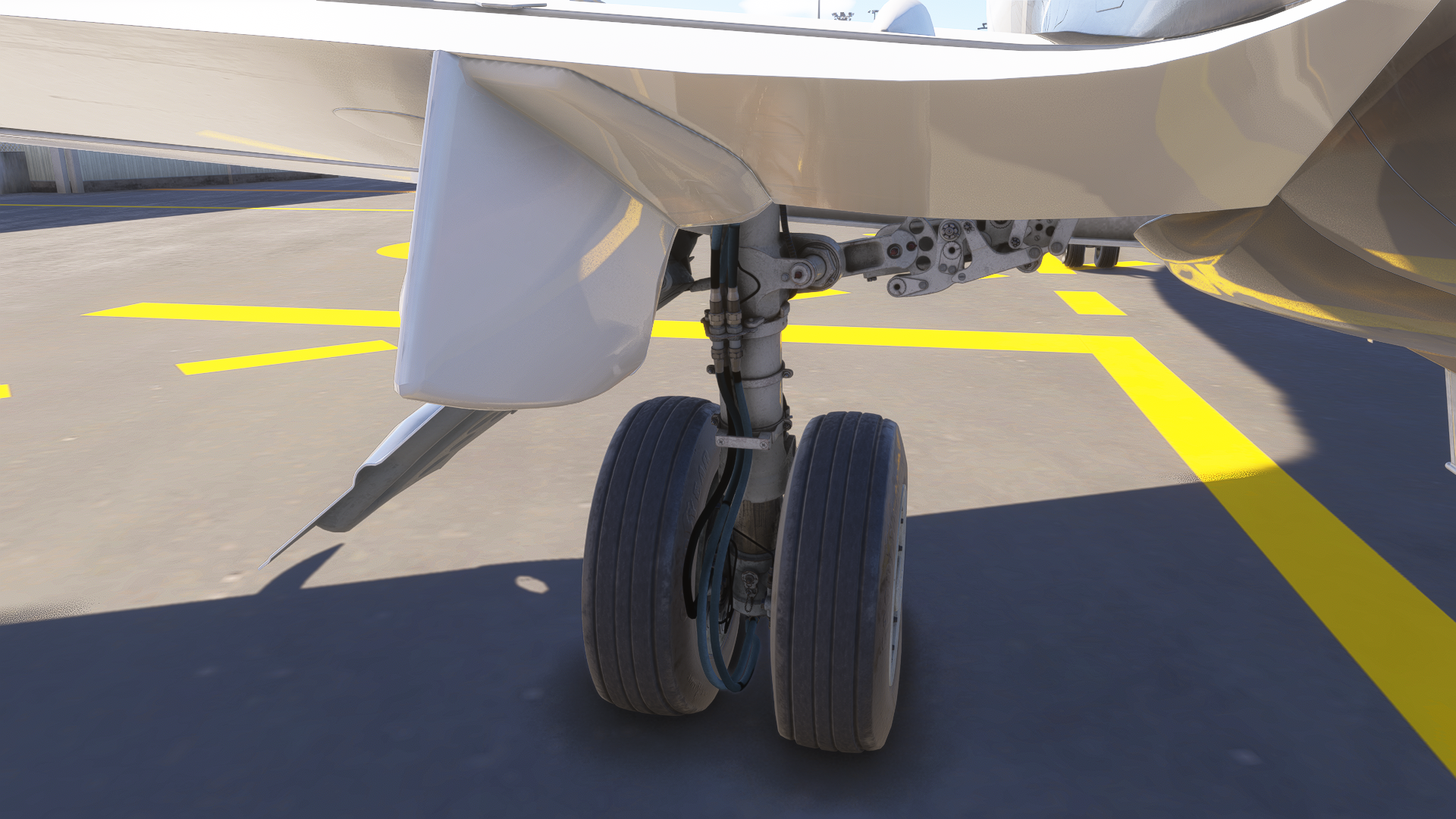
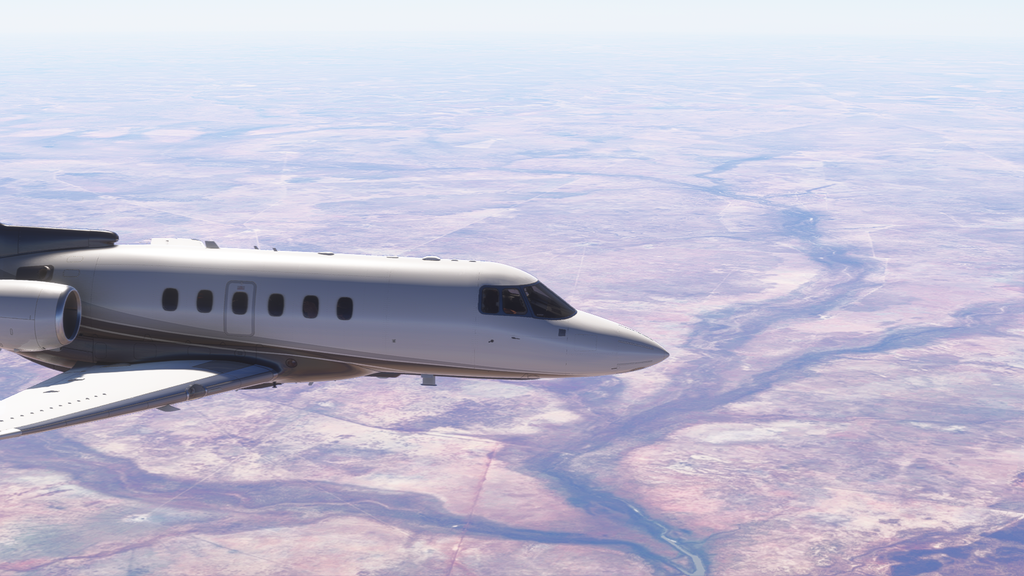
While we’re outside, it’s a good time to admire FlightFX’s work on the exterior. The modeling and texturing on the Hawker are superb. Every part of this plane just looks right, and the texture materials look especially lifelike and blend perfectly with the sim’s lighting. As for the model, it’s practically flawless. The amount of included details on the gear, antennas, probes, and all the other tiny bits on the exterior of the aircraft is amazing, not to mention the general shape of the fuselage and wings. I would say this is a substantial improvement from FlightFX’s previous release, the Citation X.
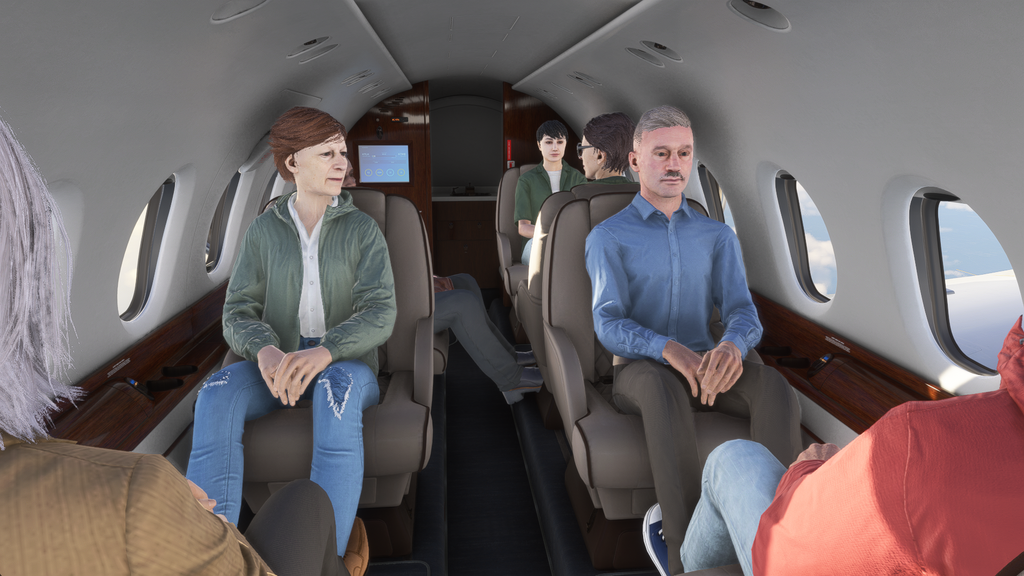
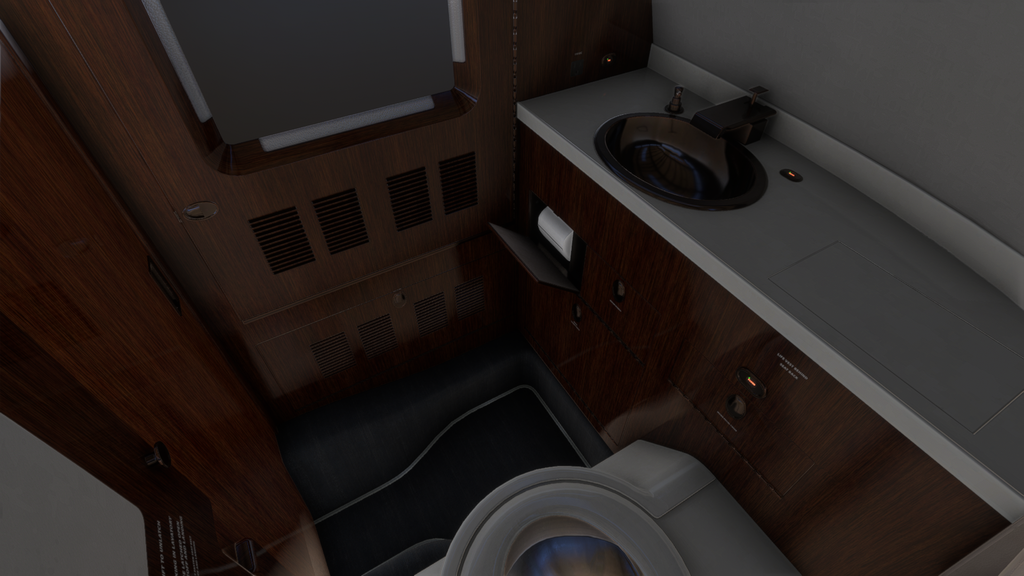
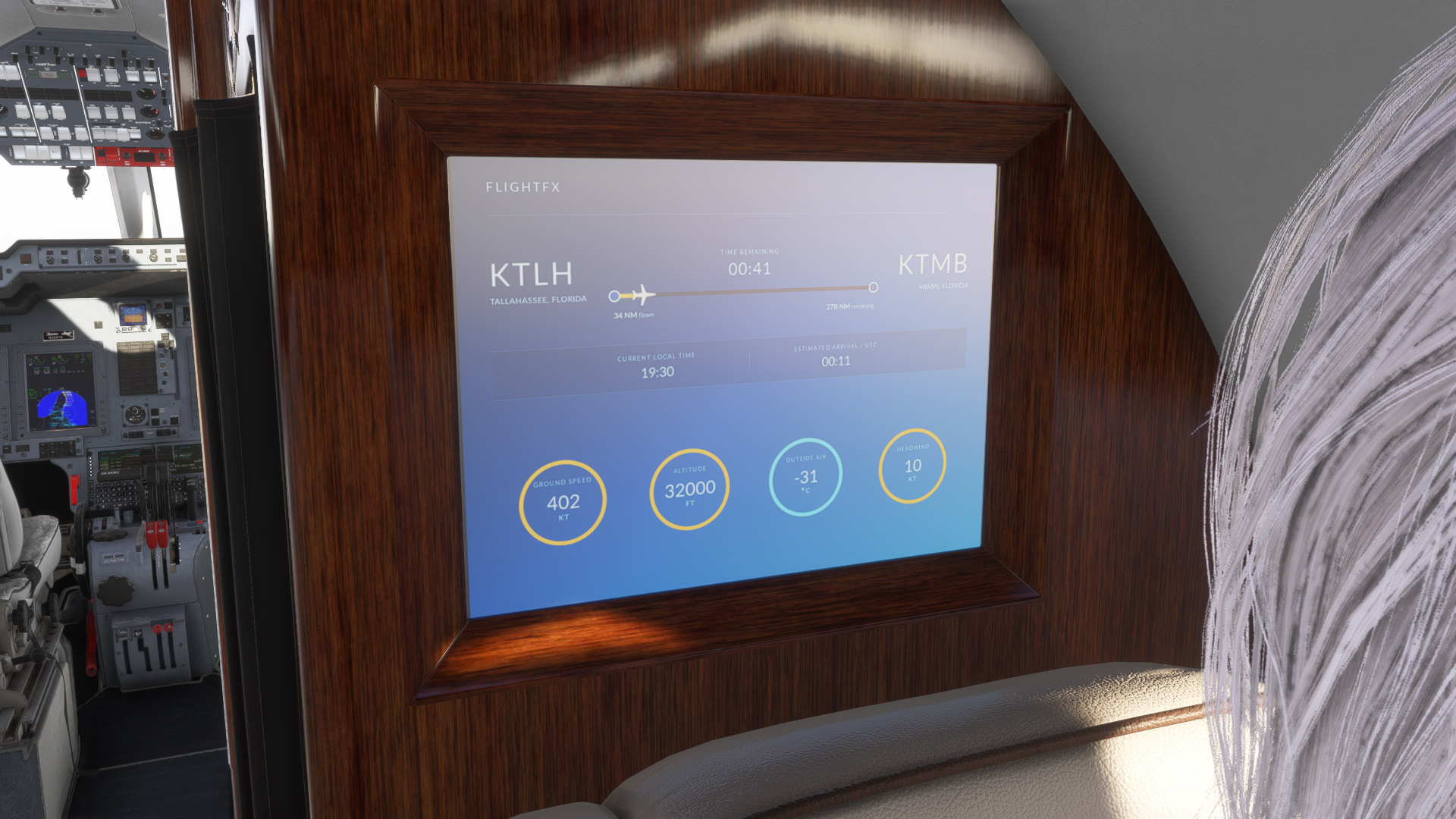
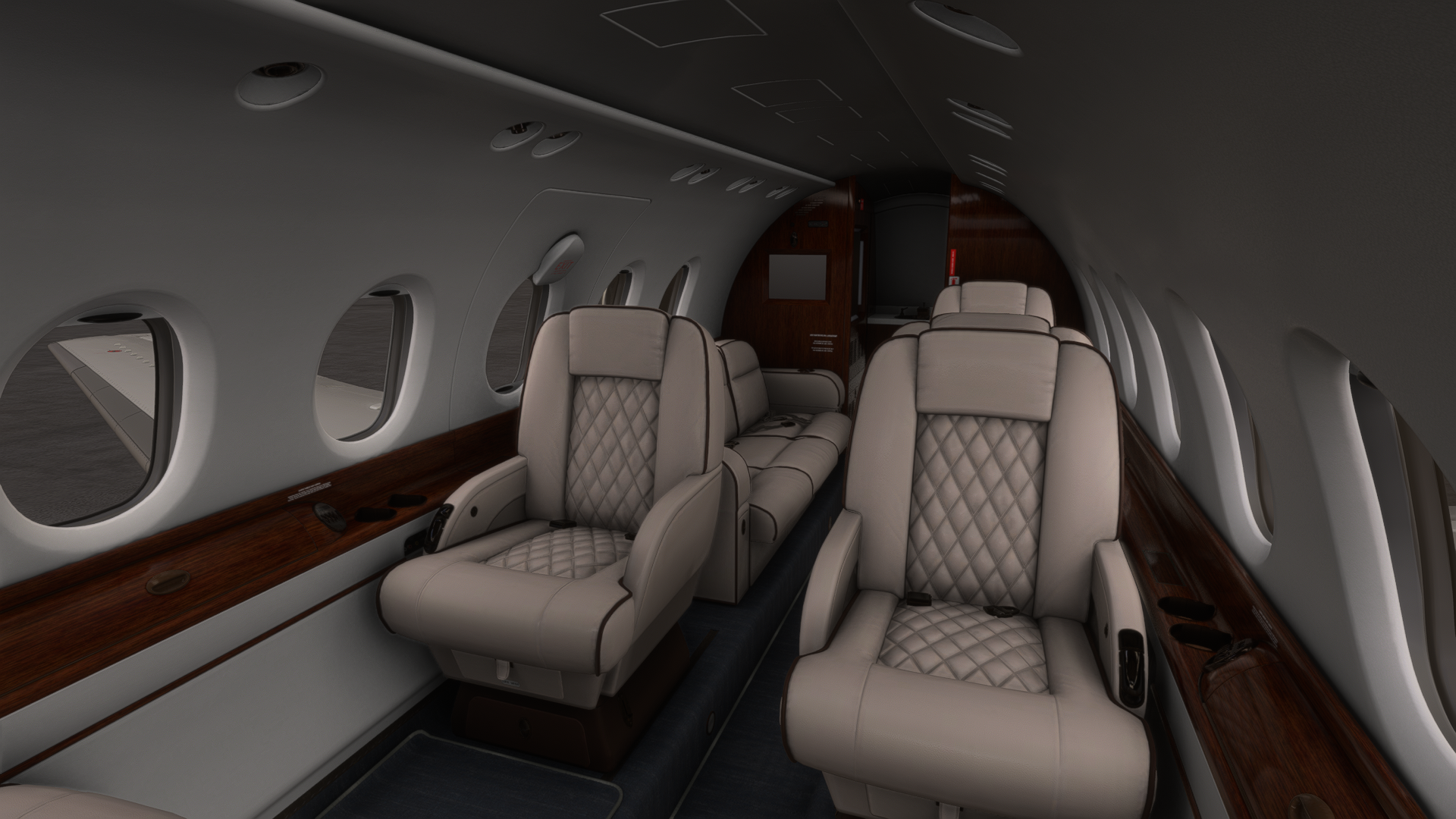
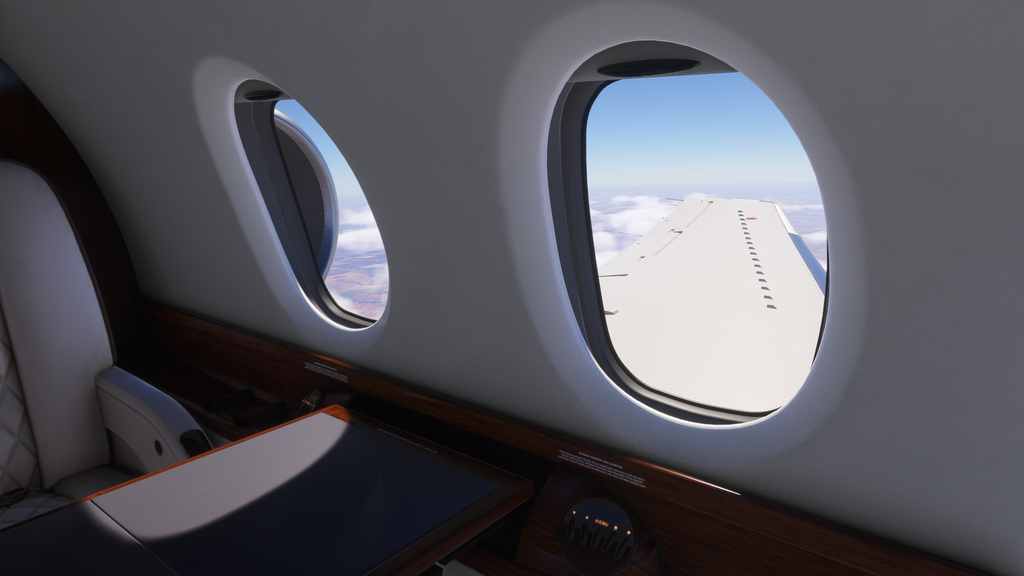
With the exterior good to go, it’s time to head inside, where you’ll find the typical luxurious business jet cabin. Big plushy seats, fold-out tray tables, and even EFB-configurable meal options for the passengers are what you’ll find in the cabin. Opening the drawers reveals a selection of wine, champagne, and snacks, as well as a coffee maker. There is also a screen that shows the flight’s progress and a map. The rear of the cabin has the plane’s toilet, which, no, does not flush. There’s a co-pilot operated PA system that can be used to play safety announcements or even a selection of music.
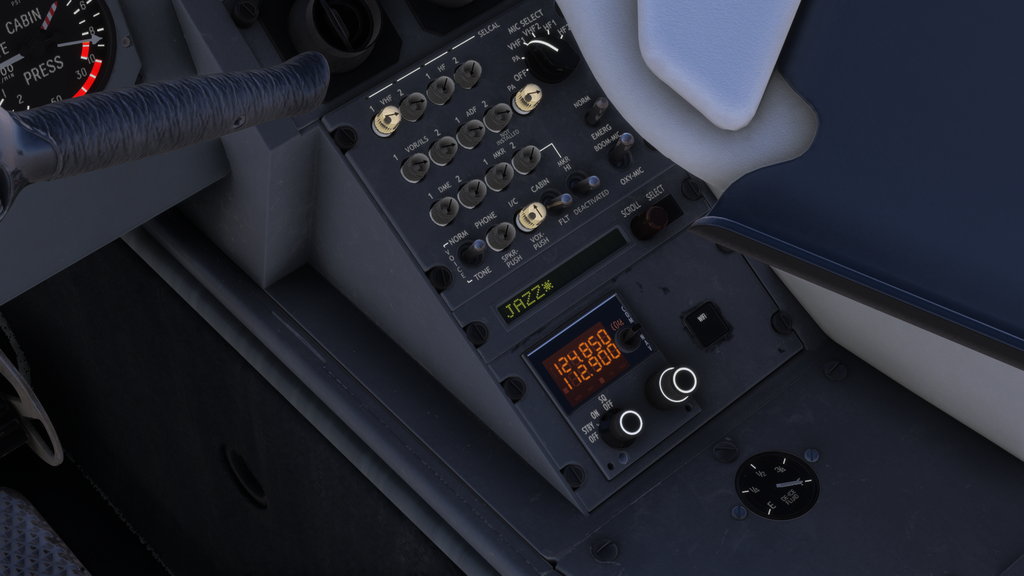
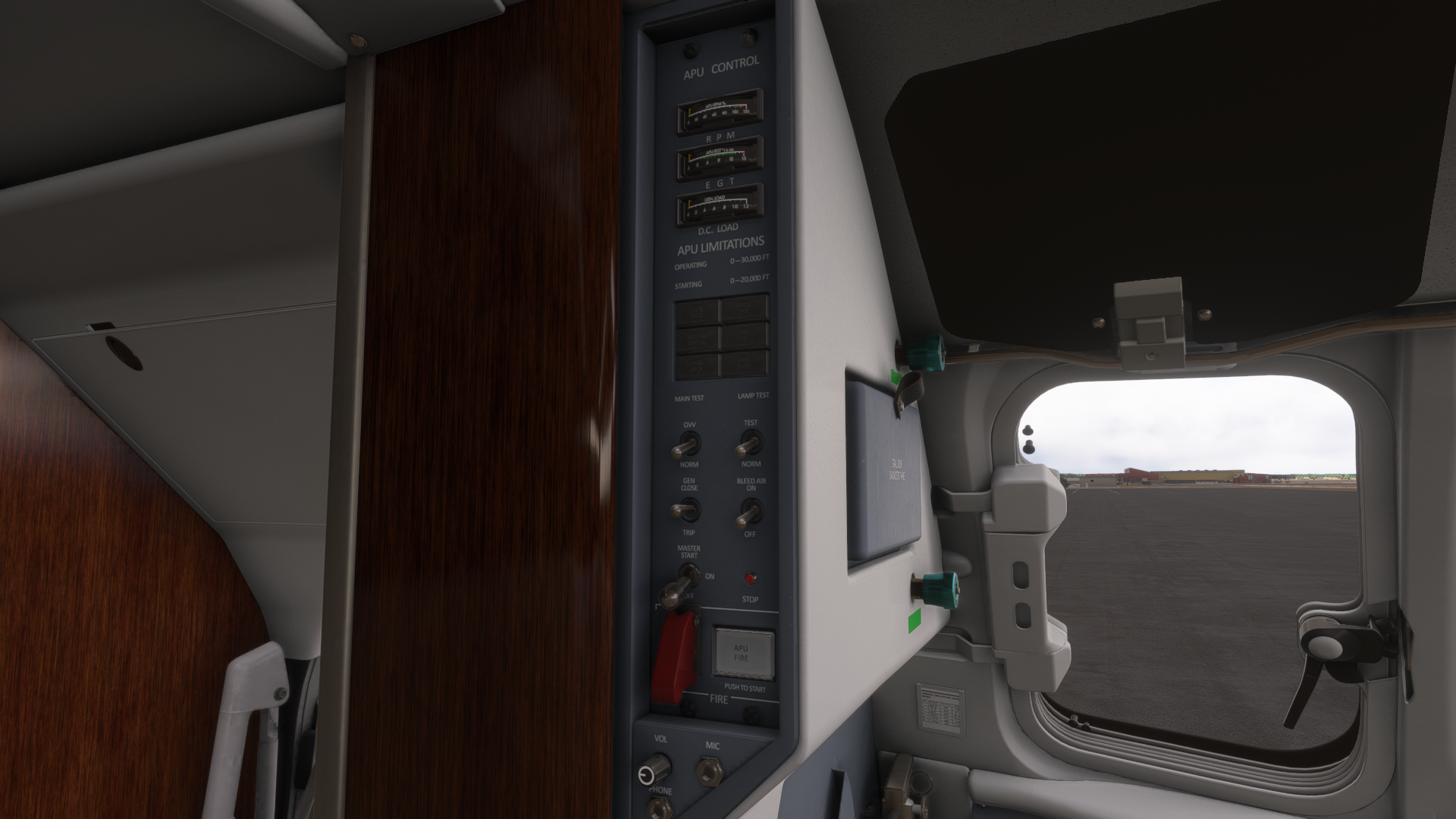
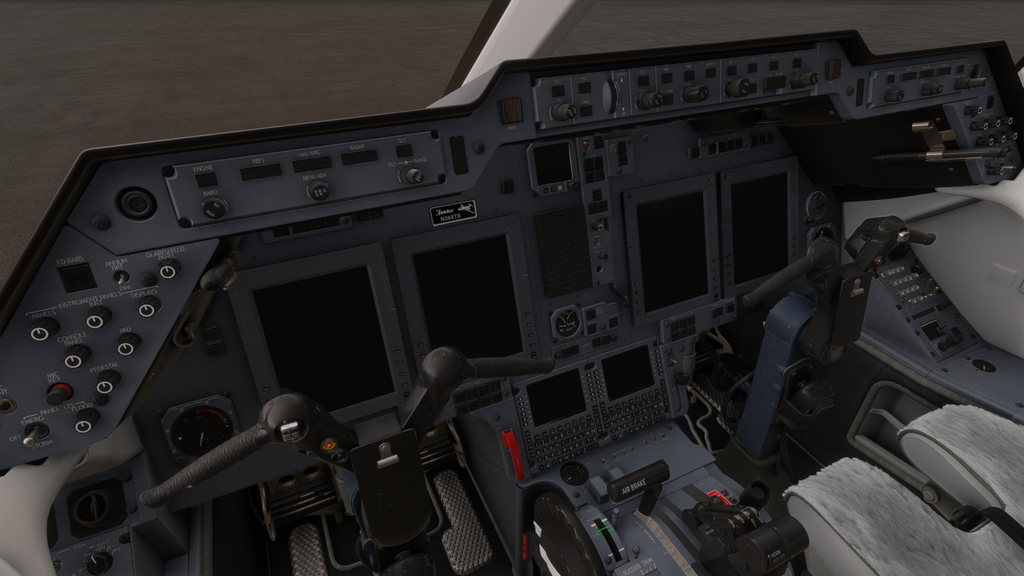
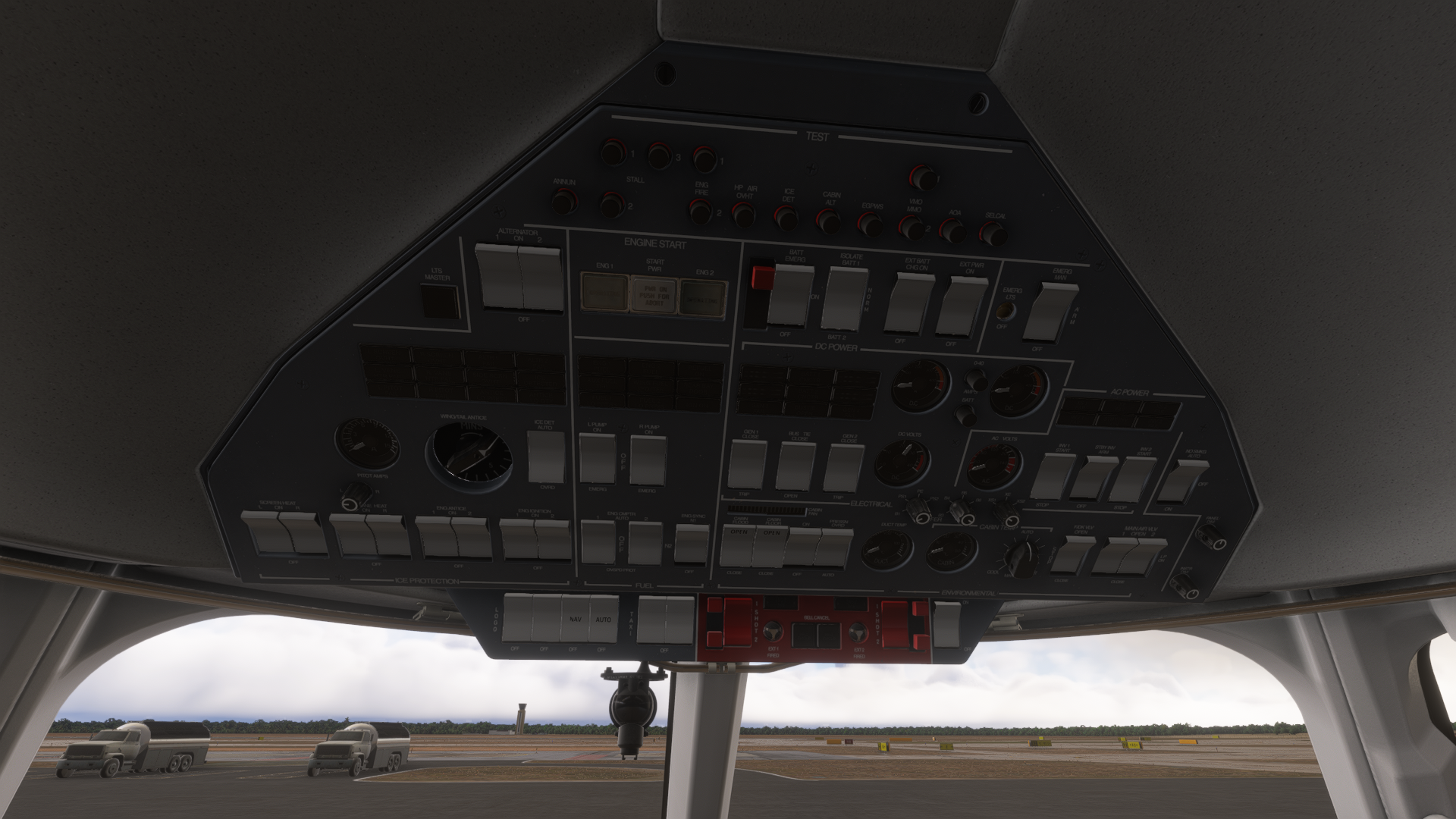
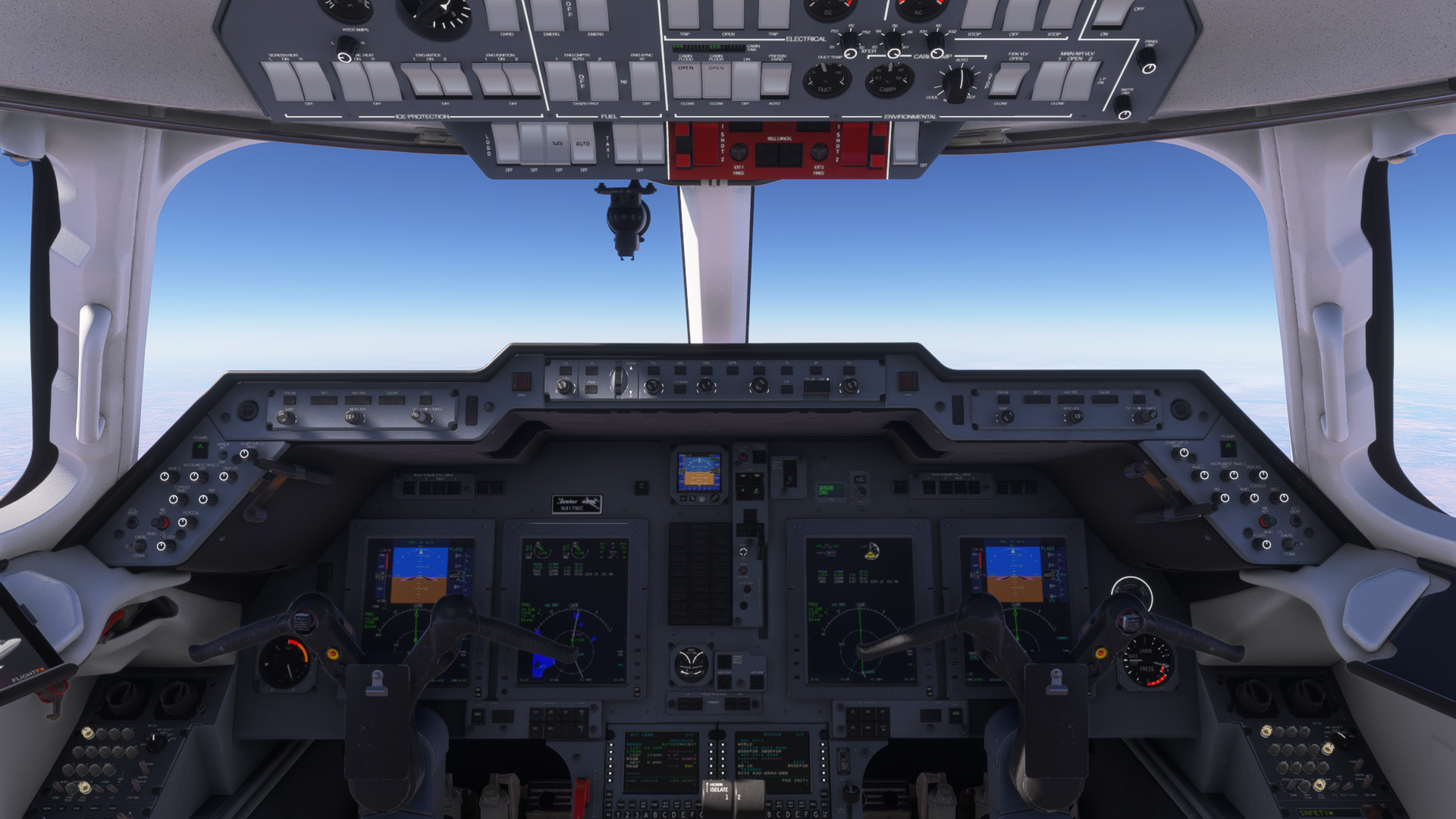
Moving into the cockpit, we have much of the same fantastic attention to detail with the materials and modeling as in the rest of the plane. The sharply-angled glareshield with knobs on the side and the M-shaped yoke make this feel like an Embraer. The overhead switches look a lot like something from a BAe, which makes sense, as the Hawker 800 is derived from the British Aerospace 125. With the way the cockpit is laid out, you’ll most likely need to move the camera around a lot or have a few different view profiles to reach all the controls. This is especially true for the APU controls, which are on the alley wall behind the captain’s head.
Flight Experience
Unlike most of FlightFX’s other business jets, the Hawker, being a little older than the others, doesn’t have as much automation. Operating it properly will require you to do some reading up on its systems and following checklists.
The instruments, however, are modern; the avionics consist of the Working Title ProLine21 that you might be familiar with from default aircraft like the Citation CJ4 and King Air C90. FlightFX has taken the Working Title avionics and improved them, adding Hawker-specific indications and features. This mix of low automation, but modern avionics makes the Hawker a much more engaging business jet to fly if you, like me, prefer older, less automated planes.
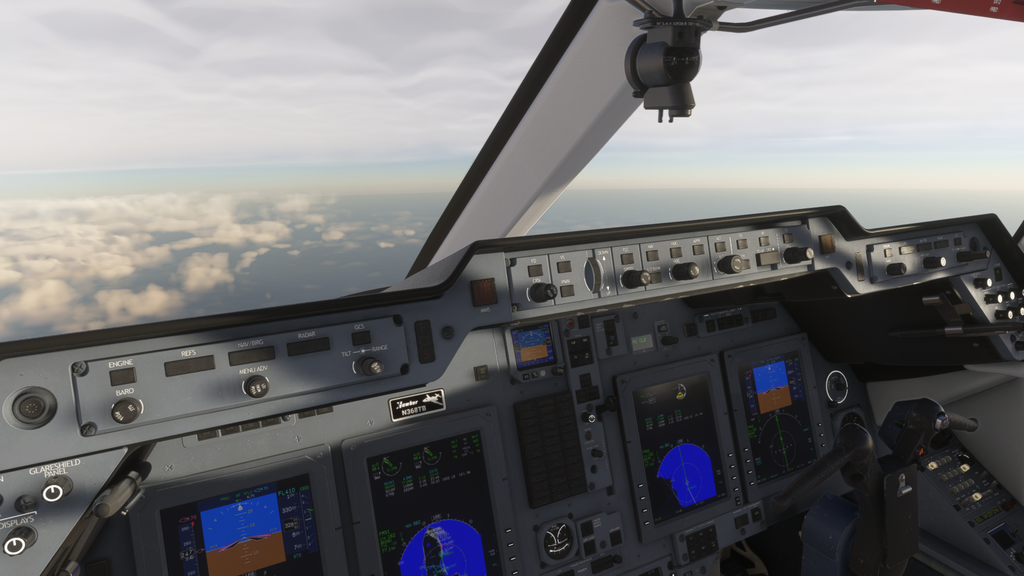
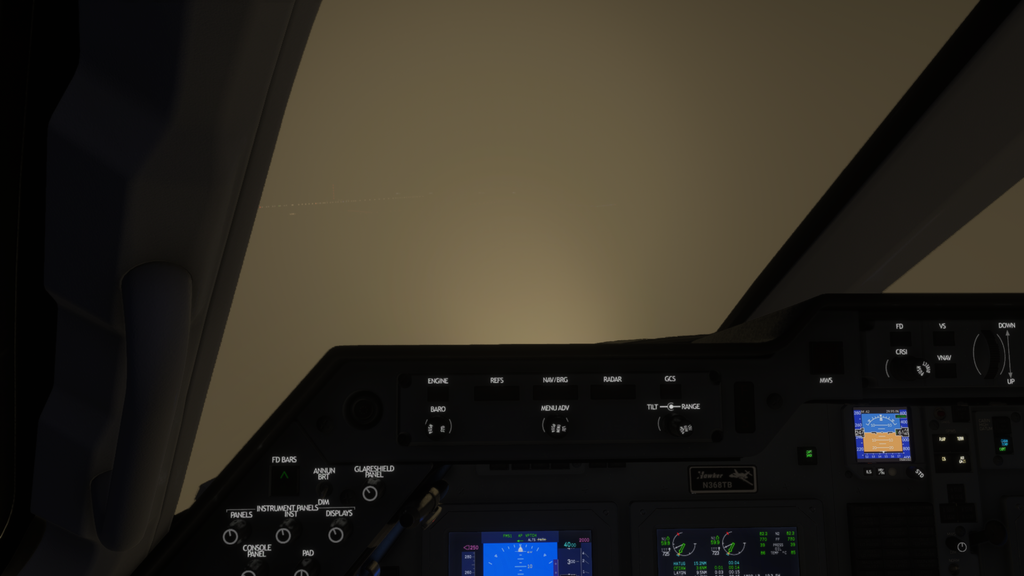
In terms of how it handles, the Hawker behaves more or less like a typical business jet. It does take a bit more pull than usual to get it to rotate, but this is something that real Hawker pilots say is realistic. Indeed, FlightFX worked with Hawker pilots on the flight model of the sim version. As someone who only has experience flying a PA28 in real-life, I will not comment on the flight model as if I know more than the real pilots who helped develop it.
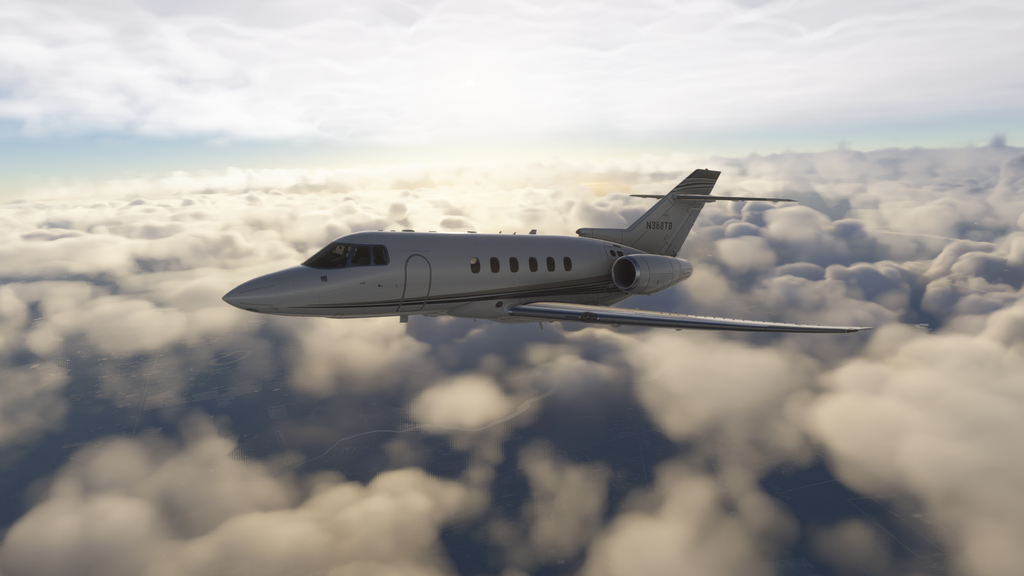
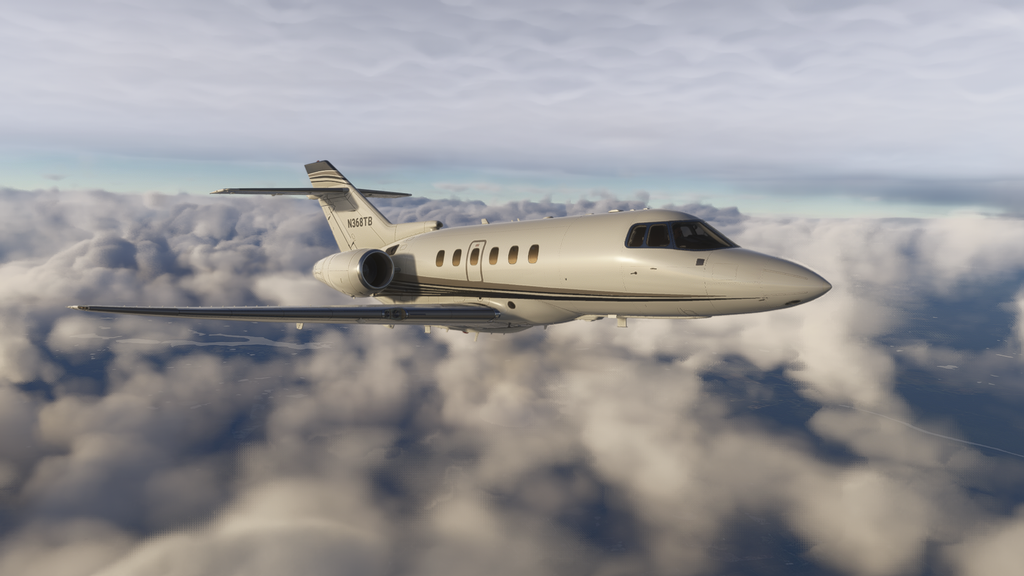
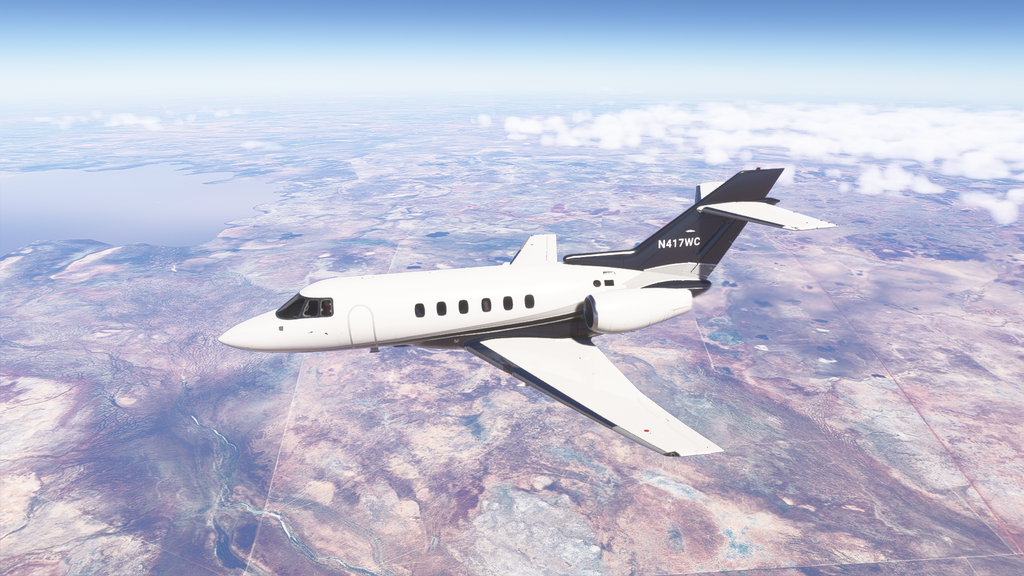
During my time flying the Hawker around, I experienced pretty much no bugs with the autopilot and avionics or any other systems for that matter. For a pre-release version and in an age where it seems 90% of add-ons are released half-baked, this is a breath of fresh air.
Off-Roading
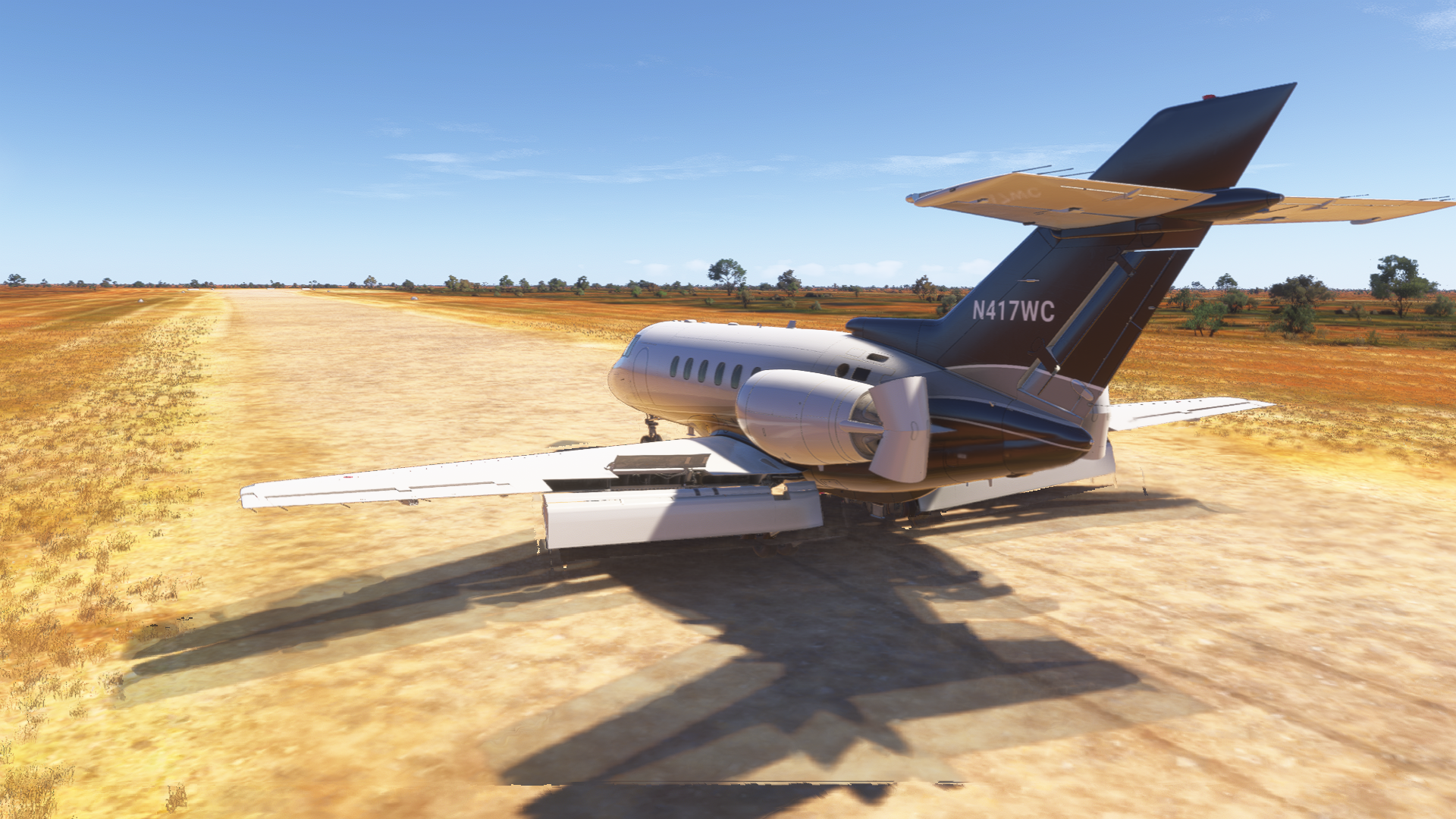
One of the coolest quirks of the Hawker is that it is certified for unpaved runway operations. This is because the original design from the previous generations of the Hawker was intended for military use, for which this was a useful feature. It also has a unique “Lift Dump” system, which, upon touchdown and extension of the spoilers, also lowers the flaps to an insane 75 degrees, essentially turning them into huge air brakes. This allows the Hawker to land in under 3,500 feet.
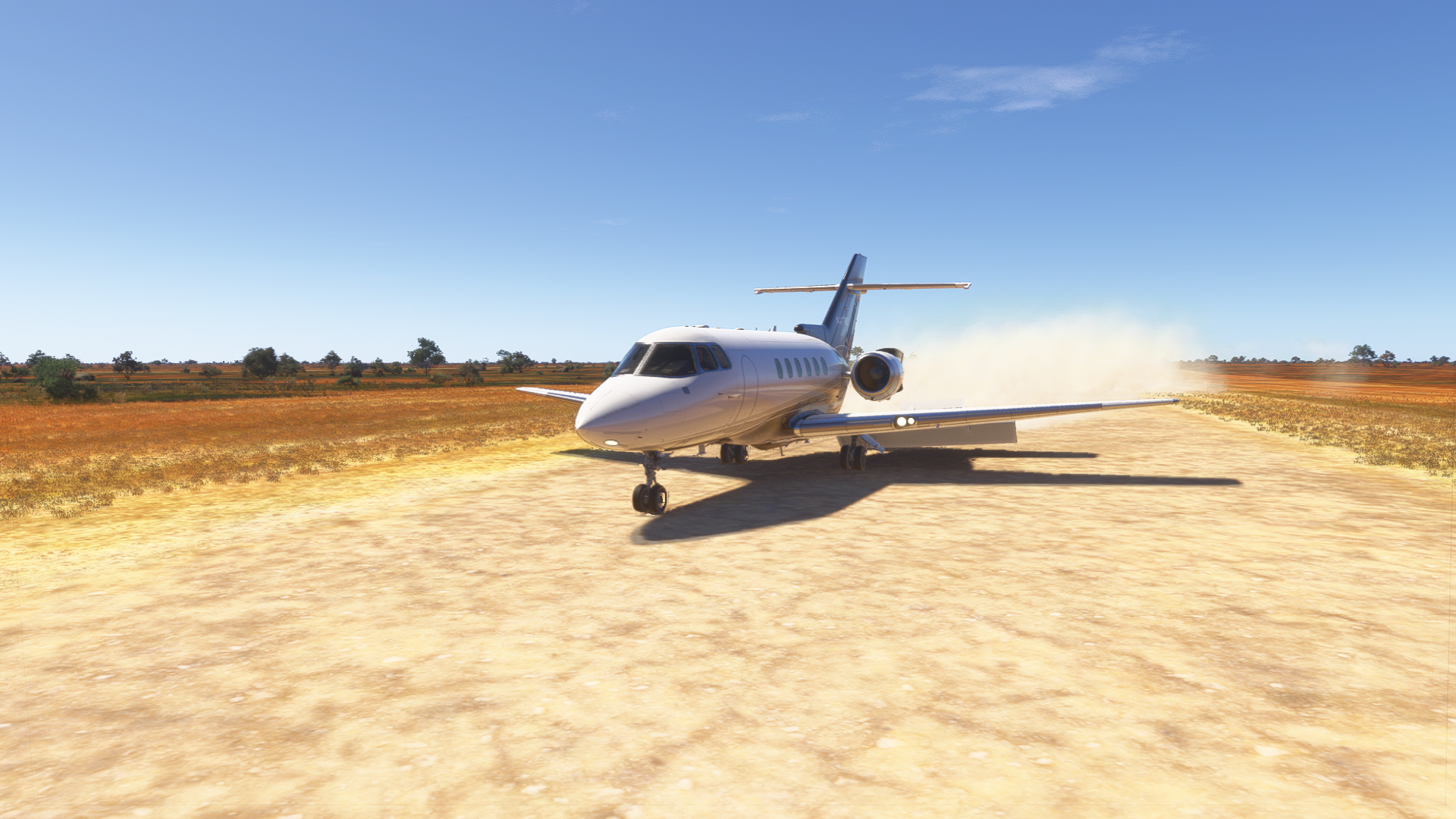
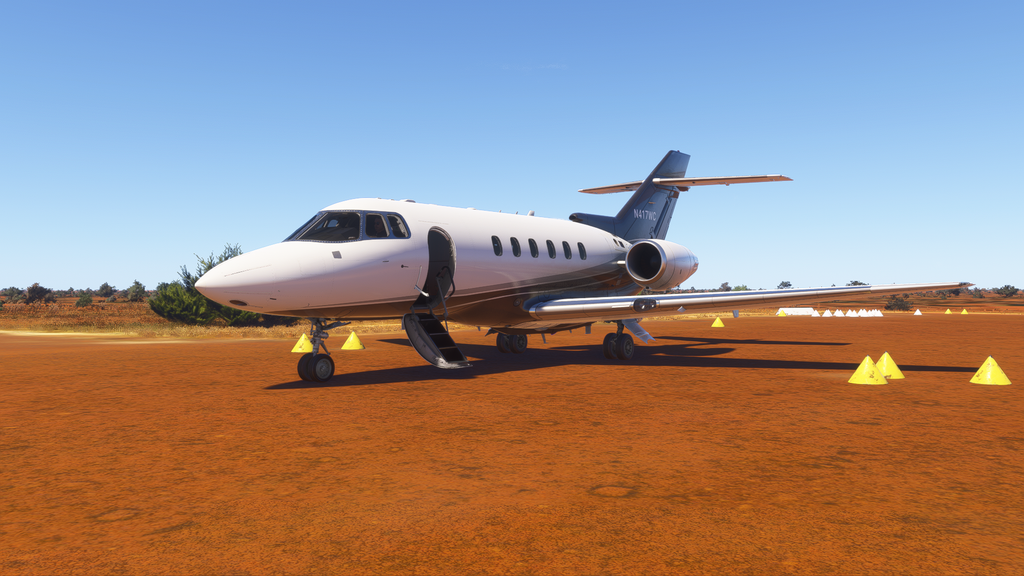
With this combination of features, you could almost call it a bush jet! And as a bush flying lover, I just had to put this to the test. I loaded up in Darwin, Australia, and flew four passengers down to the Barkly Wayside Inn (YBKS) in the outback for a weekend retreat. This hotel has its own 4,000 foot gravel runway, so it was the perfect place to try the unpaved runway capabilities of the Hawker out.
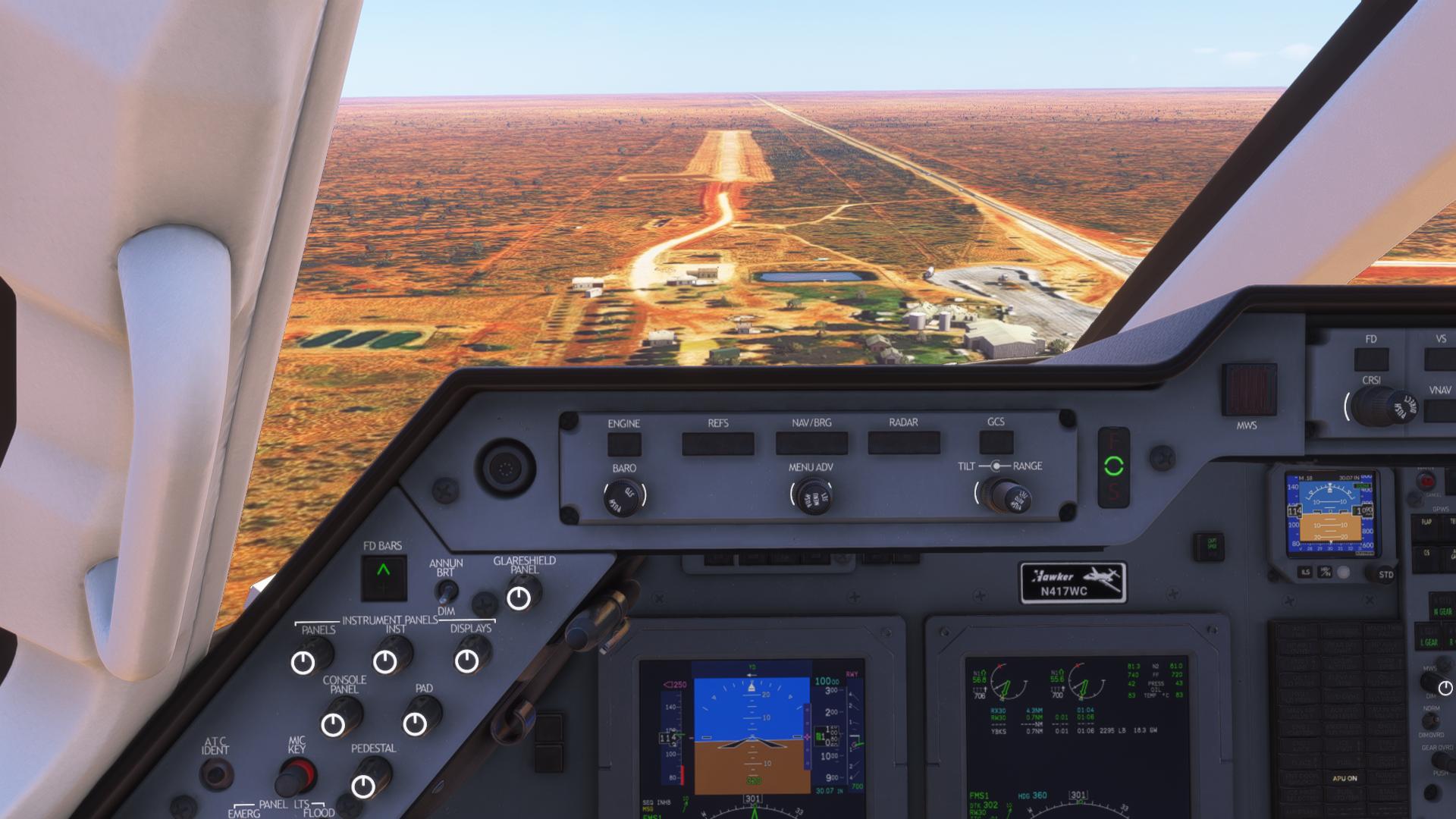
After landing, I immediately pulled the speedbrake lever fully out and heard the sound of the flaps lowering to that unbelievable 75 degree position. That, along with full reverse thrust and some braking, meant I stopped on a dime, even on a gravel runway. Looking outside, I was also pleasantly surprised to see a cloud of dust being kicked up by the turbines, which is a MSFS 2024-native effect that I don’t see very often.
Fueling
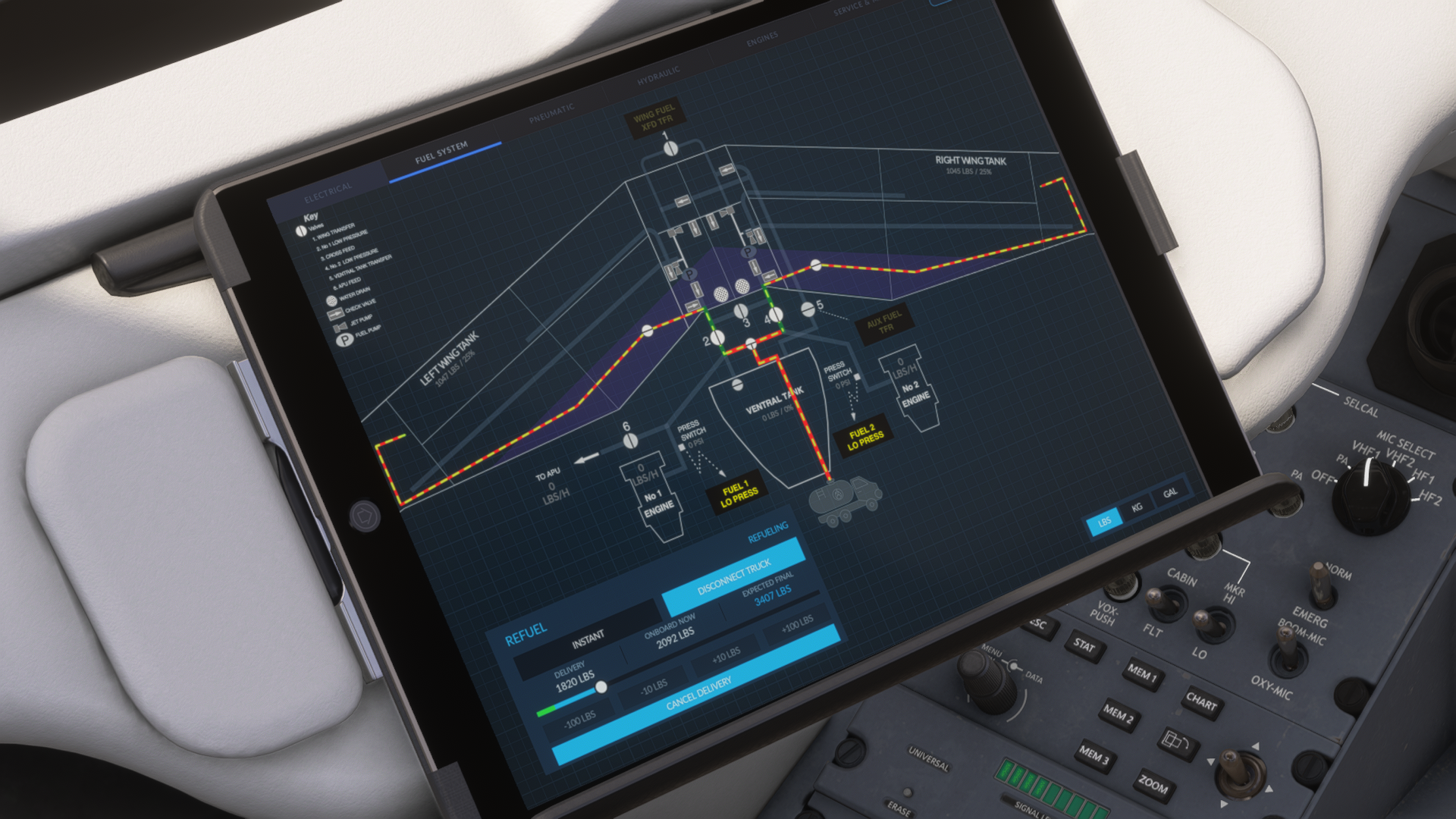
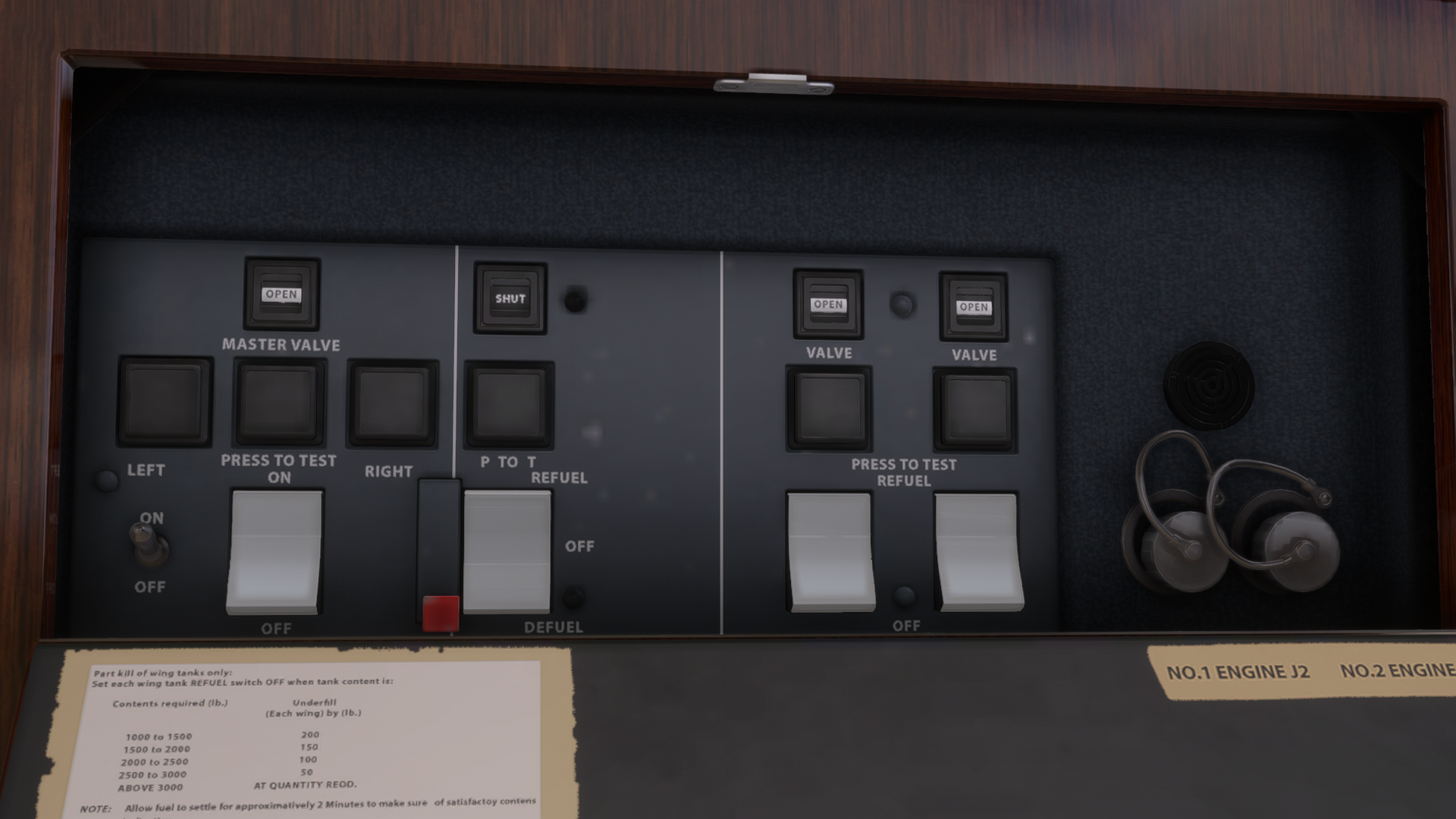
Another of the Hawker-specific quirks simulated is the refueling procedure. Unlike most other jets, the Hawker does not have an external refueling controls panel. In real-life, most other aircraft can be refueled by just one ground crew member who connects the hose and uses the refueling panel to manage where the fuel goes. In the Hawker, though, this panel is inside the cabin, and often it is the pilot controlling it while the ground crew member operates the fuel truck.
The FlightFX Hawker simulates this entire fueling procedure. From the EFB, the fuel truck is requested and connected (or you can connect it by clicking on the fuel door in walkaround mode). Then, you select the amount of fuel to load and use the fuel panel to open the valves for each tank to be filled. It’s worth noting this whole procedure can be skipped if you prefer, but given that this is likely something you would have to do as a Hawker pilot in real-life, I absolutely love that it has been included here.
Sounds
Boris from Boris Audio Works created the sound pack for the FlightFX Hawker, which, if you’re familiar with his work, is as good as you’d expect. Every switch has a satisfying click, pumps make noise, the little beeps and alarms from different systems sound great, as do the engines. When using the lift dumper system on landing, you can hear the whine of the flap motor quickly lowering the flaps.
If there’s a couple of minor complaints I have, it’s that some of the exterior clickable elements like the fuel door don’t have any sound at all. Also, when opening the cabin door, the transition from exterior sounds to interior is quite abrupt. Again, these are tiny niggles in what is otherwise a great sound sound set.
EFB
The EFB includes the typical charts, settings, and payload configuration apps you’d expect. I’m happy to see that the default LIDO charts are supported both in the tablet and the MFD, giving those of us without Navigraph charts a free option. Integration with Simbrief means you can download your flight plan and winds and send these to the FMC, as well as set the payload from your plan.
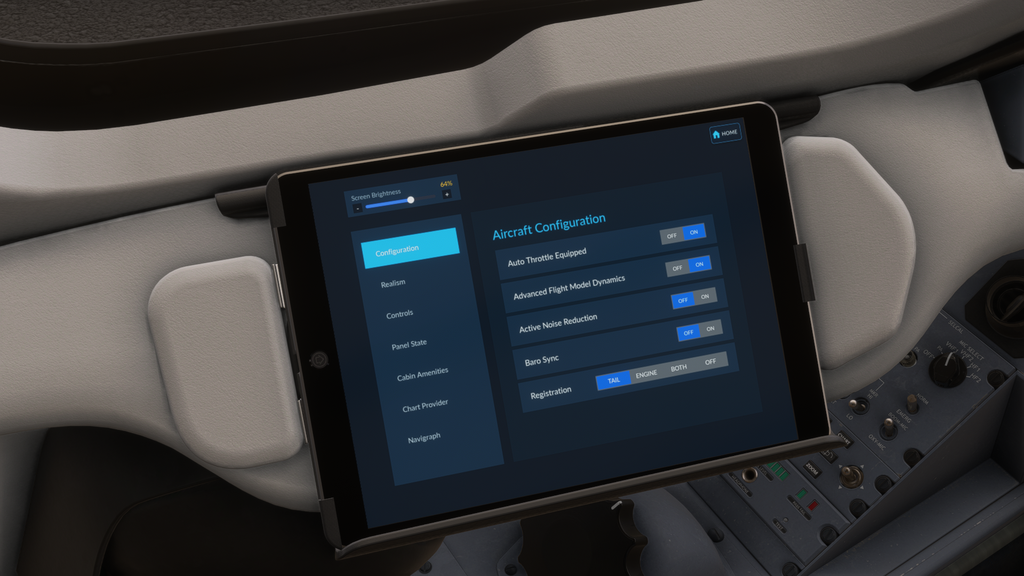
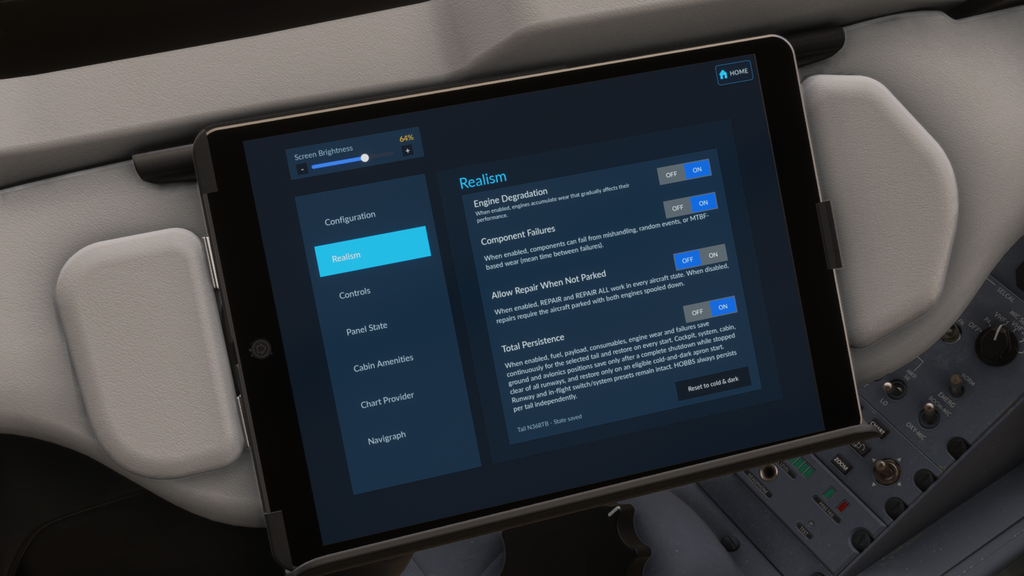
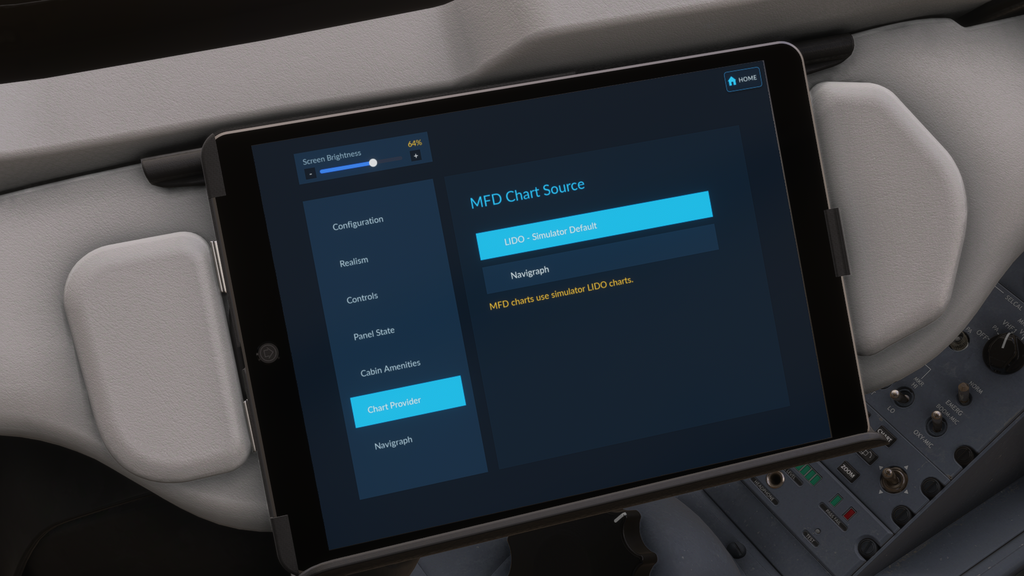
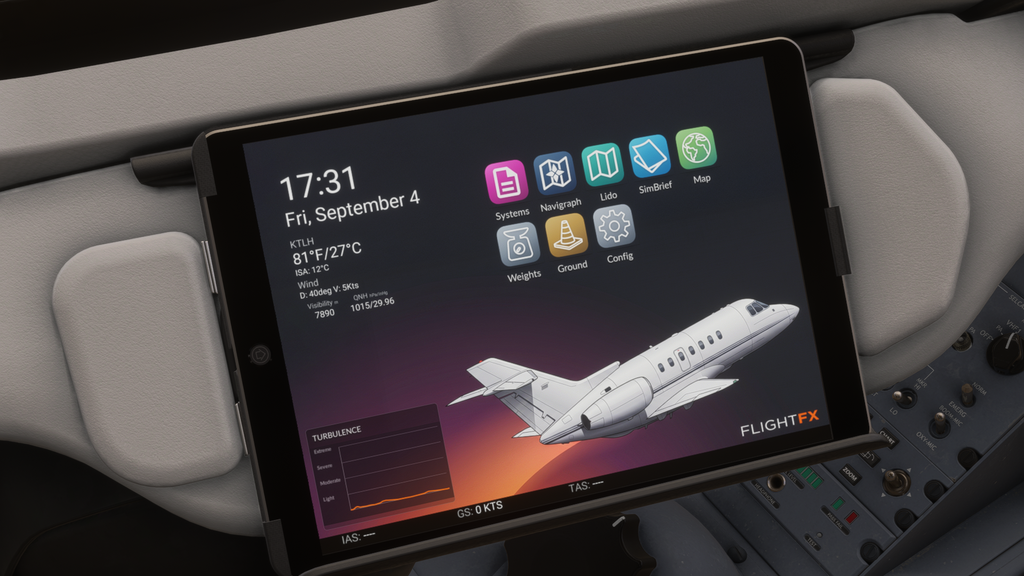
There’s various settings you can toggle in the settings app, including engine degradation, component failures, airframe persistence, and whether the aircraft is equipped with auto throttle. There’s also a page to calibrate and adjust the throttles, though my Honeycomb Bravo worked without the need to calibrate.
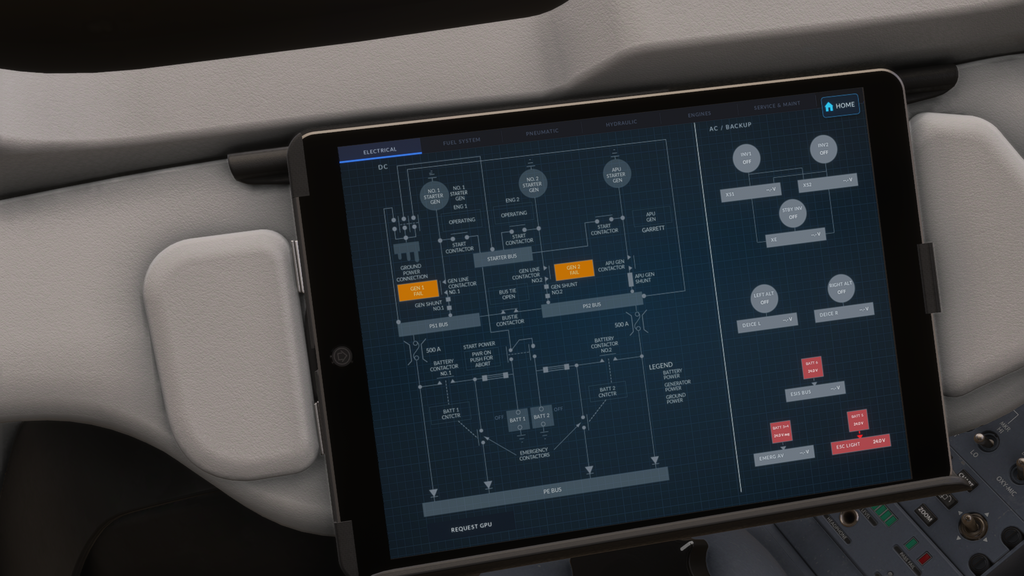
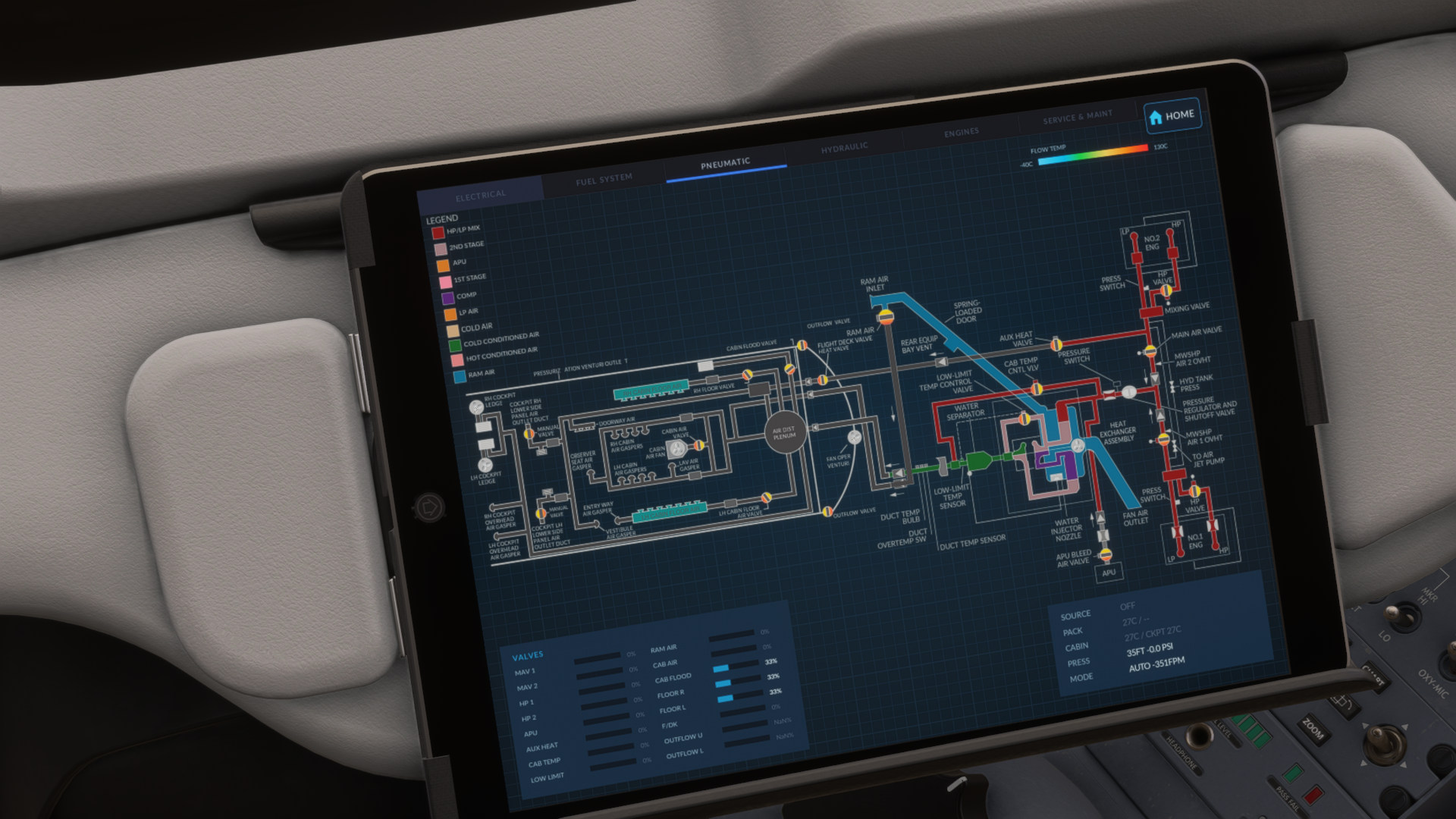
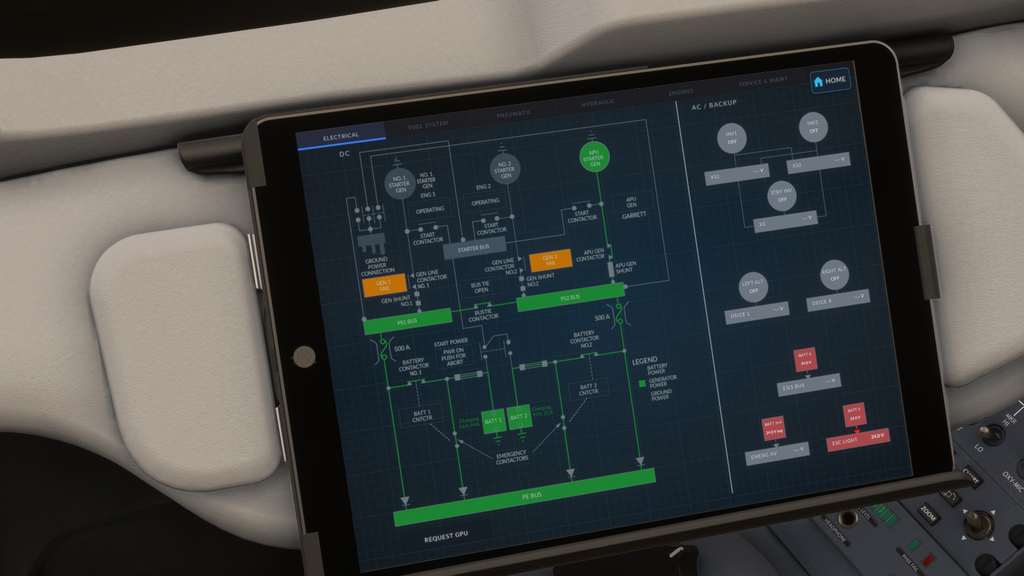
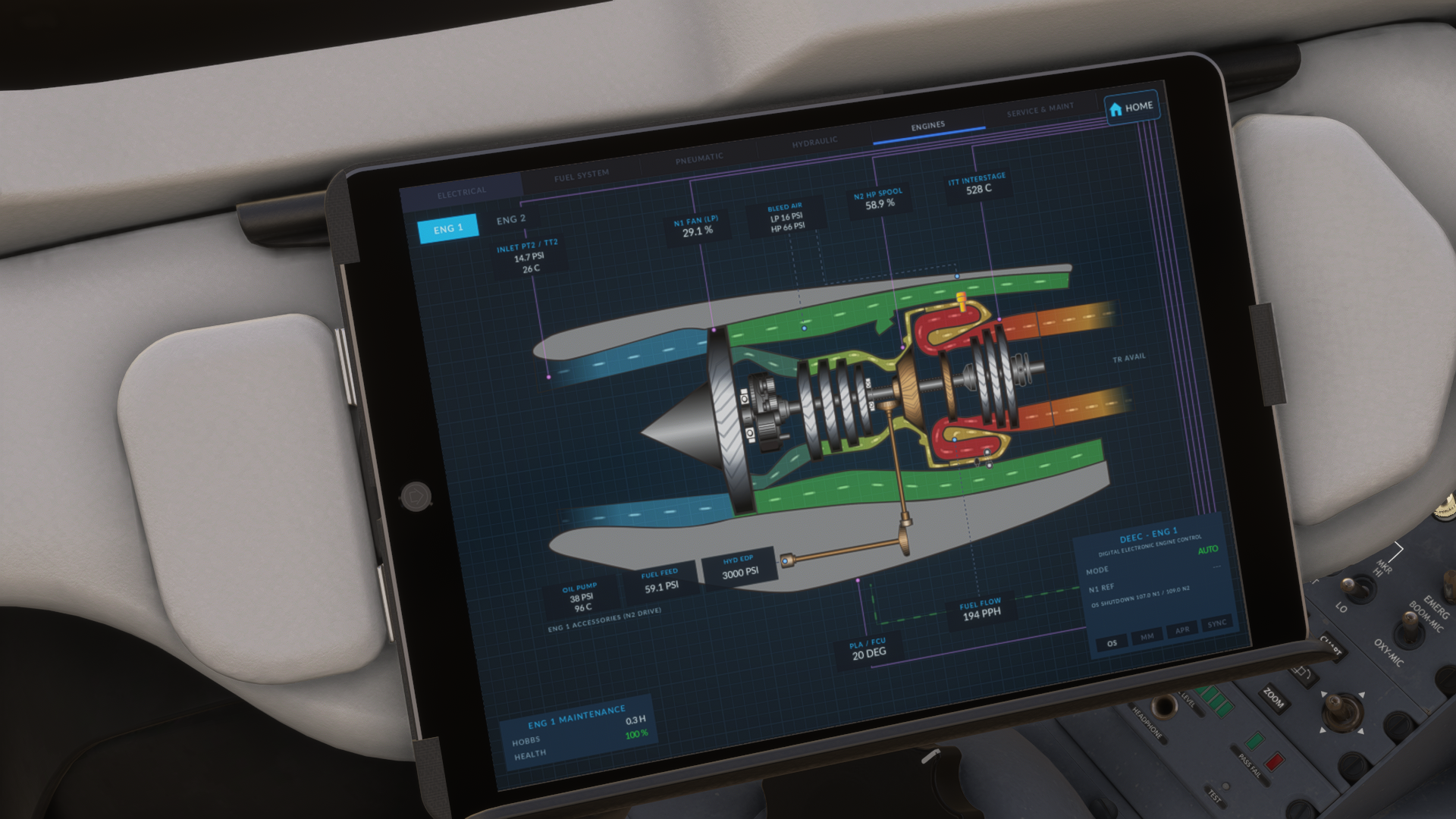
What I consider to be the most remarkable part of this EFB is the systems app. Here, you can see excruciatingly detailed schematics for the airplane’s electrical, penumatic, hydraulic, and fuel systems, as well as a side-view cutaway of each engine. Some people cringe at the term “study level” being used when describing high-fidelity addons, but these schematics, especially the turbine one, have some serious educational potential.
Final Thoughts
FlightFX have outdone themselves with this latest release. The effort put into just about every aspect of the Hawker 800XP really brings this rugged jet to life. From beautifully detailed models and textures to excellent systems simulation and even failures, I believe this may be among the best business jets available in the sim. At a price of $36.99, it’s also a great value buy.
Before trying it out, I didn’t know how unique the Hawker 800XP would be. I thought it was just another business jet, but doing research for this review and trying it out has made me realize how special it is. If you like business jets and are looking for something a little more capable and rugged than a Citation or Challenger, I can fully recommend the FlightFX Hawker 800XP.
Feel free to join our Discord server to share your feedback on the article, screenshots from your flights or just chat with the rest of the team and the community. Click here to join the server.