Laminar Research took to their Facebook page recently to share a small sneak peek into a new feature coming in their X-Plane 12.3.0 title update. The “weather update” video shows a much-requested and highly anticipated feature to the sim platform’s aircraft offerings.
Better Weather Radar
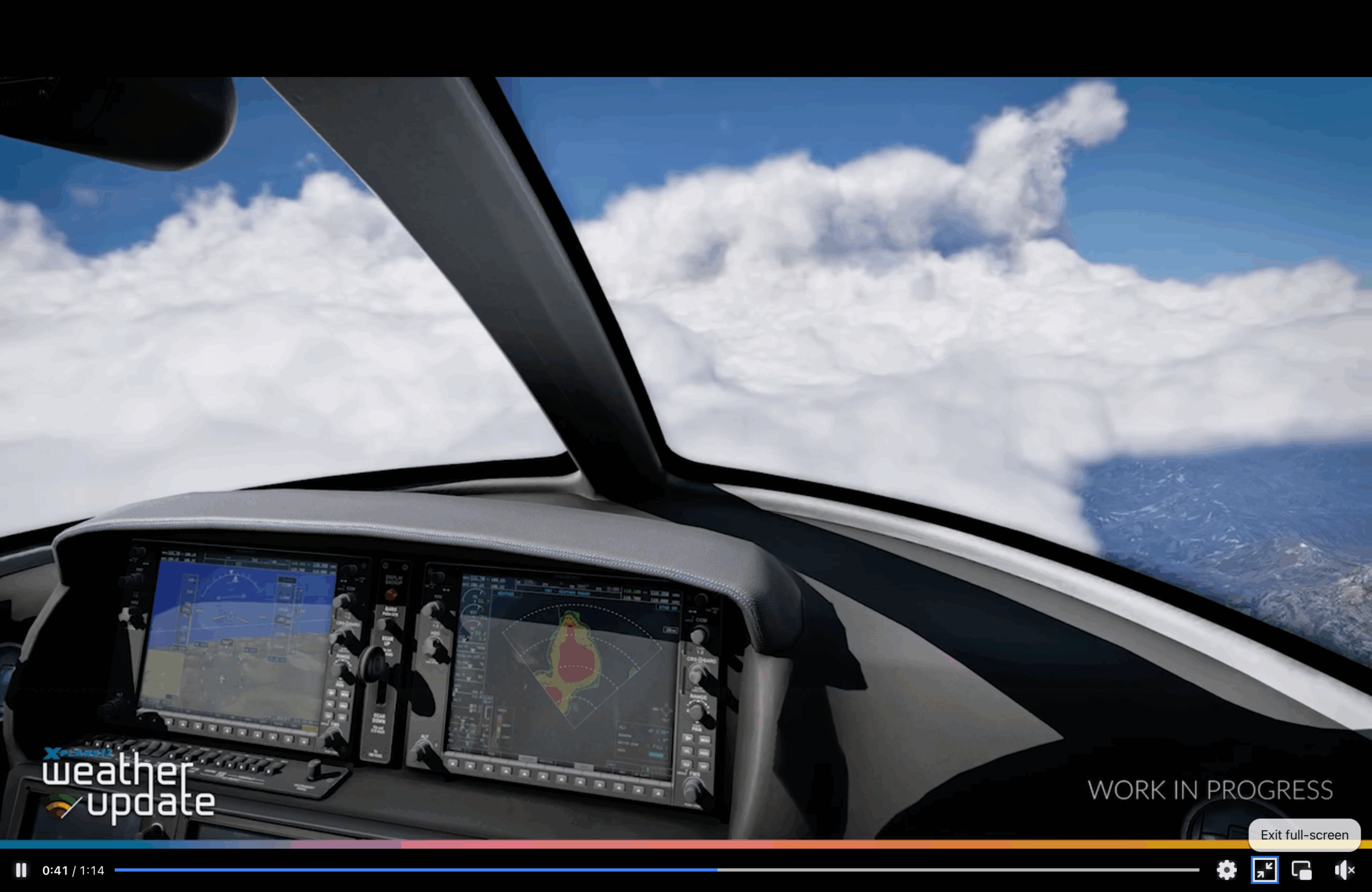
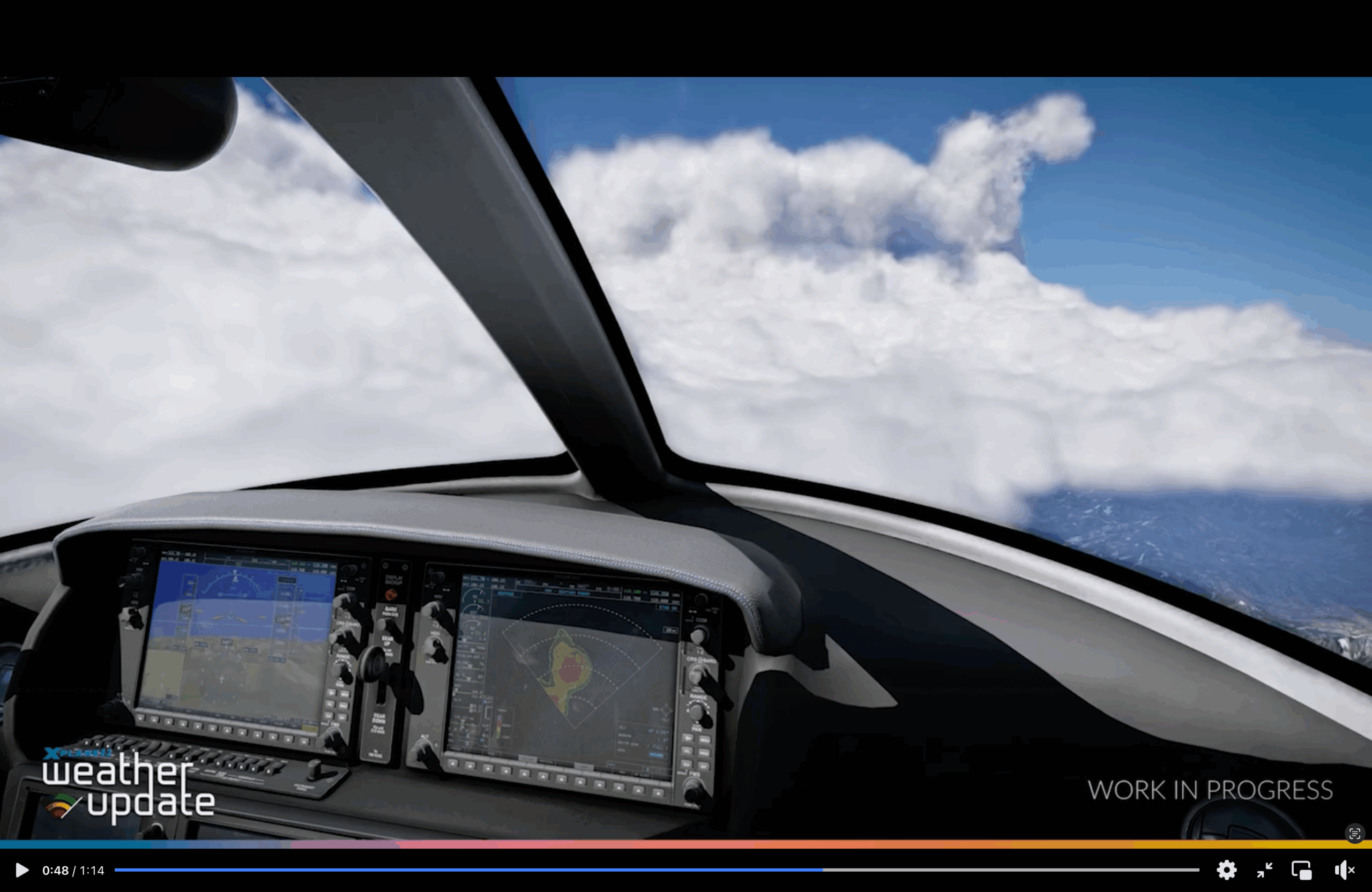
The new “weather update” from Laminar Research for X-Plane now features tilt functionality for the weather radar. The weather radar can now project scans in 3D space, unlike in previous versions of the simulator. Now, with this new feature, simmers can preview the entire shape of a cloud in 2D cross-sections. If an aircraft has an onboard radar or can support it, developers can take advantage of the updated X1000 with horizontal and vertical scan functionality by simply dropping it into the system.
The X1000 is Laminar Research’s rendition of the real-world Garmin G1000 navigation system. It was developed to resemble the real model, both in appearance and functionality, with some differences. It featured in some default aircraft and as a core component of the sim, can be “dropped” into any third-party aircraft’s 2D panel.
Moving on to the short video, it shows a general aviation aircraft, presumably a Cirrus Vision Jet SF50, taking a right-handed turn. In the background, we can see a huge cumulonimbus cloud, highlighting the possibility of turbulence and/or thunderstorms. The huge cloud is aptly shown on the weather radar with red/yellow cells indicating storm cells. As the aircraft turns, the cloud’s location with respect to the aircraft changes dynamically, and the storm cells move more and more to the left of the radar. The tilt functionality is showcased too, as the red cells increase and decrease with each selected angle.
Closing Notes
A short but very exciting new sneak peek into the upcoming update, highlighting a highly anticipated, much-requested yet highly immersive and useful feature. We, of course, expect to see a lot more previews, updates, and sneak peeks from the team at Laminar Research. We at FSNews will keep you updated on all the previews and sneak peeks.
Feel free to join our Discord server to share your feedback on the article, screenshots from your flights or just chat with the rest of the team and the community. Click here to join the server.