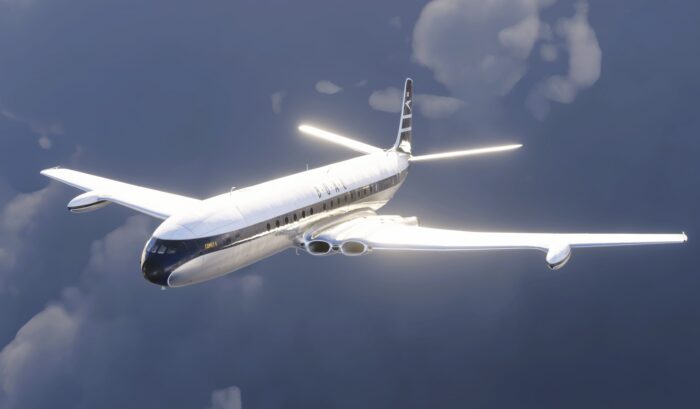
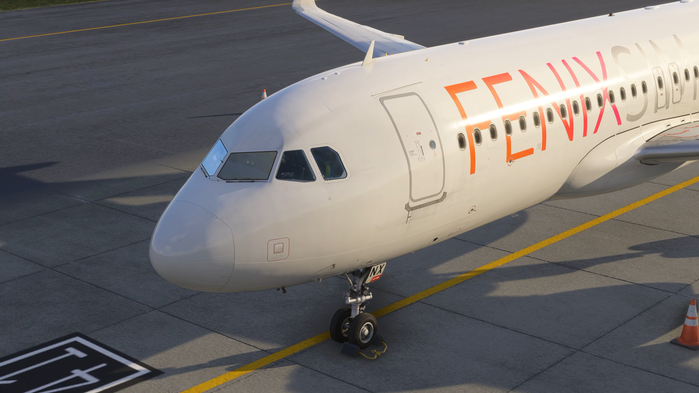
The first patch for the Big Fenix Update (BFU) is now out, fixing a lot of issues virtual pilots had with the initial release of this major overhaul of the Fenix Airbus A320 Family aircraft. The team has announced this update through their Discord server and disclosed more information about it through a blog post.
Starting Off With Statistics
The team has also shared some statistics from the past days to really describe the hype around this large update for the aircraft family. In the blog post, it is mentioned that the Fenix Installer has seen more than 1 million downloads of aircraft liveries in the first five days since the release of the Big Fenix Update.
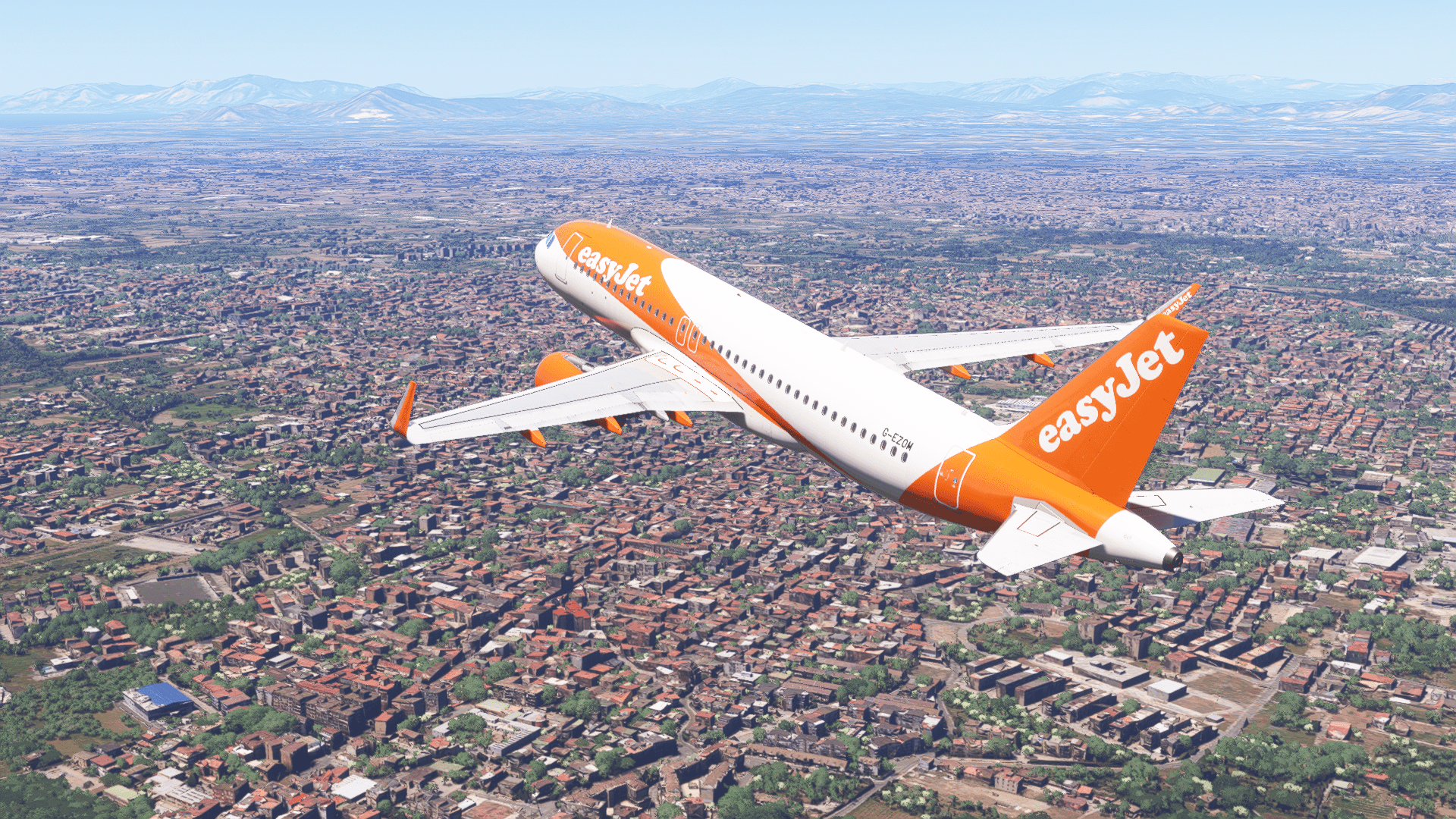
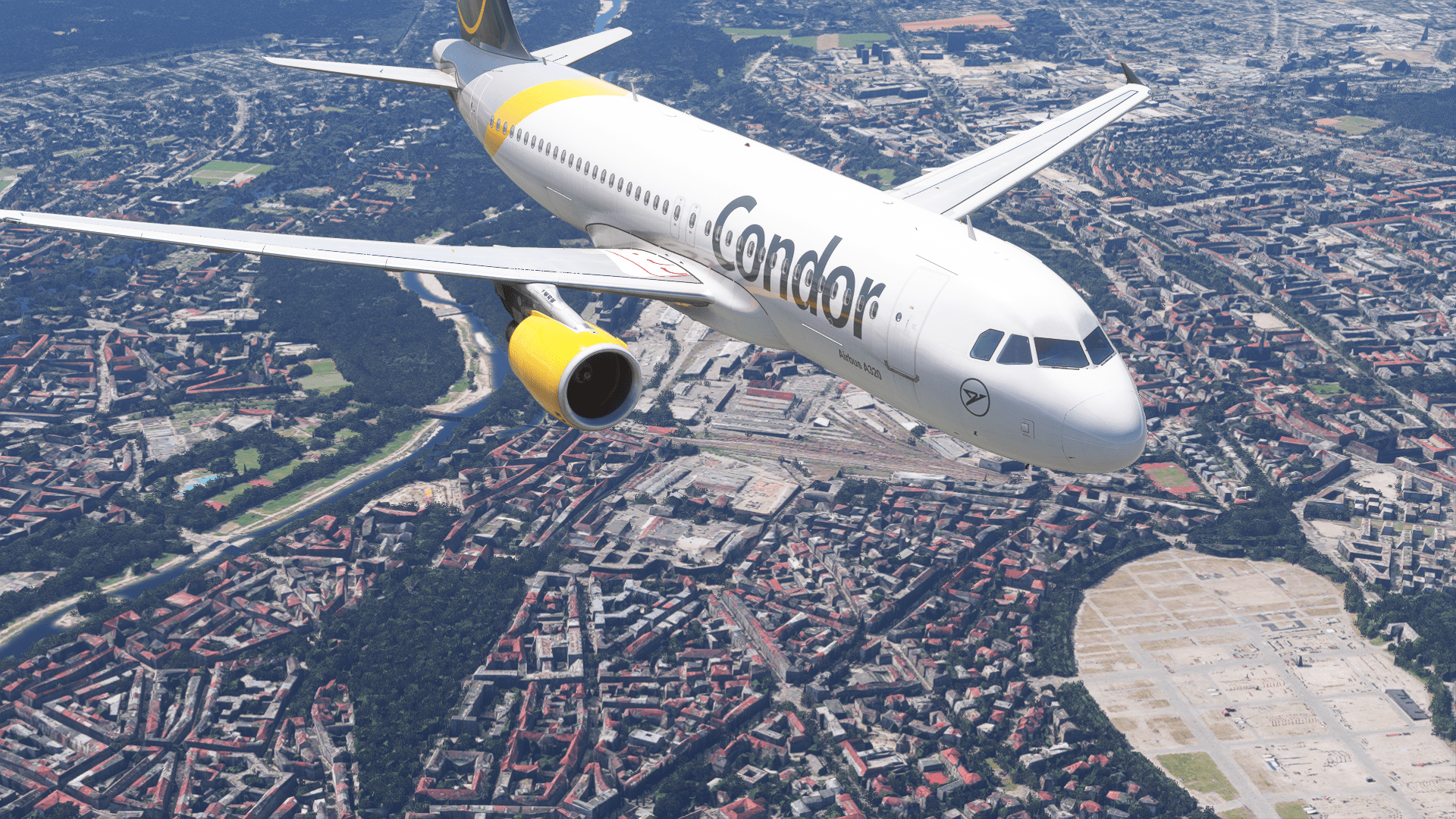
Alongside aircraft downloads, this totalled to almost half a petabyte of data transferred to virtual pilots. Despite these large numbers, the Fenix team had seen no downtime on their servers, and the latency was maintained during these transfers without any issues. The team has also thanked the community for the appreciation of new features and improvements.
Improvements in the First Patch
The first patch of the Big Fenix Update has identified and fixed numerous crashes and freezes in the aircraft, as well as fixed sounds. The biggest change, though, is that the team managed to work with LOD (Level of Detail) in Microsoft Flight Simulator 2024 even further, bringing down the VRAM usage of your graphics card by around 1.5 gigabytes. This means that this aircraft is now going to be consuming fewer of your computer resources.
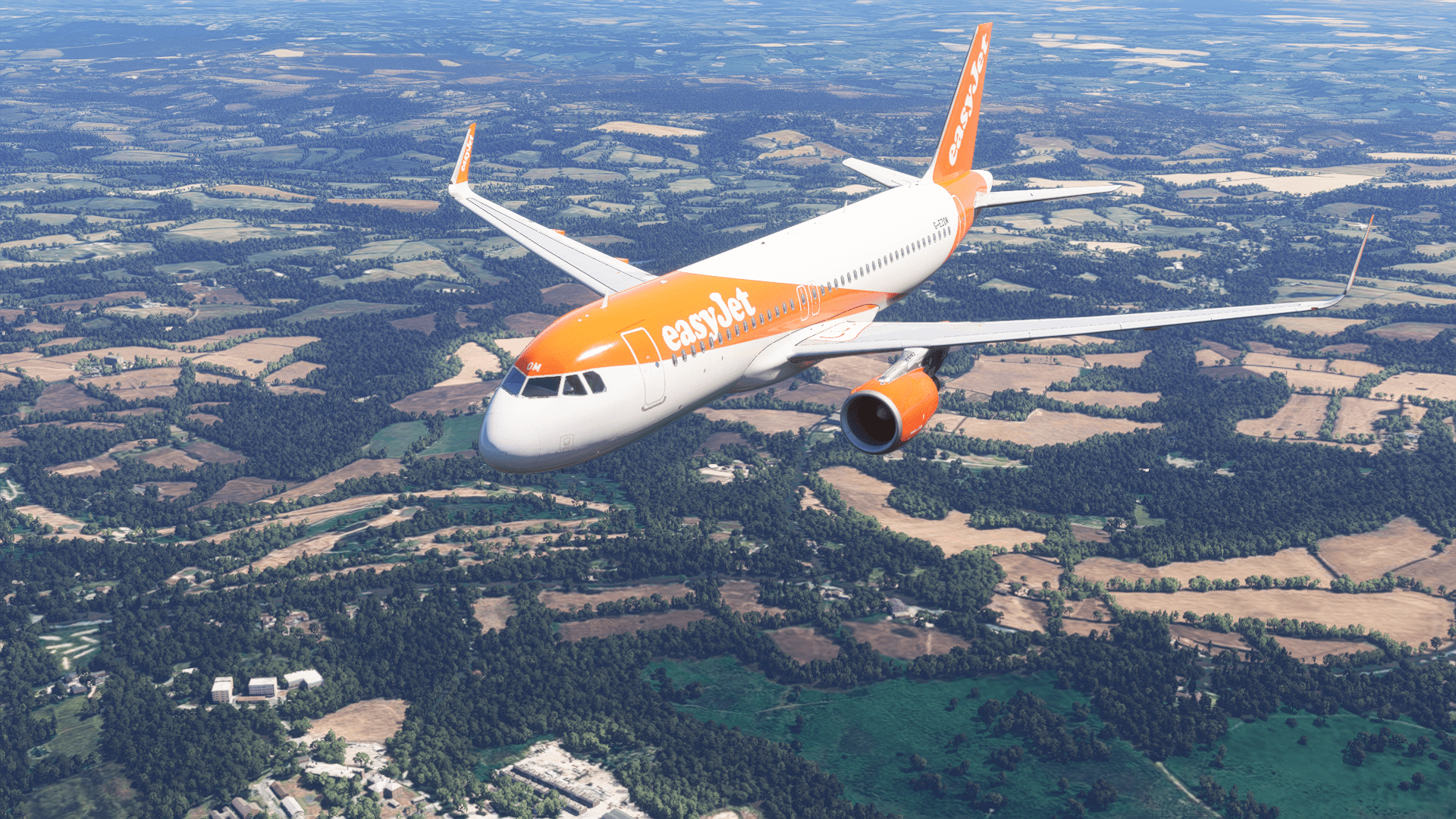
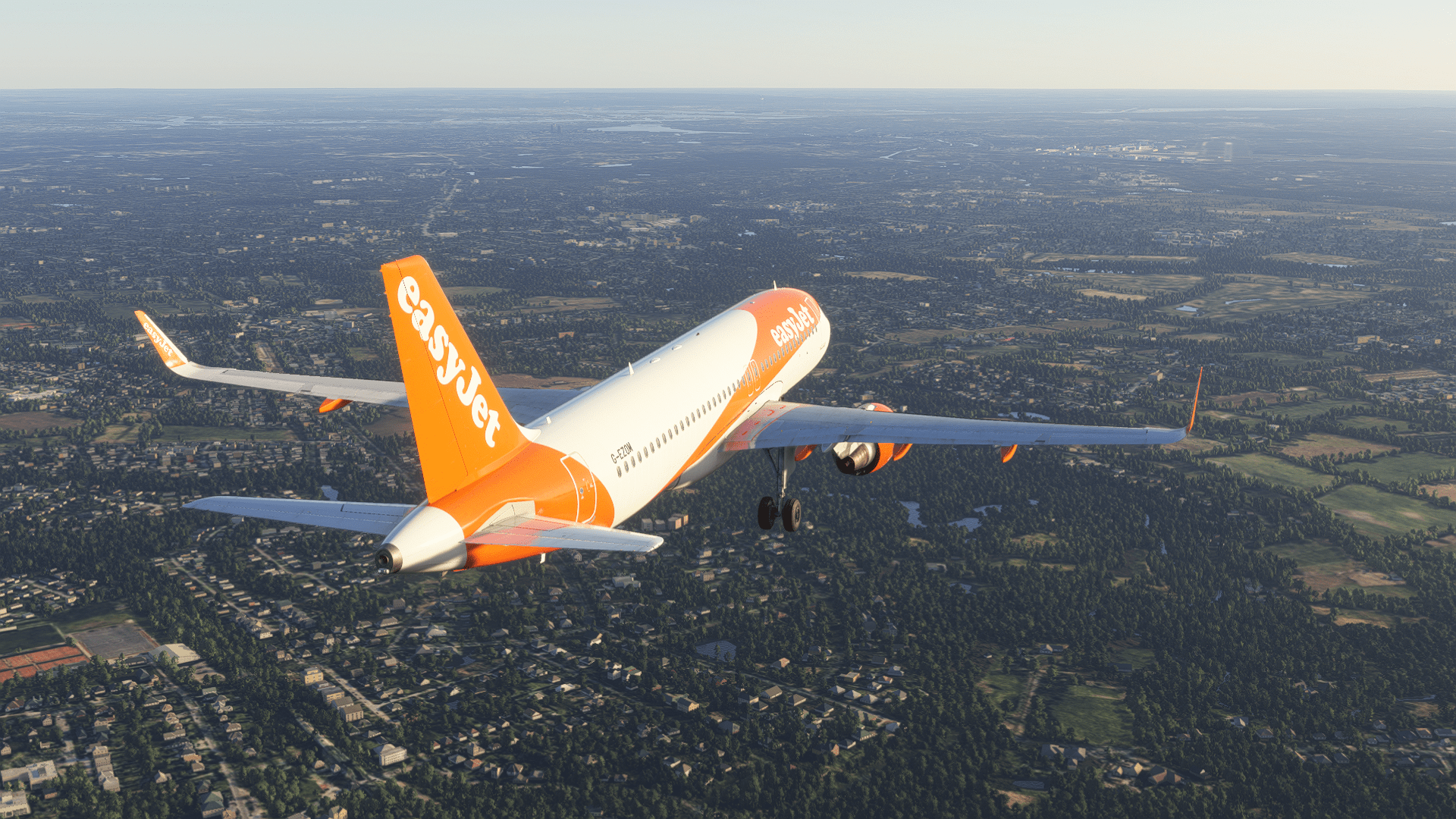
This update also brings support for BeyondATC CPLDC and fixes numerous things throughout the avionics, including MCDU input error messages clearing the scratchpad, removing faulty offsets of entries and exits, and direct law has been fixed on take-off as well.
Moreover, the visual and sound aspects were also improved. As mentioned, there were some sound improvements made to the CFM engine variant. However, the team also added some scratches to the cabin windows, fixed flickering take-off lights, and much more.
The update can now be downloaded through the Fenix Installer application. You can also read more about the initial release of the Big Fenix Update here.
Feel free to join our Discord server to share your feedback on the article, screenshots from your flights or just chat with the rest of the team and the community. Click here to join the server.