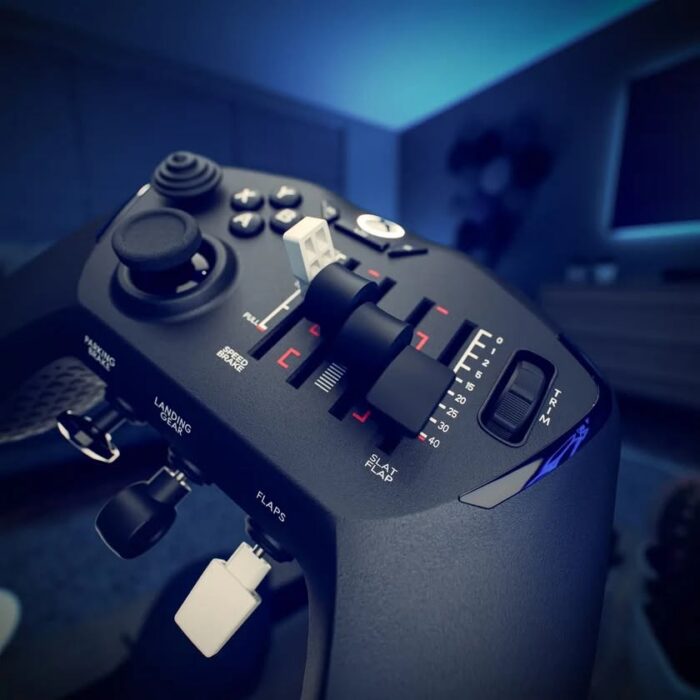
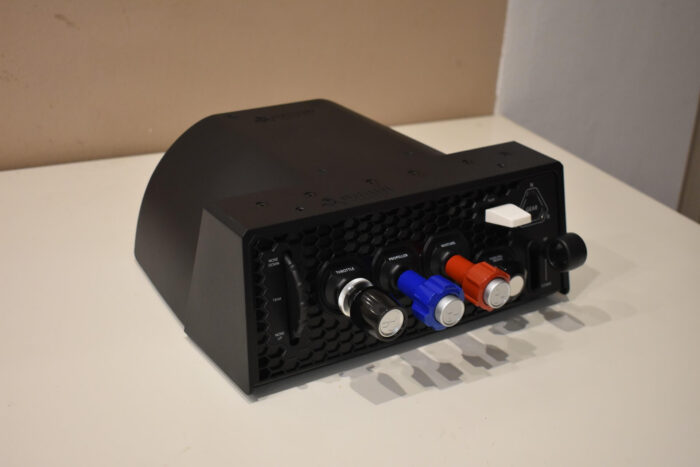
Honeycomb has recently released its new ‘Lite’ product line, aimed at beginner simmers or those looking for simple, uncluttered controls. So far, Honeycomb’s Alpha yoke and Bravo throttle quadrant have received this streamlining treatment. While advanced simmers may appreciate the extra switches and features, they aren’t entirely essential to the product’s main function. This allows these products to have a lower price tag than their advanced equivalents.
In this article, I’ll go over the Alpha Lite’s features, what I liked about it, and whether I think Honeycomb has succeeded in providing a better value for beginner or budget-conscious simmers. As an owner of the regular Alpha controls, I’ll also be making comparisons to see how the Lite version stacks up to its full-priced version in practice. Honeycomb graciously provided me with a review unit of the Alpha Lite; however, my thoughts in this review have not been influenced by this and remain entirely my own.
What’s Included
The package for the Honeycomb Alpha Lite comes with the Alpha itself, a base plate for mounting, two mounting clamps, a small coiled Ethernet cable used for connecting the yoke buttons to the base, and a USB 2.0 Type-C cable. One interesting thing I noticed about the base plate is that, unlike the full-priced unit, the Lite’s base plate does not include a sticky pad for mounting, meaning you will only be able to use the clamps.
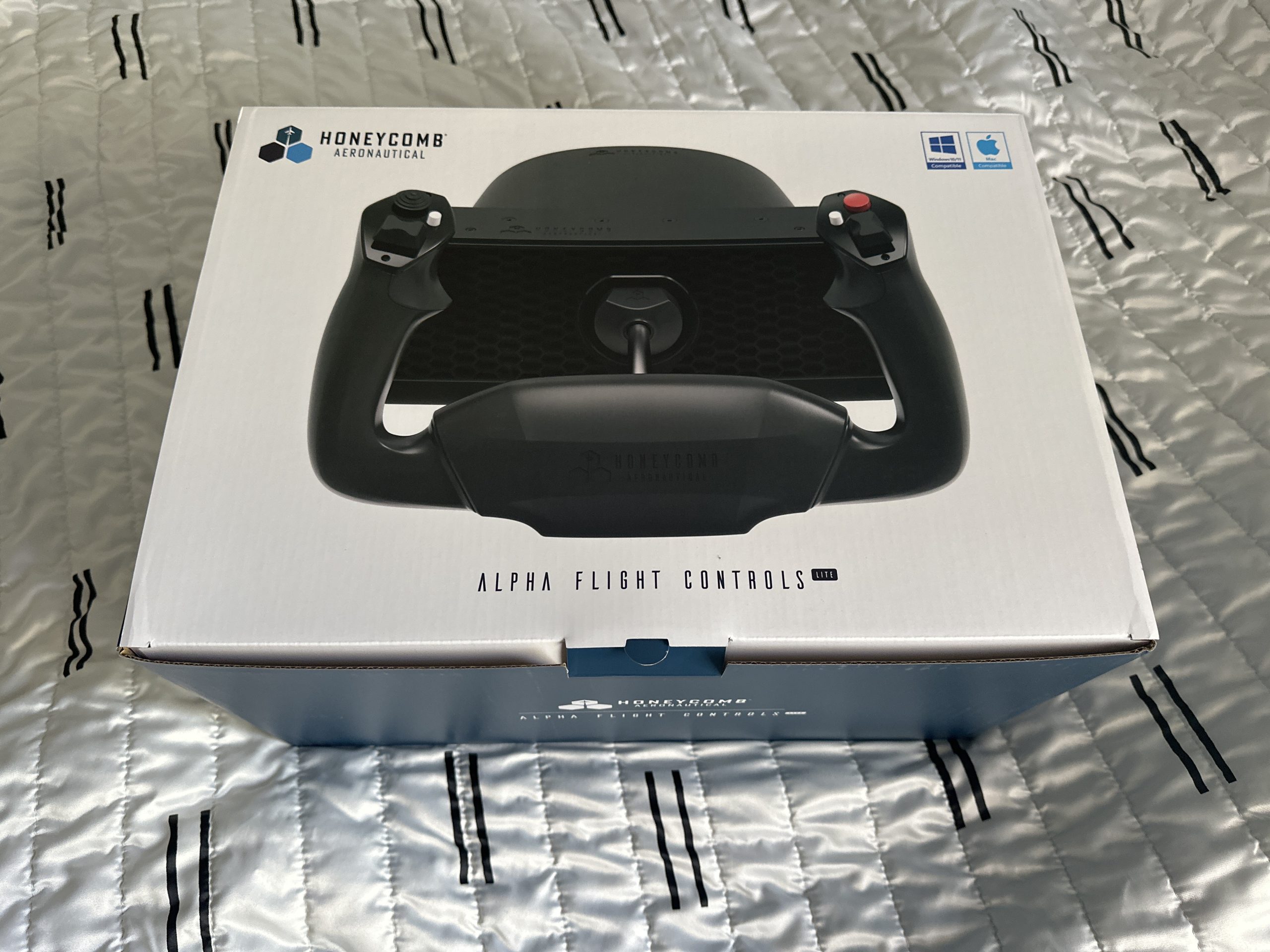
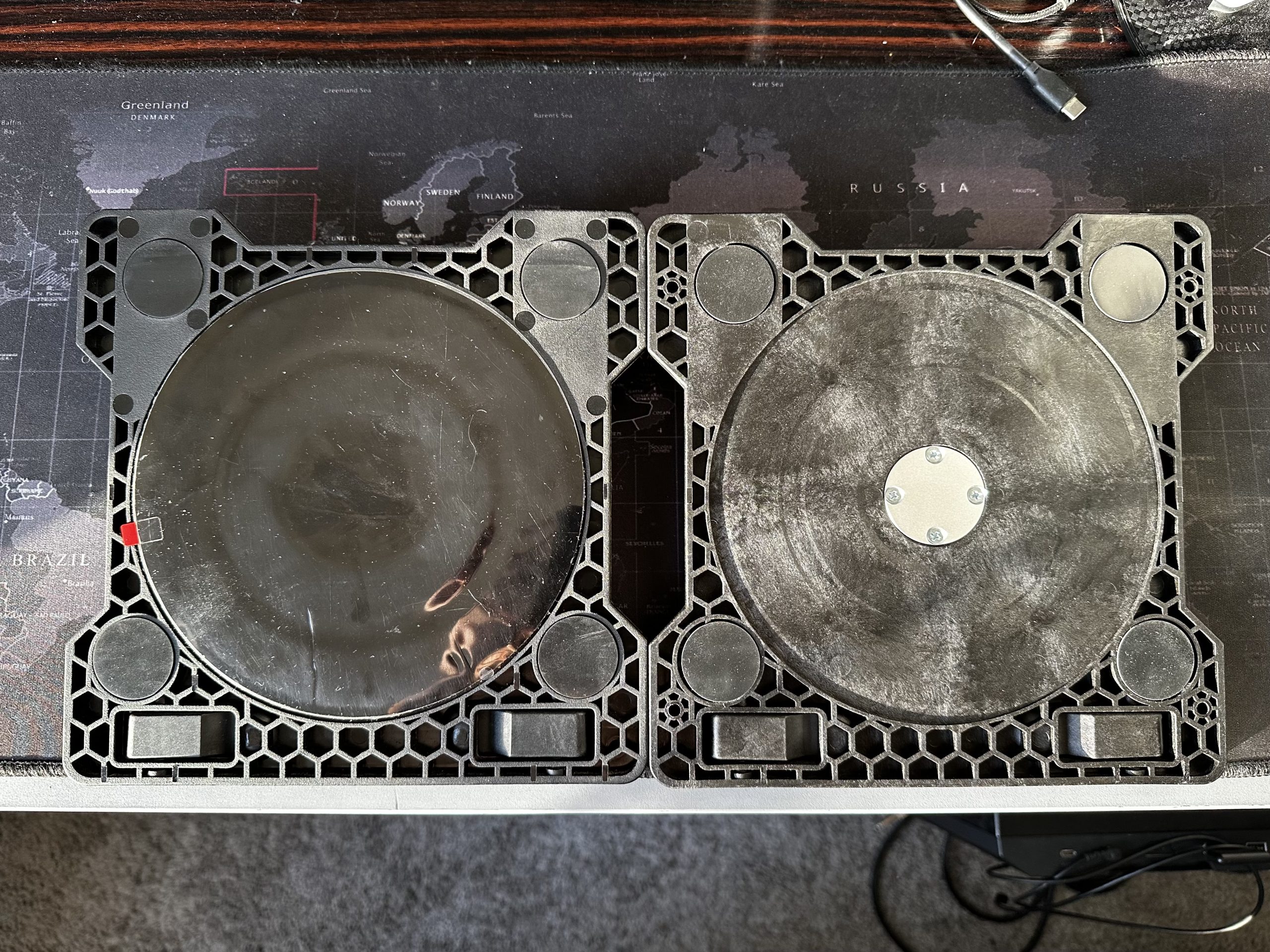
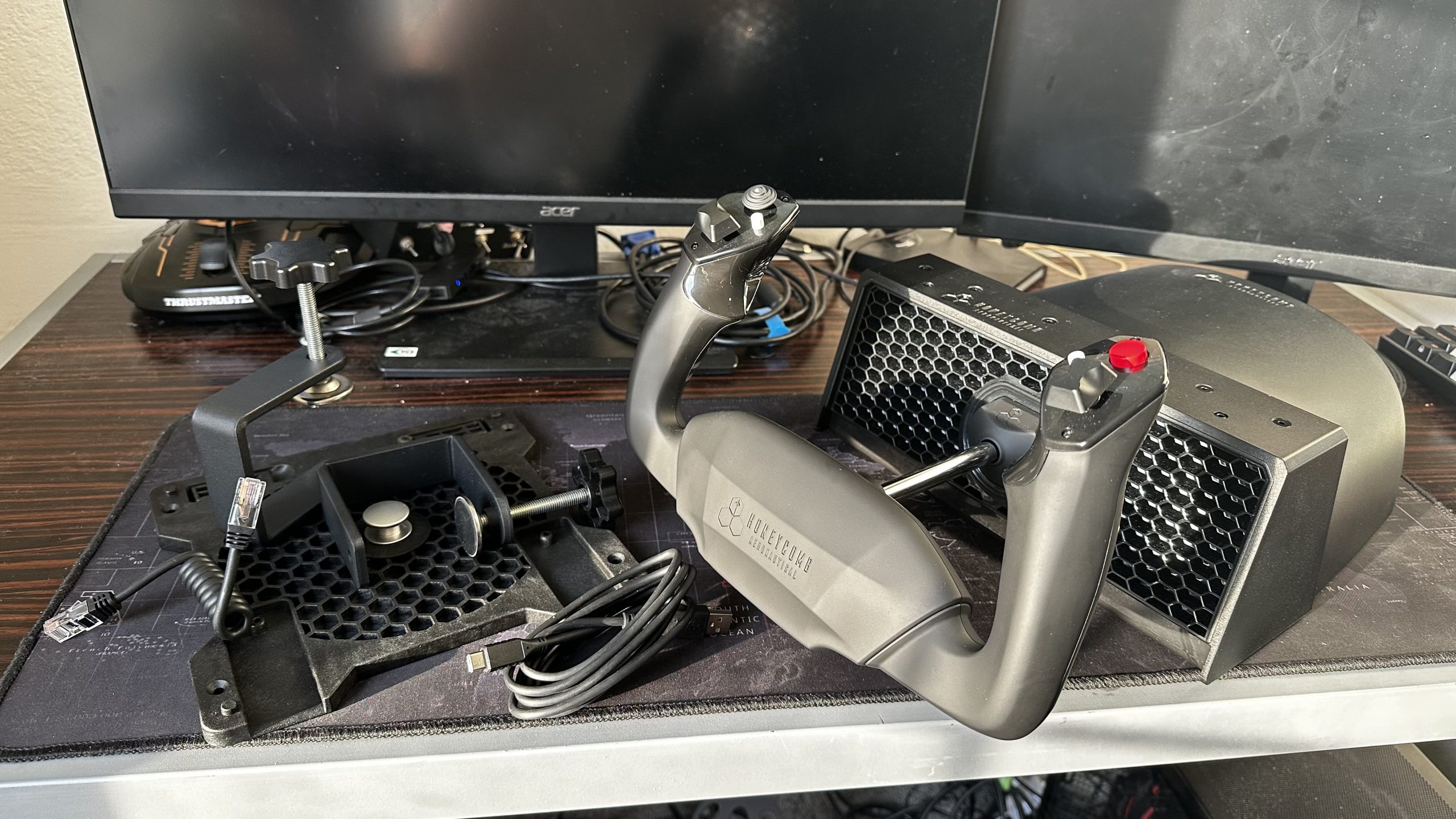
Installation is as easy as mounting the base plate onto a table using the clamps, placing the Alpha onto the base plate, then tightening the two screw wheels at the back of the unit. After mounting, you can use the included cable to connect it to the computer, which immediately recognises it as a game controller that you can use in your simulator of choice.
Features
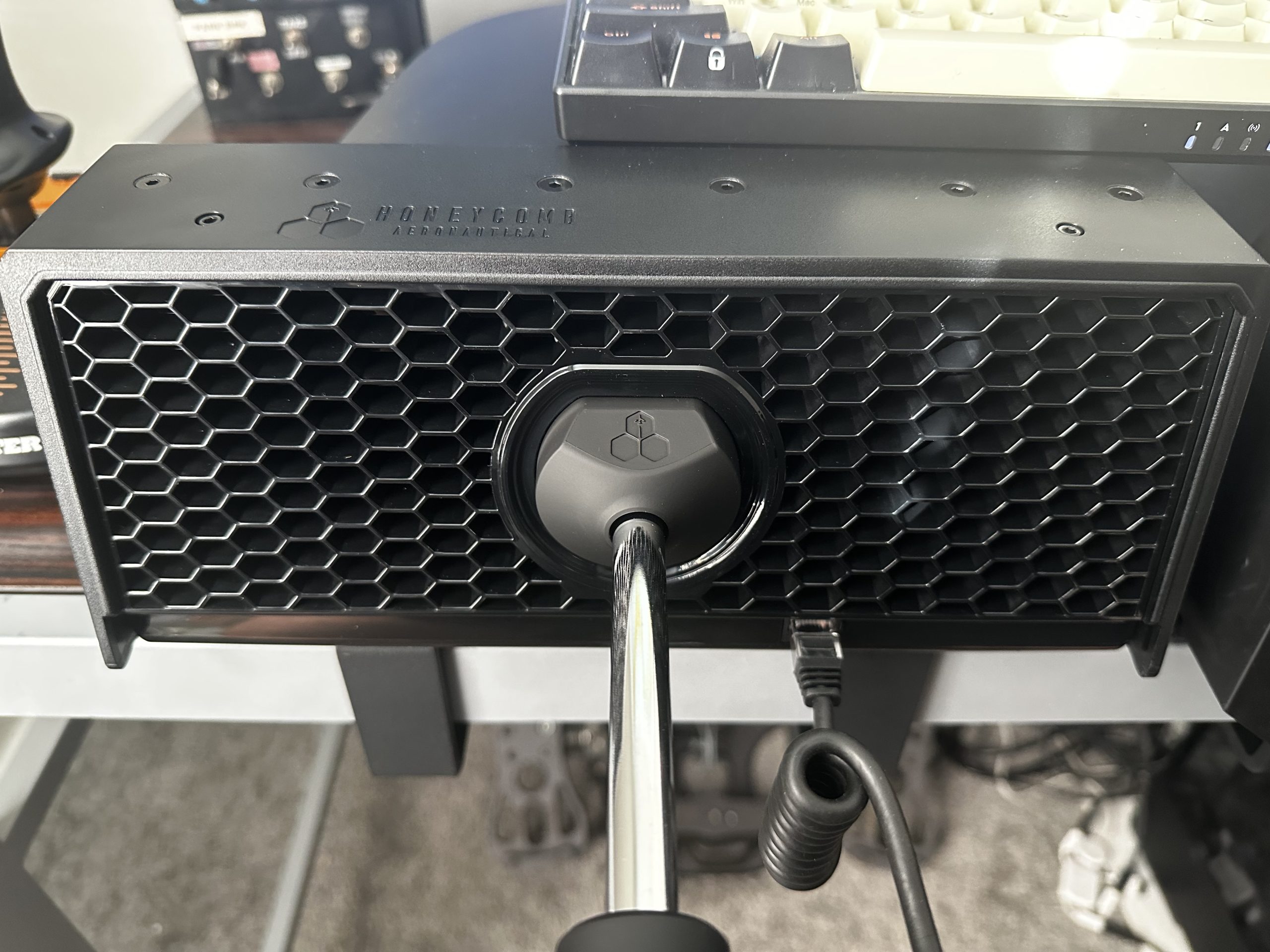
Where the full-price Alpha comes with several buttons for lights, batteries, and avionics, the Alpha Lite comes with only buttons on the yoke. It also gets rid of the regular Alpha’s LED-backlit panel. This leaves Alpha Lite with just the essential controls. The yoke handles are connected to the base through a steel shaft, which gives it a rigid feel and makes movement very smooth.
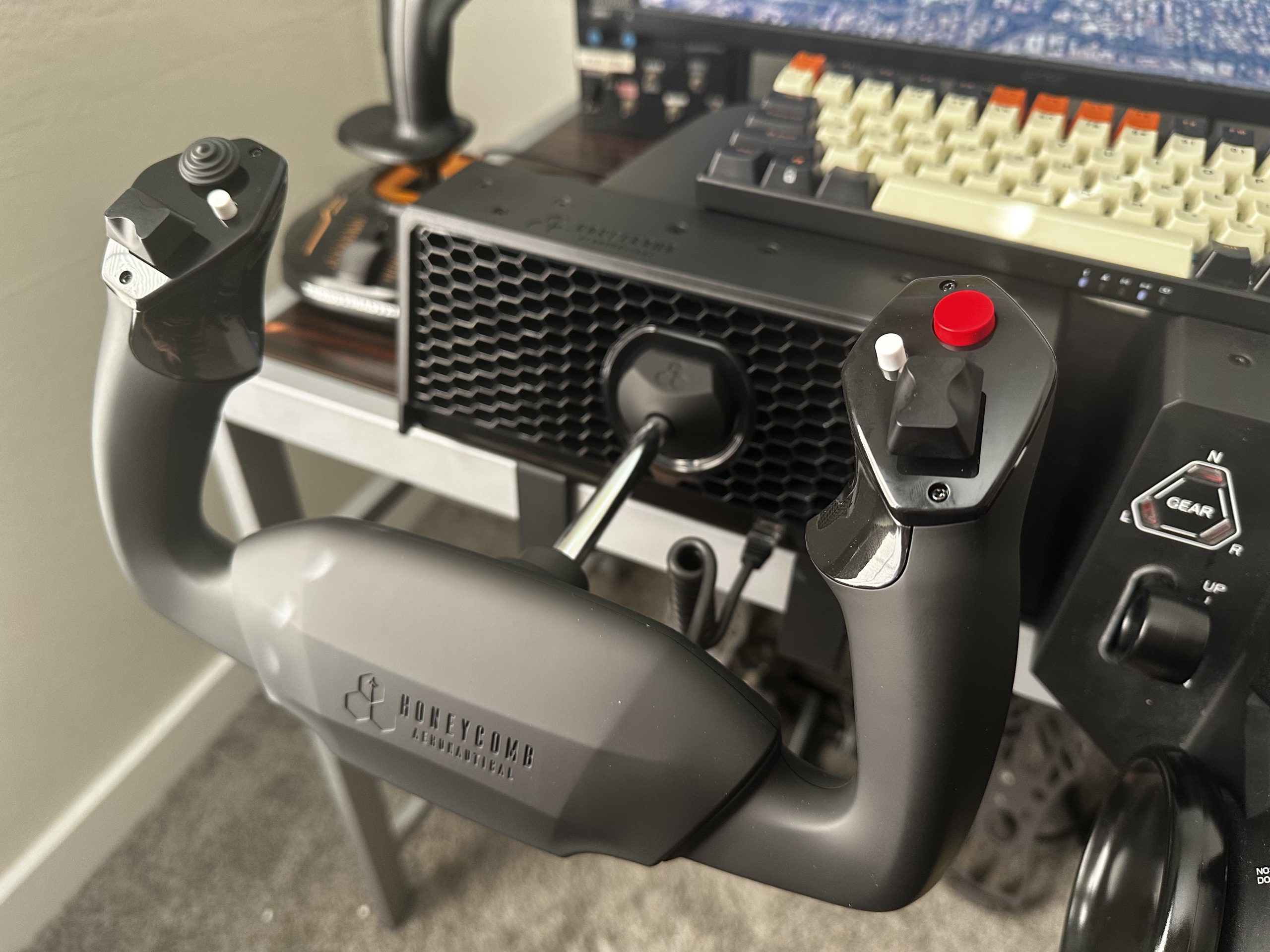
The yoke handles have the only buttons you’ll find on the unit. The left handle has a hat switch for views, a three-position switch for the elevator trim, a white button on the top of the handle, and a button at the back of the handle, which can be handy for push-to-talk. The right handle has another three-position switch for the rudder or aileron trim, a big red button, and a smaller white button.
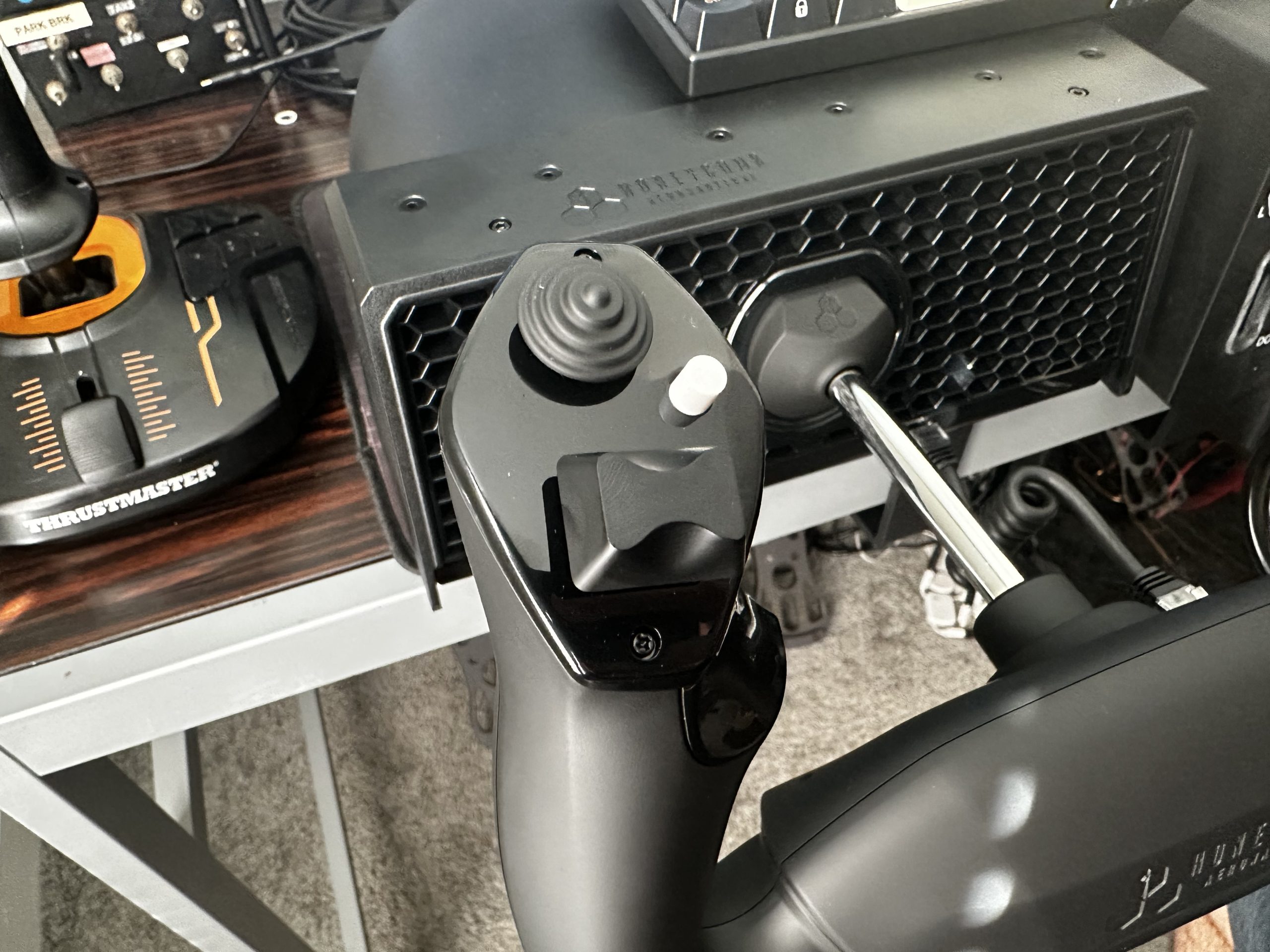
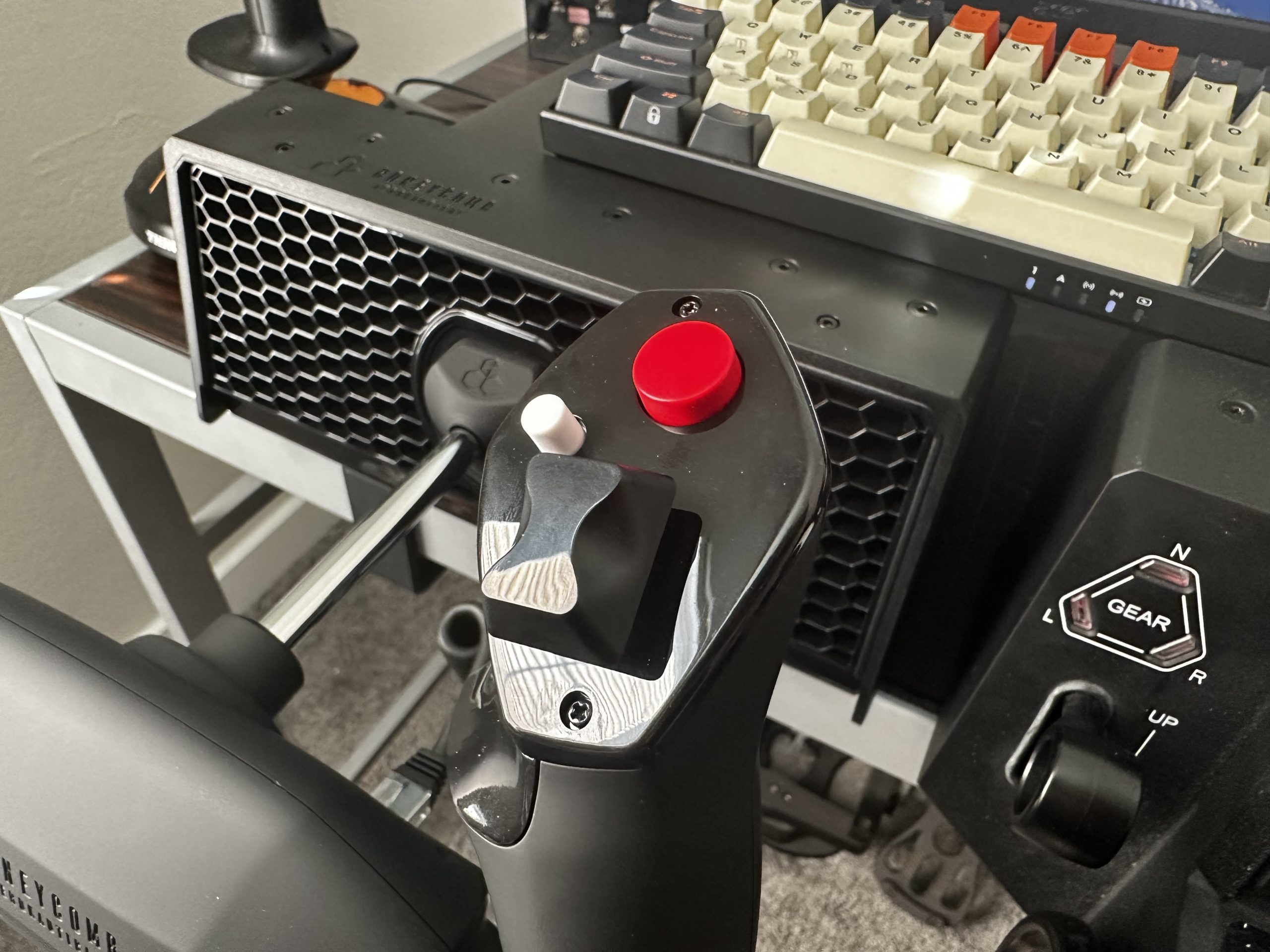
One difference you’ll find here compared to the regular Alpha is that the Lite’s trim switches have only one switch instead of two. In real aircraft, trim switches usually need two side-by-side switches to be pressed for the trim to move, which is what the regular Alpha does. Since safety isn’t nearly as big of a concern in simulators, having just one switch for the trim helps save cost while keeping the core functionality.
The back of the unit just has the USB-C output port. I want to commend Honeycomb for making the design decision to give all of its products removable cables. It means that removing the yoke from the table after use is a lot easier, as you don’t need to reach to the back of your computer to disconnect it from there each time. This also means that if the included cable becomes damaged, you can use any other USB-C cable to connect it to the computer. Overall, a great quality-of-life feature.
Usage Experience
I tested the Alpha Lite in MSFS 2024 for about two weeks. The sim doesn’t have control profiles for it yet, so as soon as I connected it, I had to create my own control profile from scratch. I expect a future MSFS update to include these profiles by default, so this is just a temporary issue. You can also download one from Honeycomb’s website if you don’t want to create one yourself.
I had absolutely no issues while using the Alpha Lite for my flights. I don’t think I missed the panel switches too much while doing my flights. While they are nice to have, due to the incompatibility of some addons with the default MSFS bindings, the reality is that they don’t actually work with around 50% of high fidelity aircraft, such as those from PMDG, without the help of external software like Axis and Ohs, which can be bothersome to configure for each aircraft.
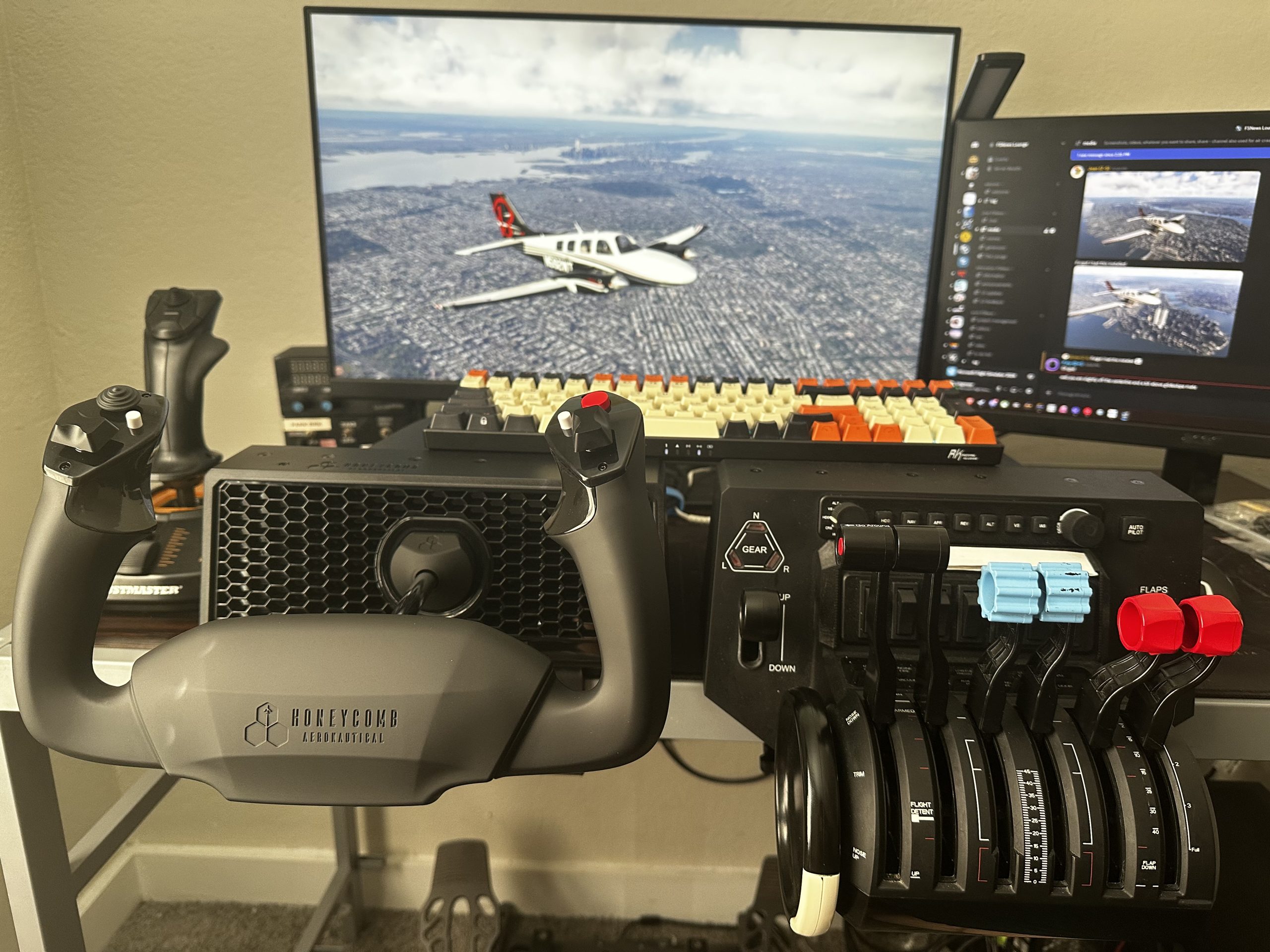
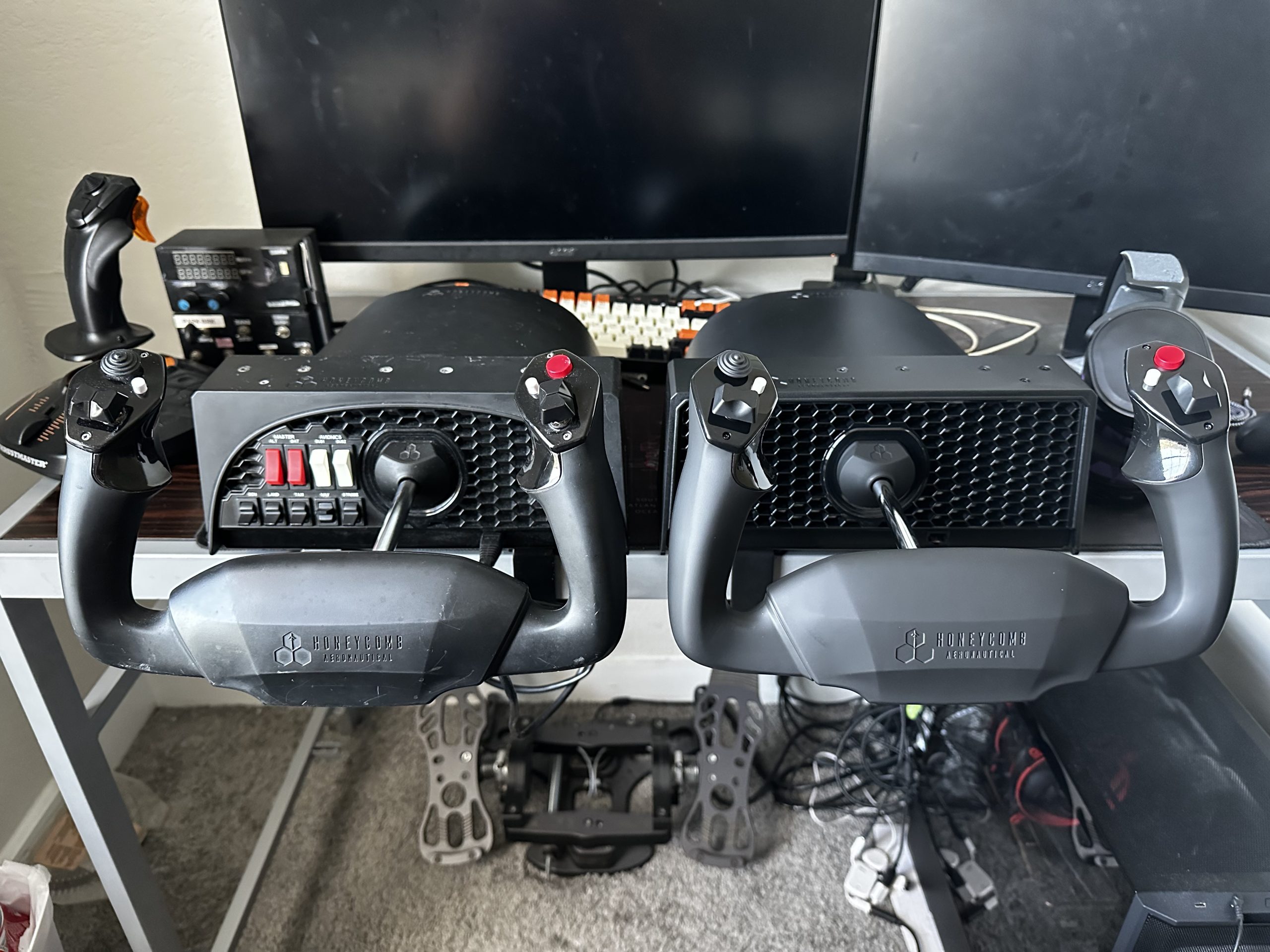
Additionally, things like batteries, avionics, and lights are usually set to ‘on’ at the beginning or specific stages of flight and not really touched much for the rest of the flight. Buttons for trim, push-to-talk, and changing views, on the other hand, are used more often throughout the flight, and these are the ones you’ll find on the handles of the Lite.
In terms of how it feels to use, the yoke has very smooth movement overall, a stiff elevator tension, and an aileron tension that feels just a touch too light. The movement of the yoke translates with good precision into the sim; the axes were centred well, and I didn’t have to set up any deadzones or make any big adjustments in the sim to get it feeling right.
Comparing it to the original Alpha, I have to say that the movement feels pretty much the same. This is not very surprising once you realise that the mechanisms inside are exactly the same as the original Alpha’s. It’s good to see that this is an area where Honeycomb did not cut costs, as the feel of the original Alpha has been one of the best in the business since its introduction.
Honeycomb Alpha Lite Build Quality
Those concerned about longevity might be wondering if the Alpha Lite comes with Hall effect sensors like the Alpha XPC. Honeycomb’s website didn’t confirm whether this was the case, so I opened the unit up to check. Unfortunately, the Alpha Lite does use potentiometers for its axes. Potentiometers wear down over time, causing the inputs to become erratic and imprecise. The good news here is that Honeycomb seems to use high-quality potentiometers that don’t wear down as much, as my more-or-less six-year-old Alpha is still going strong with no drift or deadzone issues to speak of.
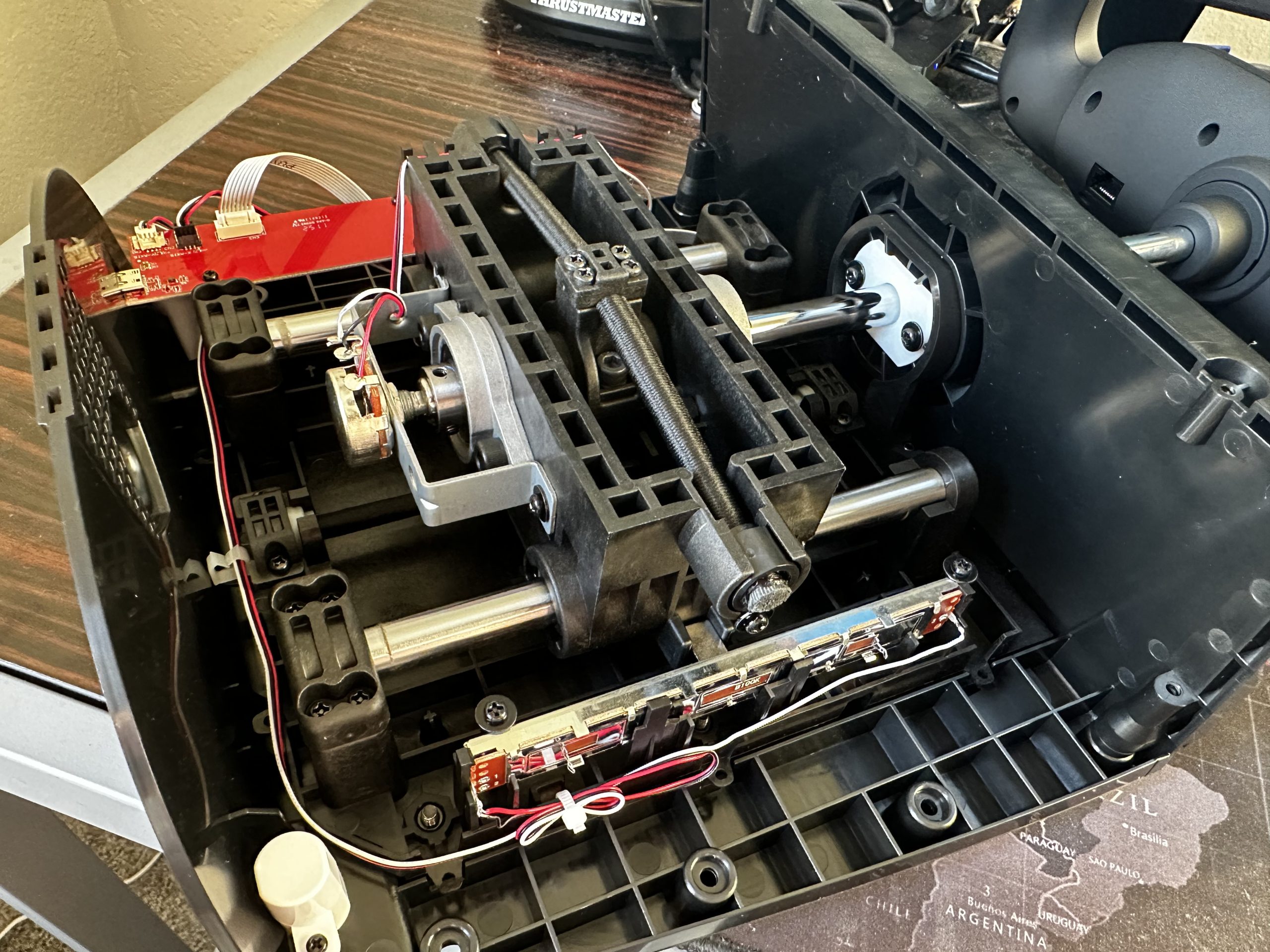
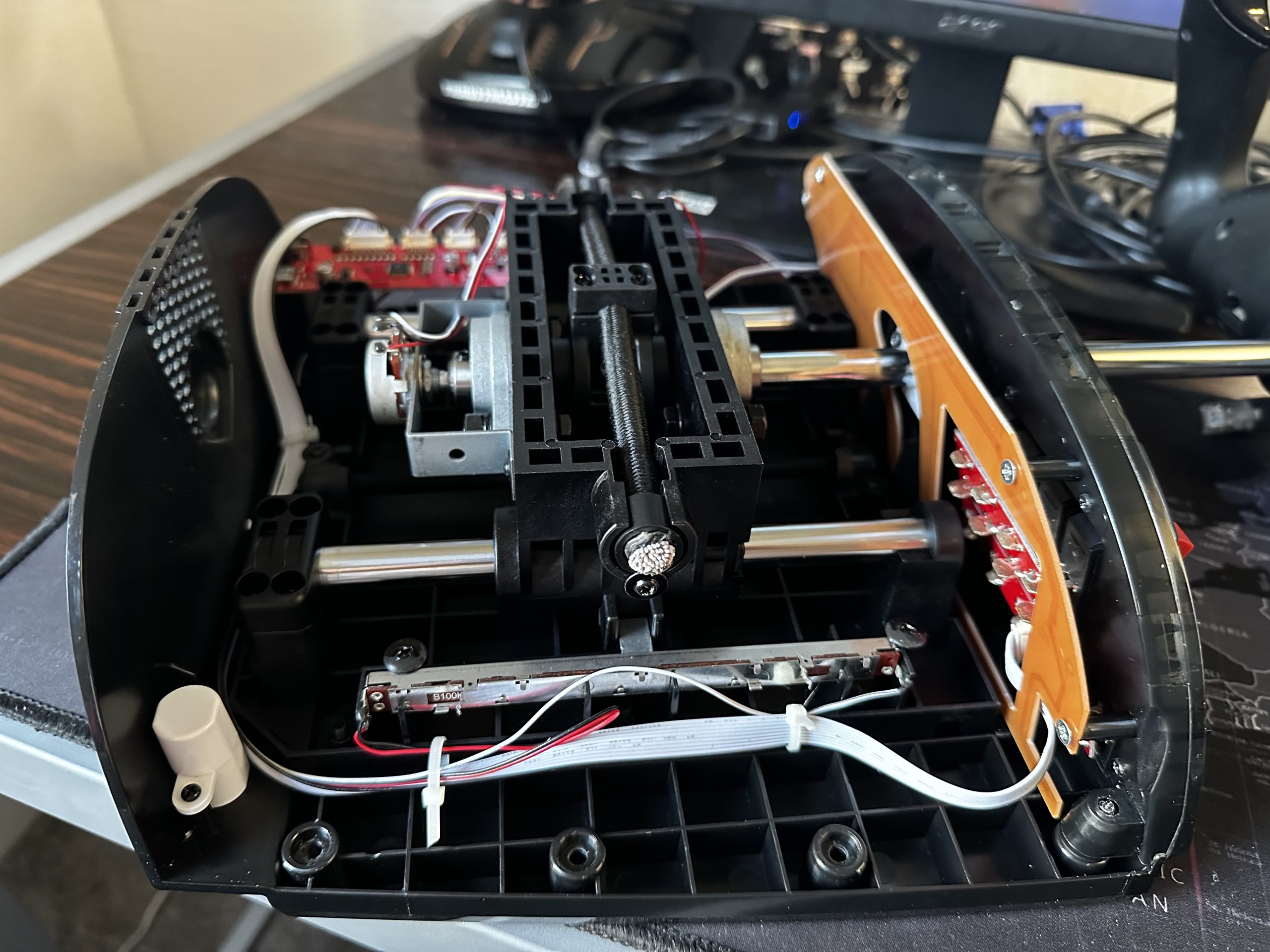
Another aspect concerning longevity is the cable connecting the yoke handle to the base. This cable constantly moves during use, which puts a lot of strain on the Ethernet ports that they weren’t really designed for. Over time, this can cause the ports to start failing, which causes the yoke buttons to stop being recognised. This is something I had to deal with on my regular Alpha, which I fixed by resoldering the joints on the base connector; something I don’t expect most people will know to do.
Conclusion
The Honeycomb Alpha Lite is priced at $199.99 USD, which is $100 less than the original Alpha and $150 less than the Xbox-compatible Alpha XPC. Given that you are receiving exactly the same product as the original Alpha, just without the panel switches and LED lights (that many people just turn off anyway), I’d say the Alpha Lite is a really great value for those who want a quality Honeycomb feel without all the extras. Compared to other yokes at a similar price point, I’d say the Alpha Lite features the best combination of feel, build quality, and value in the budget flight sim yoke market.
In creating this yoke, Honeycomb has cut back on non-essential elements to provide a great experience where it matters most: the yoke itself. Whether you are a beginner simmer or just looking to upgrade after using a Joystick for a while, I think the Alpha Lite is a great budget flight sim yoke. You can get the Alpha Lite from Honeycomb’s website here. Make sure to stay tuned to FSNews for our upcoming review of another new Honeycomb product, the Sierra TPM.
Feel free to join our Discord server to share your feedback on the article, screenshots from your flights or just chat with the rest of the team and the community. Click here to join the server.