Aerosoft has recently released their Airbus A340-600 for Microsoft Flight Simulator and MSFS 2024, in cooperation with X-Plane developer ToLiss. This aircraft has been highly anticipated, especially after the disappointing release of the Aerosoft A330. Does this aircraft come as a redemption for Aerosoft’s reputation?
I am going to be testing this aircraft in a Microsoft Flight Simulator 2024 environment to see whether Aerosoft has created a detailed aircraft, in cooperation with ToLiss, or if it is just another visual gimmick for entry-level simmers. However, I would like to thank Aerosoft again for providing the FSNews team with a review copy. Despite that, I will keep my opinions unbiased and will write my honest opinions on parts of the aircraft.
Installation
The installation was very straightforward, as with other Aerosoft add-ons, you need to install the aircraft through Aerosoft One. The installation took a while, as the aircraft required approximately 15 gigabytes of download files. Which is quite a lot, though that is just a modern standard by now. I still remember when planes were like 800 megabytes to install, and I am not even that old.
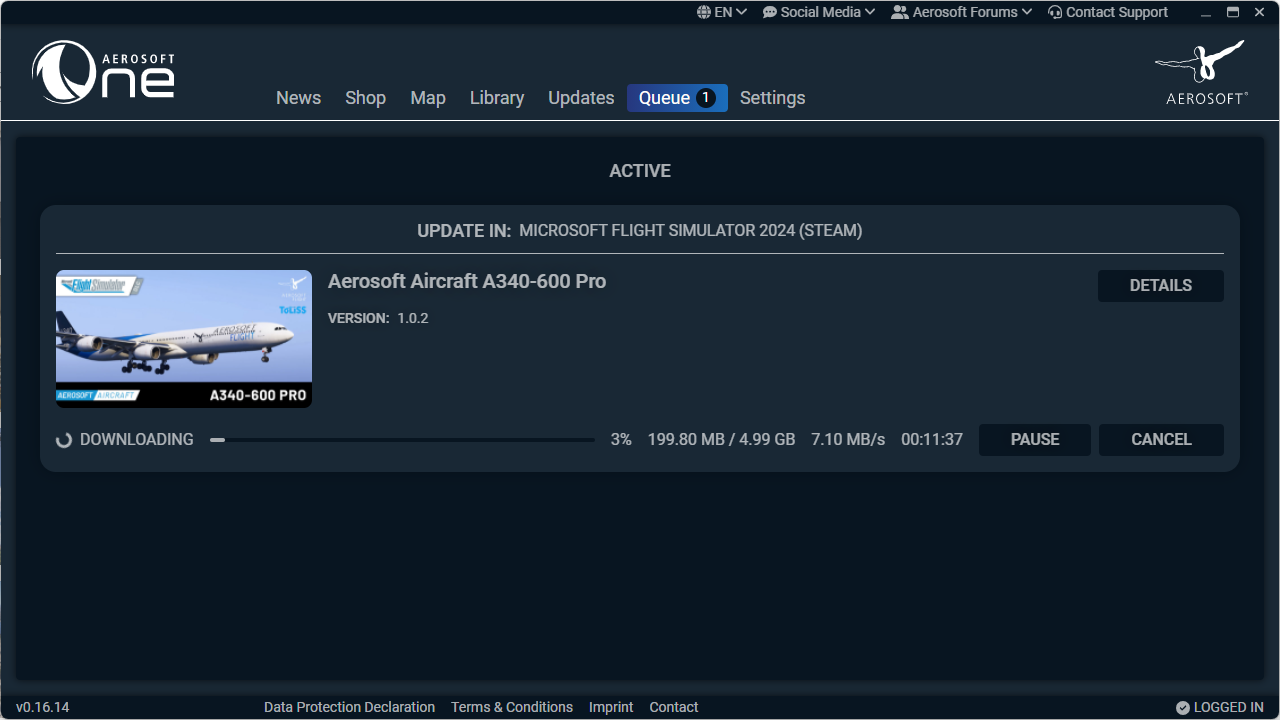
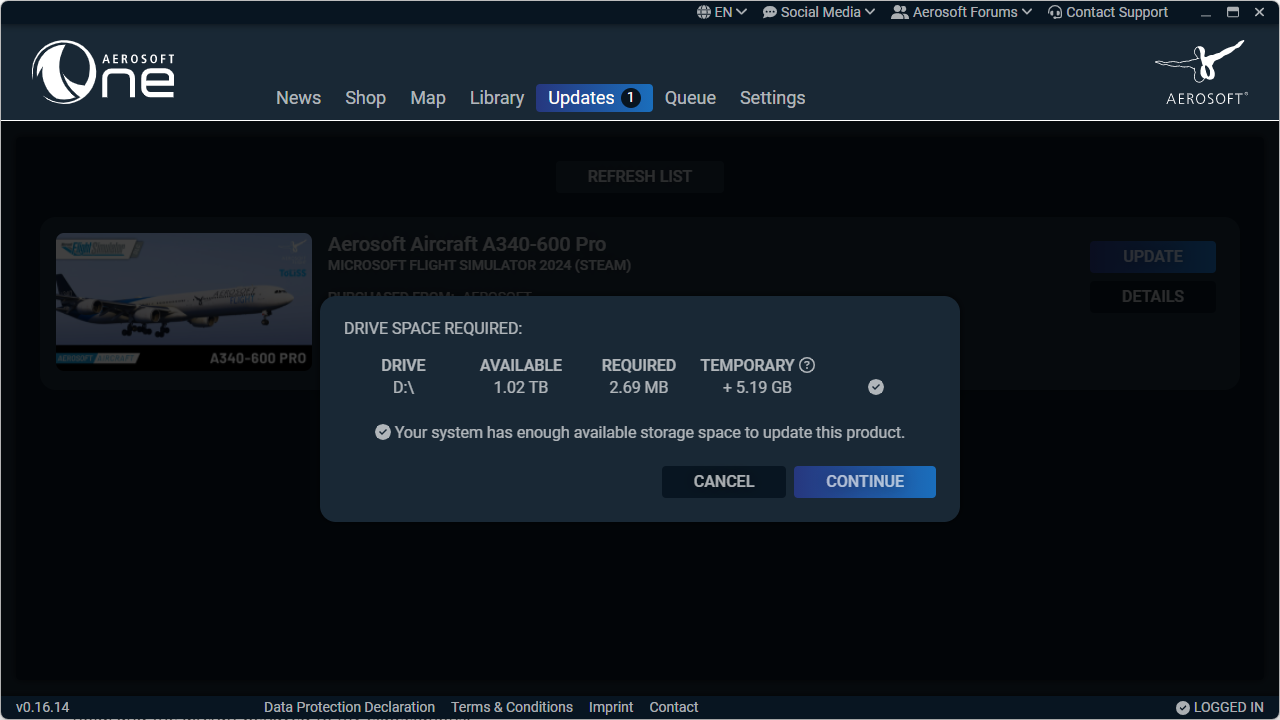
Once that was done, I could jump into the simulator, wait for the WASM to be created, and finally, I could put my product key into the aircraft’s EFB. If you did not do that, the aircraft would levitate, with all the doors open, and you couldn’t click on anything. The security side of the aircraft is very well-done, and the systems seem to check for your product key every time you load the aircraft. This is just a theory, made of the fact that every time the scenario loads, there is a bit of a long moment before I can actually click the “Fly Now” button. This doesn’t happen with any other aircraft, and did not happen before I had my product key inserted.
Updating the aircraft is just as simple. This review is going to be based on the experiences from versions 1.0.0 and 1.1.0. Thus, things that were happening in 1.0.0 and changed in 1.1.0 will be mentioned accordingly. Updating the aircraft doesn’t reset your product key, and you do not need to set up the aircraft all over again.
First Impressions
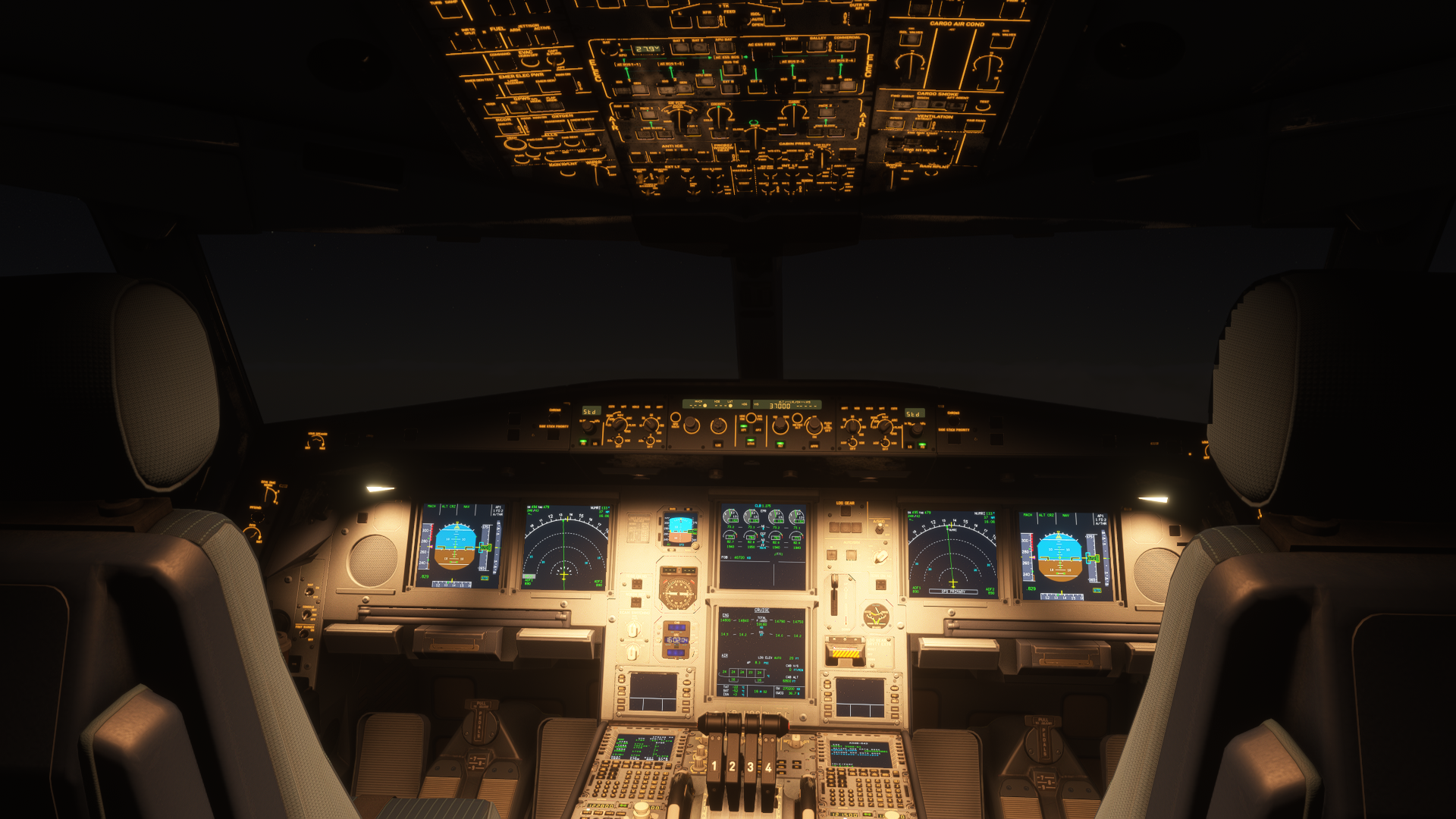
You can also see a more detailed first impressions article of the Aerosoft A340-600 on our website. Over here, I am going to talk about my brief impressions that I got after initially setting up the aircraft. The Aerosoft A340-600 literally screamed, “Hey, I am developed in cooperation with ToLiss”. The cockpit was very similar to what I remember in my X-Plane 11 days, when I was flying their A319 and A321. The same can be said about the EFB, among other things.
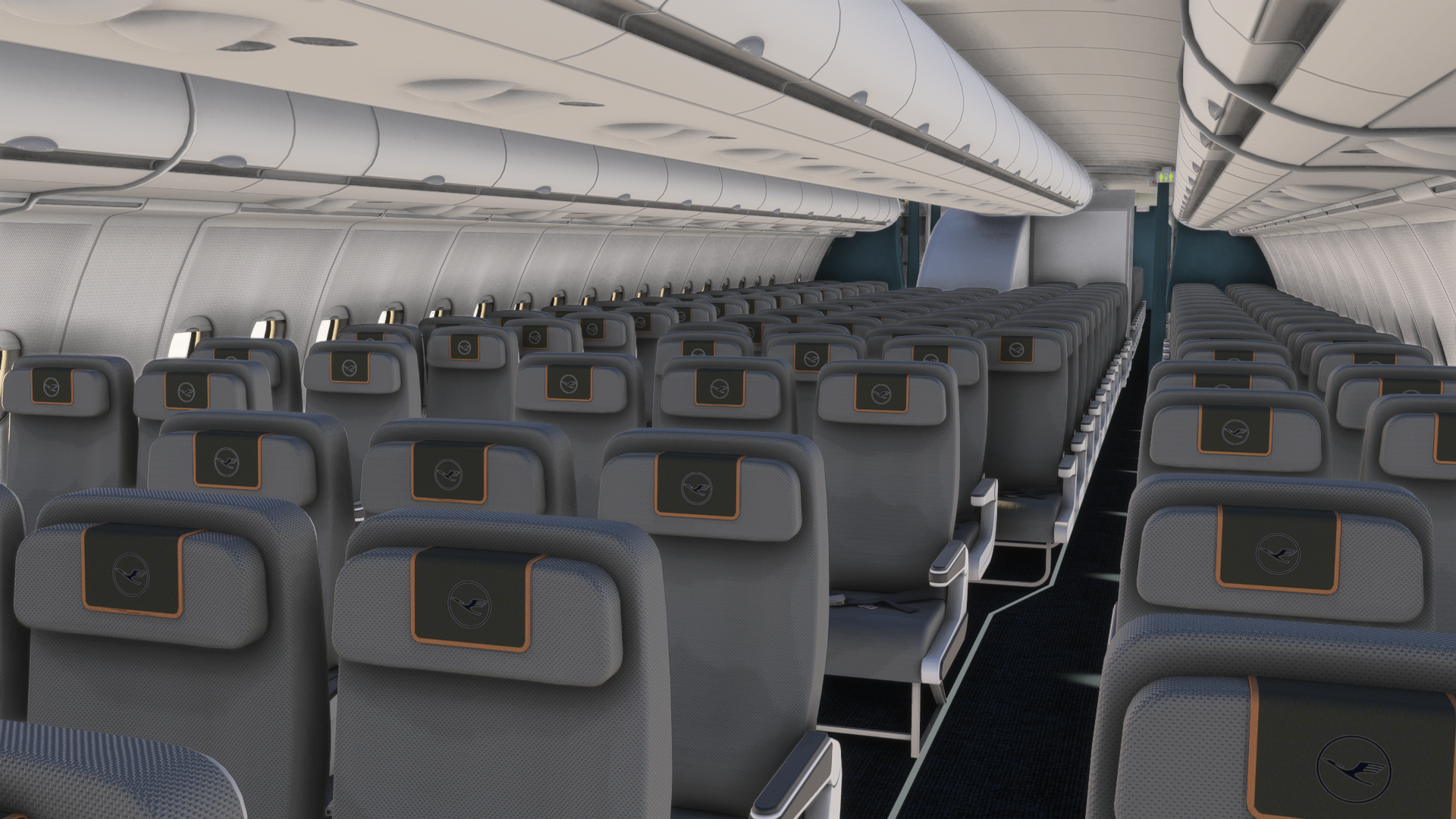
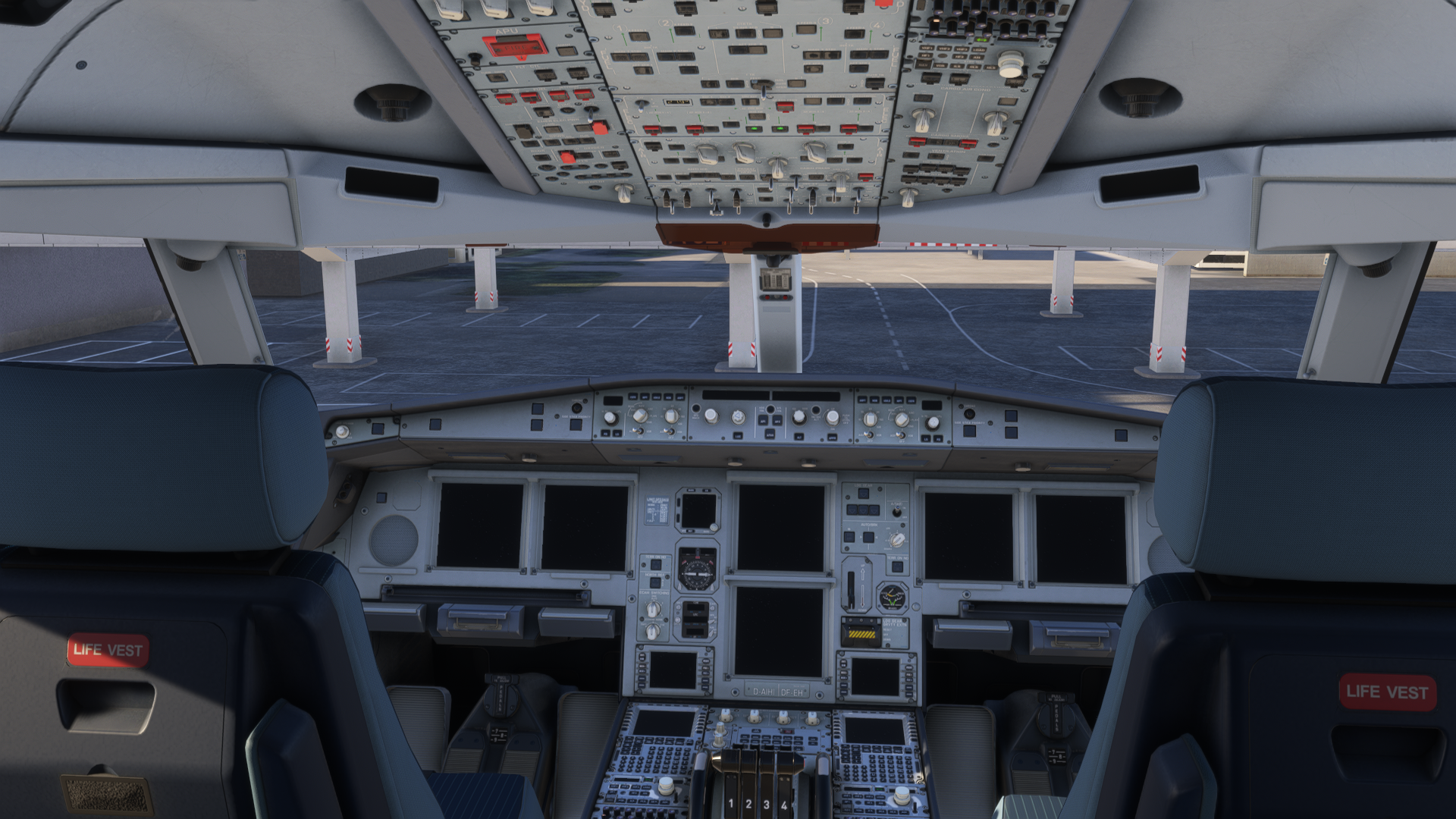
The cockpit was detailed, and all the essential things seemed to be working properly for an a-to-b flight. Moving over to the cabin, I was impressed. The cabin had details based on the livery you were using, and the models were smooth. Still, you are not supposed to fly the aircraft when sitting in a porthole view. However, it is a nice gimmick to just walk around the aircraft if you feel like it, and appreciate the work the Aerosoft and ToLiss teams have put into it.
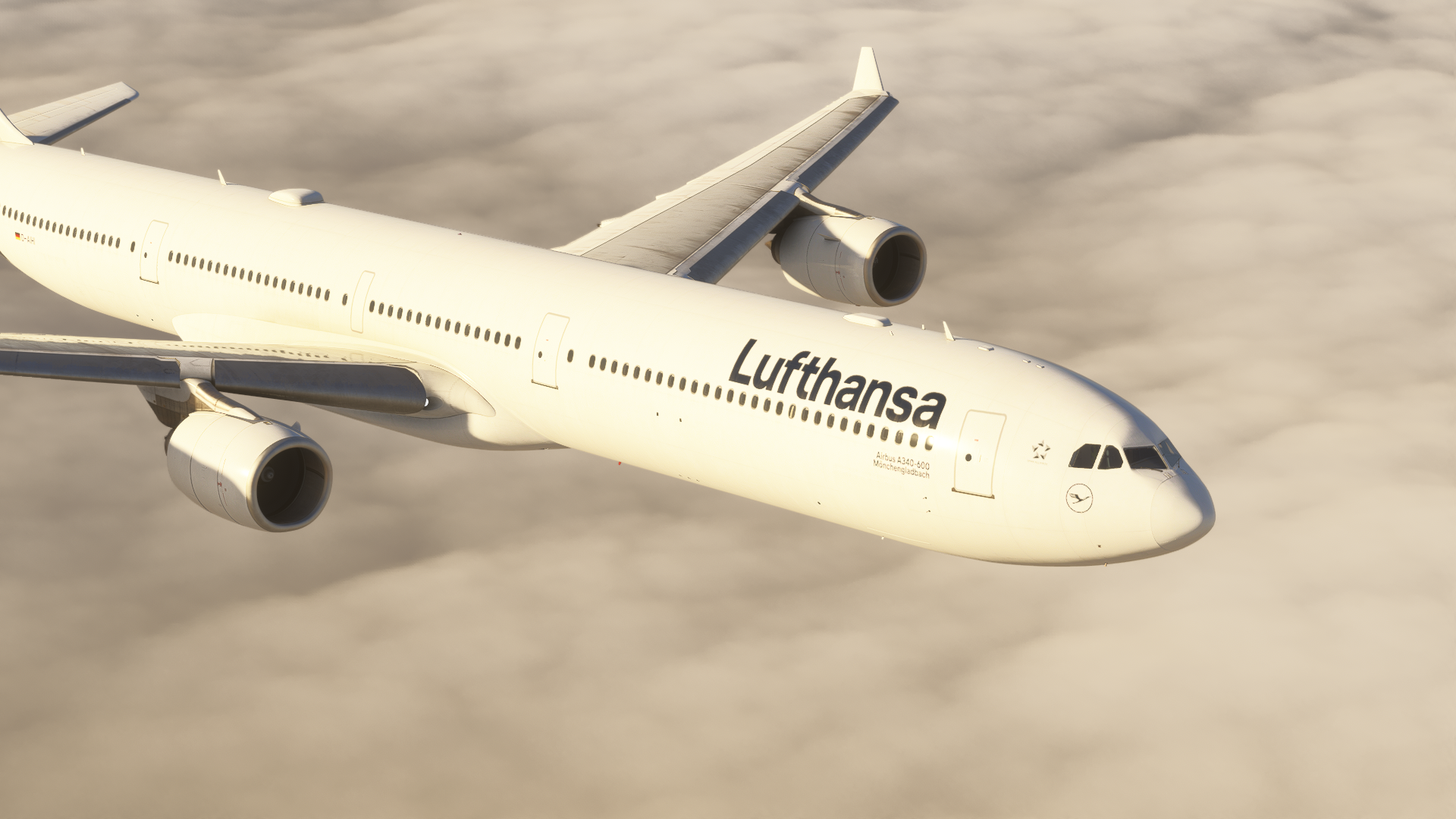
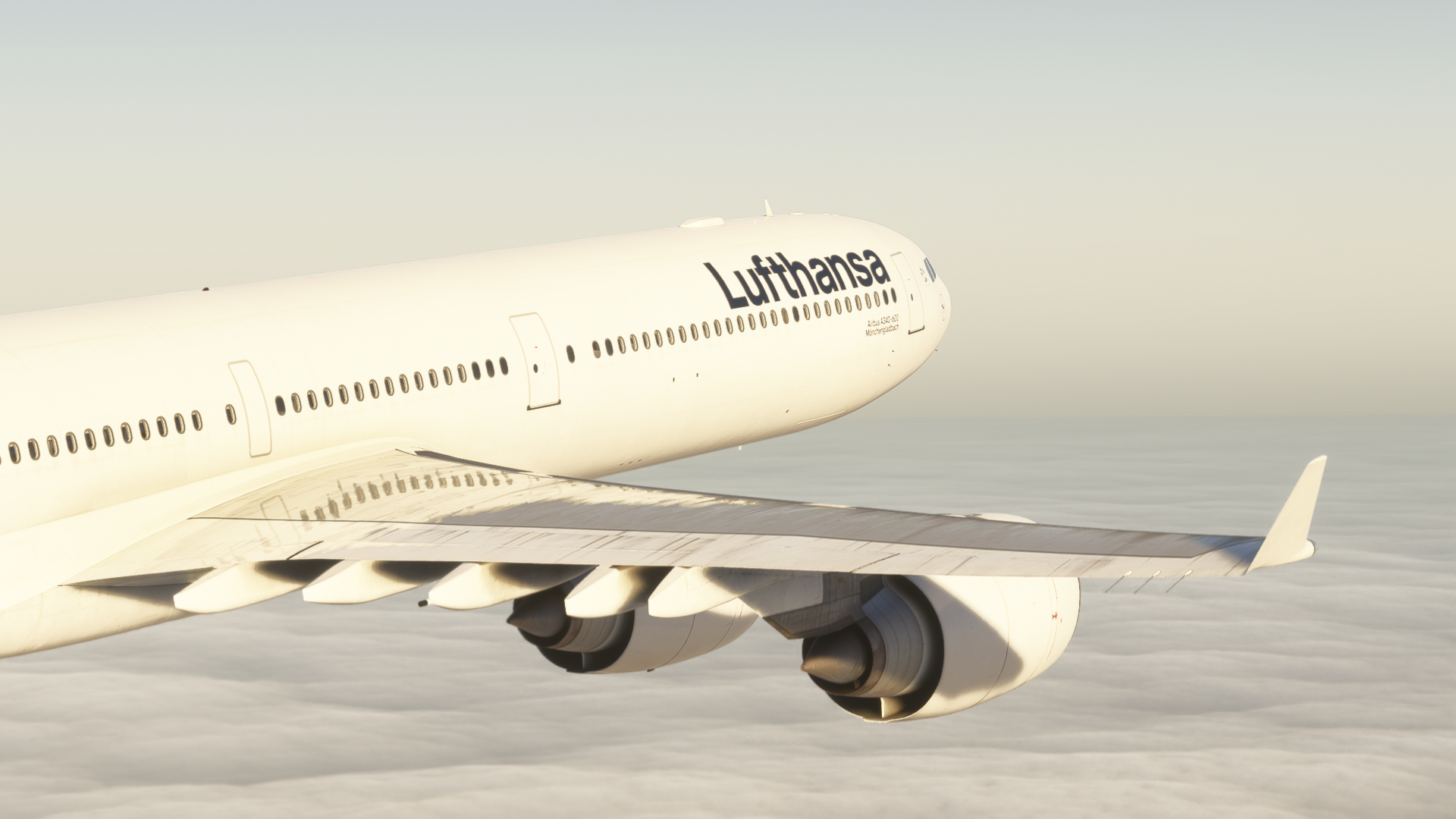
The same can be said about the exterior, which offers a detailed model of the A340-600. Modelled details were all over the place, and I could feel that I was looking at a real A340-600, just through a computer screen. The texturing of the exterior model was also done wonderfully, and some dirt was visible, too, giving the aircraft that realistic feel that it has been used in service for quite a while. I appreciate these details, especially on older planes that were in active service for around 20 years or more.
Modelling
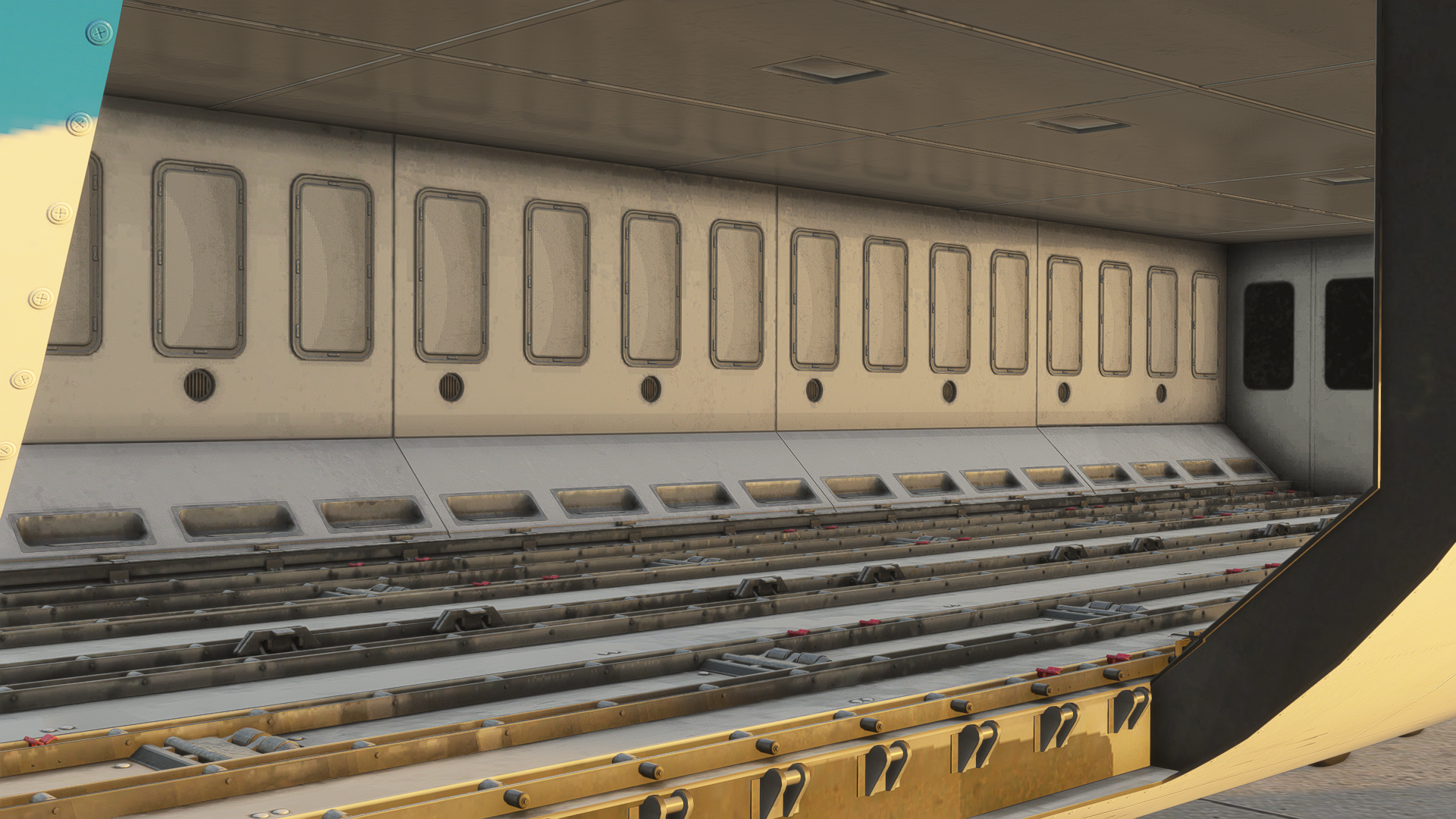
I am going to start things off with the modelling of the aircraft. Modelling is something that you are going to notice the most. Both exterior and interior modelling are impressive; I can state that immediately. Walking around the aircraft makes you feel like you are standing in front of it, and many minor details are visible around the fuselage, wings, the empennage and other parts of the aircraft.
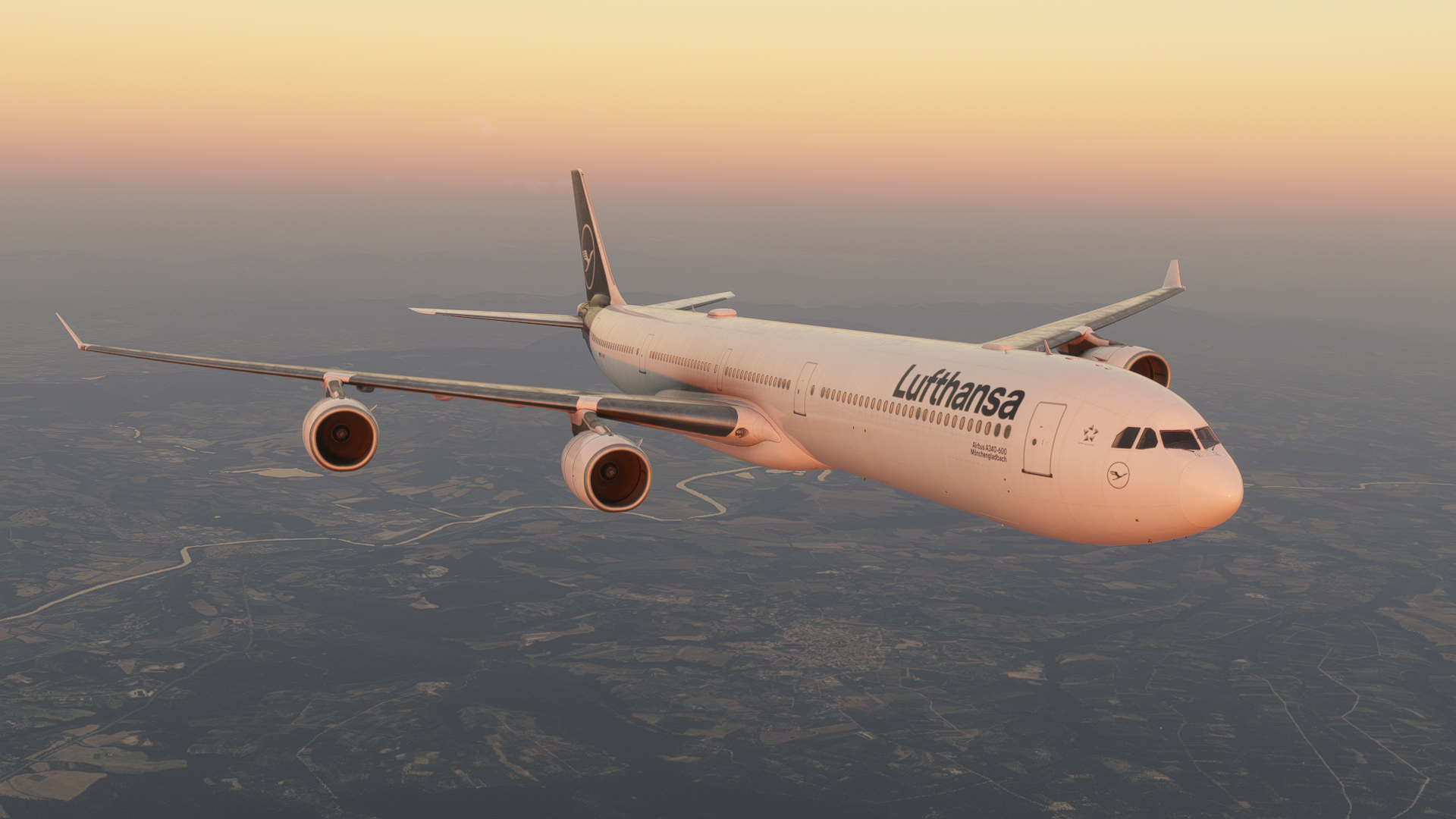
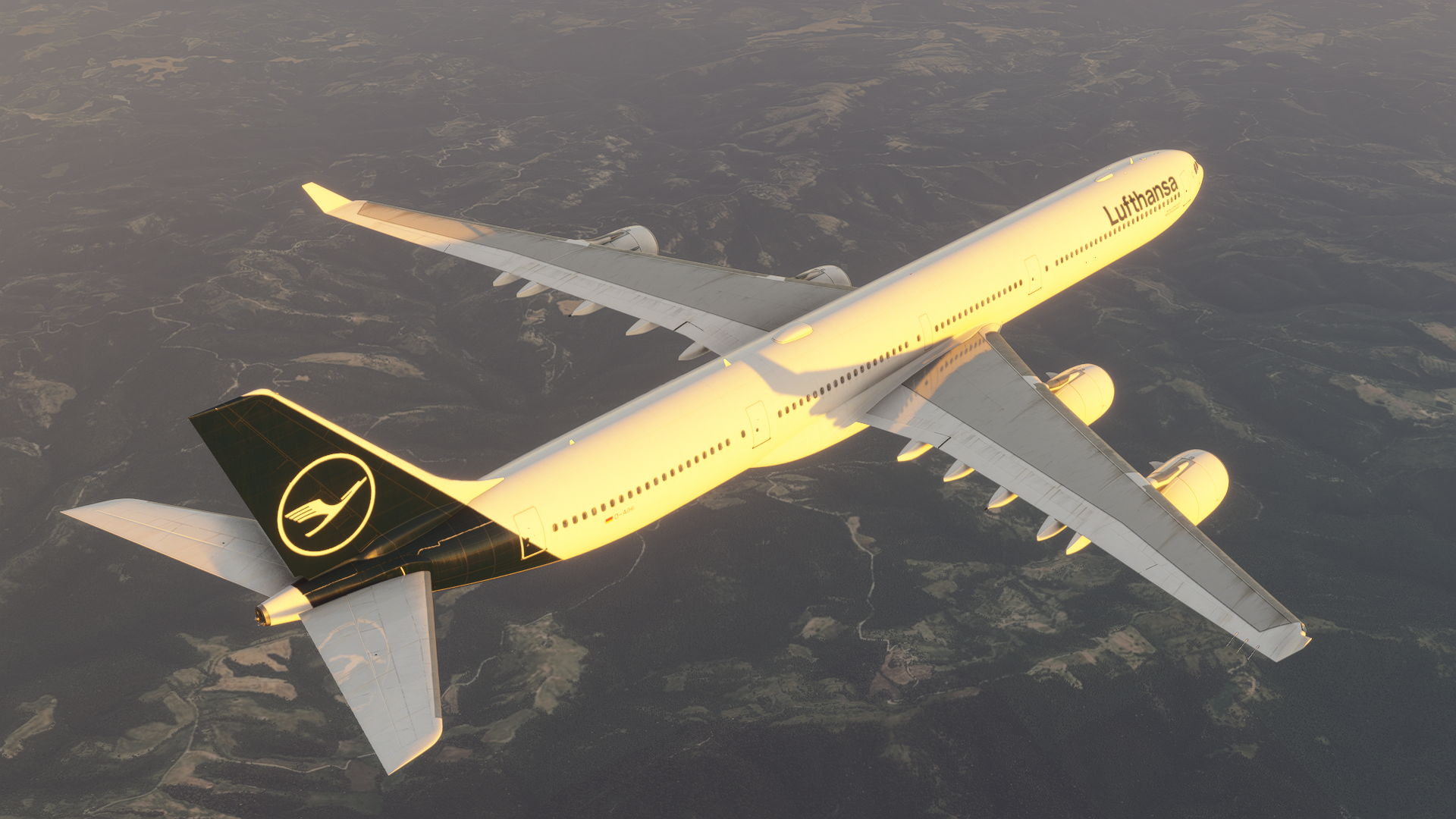
The models are seamless. There are no jaggy lines; it is round where things should be round and flat where things should be flat. You can also see the riveting around the aircraft and the depth of the portholes. Unfortunately, things like the ground power model and the AC unit model are missing. This means that if you connect them through your EFB, there is no physical connection visible to the aircraft. For those pilots who are interested in some proper ground operations, this may be a bit immersion-breaking. However, it is not much of a deal to me, as I don’t pay that much attention to it.
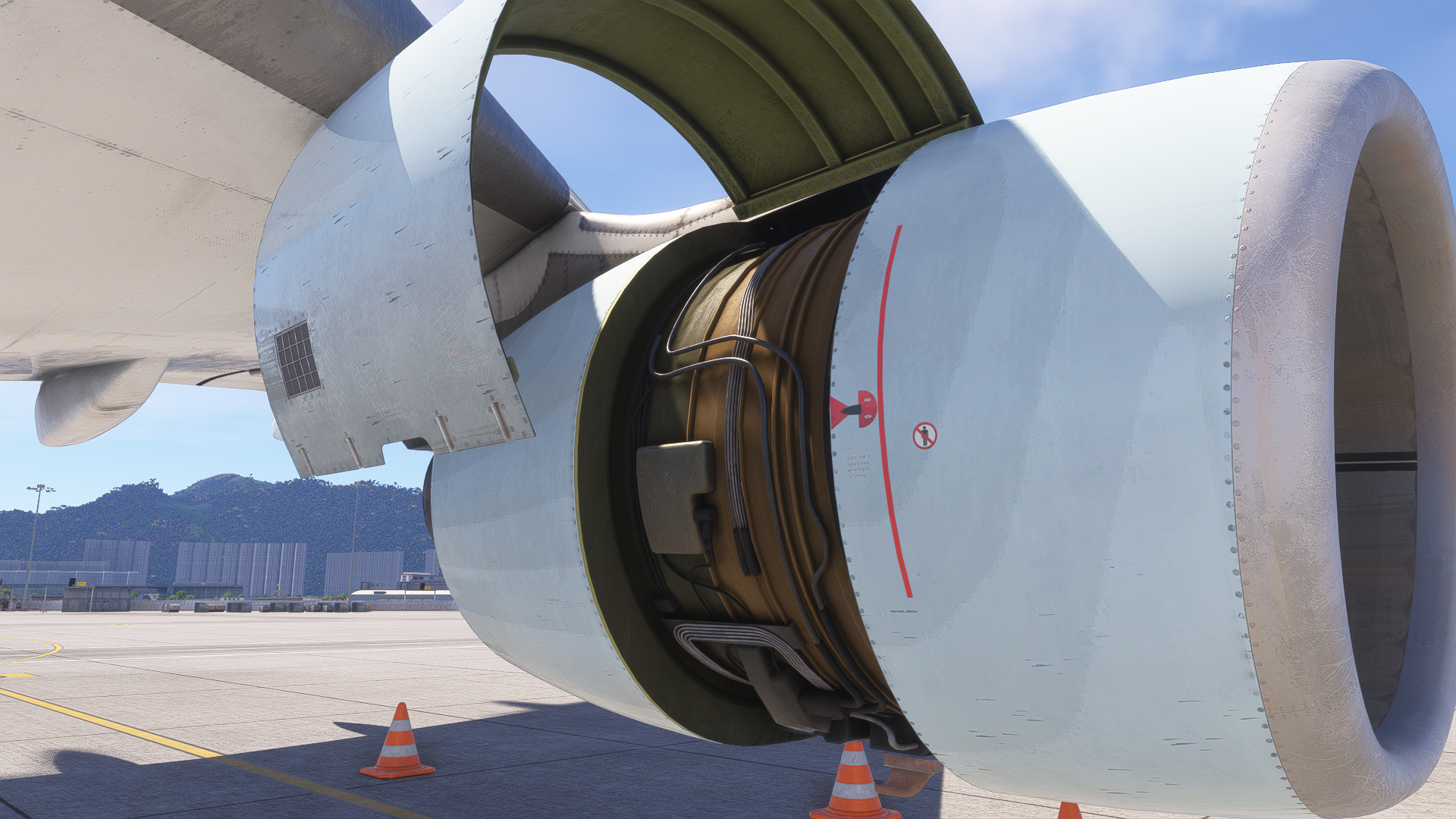
On the other hand, there are other details visible; you can put engine covers on, and open the engine cowlings to have a good look at the wiring and ducts running around there. Not many aeroplanes include this, so it is a nice little detail to have.

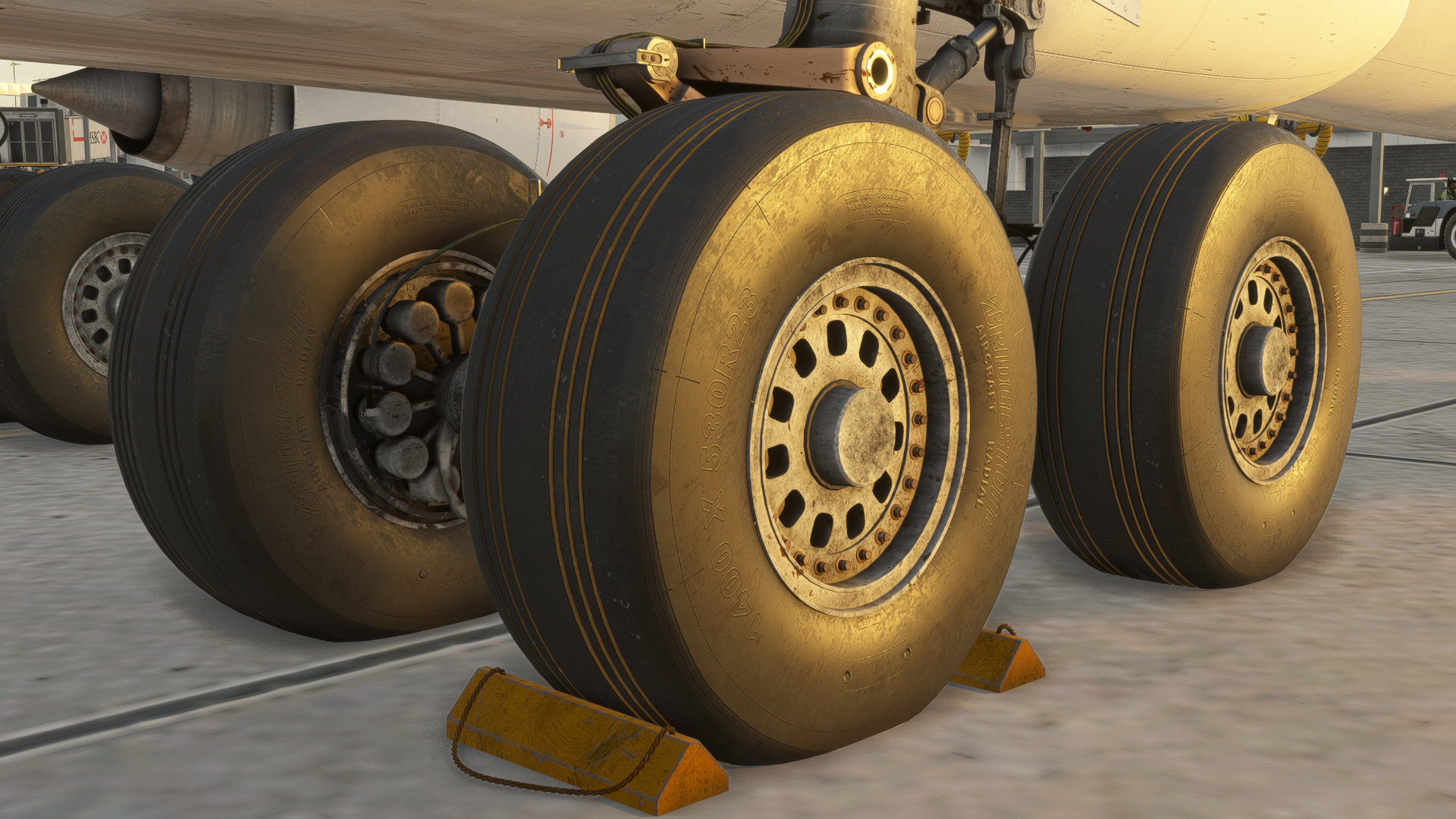
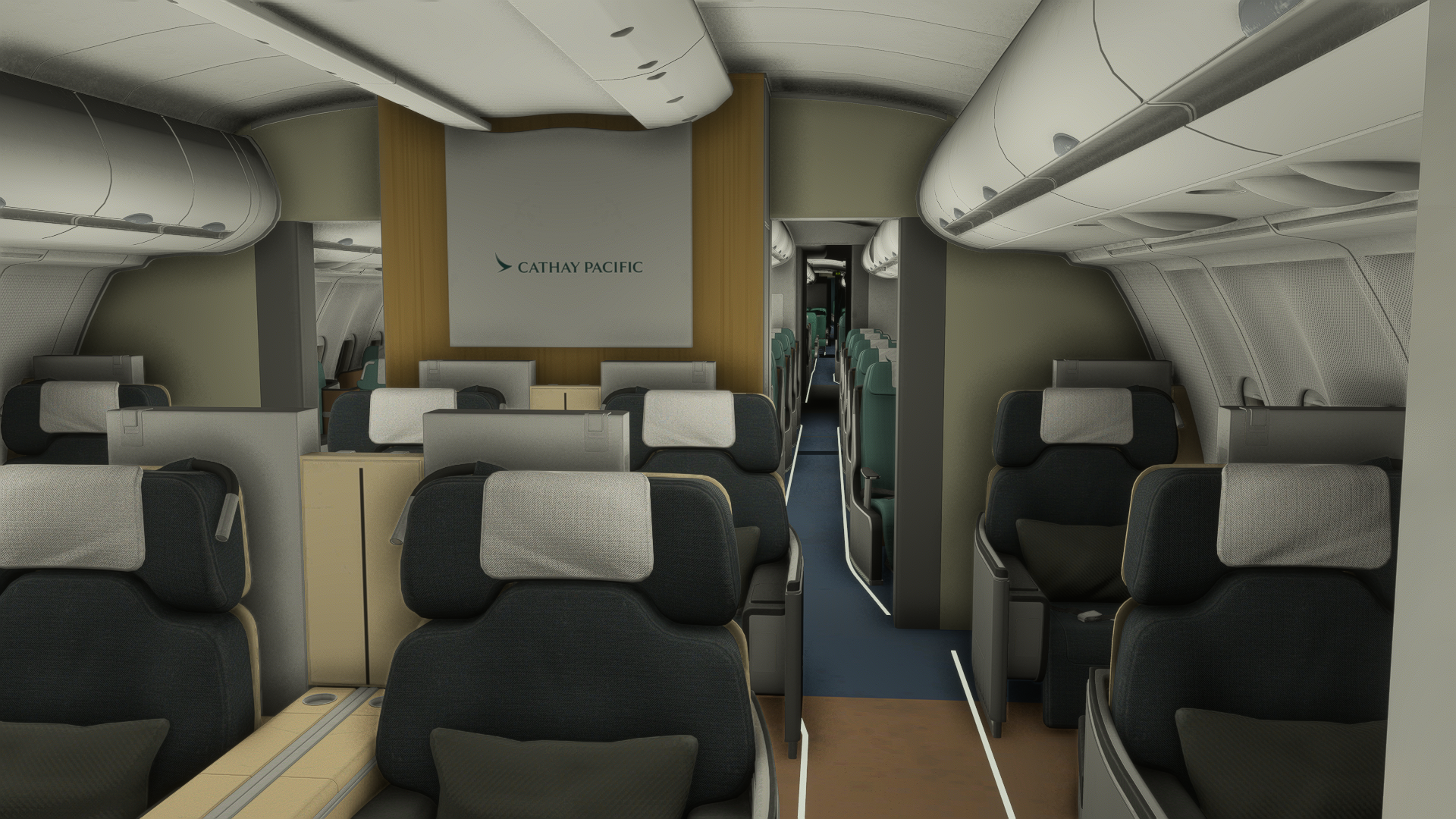
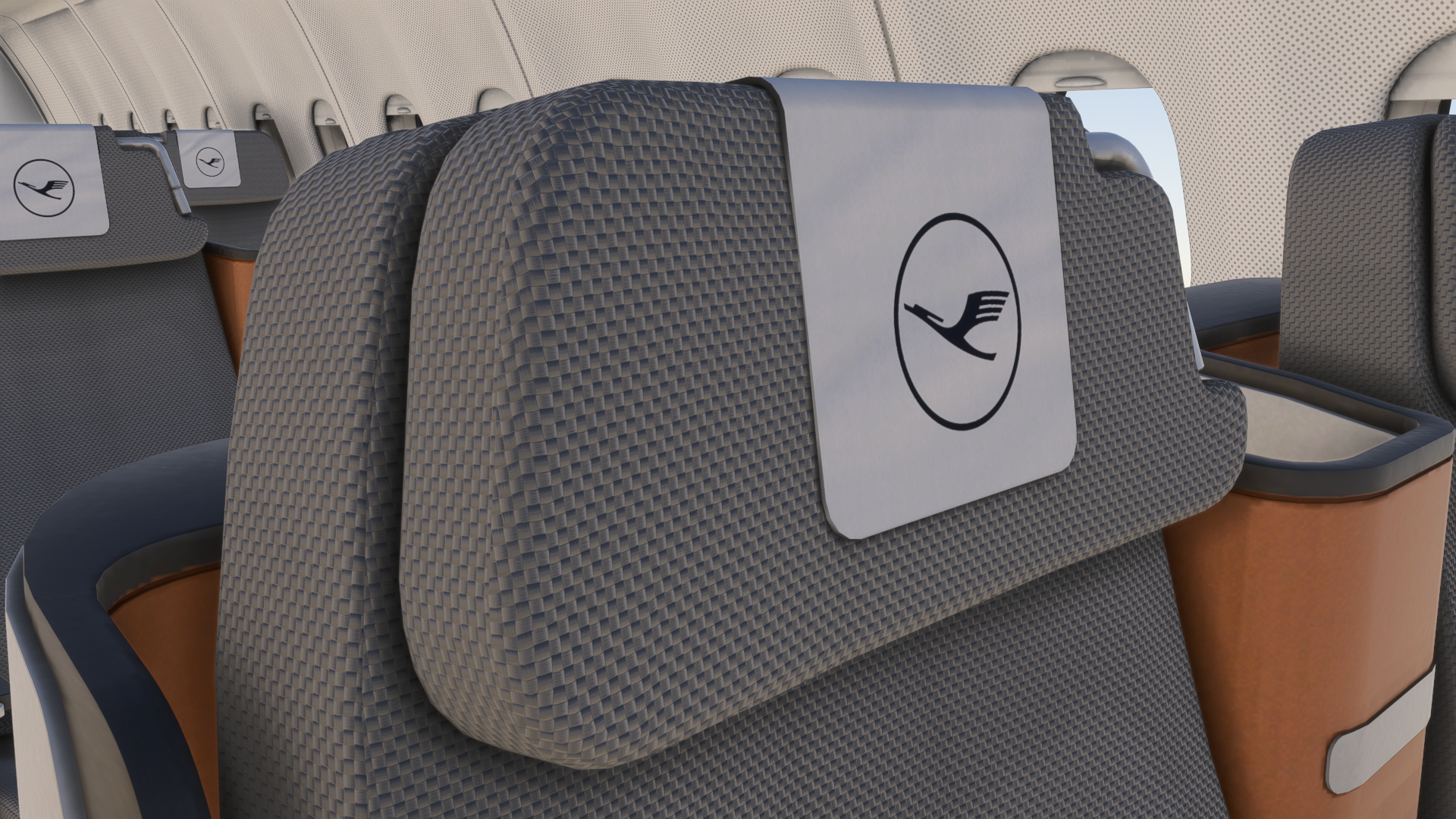
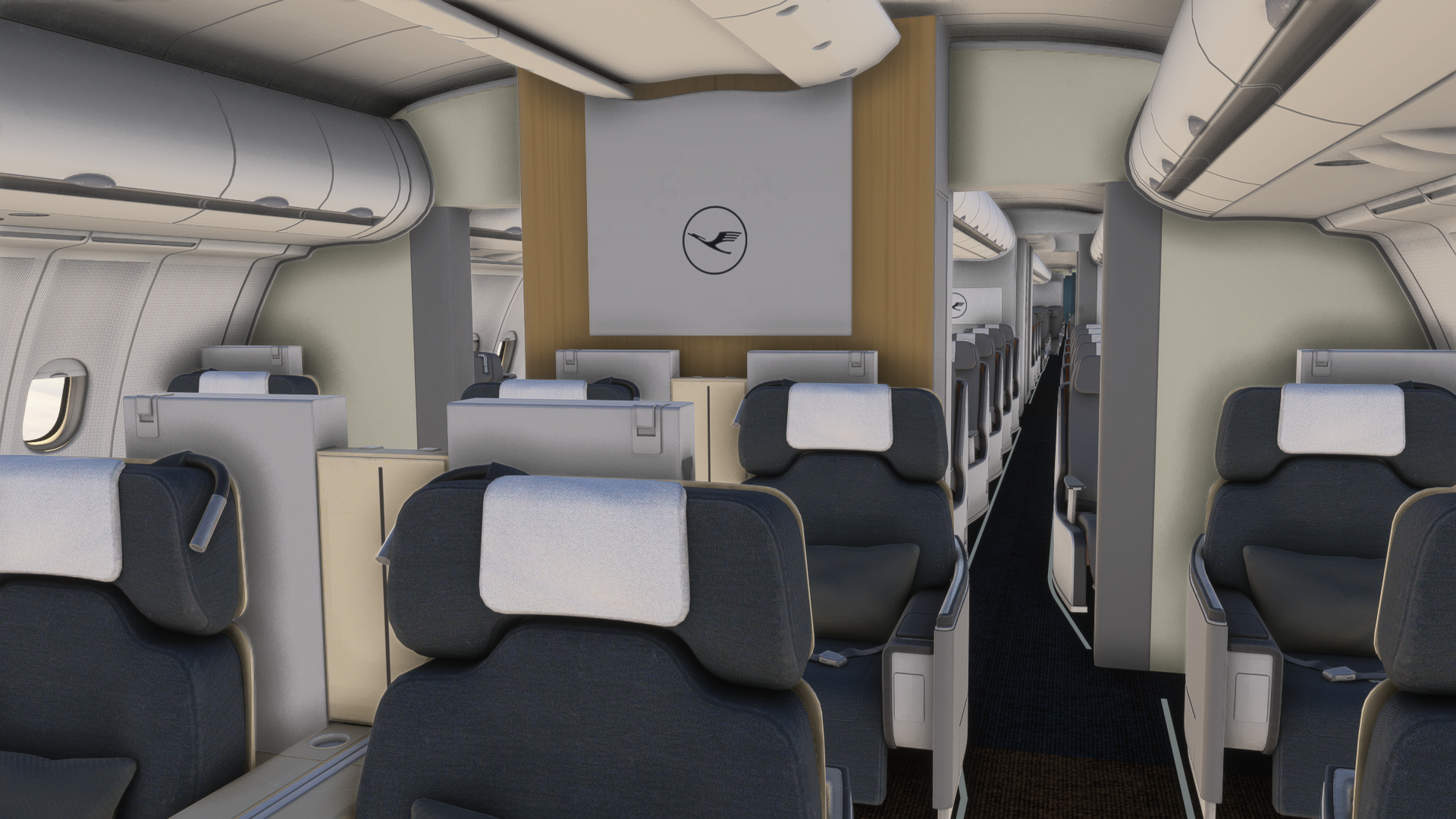
Moving over to the interior, that is absolutely great for an aircraft of this price point. The ToLiss and Aerosoft teams seem to work with the LOD system found in Microsoft Flight Simulator 2024, as the details are wonderful in the cabin, with performance still being alright. The same applies over here with seamless connections. The feel of the whole cabin seems realistic.
The cockpit applies the same logic and is probably the most detailed of the three mentioned. It is the place you’re going to spend the most time in, in the end. If you, of course, fly from the cockpit. If you don’t, that’s alright, but you’re missing out on a lot. The cockpit models are wonderful, to the point where you can actually see the connections of different panels, and even the parts behind the glareshield and around the rudder pedals weren’t left out. Individual knobs and switches are imperfect, as they should be, from wear and tear that will happen over time on a flying aircraft. Just by looking at the models and their textures, you can actually tell what the material will feel like if you touch it.
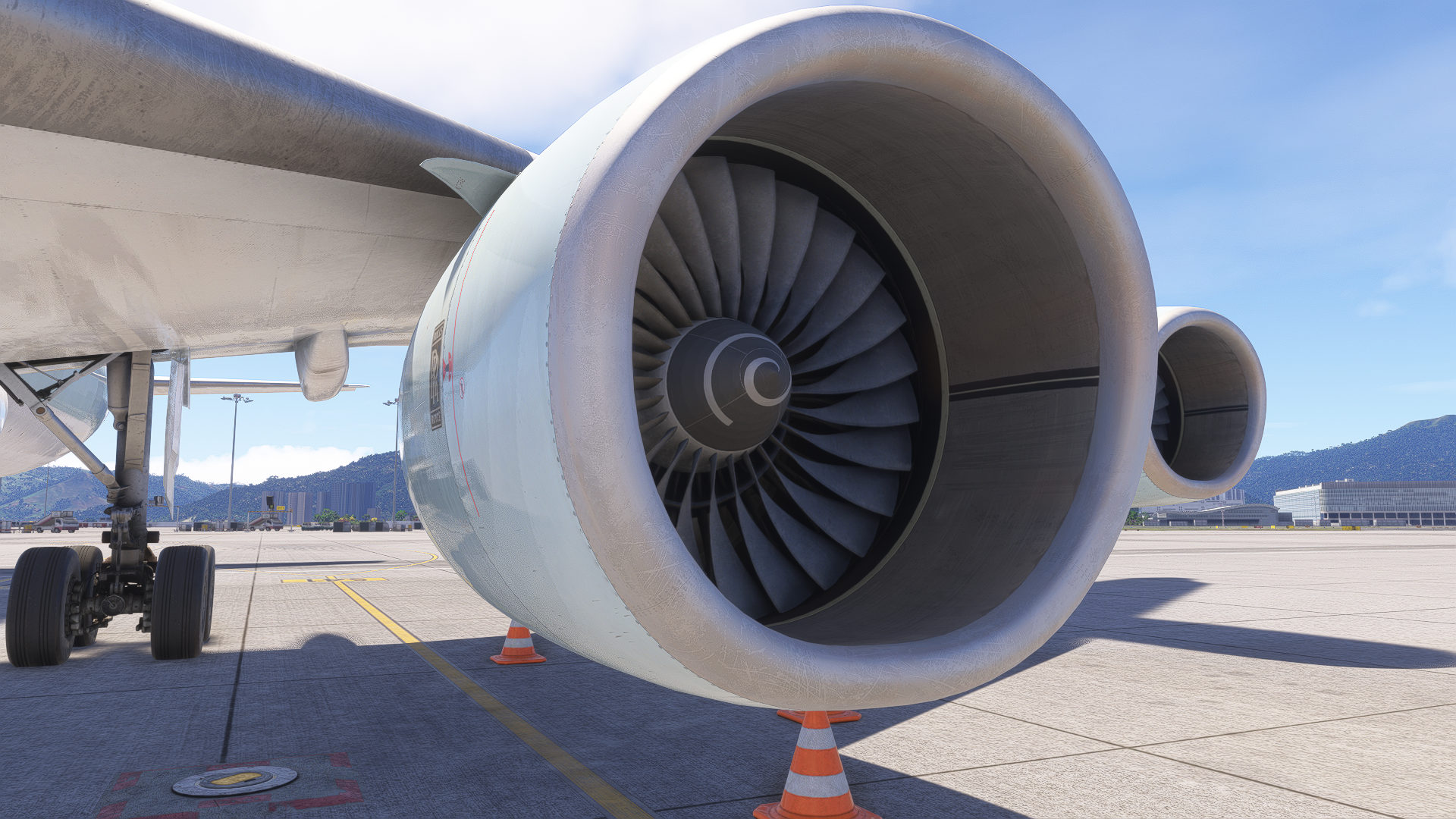
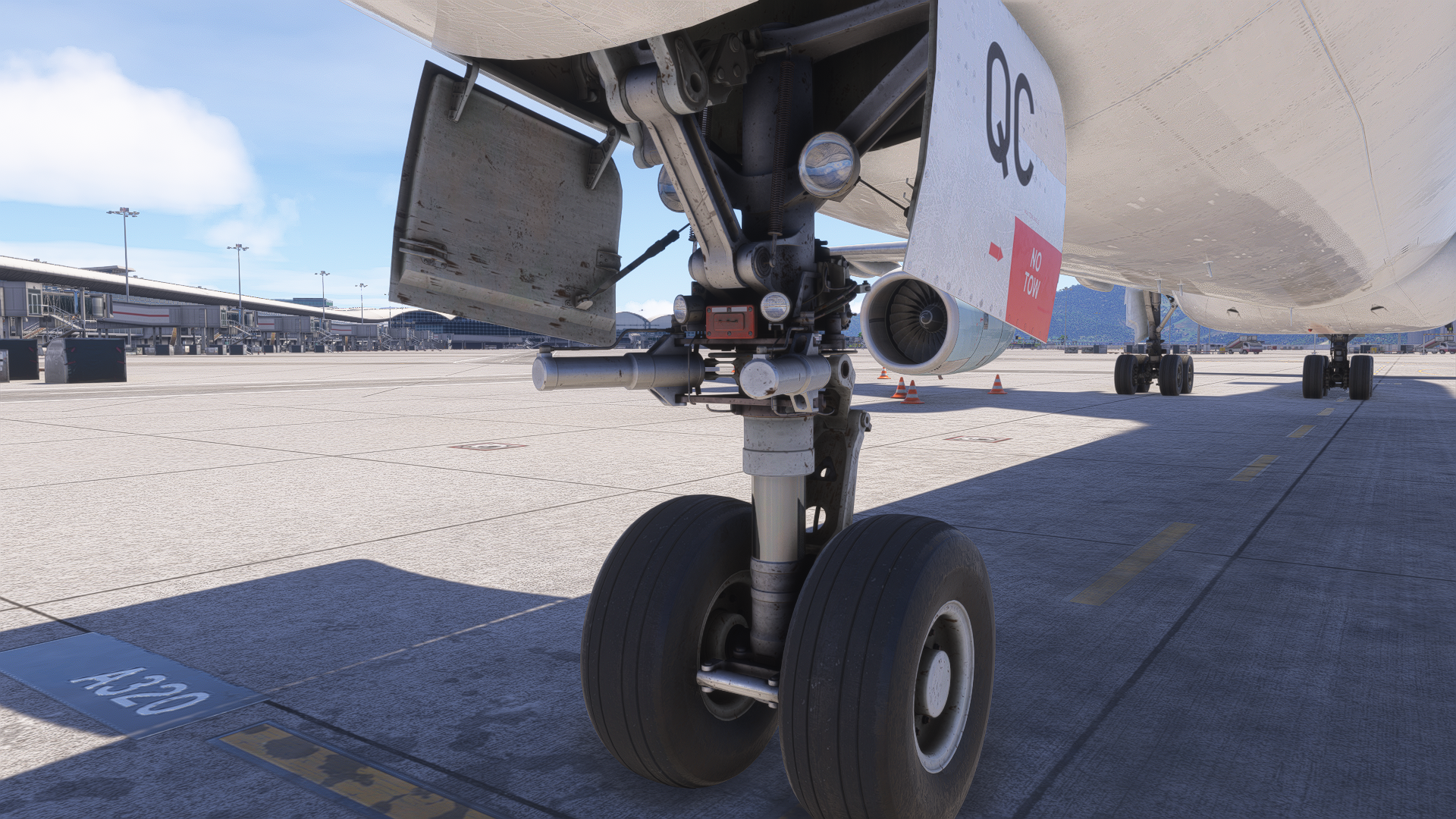
Moving over to the animations, those are smooth. They are not lagging out, and there are some small details, such as engine fans moving in the wind whilst the aircraft is cold and dark. I have frame generation enabled, and I did not notice any glitches in animations on this aircraft, which is a much-needed change. Compared to other developers, these visual glitches happen with fast animations, especially fan blades spinning mid-flight. That is not present here, and I am happy about it.
Texturing
The A340-600 comes pre-installed with a number of liveries, including the current operators, such as Lufthansa, and historic, like Cathay Pacific, Etihad or Thai Airways. All the essential operators of the aircraft type are available to you immediately, eliminating the need to install custom liveries from 3rd party portals like Flightsim.to. These liveries also have their own custom cabins, which is a nice detail, if you want to just wander around mid-flight, like I usually do.
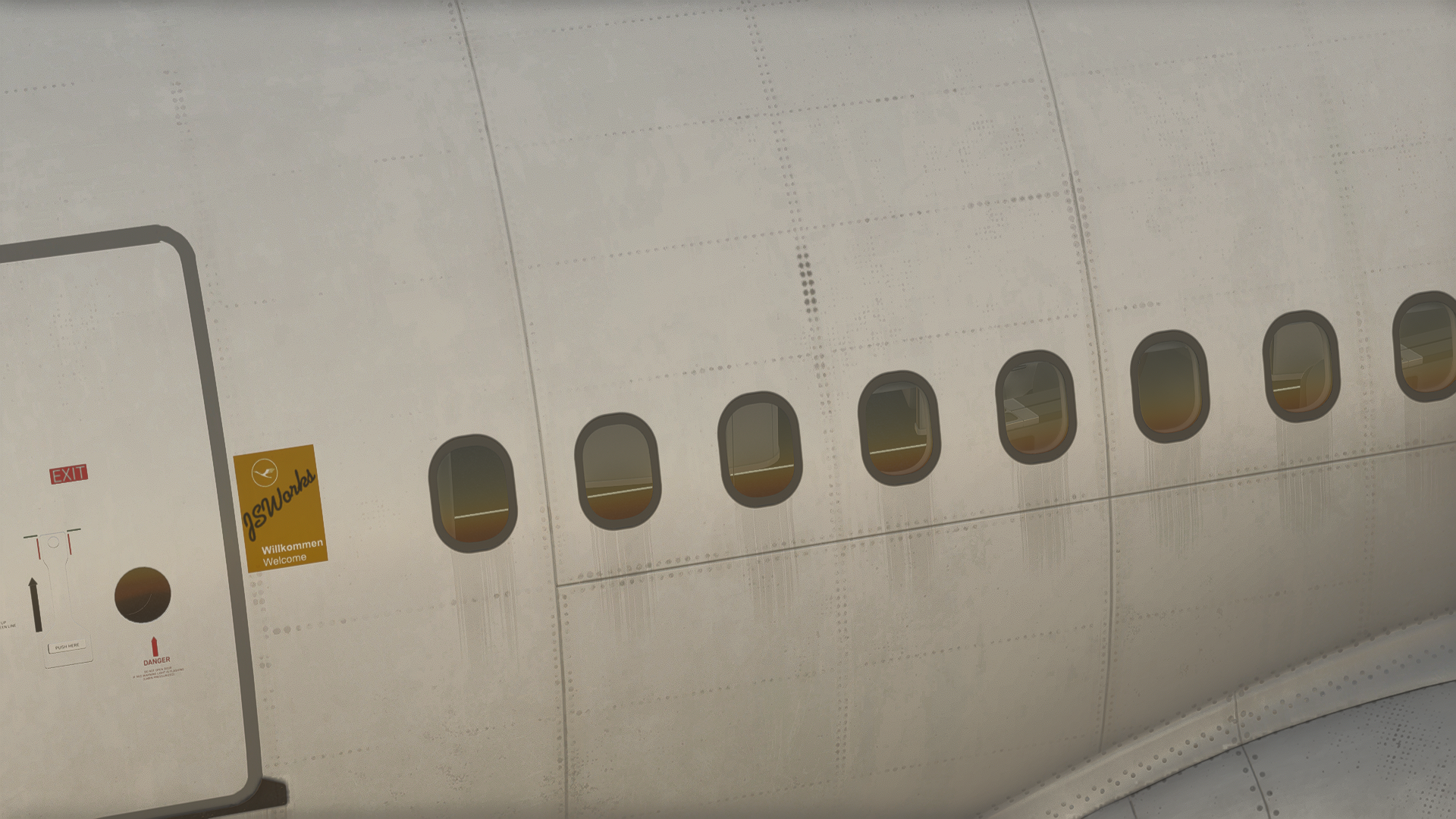
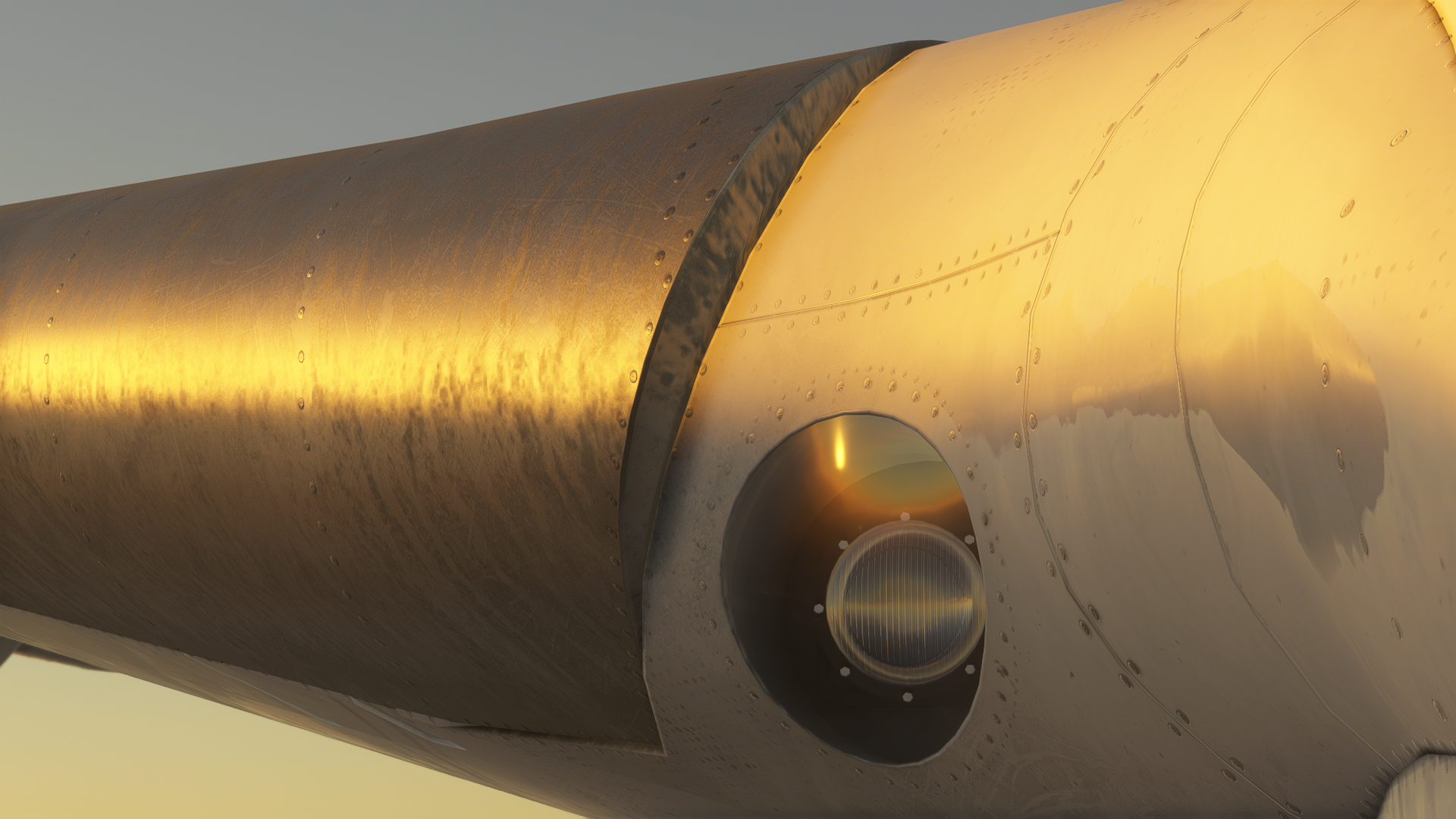
The textures are vibrant, bright and fairly well-detailed. In some cases, wear and dirt on the fuselage are also visible, which is a nice, realistic addition to an already beautiful 3D model. Throughout the whole aircraft, they are created very well. There is no clipping, no texture bleeding and no weird visual artefacts. The work done on the textures is thus very precise.
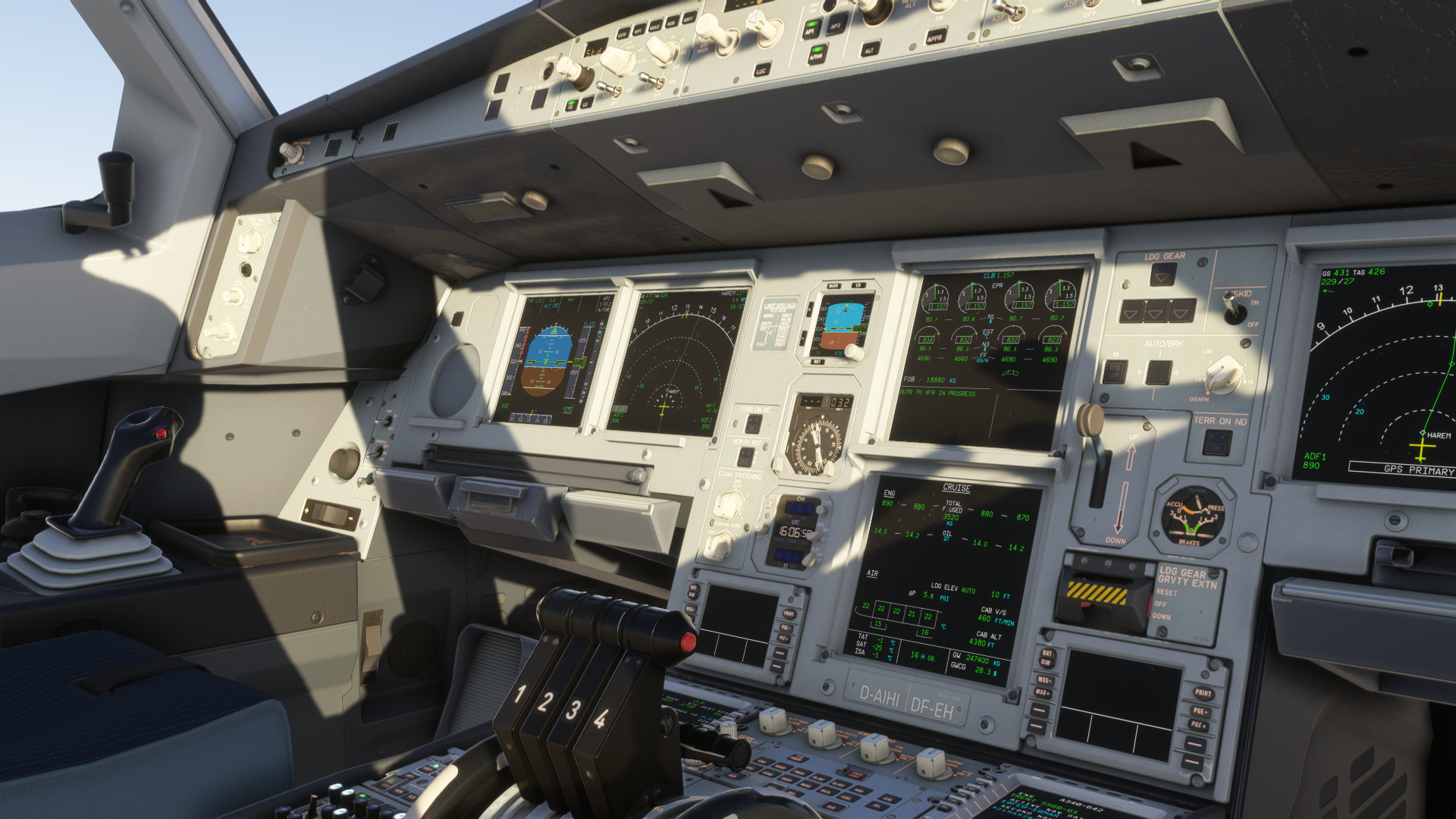
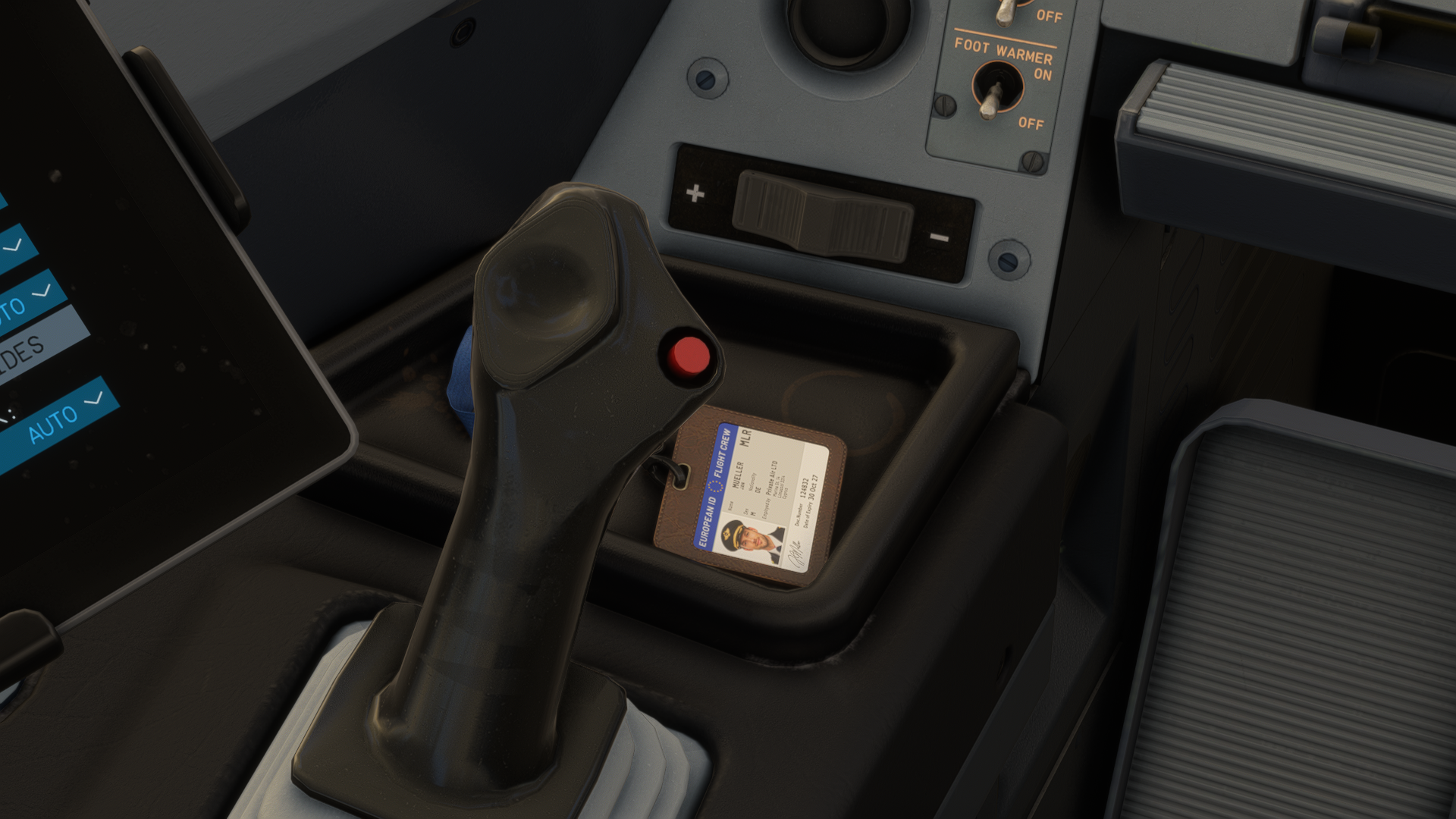
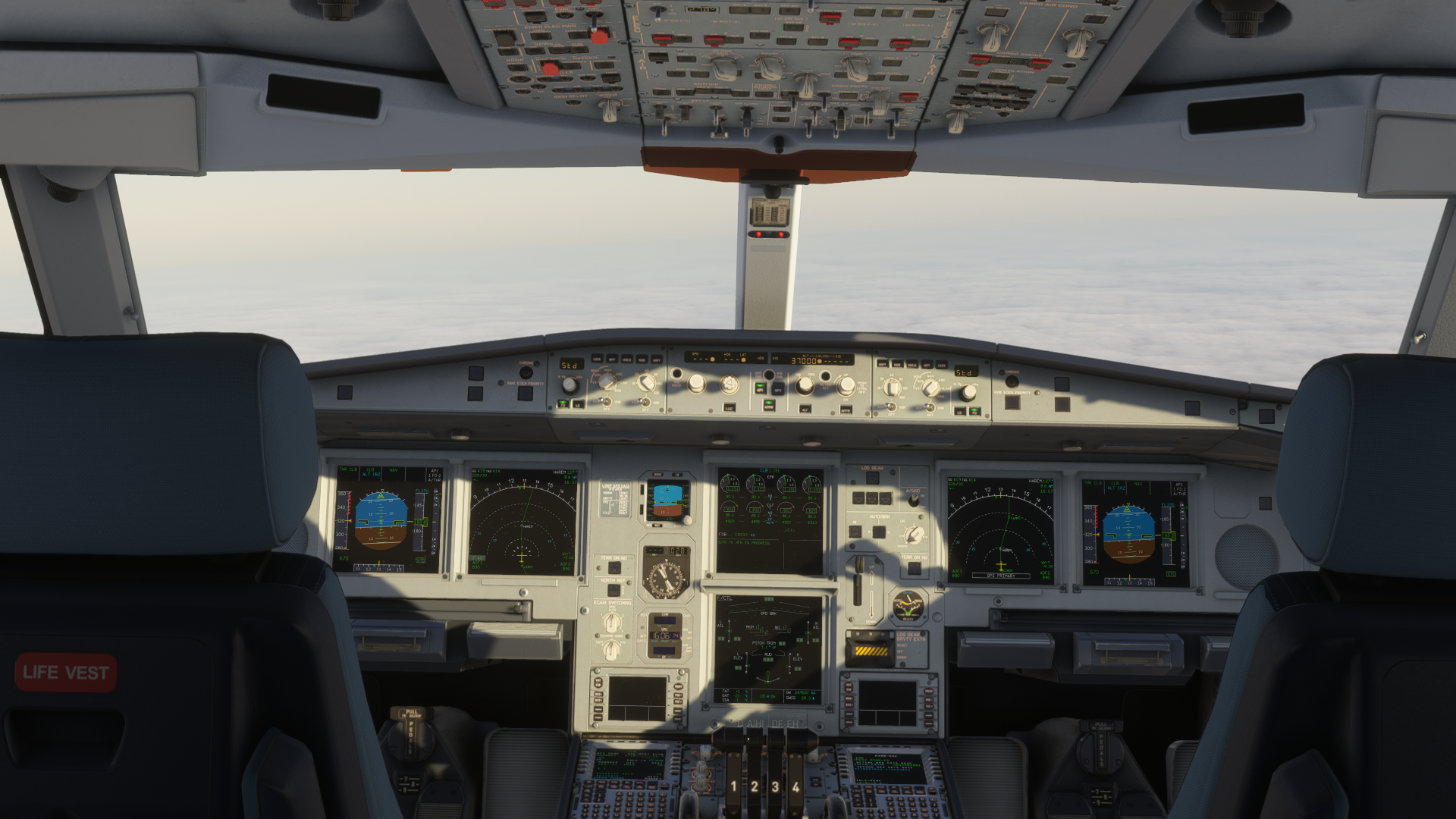
The cockpit has been drastically changed compared to the initial version. In the first version, the cockpit textures seemed washed out and had no “personality” per se. However, this problem has been fixed, and the cockpit looks very good now.
Sounds
I don’t have real-world experience with the Airbus A340-600, so I can only speak as far as comparing the sound design to videos on YouTube or to other aircraft available in Microsoft Flight Simulator. Overall, the initial impression of the sounds is that they have a good enough depth, and you feel all the things happening in the cockpit and in the surroundings right through your headphones.
The switches have a satisfying click to them, the cockpit ambience is very pleasant, and it is even reactive to your camera movements. The engine spool-up is very satisfying, with enough bass to rattle your bones. Opening the cockpit windows and doors mixes the ambience of the surroundings from the exterior, simulating the feeling of rushed fresh air coming to the cockpit from the windows.
In case you are interested in changing sounds to your liking, you can do so via the EFB settings, where you can change the levels of each sound system available in the aircraft.
Performance
I am using this aircraft on a mid-range computer, consisting of Ryzen 5 5600X, 64 gigabytes of DDR4 RAM, and an AMD Radeon RX 9060 XT 16GB GPU. I am running the Aerosoft A340-600 on Microsoft Flight Simulator 2024, with frame generation enabled. Throughout all the flights I have taken, I was mostly on Sim Update 4, with Sim Update 5 beta used only on a few flights. The performance tests were taken in a standard a-to-b flying environment.
The performance, in general, varied depending on everything else going on in the simulator. With GSX running and being spawned in a more performance-heavy environment, such as Aerosoft Frankfurt or iniBuilds Heathrow has taken a lot of frames per second and VRAM clearance. Still, VRAM usage mostly peaked in these situations to around 13 gigabytes out of the available 16, RAM was sitting at a comfortable 13 gigabytes, give or take, and the CPU was utilised at 60-70% during all flights.
In less demanding environments, things got even better. The Aerosoft A340-600 was running confidently on 30-40 frames per second without frame generation. However, we need to admit that most of us use frame generation anyway, and the performance with that didn’t drop below sixty frames per second. Only at more demanding airports, as I mentioned. Overall, I can confidently say that the Aerosoft A340-600 is very well optimised for its depth and fidelity. Many concurring developers should take notes.
Systems
The Aerosoft and ToLiss teams have gone in-depth regarding the systems. I am going to start with circuit breakers, as I take that as a benchmark of things you can actually do with the aircraft. In the Aerosoft A340-600, you can reset the flight management computers and other parts of the autopilot if you like with them. However, the rear circuit breaker panel is sealed, and you cannot open it. This fact might be a dealbreaker, especially if you want to delve into the details of systems and avionics. You can still work around the avionics circuit breakers found on the overhead panel, through which you can disable flight management computers and certain parts of them.
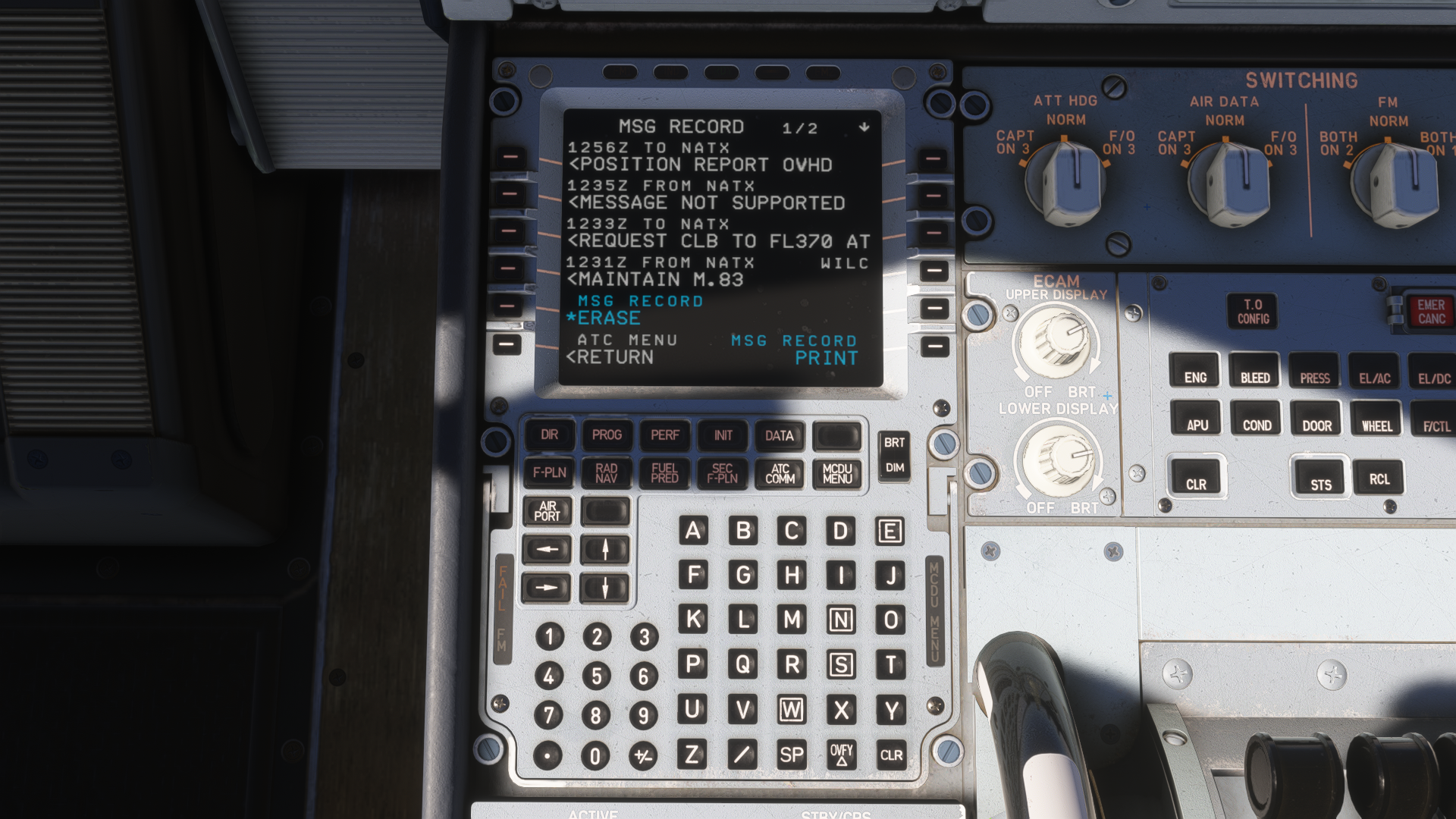
The Hoppie ACARS is available in Aerosoft/ToLiss A340-600, and it is working properly. You manage all your communications through the MCDU, where you select the ATC COMM page and work from there. You can request departure clearance, oceanic clearance or any other changes to a flight. I have tested CPDLC on a long-haul flight. It really all depends on the facilities your controller has available, though. I was able to request departure clearance, oceanic clearance, and send automatic position reports. However, when I tried to request a change through the CPDLC, that didn’t work. This was in regard to a step climb, which, in the end, I had to request via voice. Other than that, the CPDLC function in this aircraft gives you a realistic feel of data communication with air traffic control facilities.
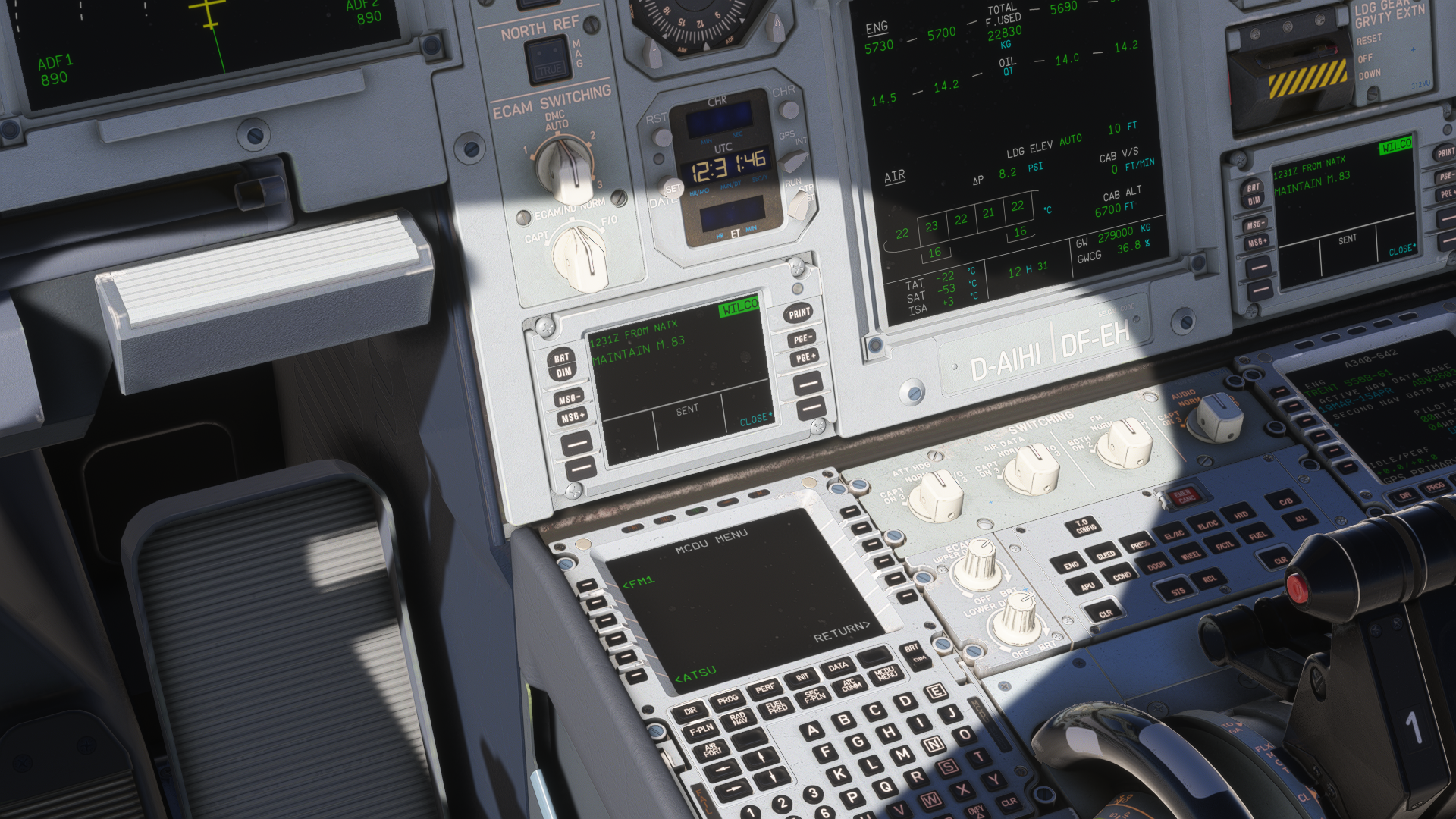
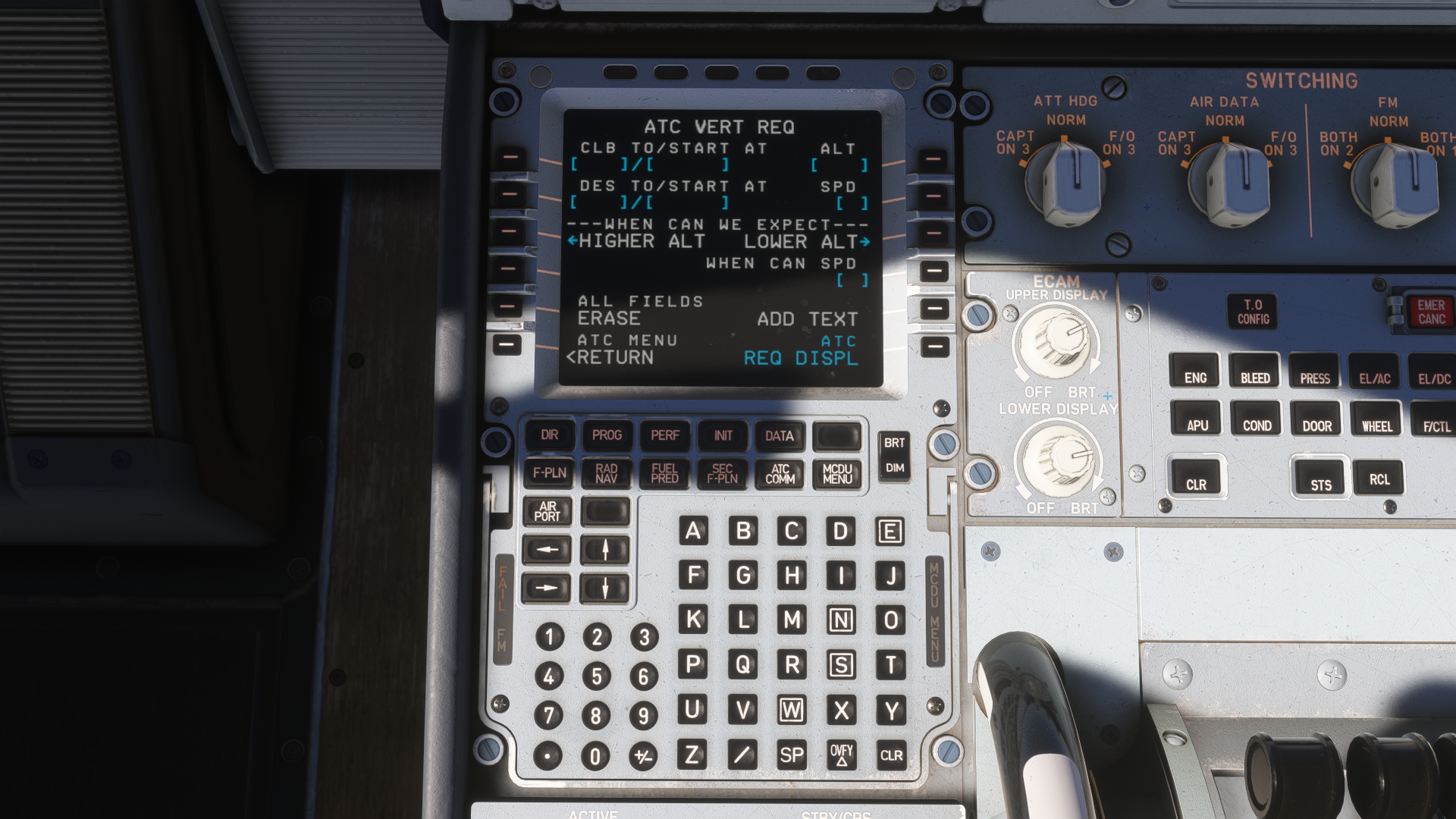
Moving over to the autopilot. This part of the aircraft is essential for any A-to-B flight, and this is where ToLiss development can really be felt. ToLiss was always known for a precise autopilot, and that was my experience with it during my X-Plane days as well, and it beautifully transitioned into MSFS 2024. The aircraft maintains lateral and vertical navigation properly, and the speed calculations make sense for an aircraft of this size.
Navigraph NAVDATA is essential, namely if you want to fly ILS and maintain proper altitude and speed constraints found on certain SIDs and STARs. I also tried waypoint holding, which works both automatically and manually. The autopilot dynamically changes the vertical path to accommodate the entry to the holding waypoint, maintain it, and exit from it. I did not have any issues with managing my hold, and the aircraft behaved as expected.
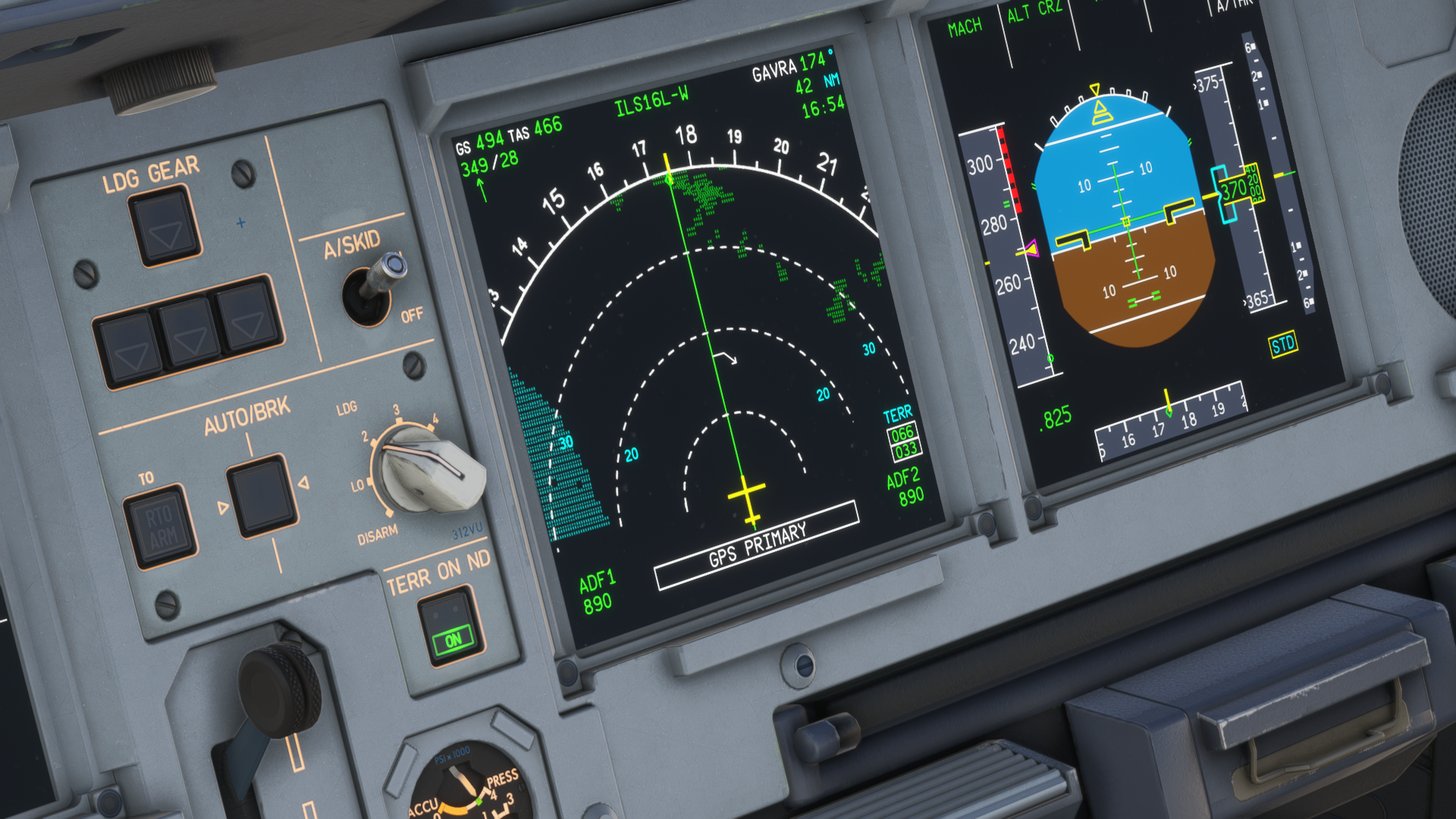
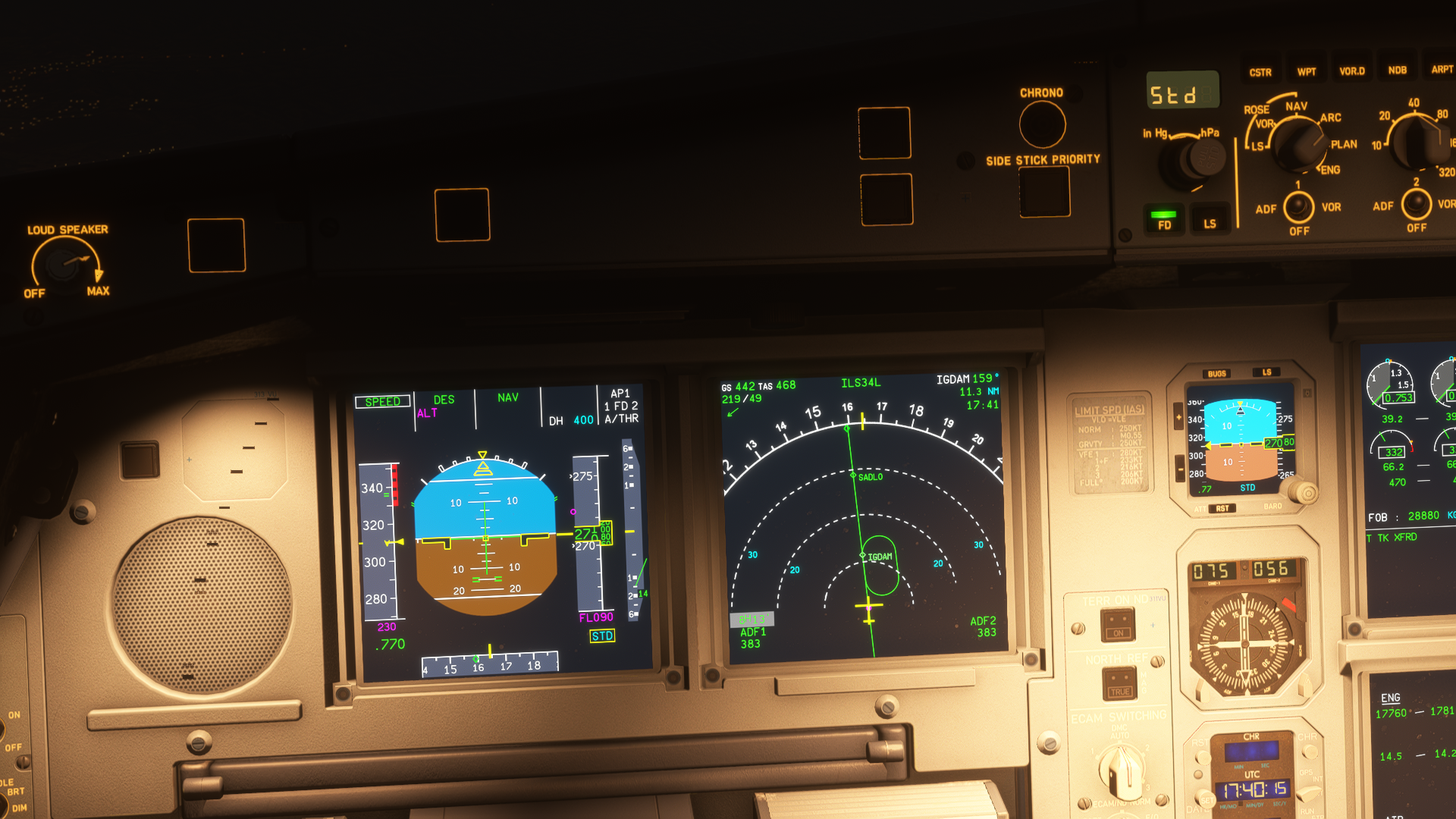
Moving over to the displays, that’s where I am a little bit disappointed. The displays are all readable, at any zoom level, and they properly represent the Airbus avionics as we know it. However, both the MCDU and the navigation displays are quite laggy. Giving an input to the MCDU takes a bit of time, and doing major turns makes the navigation display stutter a little bit. It may not be that important for many, but smooth displays are, in my opinion, essential for properly maintaining the aircraft in the air, especially if you fly it manually. The displays also include a functional taxi camera, which is a great addition. However, it is not as immersive or helpful as one would think. There is no performance hit when enabling it; however, the camera only works on the base level of the terrain, and doesn’t show the scenery as a whole, making navigating just with a camera difficult.
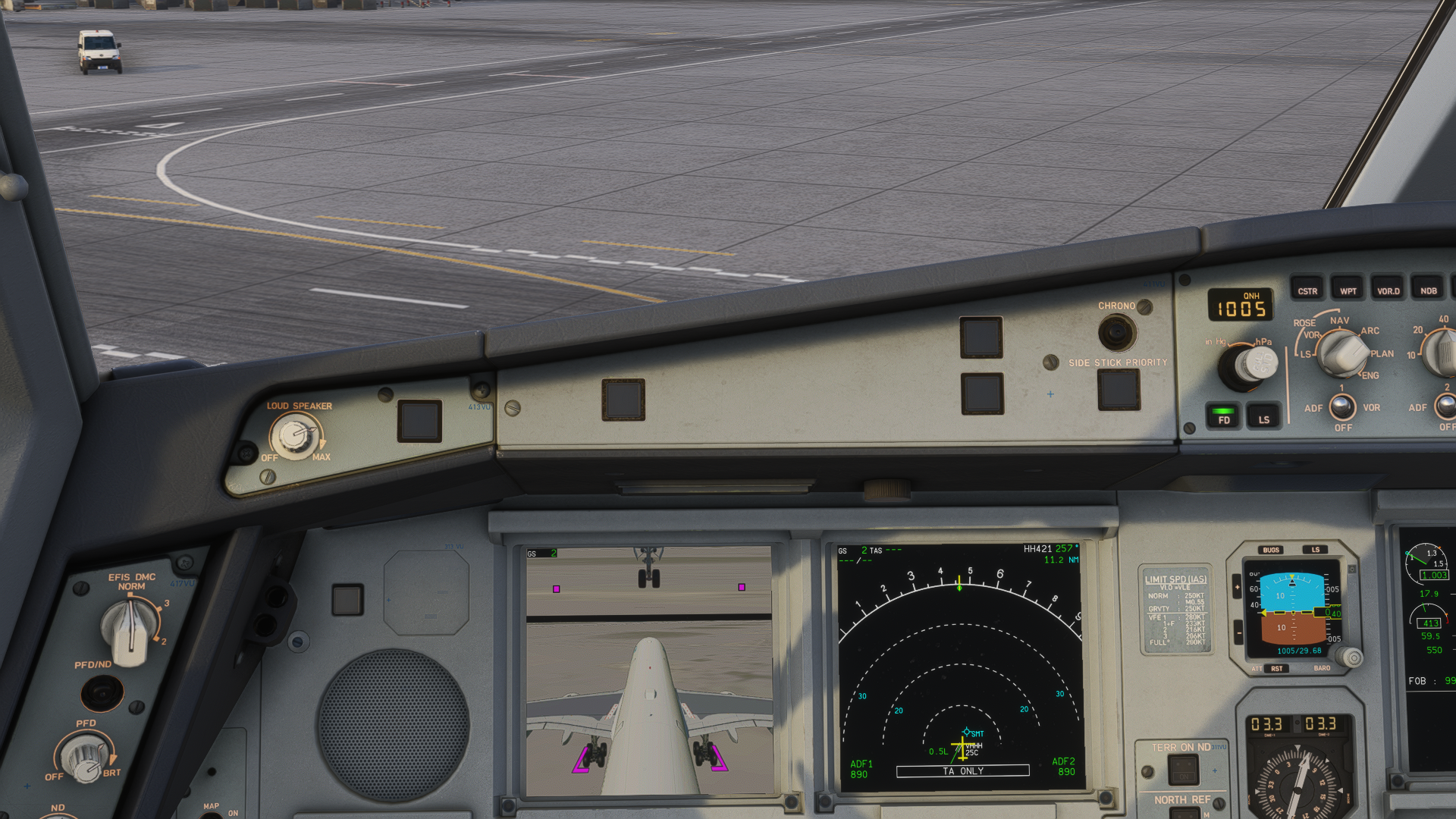
This doesn’t add up, especially where there is a terrain deviation, and the camera shows a slightly misaligned view compared to the one you see outside the windshield. Thus, it is not very helpful through turns either. Which is a pity, but thinking of it from a general standpoint, it makes sense. If the aircraft had to render the view twice, the performance would take a big hit, and the VRAM load might actually crash the simulator. It is unfortunate, but many aircraft do not have the taxi camera anyway, and I can navigate without it.
I mostly fly GNSS, with no failures enabled. However, the aircraft has manual radio navigation available in case you really want to fly VOR-to-VOR, or in case of a GNSS failure, you will be able to navigate yourself without any problem.
EFB
The EFB in ToLiss & Aerosoft A340-600 is a certified classic for previous-generation flight simmers. That is because the EFB is very similar to the ToLiss ISCS Screen (Interactive Simulation Control System); those who have flown ToLiss planes on X-Plane 11 and 12 will have no issues interacting with the A340’s EFB. I should mention that the design overall is very straightforward, and if you didn’t have the opportunity to fly the ToLiss planes in X-Plane, you still will be able to navigate the EFB easily.

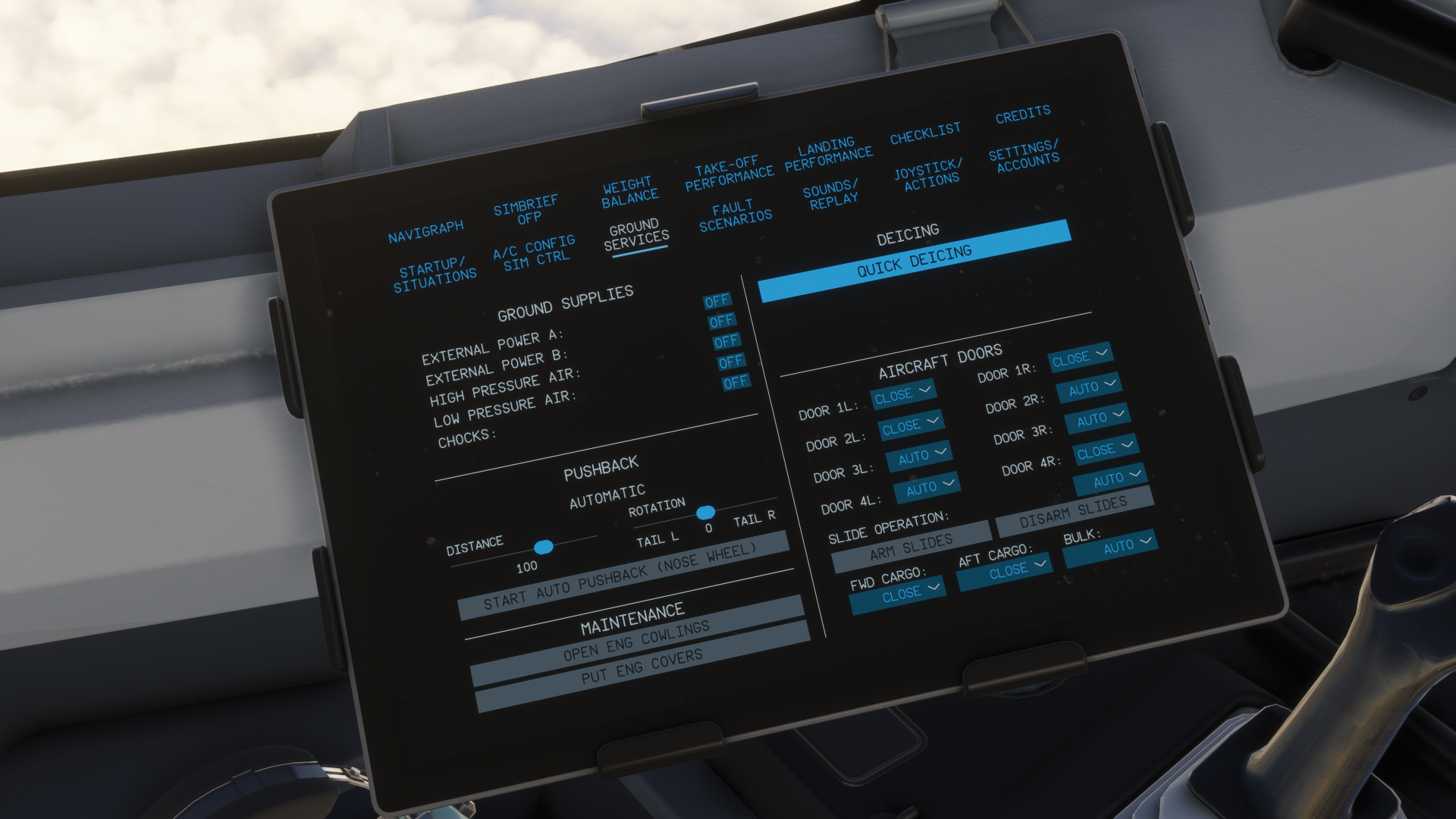
The EFB can be connected to external applications such as Navigraph Charts and SimBrief, making navdata updates and access to charts easier. The SimBrief OFP (Operational Flight Plan) can be downloaded to the aircraft as well. However, if you want to load the aircraft from your SimBrief OFP data, you need to uplink your whole route to the MCDU. This is kind of an unfortunate way of dealing with this, as I like to write my route manually. Thus, if I want to manually insert the route, I also need to load the aircraft manually. This is a shame for my taste, as I like to have my payload set up by the EFB. I hope this is going to be fixed in future updates.
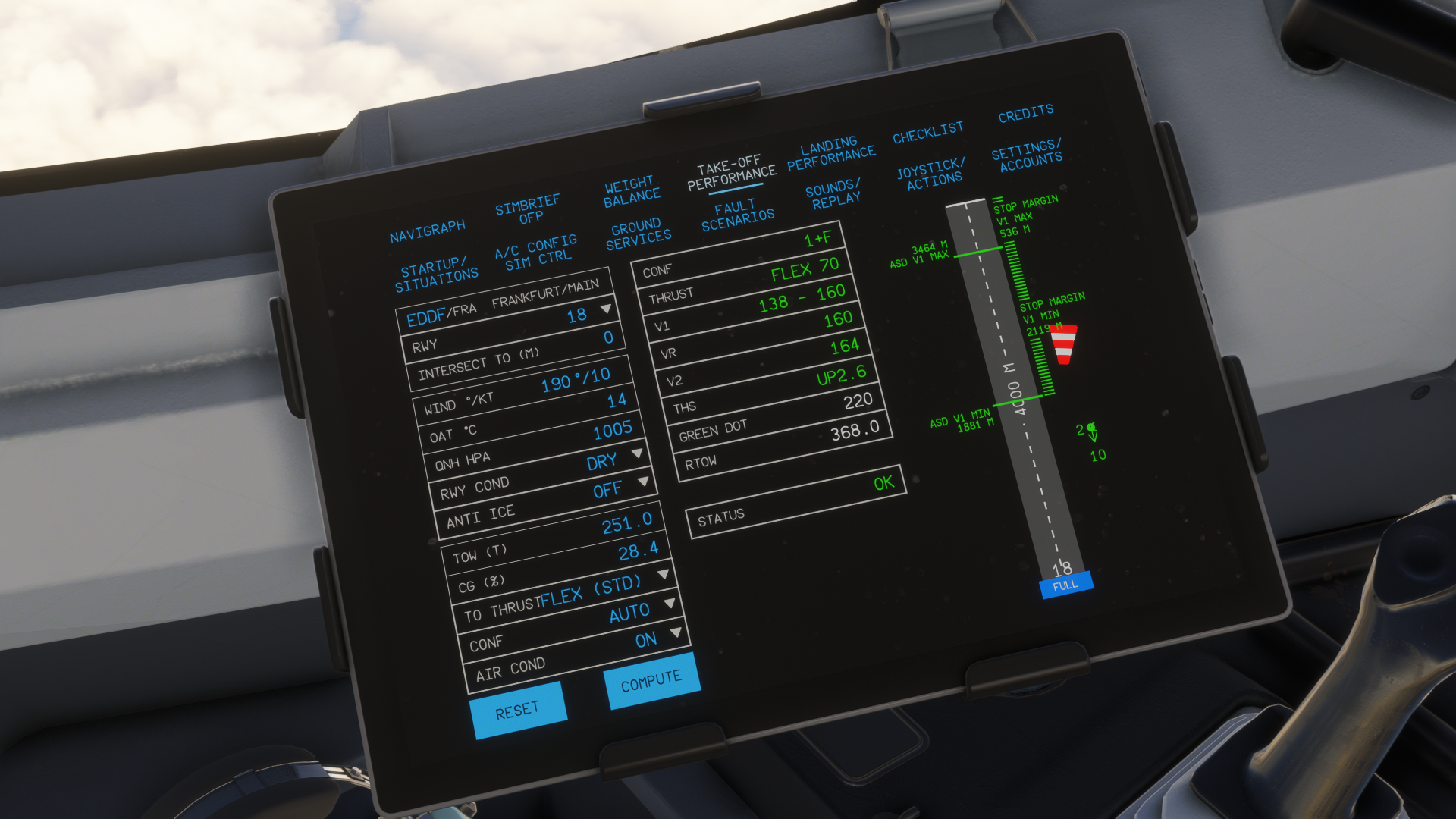
Take-off performance and landing performance calculators work really well, and reflect the aircraft’s performance data based on your payload in real-time, making the calculations accurate. Weather data can be downlinked from SimBrief OFP, so no need to insert the weather manually.
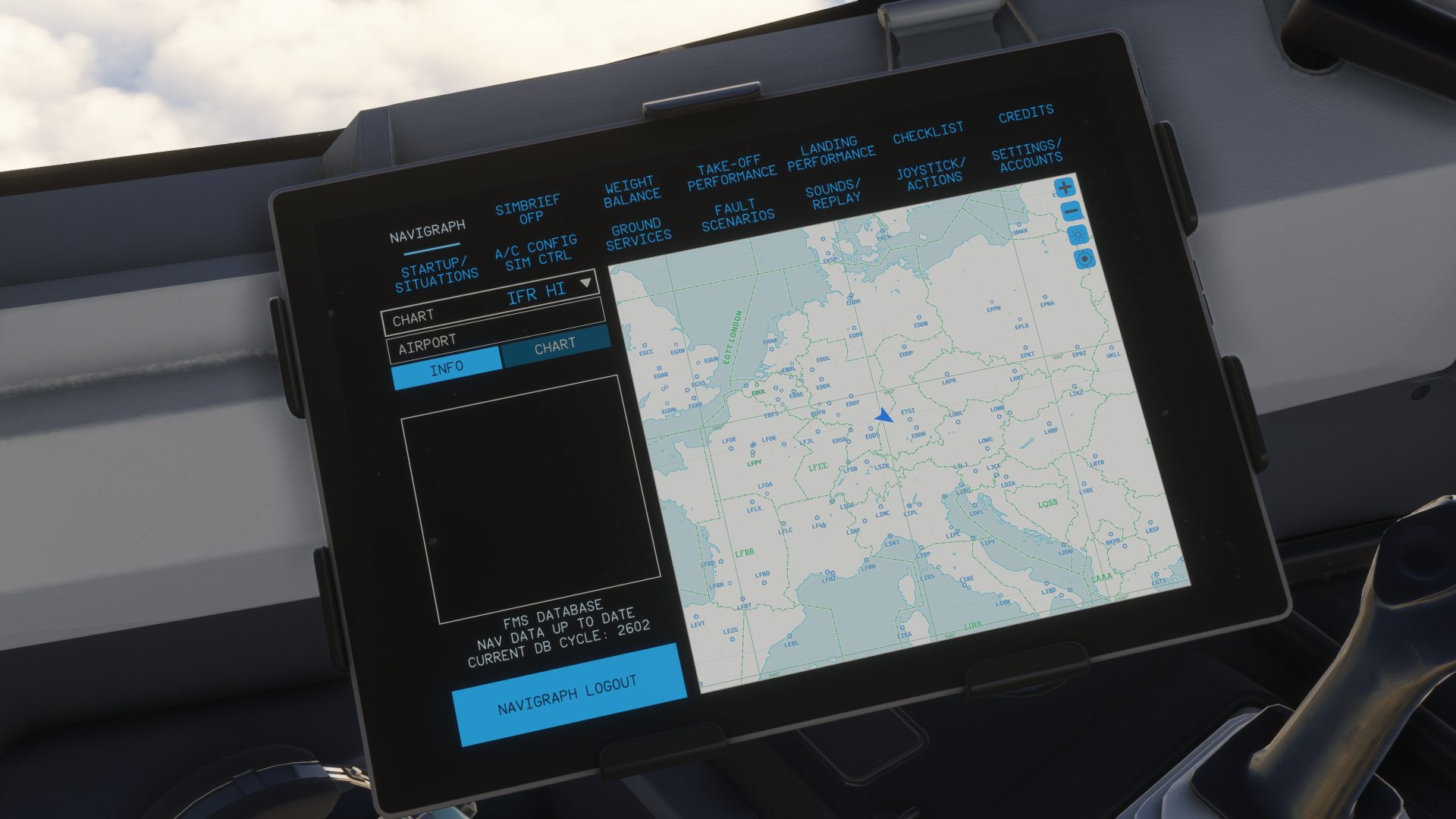
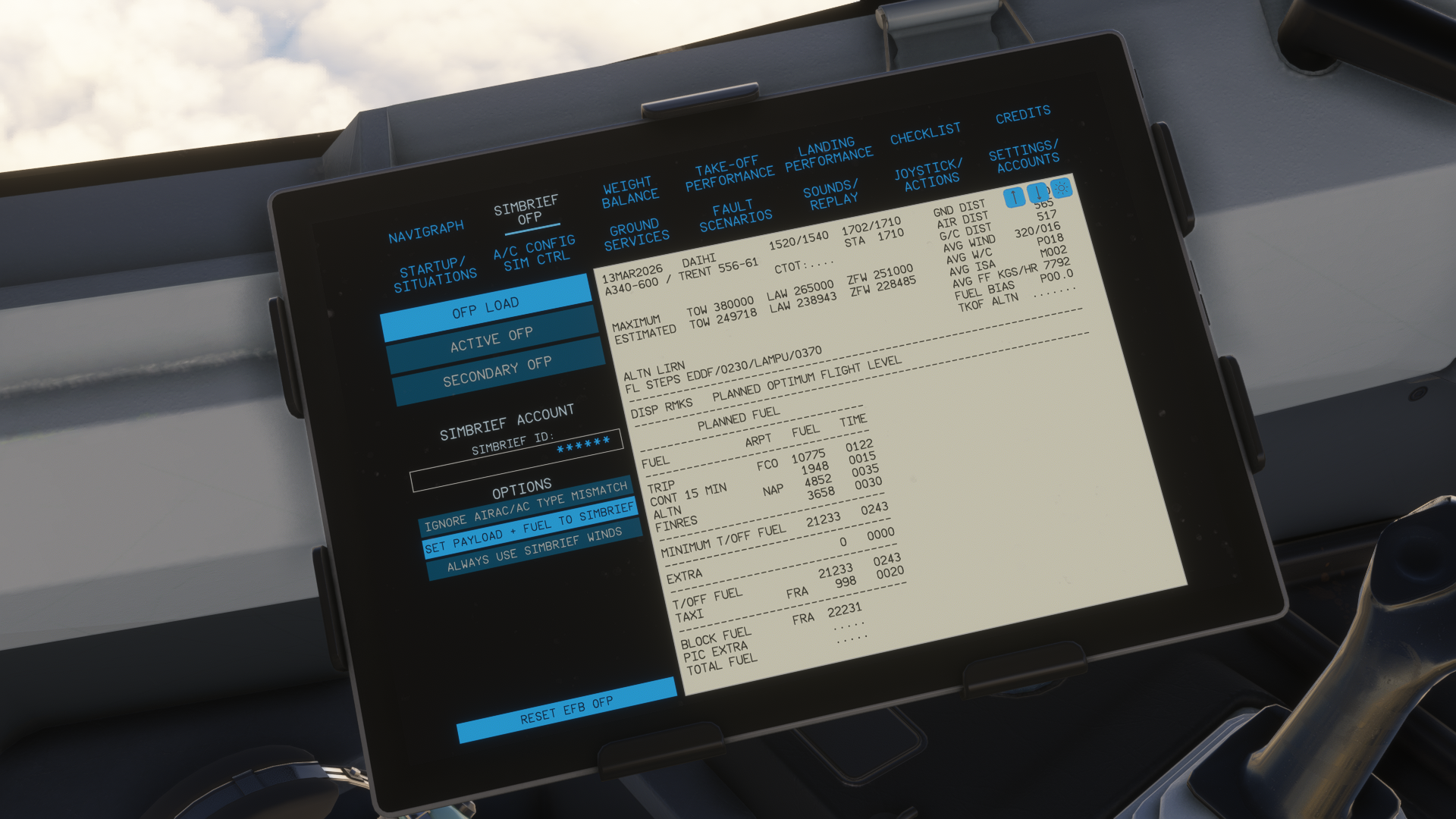
Moving over to the core of the aircraft, you can also set up your faults through here and adjust sounds. The aircraft has a functional replay mode, as well as an autosave. Both of which work flawlessly, in my opinion. Autosave can be loaded through here after a simulator crash. You can load up in any scenario, click on your recent autosave and get teleported to your last known position with your aircraft retaining its panel state and payload state, as well as fuel. The replay checks for your flight for the entire duration of it, and you can return to it any time you like. These are really nice-to-have features, and I would appreciate having them in many more aeroplanes than we have right now.
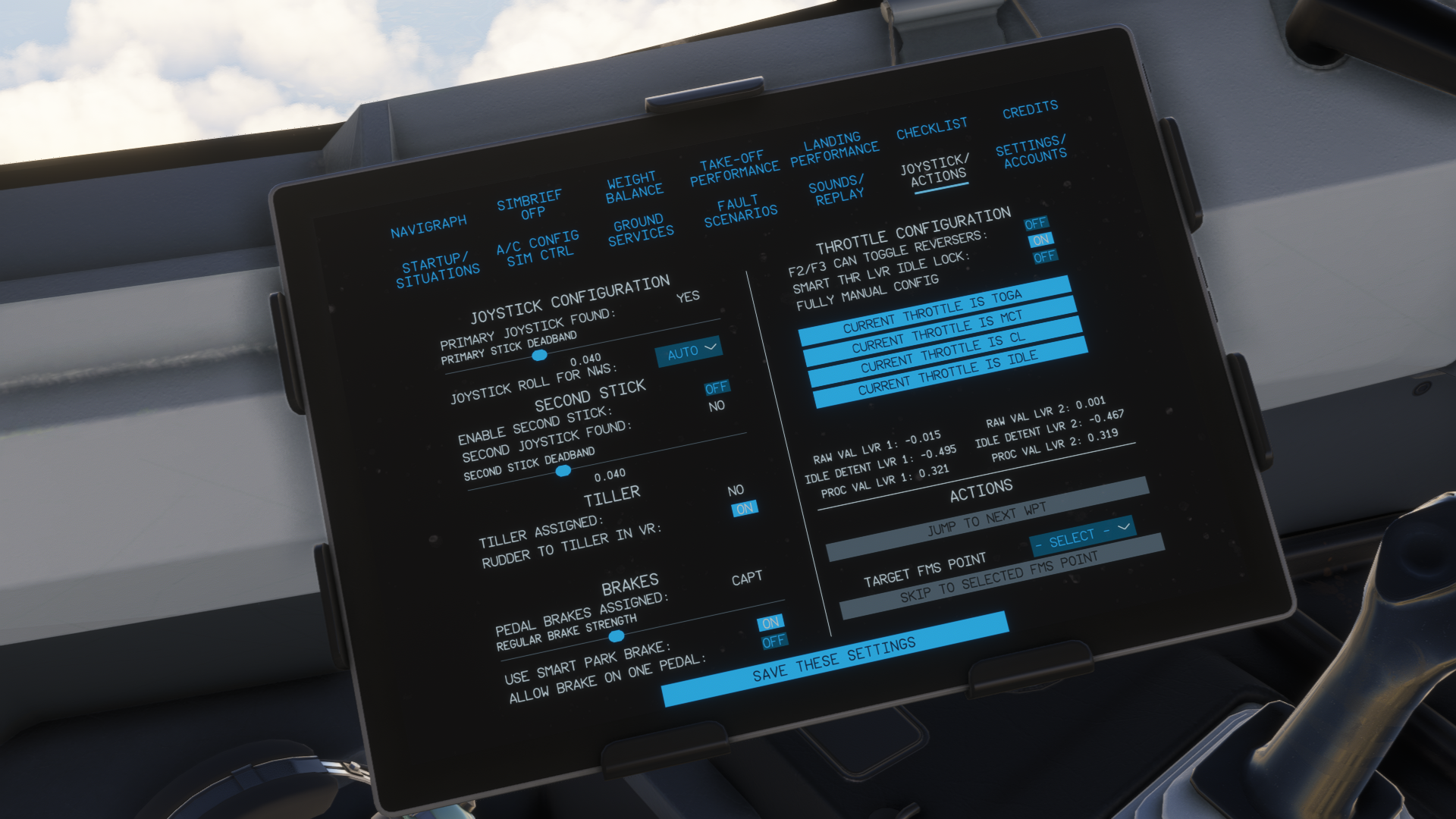
Setting up your hardware peripherals is simple in ToLiss & Aerosoft A340-600. The aircraft’s systems automatically recognise Thrustmaster’s TCA sidestick and throttle quadrant and its configurations. Thus, if you have a twin-engine set-up for your TCA quadrant, the A340 will automatically set it accordingly, so you have control over all four engines. That is a really good feature, which I would appreciate in more quad-engine counterparts found in the Microsoft Flight Simulator world at the moment. Setting up your throttle detents is a straightforward job from there.
ToLiss has given us a plethora of options to play with in the EFB, including the things mentioned above, as well as the aircraft configuration itself.
3rd-party Compatibility
Let me start with GSX, because that is the only thing that made me seriously angry in this aircraft. Initially, I had some issues with GSX and the Aerosoft A340-600. I thought that it was an issue with the aircraft that could be easily resolved by installing a GSX profile for it. I was wrong. I have tested numerous profiles that can be found around the internet, and I still had the same results.
The first major issue was that the jetway was not connecting properly to the aircraft. This has either been resolved in the 1.1.0 update or a change of the GSX profile. Fine, I said. Now the rest should work as well. But, it didn’t. The GSX still asked to “open Exit 2”, which doesn’t exist. Though it still loaded passengers no problem, I just had to forcefully end the process of boarding. To the aircraft, there come three baggage loaders. One in the aft, two in the front, that get bugged together.
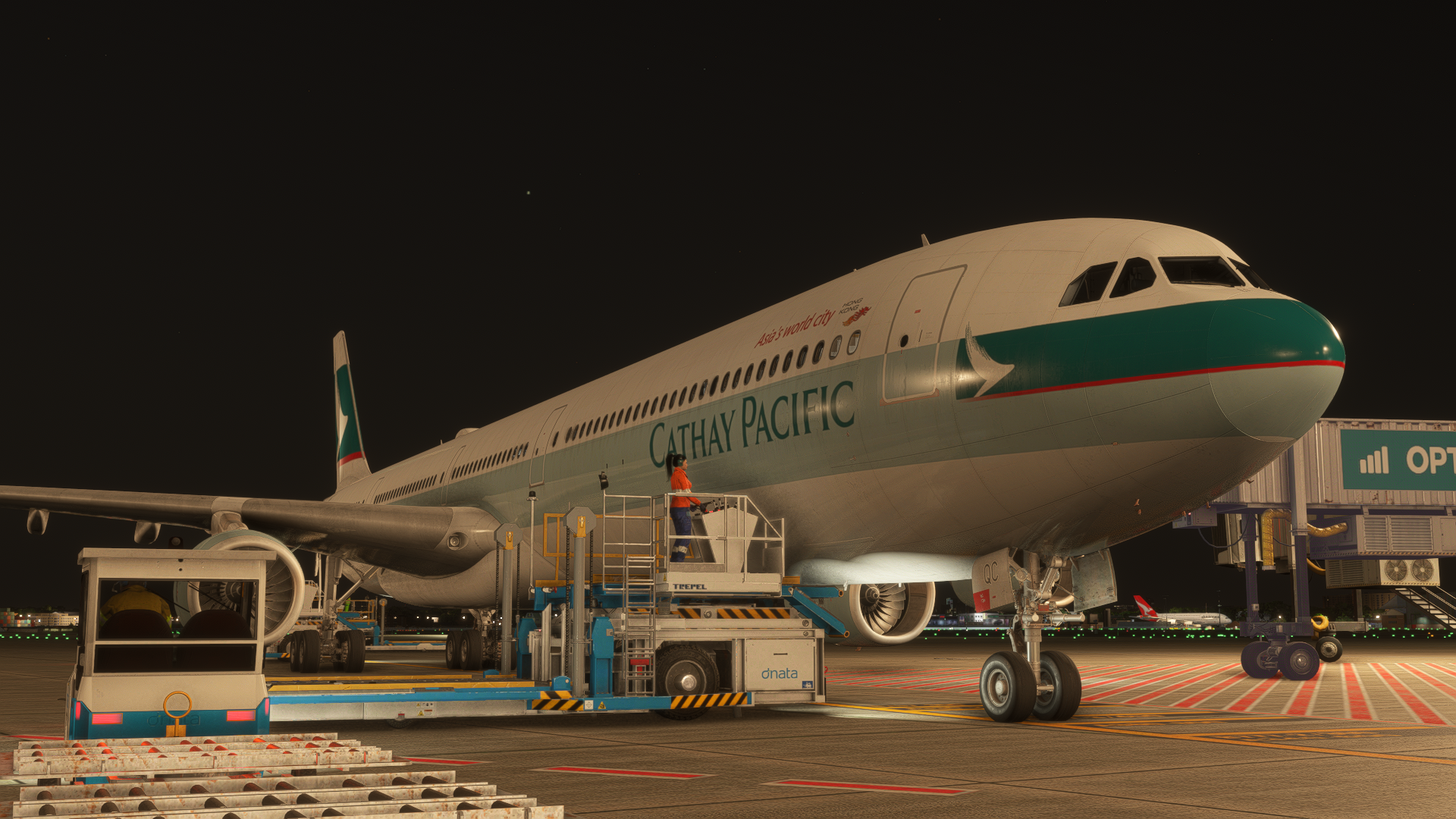
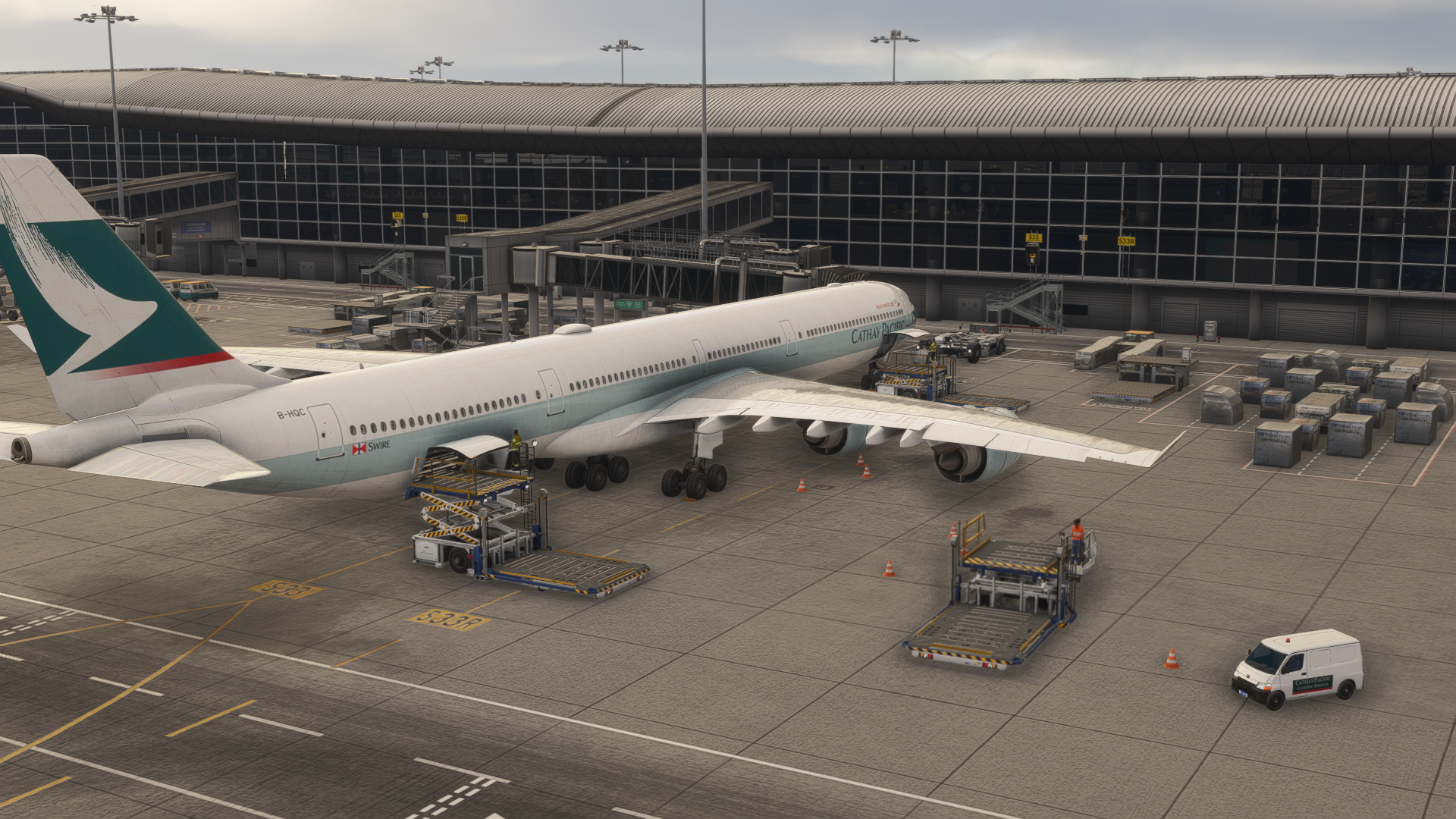
Once I push back from the gate, and I start all four engines, the GSX asks to confirm that all the engines are started. This also ended terribly, as the GSX couldn’t detect started engines, and would just give me an error “engines not started yet”. This always had to result in forcefully ending the task, or, in a worst-case scenario, restarting the Couatl engine. This was the first time I was having such issues with GSX in any aircraft, and it is rather disappointing, as GSX is an essential application for me to use in the simulator.
The Aerosoft A340-600 comes with a G-loaded camera, which can be disabled. This means that the compatibility with ChasePlane is questionable. There are some issues here and there, especially during flight, where the camera just suddenly shakes like during a crash. Disabling the in-aircraft G-Loaded camera doesn’t fix the issue. I believe that this is going to be resolved throughout the coming weeks by Parallel 42.
Unfortunately, the Aerosoft & ToLiss A340-600 doesn’t work properly with the WinCTRL MCDU unit either. I tried it in multiple software and hardware updates on the side of SimAppPro, as well as the aircraft. Unfortunately, it seems that you can only get it working through MobiFlight.
As mentioned in the systems section of this article, the aircraft comes with Navigraph and Hoppie compatibility as well. VDGS plugins like Aerosoft VDGS and Nool weren’t tested, as I mostly use GSX VDGS, and I can’t seem to get them working in my installation of Microsoft Flight Simulator 2024.
Conclusion
ToLiss & Aerosoft A340-600 is probably the best quad-engine aircraft currently available in Microsoft Flight Simulator, despite some of its issues, especially with the third-party compatibility. However, I have a strong belief that this is going to be fixed in the upcoming updates of the aircraft, as the developer will definitely aim to make the experience much better for everyone.
Other than that, I loved the modelling, the performance, the textures and the sounds. The plane gives a great idea of how this beauty flies in real life, and is going to be a great way to preserve its legacy of commercial flying, as only a few months are left until Lufthansa completely retires its A340-600 fleet. I am a modern airliner guy who mostly enjoys the A350 and the Boeing 777, but this thing really grew on me. I can thus recommend it both for those who enjoy vintage jets and modern IFR flying, as it is “something in between”.
You can purchase this A340-600 through the Contrail store or the Aerosoft store for around €80.66. The price point may be a bit higher compared to other jets on the market, but I strongly believe it is worth it. If you want to fly something other than double-engine tubes, this is the way.
Feel free to join our Discord server to share your feedback on the article, screenshots from your flights or just chat with the rest of the team and the community. Click here to join the server.
Affiliate link
Please note that this article may contain affiliate links, which means we may earn a commission if you make a purchase through these links. However, rest assured that our content is not influenced by their presence. For more information, please refer to our Advertising Policy & Charter.