Stuttgart Airport (EDDS) is one of those airports that quietly becomes part of your regular rotation if you fly within Europe. With its mix of short and medium haul traffic, compact layout and constant activity, it offers a good balance between operational simplicity and realism. Rather than standing out immediately, it’s the kind of airport that reveals its value through repeated use, especially when operating under realistic conditions with complex aircraft and full ground services.
In this review, we will take a closer look at Aerosoft’s Stuttgart Airport (EDDS) for Microsoft Flight Simulator 2024, focusing on its visual quality, operational accuracy, performance and overall usability during regular operations.
Installation and System Requirements
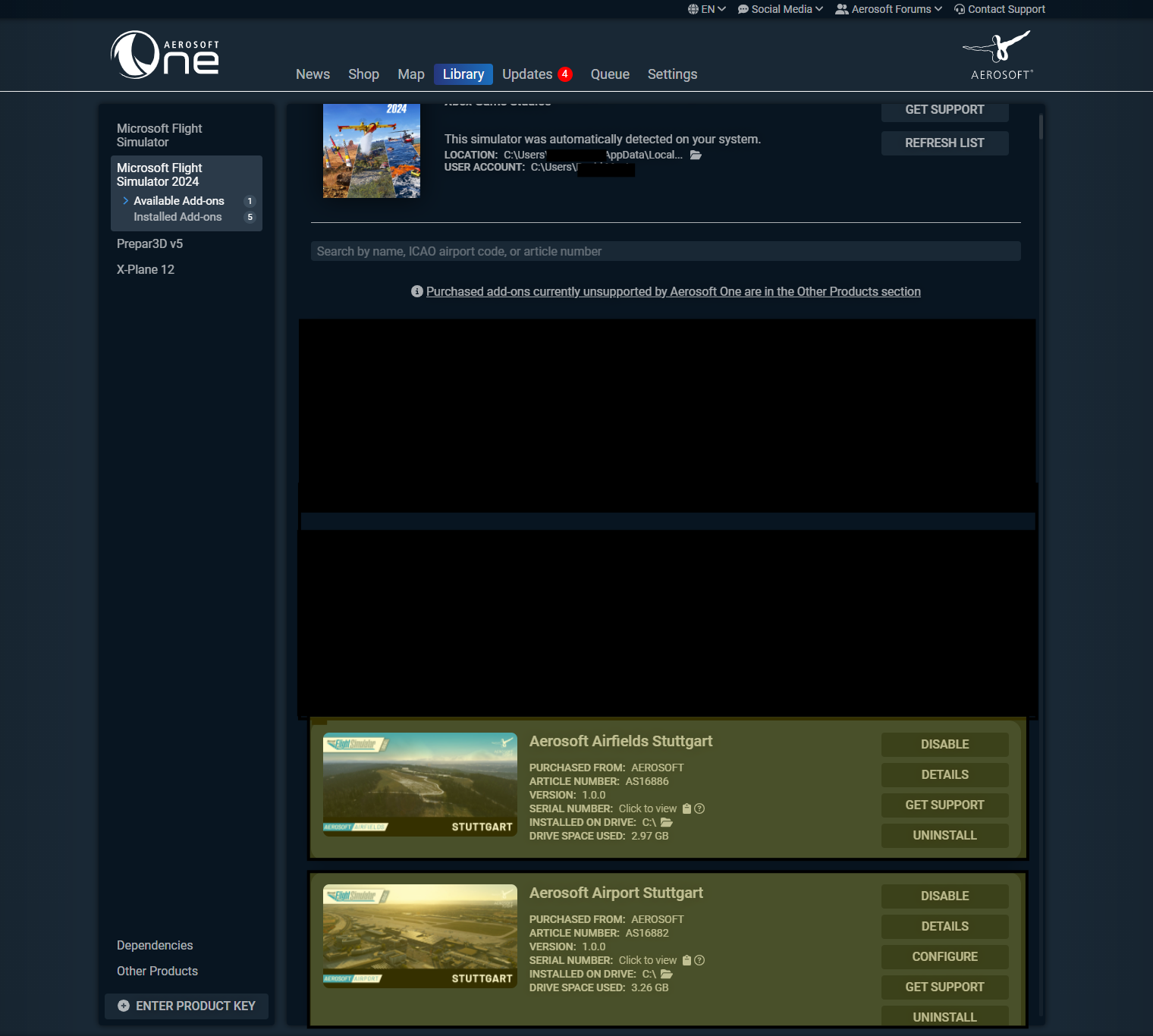
Installation is handled through Aerosoft One, requiring an internet connection and an Aerosoft account. The process was straightforward and completed without issues. The scenery integrated correctly into the simulator and was ready to use immediately without additional configuration.
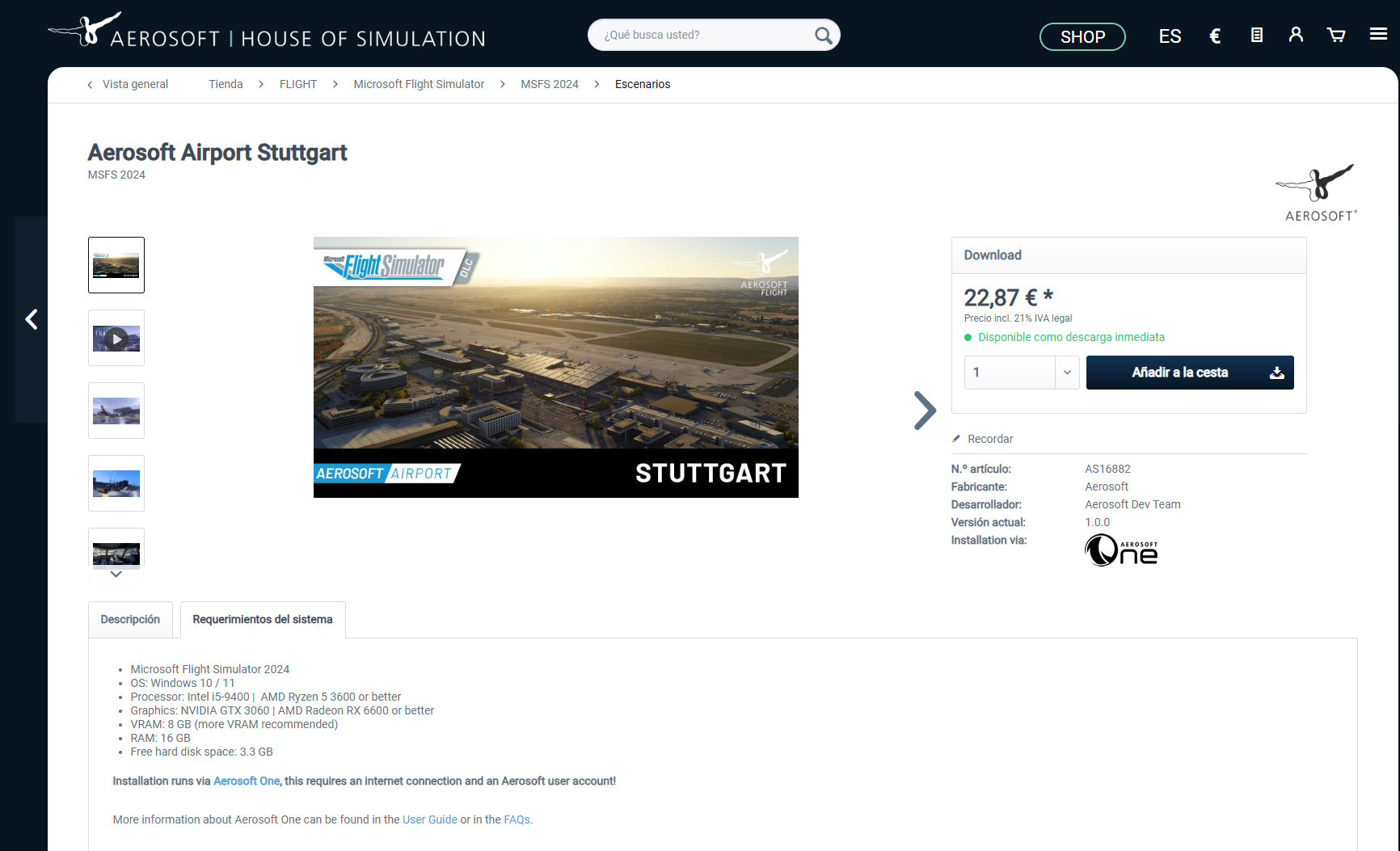
According to the developer, the scenery requires Microsoft Flight Simulator 2024 and runs on Windows 10 or 11. The recommended minimum specifications include an Intel i5-9400 or AMD Ryzen 5 3600 processor, along with a graphics card equivalent to an NVIDIA GTX 3060 or AMD Radeon RX 6600. A minimum of 8 GB of VRAM is required, with more recommended for optimal performance, and at least 16 GB of system RAM. The scenery requires approximately 3.3 GB of available disk space.
Setup and Background
All testing was carried out using a high-end system: Intel Core i7-14700K, RTX 4080 Super (16GB VRAM), 64GB RAM, running at 2560×1440 resolution. Flights were performed using the Fenix A320 with 4K textures, alongside GSX for ground handling. The simulator is installed on an M.2 SSD, which contributes to fast loading times and overall smoothness.
Alongside regular sim usage, I have been involved in flight simulation since 2012 across multiple platforms including FS2004, FSX, Prepar3D, X-Plane, and more recently Microsoft Flight Simulator 2020 and 2024. My experience spans both offline flying and online operations on networks such as IVAO and VATSIM, where procedural accuracy and realism play an important role.
It is important to note that this product was provided by Aerosoft for review purposes, and this is not a previously beta-tested product by the author.
Airport Background
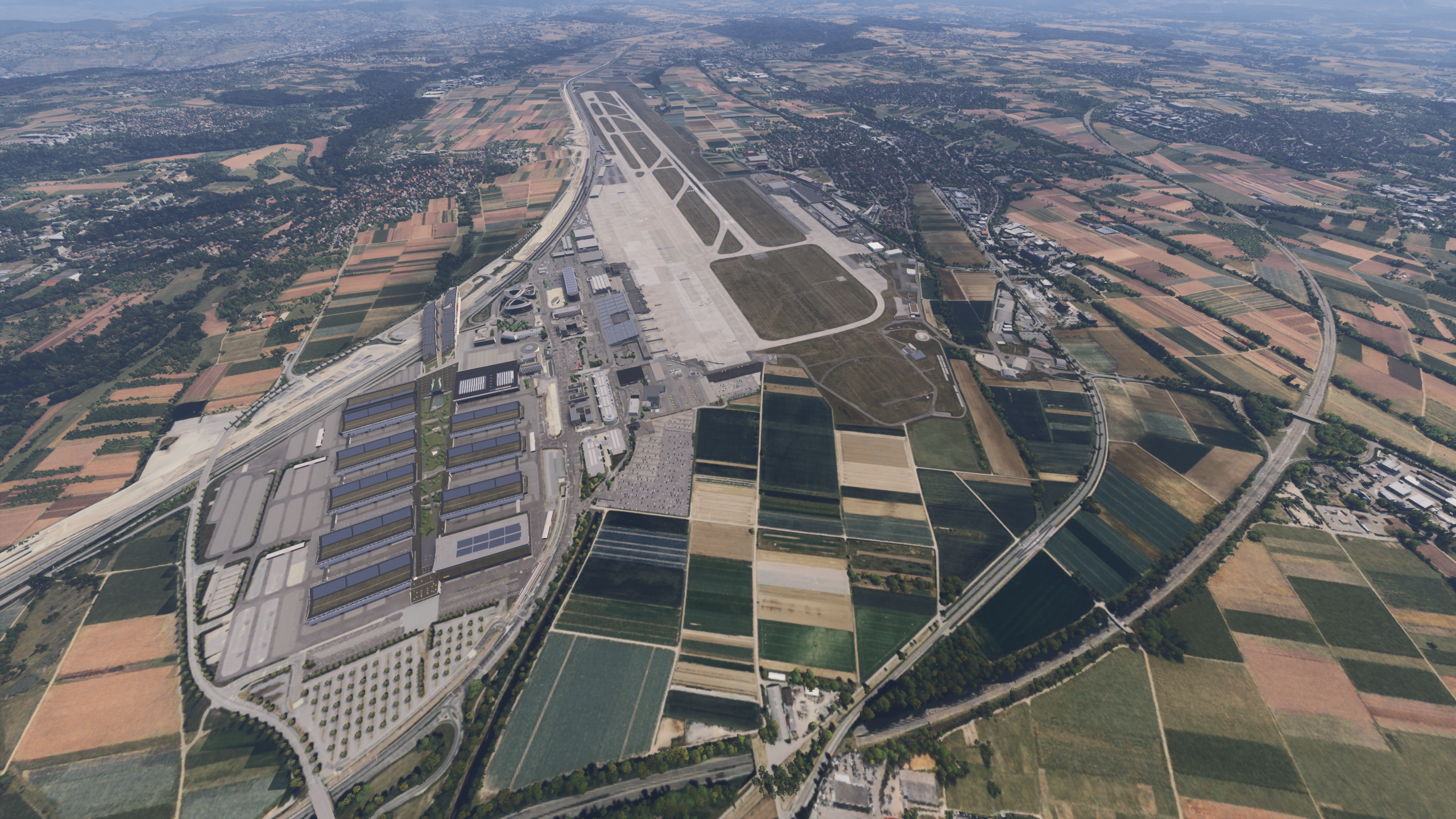
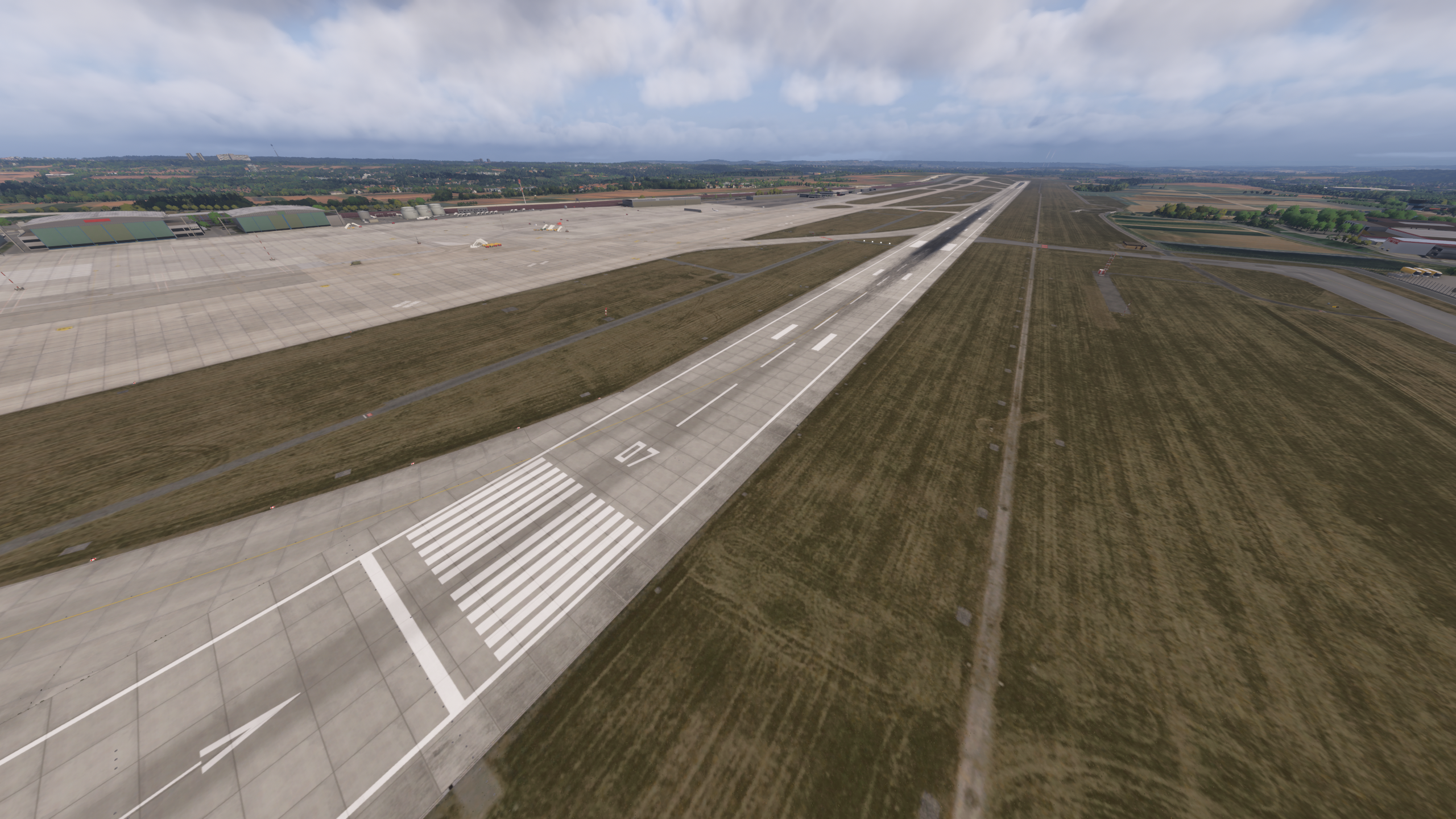
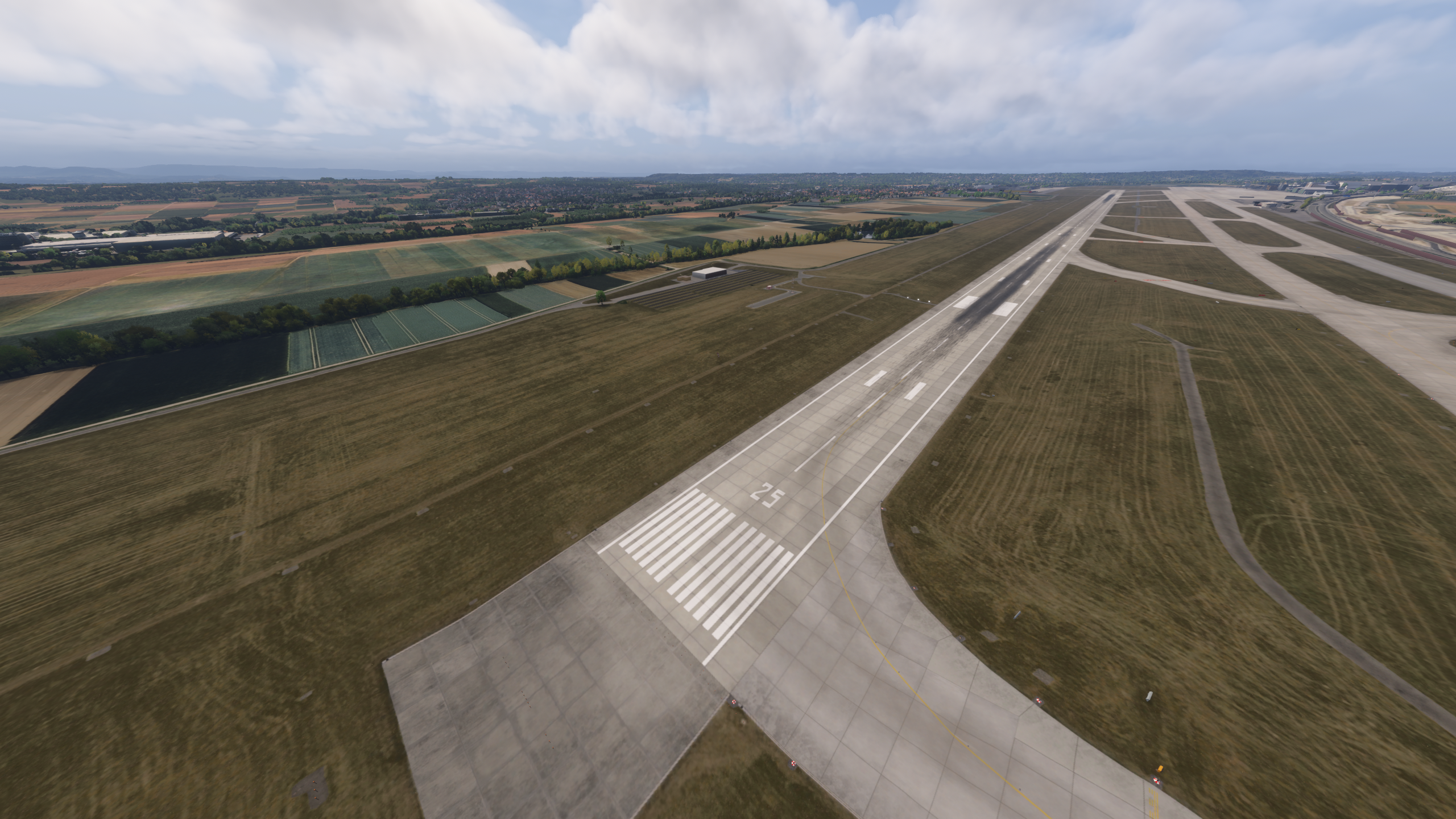
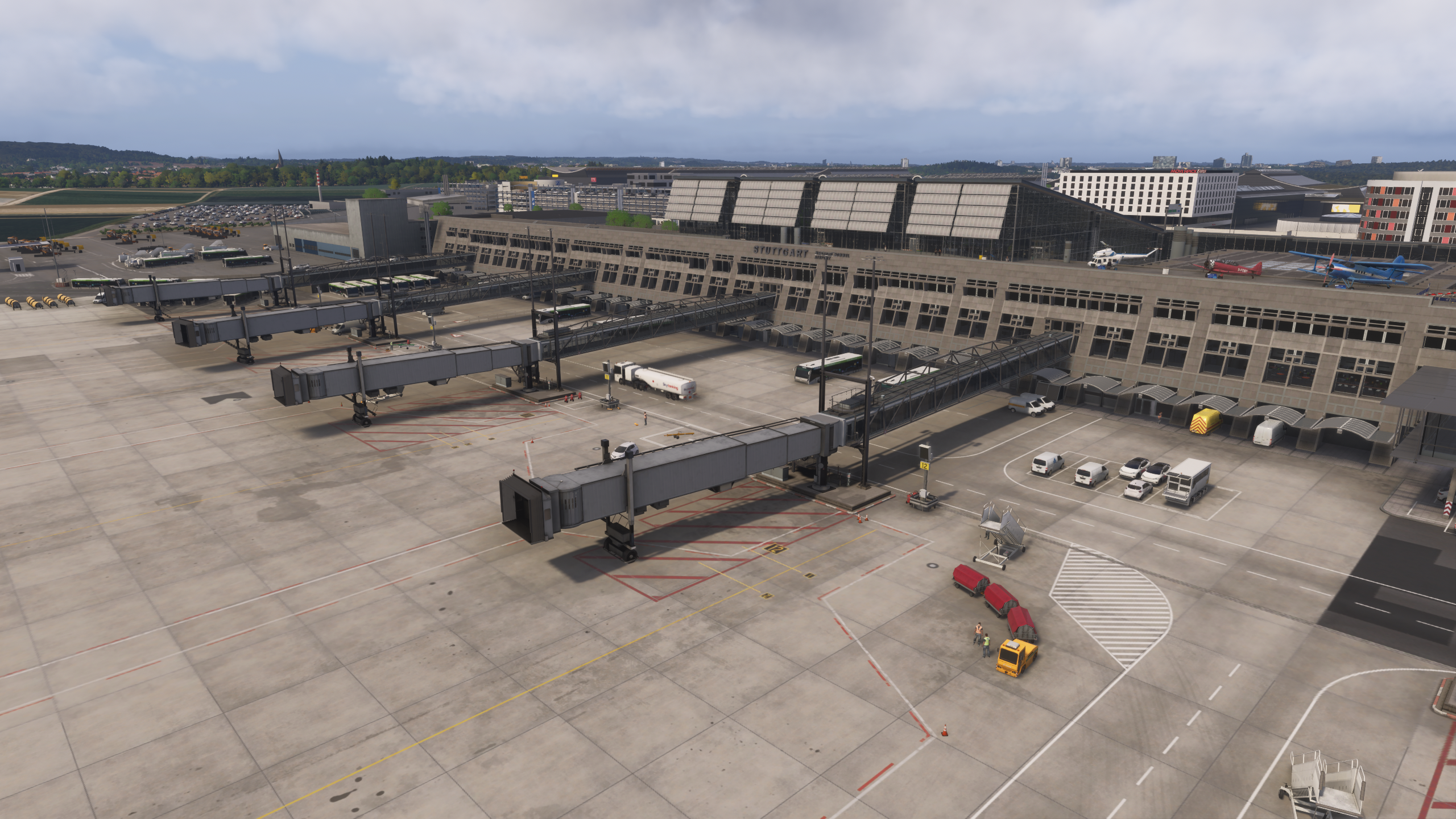
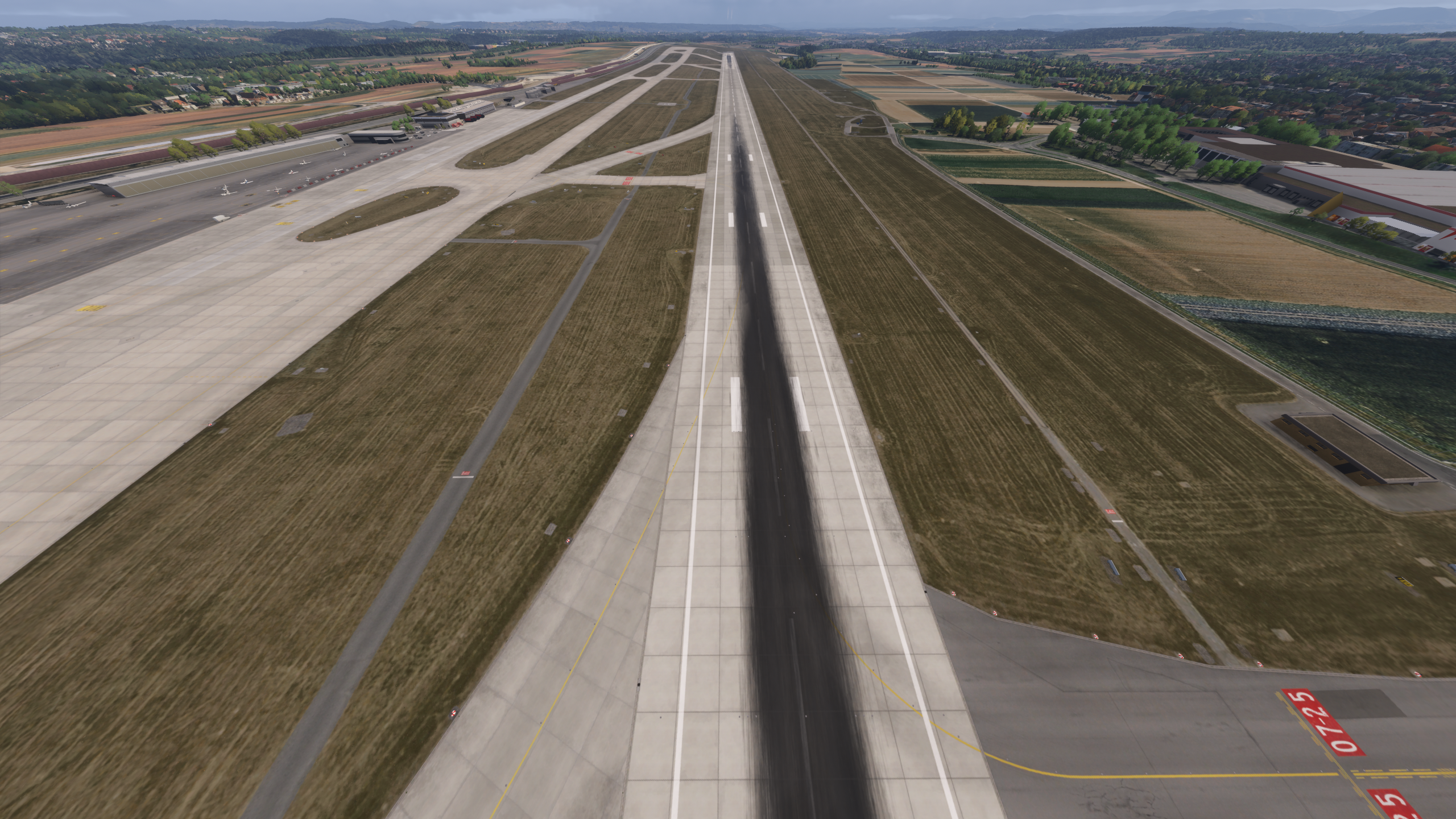
Stuttgart Airport operates with a single runway, 07/25, handling both arrivals and departures. The airport is structured around Terminals 1 through 4, connected into one continuous terminal complex. Traffic is primarily European, with airlines such as Eurowings and Lufthansa operating regularly. In addition to passenger traffic, the airport includes a cargo area on the southern side, as well as general aviation and additional operational zones that add variety to operations.
General Overview
From a layout perspective, the airport feels coherent and easy to operate. Taxiways, stands and terminal positioning follow a logical structure, and moving around the airport feels natural. Based on repeated operations and familiarity with similar European airports, the overall layout aligns well with expectations. During testing, I did not encounter terrain anomalies, misplaced objects or inconsistencies in elevation, which helps maintain a stable and believable environment over time.
Signage and taxiway markings appear consistent with typical real-world airport layouts, although without direct real-world cross-reference.
Terminal and Interior Experience
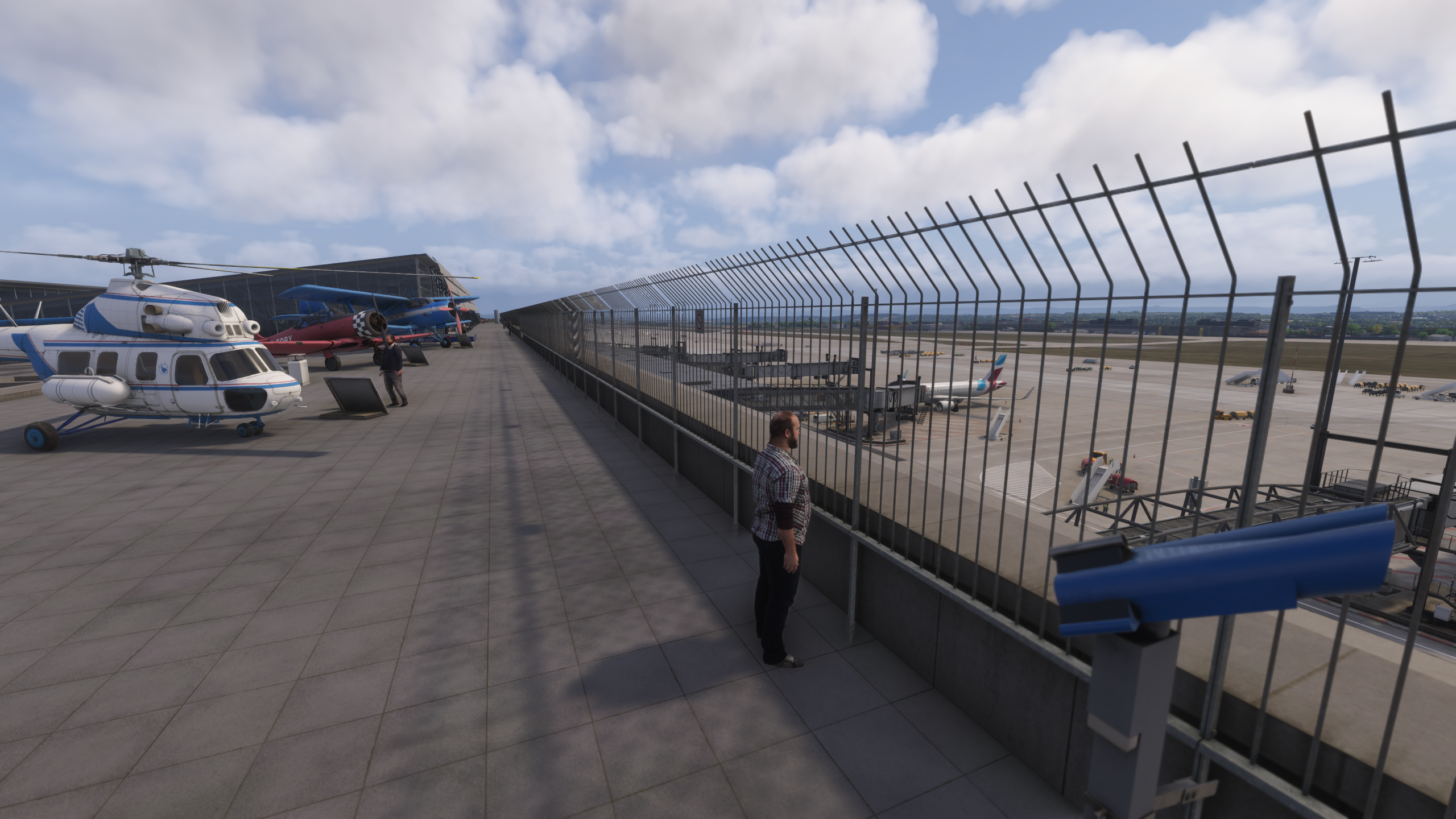
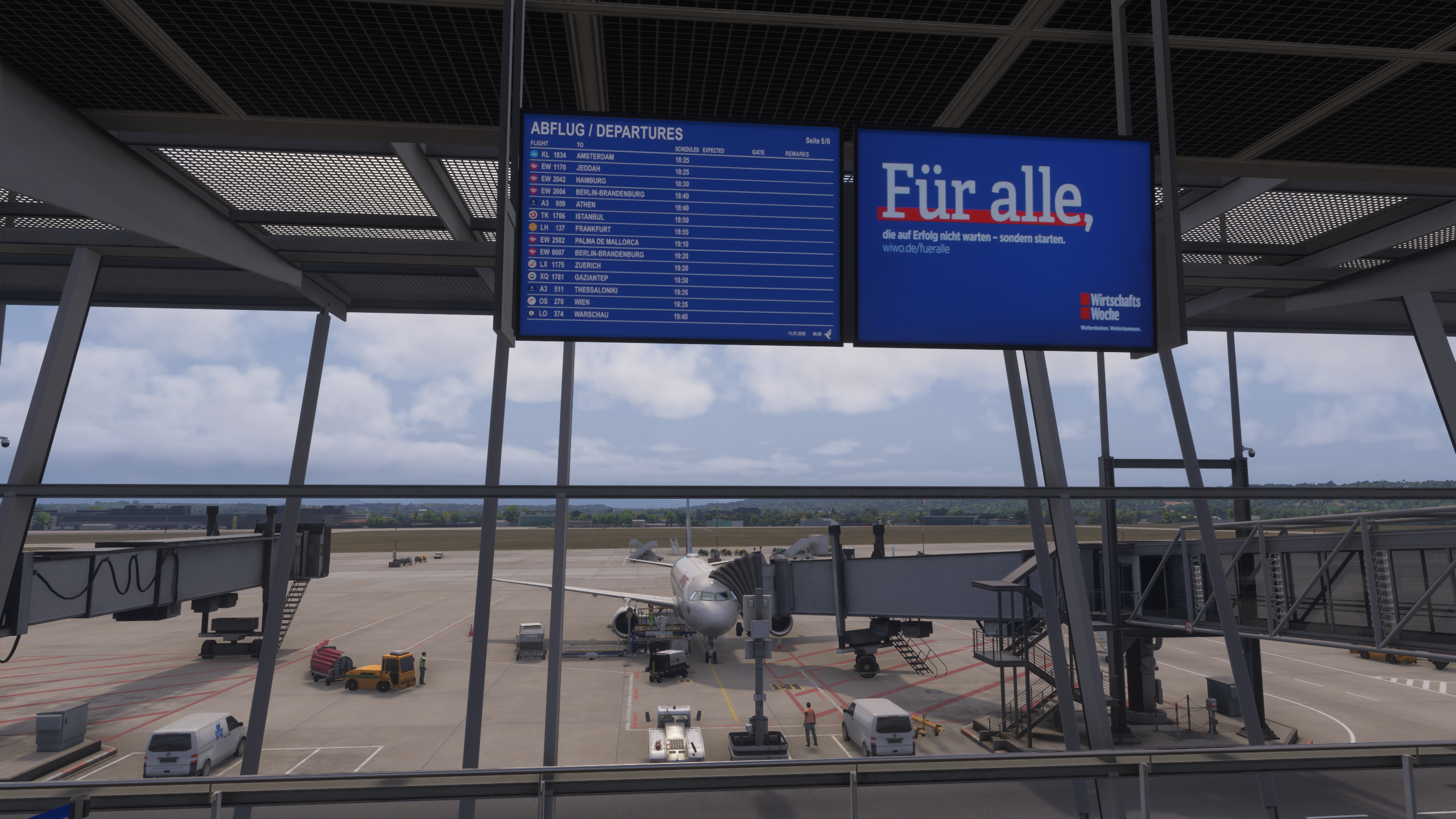
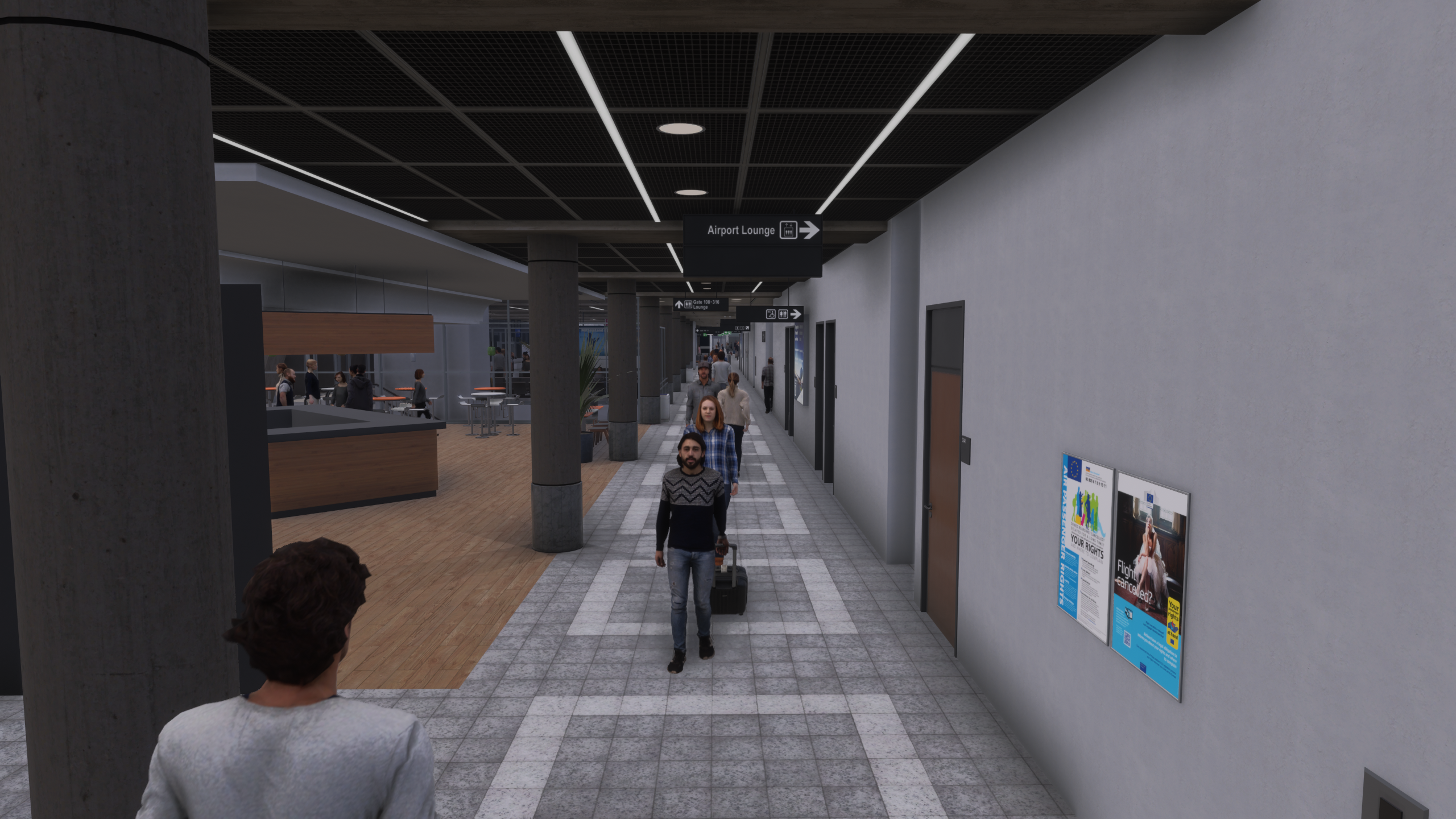
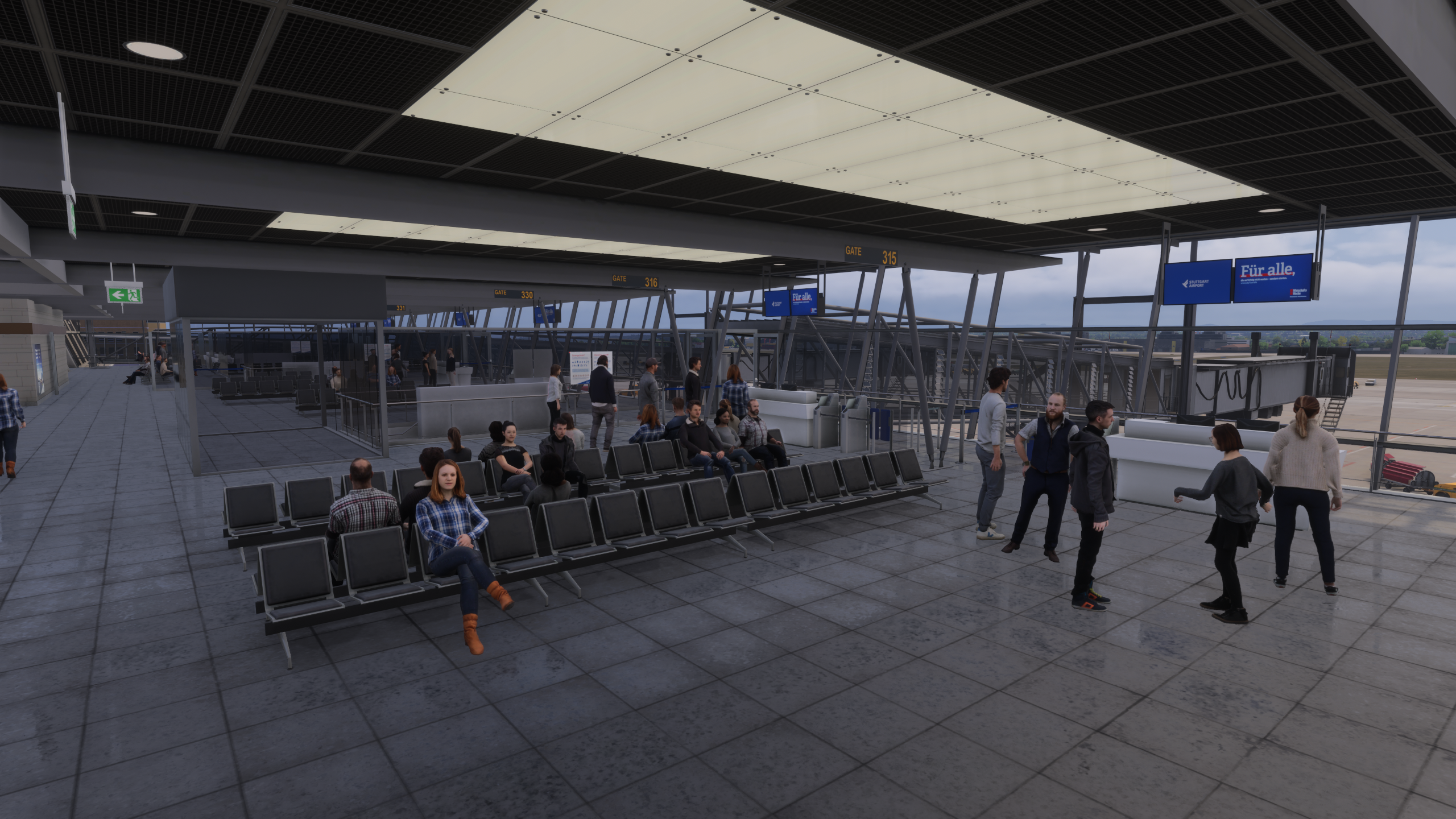
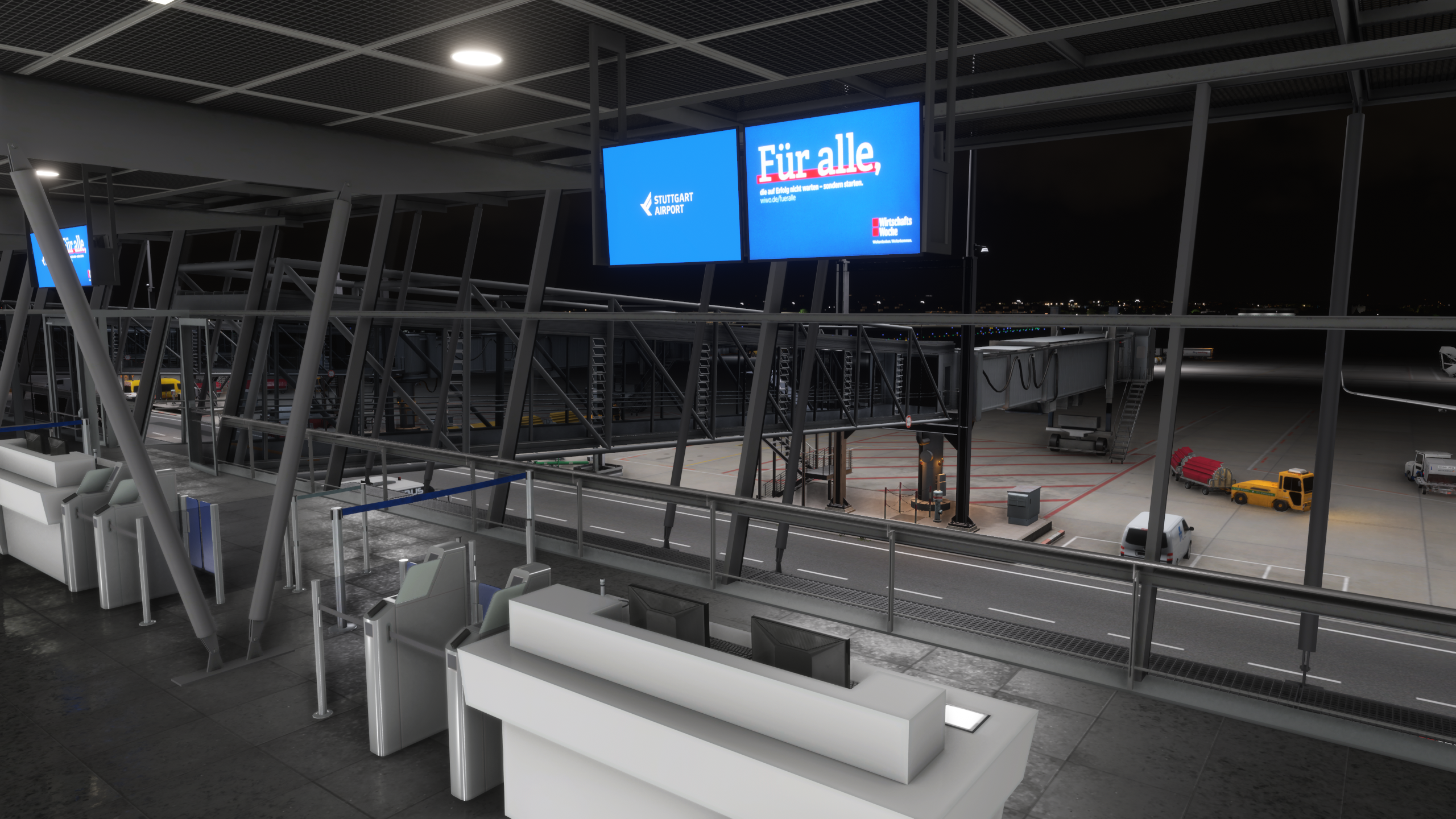
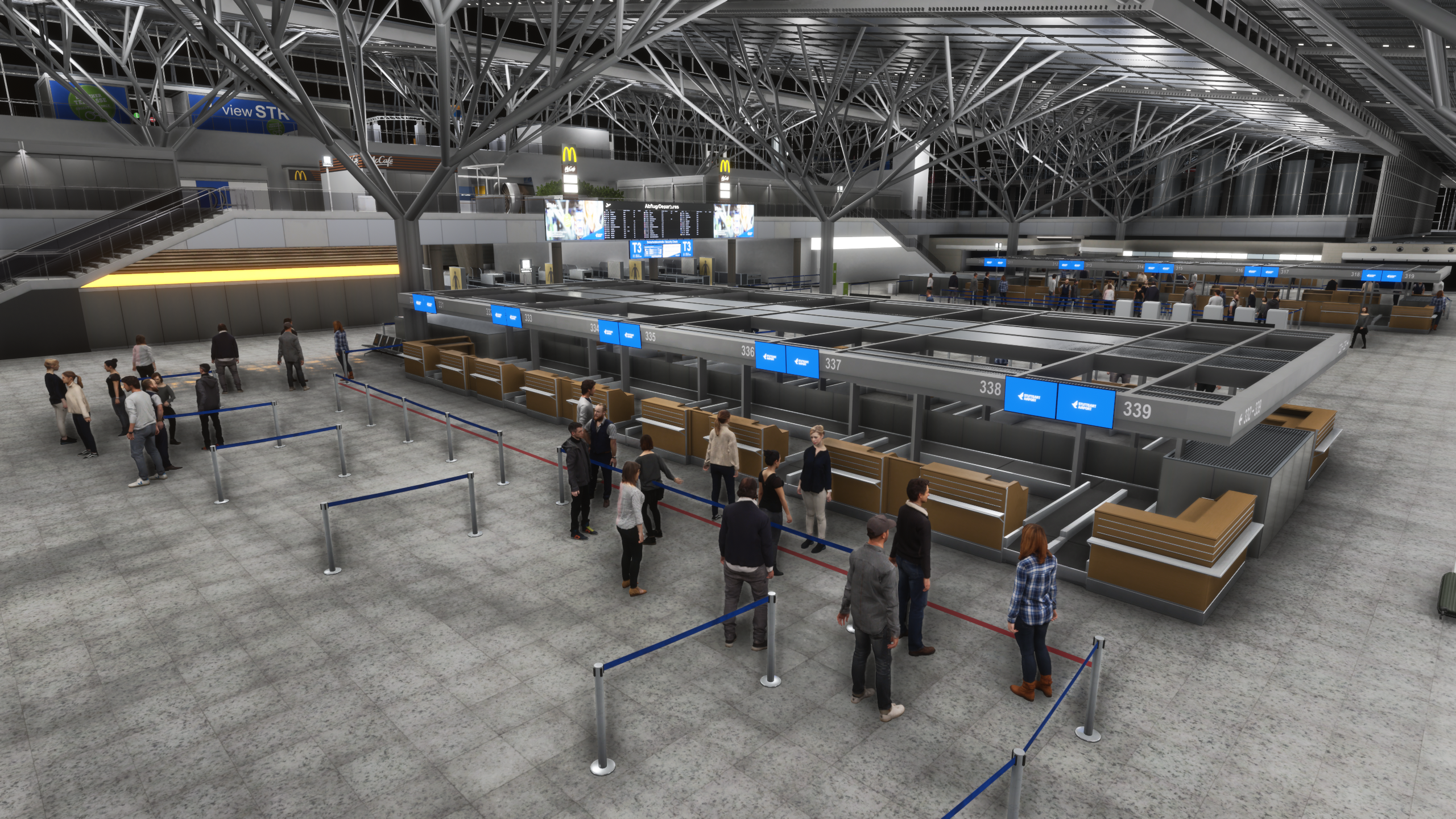
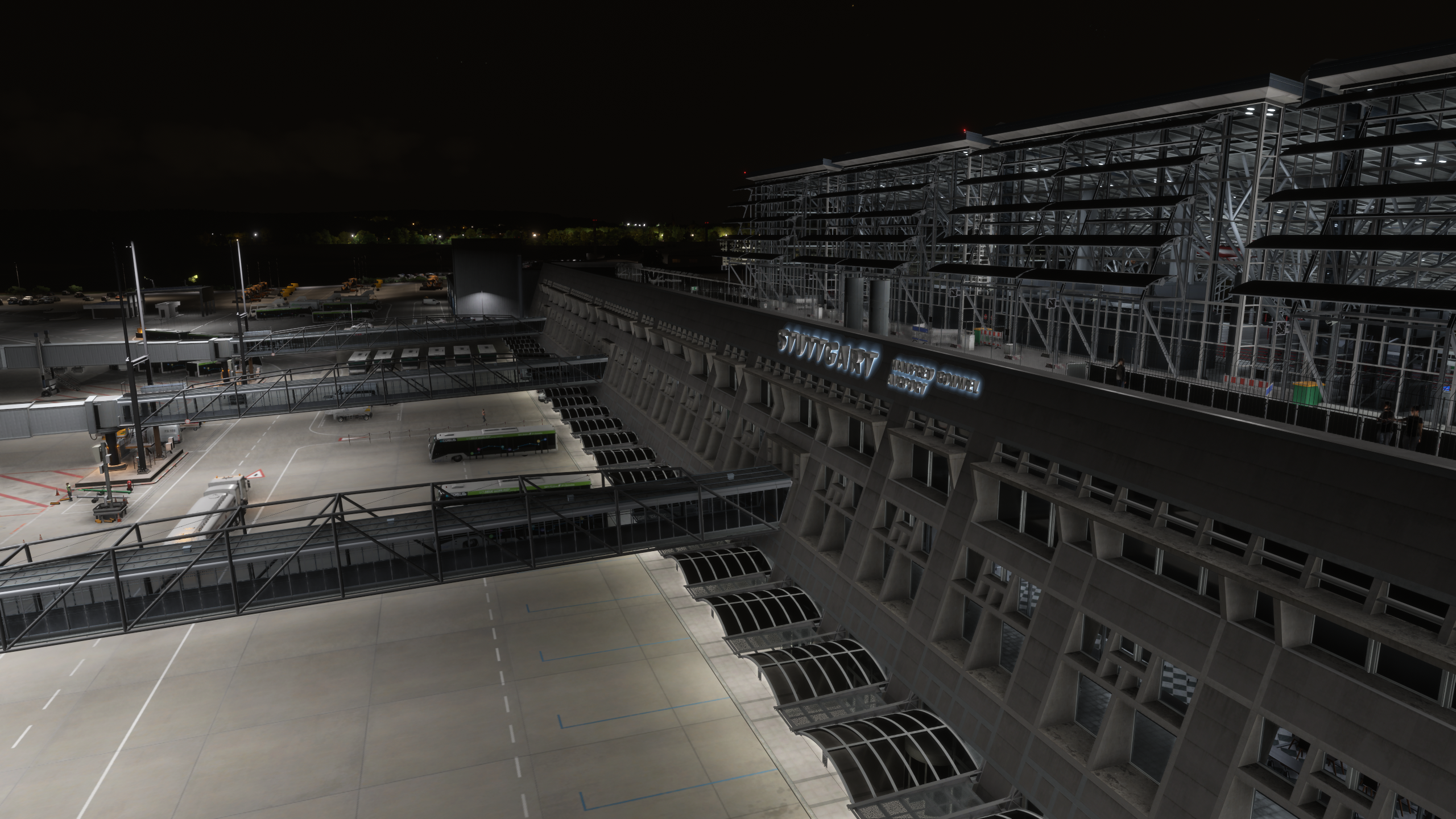
The interior modelling is one of the strongest aspects of this scenery. Terminals feel active, with animated passengers, seating areas and continuous movement throughout. One of the most noticeable details is the presence of dynamic information boards, which update in real time with departures, arrivals and destinations, based on real-world airport data and typical traffic flows seen in the simulator.
Escalators, lighting and general interior layout are well implemented, contributing to an environment that feels alive rather than static. After multiple uses, this is one of the areas that consistently stand out during normal operations.
Apron Operations and Ground Handling
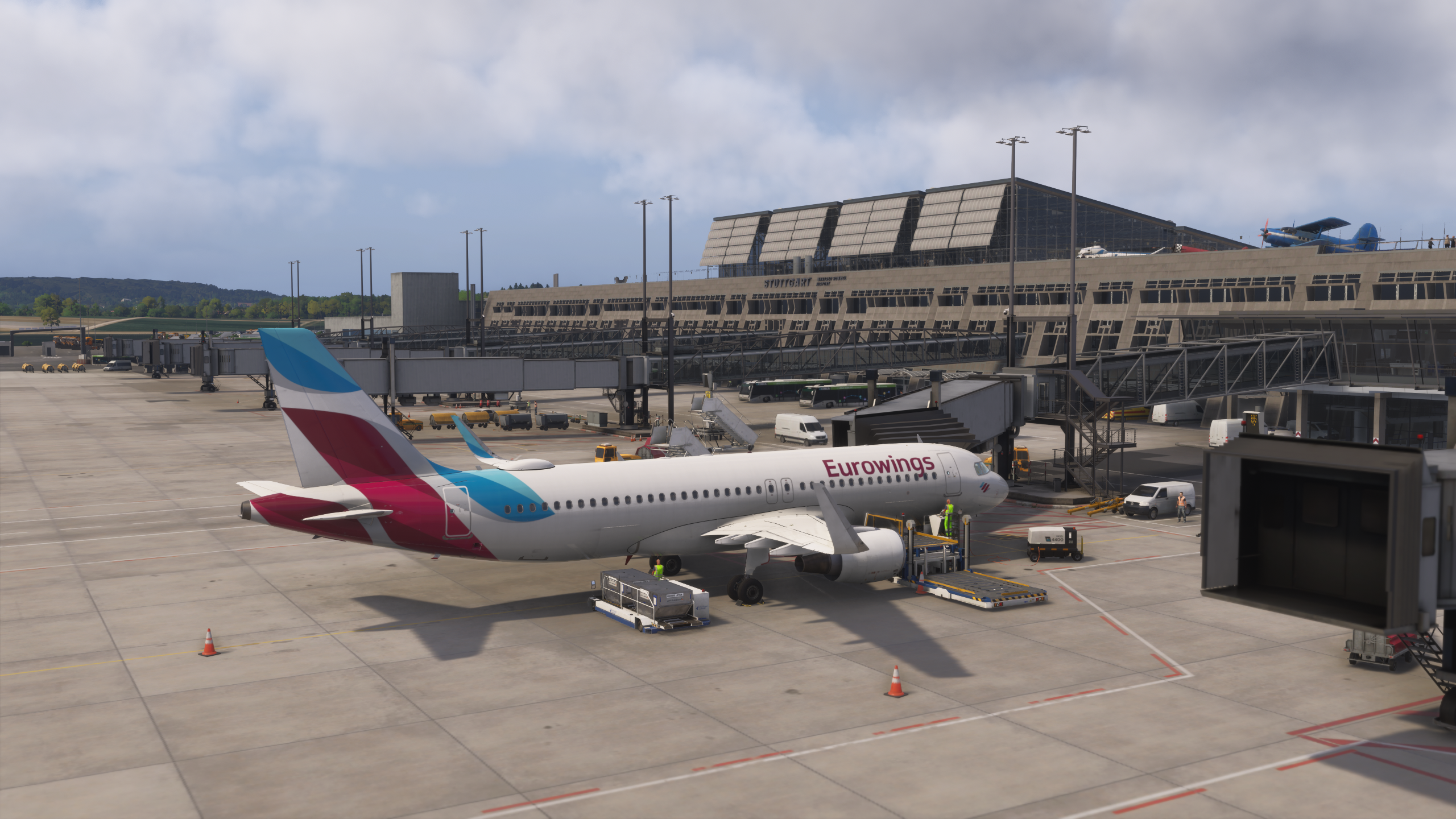
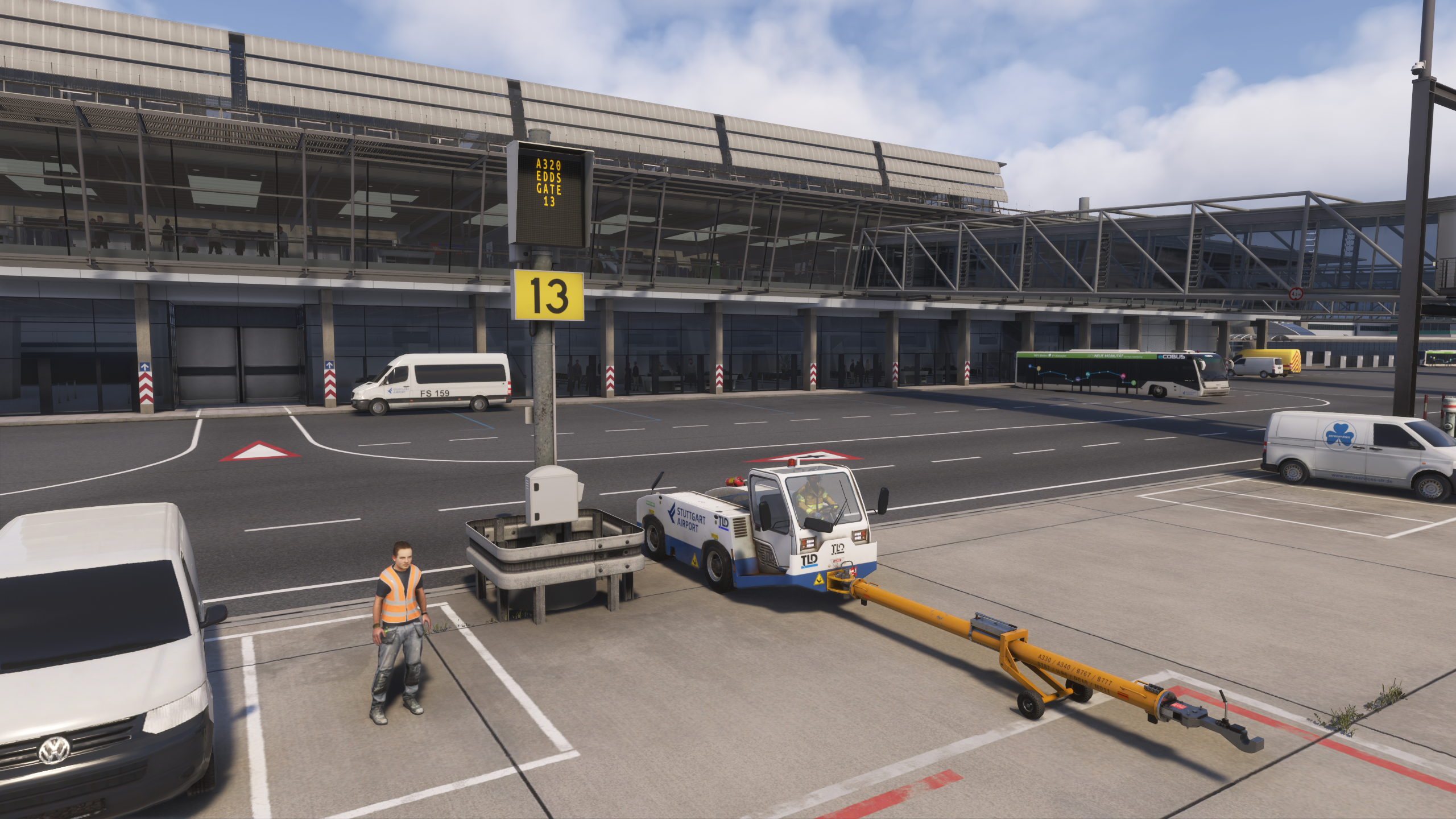
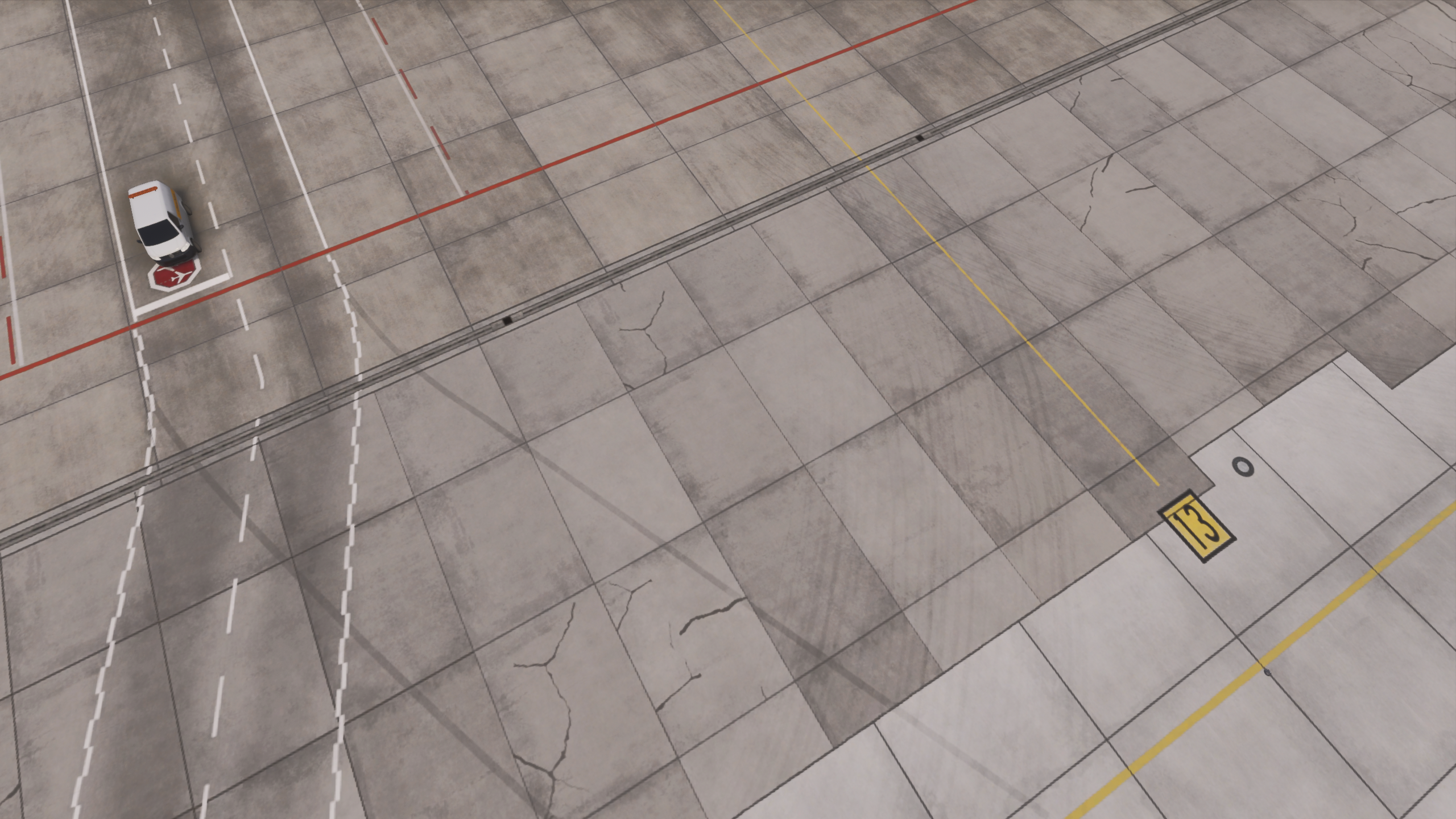
The apron layout is clear and functional, with well-defined stand markings and taxi guidance. During testing, most operations were conducted from stand 13 near Terminal 1. Ground handling with GSX worked smoothly throughout, with no noticeable issues during boarding, pushback or turnaround.
Vehicle positioning and movement remained consistent, allowing operations to flow naturally. This is particularly important during repeated use, where small inconsistencies tend to become more noticeable over time, but no such issues were observed here.
No dedicated GSX profile is included with the scenery, but default GSX functionality works correctly without major issues.
Cargo and Operational Areas
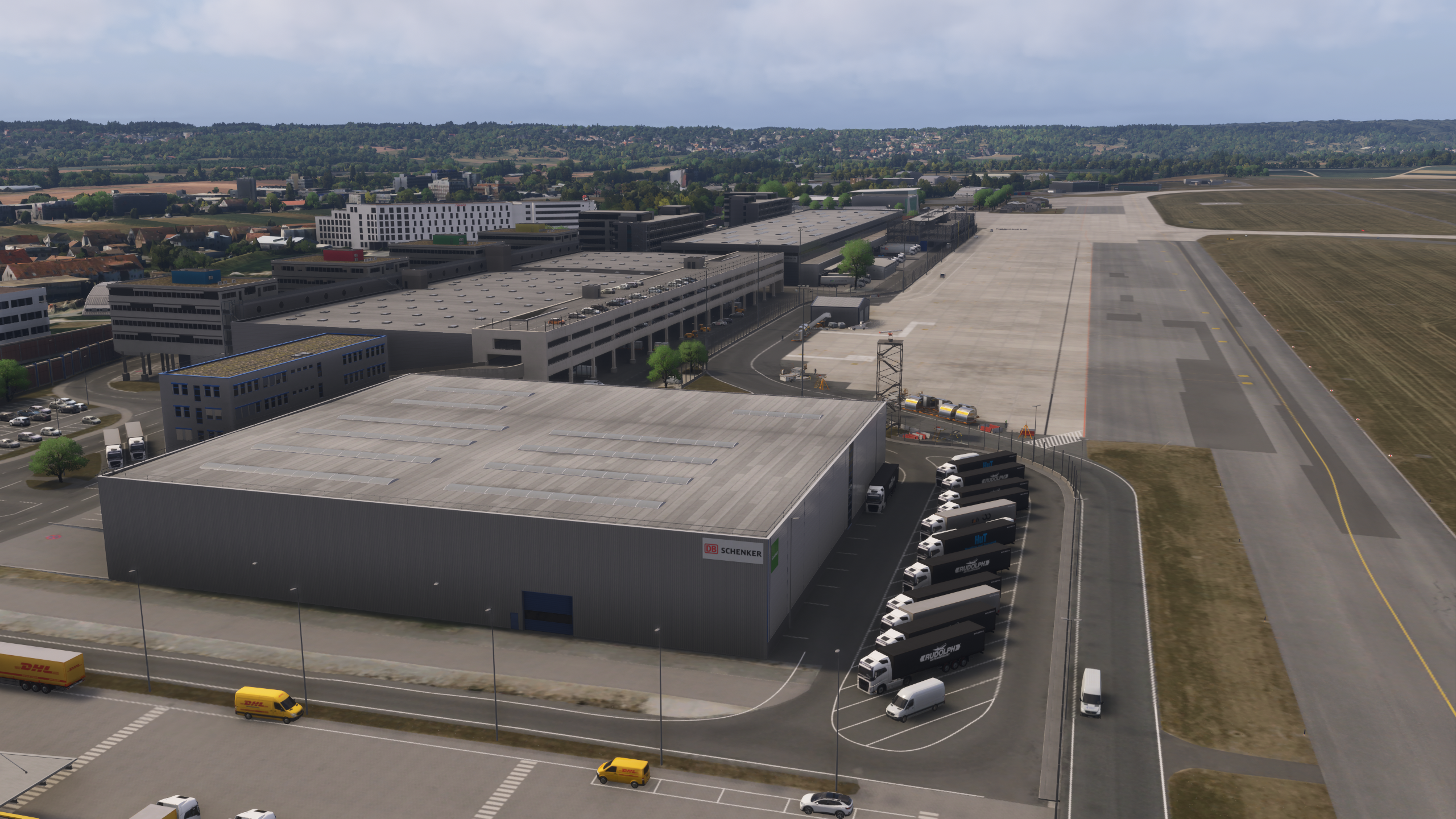
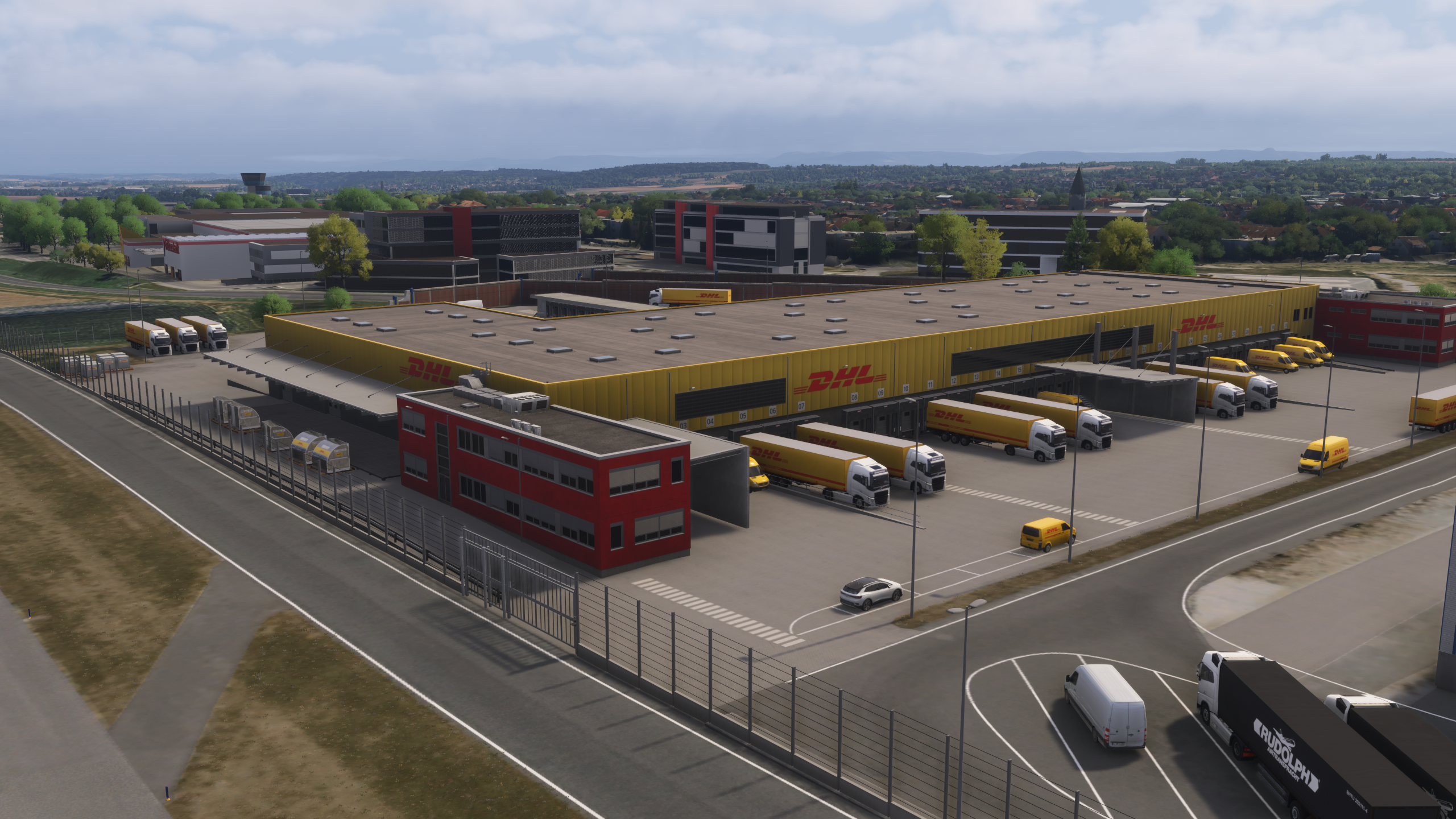
The cargo area is located on the southern side of the airport and is clearly separated from the main passenger terminal. It includes dedicated stands and logistics buildings, making it usable for cargo operations. However, compared to the main apron, it feels less detailed and less active, which slightly reduces the overall sense of immersion in that area.
General Aviation Area
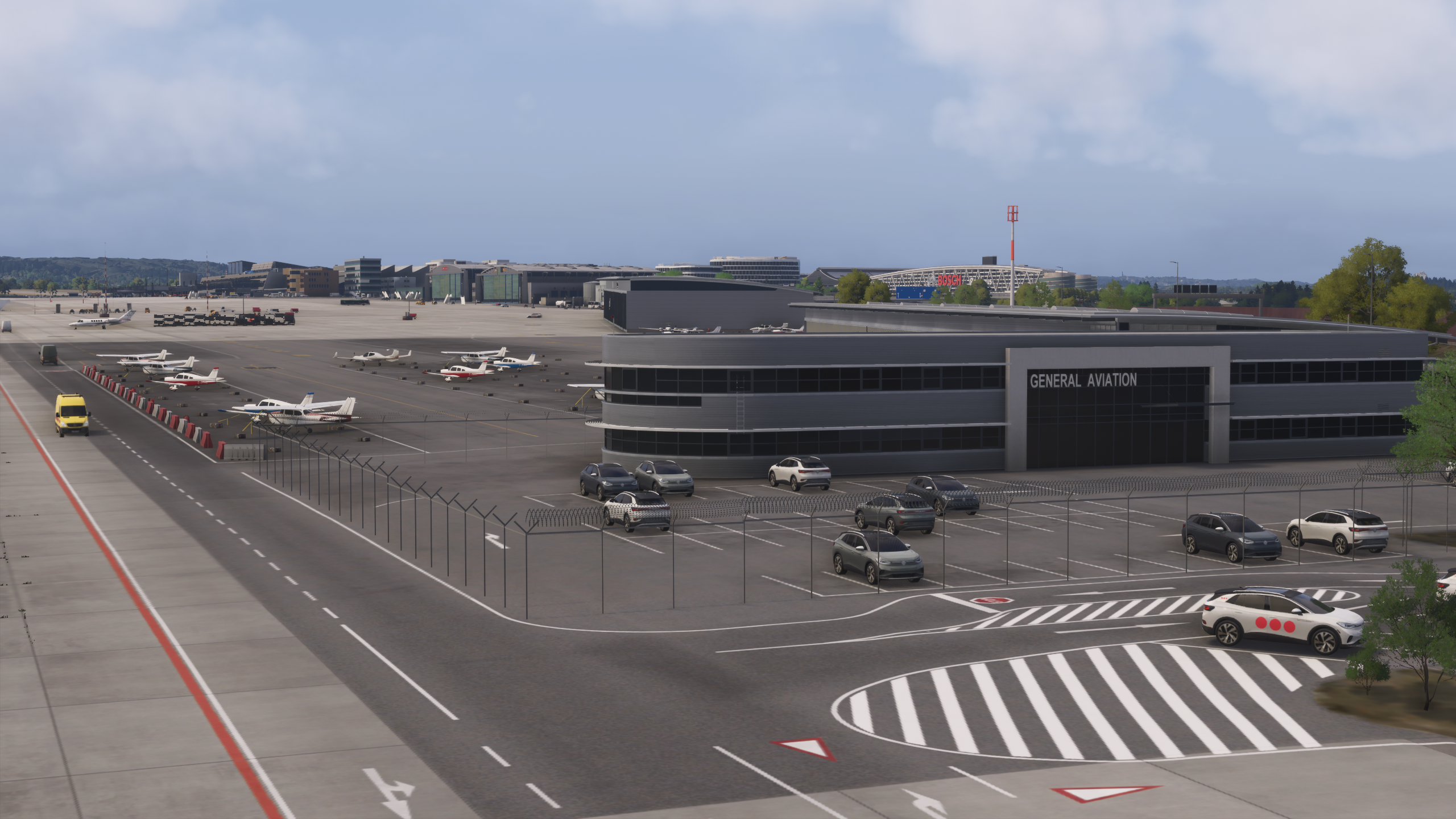
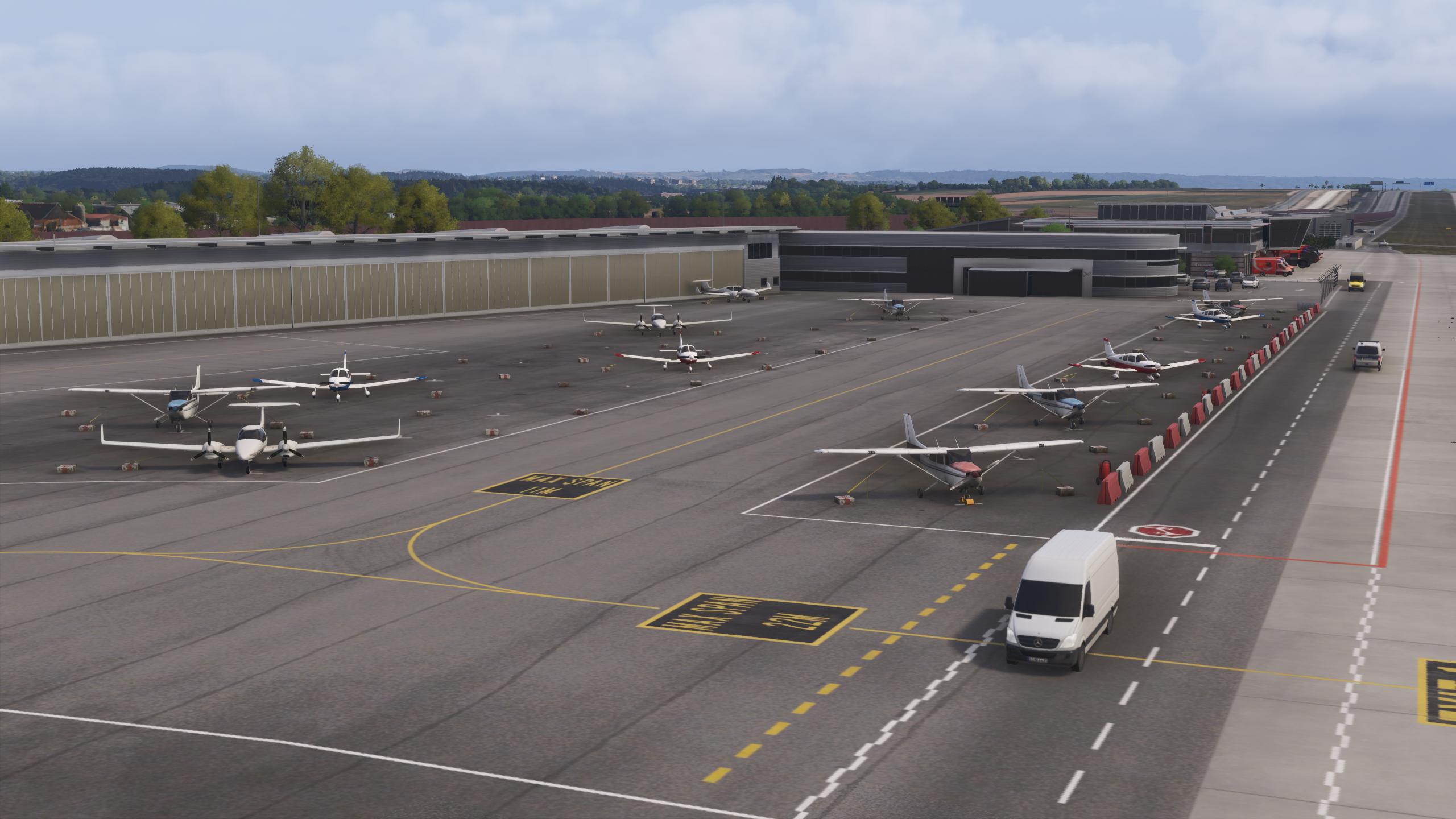
The inclusion of a general aviation section adds to the completeness of the airport. It is correctly positioned and usable, allowing for lighter aircraft operations and contributing to a more varied environment without adding unnecessary complexity.
Textures and Visual Quality
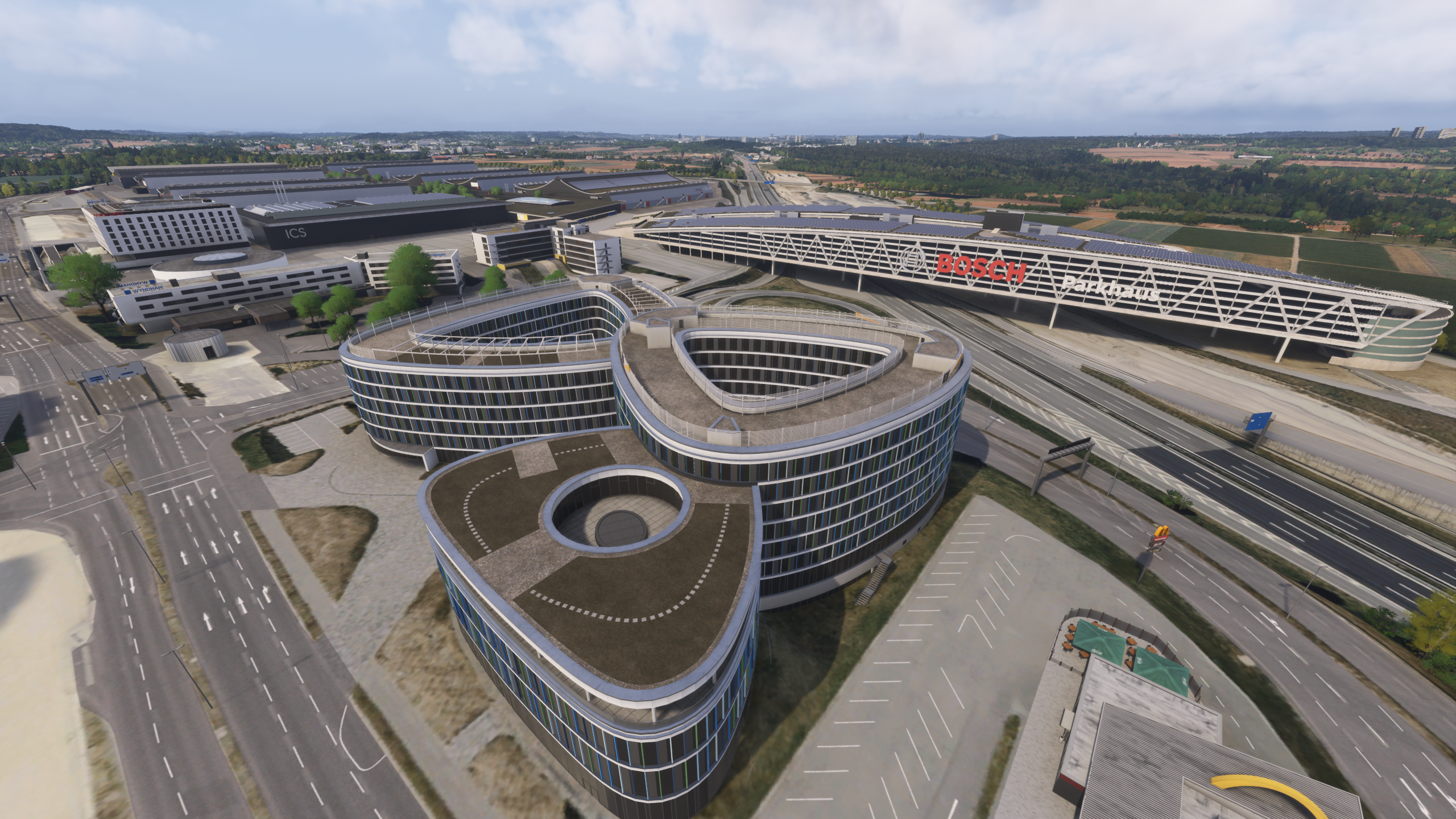
Ground textures show a good level of detail, including visible wear, markings and surface variation. Taxi lines and stand markings are clear and useful during operations. Buildings maintain a consistent quality level across the airport, although in some areas the textures do not fully reach the highest level seen in more recent high-end scenery, particularly when viewed up close. Overall, the visual quality remains solid and consistent, even if it does not aim to push the very latest graphical standards.
Lighting
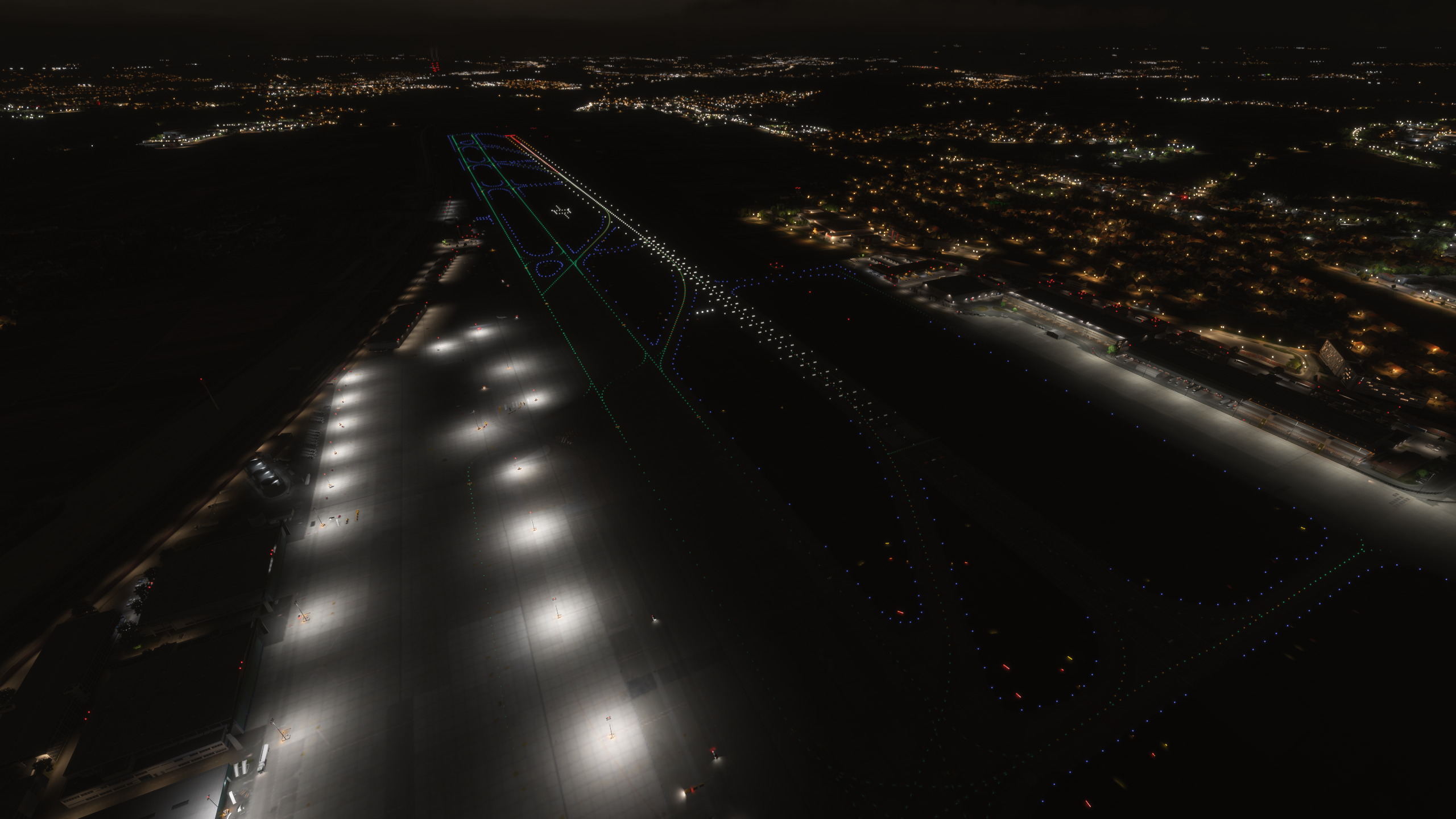
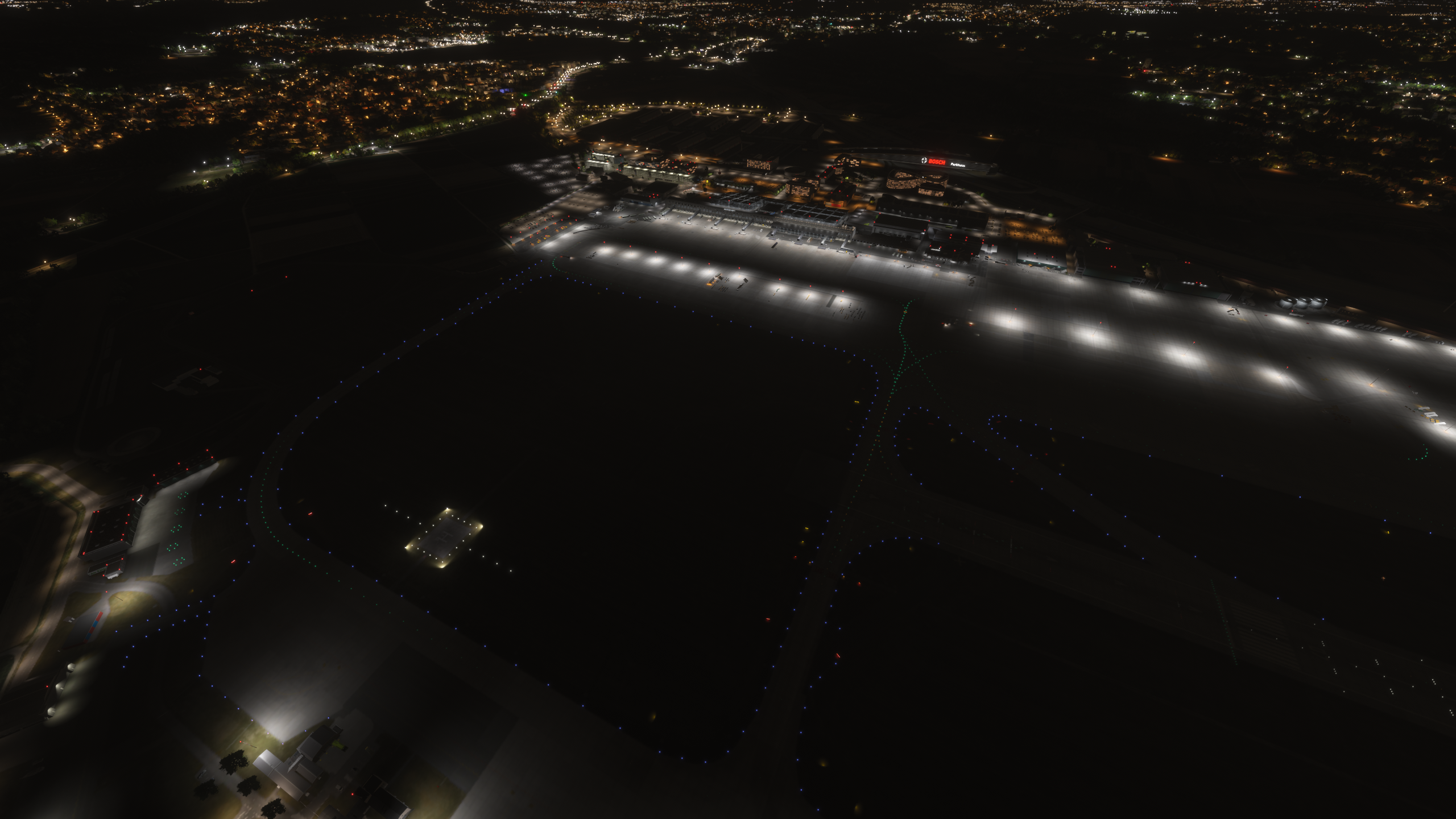
Lighting is well balanced both during day and night operations. During daytime, visibility remains clear and natural without excessive contrast. At night, apron and taxiway lighting provide good coverage, with a realistic intensity that avoids overexposure. Terminal lighting also contributes positively, creating a believable atmosphere during turnaround operations.
Approach and Navigation Accuracy
Approach and departure procedures were tested through a full traffic pattern, including takeoff and landing. Operations on runways 07 and 25 were stable and predictable, with correct ILS alignment and no noticeable issues. The aircraft tracked both the localizer and glide slope accurately, and no anomalies were observed during final approach or landing.
Performance
Performance remained stable throughout testing under realistic operating conditions. Without Frame Generation enabled, FPS remained between approximately 55 and 60 while operating the Fenix A320 with 4K textures and GSX active. With Frame Generation enabled, performance increased to around 110–115 FPS under the same conditions.
Even in busier apron areas, no significant stutters or instability were observed. The simulator was running on an M.2 SSD, which contributed to fast loading times and overall smoothness. The scenery requires around 3.3 GB of disk space, which is reasonable considering the level of detail.
Conclusion
After multiple flights and repeated operations, Aerosoft Stuttgart presents itself as a stable and reliable scenery that performs consistently under realistic conditions. The interior modelling and dynamic elements are among its strongest aspects, adding a noticeable level of immersion during everyday operations.
At the same time, certain areas such as cargo and some textures feel slightly behind the latest generation of scenery. However, this does not significantly impact the overall experience during normal use.
Performance remains one of its strongest points, especially when combined with complex aircraft and additional tools such as GSX. Priced at approximately €22.87 ($24.99 in the US store) and available as an instant download, it offers a well-balanced and practical experience, particularly for regular European operations.
Feel free to join our Discord server to share your feedback on the article, screenshots from your flights or just chat with the rest of the team and the community. Click here to join the server.