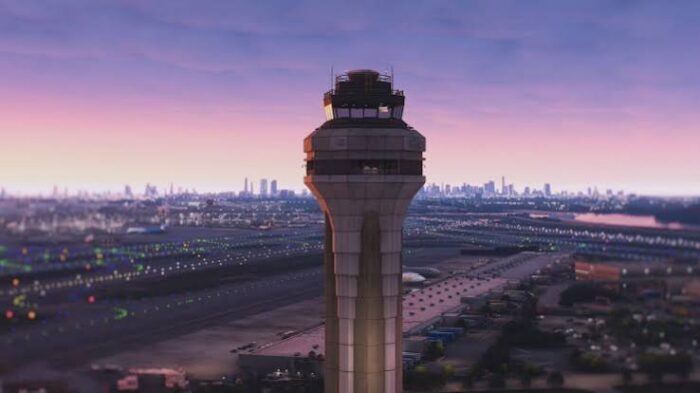
Microsoft Flight Simulator 2024 has just celebrated its first anniversary since the official release. Since then, it has come a long way, especially after its rough start. In this article, we will guide you through the current state of the simulator, as seen by a hardcore simulator user focused on airliners.
Microsoft Flight Simulator 2024 is the second instalment of the modern Microsoft Flight Simulator series, developed by Asobo Studio. The fact that this is the second instalment made many things easier for developers, as many add-ons were already backwards compatible from MSFS 2020. Thus, upon release, we have already seen many sceneries and even some aircraft functioning on the new platform. Despite that, many users, including me, didn’t feel like moving on from MSFS 2020 just yet.
Microsoft Flight Simulator 2024 suffered a rough start, with loading issues and overloaded servers the very first day after the release. Many couldn’t even get into the simulator, except our team member, Tim, who has covered his first impressions from this simulator here, including the career of the one and only BLAZE THUNDERHAWK.
Terrible Start to a New Era
When I had the opportunity to try out Microsoft Flight Simulator 2024, I logged eight hours on it, without even taking a flight. There were many problems that I had with it. One of them was that the simulator was overriding aircraft registrations randomly. This made the simulator unusable with tracking software like Volanta or SimToolkitPro. It also looked ugly, and I didn’t like having the default 737 MAX by United, given a registration of a random Cessna from an unknown location. Speaking of the 737 MAX, there was also a bug where if you tried to load up the United livery, AeroMexico would be displayed instead.
The controls weren’t any better, and reassigning all the buttons I needed was an extreme hassle, especially with the UI of the simulator. This made the whole thing quite confusing at first. I never understood who decided to put such random keybinds in the simulator by default. Pressing F10, which was always a default screenshot hotkey for me, suddenly enabled slew mode. This made me fairly angry, as for the last twenty years, slew mode was assigned to Y. There were even more random situations like this before I finally managed to do a proper flight. Switching to the 2020 keybinds preset didn’t work either. That removed all the new, required keybinds, such as Shift+C to enter aircraft and backspace to unbind a key from an action.
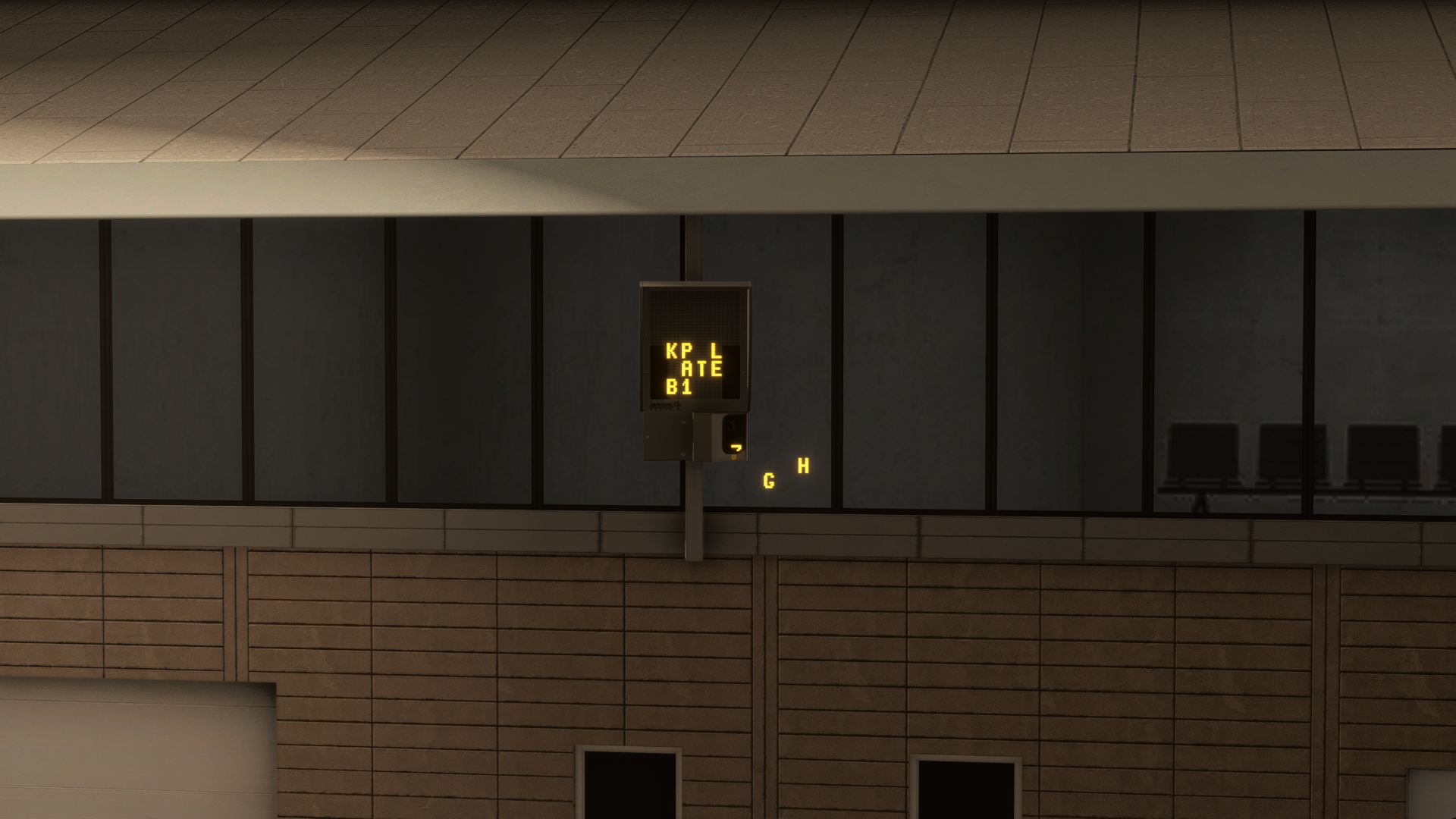
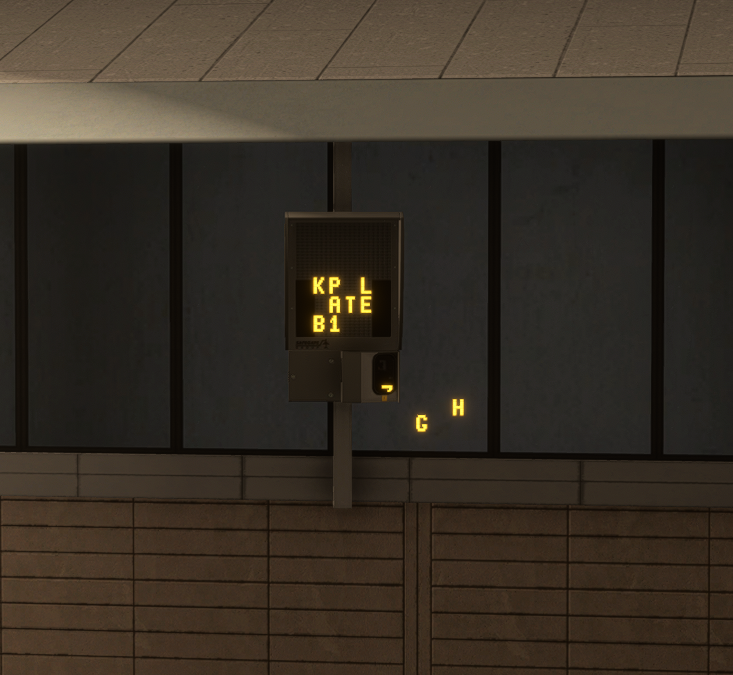
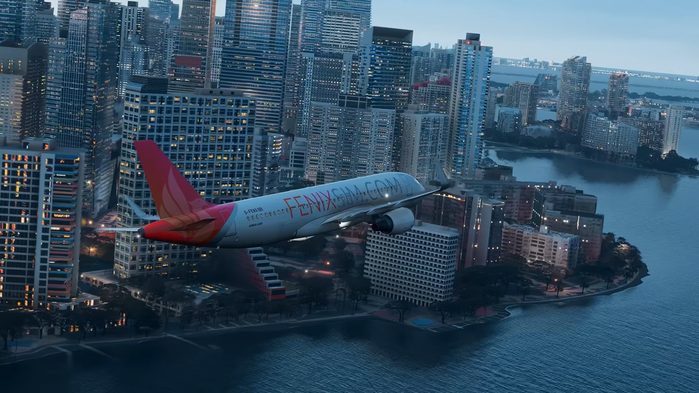
When the first planes started to release, for example, the iniBuilds A350 and Fenix Simulations A320 series, I decided to give my first official IFR flight a go. That’s where the performance issues came in. In the first two updates, there was a major graphics card memory leak, and the VRAM utilisation wouldn’t go lower than seven gigabytes, regardless of the location. Considering that I had an 8 GB VRAM configuration in my computer, that was a major problem, and crashes were happening daily. Thus, I had no option but to stay in MSFS 2020 for a bit longer.
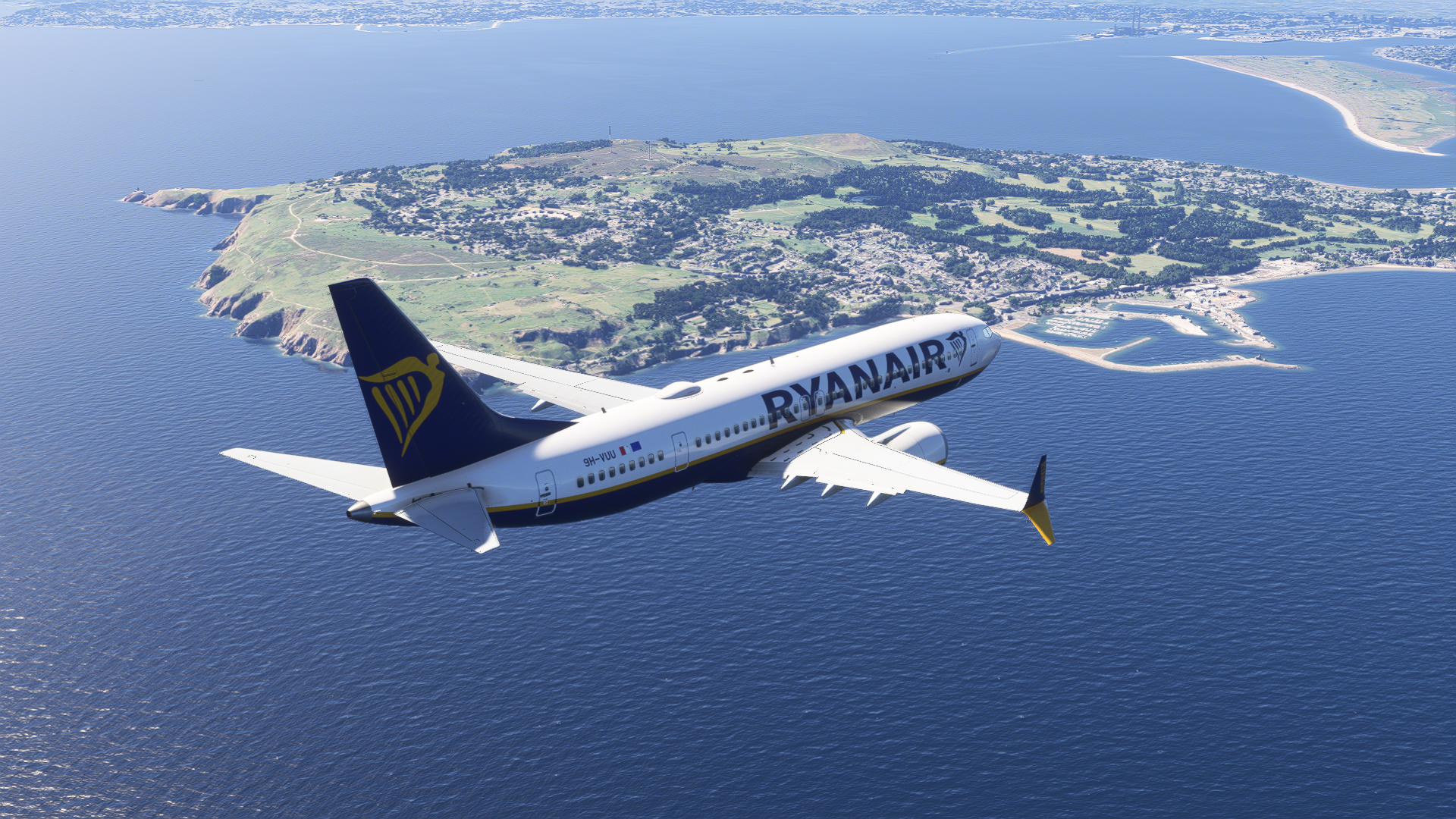
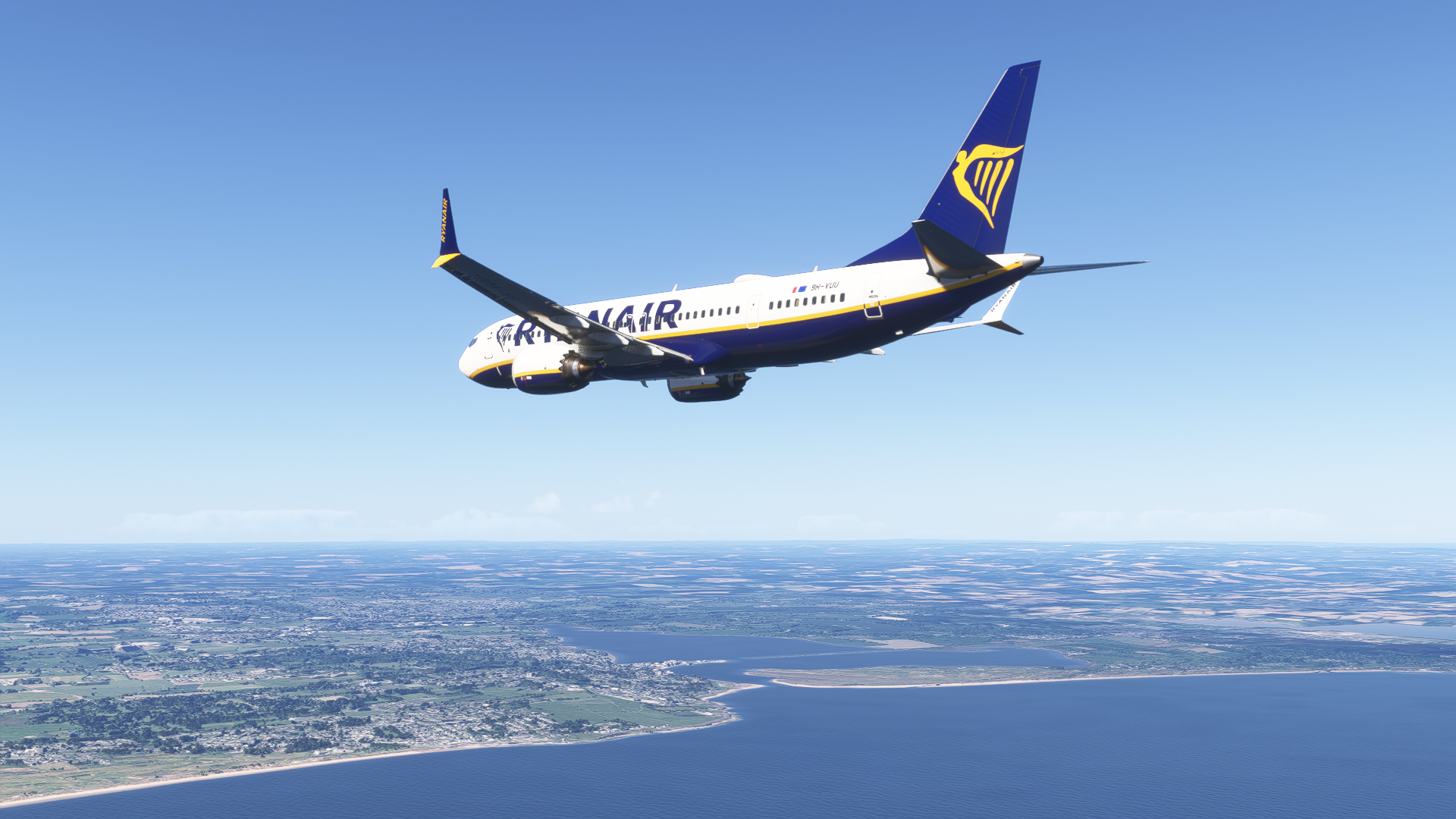
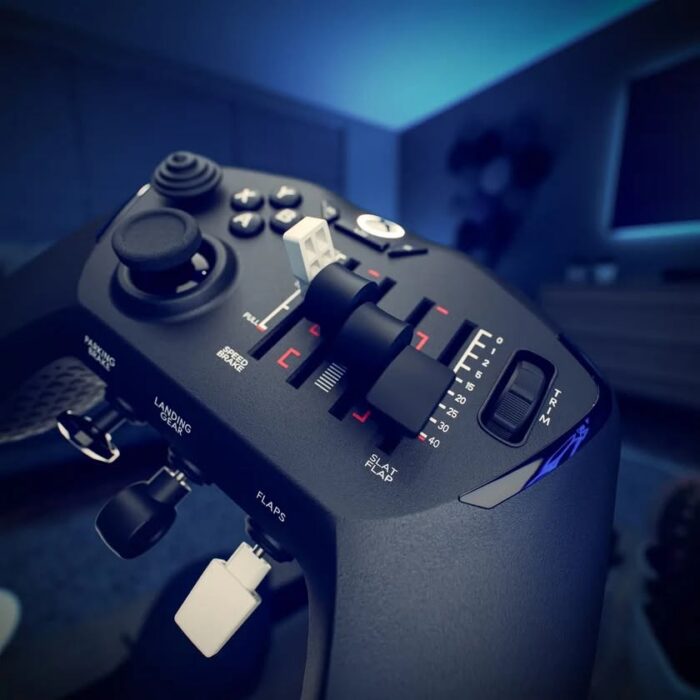
During that time, I also found more weird things in regards to keybinds. I found it fairly questionable to have smart camera mode bound to the standard push-to-talk button on my Thrustmaster TCA Sidestick. I should mention, no simulator has bound something by default to this button for this specific reason. So, there I was the first few times looking at the bottom of my seat when trying to talk to the ATC.
The following updates, including Sim Update 2 and Sim Update 3, made some important changes to the game engine. Whilst the performance improved, I had to upgrade my computer regardless.
Current Flying Experience in MSFS 2024
Upgrading my computer from an already ageing GPU (RTX 2060 Super 8 GB) to a much modern architecture with more VRAM (AMD RX 9060 XT 16 GB) has made things a lot better. The simulator is super stable since then. Microsoft Flight Simulator 2024 uses improved technology, such as LOD and frame generation, allowing for great performance at any given airport. However, your computer must comply with the software. That is reflected in the minimum hardware requirements to run this simulator.
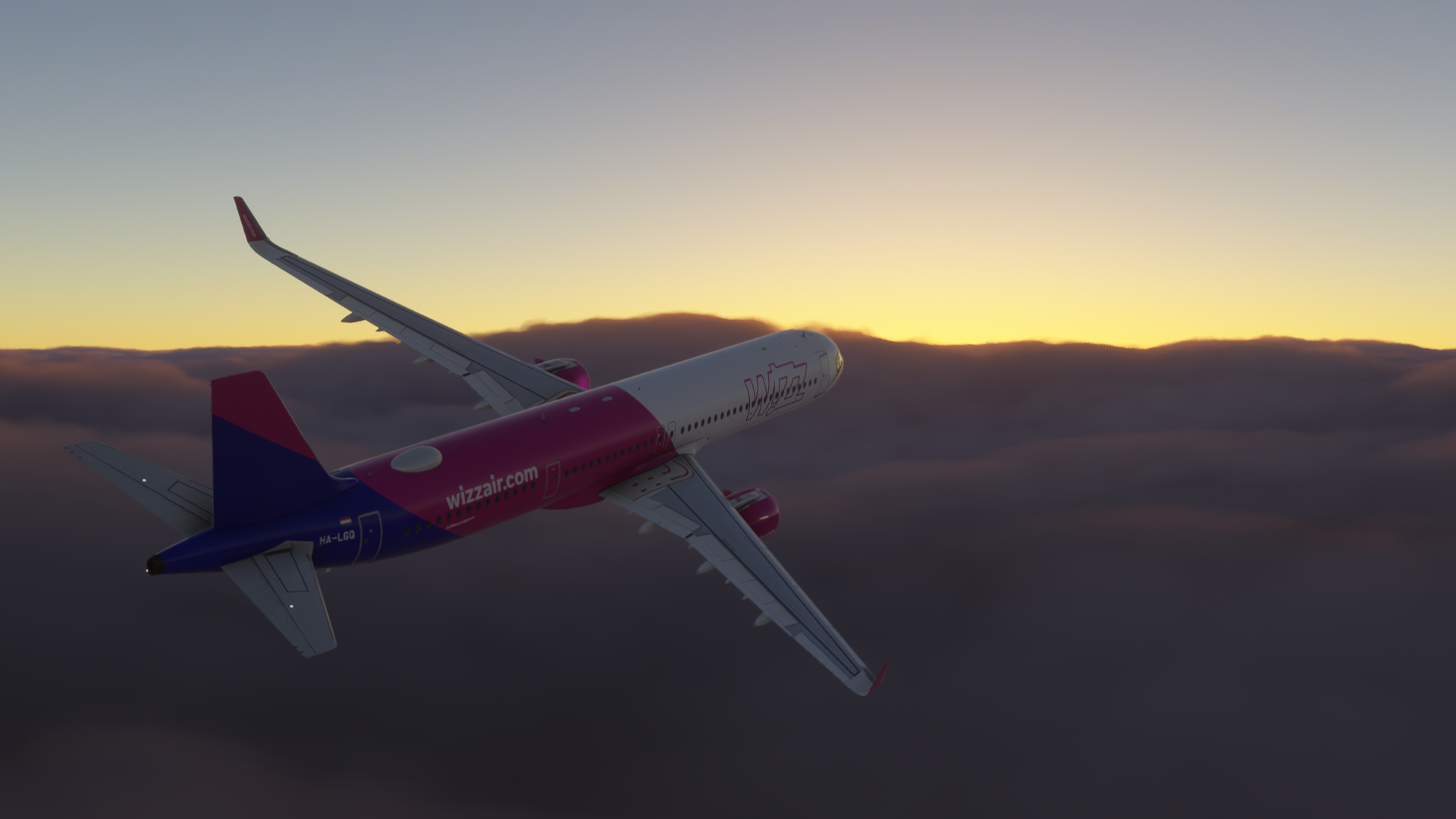
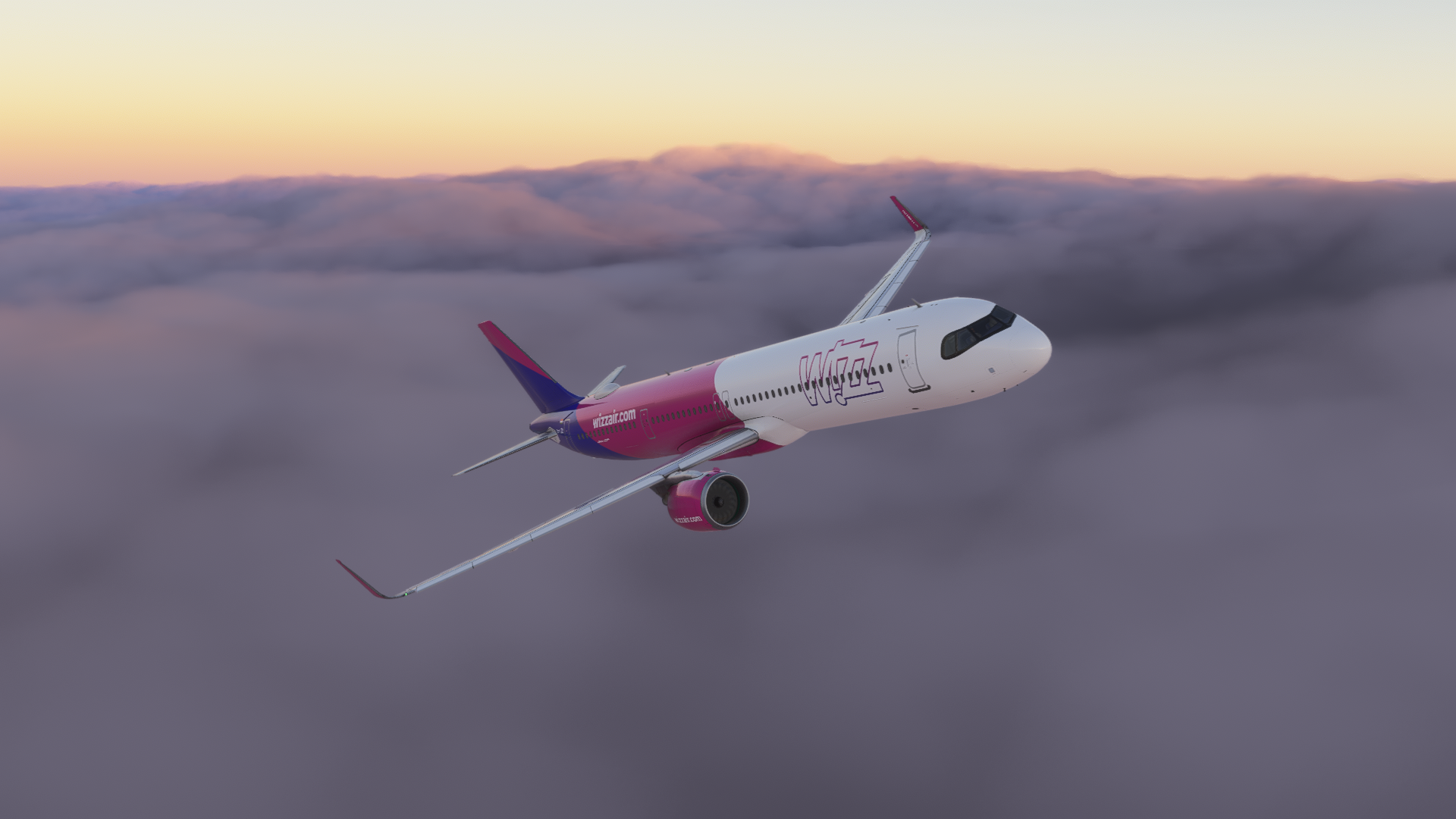
Even though MSFS 2024 became more stable, the memory leak, despite improvements in the new updates, is still present. Flying with the iniBuilds A350 on a more demanding scenery, and somewhat bearable settings, can clog my graphics card to up to 15 gigabytes of VRAM usage. That is reflected in the performance a little, resulting in the requirement for frame generation to be enabled.
Flying in more demanding scenarios is not just going to clog up your graphics card, but also your RAM. When I got the FSLabs A321 NEO for Microsoft Flight Simulator, I noticed a massive increase in RAM usage (about 240%, from standard 15 gigabytes to around 45), which I have covered in my review of the aircraft. This, again, led to crashes, and I had to upgrade my memory components as well.
Making these important upgrades to my computer, I finally had the opportunity to fly Microsoft Flight Simulator 2024 smoothly. The simulator now has a plethora of compatible add-ons, and the flying experience is just fine.
Add-on Compatibility
Third-party developers are working hard on bringing their add-ons to Microsoft Flight Simulator 2024. Some developers have even stopped the development for the older sibling, MSFS 2020, to actually support MSFS 2024 as best as possible (iniBuilds, for example). More developers follow this, including PMDG, which announced that the 747 series is only going to be released for Microsoft Flight Simulator 2024.
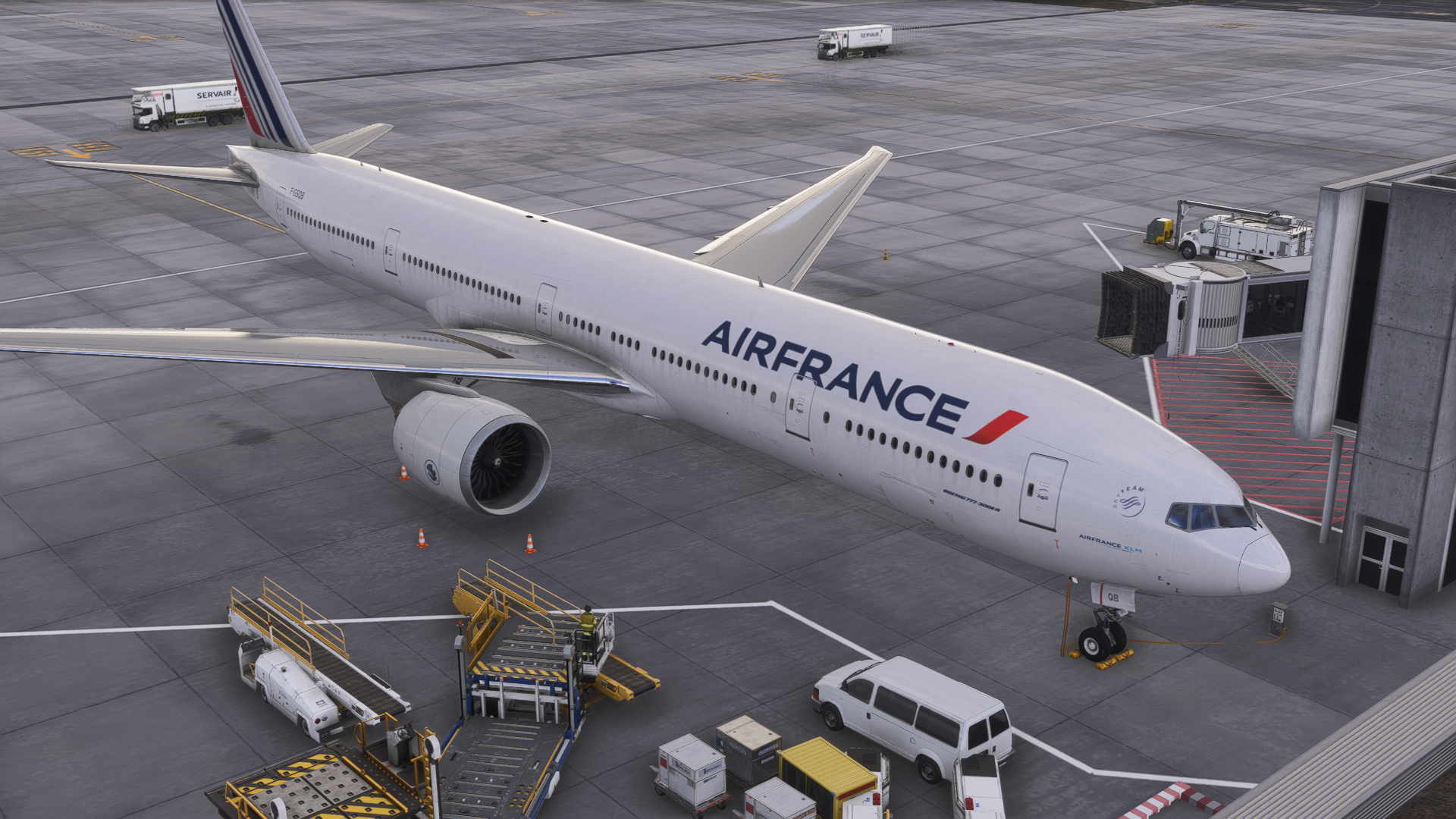

Currently, the add-ons that I need for my flying are available, including the iFly 737 MAX, Fenix A320 Series and my favourite, PMDG 777. Most sceneries are compatible, and I can fly anywhere I want, even on the older sceneries, built for Microsoft Flight Simulator 2020, though with minor issues.
Speaking of utilities, GSX Pro is also working, but there are errors during the installation, and if you ever need to reinstall GSX, you need to install it twice by verifying file integrity, because sometimes, not all textures are installed properly. However, FSDT is definitely going to tell you that it’s your fault and not the fault of their servers. Active Sky FS was compatible immediately and has improved the weather engine in the simulator drastically, from my experience.
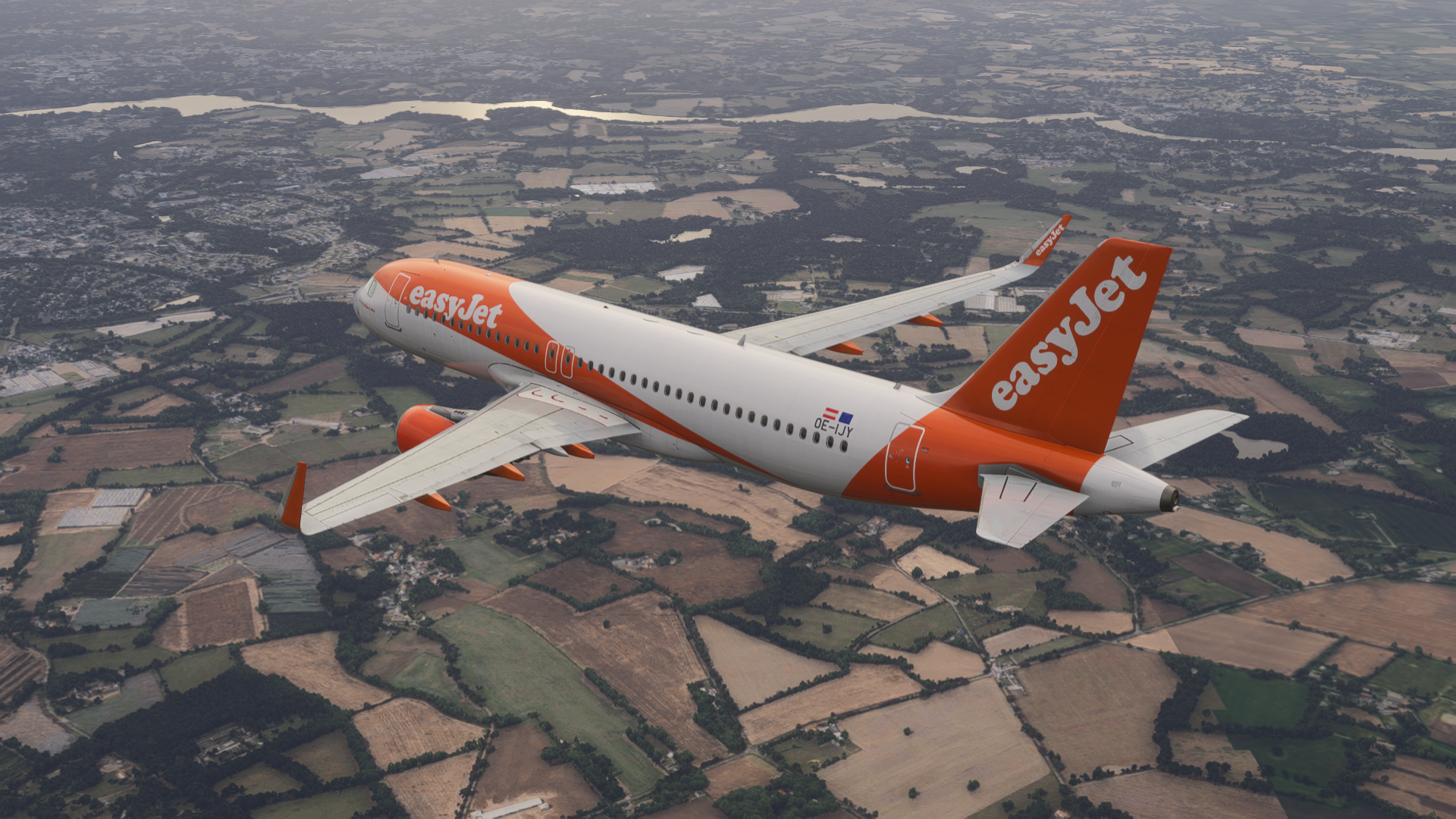
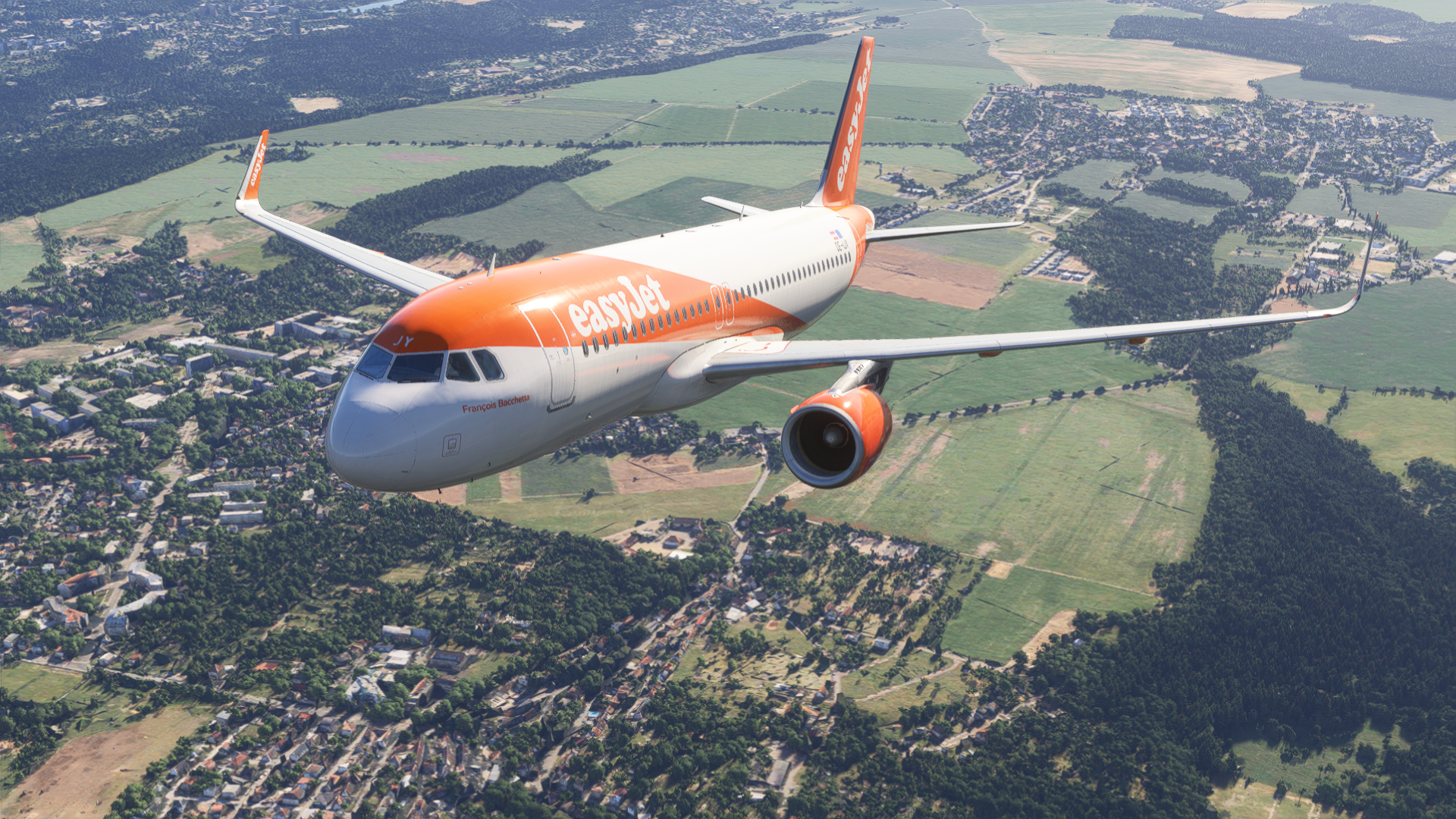
Among the add-ons that I would like to use, that are not working yet, are ChasePlane and PMDG 737. However, the updated versions of these add-ons could come soon. Not having these add-ons doesn’t have a negative influence on my flying, however.
If you are more interested in flying general aviation planes, I highly recommend reading our article on our top five general aviation planes in MSFS 2024.
Conclusion
Microsoft Flight Simulator is definitely the right way to go if you want to have a modern simming experience. Whilst the first months were rough, and I had to upgrade my computer significantly. Though it was purely because it was ageing already, these changes resulted in a rewarding form of virtual flying. This ensures a stable experience, and the simulator can really handle anything that you throw at it.
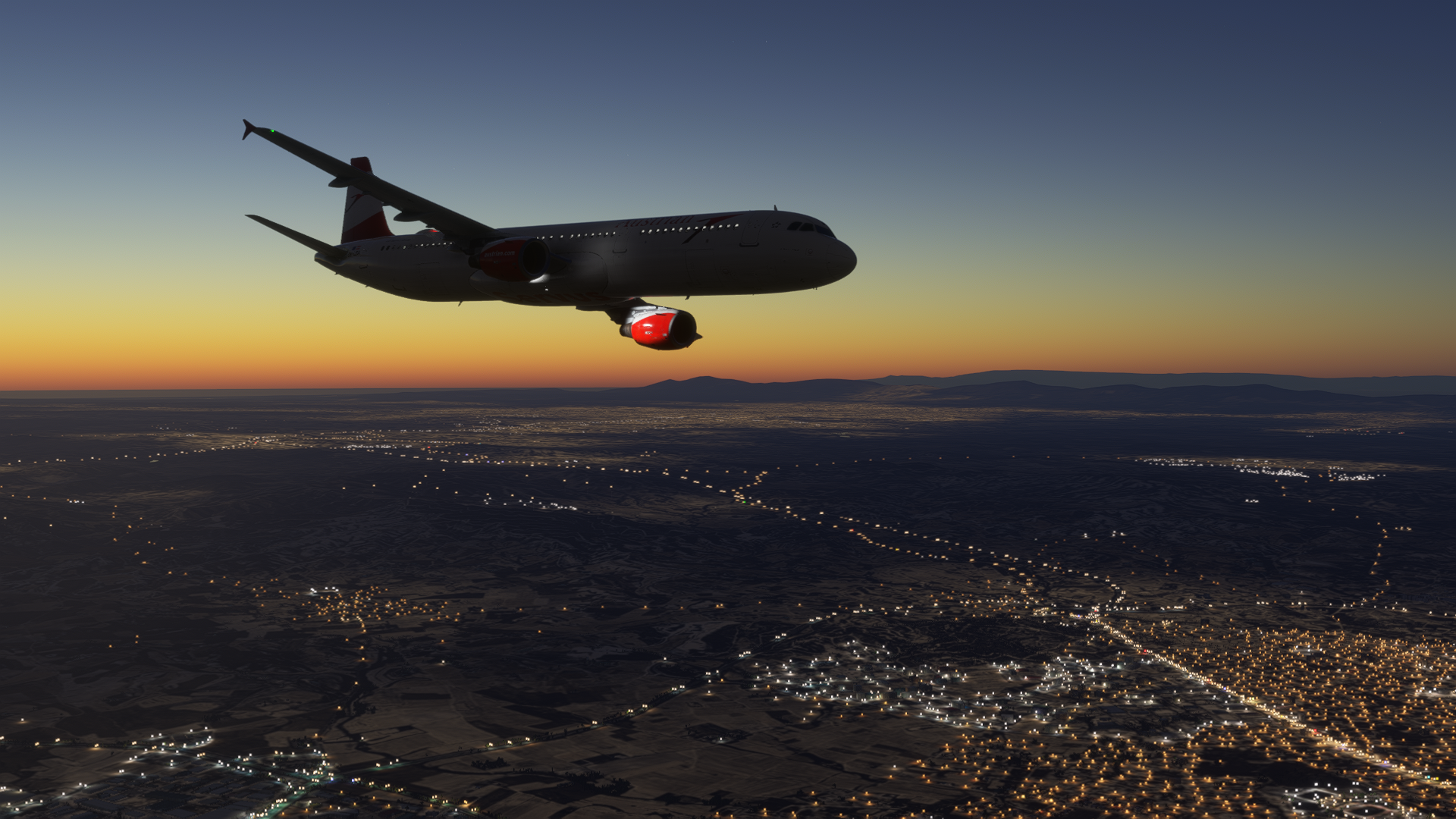

If you want to upgrade from Microsoft Flight Simulator 2020 to MSFS 2024, I highly recommend having a lot of patience, as many things are quite different. Especially when it comes to assigning key binds and setting graphics settings properly. The big advantage of the new simulator are streamed World Updates and City Updates, leaving more space for local add-ons. Thus, for the best visual experience, you don’t have to download anything additional for cities and countries.
I have completely moved on from Microsoft Flight Simulator 2020 to Microsoft Flight Simulator 2024 just now, in October. I can say that I am happy with how everything is going with this new version. Last but not least, I am thrilled to see what MSFS 2024 has to offer in the near future.
Feel free to join our Discord server to share your feedback on the article, screenshots from your flights or just chat with the rest of the team and the community. Click here to join the server.